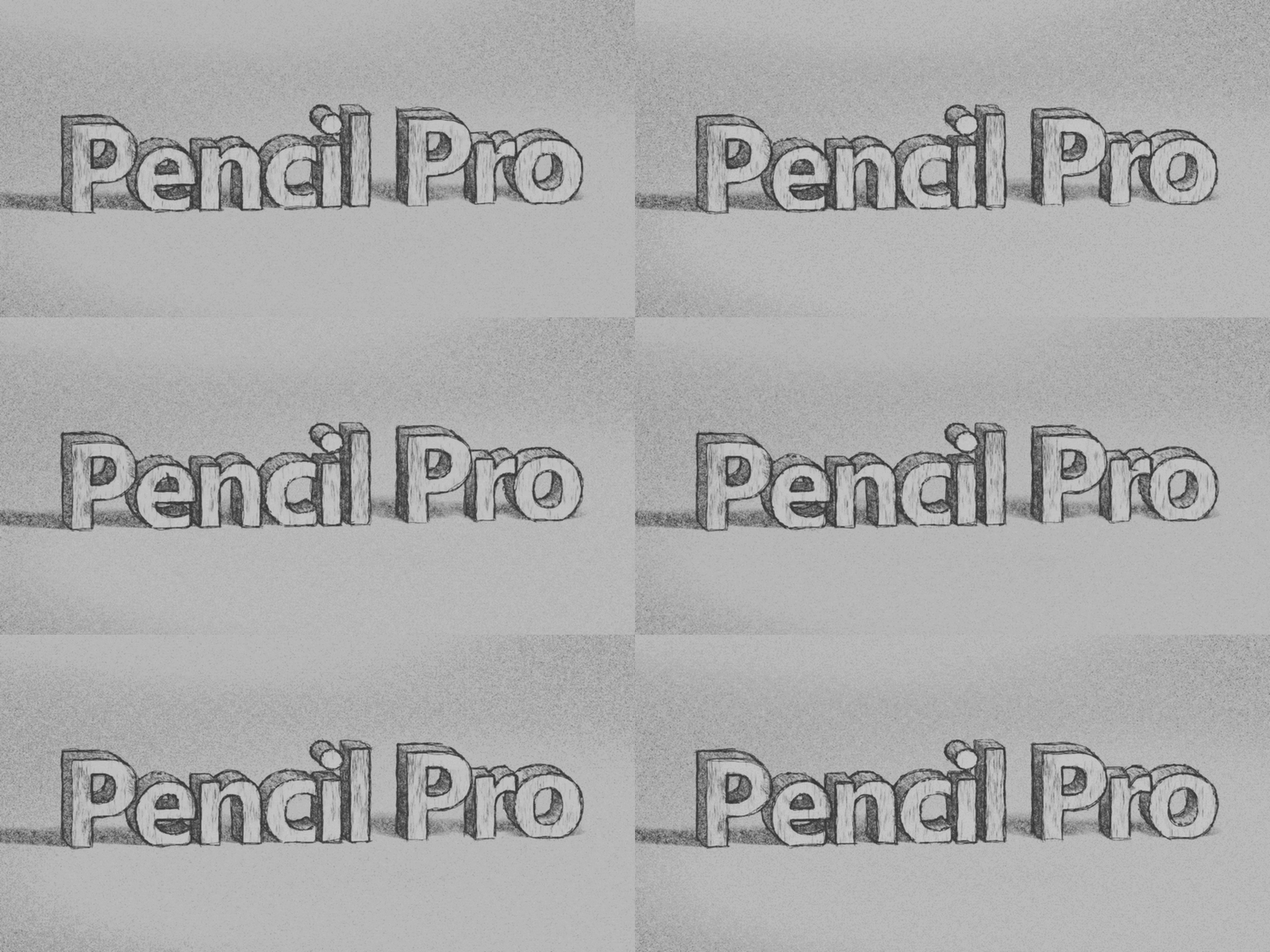
Pencil Pro (Hand Drawn Sketch Emulator)
 CGMatter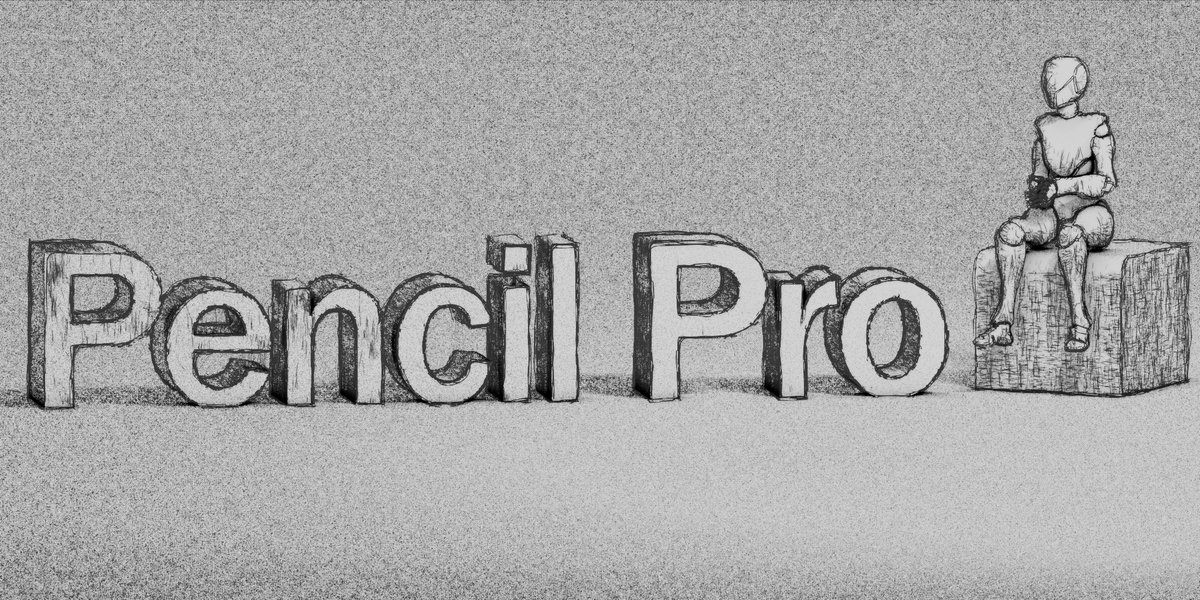
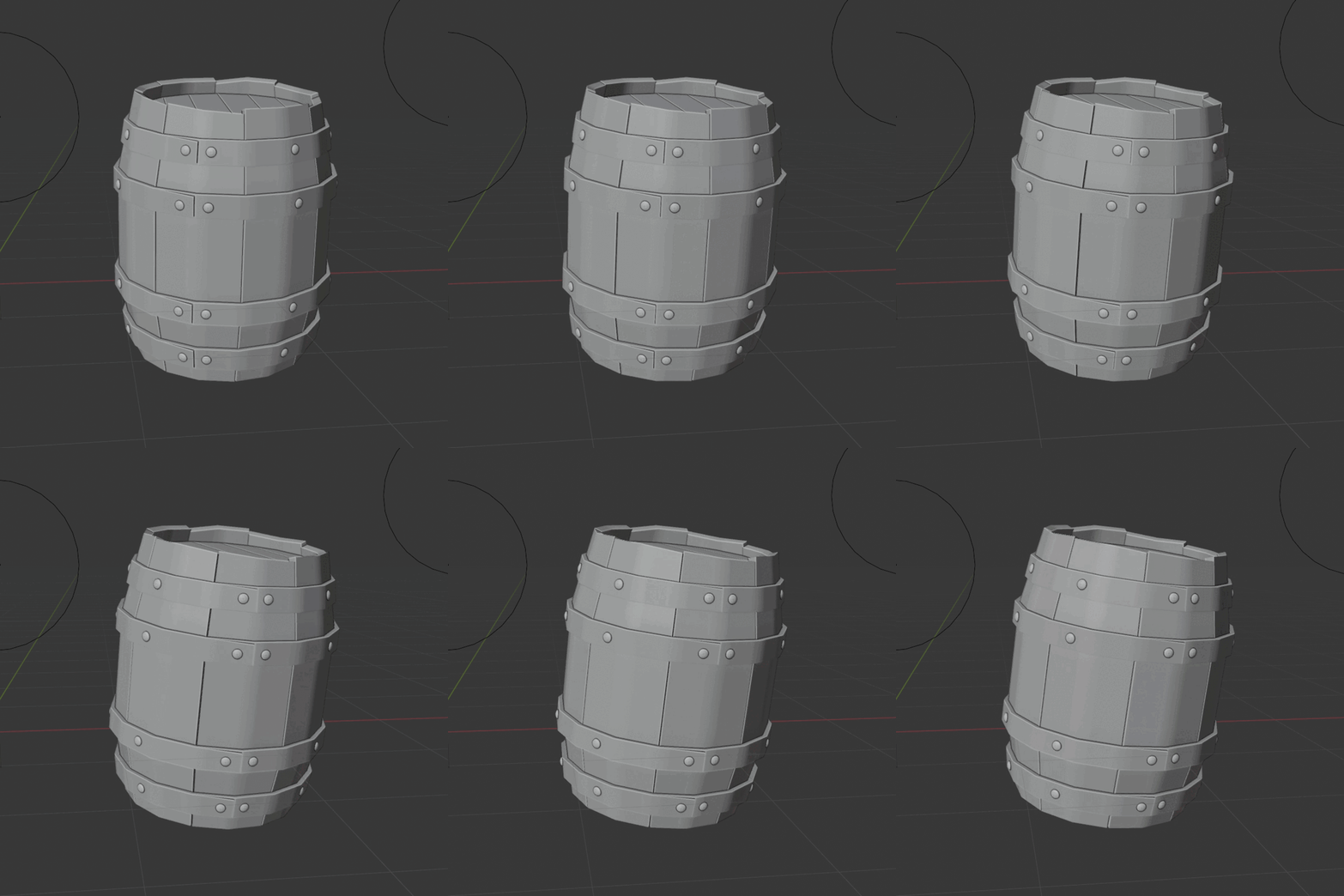
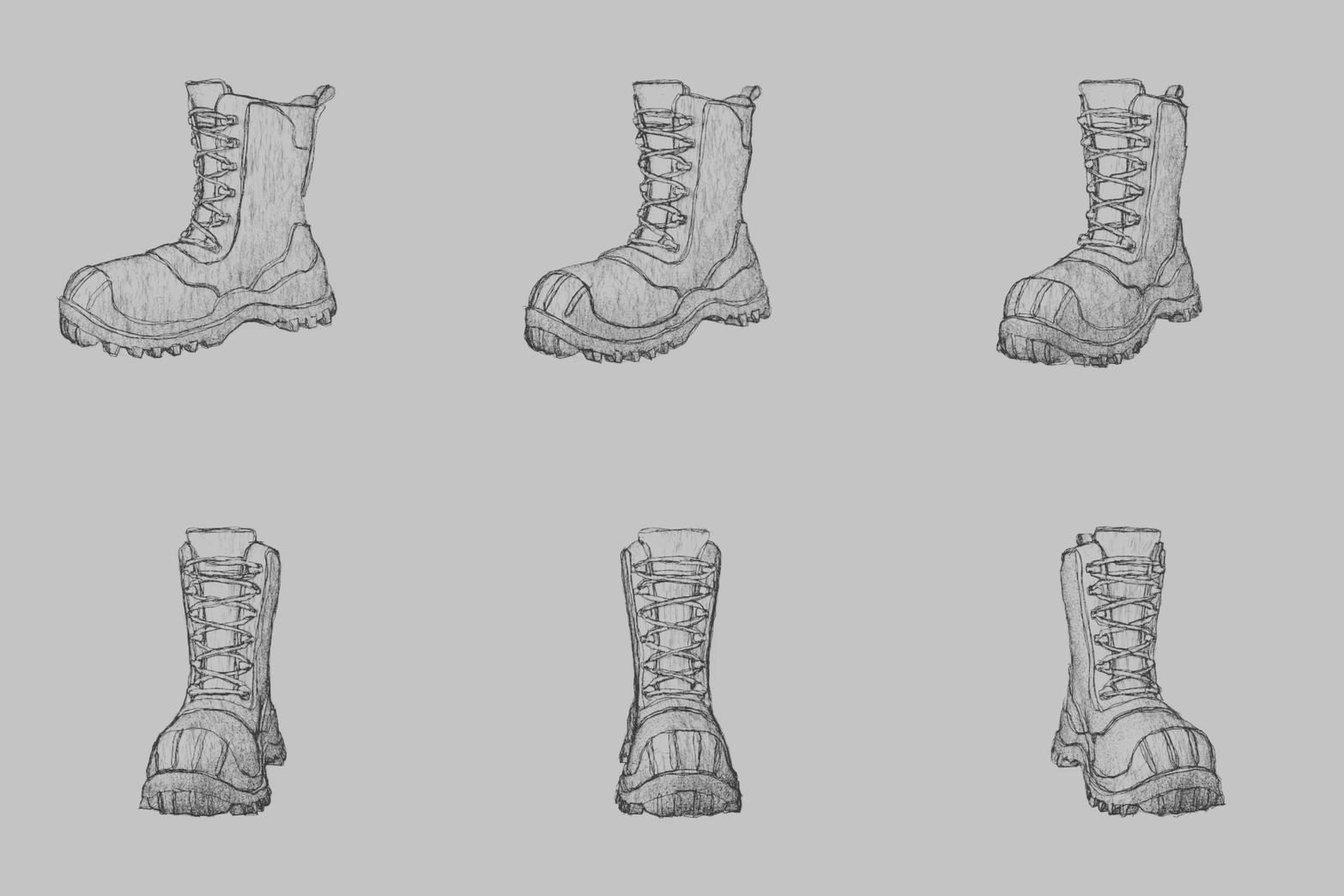
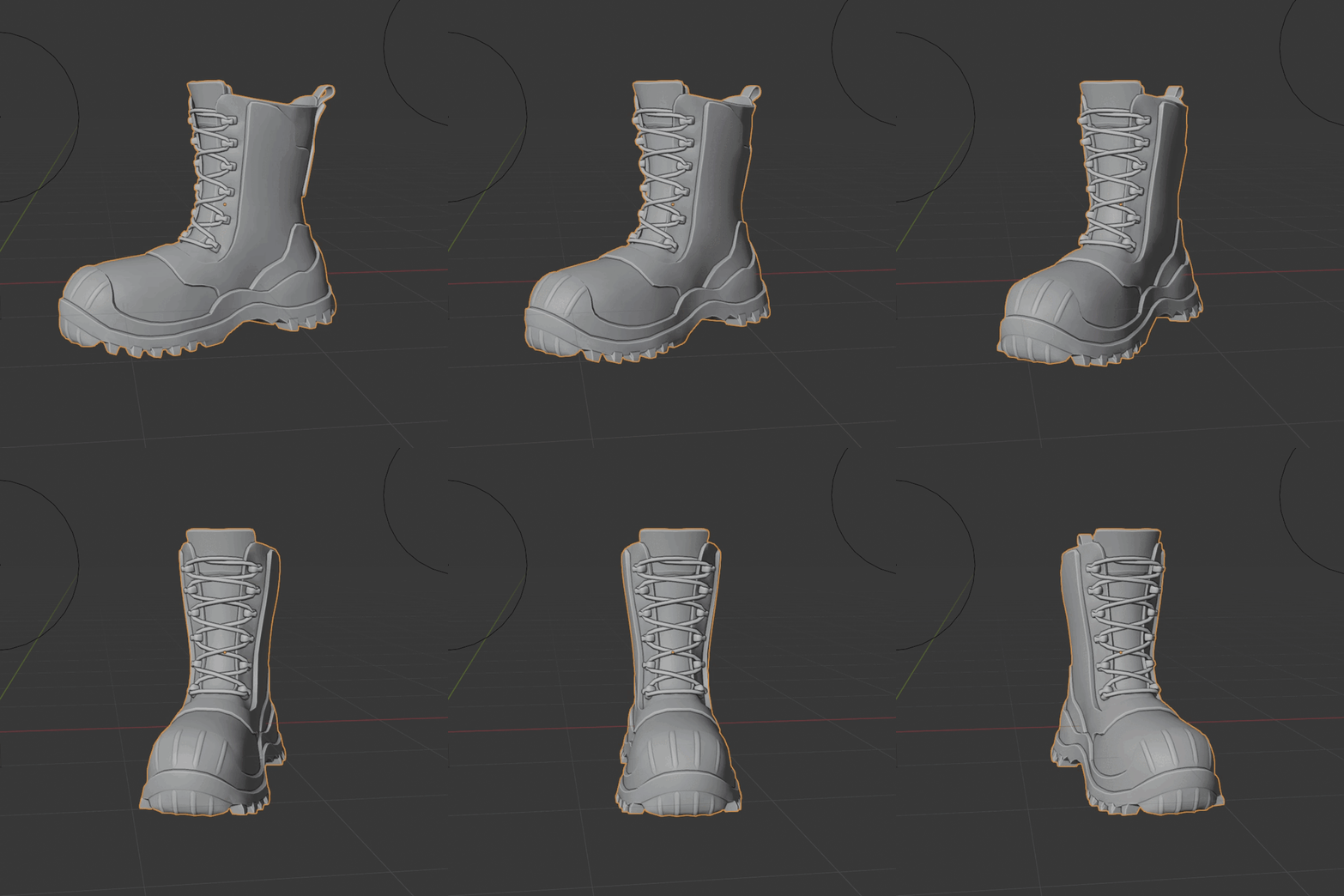

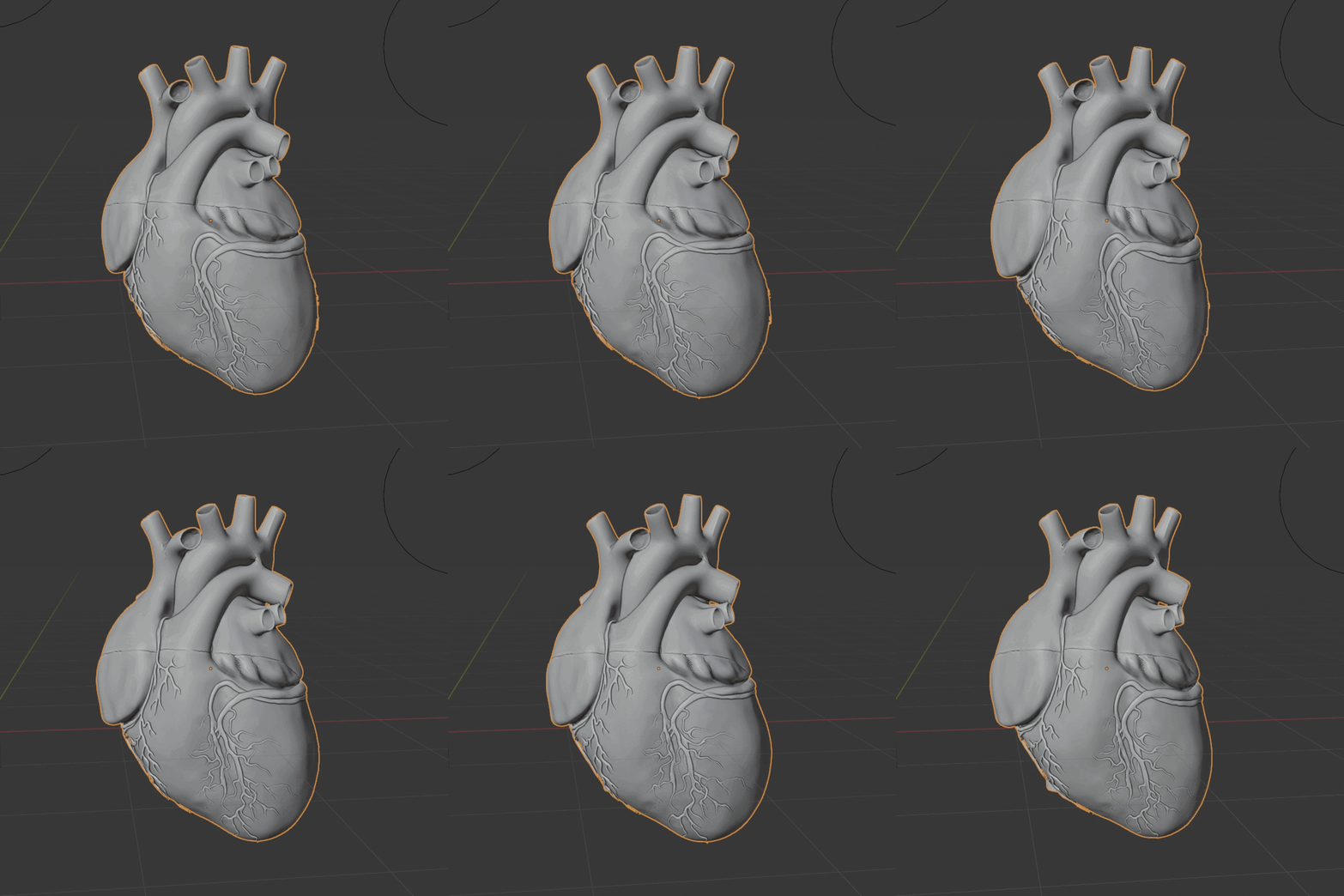
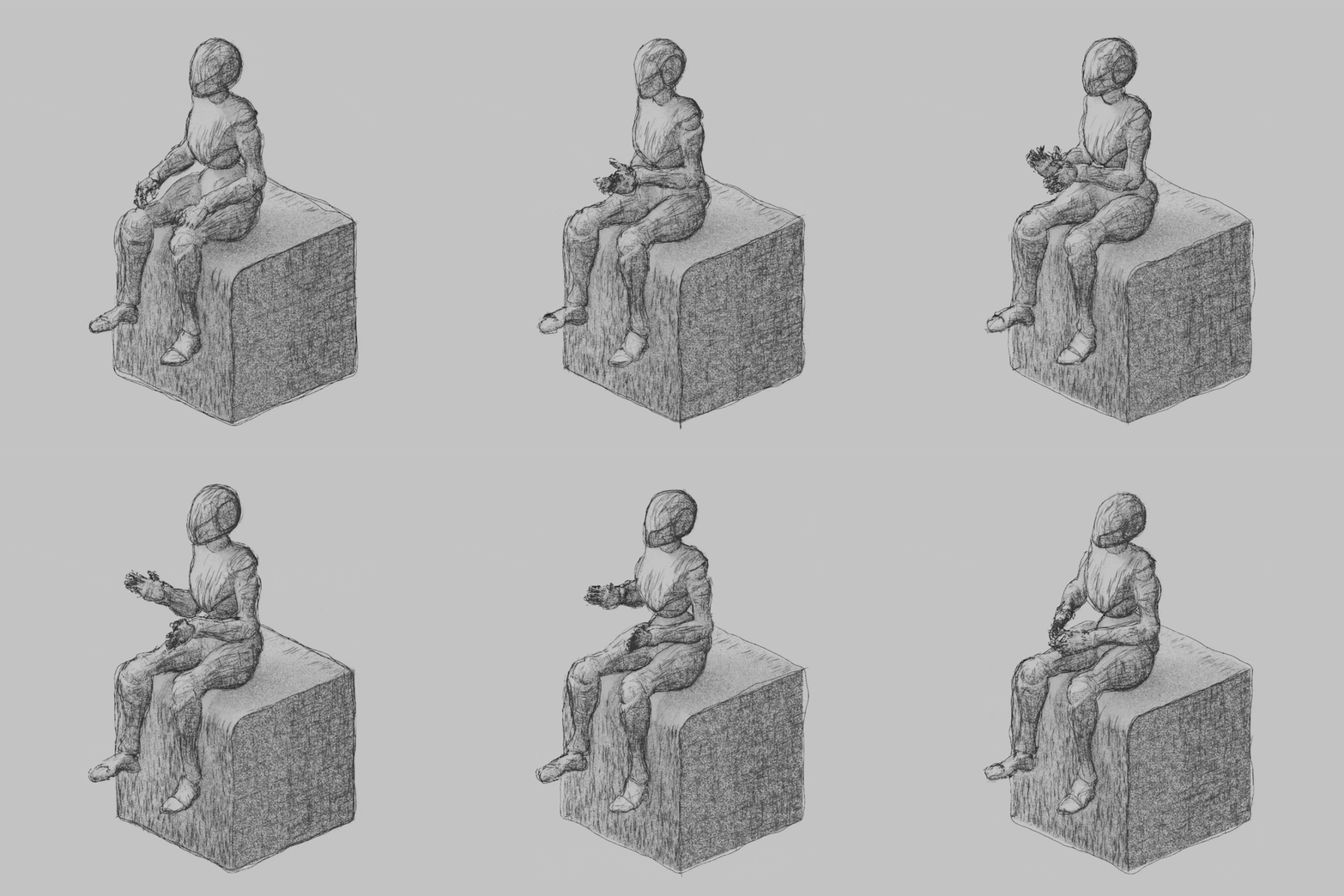
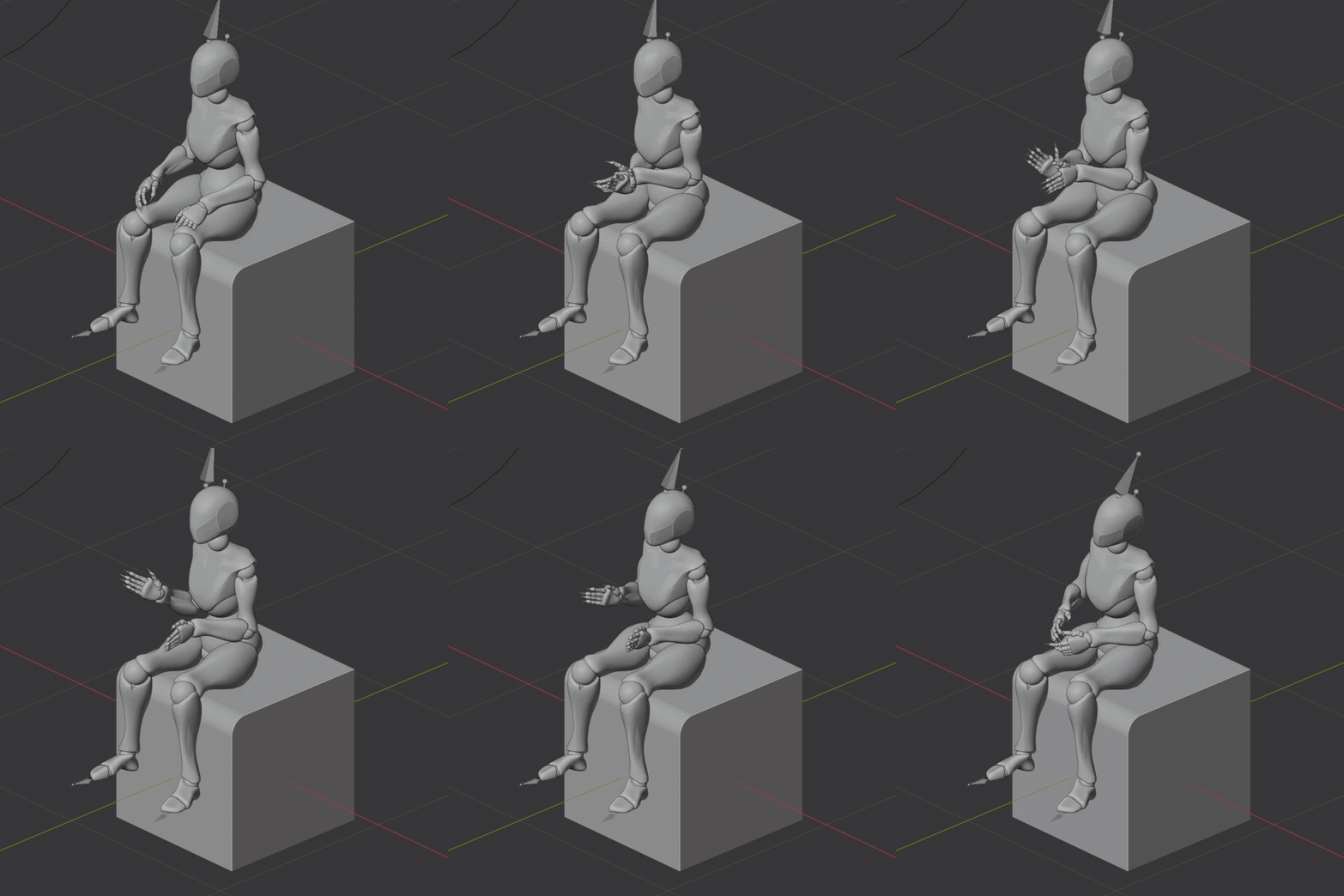
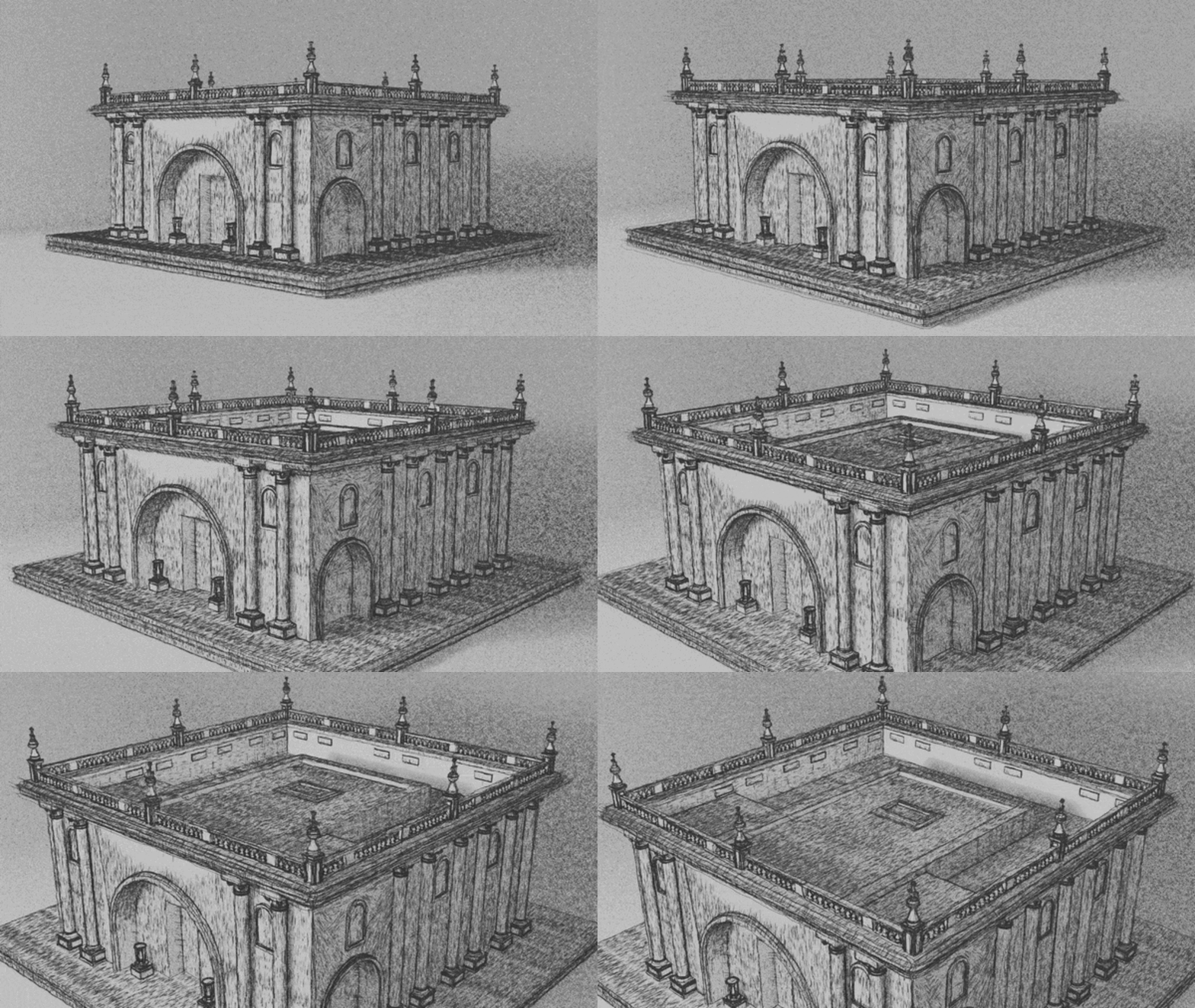
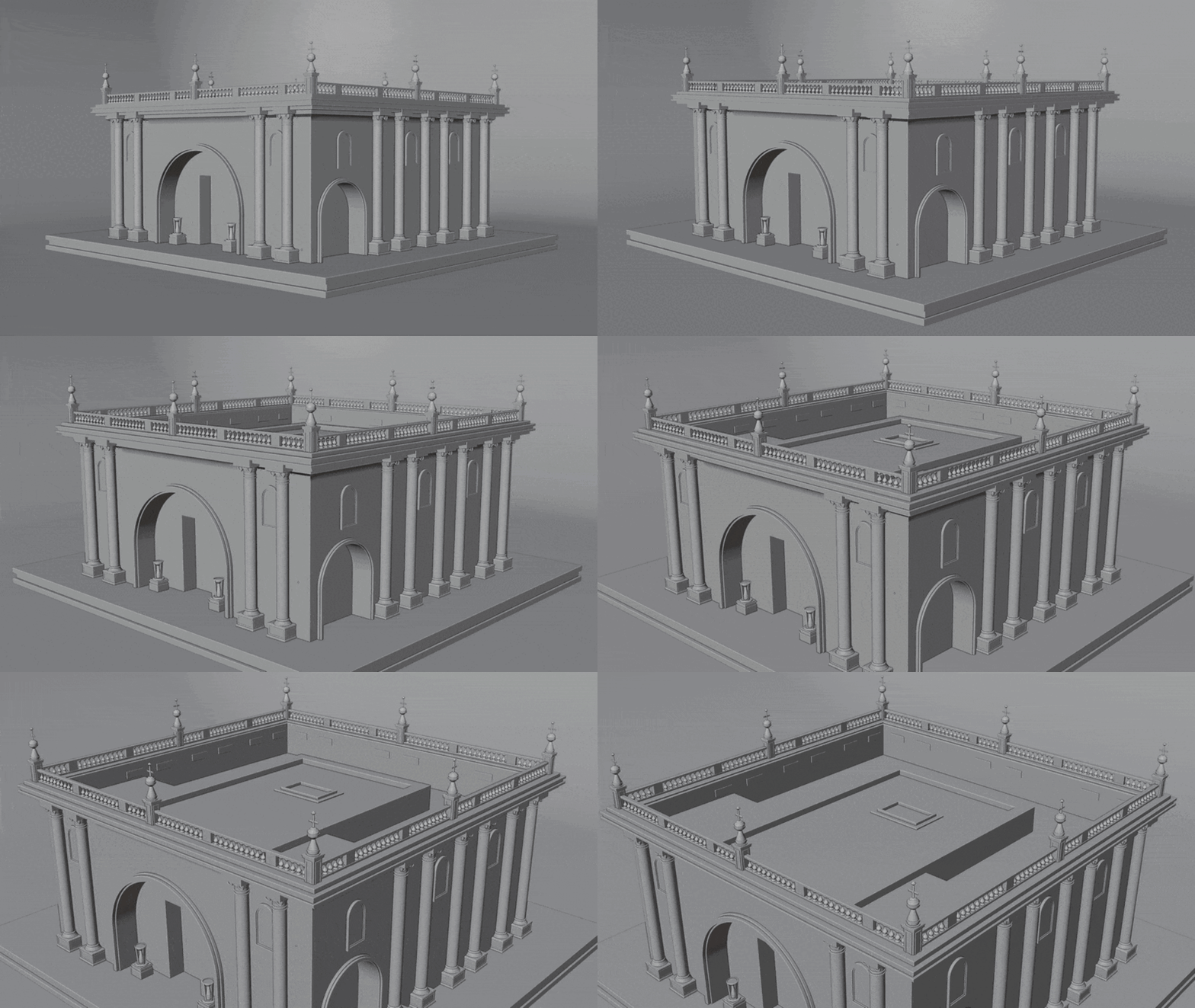
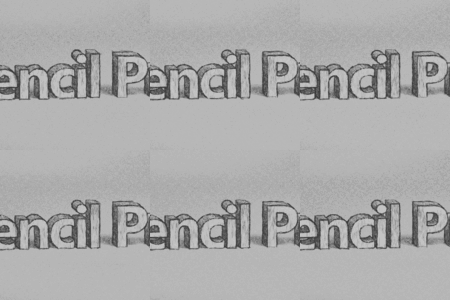
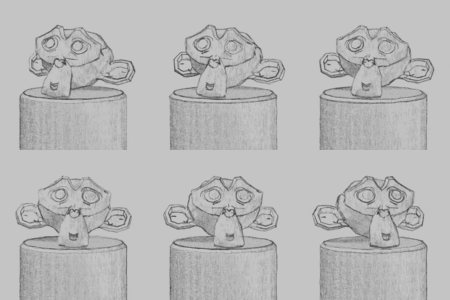
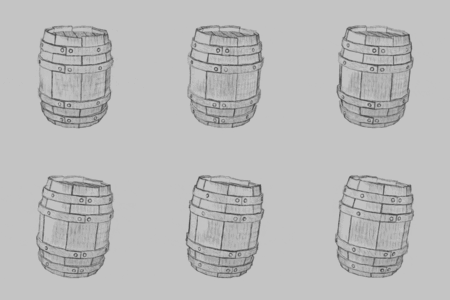

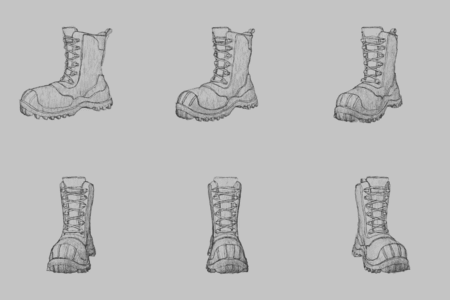
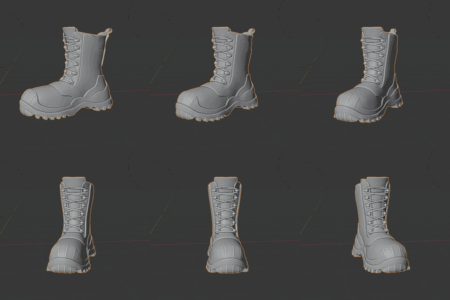

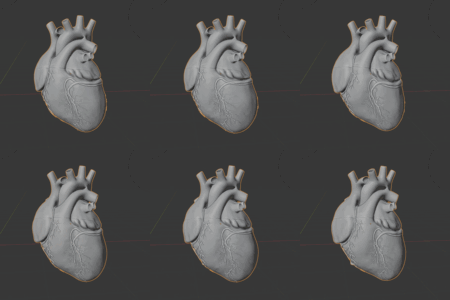
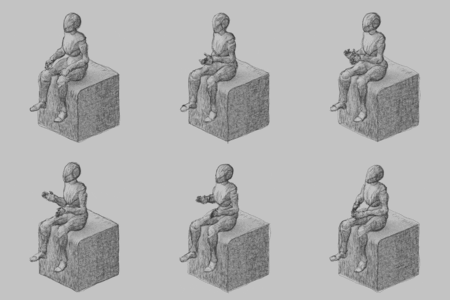
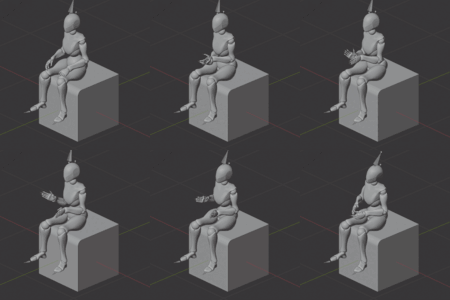
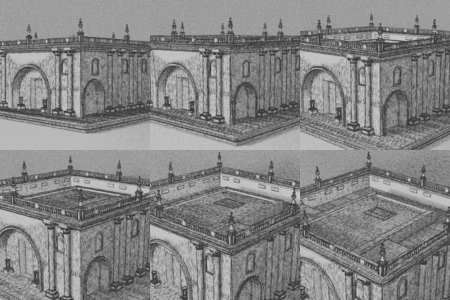
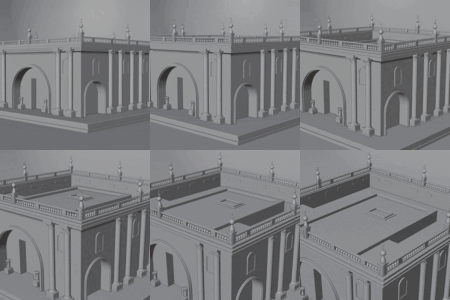

Compatibility?
Use Blender 4.3 or newer.
Installation?
Install like any other addon. Drag the .zip right into Blender and hit ok.
Eevee or Cycles?
This is an Eevee only effect.
How laggy is it?
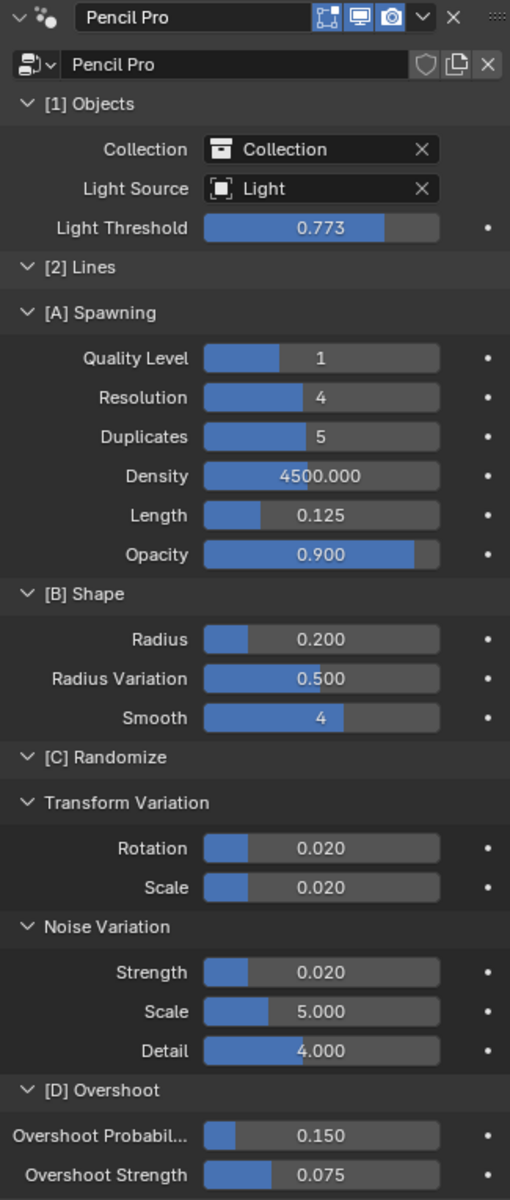
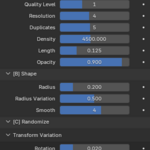
The shader has no lag. The lineart component however can be very expensive for super large or very complicated surfaces. Biggest contributors is the total polycount and surface area. For huge surfaces (like a ceiling) consider using only the shader - otherwise you will spawn millions of lines. You can lighten the load by not using a light source, keeping the quality level at 0 or 1, and being careful with the density value.
Can I apply Pencil Pro to an entire scene?
Yes, but I'd be careful. Separate out large surfaces (that would spawn millions of lines) and super detailed meshes and see which you can get away with only applying the shader. It's best to build up slowly instead of slapping it onto a scene collection. Biggest speedups will come from lowering the polycount and disabling the light source option before applying.
Can I use only the lineart?
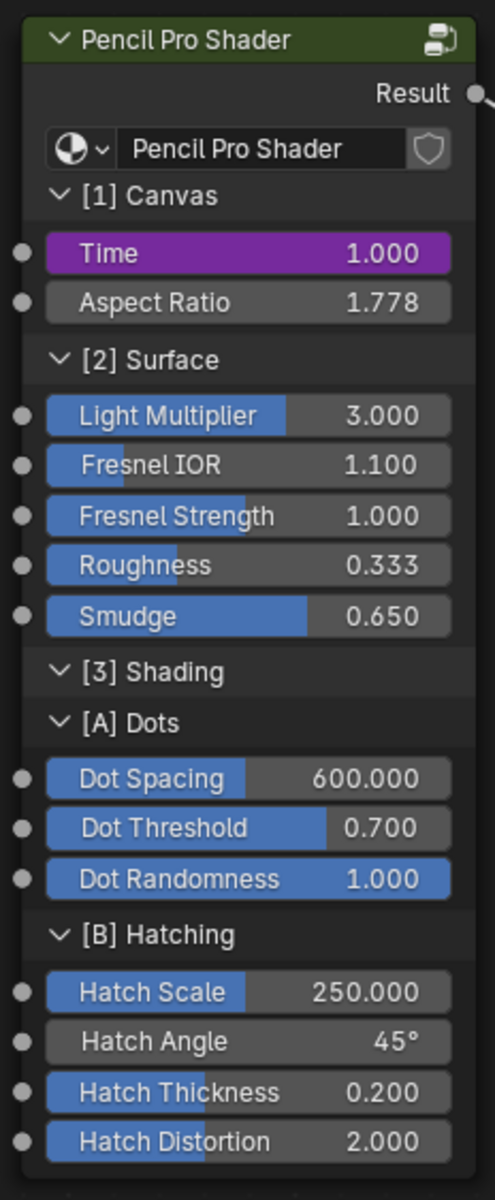
Yes. You can use both the shader/lineart or just one if you want. Target objects can be given a transparent bsdf.
No lines?
Make sure you have a camera object - lineart is spawned only inside the camera's view.
Lines spawn in weird?
Either subdivide the target objects or increase the quality slider.
$15
Have questions about this product?
Login to message
Discover more products like this
hand drawn material Pencil material Grease Pencil artistic hand drawn addon line art pencil pro addon lineart modifier npr-shader toon shader 2d material 2d-addon npr material grease pencil shader 2d shader toon material pro pencil pencil shading pencil shader pencil pro handdrawn drawing draw modifier NPR hand-drawn look procedural