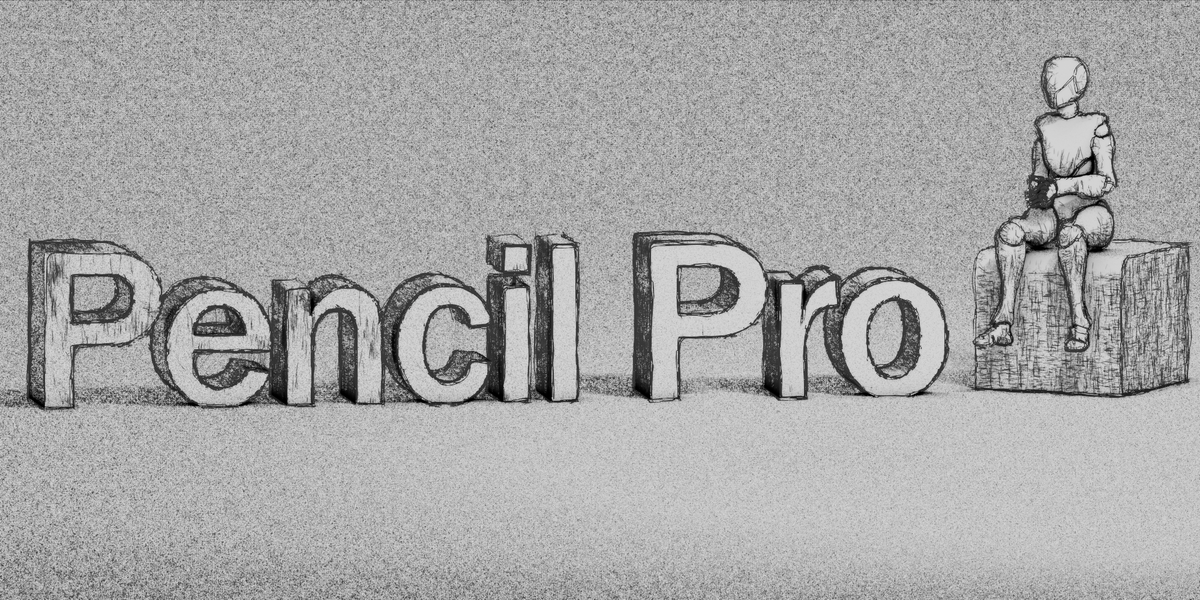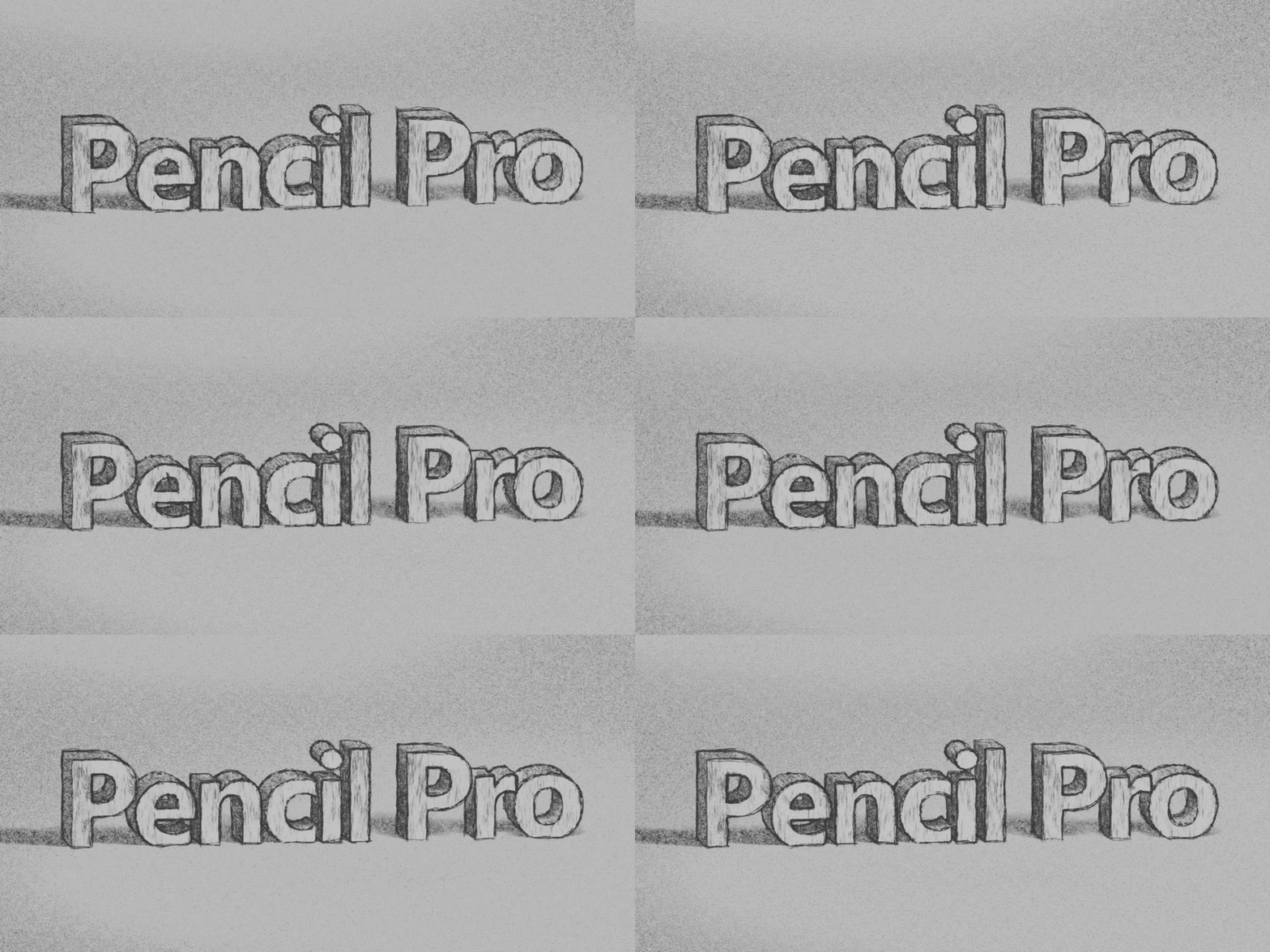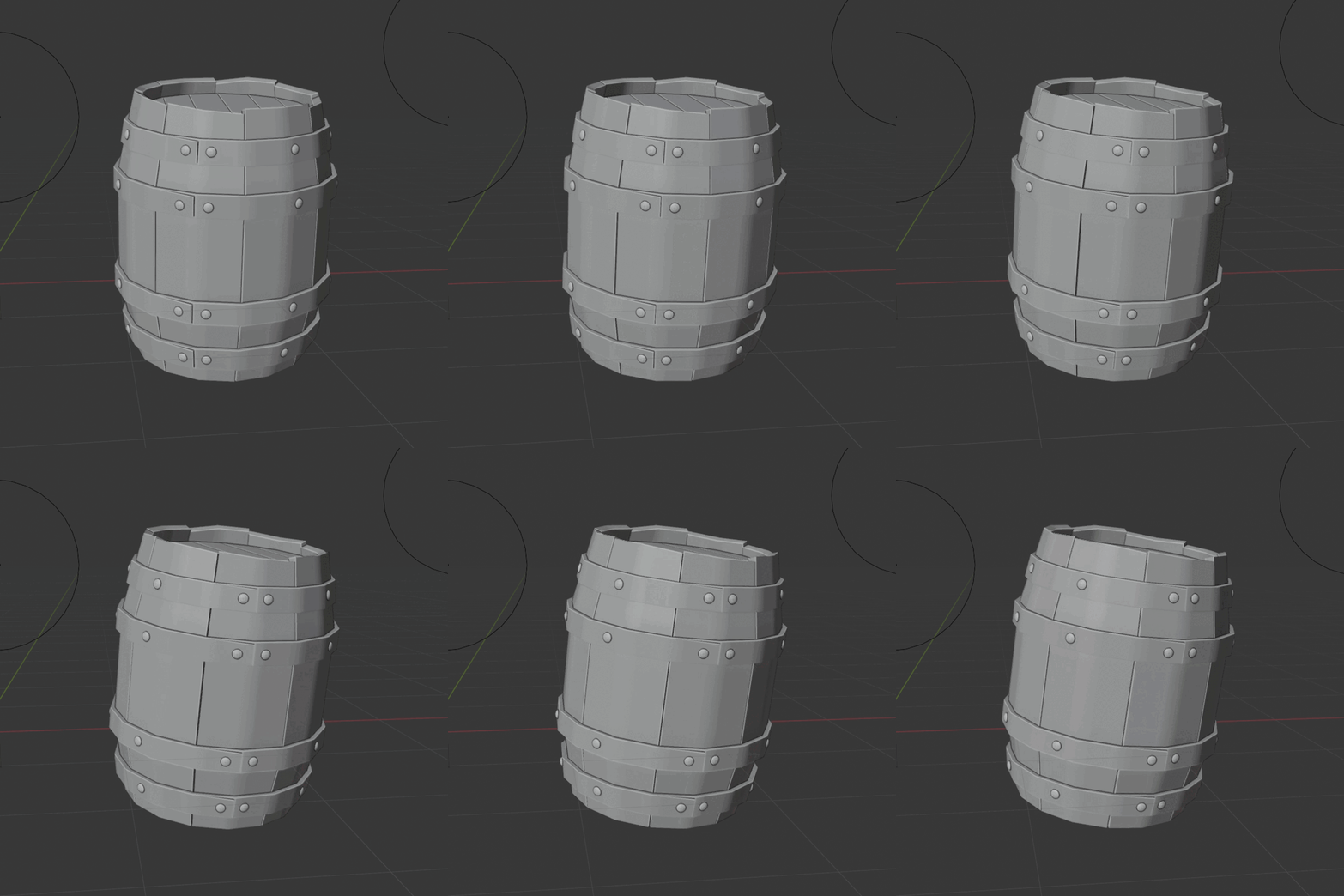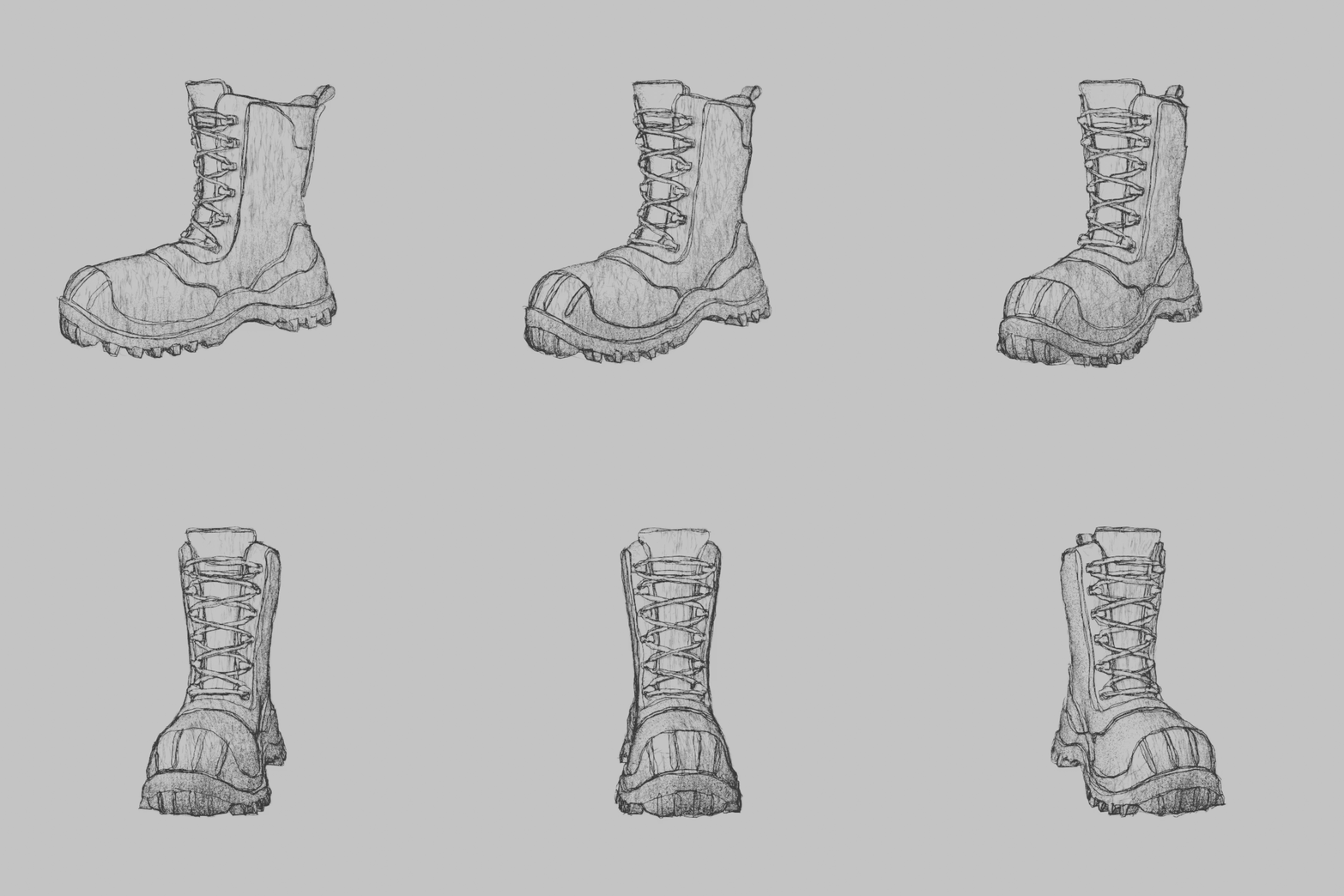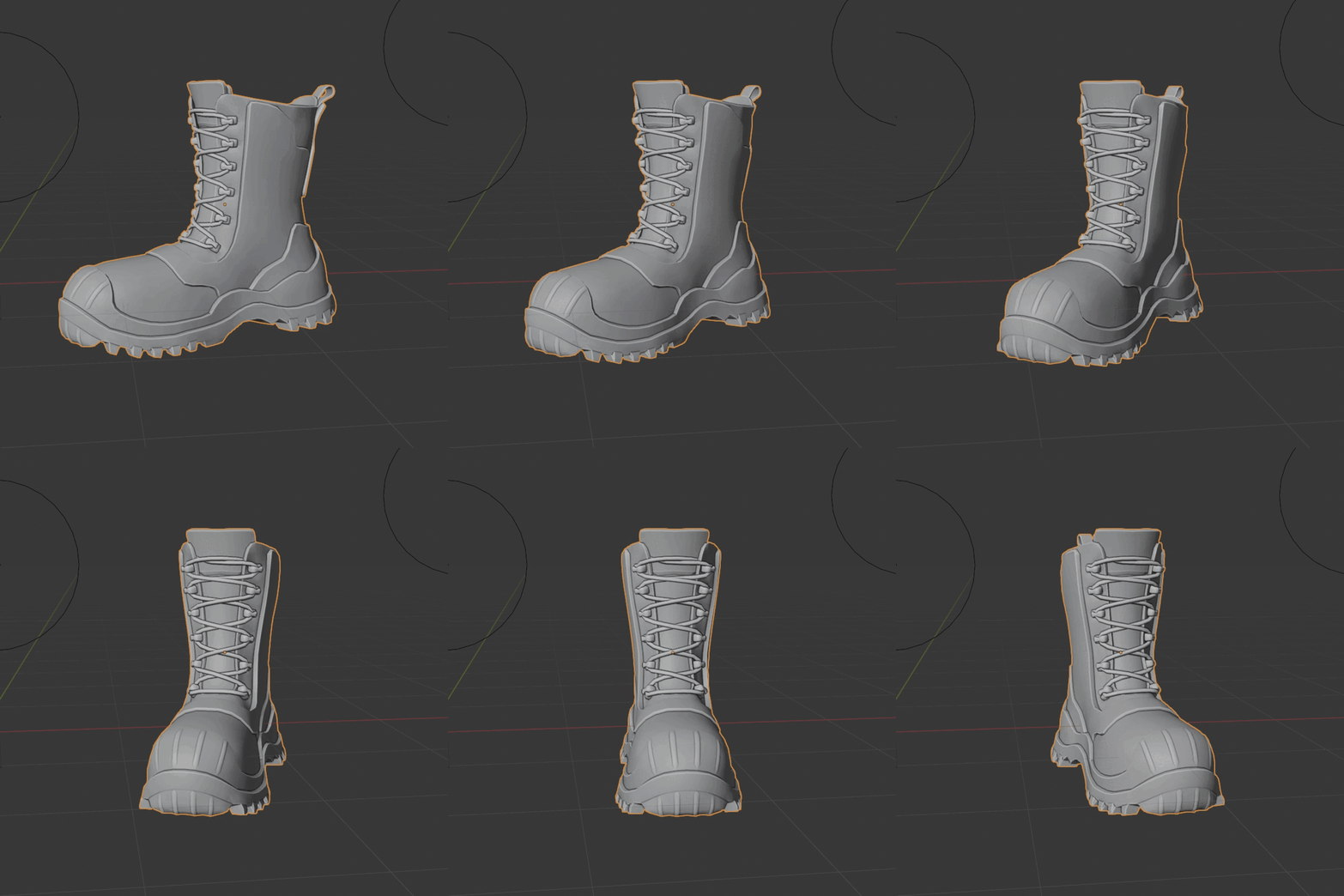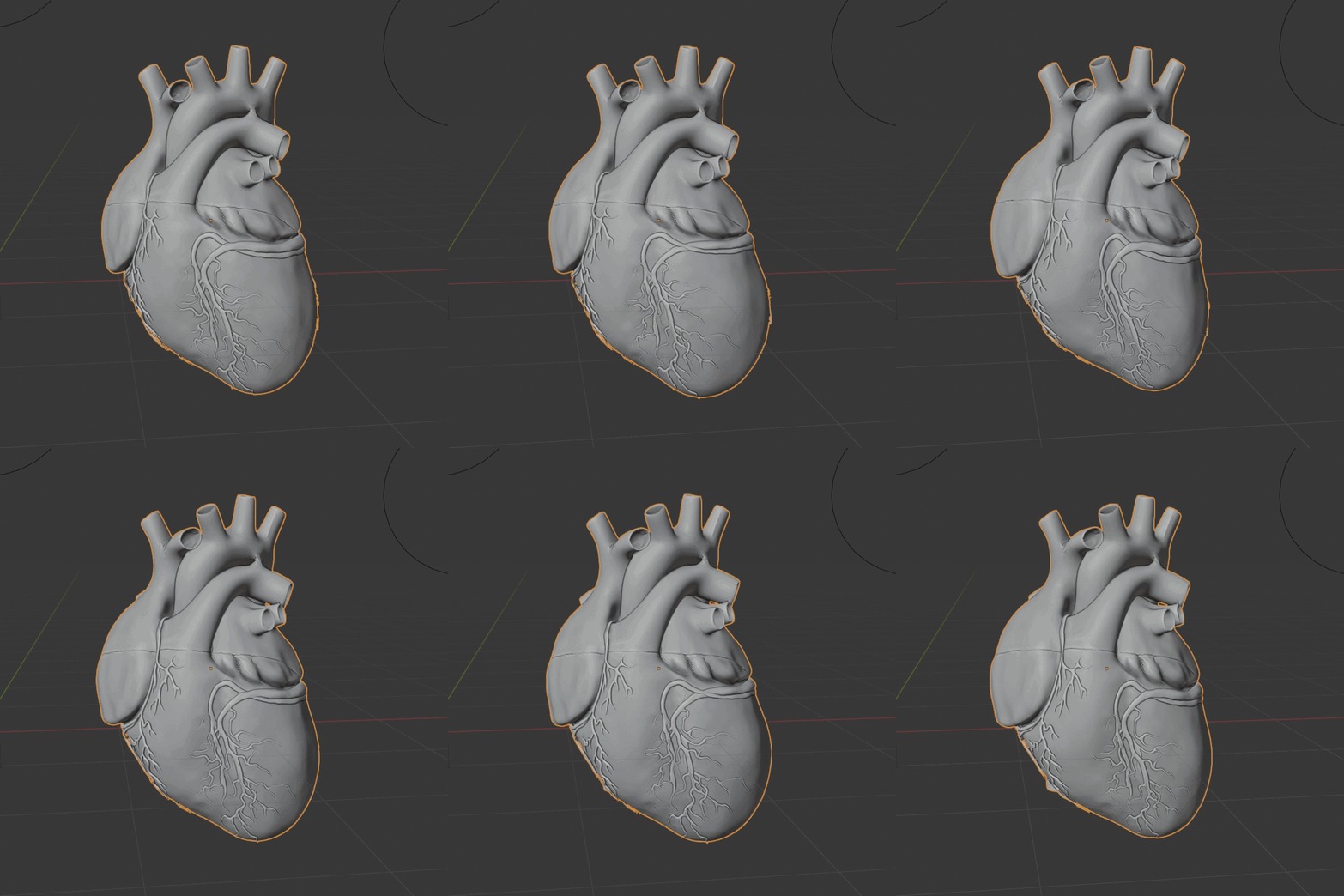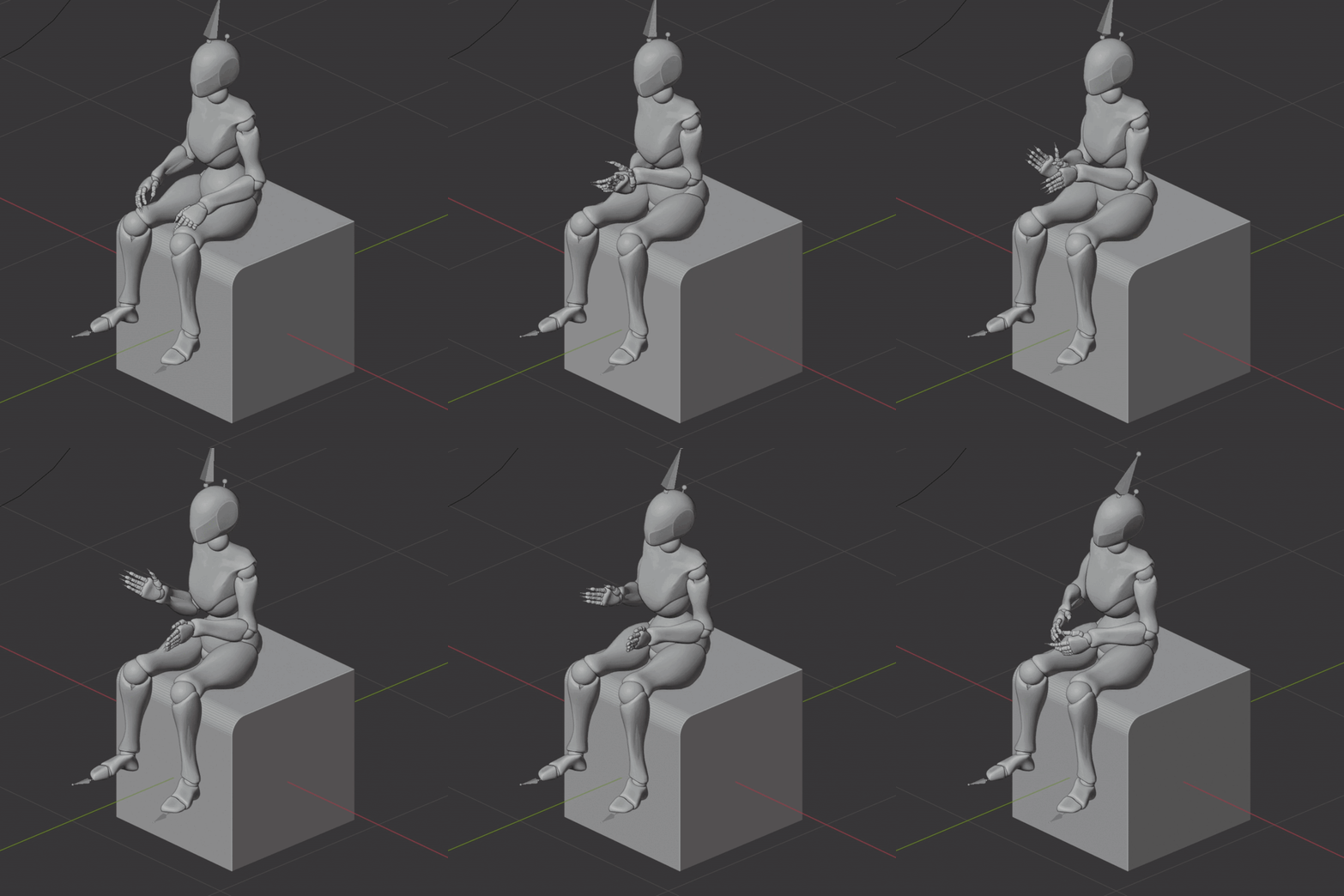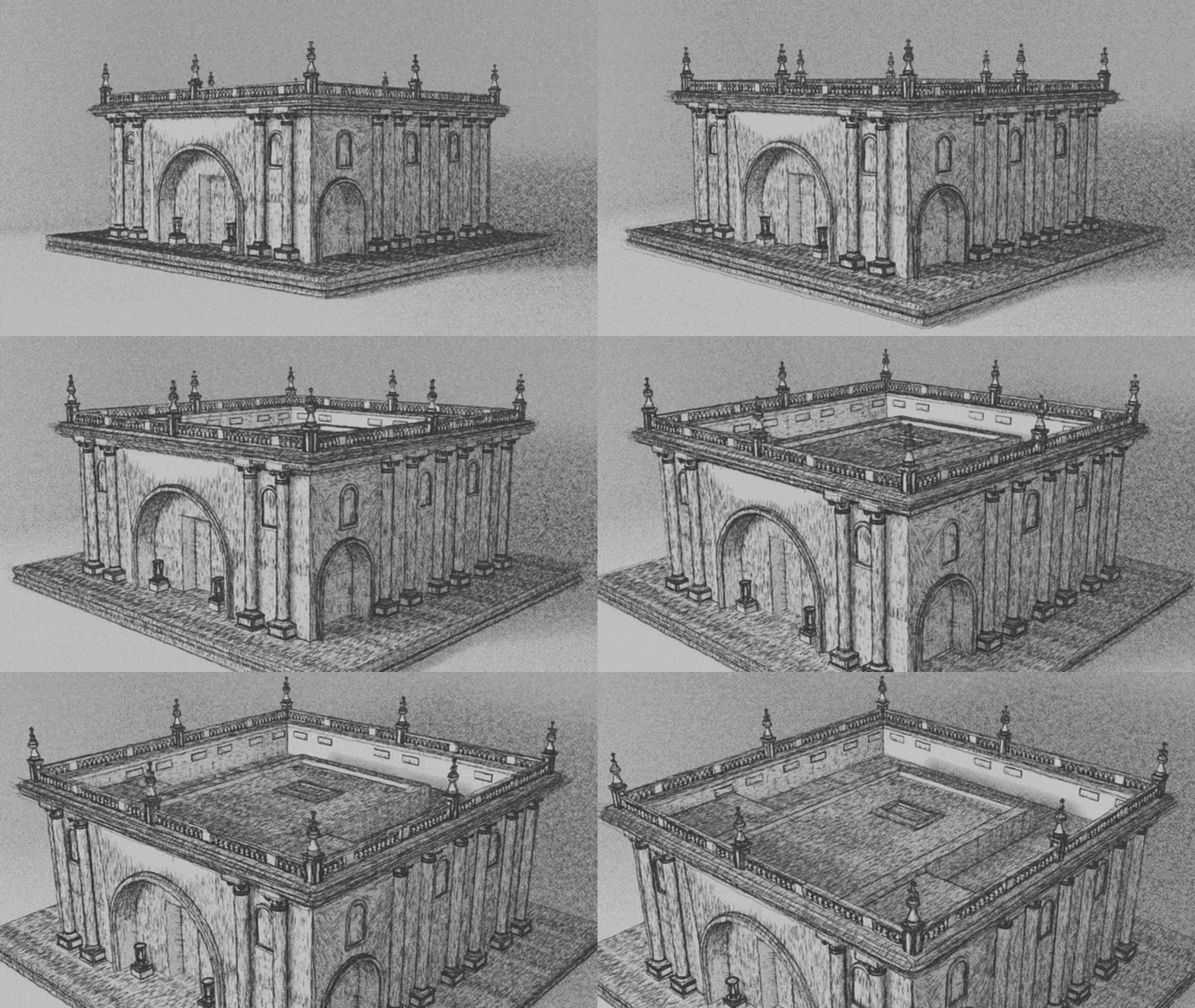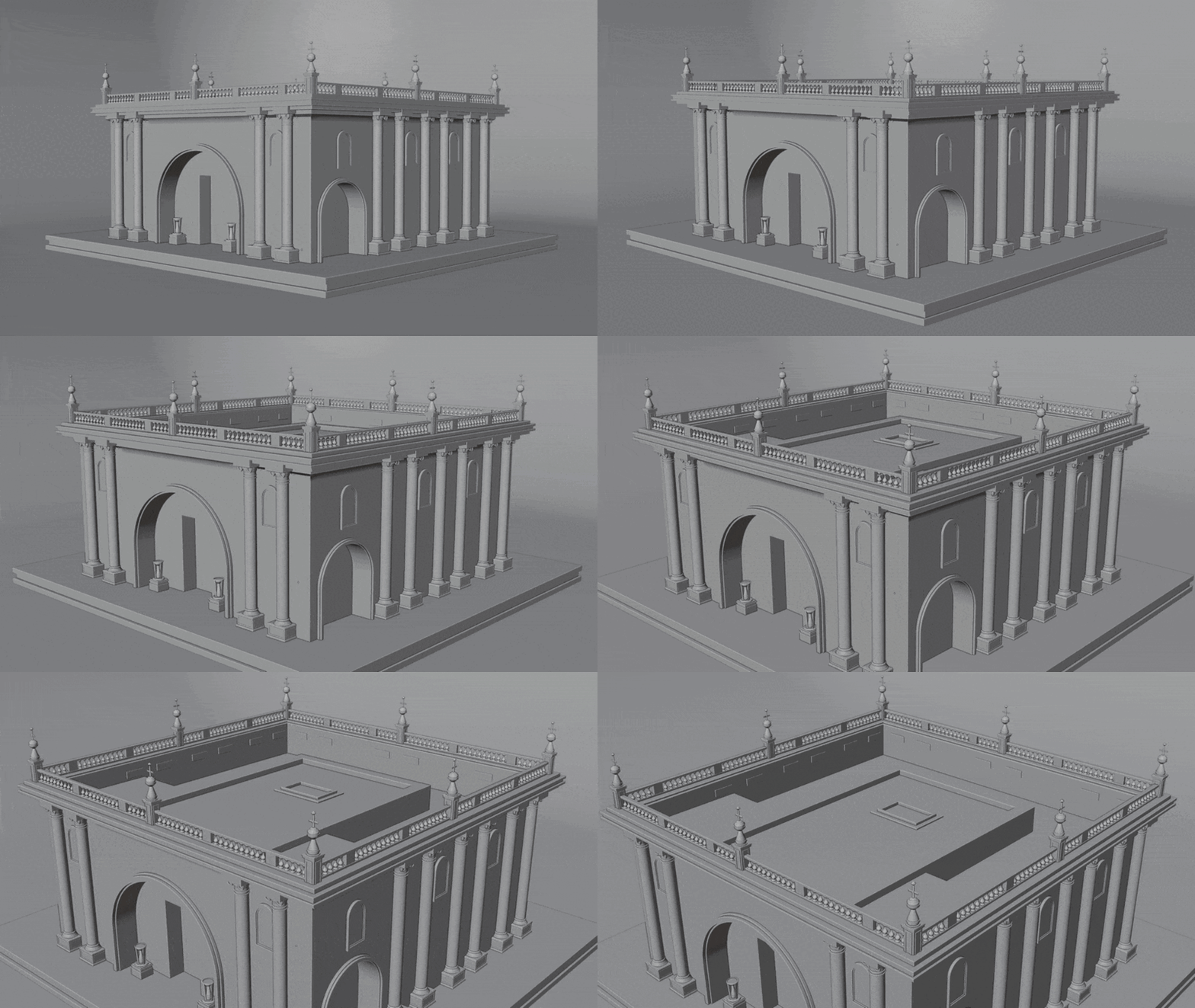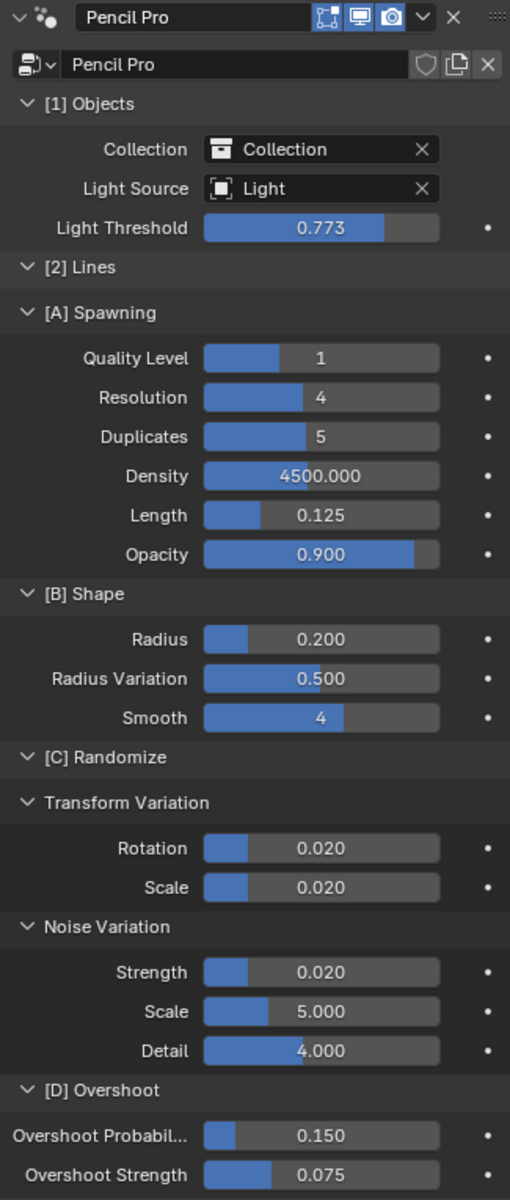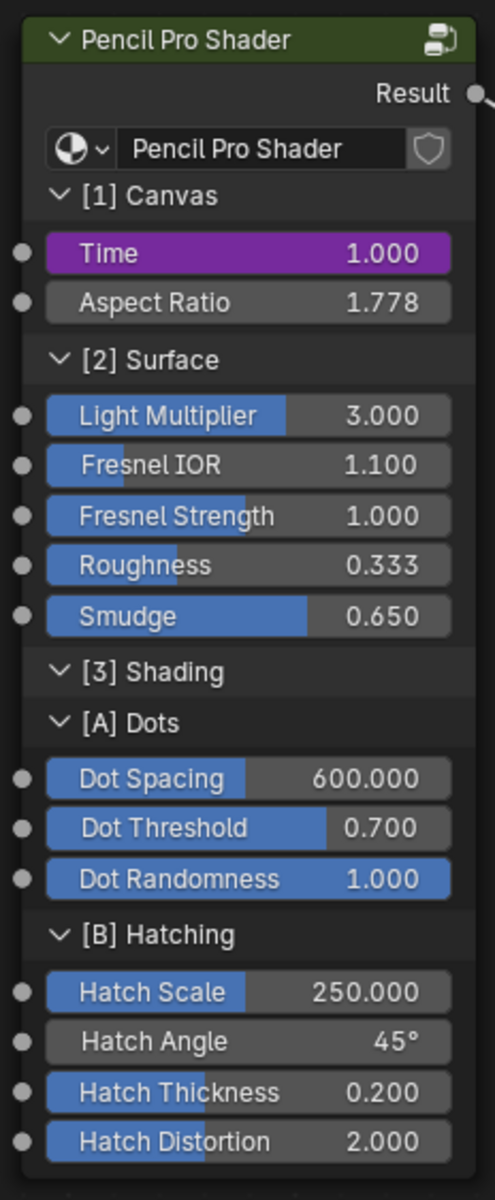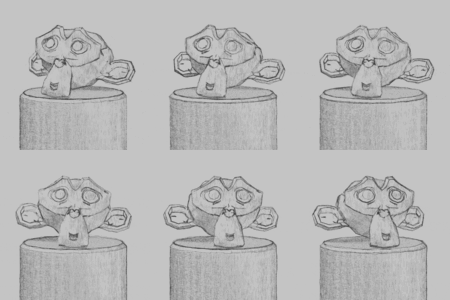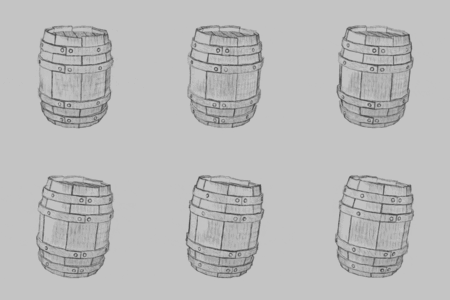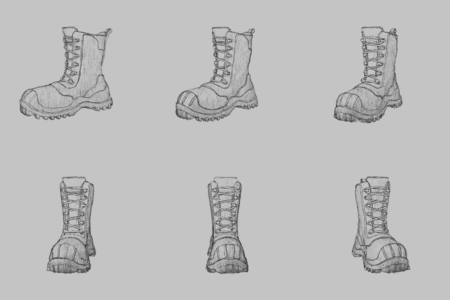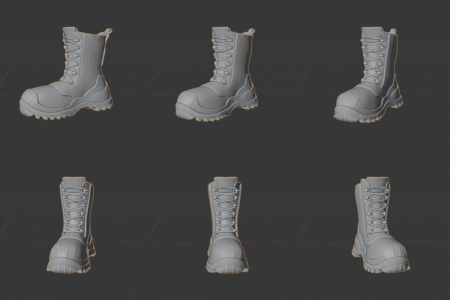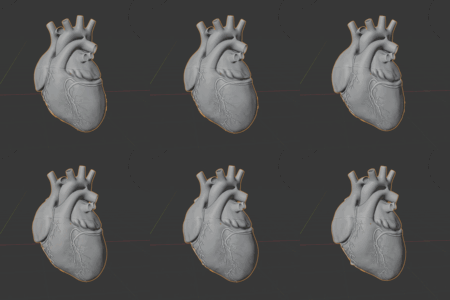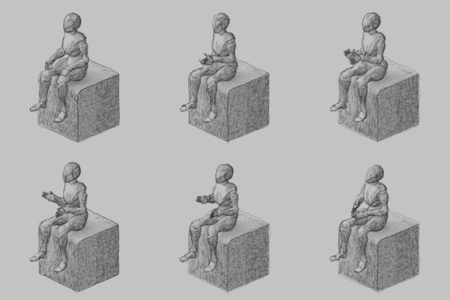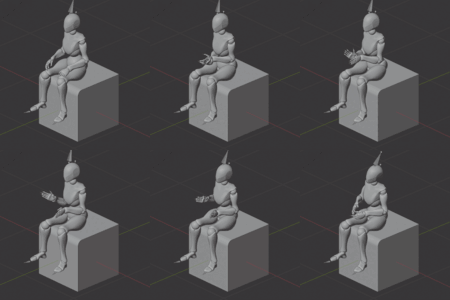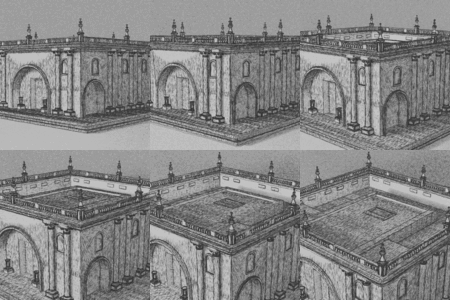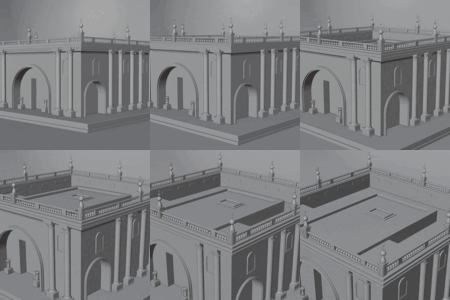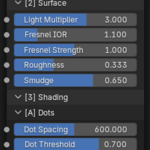
Pencil Pro (Hand Drawn Sketch Emulator)

CGMatter in Simulations & Effects


Item Rating

This item has an average rating of 4 from 7 ratings by the community.

58%
15%
15%
0%
15%

Purchase this item to leave a review!

  • Lucas Smarker
    over 1 year ago

    this is the tool i've been looking for!!! the pencil look is perfect for creating unique animation styles, and it has tons of parameters to play with. Amazing work guys!

  • pat
    over 1 year ago

    good shit.

    • CGMatter

      over 1 year ago

      lol
  • Orit
    over 1 year ago

    Worked on my small scene! was a bit slow initially but just disabled lines on 1-2 big objects and it fixed that.

  • Whiskey
    over 1 year ago

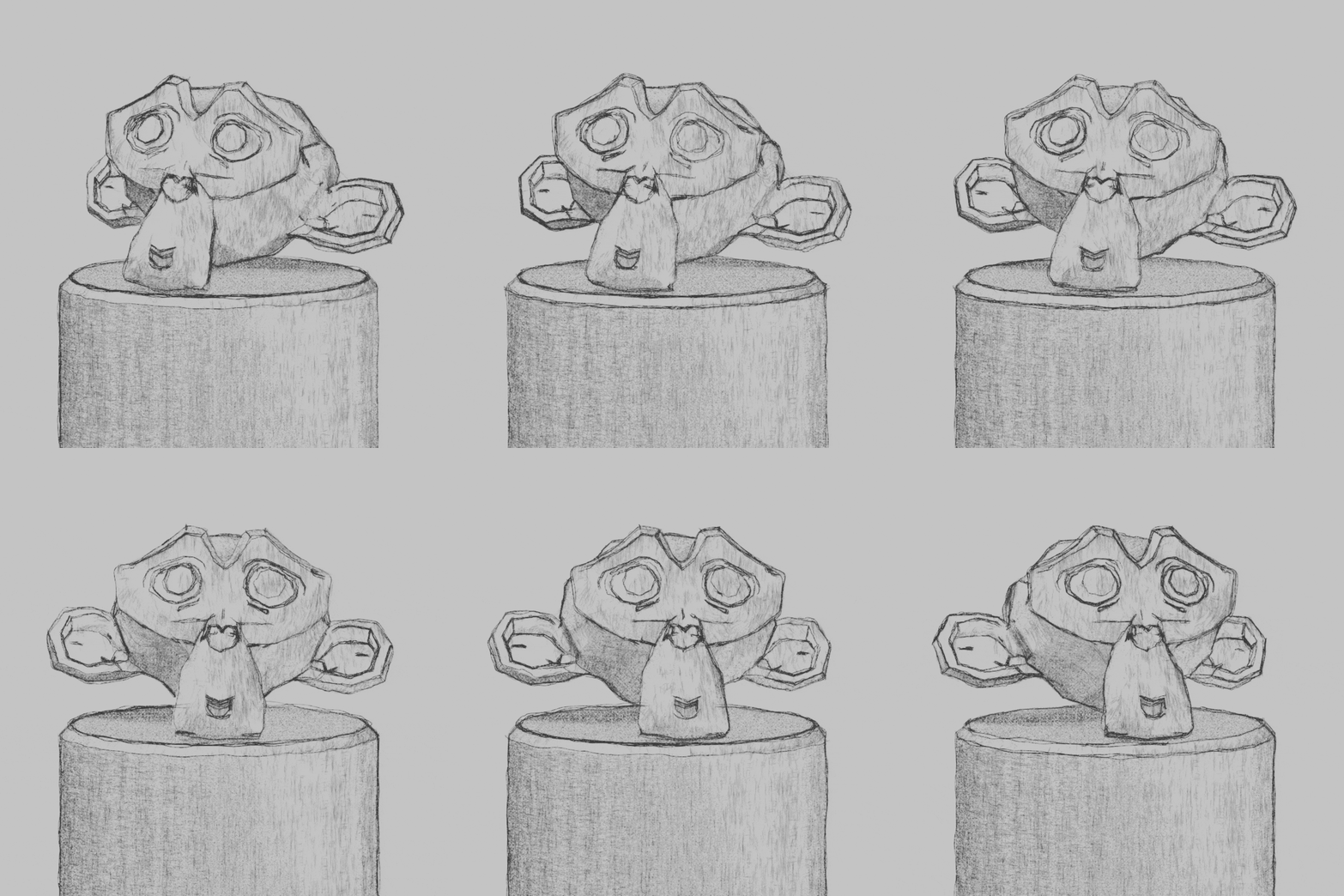
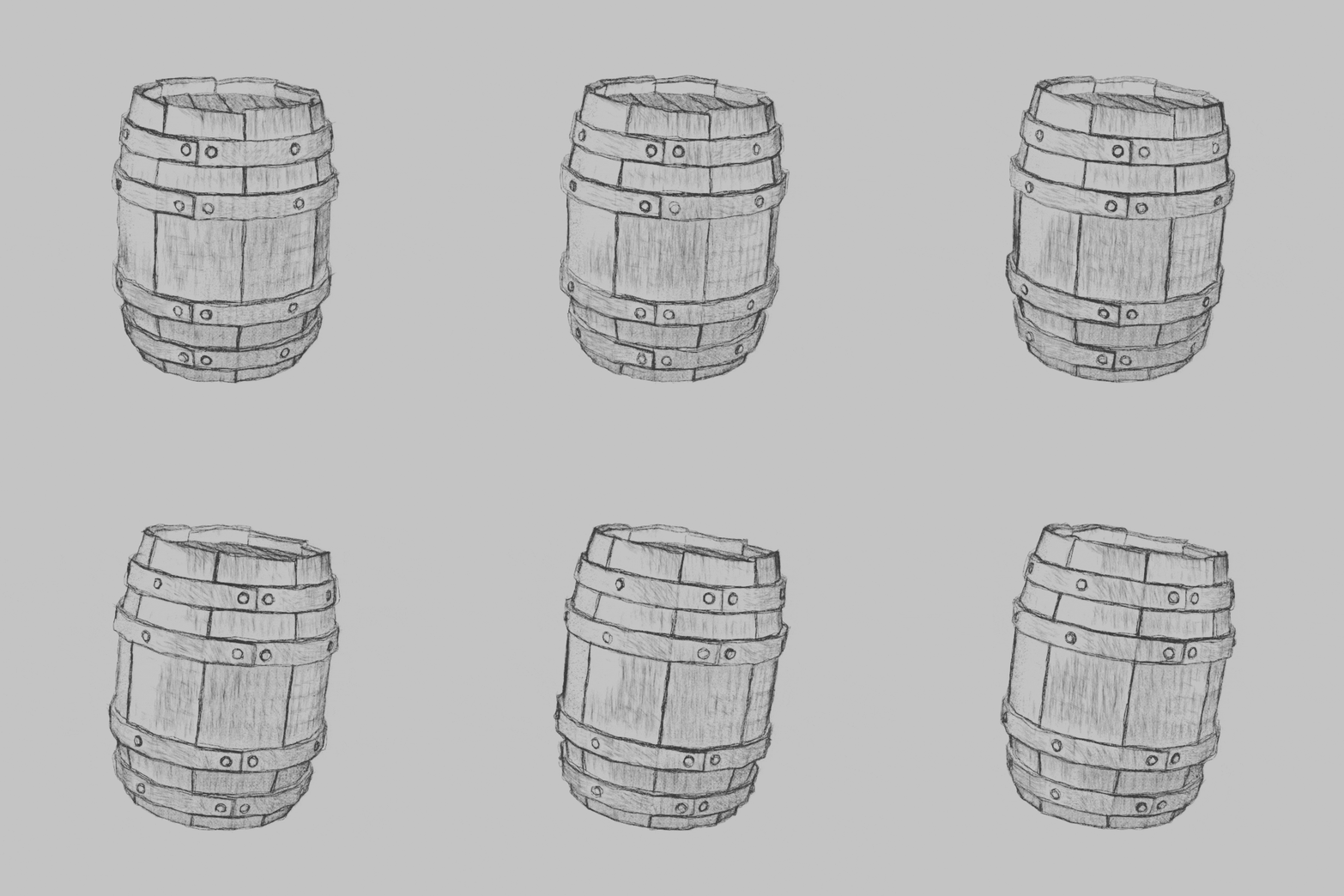
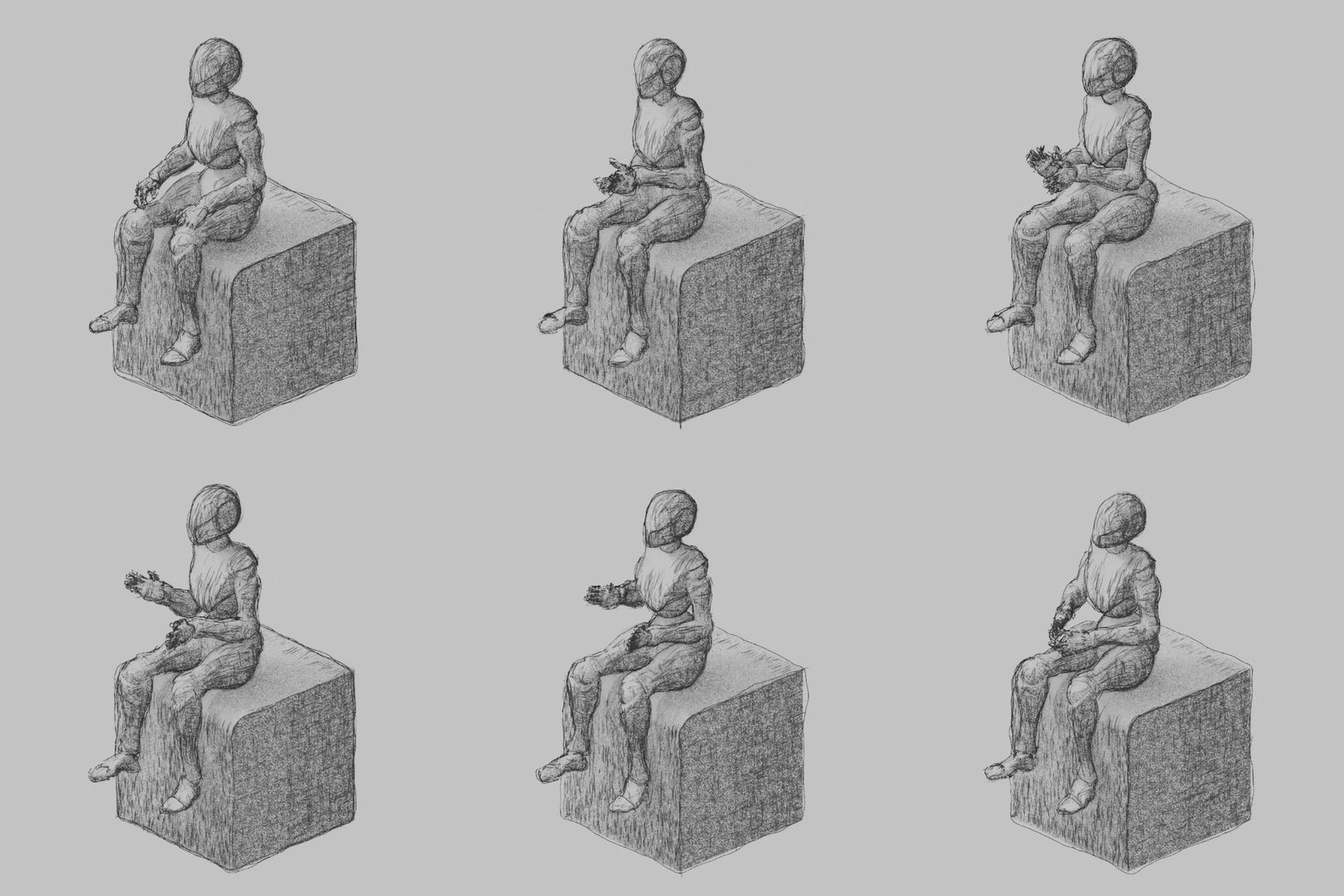
    This add-on allows you to create a "drawing" representation of a model/scene. Unsurprisingly, the setup is quite simple, functional, and highly configurable. The result is simply excellent.

    An ideal add-on for illustrating our work. I highly recommend it.

    • CGMatter

      over 1 year ago

      appreciate it :)
      thanks for leaving a review

  • Alistair
    over 1 year ago

    This addon is capable of creating some incredible results, but I think it needs improvement with the following:

    - It uses the CPU rather than the GPU, making rendering/preview slower.
    - Line thickness controls do not work (I had to scale up my models to get finer lines).
    - Lines don't seem to appear for distant objects.
    - Blender will freeze/fail for some larger and more complex objects - even with my Threadripper Pro 5975 32 core.

    Hopefully these issues can be addressed with an update.

    Even with the above issues I've been able to create some extraordinary results with lots of options for refinement, so I highly recommend - just be aware of the draw backs.

    Sincerely hope an update is delivered to fix the above issues - then it's 5 stars, it's a brilliant addon.

  • Dion
    over 1 year ago

    Looks great but not for with complex scenes with lots of geometry. Blender freezes up on my m4 max MBP.

    • CGMatter

      over 1 year ago

      yep the lineart can be pretty heavy - one massive speedup you can always do for previewing is disabling the light before using pencil pro (when enabled there are thousands of raycasts going on)

  • Ahm
    over 1 year ago

    blender and pc crushing when i using little bit more geometry.. (i have powerful pc)

    • CGMatter

      over 1 year ago

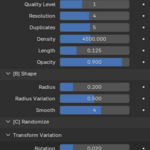
      you gotta play with the quality level and spawn count - best to build up to it

  • Displaying 7 ratings
$15

Have questions about this product?
Login to message

Details
Sales 600+
Rating
7 ratings
Dev Fund Contributor
Published over 1 year ago
Blender Version 5.2
Render Engine Used Eevee
License GPL