PencilRig
 BlenderGem
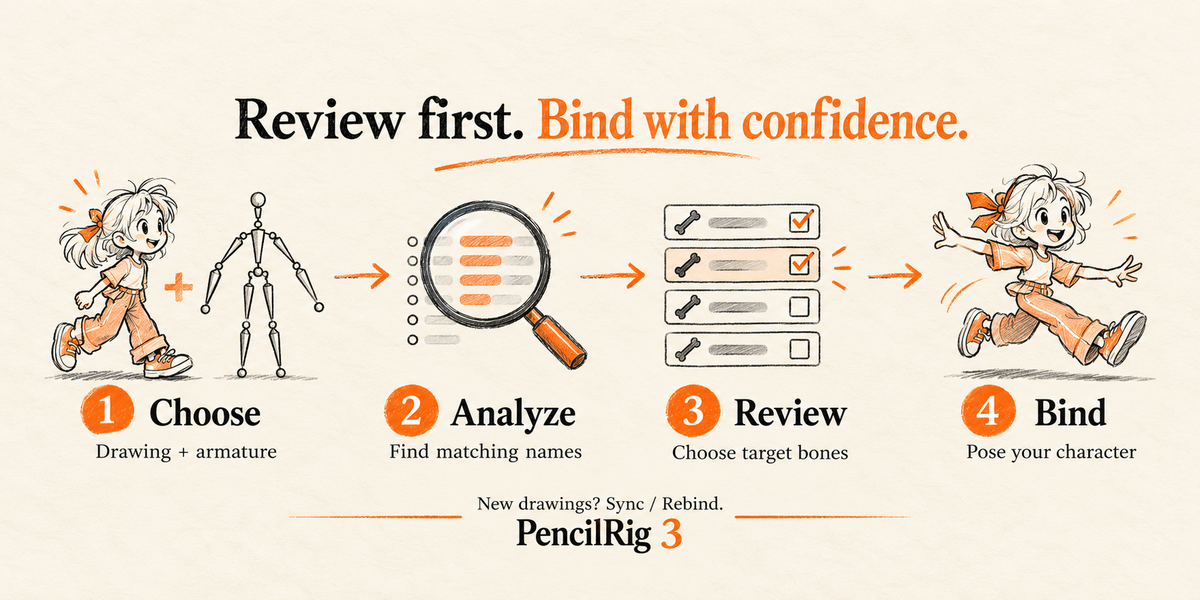
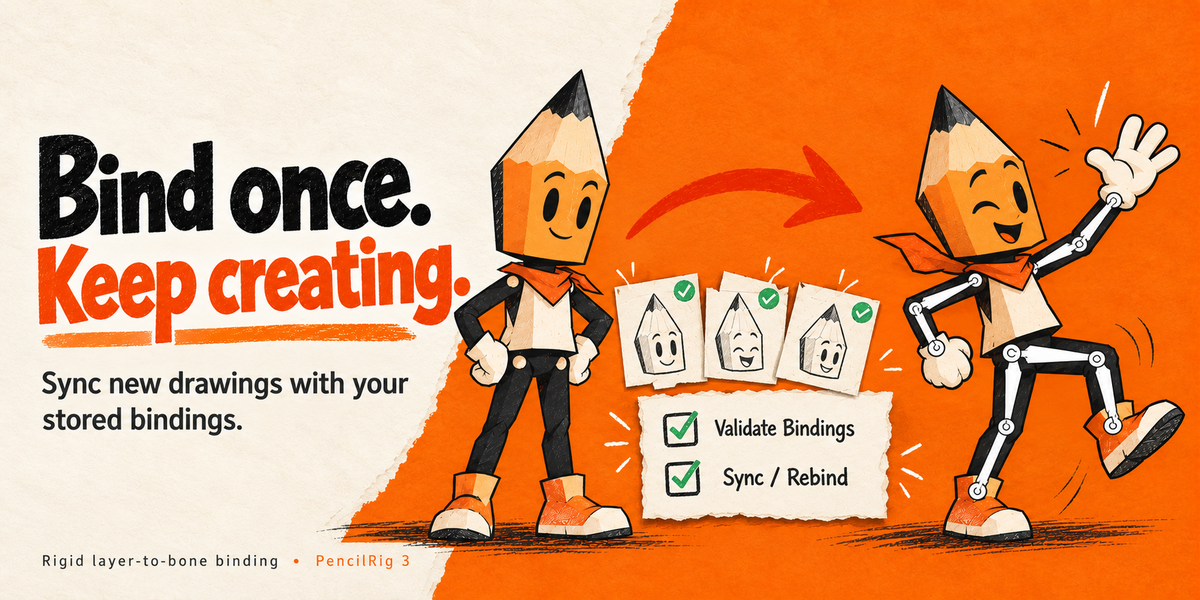
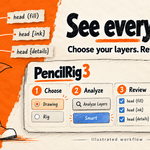

PencilRig binds existing Grease Pencil layers to deform bones in an existing armature. It does not generate the skeleton or IK controls. It is designed for rigid cut-out animation.
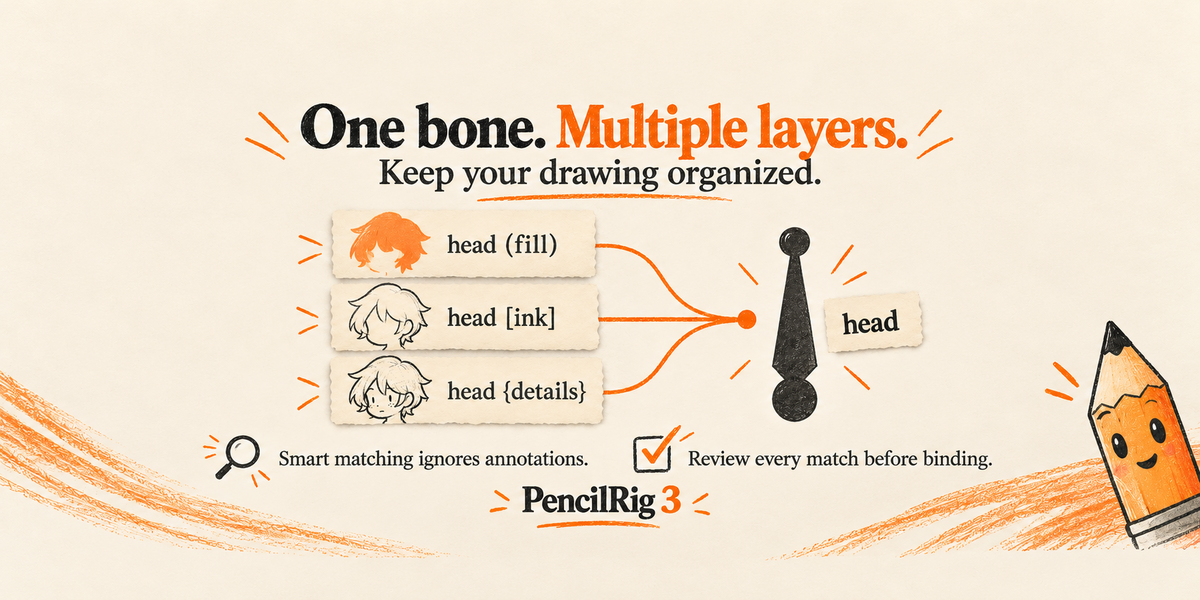
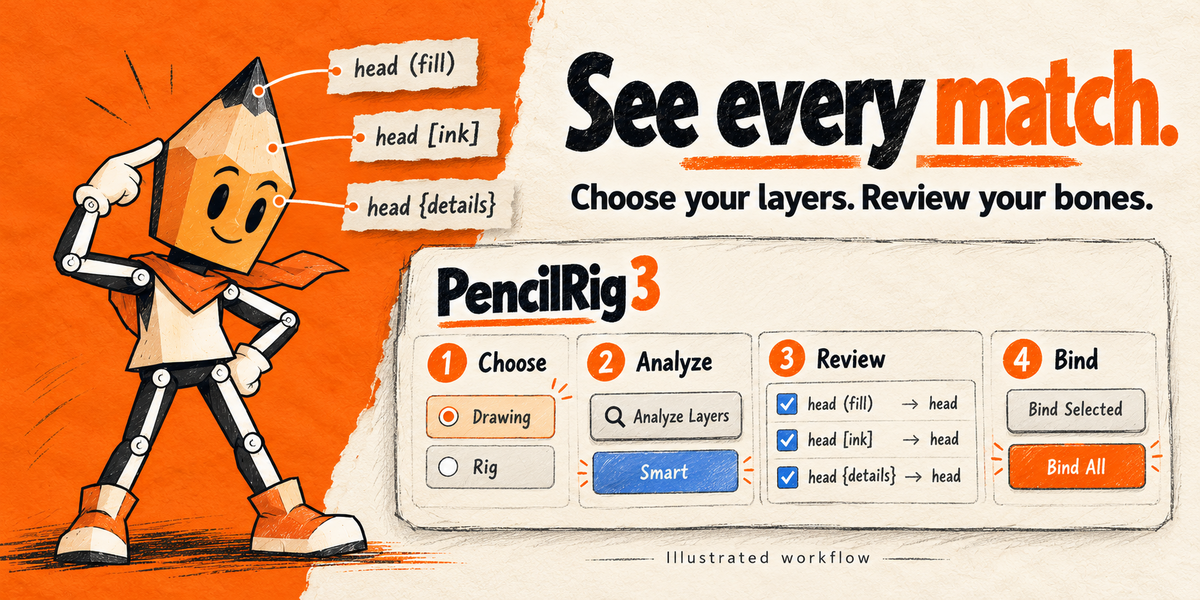
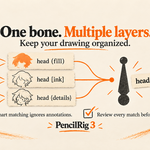
Exact mode ignores case. Smart mode also normalizes annotations, separators and common side labels: head (fill), head [ink] and head {details} can all match head. Ambiguous names stay unmatched. Use the Bone field to choose a target manually.
Binding covers all existing drawings on each chosen layer. After creating new drawing frames or adding points, use Sync / Rebind to apply the stored mappings again.
Use Contact the Creator on your Superhive purchase. Include Blender and PencilRig versions, reproduction steps and a minimal example if possible.
Work on a copy. Put the rig in rest pose, Analyze, enable Remove Legacy Layer Parenting and bind the intended layers. Inspect several poses. Migration does not bake old parent-space transforms or animation offsets.
PencilRig gives chosen layers 100% weight to one deform bone and clears competing weights for bones in that armature on those layers. Unselected layers and unrelated groups are preserved. Unbind clears PencilRig weights; it does not restore earlier weights. Save a copy or use Undo for that.
Disable older PencilRig addons. Keep pencilrig-3.0.1.zip zipped. Open Edit > Preferences > Get Extensions, choose Install from Disk from the menu at the top right, select the ZIP and enable PencilRig. Open the 3D View sidebar (N) > PencilRig.
Recommended: Blender 5.2 LTS. Tested on macOS with Blender 5.2.2 LTS, 5.2.0 LTS and 5.1.1. The extension requires Blender 4.5 or newer, but 4.5 and 5.0 have not been verified as supported release targets. The included example targets Blender 5.2. Legacy downloads remain available for older projects.

Discover more products like this
Grease Pencil bones Layer Management animation PencilRig Workflow linking armature rigging Add-on Grease Pencil Layers