Photogrammetry Course: Photoreal 3D With Blender and RealityScan
 Creative Shrimp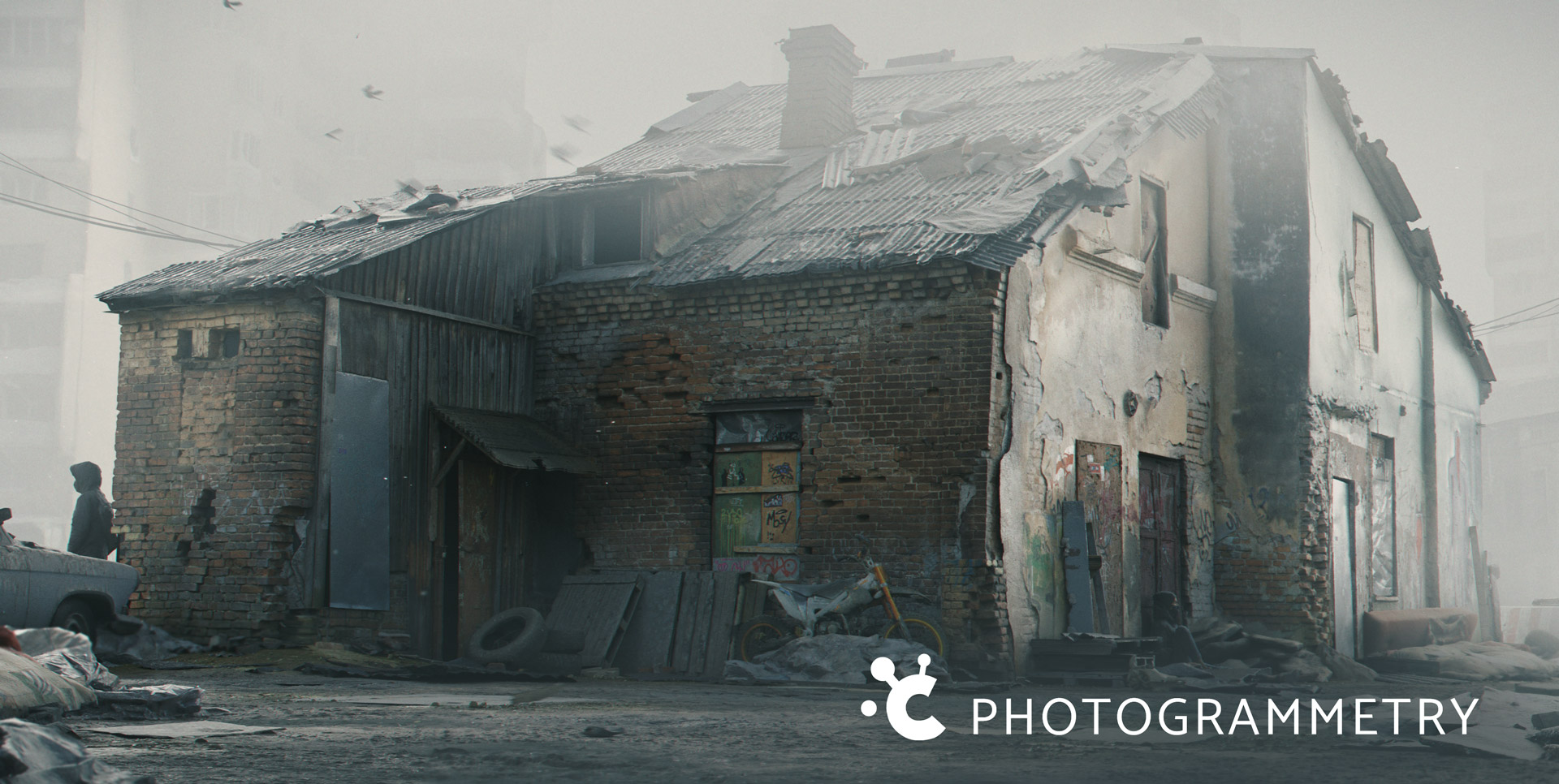
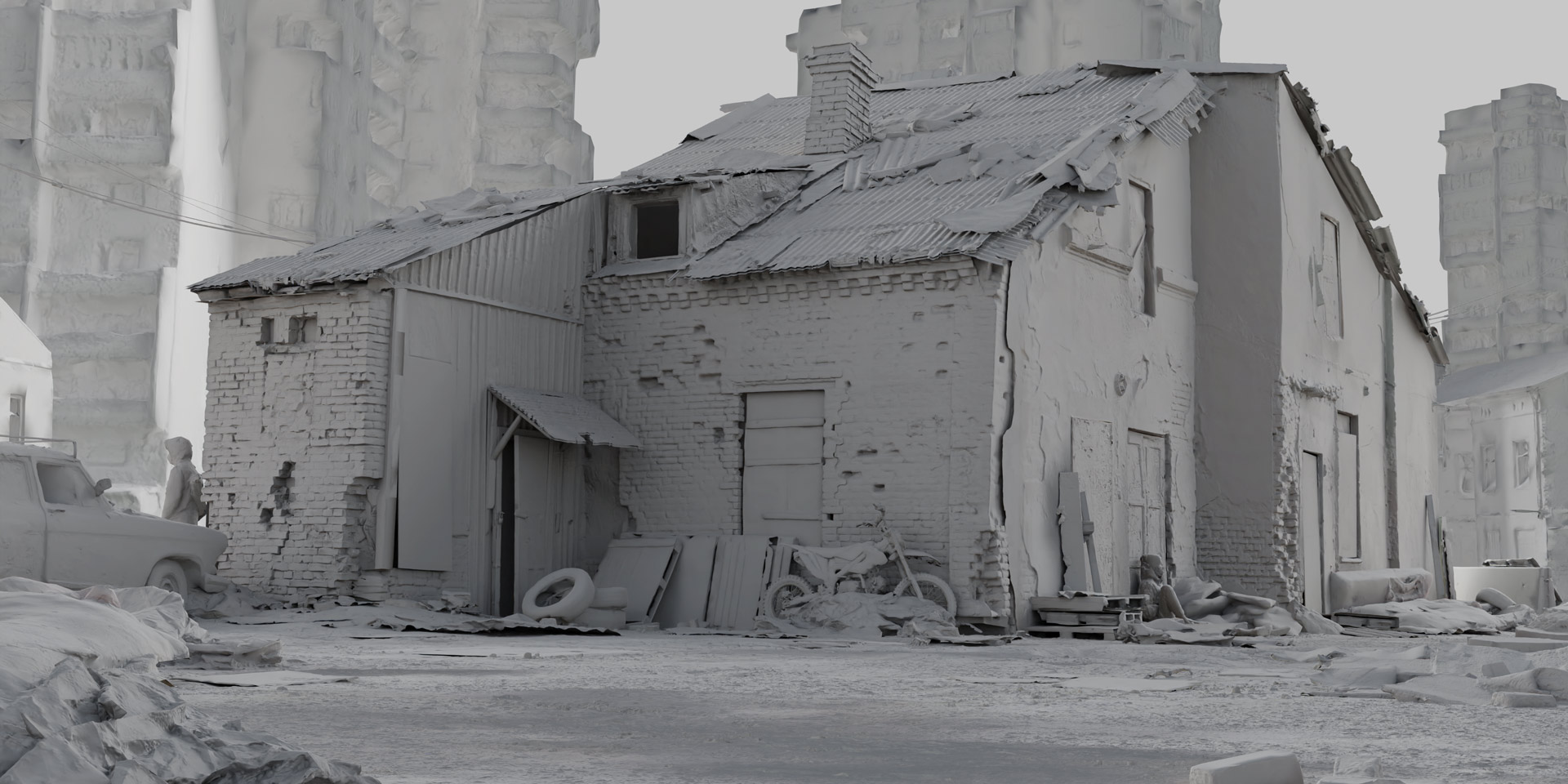
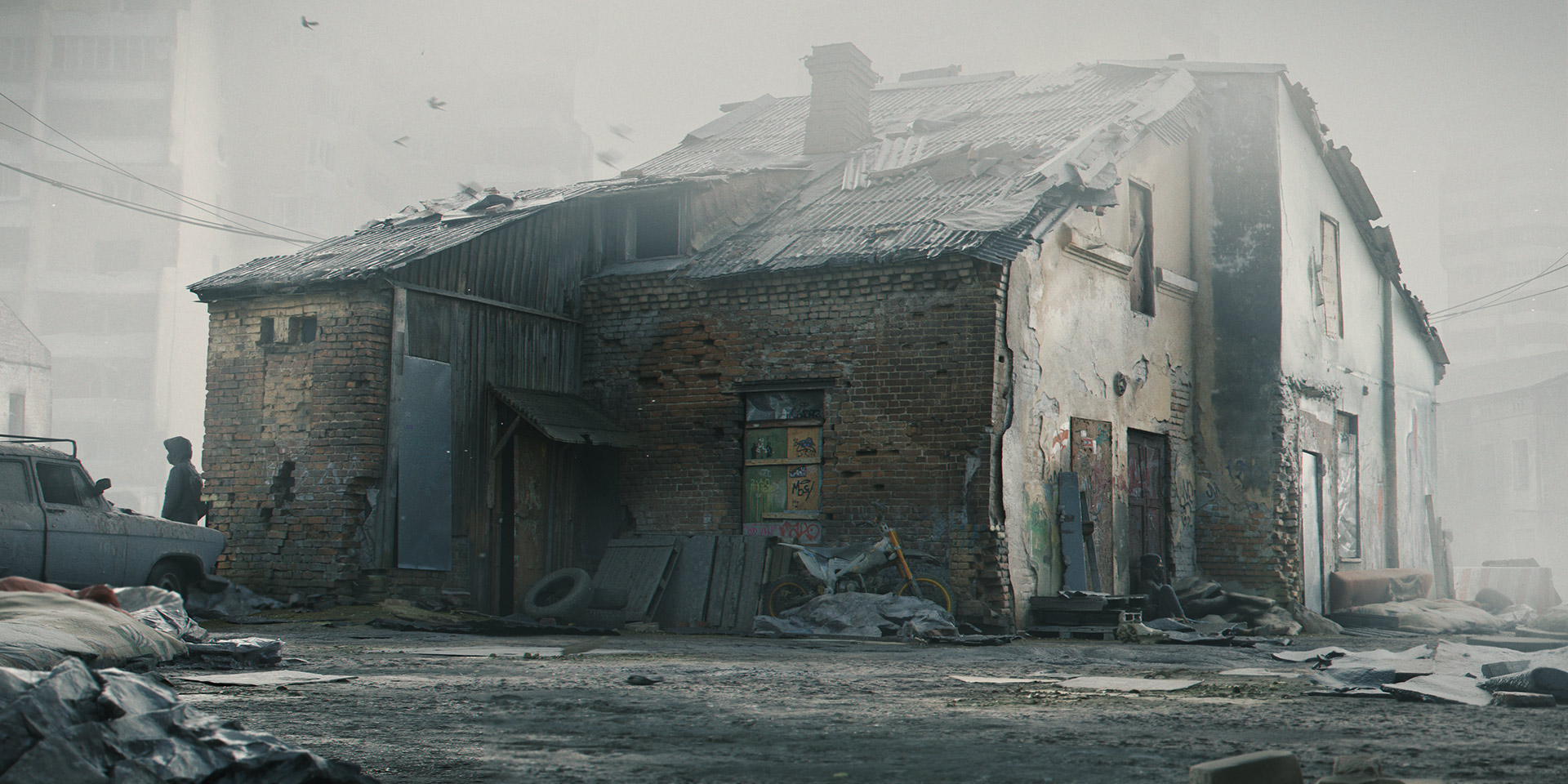
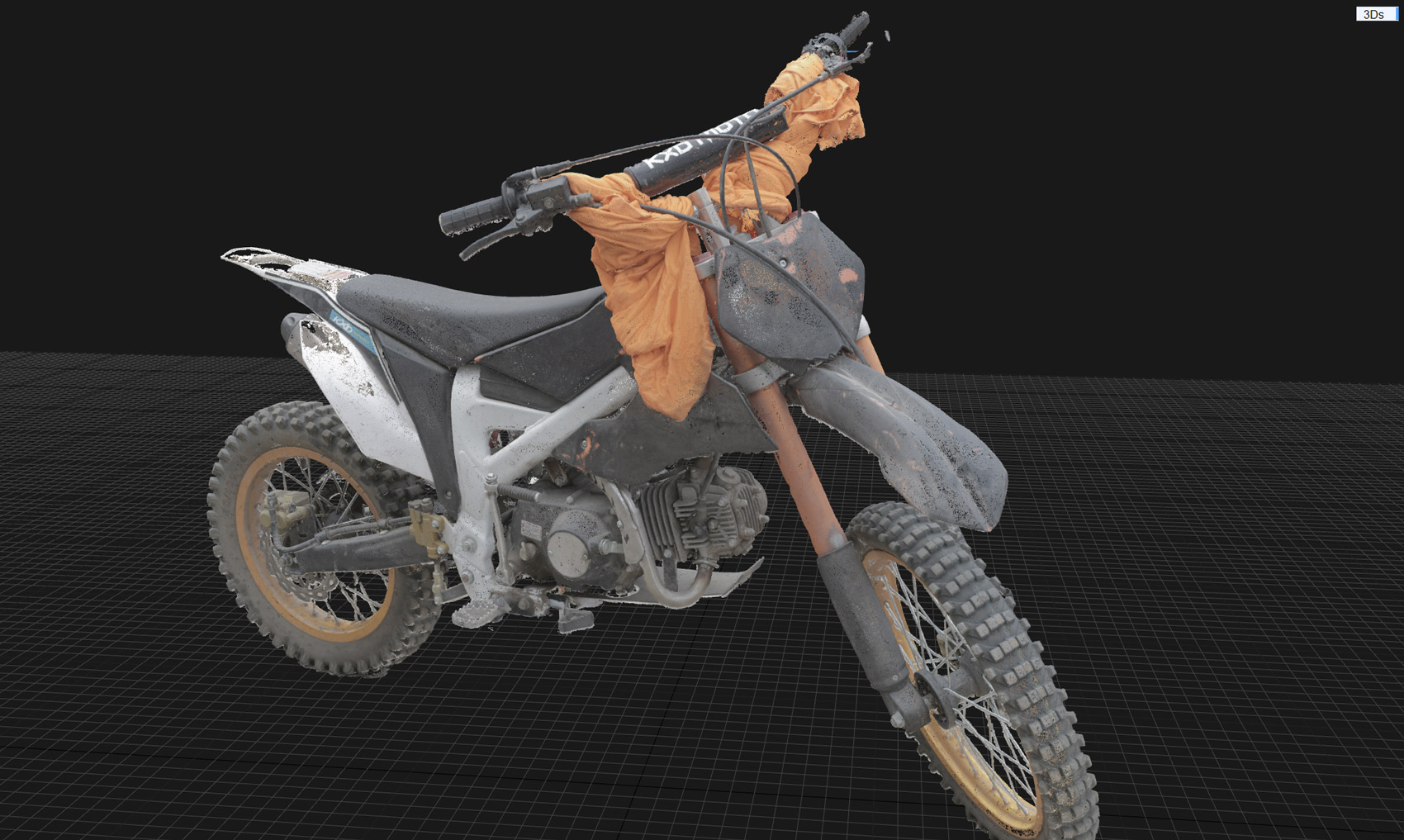
We would recommend having at least some basic understanding of Blender before enrolling in the course.
The absolute minimum of Blender experience would be to make sure you have a familiarity with the user interface, resizing and switching the window layout around, knowledge of the most common shortcuts and completed one or two short and basic modeling tutorials.
A couple of good free resources available to all can be found here…
Grant Abbitt’s Blender 5.0 Beginner Course on Youtube : https://www.youtube.com/watch?v=kVcY7K-JA1Y&list=PLn3ukorJv4vv9_e-htADGsPX9TMaQpHV8
Born CG’s Blender 5.0 From the ground up Playlist on Youtube: https://www.youtube.com/watch?v=aNnZGWDpWjU&list=PLda3VoSoc_TQw7ySiuGpkp7yFcEqrxXNK
Everything has been tested using VLC, so while everything should play fine on all players, if in doubt give this awesome free player a try....
Sure. Blender Market has a 30 day money back guarantee. Just shoot an email to [email protected] and ask for a refund.
Upon purchase you’ll be given download links. If you need to download at a later time then simply create an account with the same email used to purchase and the downloads will be available on your Account page: https://blendermarket.com/account
While some of the videos were recorded using 2.9x we recommend to use Blender 5.0 and higher as this has many speed improvements for both linking and general viewport performance. Included is a PDF which outlines many of the pertinent useful bits of information about things that have changed since the original recording and the current blender version.
Yes! We've just started a Creative Shrimp Discord channel here - use this link here to get your invite : https://discord.gg/nNReRkzWsh
Link can be found in the FAQ document that comes with the course files.
In case you need anything else, please let us know and we'll add it or send directly to you.
Creative Shrimp email: http://www.creativeshrimp.com/contact
Gleb's X/Twitter: https://x.com/gleb_alexandrov
Aidy's X/Twitter: https://x.com/AidyBurrows3DThe Blender Market can send you an invoice and then deliver the gift to any given email; in order to claim the gift the recipient will need to create an account with that same email.
Yes, all videos will have subtitles (English), manually edited.
At the time of release, an NVIDIA GPU card with a CUDA compute capability is required for full operation of both Reality Scan and Meshroom.
While it is true that Blender is one of the most fully featured 3d creation softwares out there nevertheless the CG industry moves so swiftly and is used for so many different purposes it’s very difficult for any one application to be able to keep up with all of the new developments.
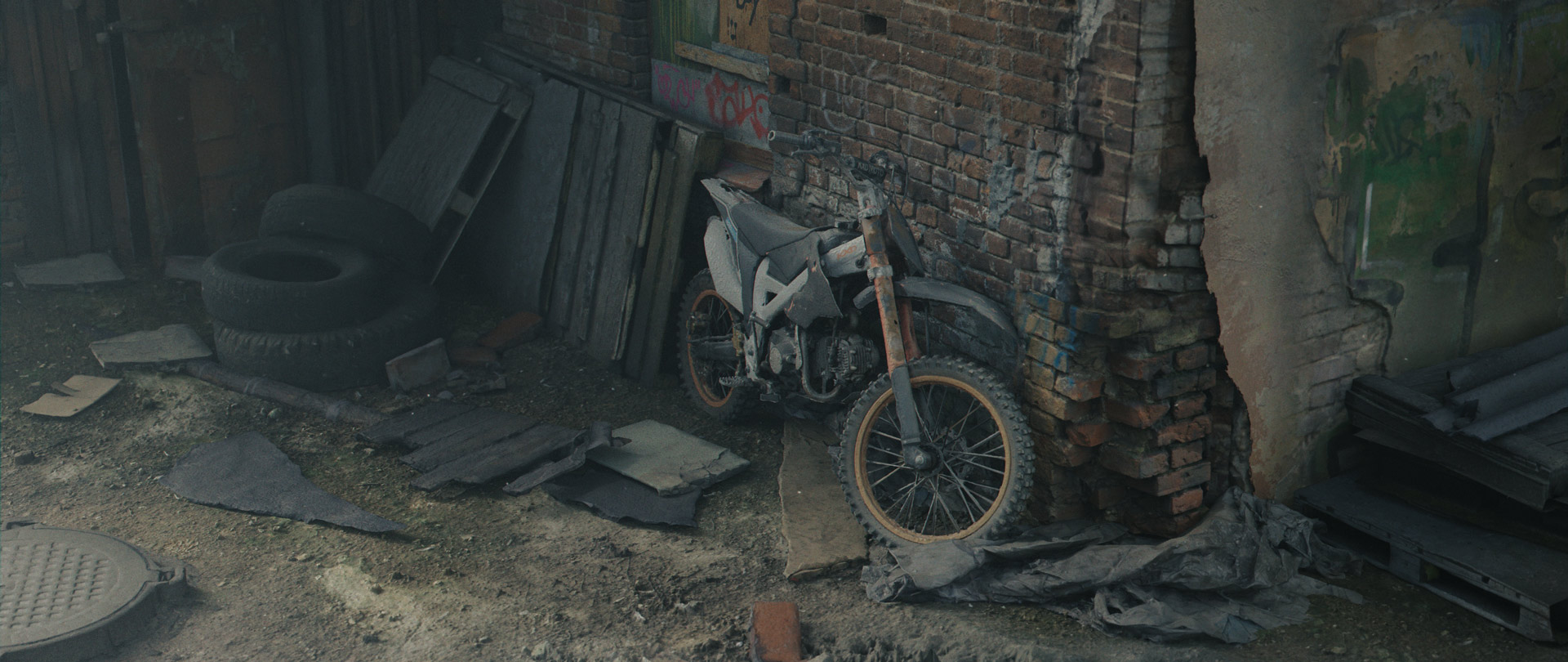
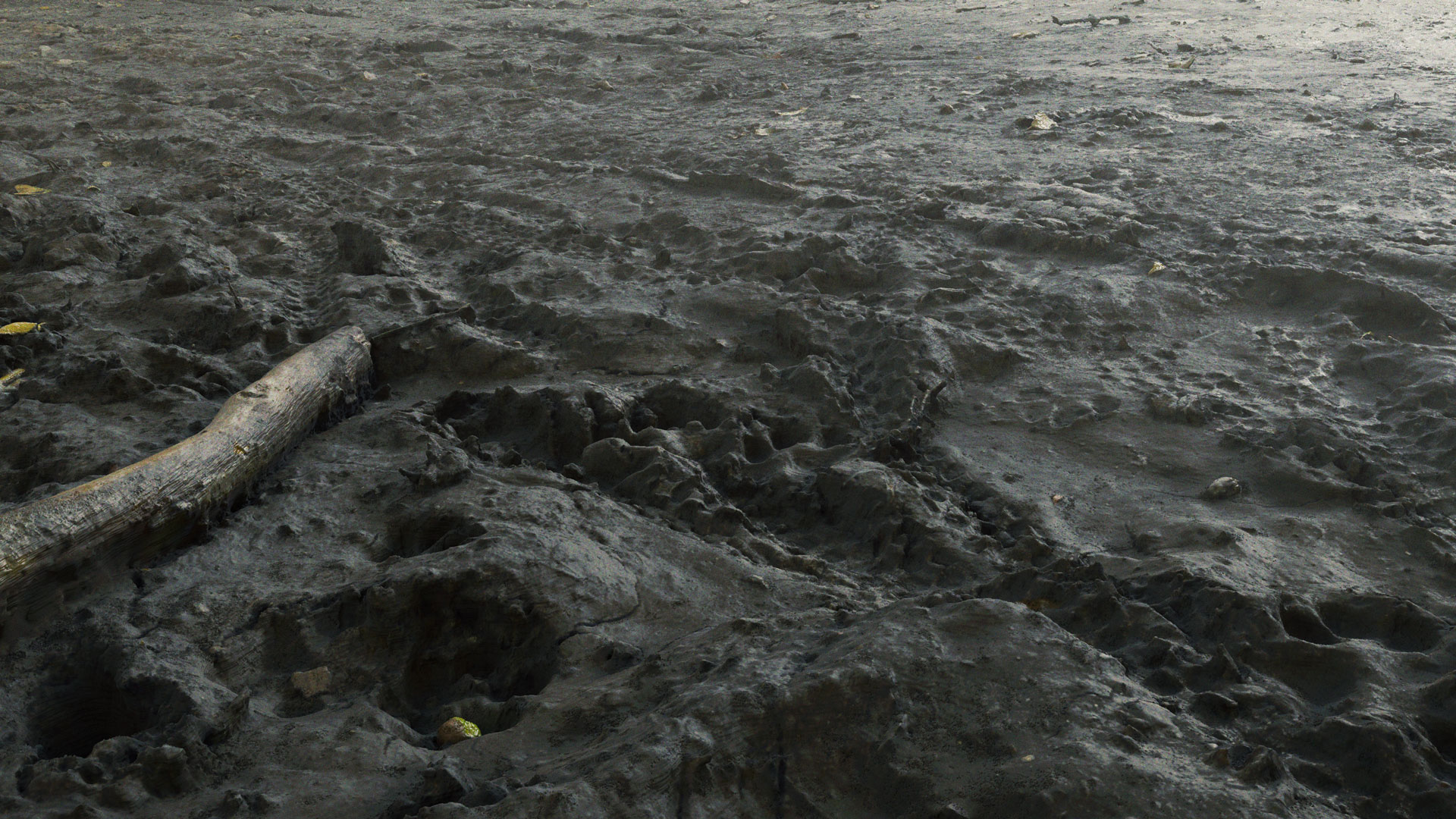
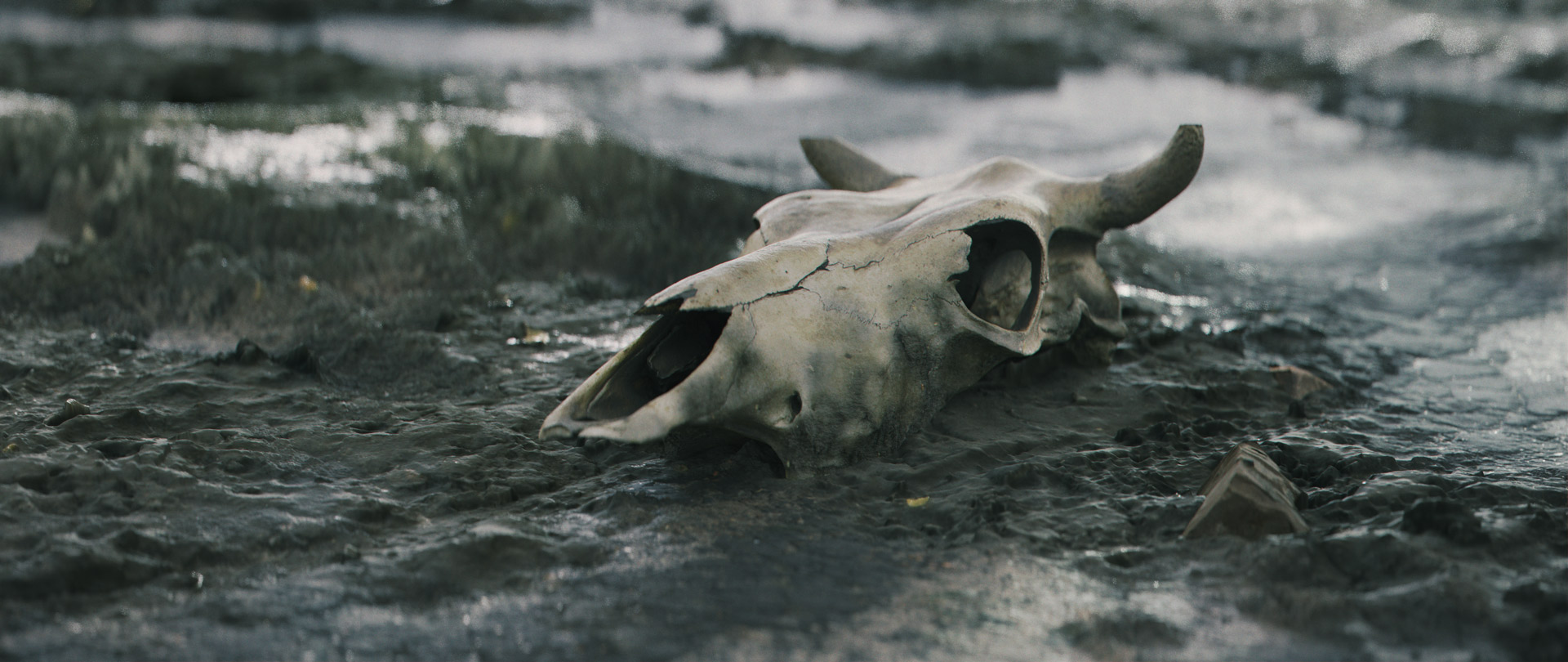
Photogrammetry is one such area that requires specialist software to convert the raw source imagery into 3d models. The good news is that there is a free and open source option that we demonstrate called Meshroom however, most of the time we use an application called Reality Capture (now called RealityScan) which is much faster and free to use.
List of software used:
- Blender Free
- RealityScan Now Free!
- Meshroom Free
- Darktable Free
- Agisoft Delighter Free
- xNormal Free (note only available for windows users, we use this for simple displacement baking and for very high polycount meshes. We also show a process that works for Blender.)
- Gimp Free (Gimp now has a very useful feature for PBR textures which allows us to perform a multi-layer clone)
List of recommended hardware:
- An entry-level DSLR or a mirrorless camera (if you don't have a camera, it's possible to photoscan using a smartphone)
- NVIDIA GPU card with a CUDA compute capability is required for full operation of both RealityScan and Meshroom.
Have questions about this product?
Login to message
| Sales | 2600+ |
| Rating | 15 ratings |
| Published | almost 5 years ago |
| Blender Version | 2.92 - 5.0 |
| License | Royalty Free |
Discover more products like this
summer23 spring23 summer24 bfcm23 loveblender bfcm24 winter24 photogrammetry spring24 photoscan bfcm22 bcon22 realistic 3D Photorealism Photoreal spring22 3d photoscanned summer22 3D Scan