Photorealistic Japanese Vending Machine Generator
 Gianluca Gatto
Photorealistic Japanese Vending Machine Generator
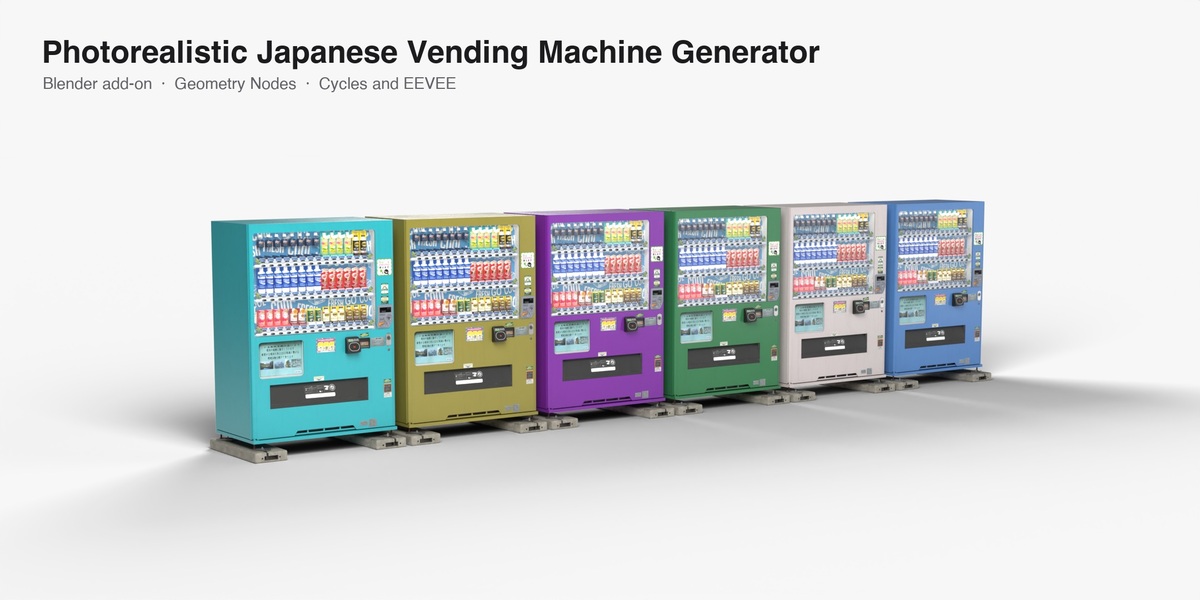
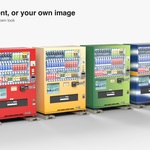
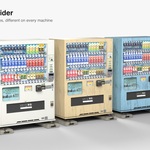
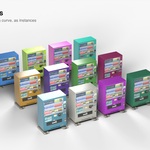
A Blender add-on that adds a photoreal Japanese drinks vending machine as one Geometry Nodes modifier. Make a single machine or a whole row, paint it with one color, random colors, a gradient or your own image, change the base, switch the lights, weather it, or put machines on the points of any mesh. Works in EEVEE and Cycles.
Install
- Blender 4.5 or newer: Edit > Preferences > Get Extensions, open the menu at the top right, Install from Disk, pick
japanese_vending_machine_generator-1.0.0.zip. - The panel is in the 3D View sidebar (press N), tab Vending.
Add
| Button | What it does |
|---|---|
| Add Machine | A machine at the 3D cursor. Also in Add > Mesh > Vending Machine. |
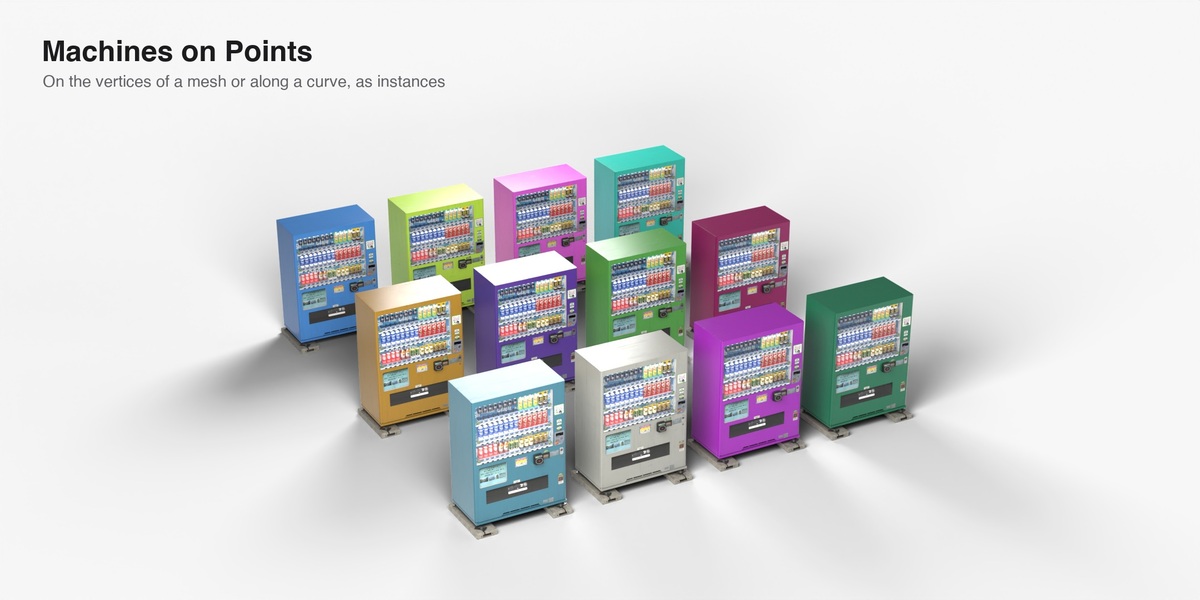
| Machines on Points | Puts the same modifier on the active object, as instances: one machine on every vertex of a mesh, every point of a point cloud, or along a curve (spread evenly, at least the machine width plus Gap apart, turned to follow the curve). |
Machines face -Y, are real size (1.4 m wide, 1.9 m tall) and stand on the ground at the object origin. A row grows along the object's X axis.
Controls
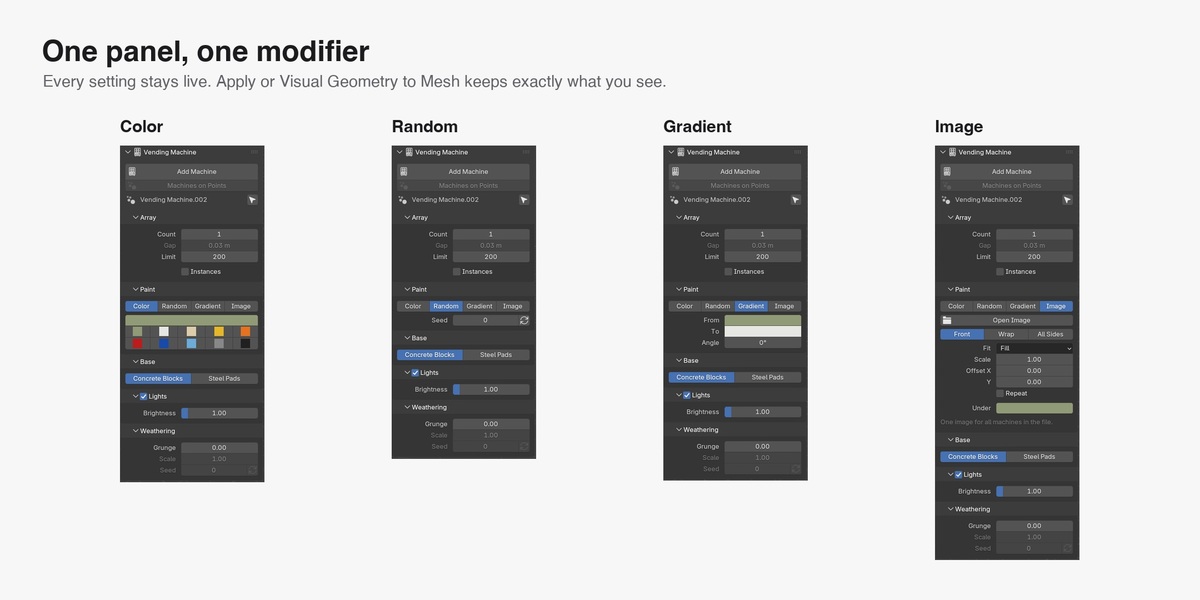
Select a machine object. The panel and the modifier tab show the same controls, and a change applies to every selected machine object. The arrow button next to the name selects all of them.
| Section | Control | What it does |
|---|---|---|
| Array | Count | Machines side by side. |
| Gap | Space between two machines. | |
| Limit | The most machines one object makes (200 by default). It stops a dense mesh from putting a machine on thousands of vertices. | |
| Instances | Off: a real mesh (default). On: all machines share one mesh, which is lighter for big scenes. | |
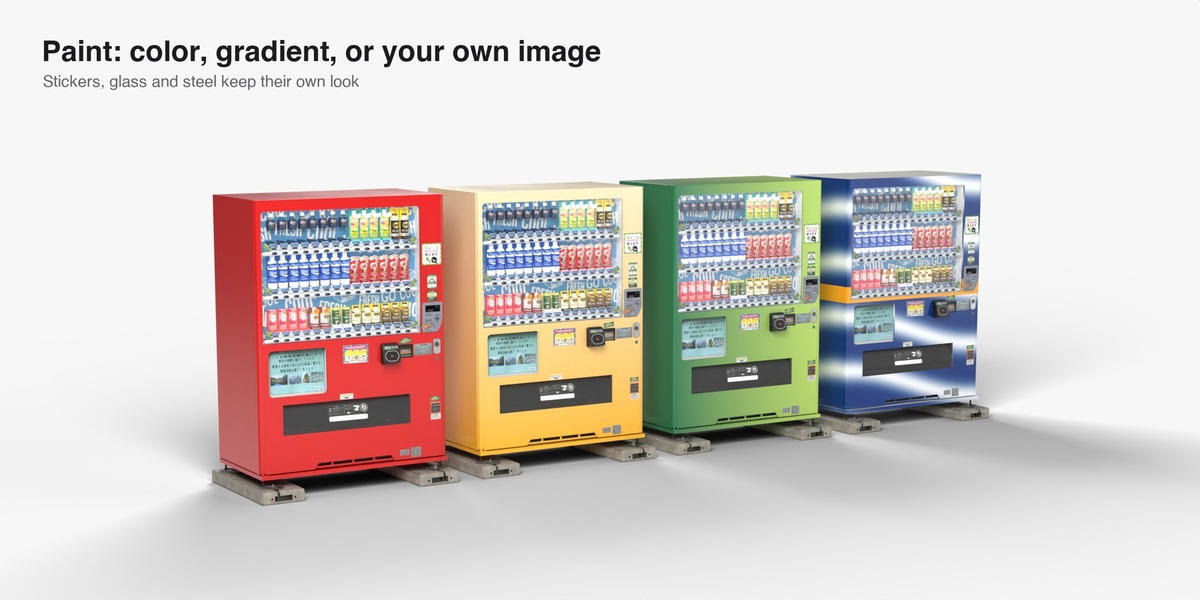
| Paint | Color | All machines get the color you pick: any color, or one of ten swatches. |
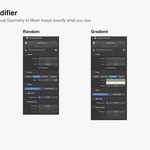
| Random | Each machine gets its own random color: any hue, and now and then a white, grey or black. Seed or the shuffle button deals a new set. | |
| Gradient | Each machine blends From one color To another. Angle 0 runs bottom to top, 90 left to right. | |
| Image | Paints the machines with a picture. See below. | |
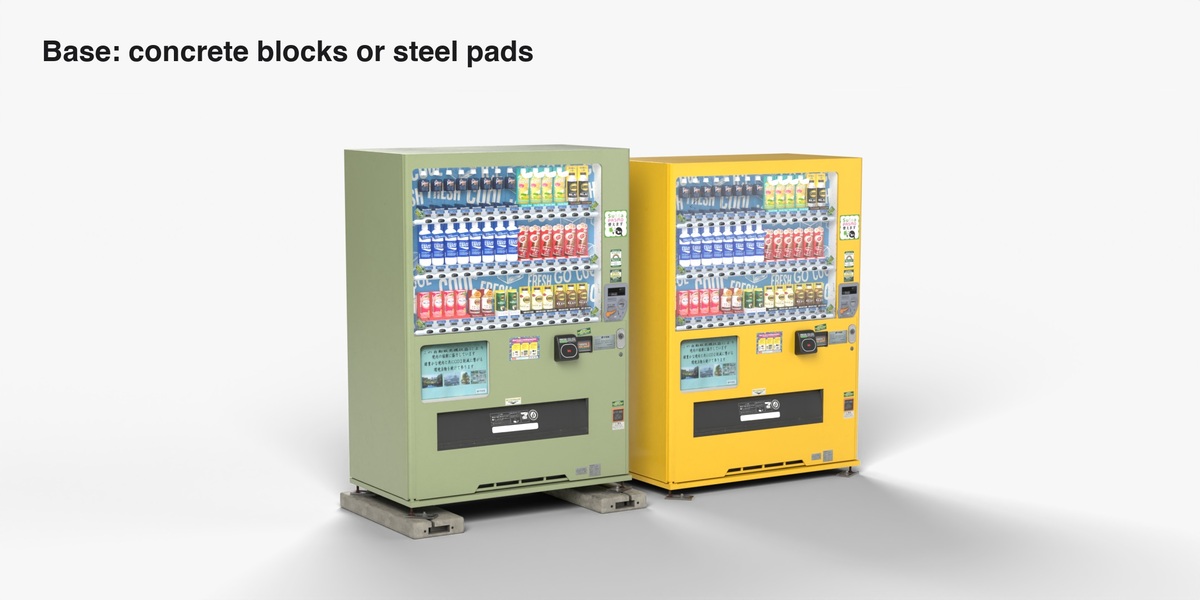
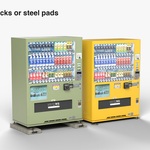
| Base | Concrete Blocks / Steel Pads | On two concrete blocks, or pads and bolts straight on the ground. |
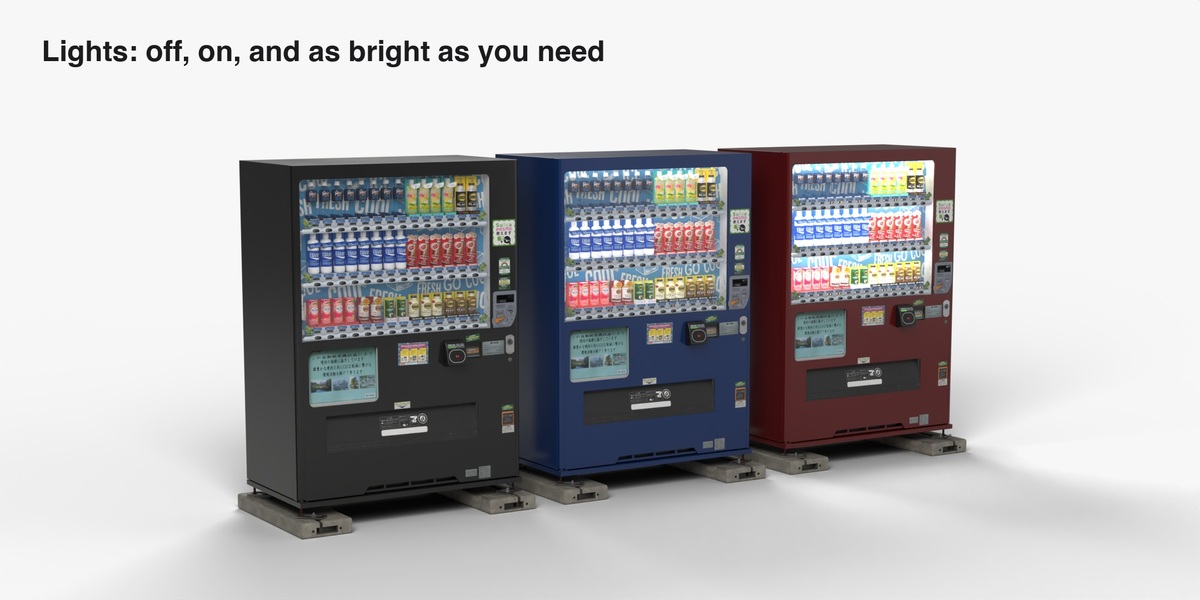
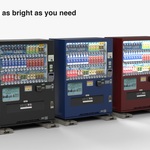
| Lights | checkbox | Display backlight and price digits on or off. |
| Brightness | How strong they are. Raise it for night shots. | |
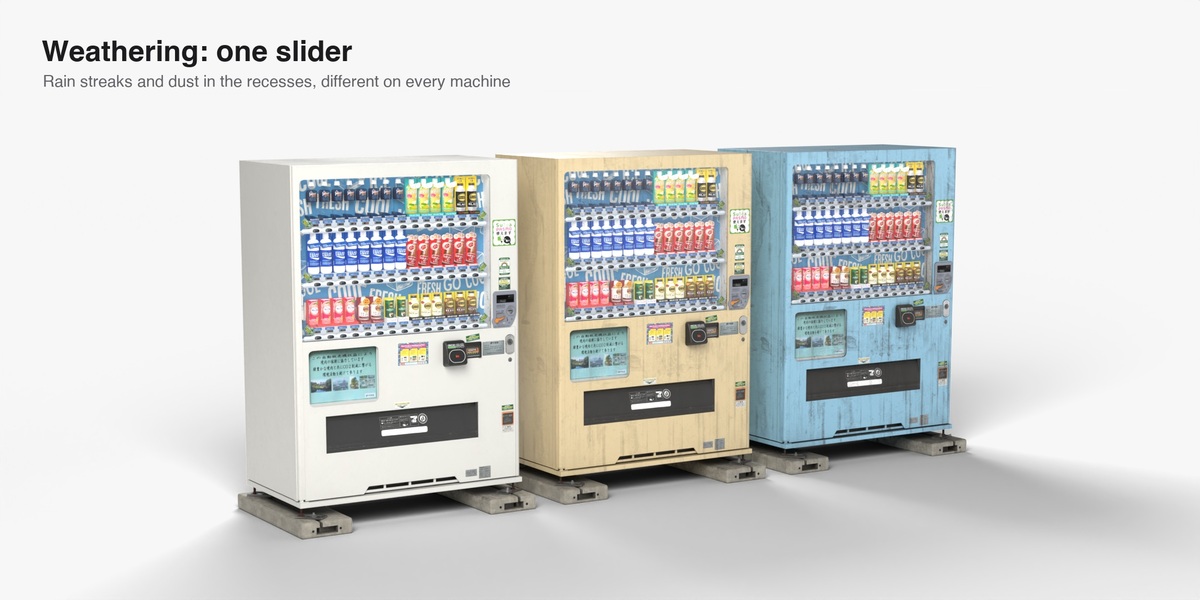
| Weathering | Grunge | Rain-leak streaks, plus dust that gathers in recesses and on top. Different on every machine. |
| Scale | Size of the streak pattern. 2 is twice as large. | |
| Seed | Which part of the pattern each machine gets. The shuffle button picks a new one. |
Only the cabinet paint changes color; stickers, glass, steel and concrete keep their own.
Image paint
Press the folder button and open any image file.
| Control | What it does |
|---|---|
| Front / Wrap / All Sides | Front fits the picture to the front face. Wrap runs it around the body: left side, front, right side, back. All Sides shows the whole picture on every side. |
| Fit | Fill covers the area and may crop. Fit shows the whole picture. Stretch ignores its shape. |
| Scale, Offset | Size and position of the picture. |
| Repeat | Tile the picture instead of showing it once. |
| Under | The color that shows where the picture is transparent or does not reach, so logos with a transparent background work. |
One picture is shared by all machines in the file.
Turning it into a normal mesh
Object > Apply > Visual Geometry to Mesh and Apply on the modifier give you the mesh exactly as it looks, with every machine's color, lights and weathering. The look is stored on the mesh, so it stays after you move, join or edit it.
With Instances on there is no mesh to apply (Blender gives an empty object). Turn Instances off first.
Geometry Nodes
The add-on is one node group, Vending Machine. You can use it without the panel:
- As a modifier on any mesh, point cloud or curve: every vertex or point gets a row of machines, and a curve gets machines along its length. Edit the vertices or the curve to move or add machines. Switch the curve's direction to face them the other way.
- As a node in your own tree: feed it points, read the result.
Each machine carries its look in four color attributes (on the instance, or on the points of the real mesh):
| Attribute | RGB | Alpha |
|---|---|---|
vm_paint |
paint color | 1 = paint with the picture |
vm_paint2 |
gradient end color (same as the paint color for a flat color) | light brightness, 0 is off |
vm_blend |
R and B: gradient direction, G: size of the streak pattern | grunge, 0 clean to 1 weathered |
vm_spot |
where on the streak pattern the machine sits | not used |
To drive them yourself, add Store Named Attribute after the node (Instance domain with Instances on, Point domain otherwise).
Good to know
- One node group, two meshes (with and without blocks), two materials, ten textures (2K, packed in the file). All machine objects share them.
- Files keep rendering without the add-on installed.
- Every control can be keyframed or driven from the modifier tab.
- About 100,000 triangles per machine. For rows of many machines, turn on Instances.
- The sidebar tab name can be changed in the add-on preferences.
License
Add-on code: GPL 3.0 or later. 3D model, textures, icon and node group: Editorial license. Both are stated in LICENSE.txt inside the zip.
Have questions about this product?
Login to message
| Blender Extension Compatible | Yes |
| Published | about 2 hours ago |
| Blender Version | 4.5 - 5.0 |
| Extension Type | Add-on |
| Render Engine Used | Cycles, Eevee |
| Misc Data | Uvs-Unwrapped, Normal-Mapped, Textured |
| License | GPL |
Discover more products like this
urban Generator environment tokyo drinks vending machine geometry nodes japan japanese vending machine street prop