 Impression Sunrise



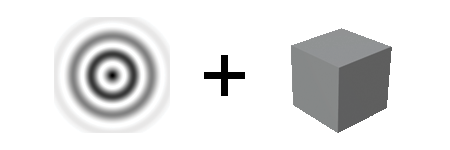
Using the addon is very simple:
1. Select your image
2. Select your object.
3. Choose the matrix resolution and how the image will deform your objects


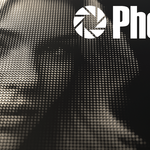
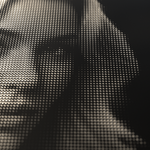
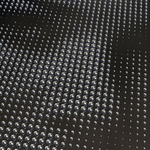
Brightness of the image determines the strength of the scaling and/or rotation. Scaling and rotation can be isolated to any or all of the X, Y and Z axis. Photographs, like that of the woman above take on a whole new look.


Logos work fantastically with Photrix. Images don't just have to be black and white either. To prevent Photrix from generating unnecessary instances, like in this Blender logo demonstration, the brightness clip value was used, stopping instances being created for parts of the reference image that are above or below a certain value.


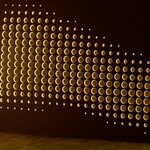
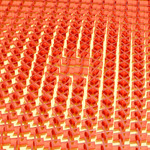
Once the grid has been created, you can use the "Join Instances to Mesh" button to make it a single object, after that, it can be used alongside a Boolean modifier to cut into other objects to create intricate patterns, in this instance to make an illuminating feature wall lamp.


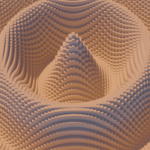
Use just the rotate function can be a quick way to generating geometrically intricate results. With both the scale and rotate function the maximum and minimum amounts to which effect is applied can be easily tuned.

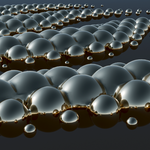
In addition to the Merge Instance to Mesh function, there is also the option to merge them in the way a Boolean Union modifier would, which while slower, stops there from being intersecting geometry and allows for edge effects between instances, like here, where you can see the metal balls melding together.
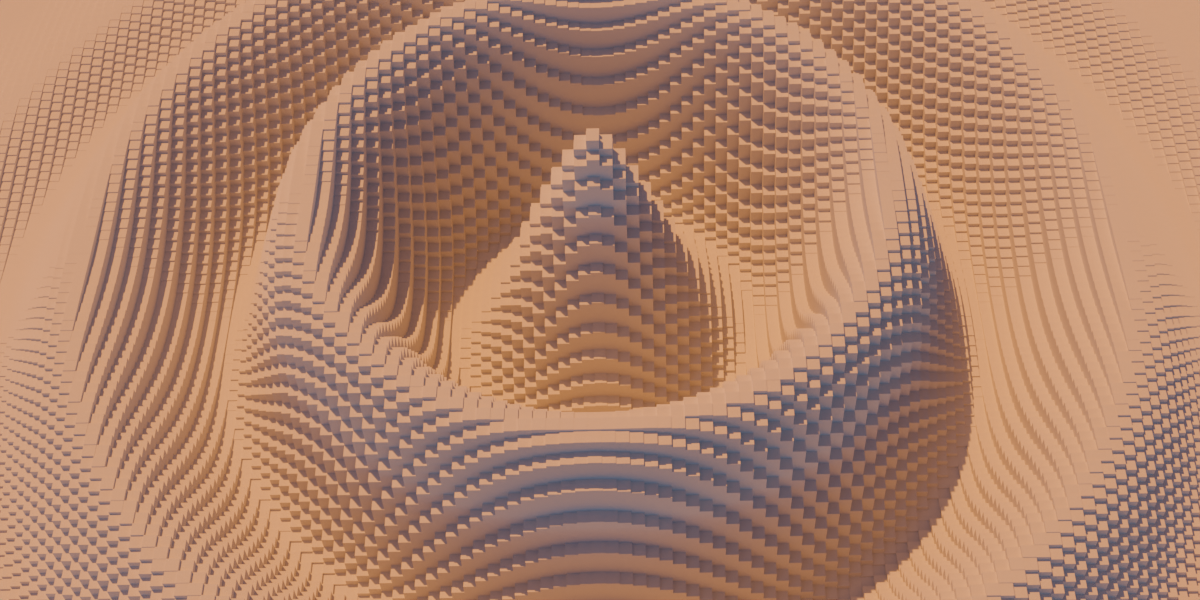
Though of course the sky is the limit, for jumping in there are 12 different images to use with the addon included. High contrast images work best, though they don't have to be black and white.

