Lazy3D
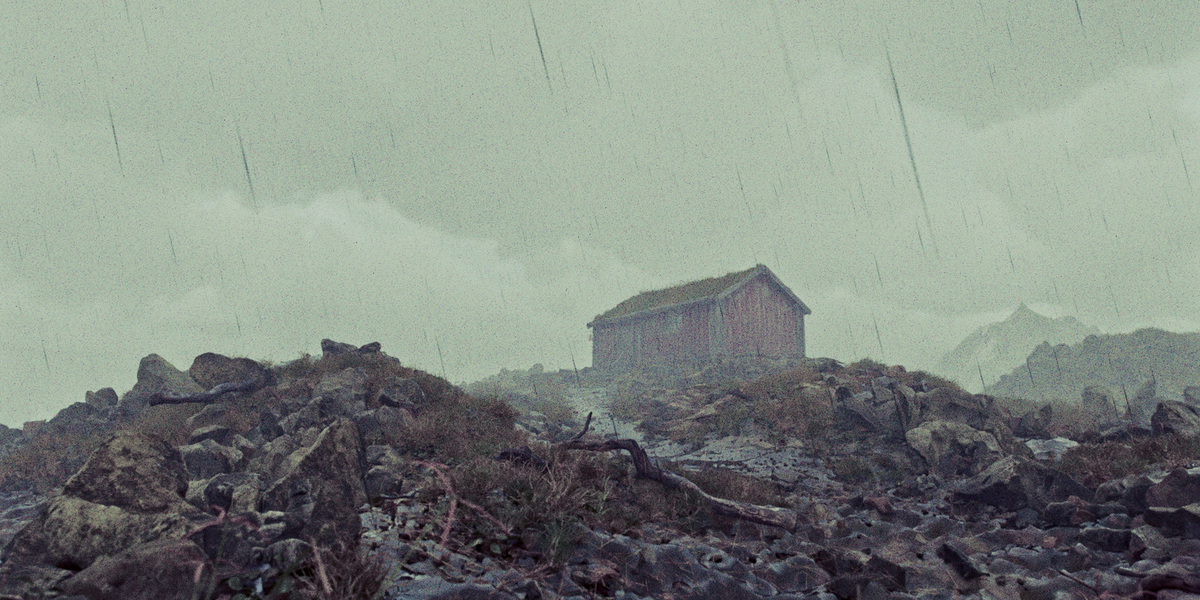
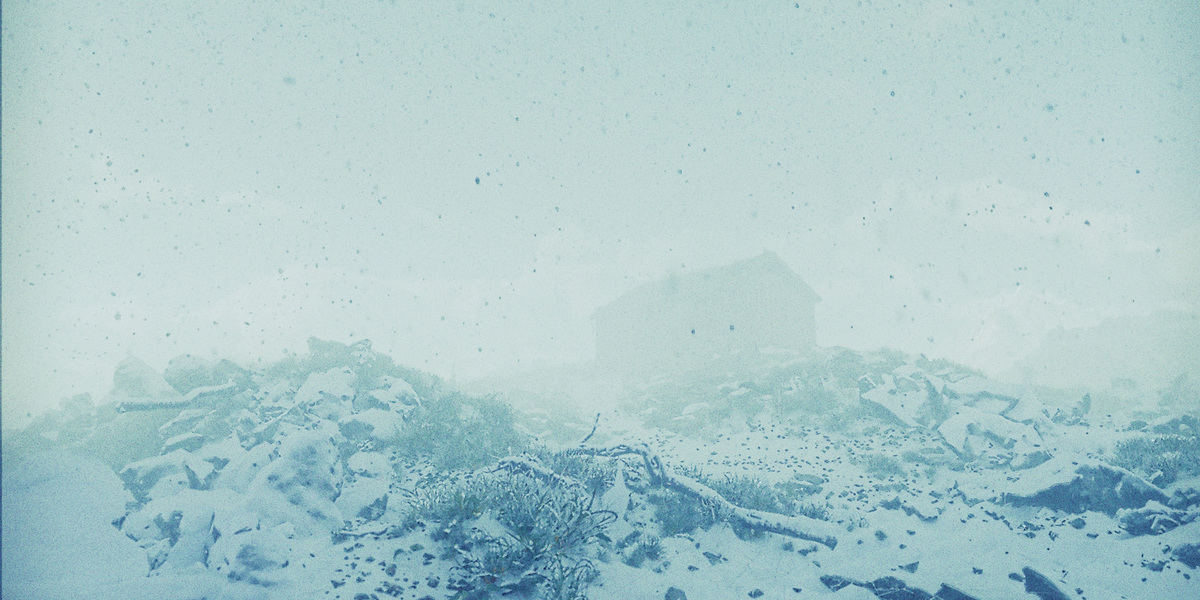
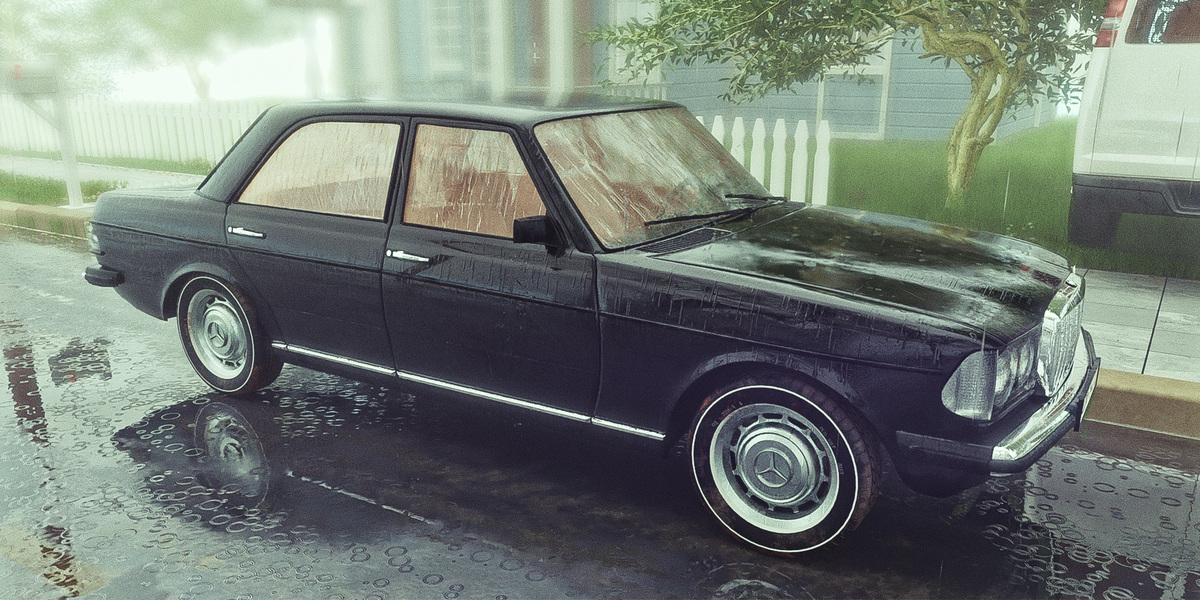

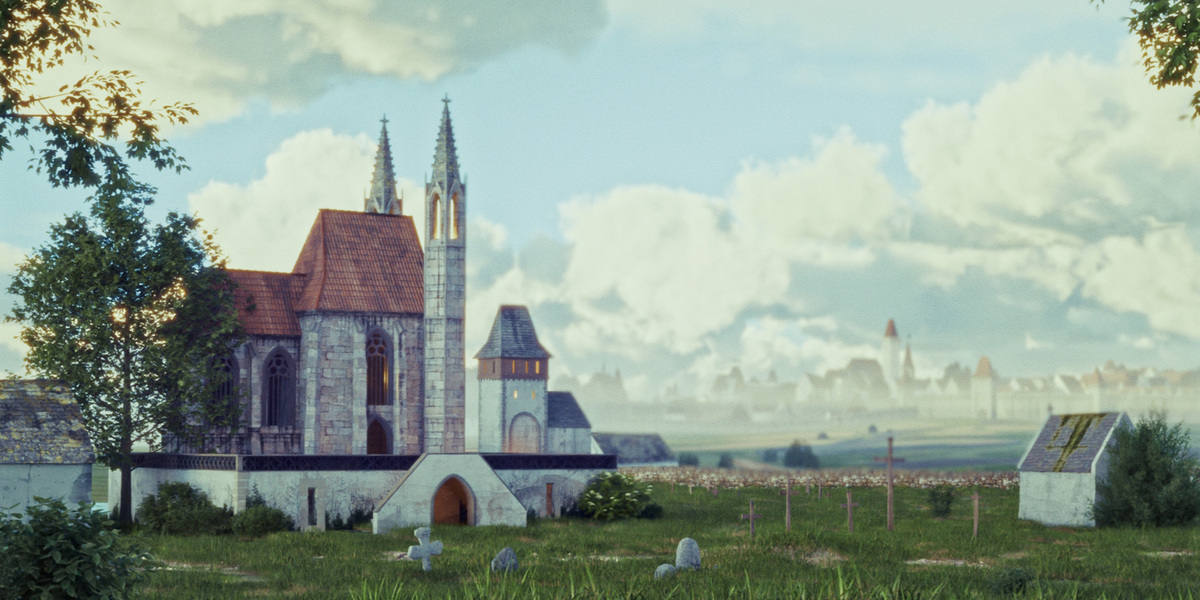
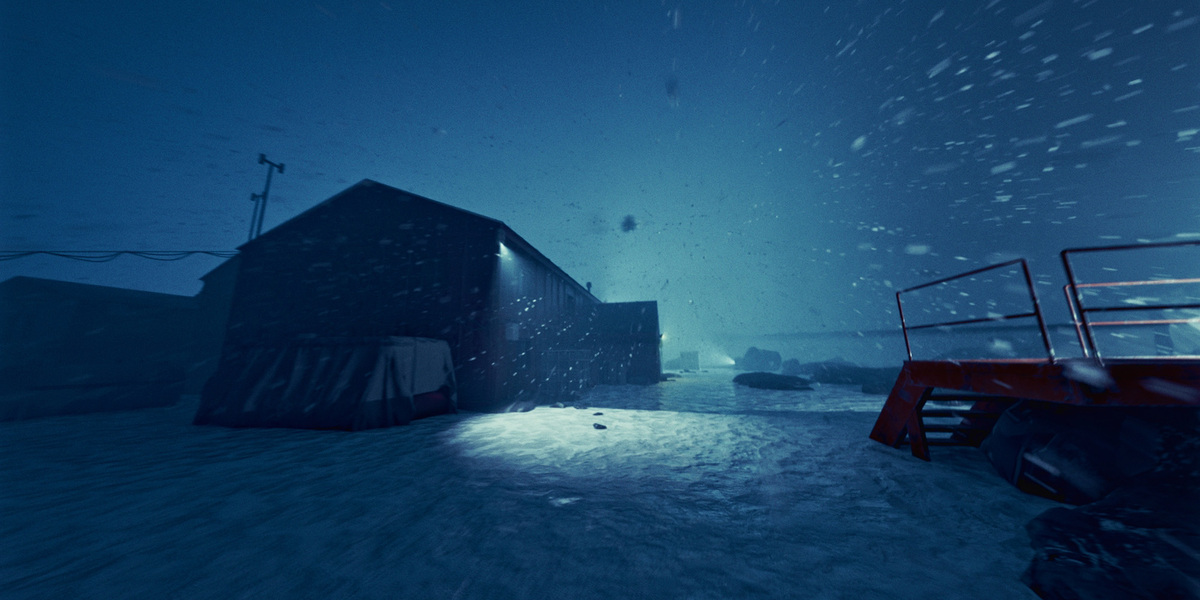


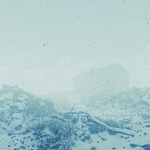



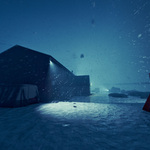

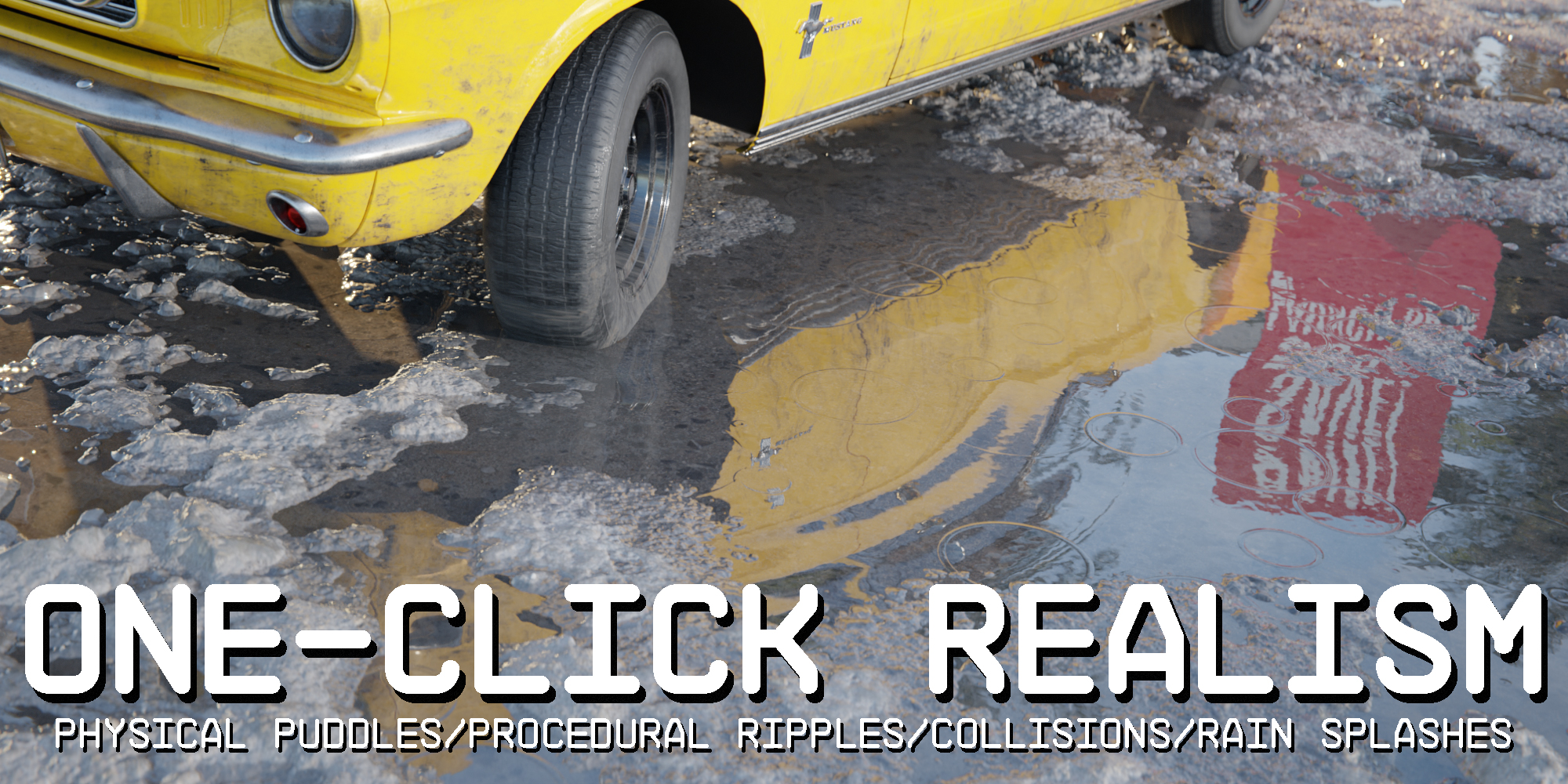
Physical Weather FX is a flexible and easy-to-use addon that adds dynamic, realistic weather effects to your Blender projects. It’s perfect for creating atmospheric scenes, cinematic environments, or quickly applying weather effects to any scene. From rain and snow to fog and wind, this addon makes it effortless to bring lifelike weather conditions into your projects.
Watch the video to see the full capabilities of the Physical Weather FX addon and how it can transform your weather effects workflow in Blender!
Key Features
-
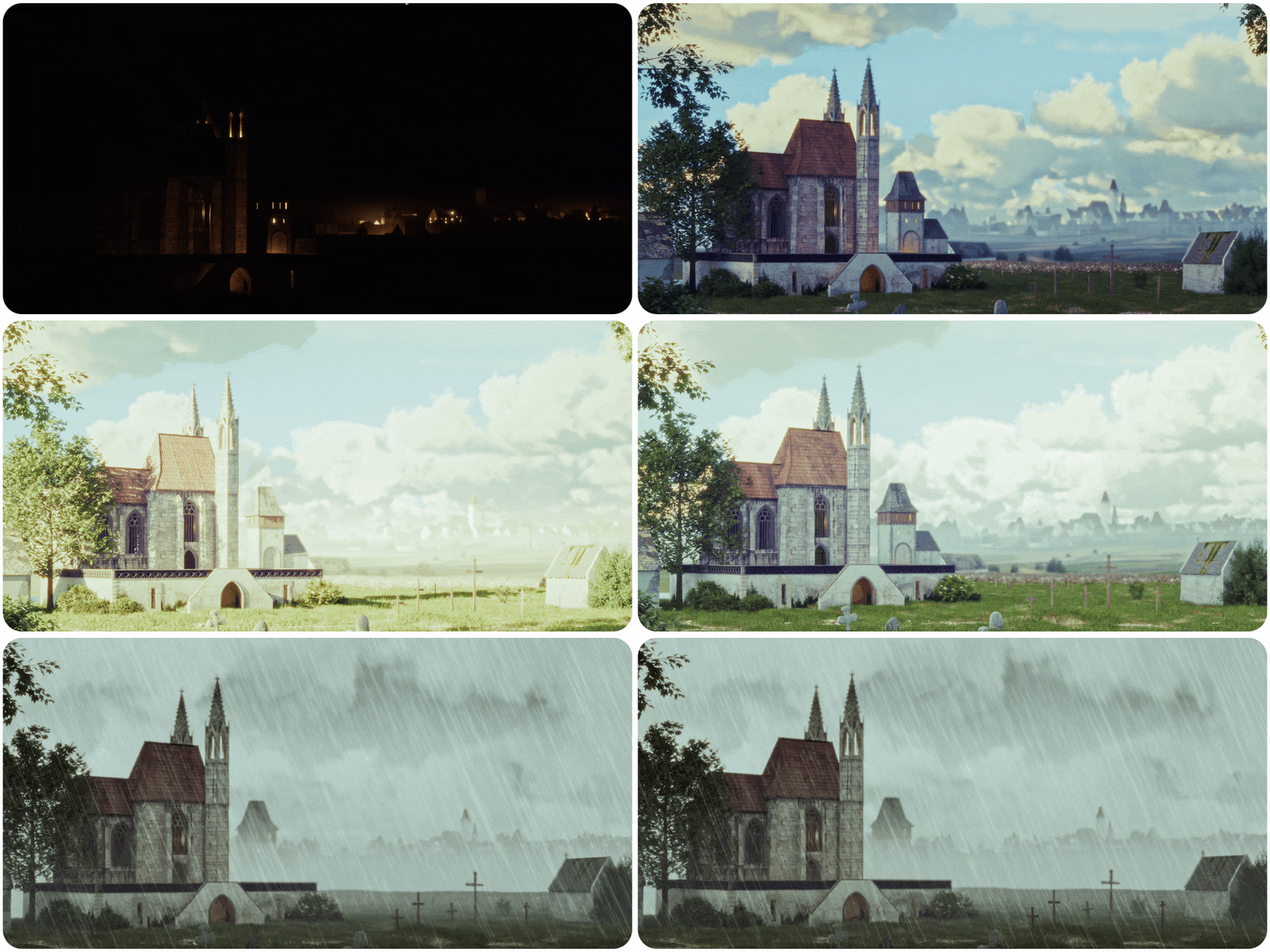
Realistic Weather Simulations: Easily generate realistic rain, snow, wind, and fog effects with full control over parameters like particle size, gravity, and velocity.
-
Customizable Presets: Quickly apply pre-configured weather presets for common conditions like sunny days, storms, or snowy scenes. Customize these presets to fit your scene perfectly.
-
Realistic Weather FX Shader: Apply custom shaders to objects, transforming them in real time based on the weather conditions, for truly immersive effects.
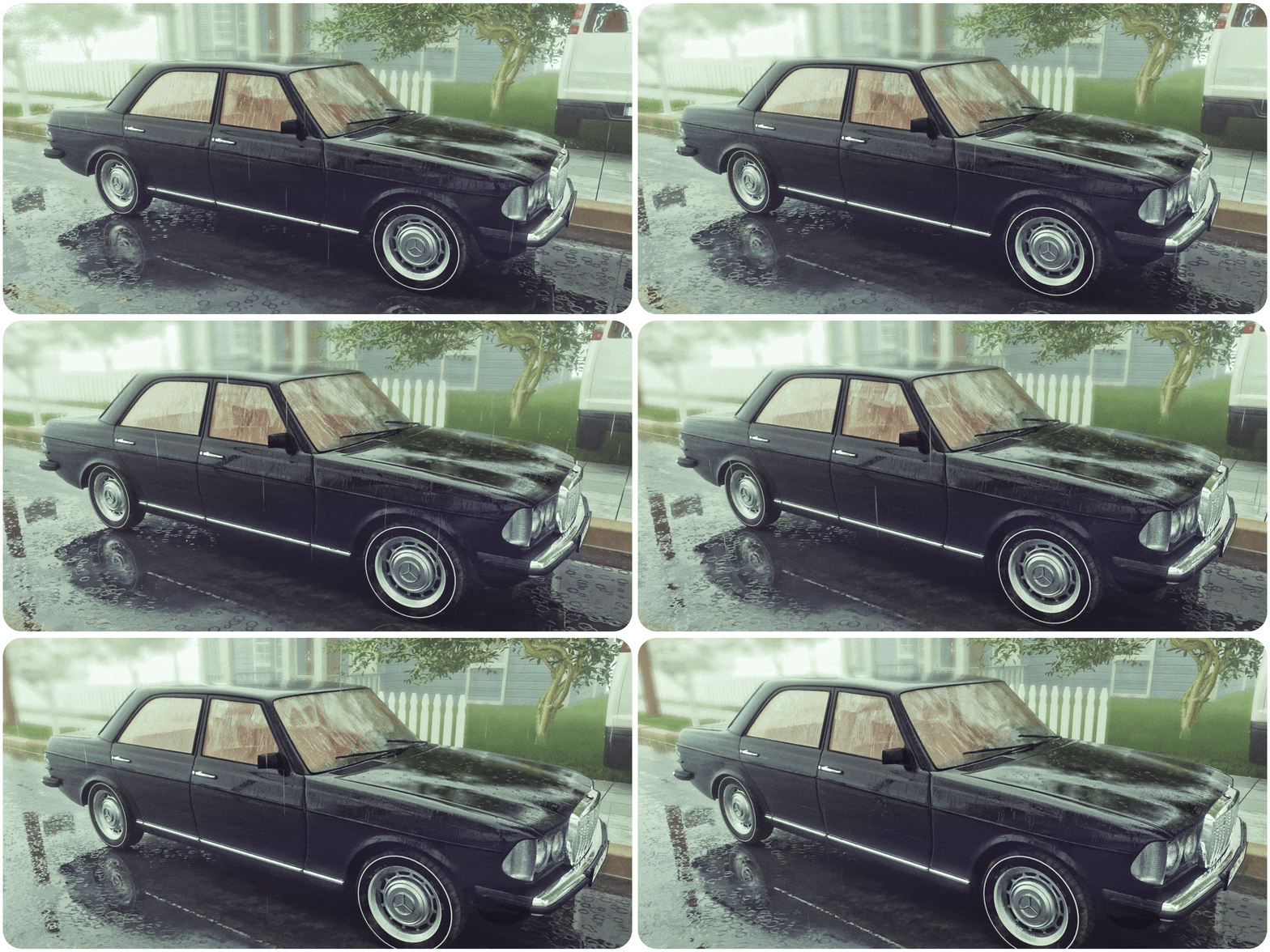
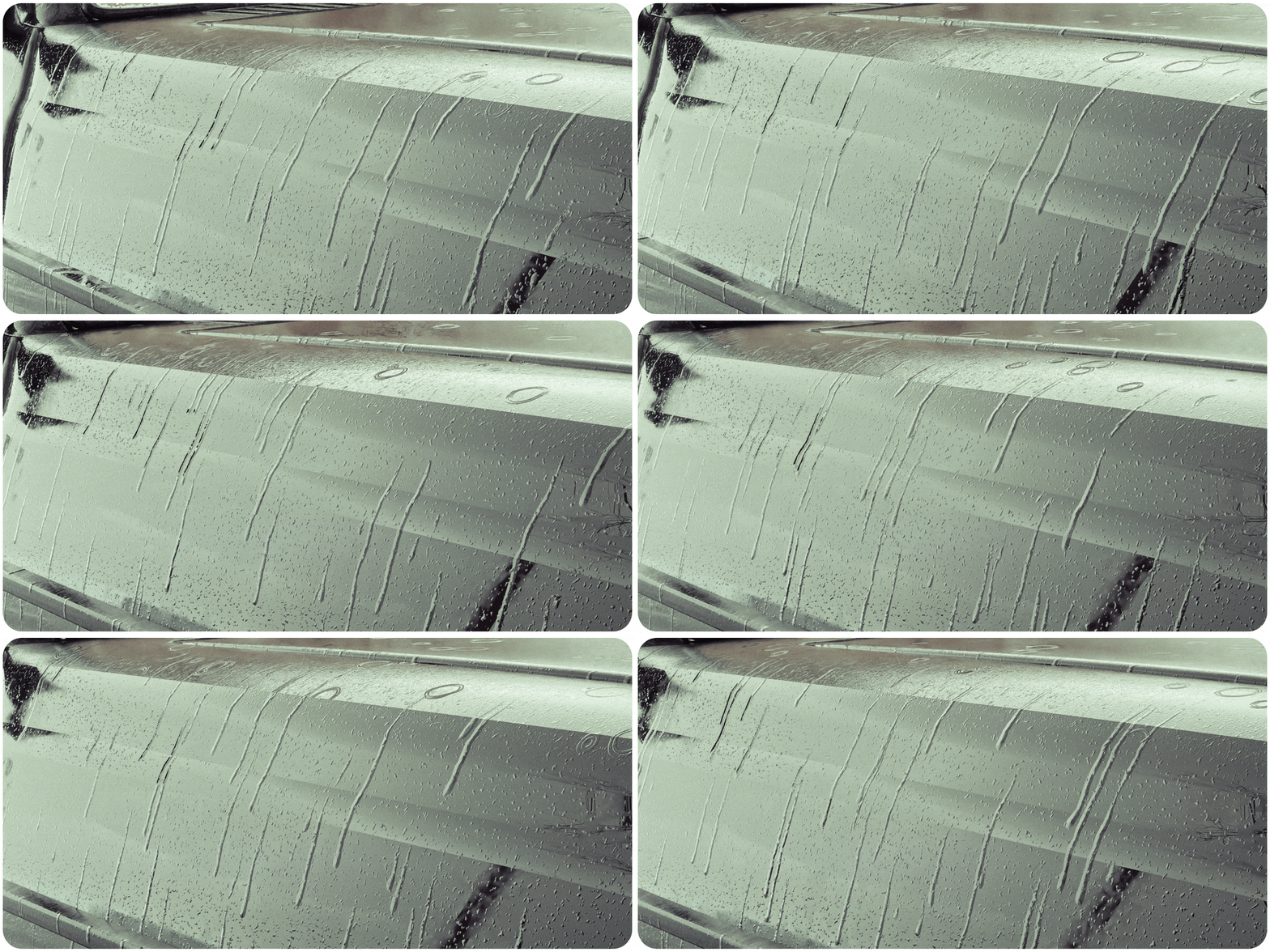
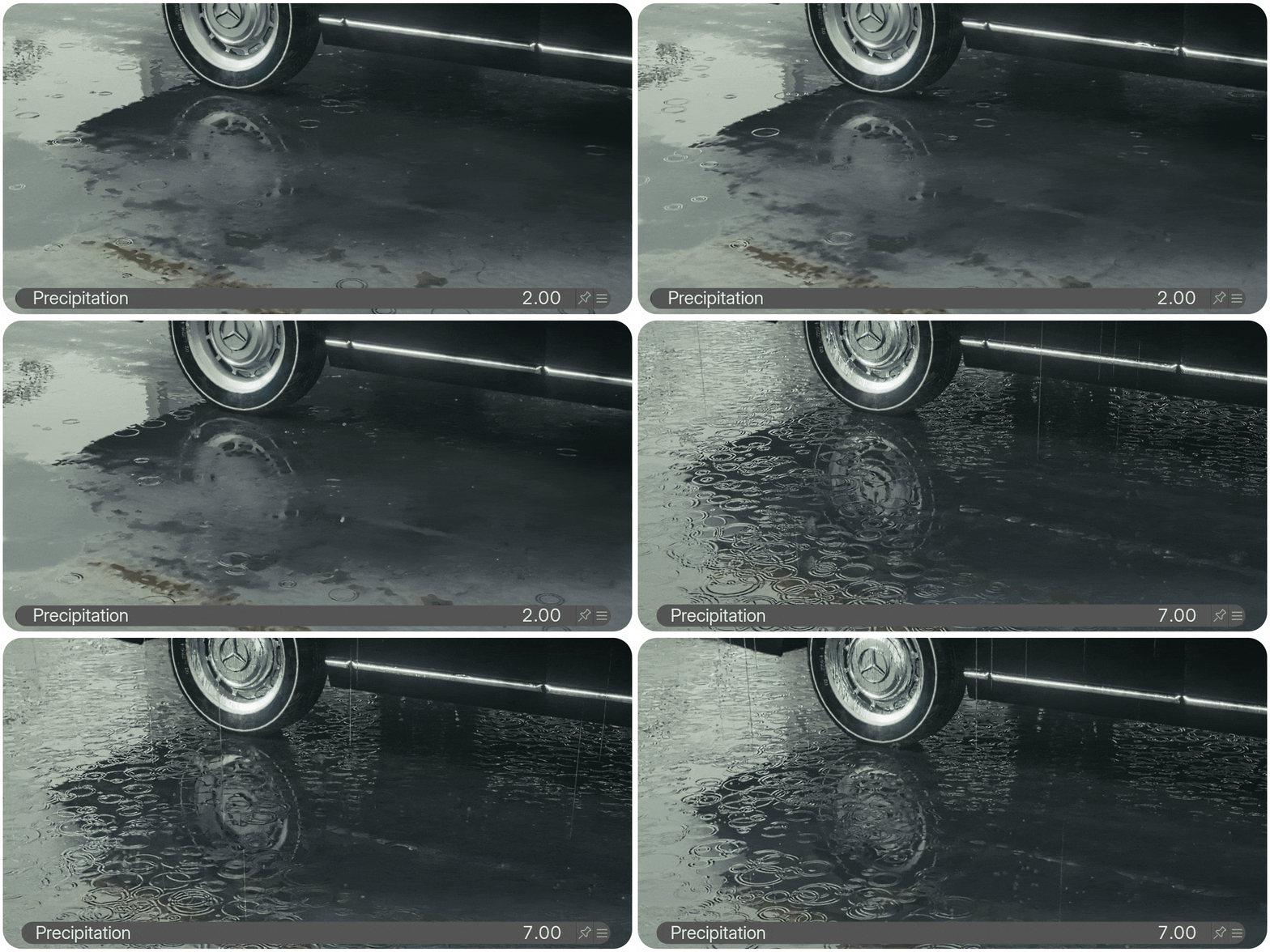
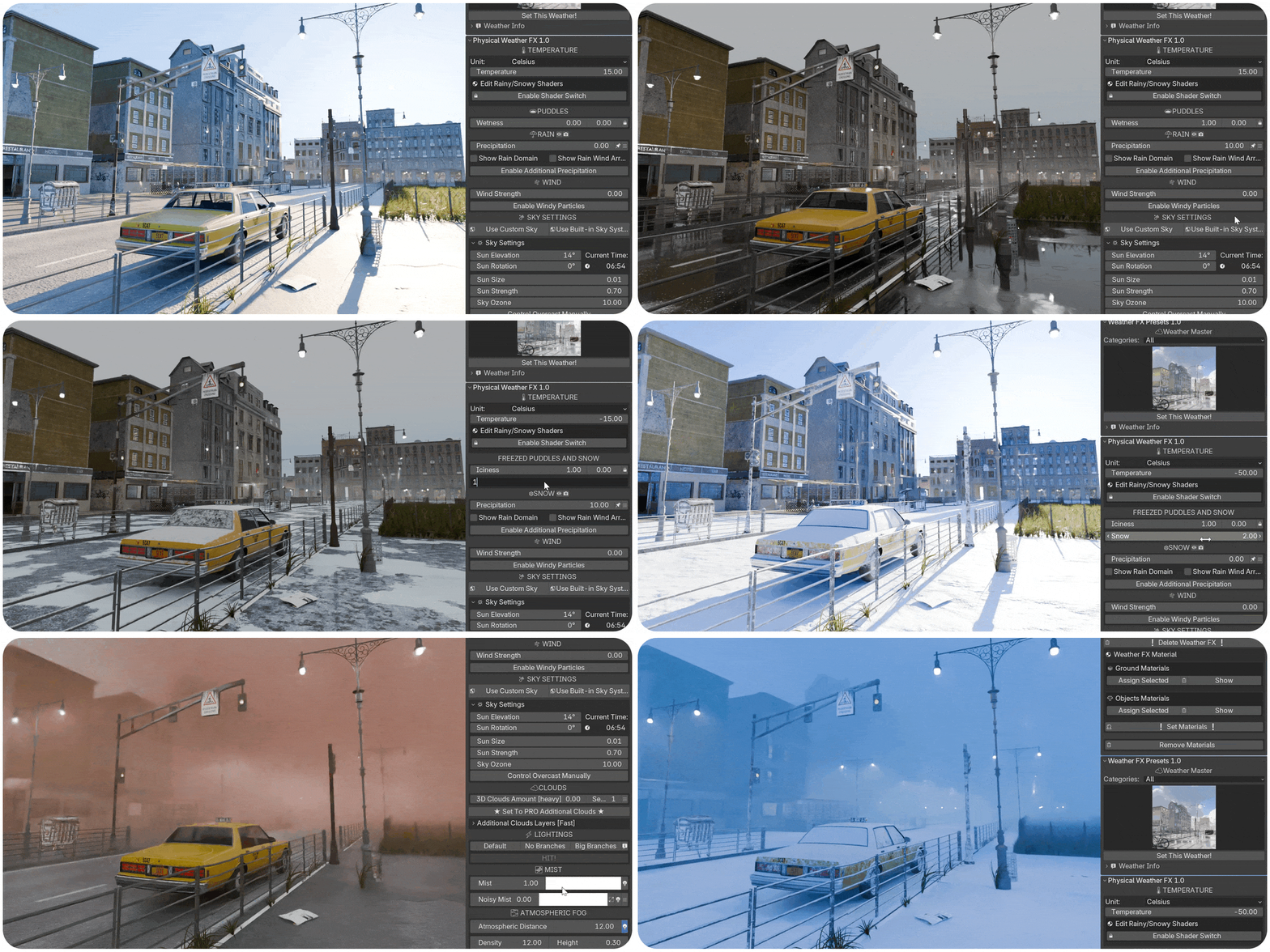
Complete Ecosystem: All settings in Weather FX are interconnected, meaning adjustments to one aspect automatically influence others. For example, increasing precipitation will make materials wetter, changing the temperature to a negative value will switch rain to snow, adjust object shaders to snowy and icy textures, and alter the sky’s appearance. These nuances make the weather simulation more dynamic and believable.
-
Procedural Sky and Lighting: Create dynamic skies with customizable cloud layers, wind-driven motion, and global illumination.
-
Easy Scene Setup: Simply select the objects in your scene and press a single button! Your weather system is instantly set up and ready to go!
-
Realistic Splashes Simulation: Realtime simulated splashes at the place where rain hits colliders, also works with animated objects

-
Lighting and Fog Effects: Enhance your weather simulation with noise-driven fog effects that add depth and realism to your environments, as well as advanced lighting setups for a more cinematic look.
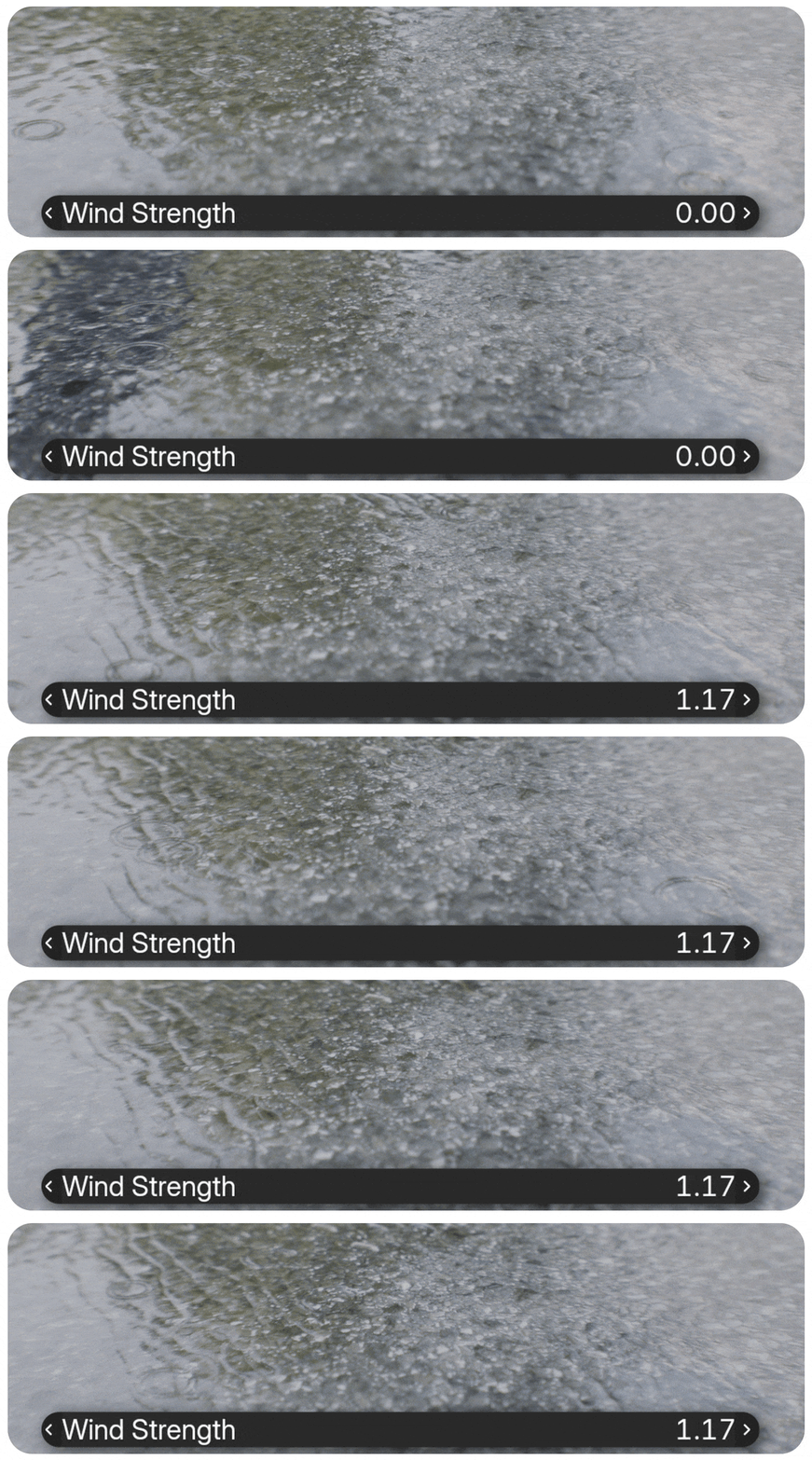
Wind Effects: Wind not only affects clouds and precipitation but also impacts ripple direction in puddles, adding even more depth to your simulations.
Why Weather FX?
Weather FX simplifies the complex task of creating natural weather effects in Blender. Its powerful procedural systems allow you to simulate a wide range of weather conditions with minimal effort, making it an invaluable tool for both beginners and professionals alike. Whether you're creating realistic outdoor scenes, stormy environments, or peaceful snowy landscapes, Weather FX ensures that your weather effects are as lifelike as possible.
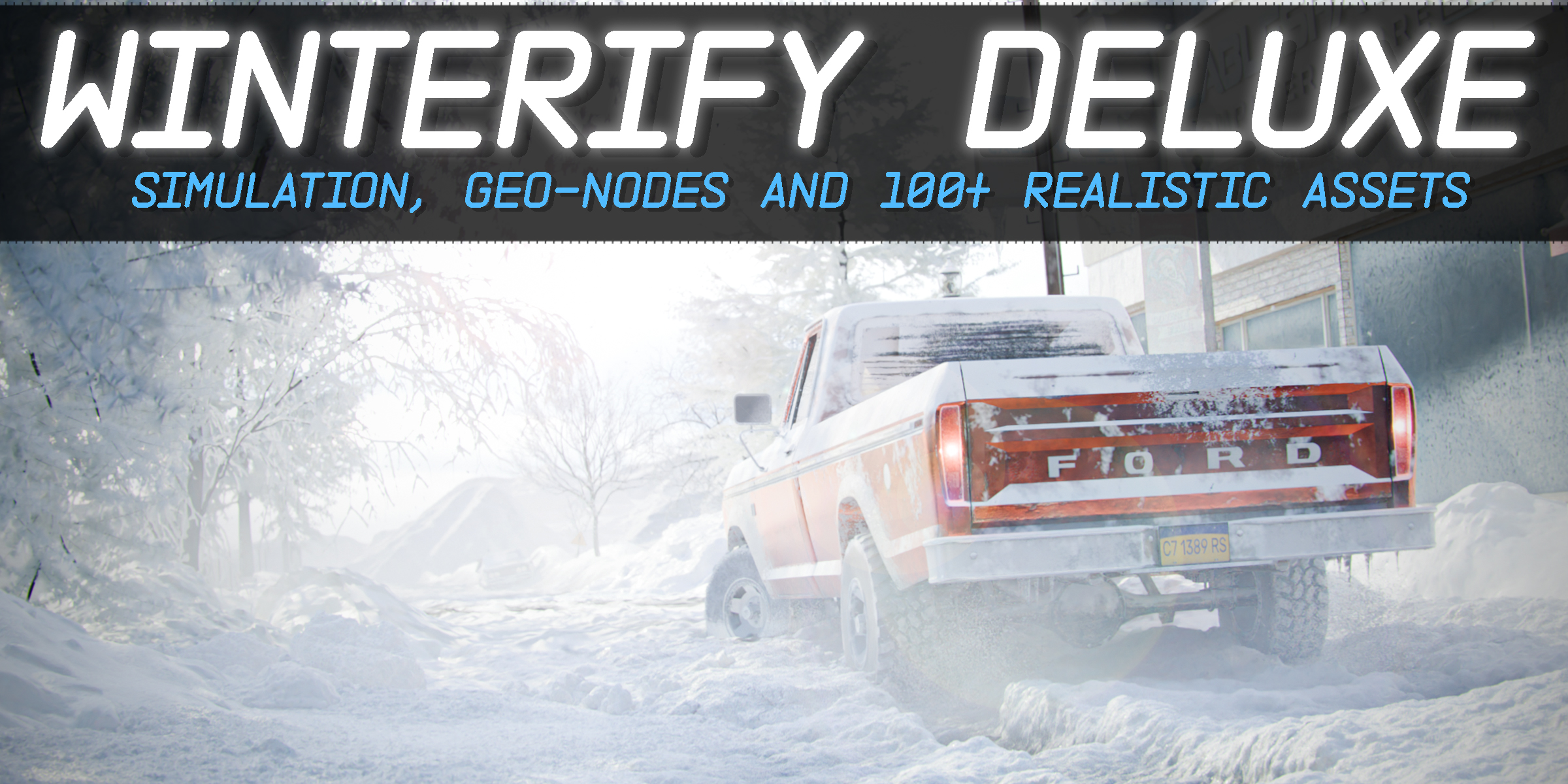
In the end, with this one product, you get: weather setup for your scene in just a few clicks, weather presets, realistic weather shaders for objects (puddles, raindrops, splashes, snow, and ice), procedural rain and snow simulators with collision, wind, and splashes, sky and lighting system, clouds scatter system, procedural volumetric clouds layer, lightning bolts, and procedural mist and horizon in a few clicks.
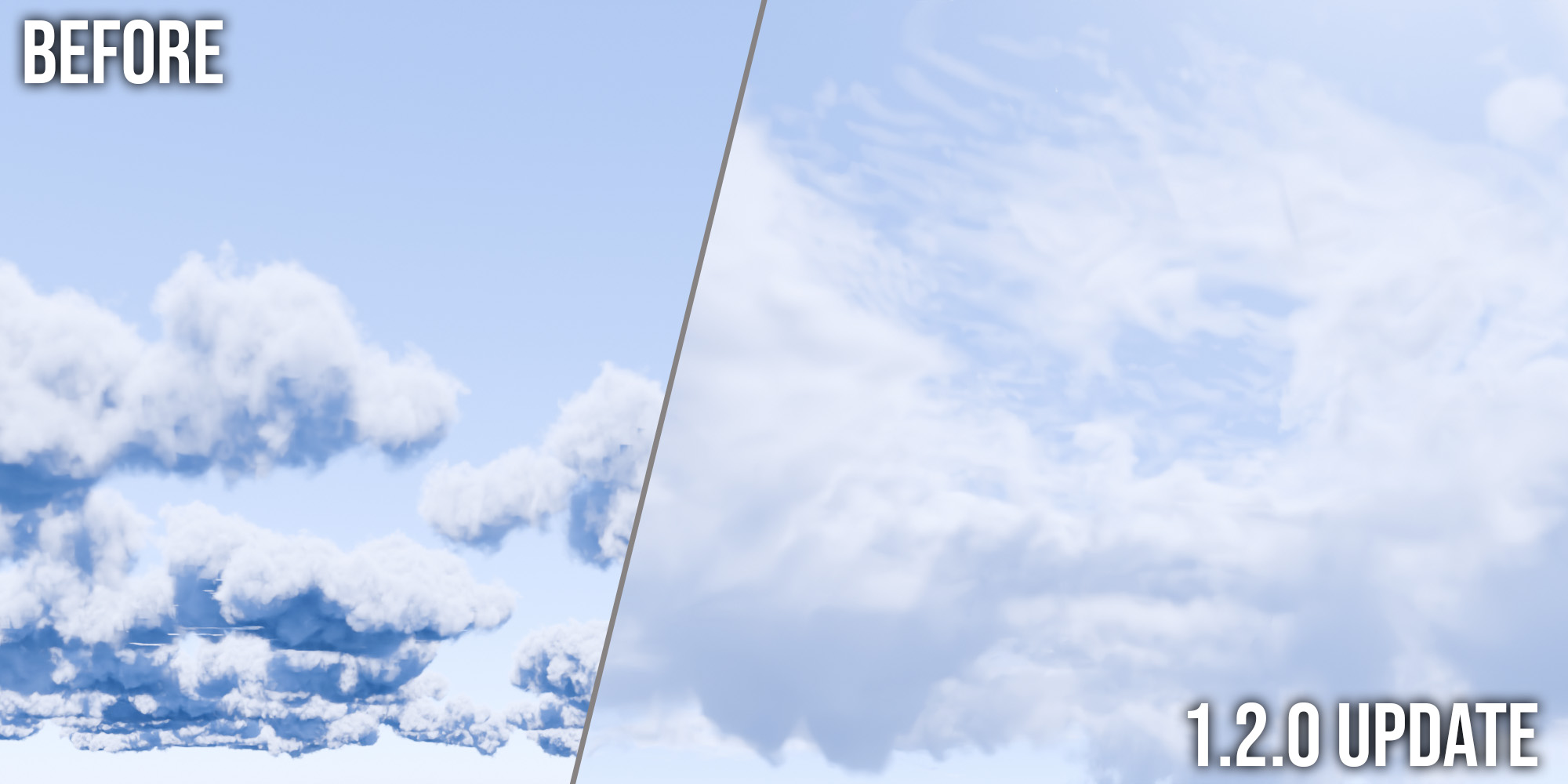
Free Update 1.2.0 - Realistic Clouds Reworked

Limitations
Performance in Heavy Scenes: Using Weather FX in scenes with a large number of high-poly models may result in input delays or performance drops. Based on testing, when working with scenes containing 130 objects and a total polygon count of around 4 million, performance issues were observed. It’s recommended to optimize scene complexity for smoother performance, especially when using advanced weather effects like volumetric clouds and noise-driven fog.
Low-Poly Proxies for Colliders: For optimal performance, it’s recommended to use low-poly proxies for rain colliders. This helps maintain fluid performance even in complex scenes.
Single Weather FX System per Project: Only one Weather FX system can be used per project. It’s recommended to split your scenes into multiple projects and add weather effects separately to avoid performance issues.
Limitations in Animating Global Variables: Currently, global variables cannot be animated, except for the rain intensity. This limitation may affect certain dynamic simulations that require more granular control.
Versions Info
Free: A simplified weather generator with basic rain and snow effects. Perfect for quick setups and testing weather simulations without advanced features.
Basic: Full addon with comprehensive weather effects, but without presets. This version allows full control over rain, snow, and other atmospheric effects, with the ability to manually adjust settings.
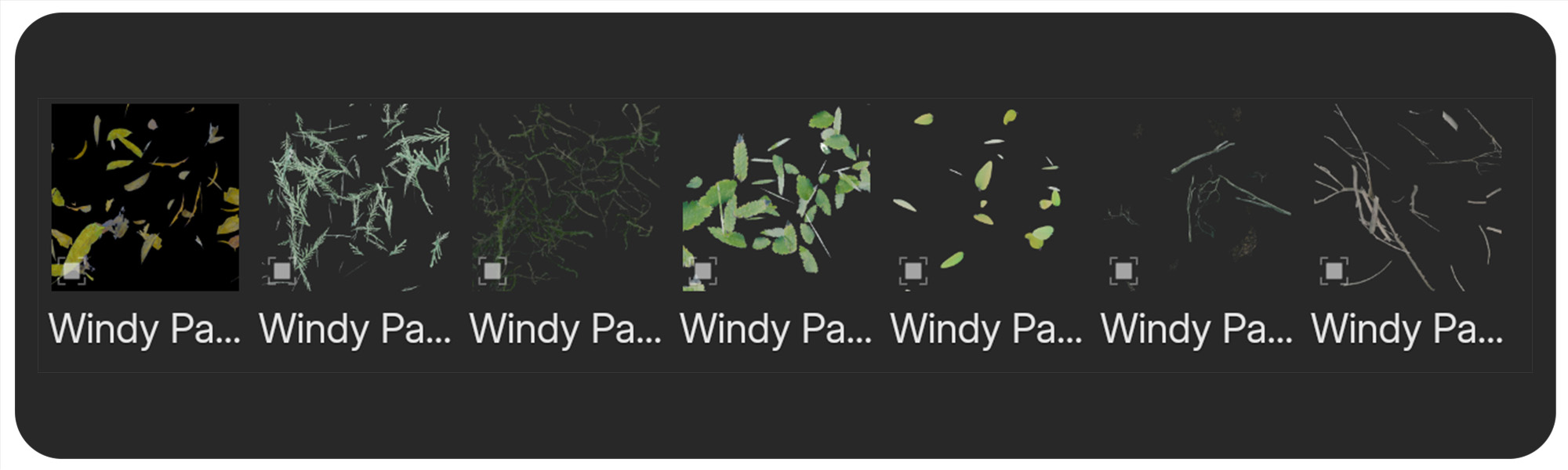
Pro: The complete version of Weather FX, including all features from the Basic version and 19 assets for the Asset Browser. This version also includes weather presets and Lighting Strikes, offering more advanced and convenient control over different weather conditions.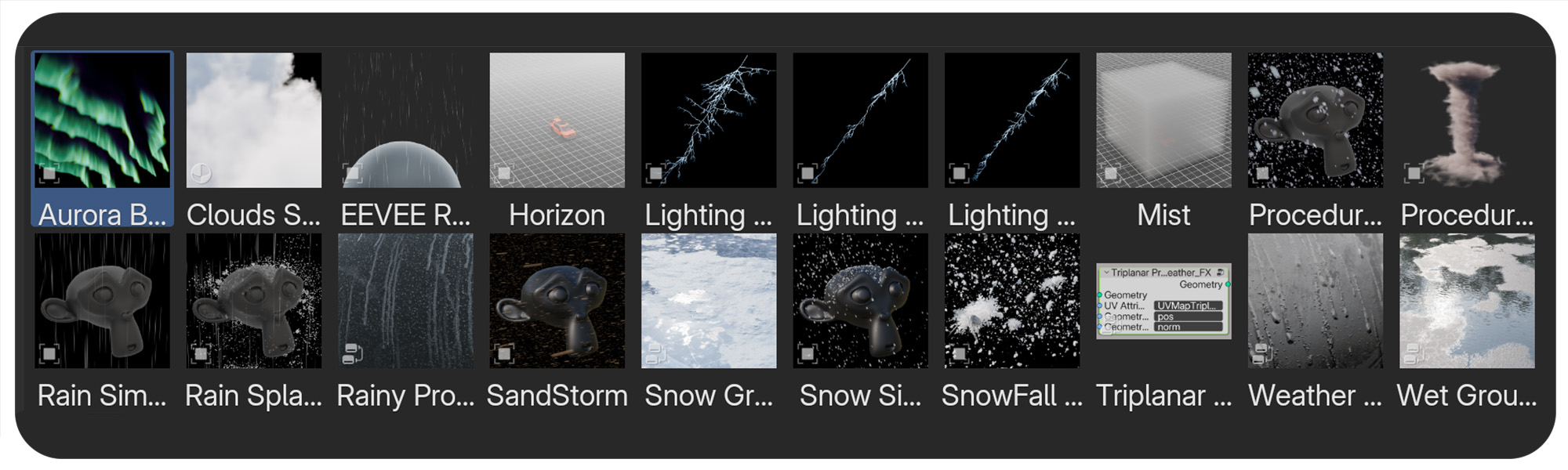
System Requirements
- Blender 4.2+ (also tested in 4.4 Beta and 4.5 Alpha)
- Recommended Hardware: While Weather FX is optimized for performance, working with scenes containing a large number of high-poly models may cause performance delays. Addon size - 1.4 GB, assets size - 2 GB. Designed for Cycles, EEVEE is also supported, but with limitations: sky sun lighting is not supported, rendering volumetric clouds could be heavy. Tested on Windows; compatibility with other systems is not guaranteed.
Support
For questions or issues, please contact us through our support channels or check out our comprehensive YouTube tutorials playlist for detailed guides on setup and usage.
Special Thanks
Special thanks to Konstantin Feyer for Clouds Assets
YouTube Tutorials: Weather FX YouTube Playlist
Credits & Responsibilities
Physical Weather FX is primarily created and developed by Lazy3D, with the Cloud Module created by Konstantin Feyer.
Lazy3D is responsible for:
- The original product concept, overall system design, and addon development
- Python scripting, addon UI, operators, controls, and workflow implementation
- Integration and organization of the different weather systems into one addon
- Rain, snow, wind, fog, lightning, weather presets, and related scene-control systems
- Weather shaders and material-based weather effects
- Geometry Nodes organization, setup, and integration, excluding the Cloud Module credited below
- Product styling, file organization, documentation, updates, support, promotion, and distribution
Konstantin Feyer is responsible for:
- The Cloud Module used in Physical Weather FX