 AFX LAB
JOLT ENGINE × VIEWPORT PAINTING
PHYSICS BRUSH
Turn a collection of assets into a believable scene in seconds.
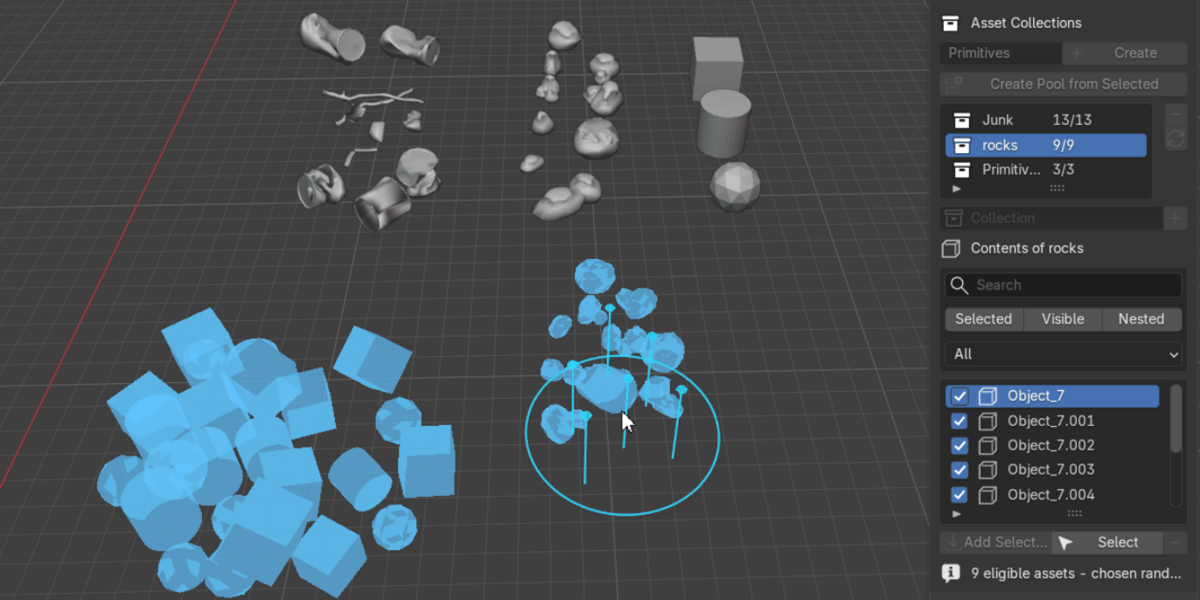
Paint objects into the viewport, let Jolt settle them naturally, then shape the result with dedicated physics brushes.
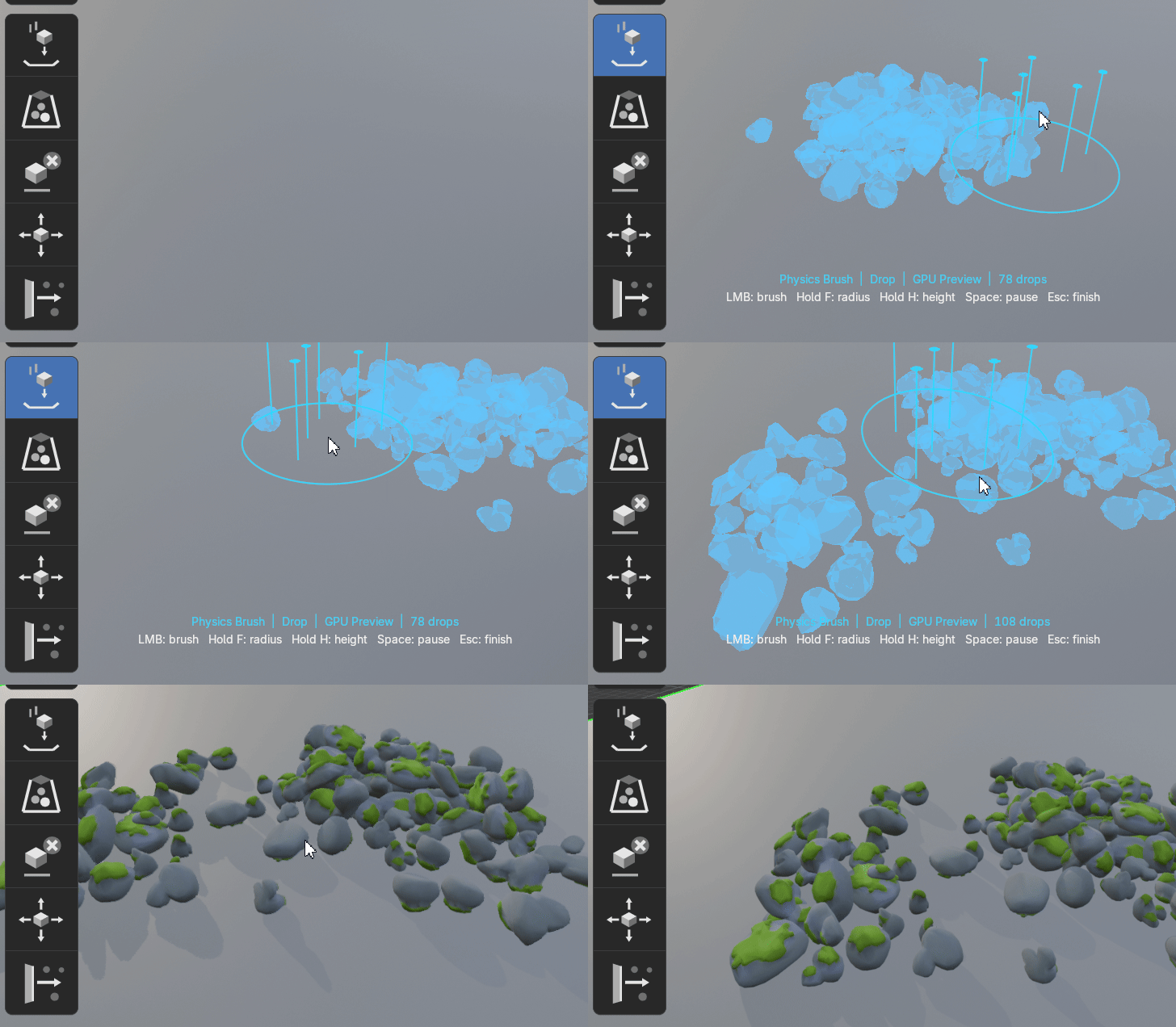
| 5 WORKSPACE BRUSHES | LIVE JOLT SIMULATION | GPU PREVIEW |
One continuous workflow—from the first drop to the final composition.
| 01 PAINTAim at a surface and place assets directly under the cursor. | 02 DIRECTPush, move, contain, and erase while physics remains live. | 03 APPLYCreate full Blender objects only when the arrangement is ready. |
THE TOOLSET
Five brushes. One live physics session.
Create the arrangement and refine it without switching to a separate rigid-body workflow.
|
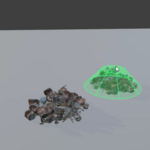
DROP Paint assets |
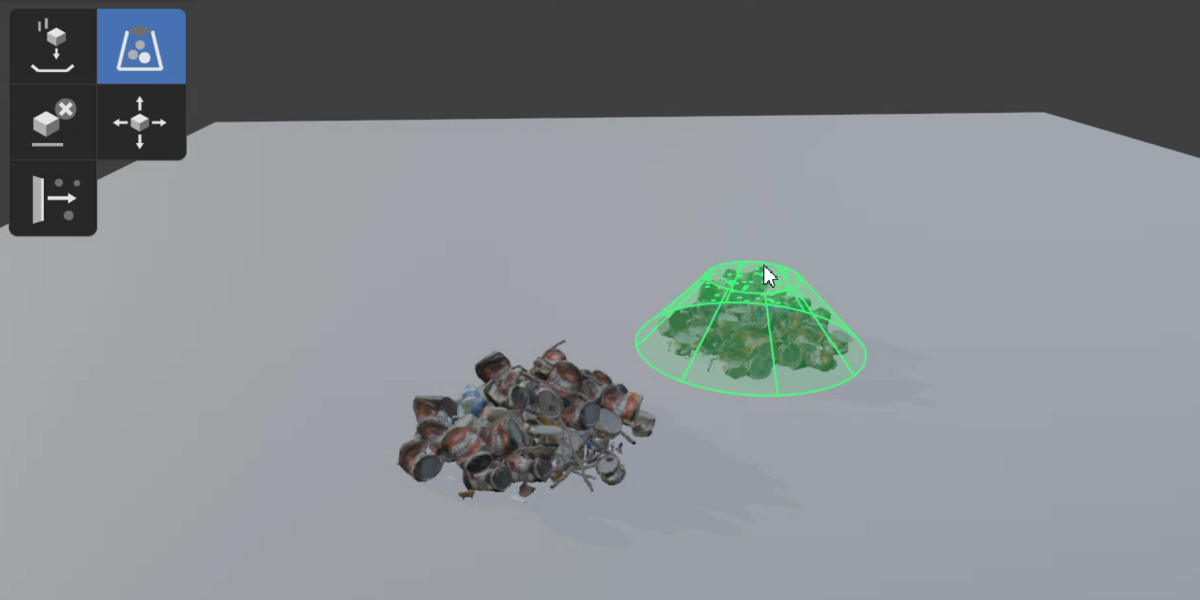
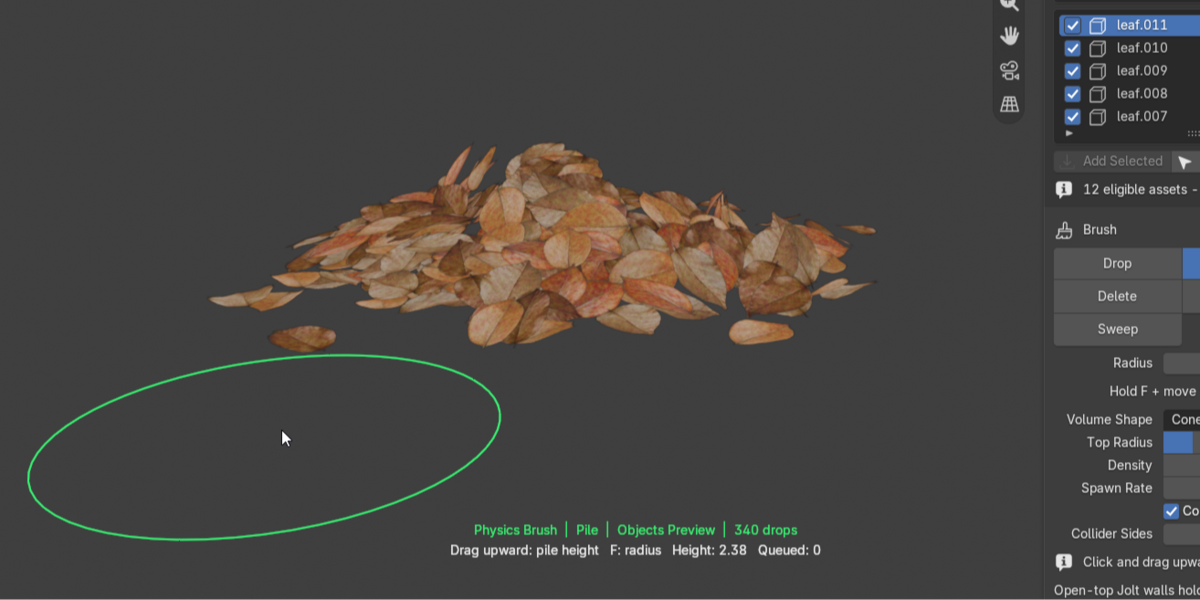
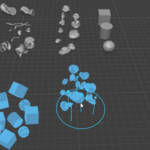
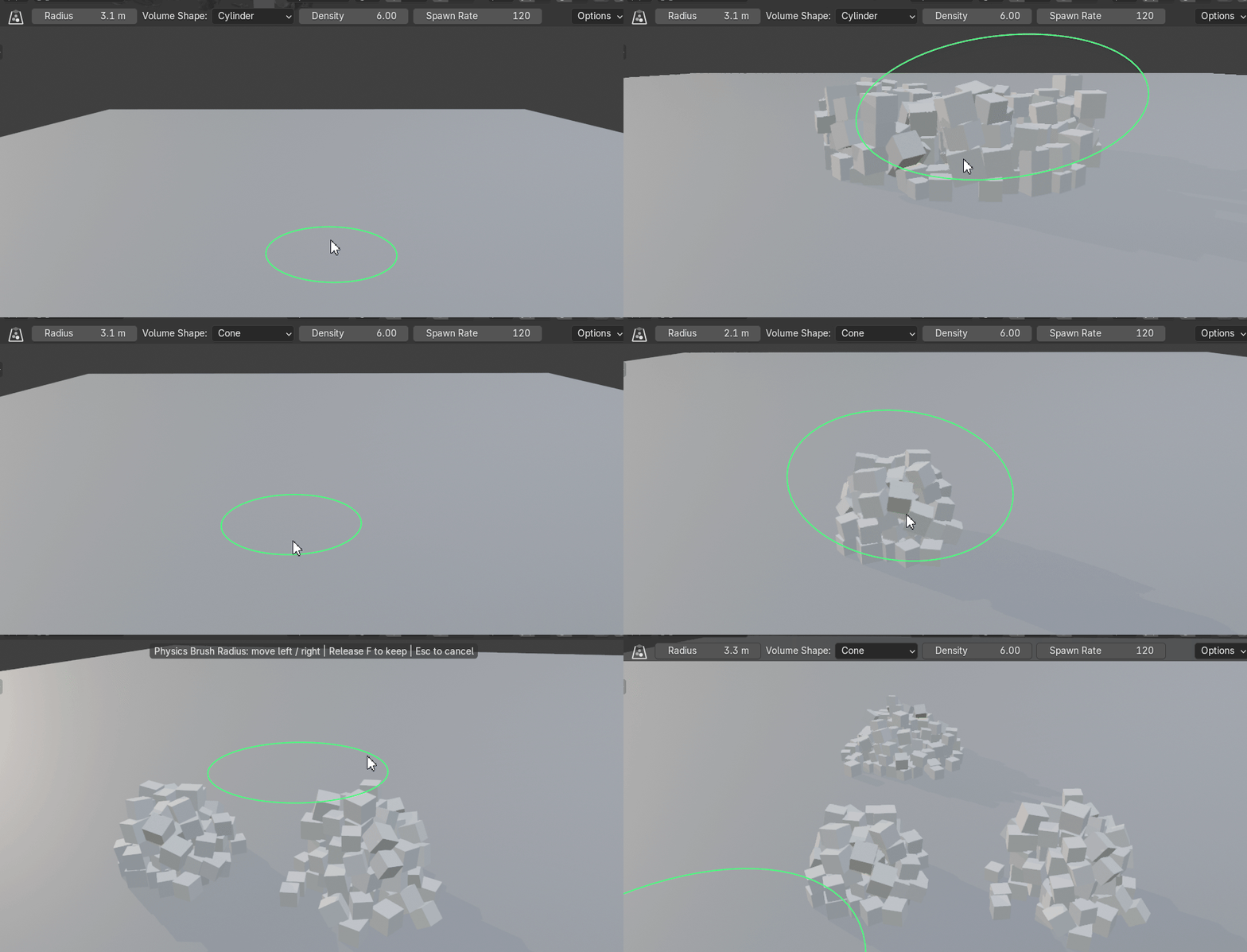
PILE Build volume |
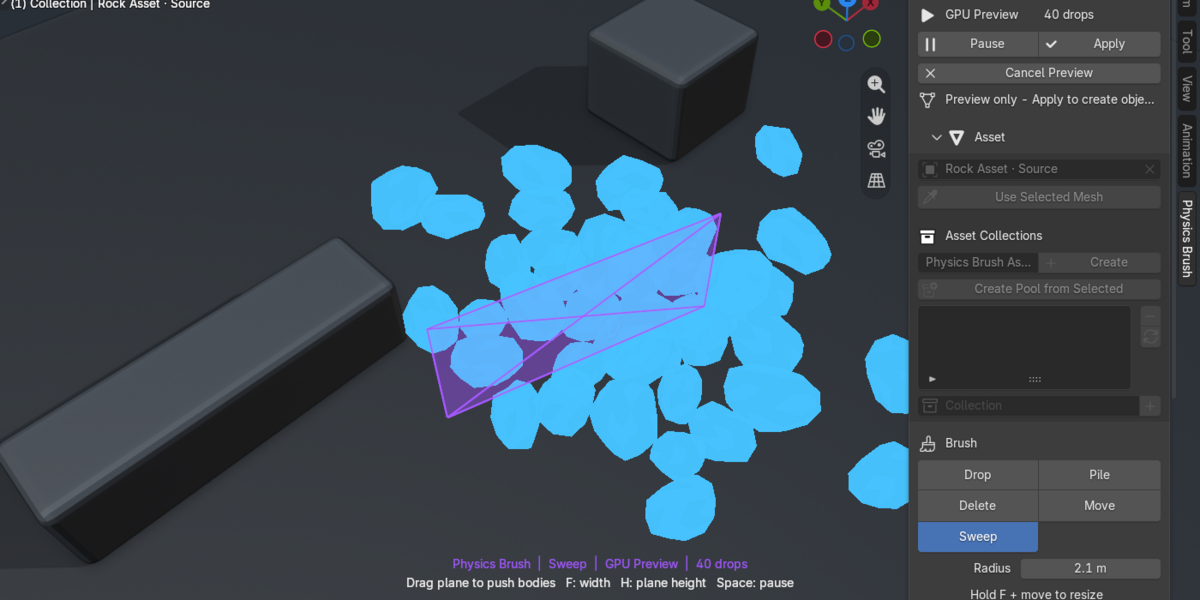
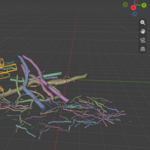
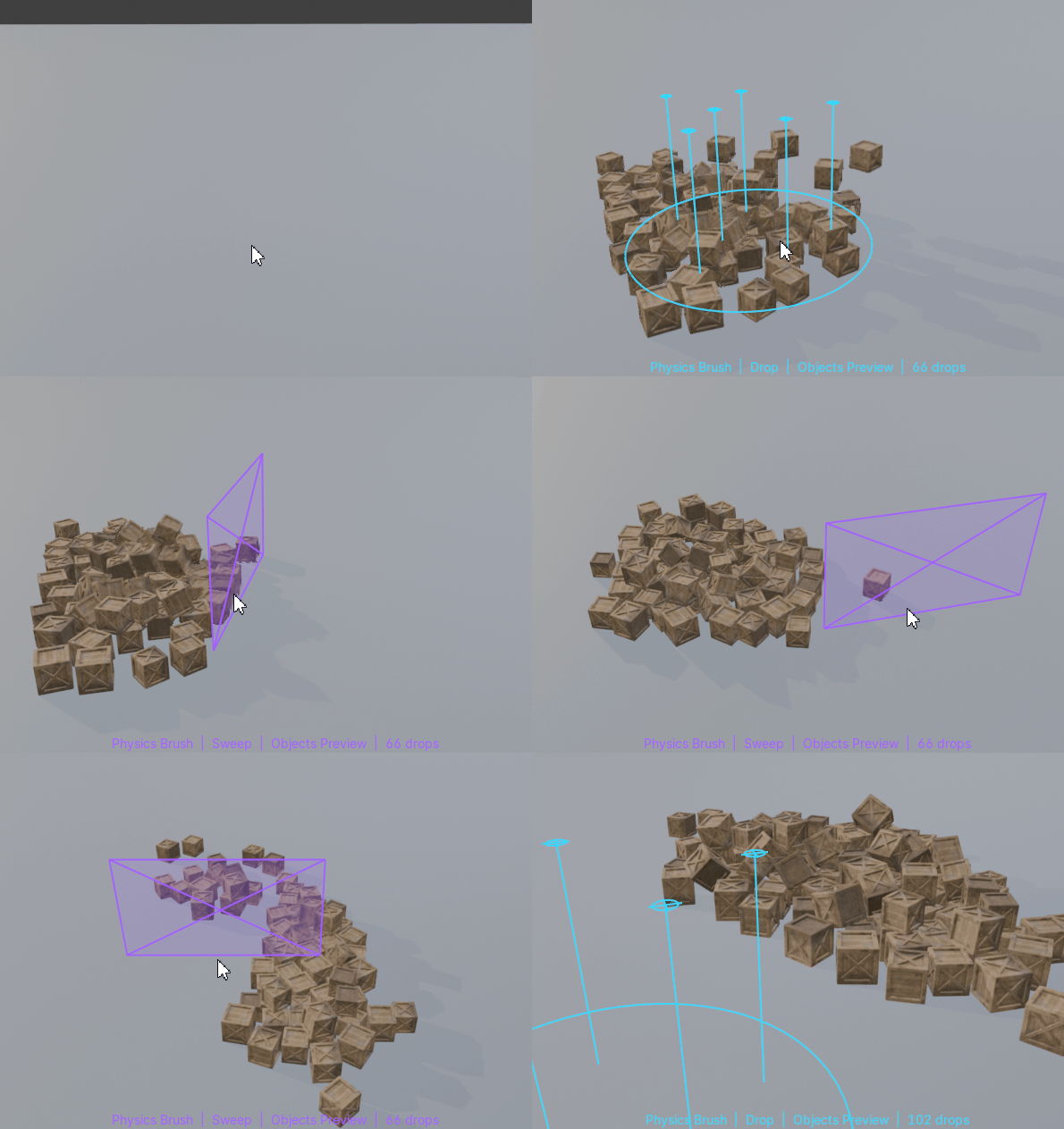
SWEEP Push bodies |
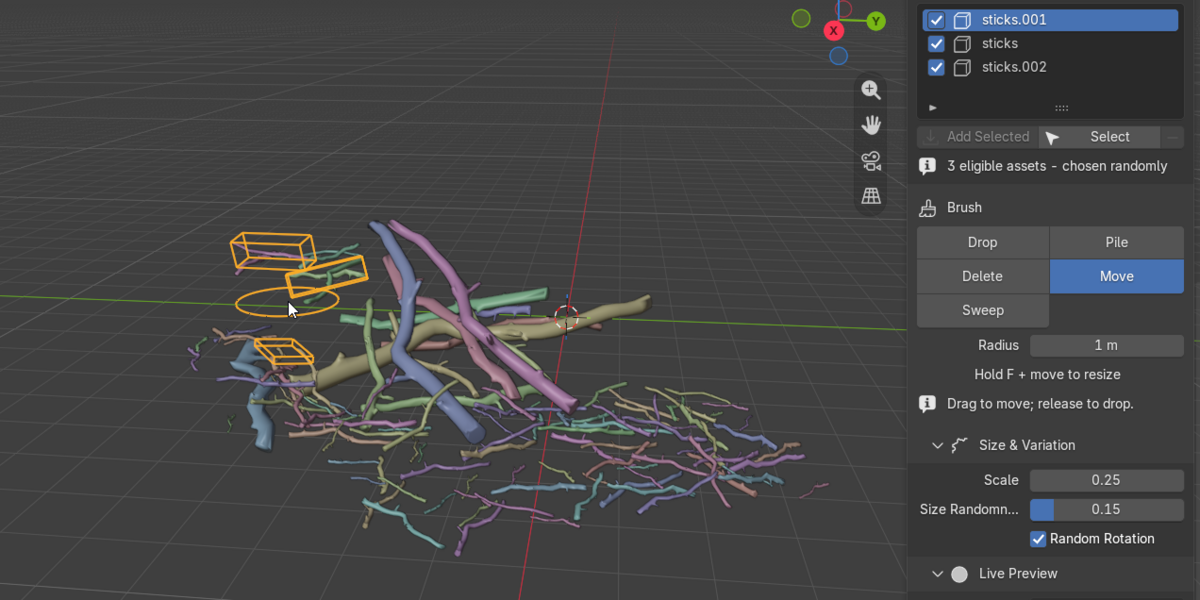
MOVE Reposition |
DELETE Clean up |


| PILE BRUSH Drag upward. |
|
|
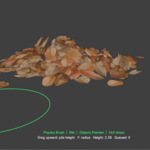
| SWEEP BRUSH Push the pile. |
| LIVE PREVIEW Lightweight while moving. |
|
| BUILT FOR ITERATION Stay in the creative loop.Physics Brush keeps the simulation temporary and reversible. Switch between collections/assets, wake a settled pile, remove mistakes, or cancel the session without committing half-finished geometry. |
|
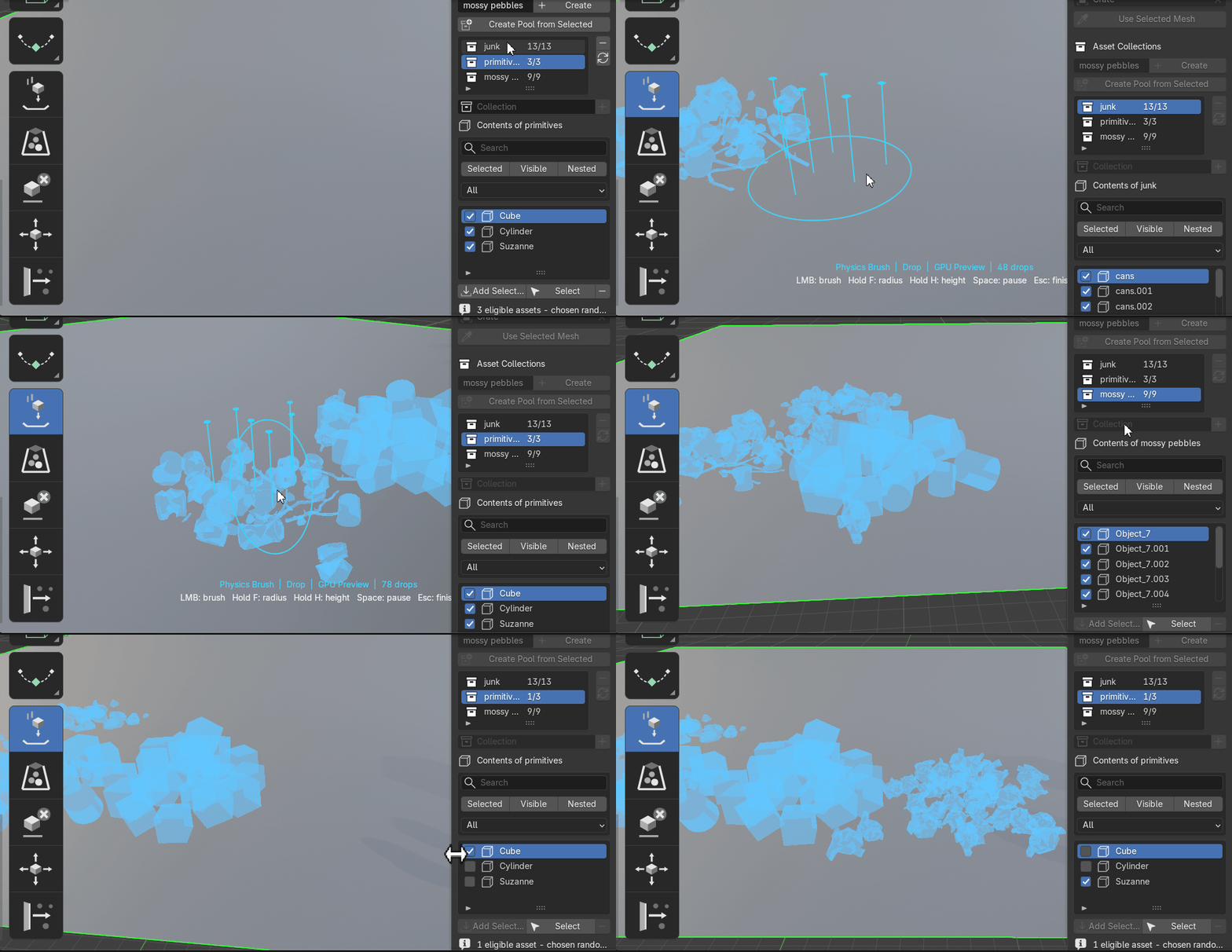
PHYSICS YOUR WAY
Tune the behavior to the asset.
Collision ShapesConvex Hull, Box, Sphere, Capsule, and Cylinder. | Physical ResponseMass, friction, bounce, gravity, and adjustable substeps. |
Asset VariationScale variation, random rotation, and randomized collection pools. | Scene CollisionVisible meshes, a dedicated collider collection, or the built-in ground plane. |
CompatibilityBlender 5.1 or newer Windows 64-bit MacOS (Intel / Apple Silicon) Object Mode · Bundled native Jolt library · No separate physics installation needed The current package does not include Linux native binaries. Support for Linux coming soon! | Current ScopePhysics Brush is an interactive placement tool rather than a timeline baker. Environment collision surfaces remain static during a live session. Animated and deforming colliders are not currently supported. |
PHYSICS BRUSH FOR BLENDER
Place less.
Direct more.
Use physics as a creative placement tool and turn loose assets into believable arrangements without leaving the viewport.