Physics Grab & Drop: Interactive Physics Placement
 Brighter's Studio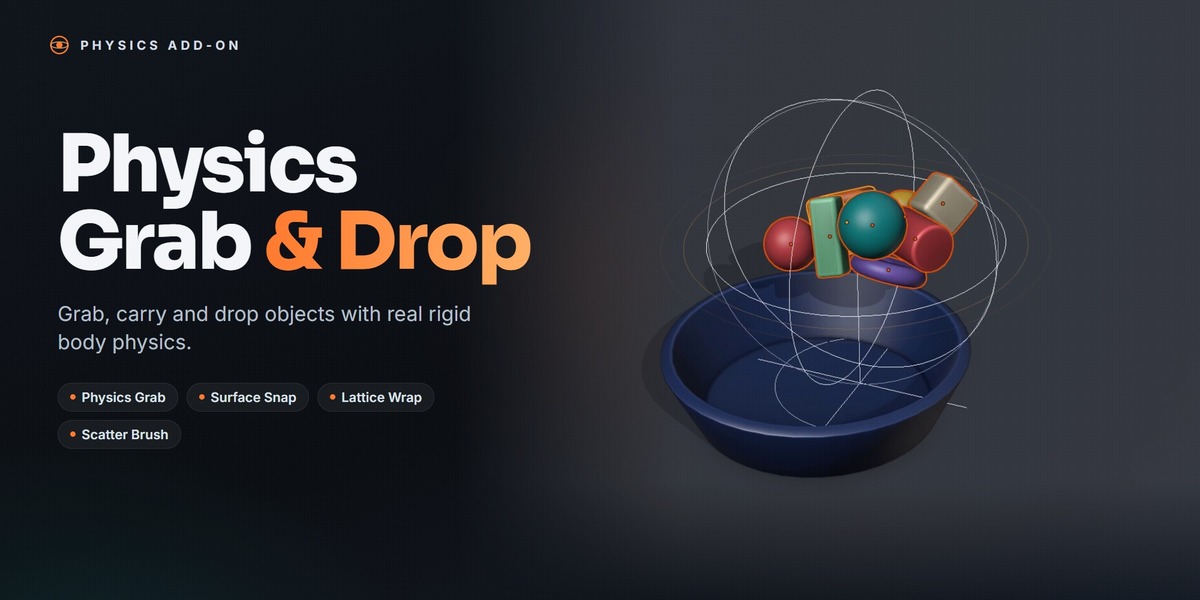
Does it change my objects permanently?
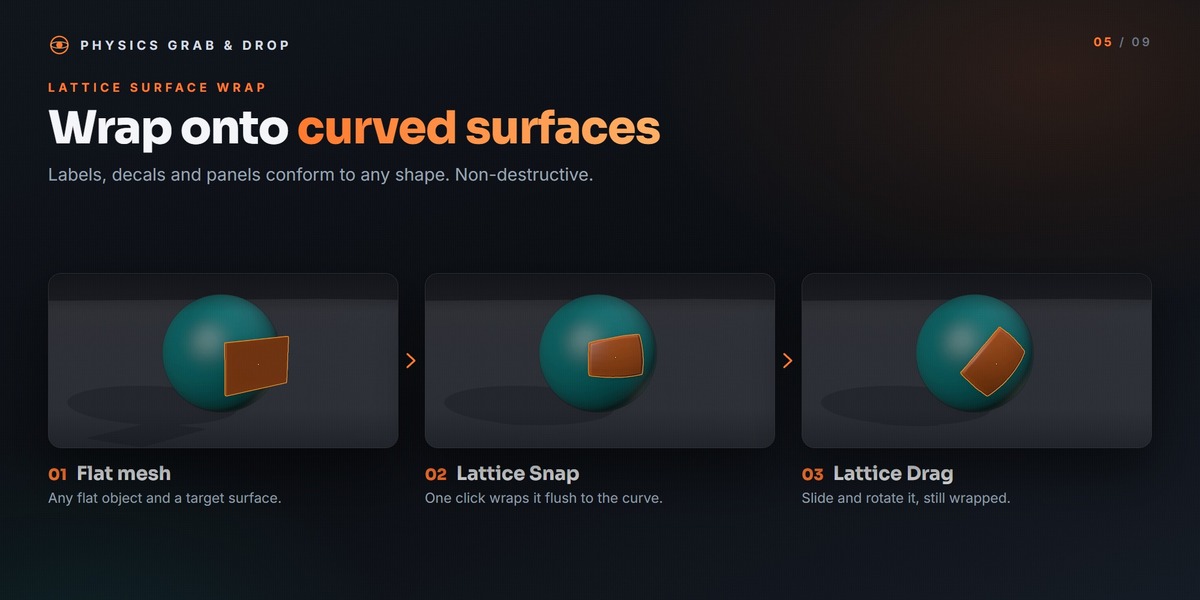
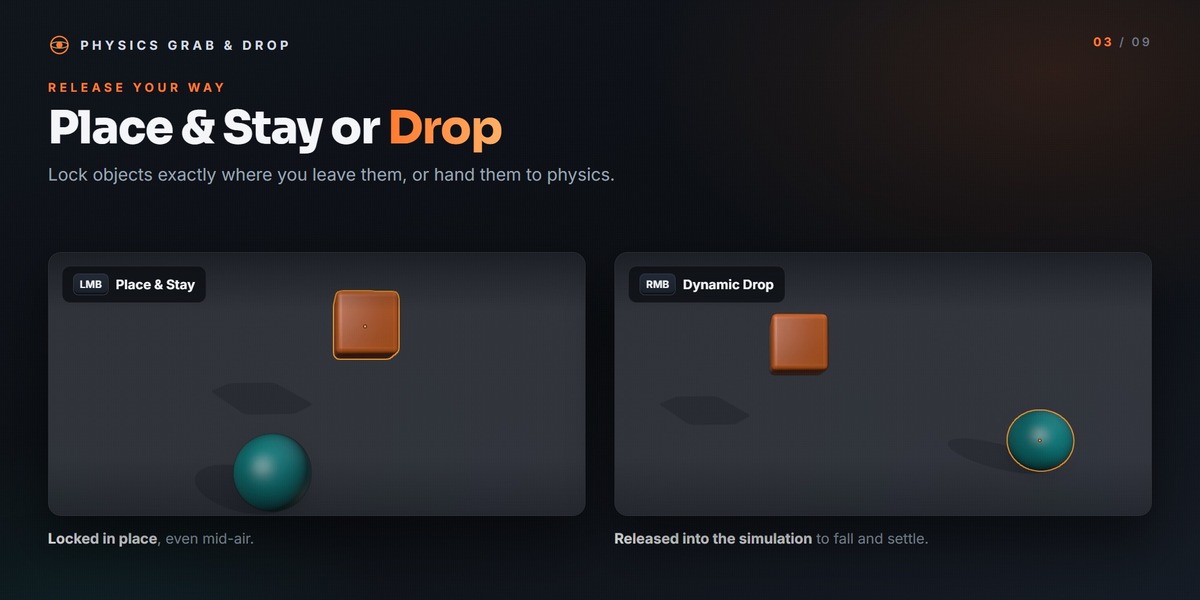
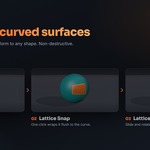
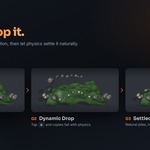
Only when you confirm a placement. Esc cancels a grab and restores every object to where it started. Lattice wraps are non-destructive, and Remove Wrap restores the original shape.
Objects fall through or bounce off a container. What should I check?
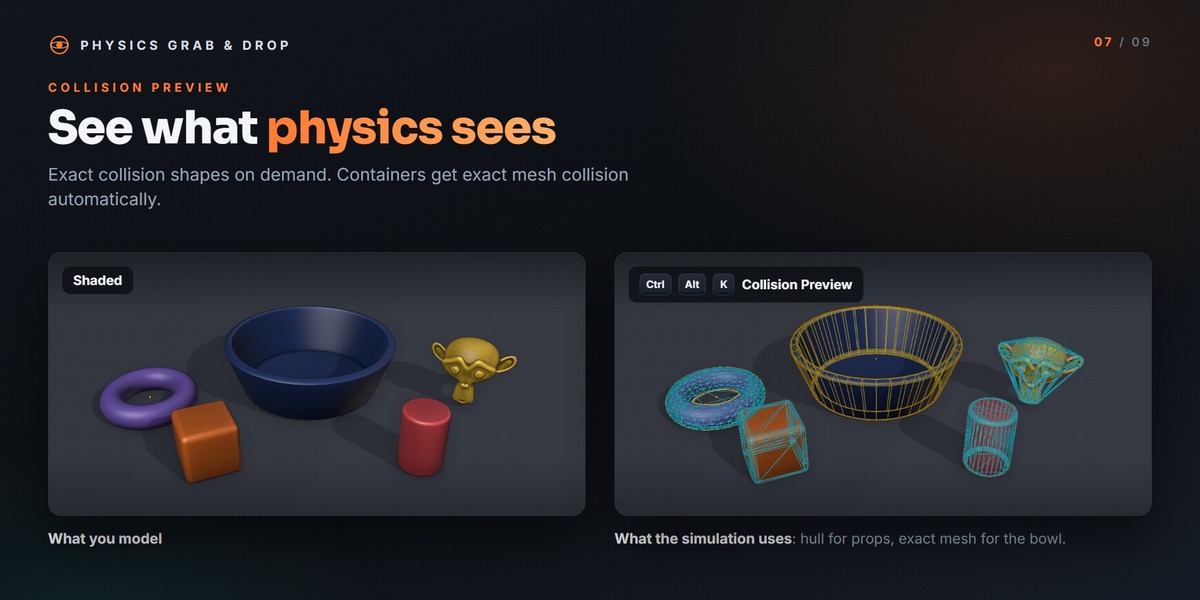
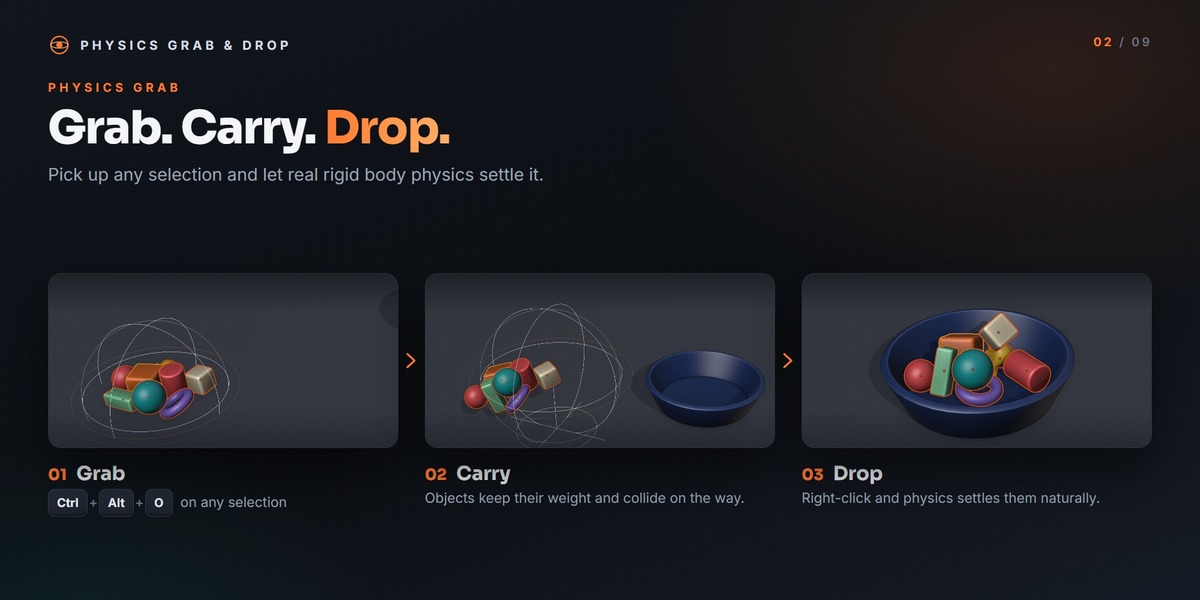
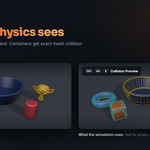
Make sure the container is set to Passive; hollow shapes automatically get exact Mesh collision. Use Collision Preview (Ctrl + Alt + K) to see the real collision shapes. Keep the moving objects on Convex Hull, because Mesh-vs-Mesh collision is unstable in Blender's physics engine.
Will it override my Blender shortcuts?
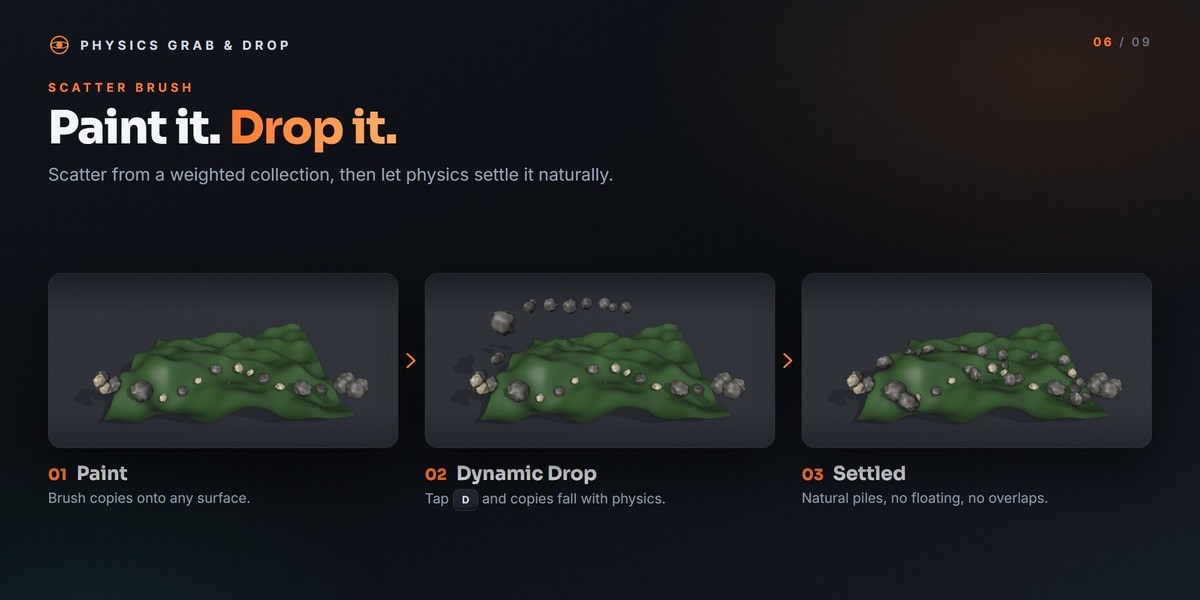
Most of its shortcuts are free in Blender's default 3D Viewport keymap. The one overlap is Ctrl + Alt + S, which is Save Incremental in Blender and starts the Scatter Brush inside the 3D Viewport. Every shortcut can be rebound in the Shortcuts sub-panel.
Can I render or animate the result?
Yes. The result is ordinary Blender objects with standard rigid bodies. Apply or freeze the final layout and render as usual.
Which Blender versions are supported?
Blender 4.2 and newer. It was tested on Blender 5.0 and 5.2 LTS.
Have questions about this product?
Login to message
| Blender Extension Compatible | Yes |
| Published | about 6 hours ago |
| Blender Version | 4.2 - 5.2 |
| Extension Type | Add-on |
| Render Engine Used | Cycles, Eevee |
| License | GPL |
Discover more products like this
drop object placement layout scatter set dressing placement lattice stacking rigid body grab surface-snap physics