Pianimator - MIDI to Motion
 Studio VYS
in VSE



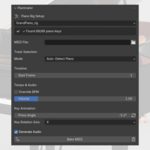
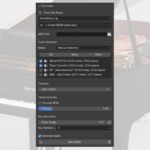
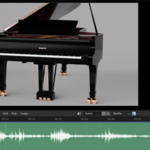
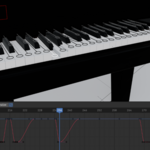
Pianimator supports Blender 4.2 and newer, including the 5.x series. It works with any rig that follows the standard bone naming convention described below.
Open Edit > Preferences > Add-ons > Pianimator and click Install FluidSynth. It runs brew install fluid-synth on macOS, or your system package manager (apt, dnf, zypper, pacman) on Linux. On Linux the standard polkit authentication dialog appears, because installing a system package requires administrator rights.
If you prefer to install it yourself first, Pianimator detects it automatically — and you can point to an existing binary with the FluidSynth Path field in the add-on preferences.
No. MIDI import, key animation and baking work on every platform without FluidSynth. The engine is only required to generate the .wav audio track.
Only when you click Install FluidSynth. Pianimator never contacts the internet on its own, and the installer respects Blender's global "Allow Online Access" setting (Preferences > System > Network).
Yes. Any armature following the naming convention Note.A0, Note.A0# ... Note.C8, plus optionally Pedal.sustain and Pedal.sostenuto, works — in both Euler and Quaternion rotation modes.
Check that your armature is selected in the Piano Rig dropdown and that its key bones follow the naming convention above — the panel shows a live count (for example "Found 88/88 piano keys"). Then enable Debug Mode in the add-on preferences and check the Blender console for details.
Have questions about this product?
Login to message
| Blender Extension Compatible | Yes |
| Published | 9 months ago |
| Blender Version | 4.2 - 5.2 |
| Extension Type | Add-on |
| License | GPL |
Discover more products like this
piano midi audio FluidSynth music visualizer cinematic Instrument automation animation