Piano Motion Studio for Blender
 blenderVfxMaster
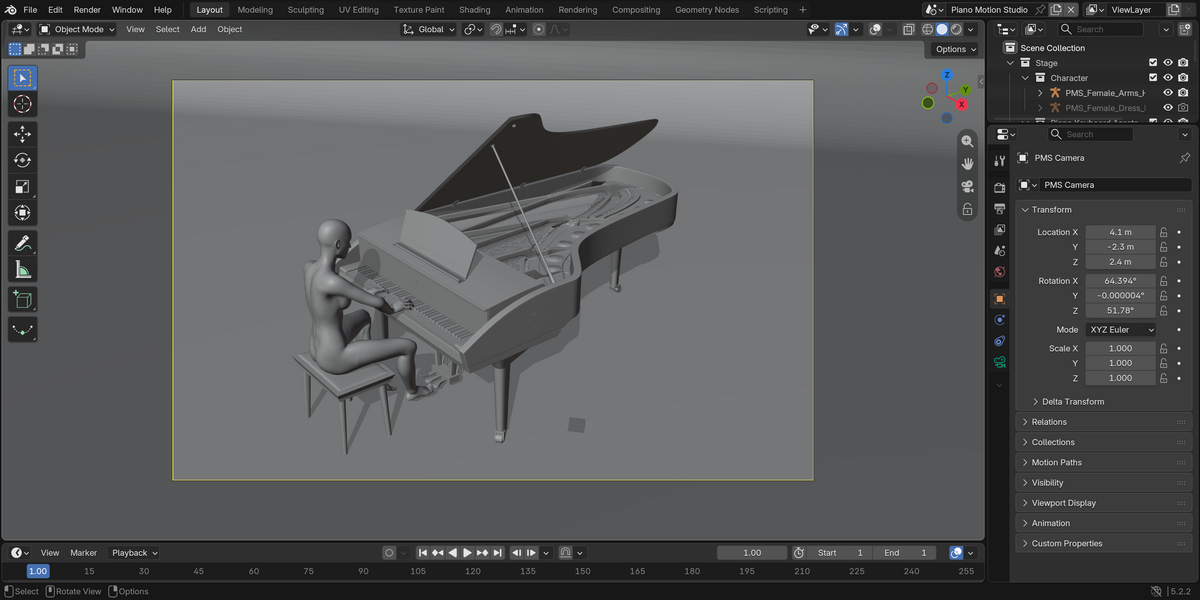
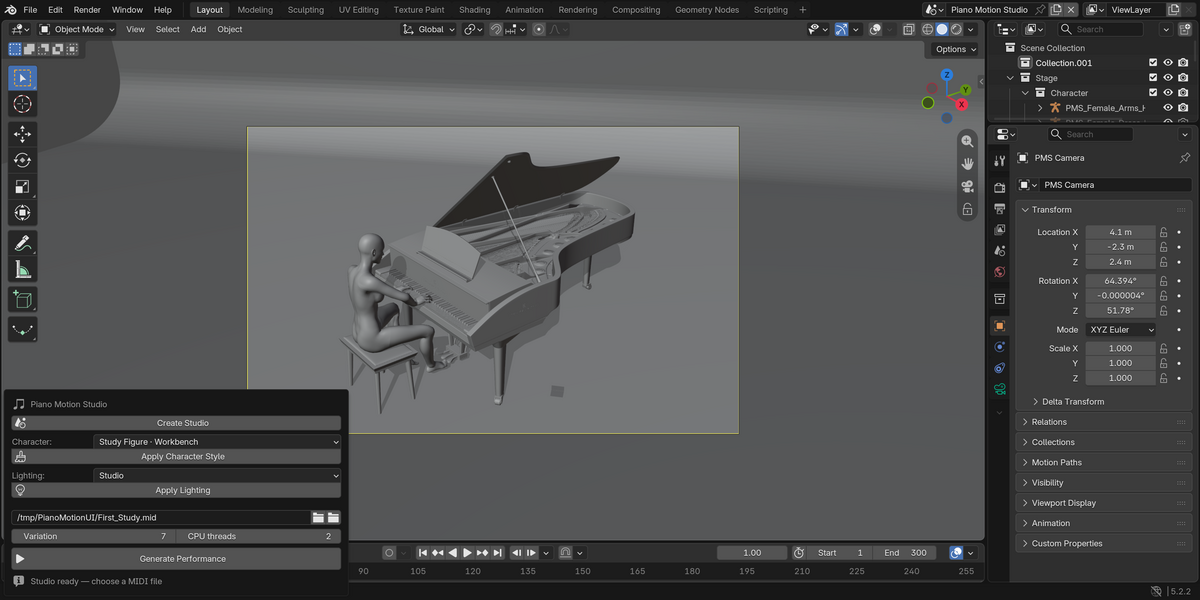
Piano Motion Studio 1.0.0 — User Guide
Requirements
Blender 5.2 on macOS with Apple Silicon. The bundled helper requires macOS 14 or later. This download does not support Windows, Linux or Intel Macs. Allow approximately 1.3 GB for the add-on and additional space for generated scenes.
Getting started
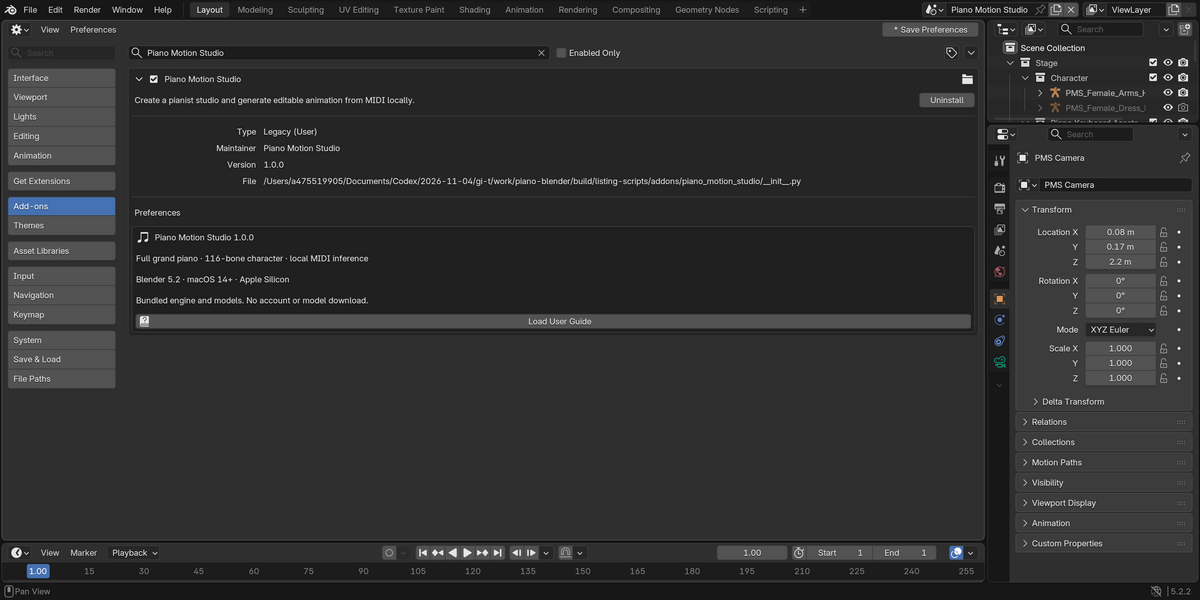
- Install the complete PianoMotionStudio_macOS_arm64_1.0.0_Minimal.zip through Blender's Install from Disk action, then enable Piano Motion Studio.
- In a 3D View, press N and open the Piano tab.
- Choose Create Studio, then select a MIDI file. Use Example MIDI selects the included note-only study.
- Choose the character style and lighting. Click Generate Performance to run the local models.
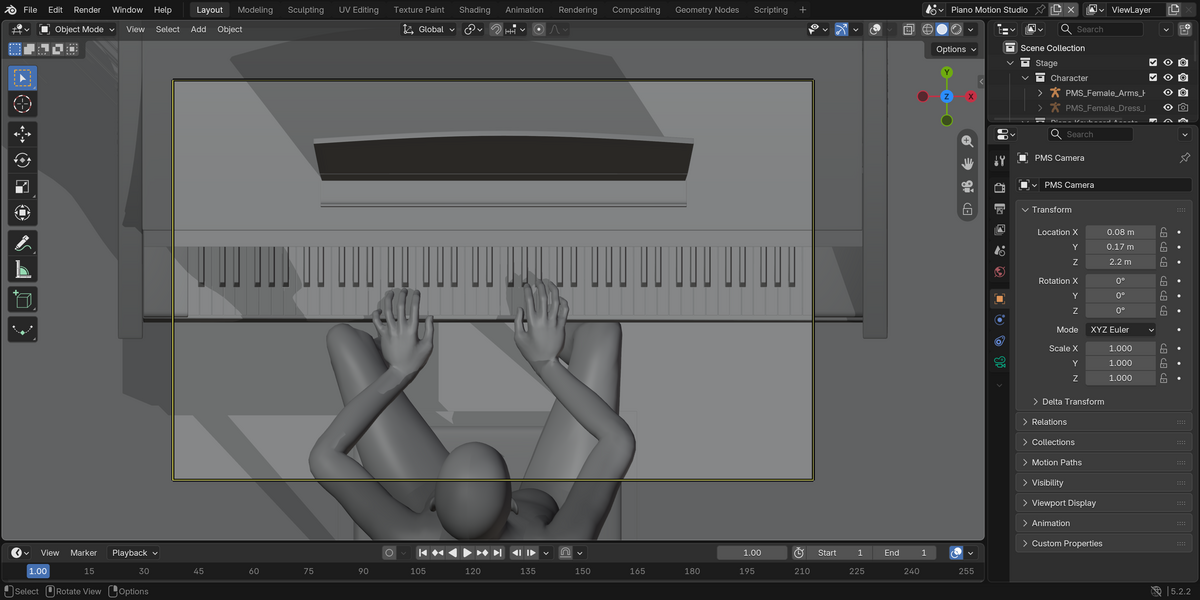
- A successful job creates a separate performance scene. Play the timeline, edit the generated Actions as needed, and save the Blender project.
Inputs and output
Standard MIDI format 0 or 1: up to 120 seconds, 2,000 playable notes and 2 MiB. Timing, velocities, tempo changes and sustain CC64 are read. Notes outside A0–C8 and percussion notes are ignored. Output uses a 60 fps Blender scene. Audio is not generated or included.
Character and scene
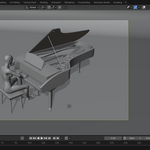
Study Figure uses native Blender Workbench shading and hides hair, clothing and shoes. Textured Performer restores their visibility and original materials. Each generation starts from the bundled studio; arbitrary custom-character retargeting and preservation of custom edits to a previous studio are not supported.
Cancel and errors
Cancel Generation stops the local workers. A failed or cancelled job keeps previous scenes. An error report is stored in Blender's Text Editor as Piano Motion — Last Error. Contact the creator through Superhive and include that report and the MIDI duration.
Important limits
Generated motion can require manual cleanup, especially for large leaps, rapid repetitions and difficult chords. This current archive has not completed final visual or installation acceptance. It is not a fingering tutor.
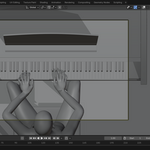
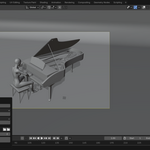
The product-page GIF and trajectory figures use the original source animation. That animation, prerecorded song scenes and music are not included in the download and are not examples of newly inferred MIDI motion.
Licenses
The add-on and inference software use GPL-3.0-or-later. The complete software license is supplied as SOFTWARE_LICENSE.
The bundled non-code studio, meshes, textures, rig data, learned model weights and inference resources use the Superhive Standard Royalty Free License. ASSET_LICENSE and the asset subfolders identify its scope and official terms. Third-party software retains its original licenses and notices.
Have questions about this product?
Login to message
| Blender Extension Compatible | Yes |
| Published | about 3 hours ago |
| Blender Version | 5.2 |
| Extension Type | Add-on |
| Render Engine Used | Cycles |
| License | GPL |
Discover more products like this
Music piano animation Offline character animation blender addon midi