 Domenas


Overview
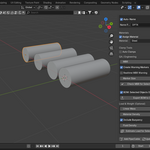
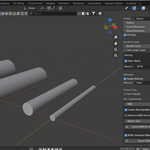
Pipe & Cable Toolkit is a Blender addon that allows you to quickly generate pipes or cables from curves and perform simple engineering checks such as Minimum Bend Radius (MBR) validation and Bill of Materials (BOM) export.
The addon is designed for technical visualization, industrial scenes, and basic cable or pipe routing workflows.
Installation
-
Download the addon ZIP file.
-
Open Blender.
-
Go to Edit → Preferences → Add-ons.
-
Click Install.
-
Select the downloaded ZIP file.
-
Enable Pipe & Cable Toolkit in the addon list.
The panel will appear in the Sidebar (N panel) inside the 3D View.
Creating a Pipe or Cable
-
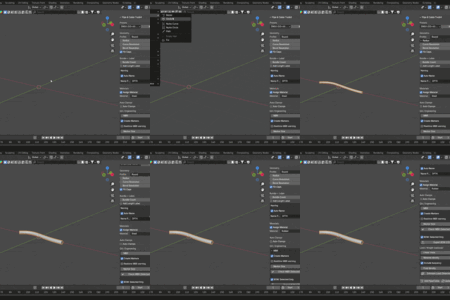
Create or select a Curve object.
-
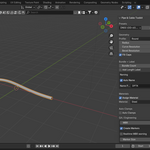
Open the Pipe & Cable Toolkit panel.
-
Click Add Pipe / Cable.
-
Adjust the radius and geometry settings if needed.
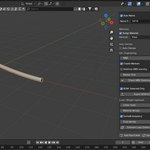
The addon will generate a pipe or cable along the selected curve.
Minimum Bend Radius (MBR) Check
To validate cable bends:
-
Select the curve used for the cable.
-
Enter the desired MBR value.
-
Click Check MBR.
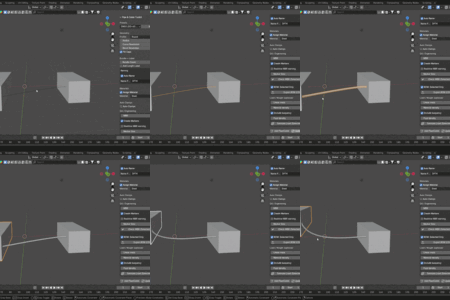
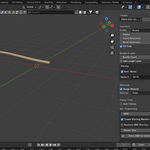
If the bend radius is smaller than the specified value, visual markers will be created to highlight problematic areas.
Automatic Clamp Placement
Clamps can be generated along the cable to help visualize mounting points.
You can adjust clamp spacing and placement settings inside the addon panel.
Bill of Materials (BOM)
The addon can export basic cable or pipe information.
-
Select the cable or pipe object.
-
Click Export BOM.
-
A CSV file will be generated containing basic information such as length and quantity.
Have questions about this product?
Login to message
| Published | 6 months ago |
| Blender Version | 3.0 - 4.5 |
| Extension Type | N/A |
| Render Engine Used | Cycles, Eevee |
| License | GPL |

Discover more products like this
clamps MBR industrial cable bundle pipe generator Cable engineering Pipe bend radius blender addon cable routing