Pivot: Fix Local Space & Standardize Assets
 Elbo Studio



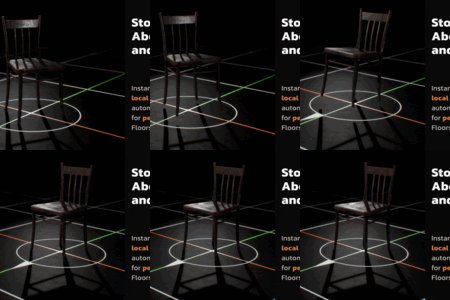
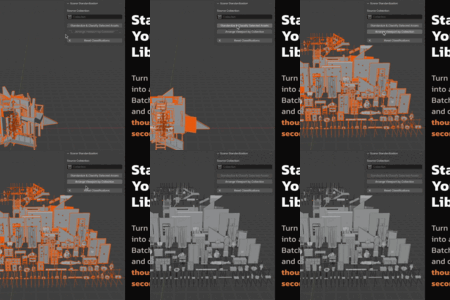

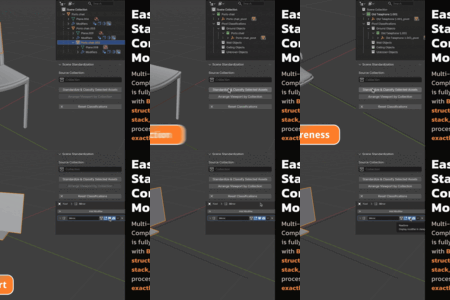
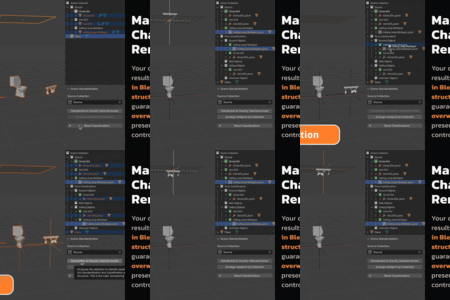
- Standard: Designed for individual object manipulation (Origin, Axes, Rotation) in the viewport.
- Pro: Designed for library management. Adds batch processing, intelligent grouping, semantic classification, and visual organization tools on top of upgraded standard tools.
If you downloaded Pivot using Safari, you might see a folder instead of a .zip file. This is because Safari automatically unzips downloads by default.
- Option A (Fastest): Check your Trash Bin. The original .zip file is usually moved there automatically by Safari. Drag it to your desktop and install it in Blender.
- Option B (Re-Zip): Right-click the extracted folder and select Compress "pivot_[EDITION]". Use the new .zip file to install.
- Option C (Prevent it): In Safari, go to Settings > General and uncheck "Open 'safe' files after downloading."
When you first run a Pivot command, macOS may block the engine because we are an independent developer (not on the App Store).
- Click Cancel on the popup warning.
- Open your Mac System Settings.
- Go to Privacy & Security and scroll to the bottom.
- You will see a message: "pivot_engine was blocked..."
- Click Allow Anyway.
- Go back to Blender and click the button again. It will work forever after this one-time step.
-
$5
Instantly repair axes and snap origins for selected objects using intelligent context-aware logic. Perfect for modelers needing a fast, frequent fix for individual assets.
-
$30
Unlock the native C++ multithreading to classify, standardize, and organize entire libraries in seconds. Includes an upgraded version of Standard, Intelligent Asset Grouping, Semantic Sorting, and the Visual Grid Layout.
Have questions about this product?
Login to message
| Blender Extension Compatible | Yes |
| Sales | 30+ |
| Dev Fund Contributor | |
| Published | 10 months ago |
| Blender Version | 4.2 - 5.1 |
| Extension Type | Add-on |
| Render Engine Used | Blender-Internal, Cycles, Eevee |
| License | GPL |
Discover more products like this
productivity organizer modeling batch kitbashing utility hard surface Workflow pipeline automation asset management tools