 ZEG
Installation
In Blender open Edit, Preferences, Get Extensions, then use Install from Disk and pick the pixel_art_environment_generator zip.
Usage
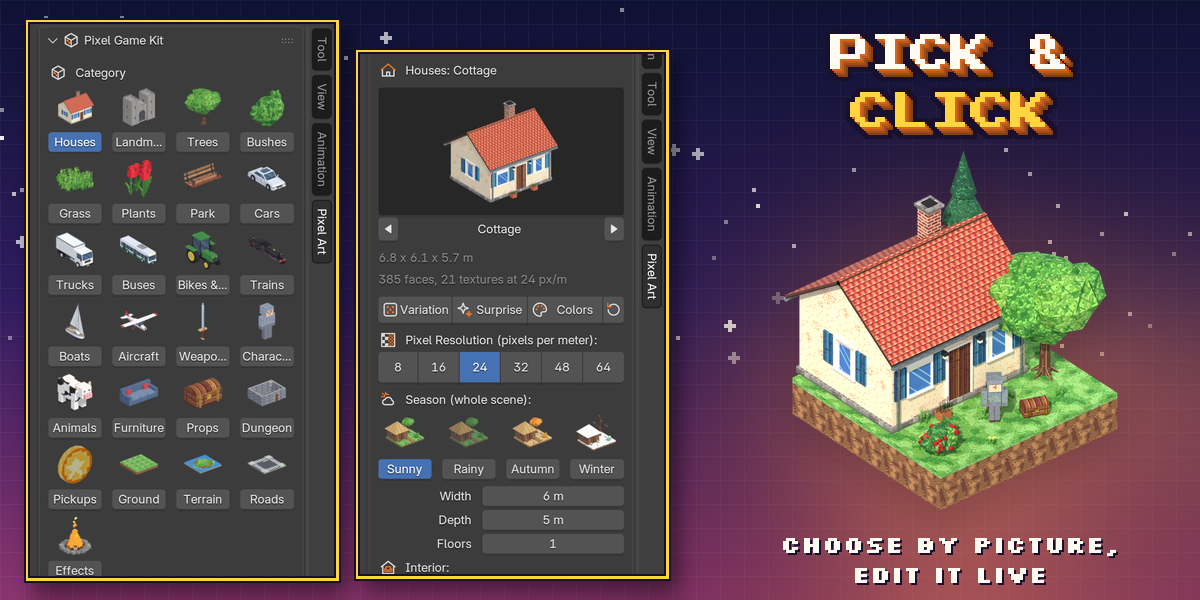
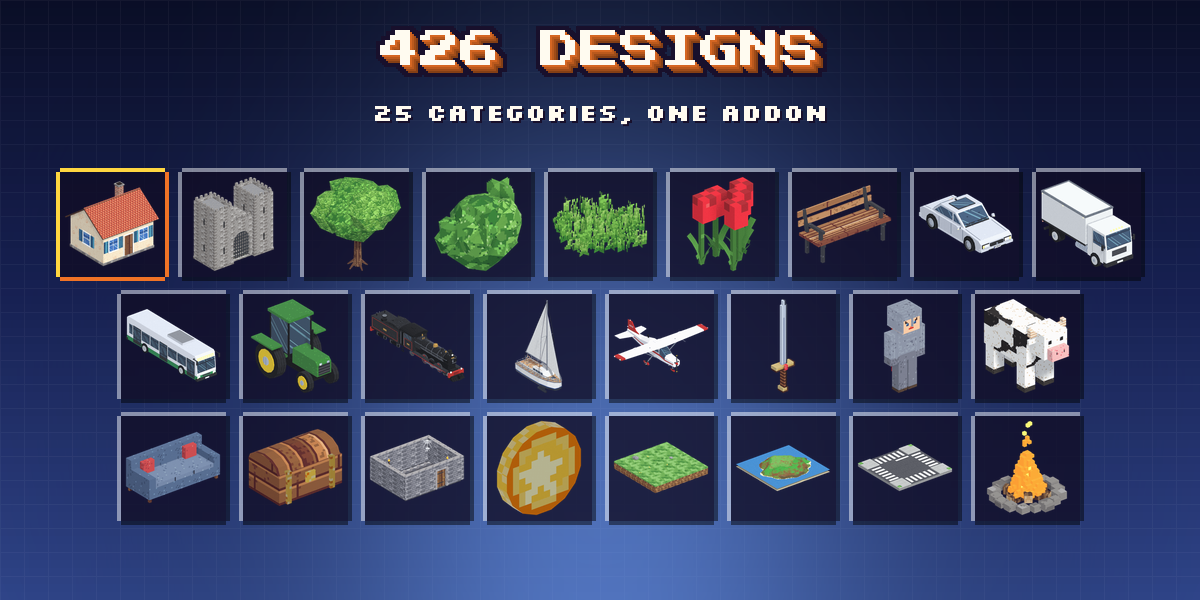
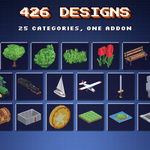
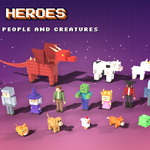
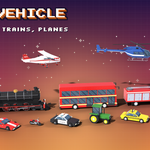
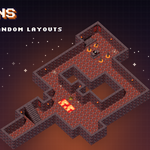
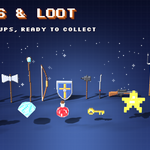
- Open the Pixel Art tab in the 3D viewport sidebar (N). With nothing selected, pick a category, click the picture to choose a design and press Add to Scene. You can also use Shift+A, Pixel Art.
- Select a model to edit it: the main sizes and look are on the first page, rarer options in the collapsible sections below. Randomize makes a surprise design, a variation or new colors.
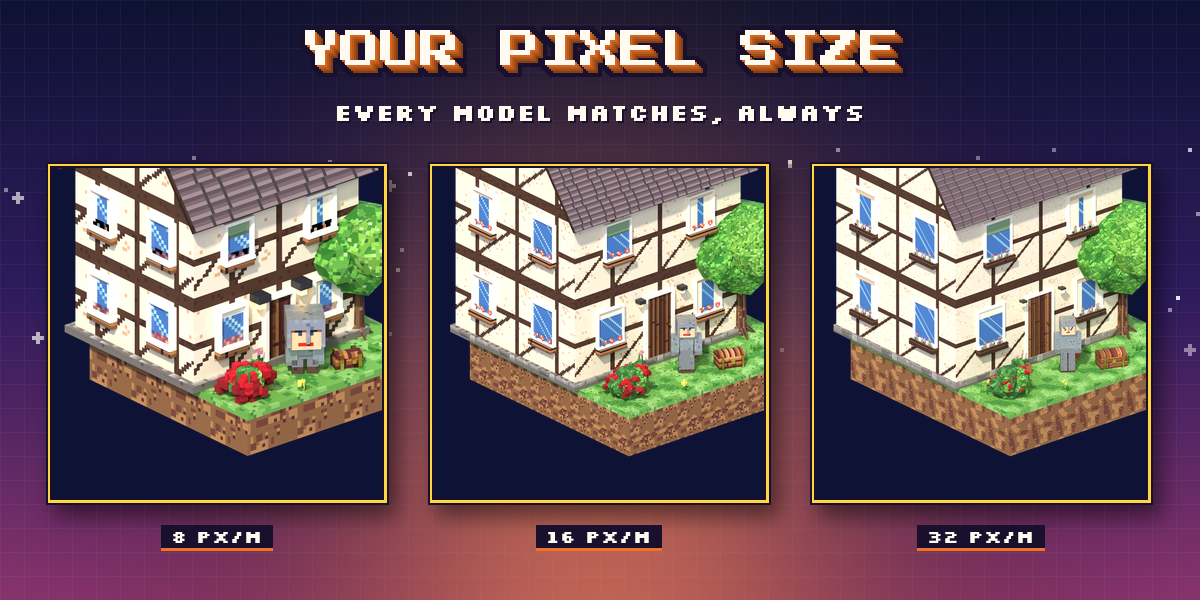
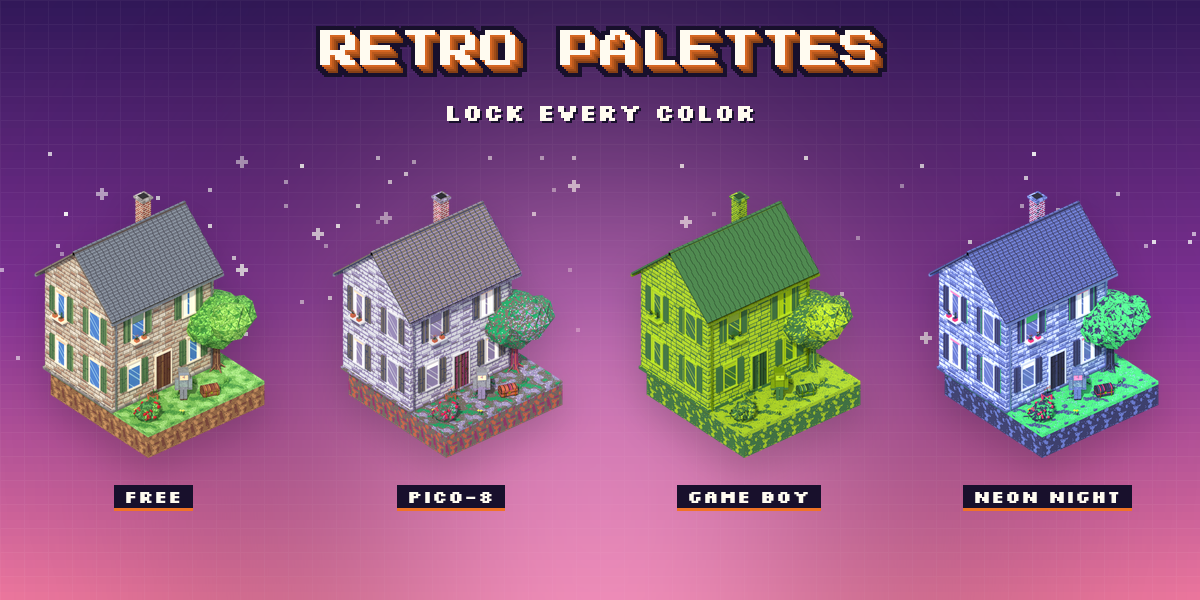
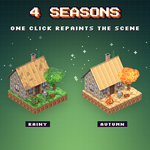
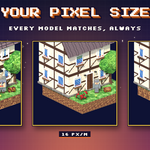
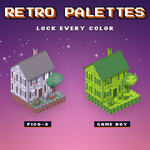
- Scene Pixel Style sets the pixel density, palette, shading and lighting for every model in the scene at once.
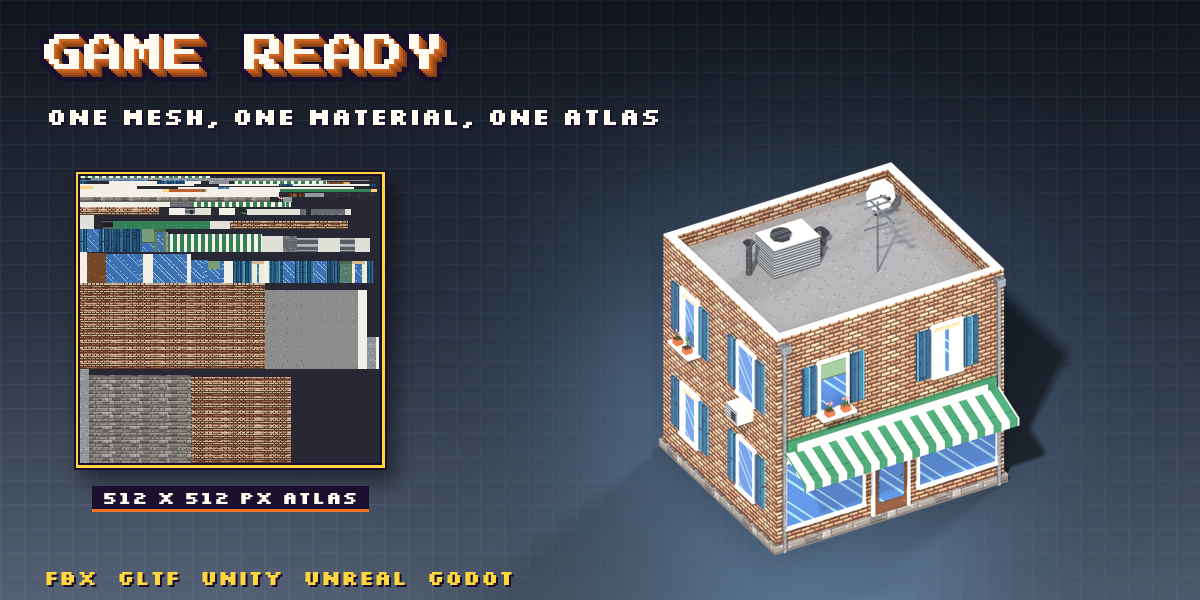
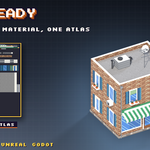
- Game Export bakes a copy with one material and one texture atlas, or converts the model to a plain mesh.
Have questions about this product?
Login to message
| Blender Extension Compatible | Yes |
| Published | 1 day ago |
| Blender Version | 4.2 - 5.2 |
| Extension Type | Add-on |
| Render Engine Used | Cycles, Eevee |
| License | GPL |
