 Nachiket Bhand

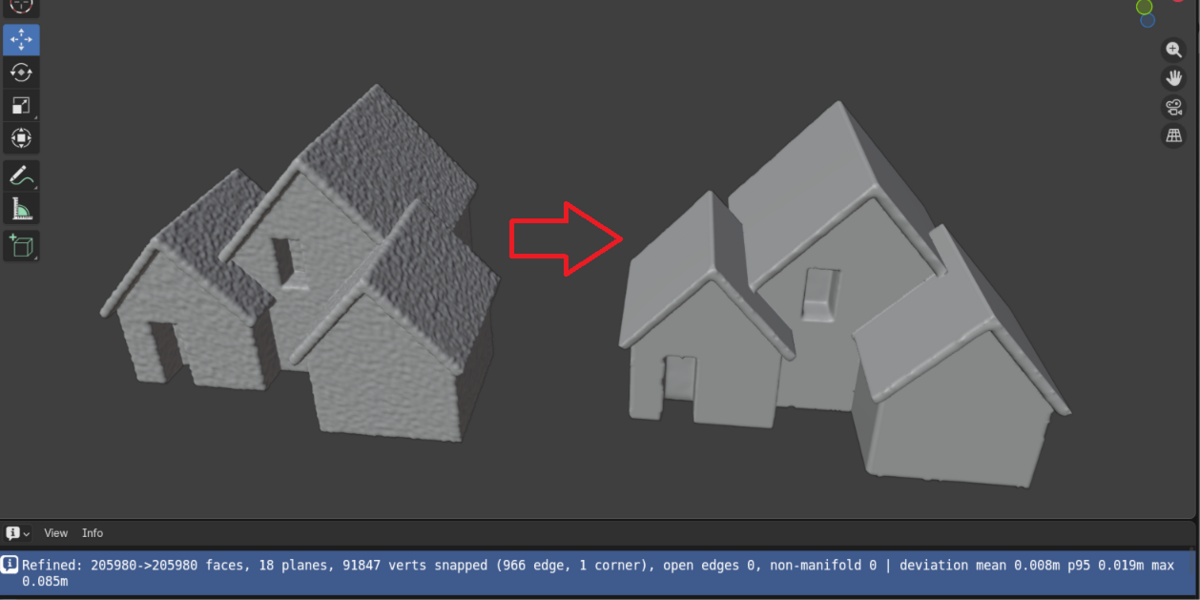



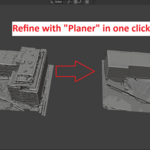
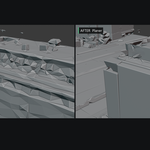
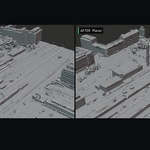
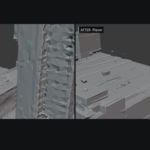
Buildings from Google 3D tiles or photogrammetry scans look melted and blobby. This fixes that Mesh.
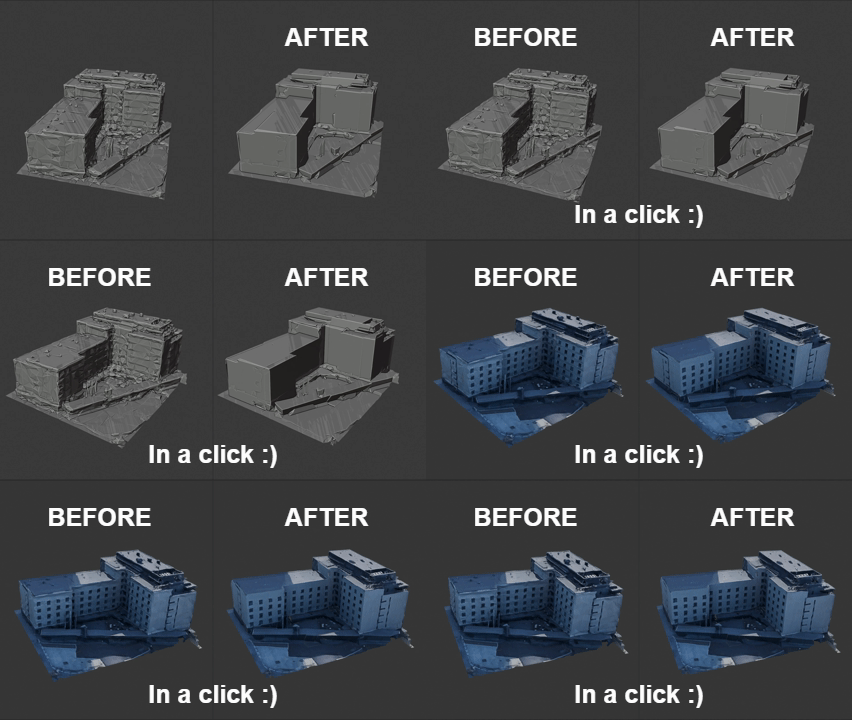
Pull a city block from Google Photorealistic 3D Tiles, a drone survey, or any photogrammetry pipeline and you get the same thing every time: walls that ripple, roofs that undulate, ridges that come through as saw-tooth, and corners that are rounded mush.
The usual fixes all cost you something. Smoothing softens the detail you wanted. Remeshing destroys the UVs. Decimation smears the baked atlas texture into streaks. Manual retopology takes a day per building.
Planer flattens what should be flat and sharpens what should be sharp — and leaves the texture, UVs and material completely untouched.
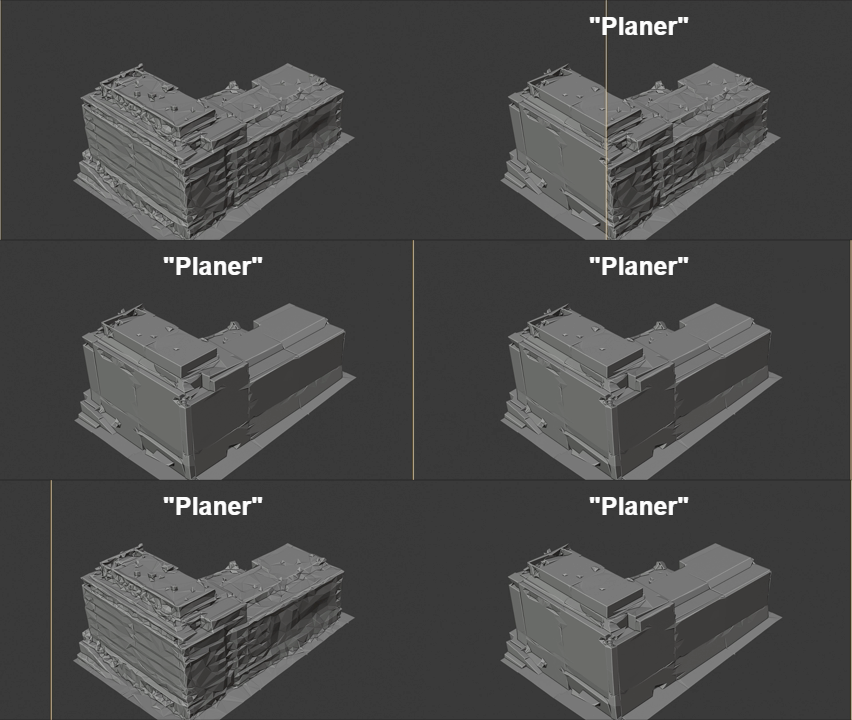
What you get
- Genuinely planar walls and roof facets. Not smoothed — solved. Planar regions are detected, merged, and enforced.
- Straight roof ridges and eaves. Vertices supported by two planes snap onto the plane–plane intersection line, so creases come out straight instead of jagged.
- Crisp building corners. Vertices supported by three planes snap to the intersection point.
- Your texture survives. Vertices move in place on a copy that keeps the original loops. UVs and materials carry through natively. No re-bake, no data-transfer, no smearing.
-
Your original is never modified. Output is always a new
REFINED_alongside the source.
It tells you how accurate it was
-
Every run reports its deviation from your source surface:
Refined: 14980->14980 faces, 300 planes, 6752 verts snapped (1487 edge, 129 corner),
open edges 4186, non-manifold 4690
| deviation mean 0.024m p95 0.121m max 0.741m
Mean deviation of 7cm on a full city block. On a single ~55m building, mean deviation lands around 0.02m — roughly 0.1% of the bounding diagonal. You are not guessing whether it stayed faithful to the survey; you can read it off the status bar and put it in a client report.
How it works
Bilateral normal filtering → planar region growing and merging → snap-to-plane with sharp edge and corner reconstruction. Regions are gated by area, not face count, so the coarse large-triangle tiles that come out of 3D Tiles still qualify. Pure Python, using the numpy that already ships with Blender — no wheels, no network access, no external dependencies.
Tuning Parameters
Symptom Fix Result too rounded, ridges lost Lower Crease Sensitivity to 0.15–0.20 Not flat enough Raise Refine Iterations to 3 Small details being flattened Raise Min Plane Area Nothing gets refined Lower Min Plane Area Spikes or stretched vertices Lower Snap Guard Single house or prop, not a block Lower Min Plane Area to 0.1–0.5 Requirements
Blender 4.2 or newer. Install via Preferences → Add-ons → Install from Disk. Panel appears in the 3D Viewport N-panel under the "Planer" tab.
Support
Email [email protected] with your face count and the full report line from the status bar — those two things usually identify the problem immediately.
