Damian Pietrykowski
over 2 years ago
Thank you very much! :) I'm glad the plugin is useful! :)
This item has an average rating of 4 from 9 ratings by the community.
Purchase this item to leave a review!
I am using **Blender 4.2 build**, and after purchasing the asset, I tried adding it, but nothing appears in the **Asset** folder. I followed the tutorial video, but it didn’t work.
Unlike in the video, when I press the **"+"** button to add a path, it doesn’t stop at the **Planet Creator** folder but goes one level deeper, showing only the **Icons** folder. When I click **"Add Assets Library"** again, it appears in the list as if it was added, but it does not show up in the **Asset** window.
I cannot use it as an **Asset**, but I can individually open and check each planet's **Blender file** inside the extracted folder, and they look great. However, I am unsure why they are not being added as assets. What could be the issue?
For sure this is a worthwhile purchase and will save tons of time trying to create different planets. A lot of work has evidently gone into producing it and it is definitely worth the money. The only thing that slightly lets this product down is the somewhat chaotic nature of trying to work with the controls. It isn't clear how all of them work and a lot of them seem to just change the procedural settings sporadically. The author could do with either proper documentation explaining each control or preferably a detailed Youtube video clearly demonstrating them.
This is a fantastic plugin, it's straightforward to use and you can get a great variety of planets. Getting great use out of it!
Damian Pietrykowski
over 2 years ago
Thank you very much! :) I'm glad the plugin is useful! :)
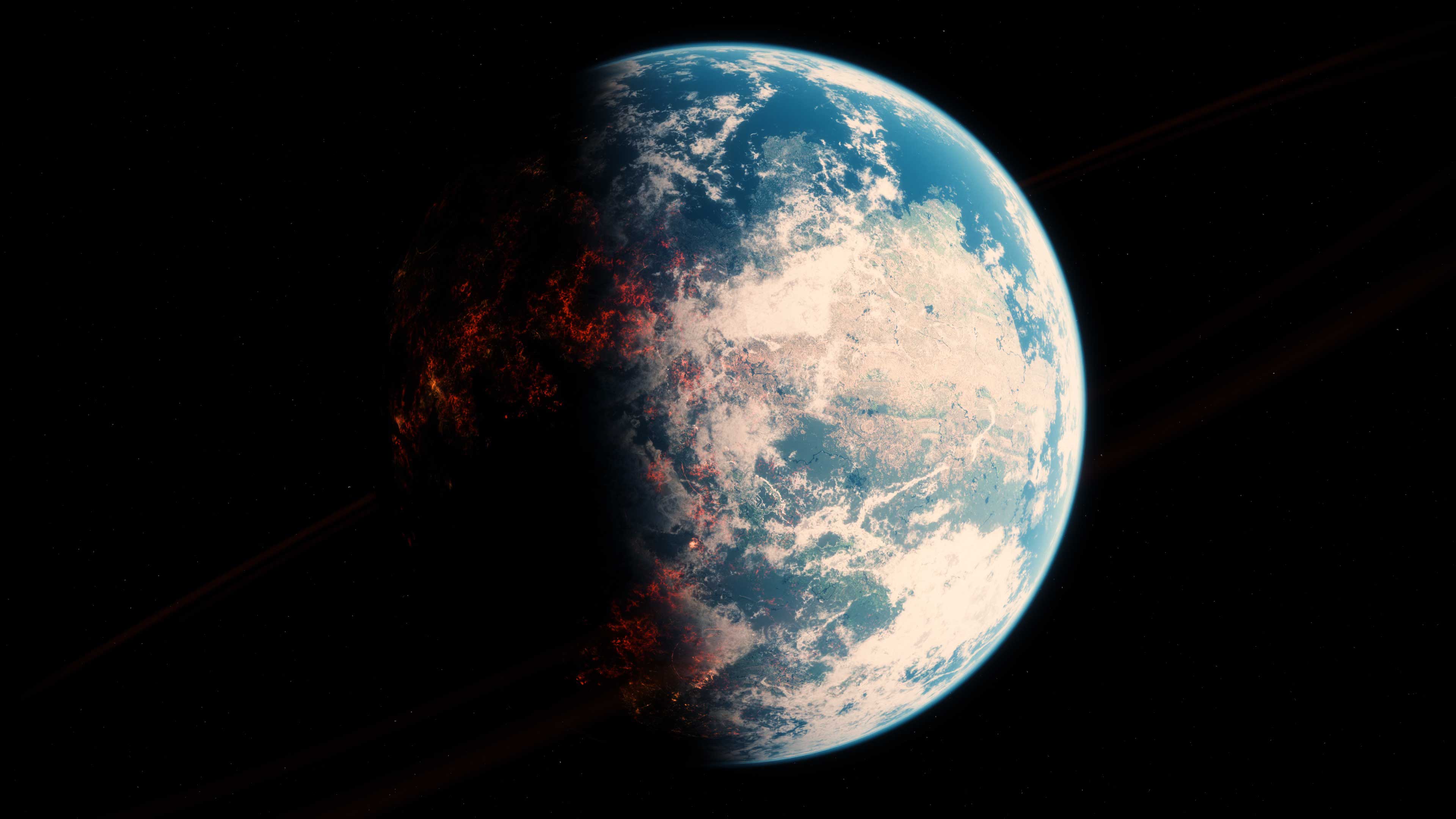
Great starting point for planet creation. All procedural with many settings easily accessible leading to endless variations.
Damian Pietrykowski
over 2 years ago
Thank you very much! :)
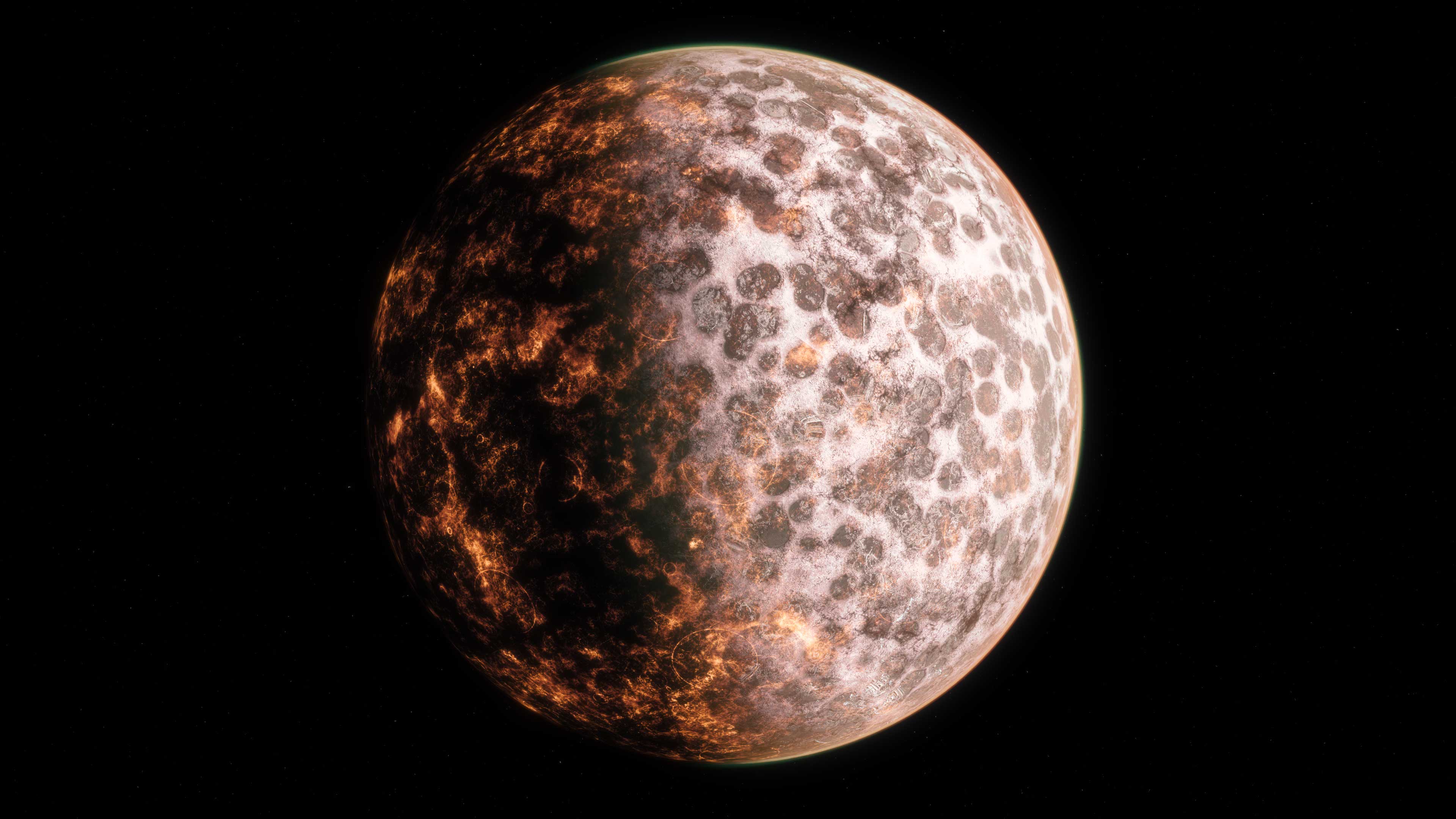
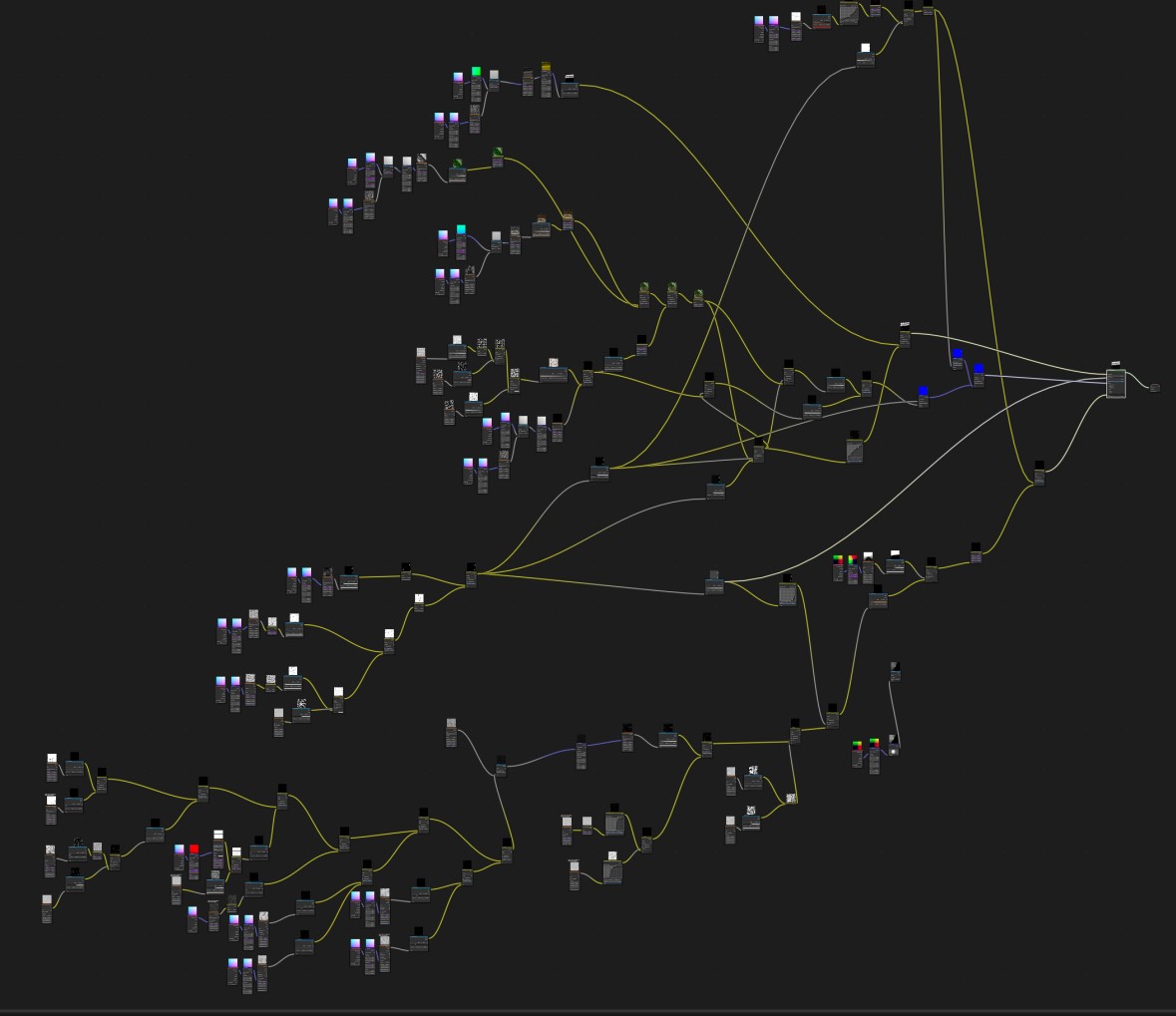
Maybe it's time for an update? Some sliders don't appear to do anything. Drivers seem broken(newer Blender versions). Grouping/Labeling for the huge node trees would be nice too.
Other than that, i'm satisfied with what the purchase.
About a month ago, I started experimenting with Planet Creator. I soon became frustrated, mostly due to poor rendering performance. It was taking many minutes to render a single frame. And I was hoping to use Planet Creator planets for animations.
My biggest problem is that I have an older CPU and graphics card. It works acceptably while using other planet generators I find on Blender Market (and I use many). And it works great for video games. But not well enough for the challenging Blender rendering jobs required by Planet Creator.
Here are the specs for my system
Windows 11 Pro 64-bit
32 GB RAM
AMD Ryzen 3700X 8-core, 3.59 GHz
Nvidia GeForce RTX 2060 w/ 6GB video RAM
But given the beauty and artistic potential of this feature, I kept exploring ways to make it work faster.
My recommendations for improving rendering performance with Planet Creator include the following:
Switch to the Cycles renderer first. Establish Cycles->Supported->GPU compute BEFORE dragging and dropping a Planet Creator planet onto scene.
Under “Render Properties,” set “Viewport” Max Samples to 32 or less; set “Render” Max Samples to 32 or less; and set “Volumes” Max Steps to 32 or less.
Don’t forget to set your Camera Clip End at 100,000
Below is a rendering performance demonstration for my system.
I positioned my camera at
X: 1000
Y:-1000
Z: 704
The planet sphere fills about 2/3 of the render screen.
These are the single frame rendering times I got with my system (Max samples reduced to 32, 32, and 32). Rendering to 1920x1080.
I dragged planets onto the view and I made no adjustments. These are “stock” planets.
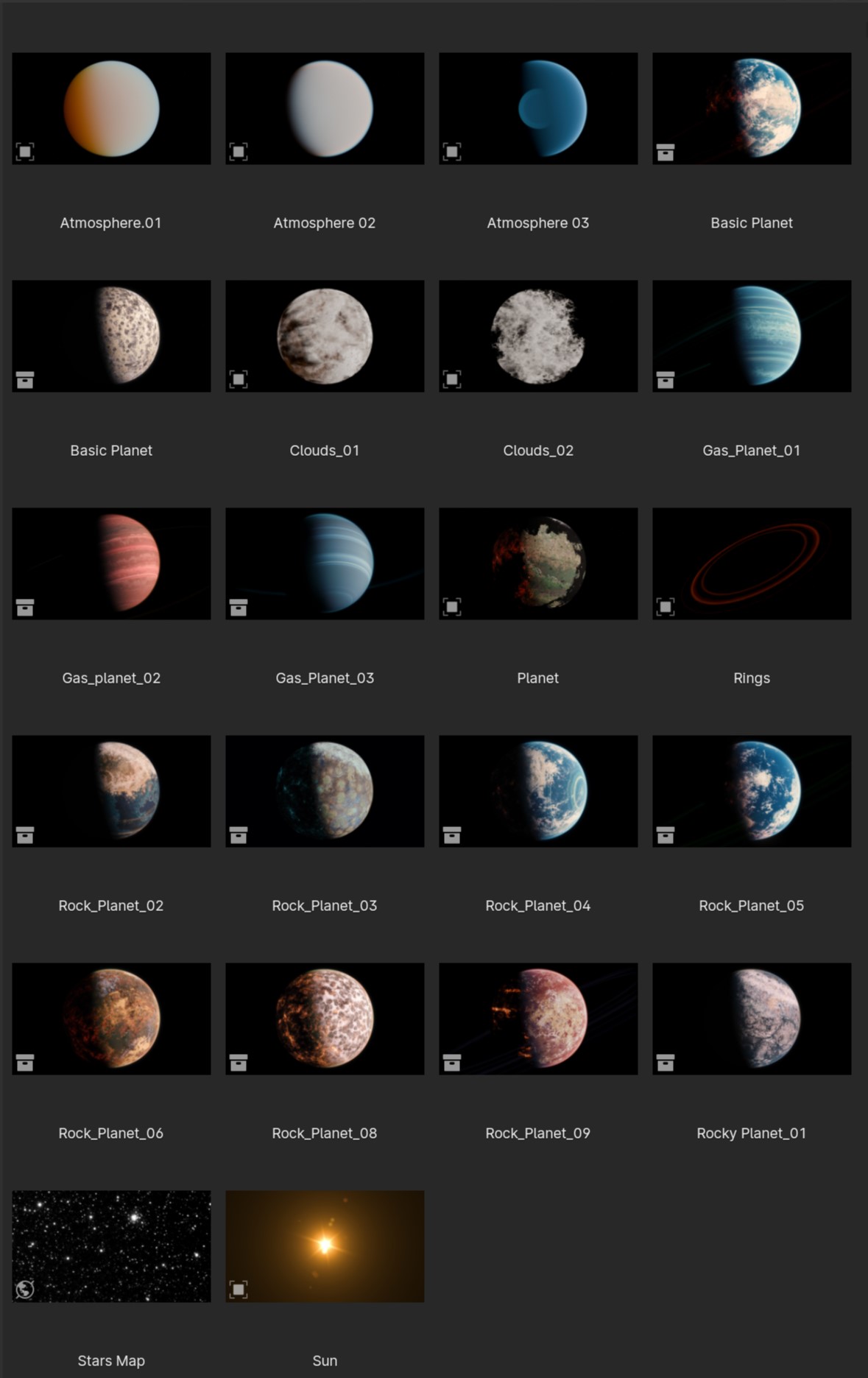
Basic Planet (1) = 1 minute 45 seconds
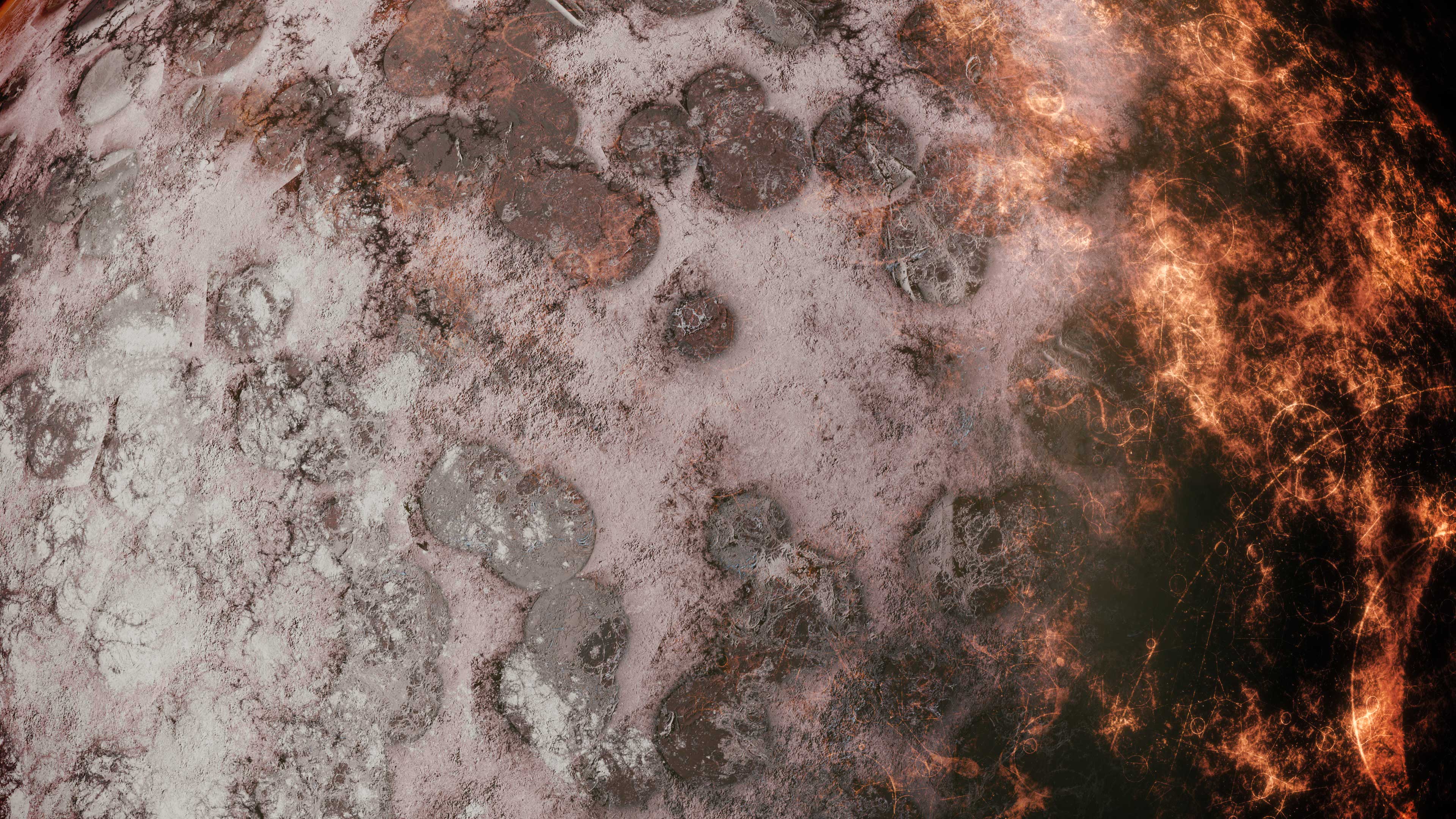
Basic Planet (2) = 14.9 seconds
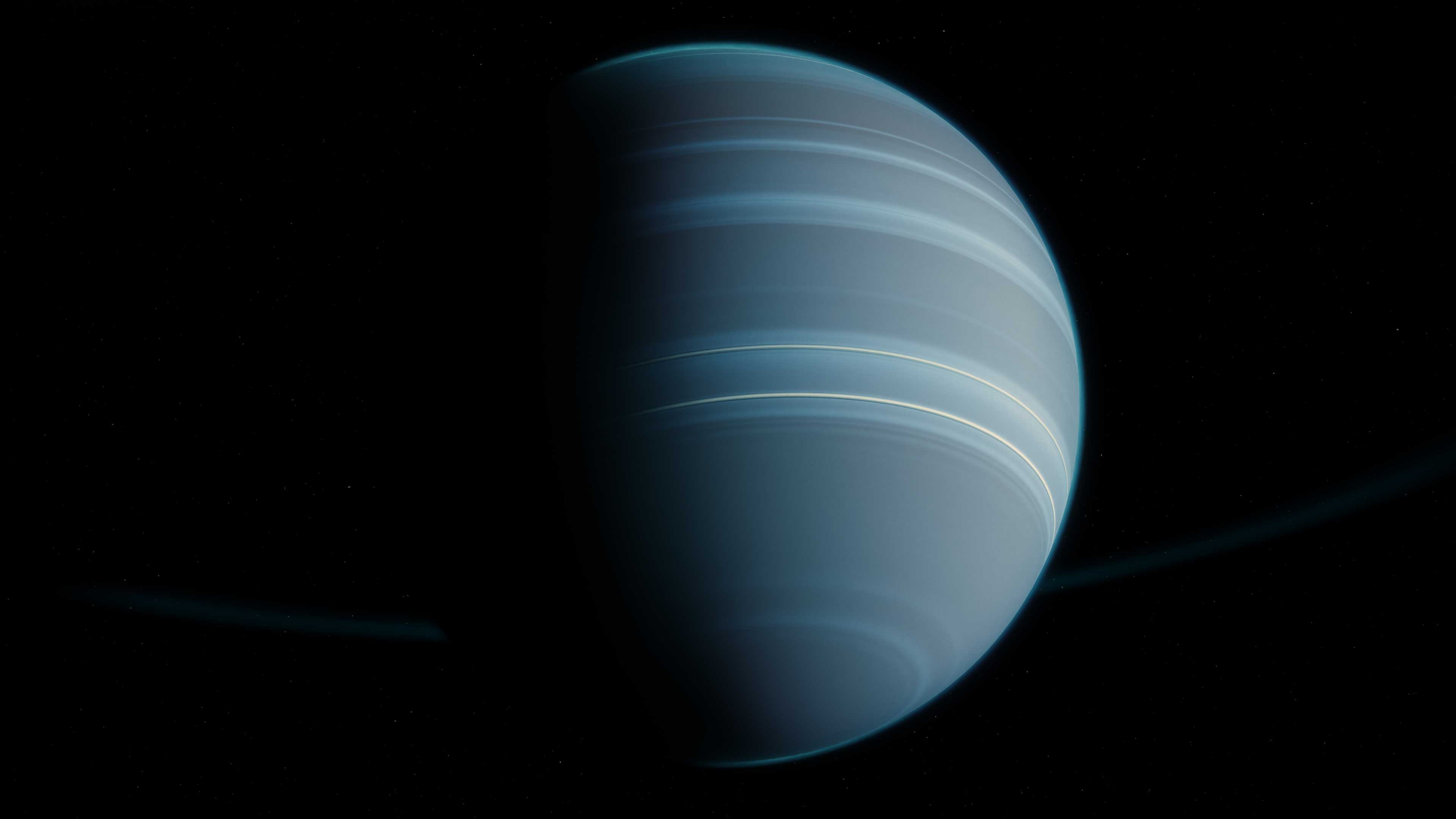
Gas Planet_01 = 1 minute 46 seconds
Gas Planet_02 = 2 minutes 3 seconds
Gas Planet_03 = 27 seconds
Planet = 10.7 seconds
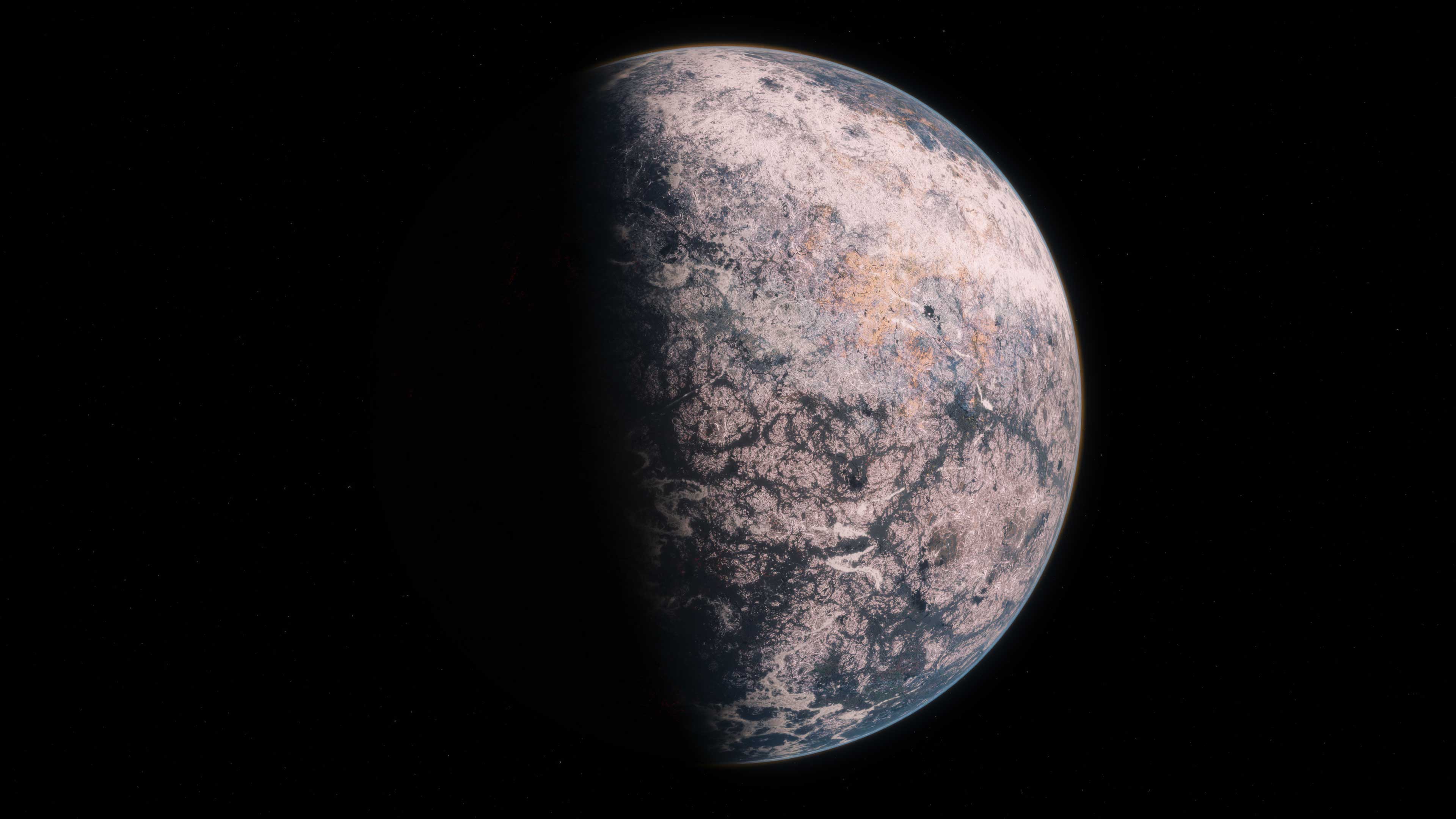
Rock Planet_02 = 15 seconds
Rock Planet_03 = 16 seconds
Rock Planet_04 – 1 minute 18 seconds
Rock Planet_05 = 1 minute 37 seconds
Rock Planet_06 = 2 minutes 8 seconds
Rock Planet_08 = 32 seconds
Rock Planet_09 = 1 minute 24 seconds
Rocky Planet_01 = 55 seconds
Right now, most of the Planet Creator planets are beyond my hardware’s capabilities for rendering animations. But by scaling back samples, I can get some very nice single frame shots – without too much waiting. And with a combination of reducing samples and a bit of patience, I can render beautiful (and short) animations.
Apart from recommending new hardware, I would appreciate hearing suggestions for additional setup tweaks that could improve performance.
Damian Pietrykowski
over 2 years ago
Hi! Thank you for your purchase and review. As you have noticed, it is best to work directly in the cycles engine with a small number of samples in the preview. The most resource-intensive clouds here are volumetric clouds, where the number of samples needs to be significantly reduced to make everything work quickly. The animations I made were in 4K on the RTX 3090 and one frame with clouds and motion blur turned on took about 40 seconds to render. Just set Volumes/max steps to a low value of about 15. Clouds at this value will still be very detailed, but much faster. I suggest you watch this tutorial.
https://www.youtube.com/watch?v=251AdAAEiv0
In future updates, we will focus mainly on speed in the clouds. Regards. Damian
I bought this a while back, and they suddenly stopped updating it. It seems like a waste of money, since originally I planned to use this for much longer. I hope the developer can update this product to the latest version of Blender. Other than that, the product itself is powerful and useful.
I need help! CTR + Z Dont work.... The Plugin is buggy, I think because I only have a GTX 1660 Super.....
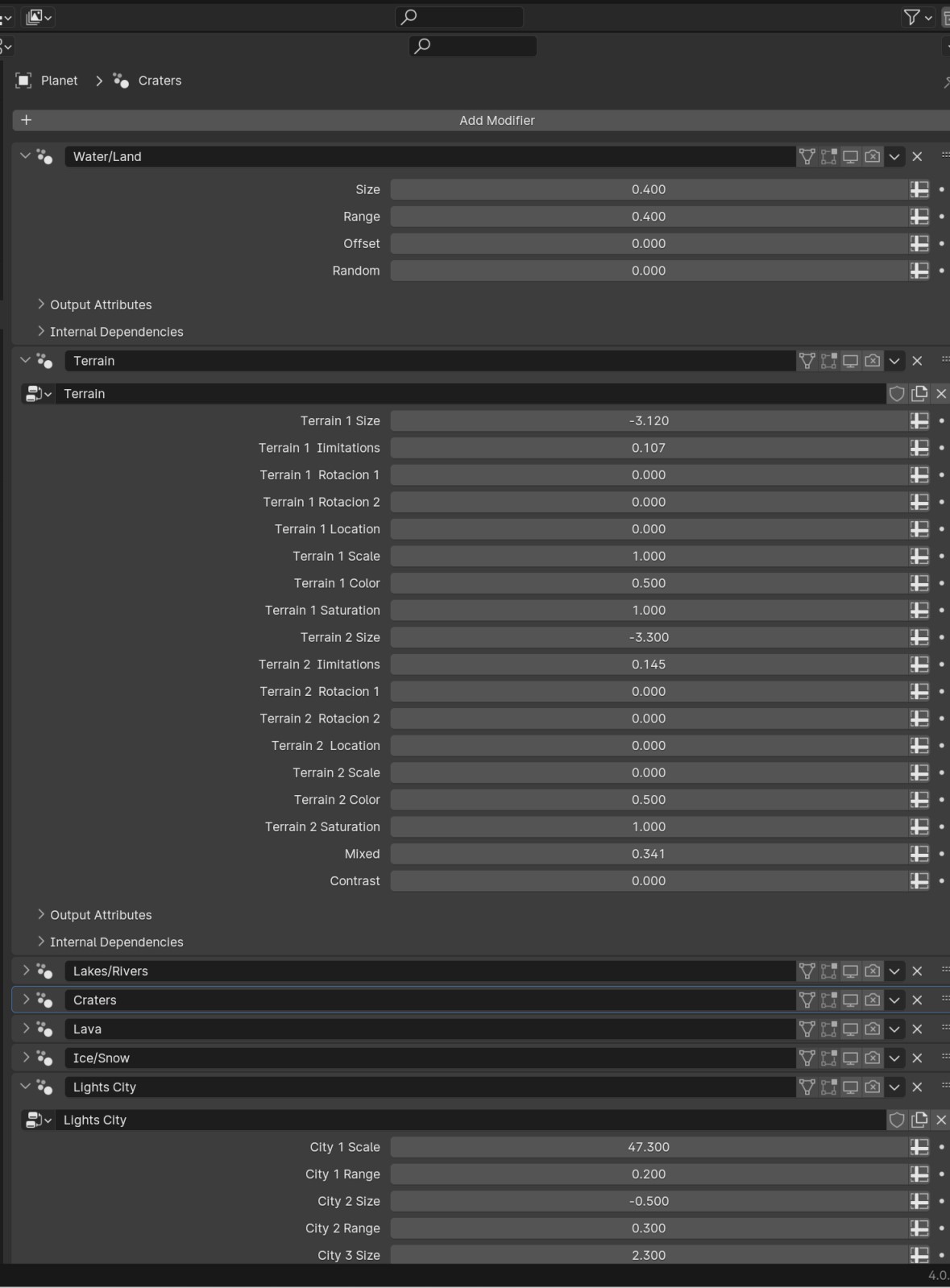
Can't use the modifiers after dragging a planet from the asset browser.
Damian Pietrykowski
almost 2 years ago
This can be done without any problems. Just after loading from the asset browser, press CTR+z on the keyboard as in the tutorial, or set the assets in the asset browser to be modifiable
Have questions about this product?
Login to message
| Sales | 100+ |
| Rating |
9 ratings
|
| Published | almost 3 years ago |
| Blender Version | 4.0 |
| Render Engine Used | Cycles |
| License | Royalty Free |
sky photorealistic planet procedural Generator Stars Planets creator