 ZEG
ZEG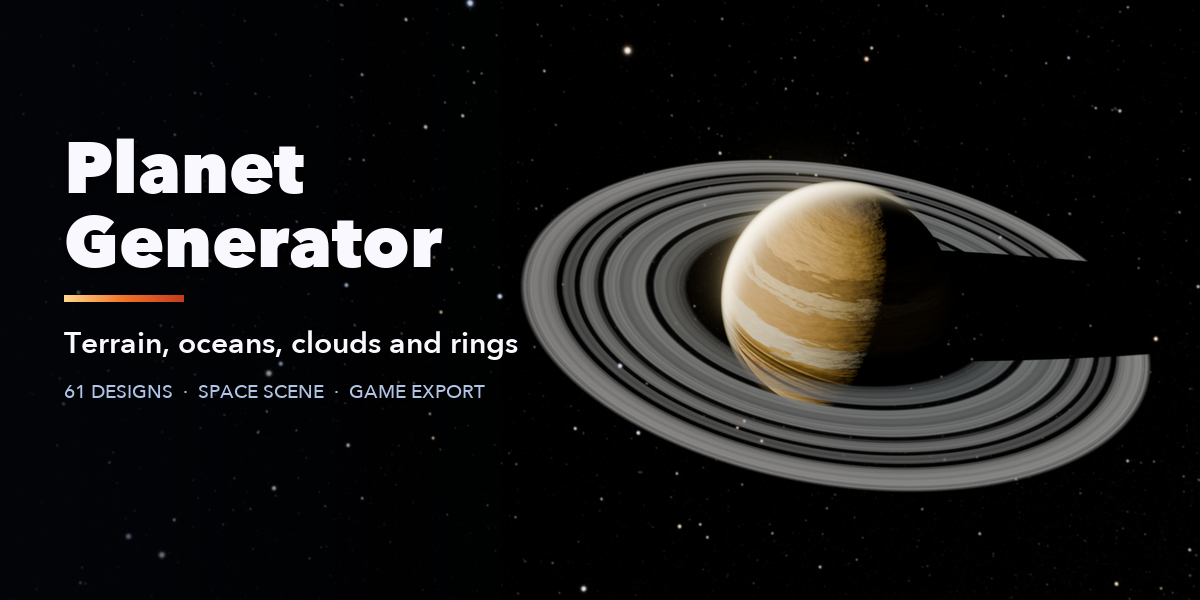
Installation
In Blender open Edit, Preferences, Get Extensions, then use Install from Disk and pick the planet_generator zip.
Usage
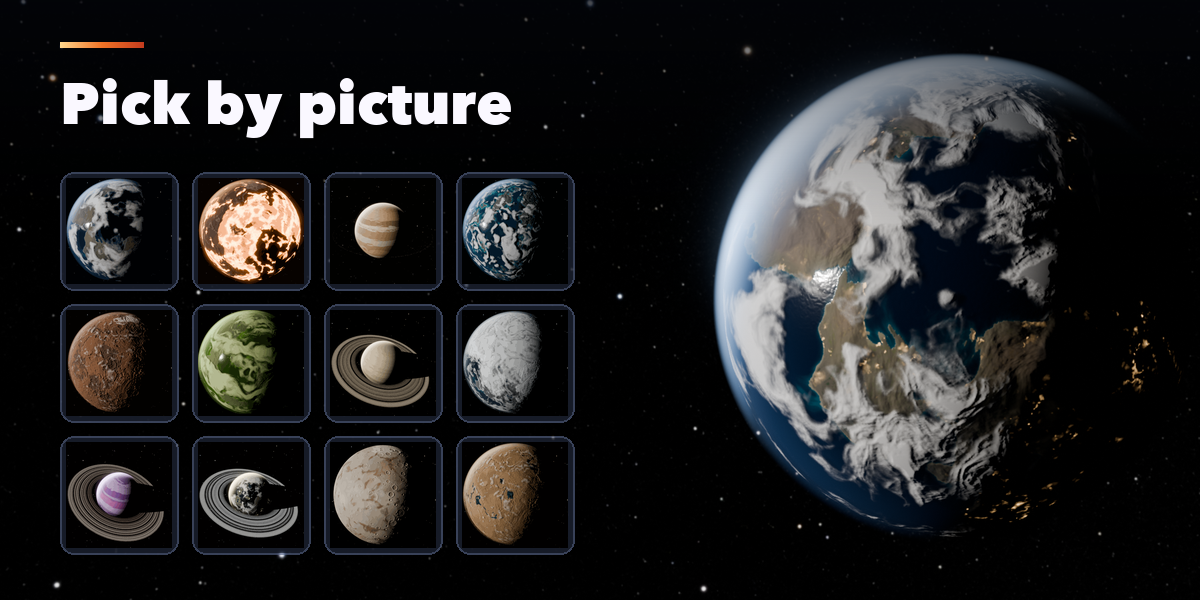
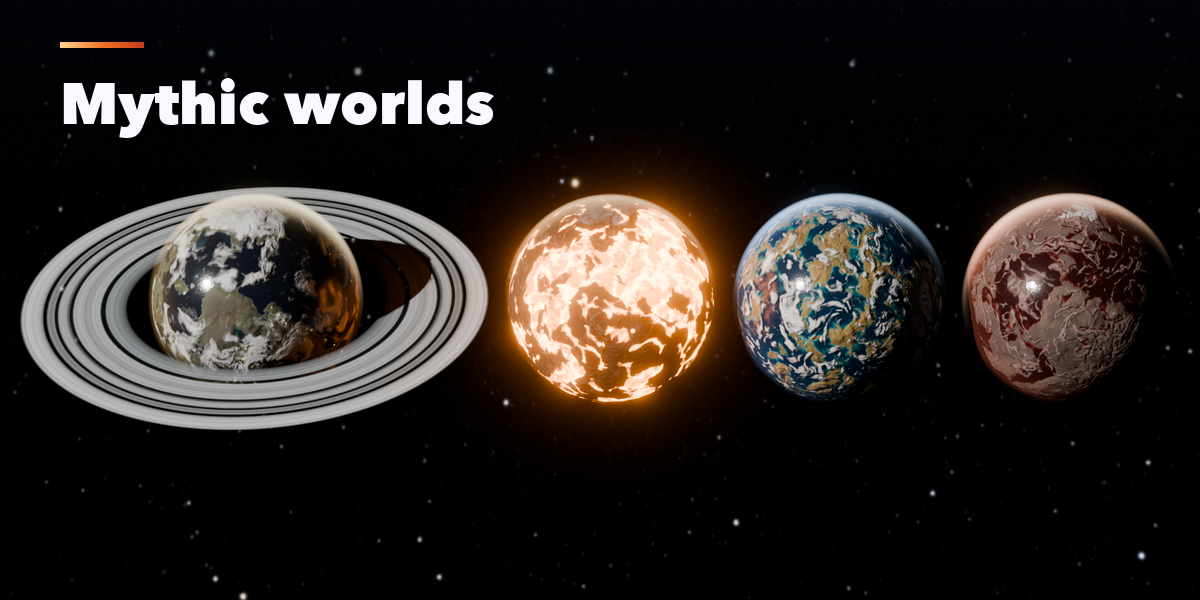
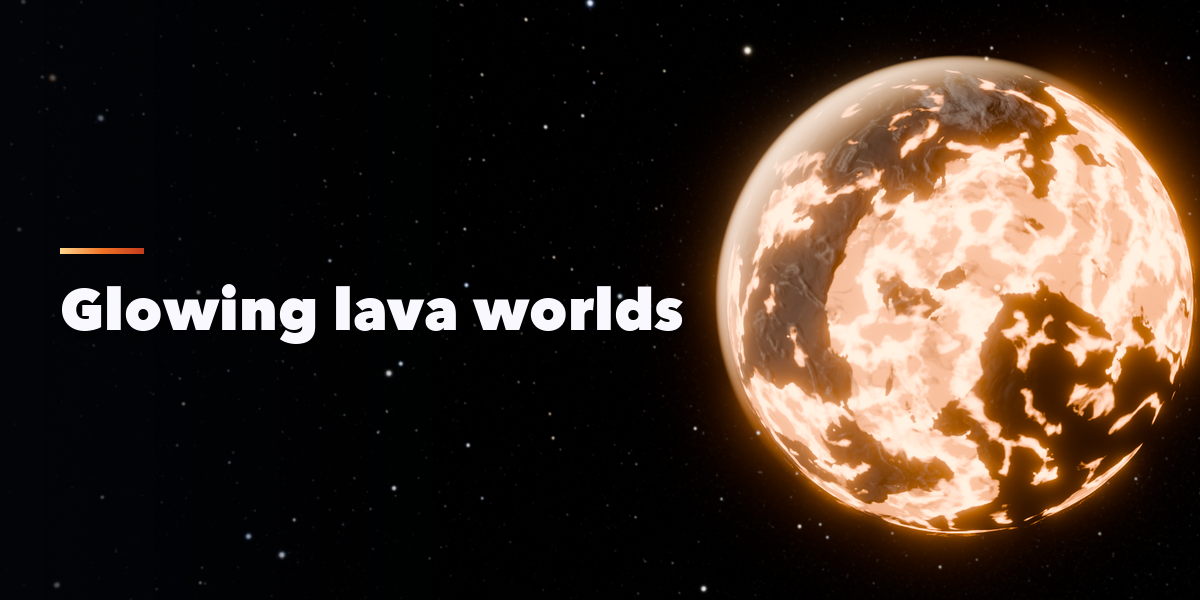
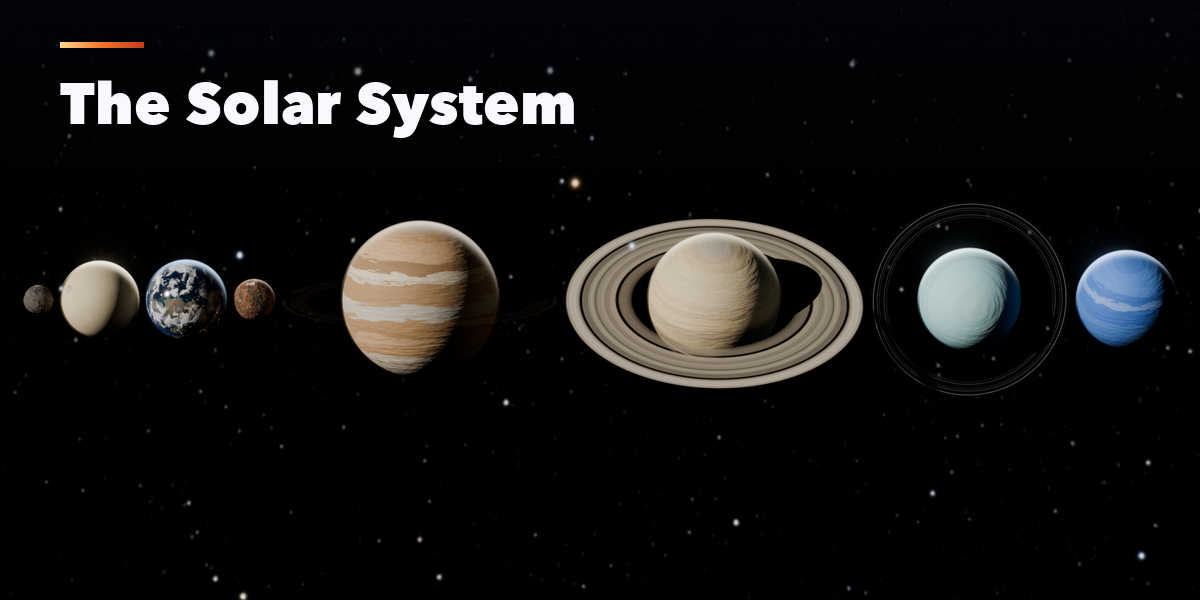
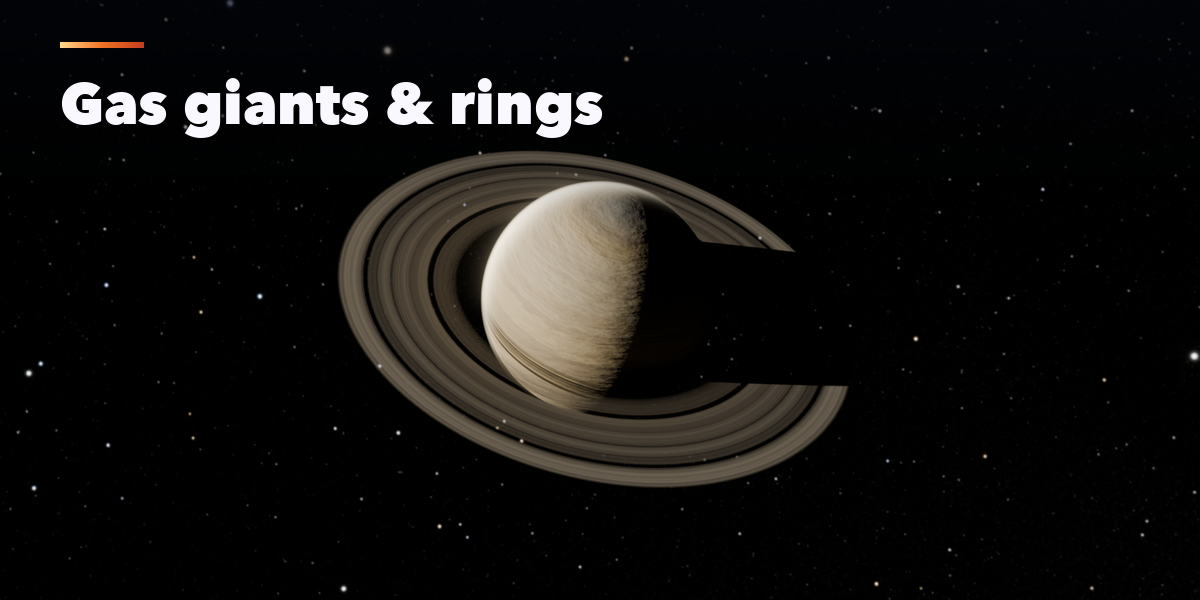
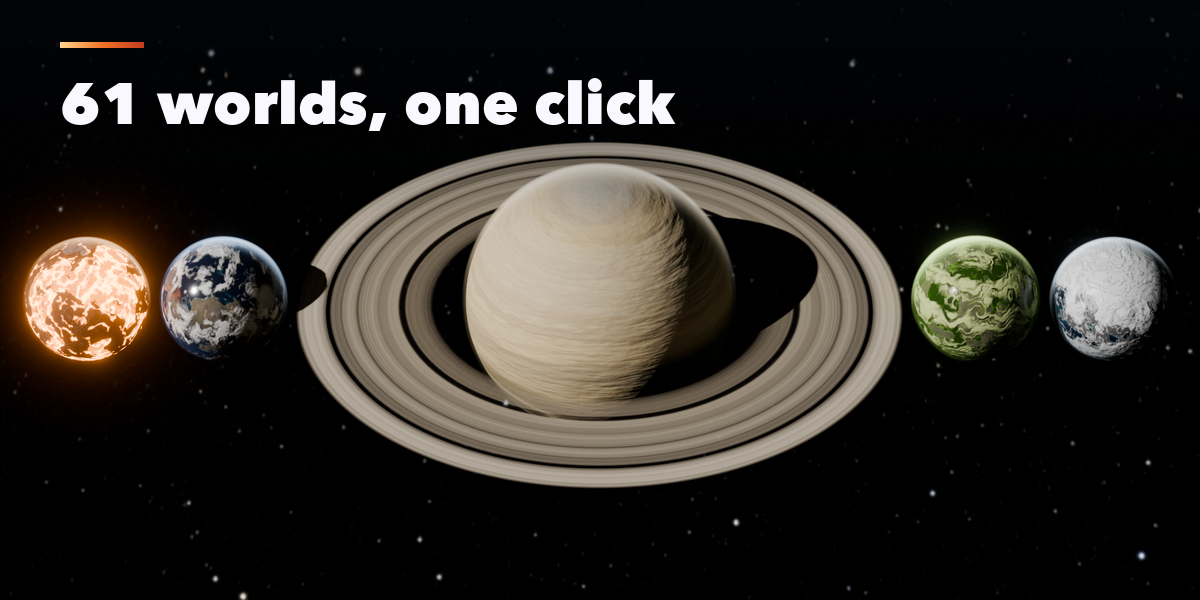
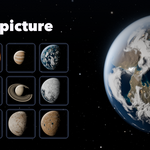
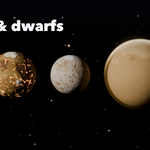
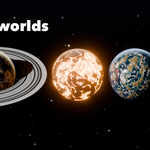
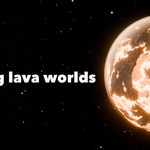
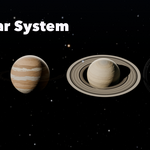
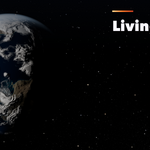
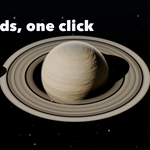
- Open the Planet tab in the 3D viewport sidebar (N). Pick a family, then click a world's picture to add it at the 3D cursor. You can also use Shift+A, Planet.
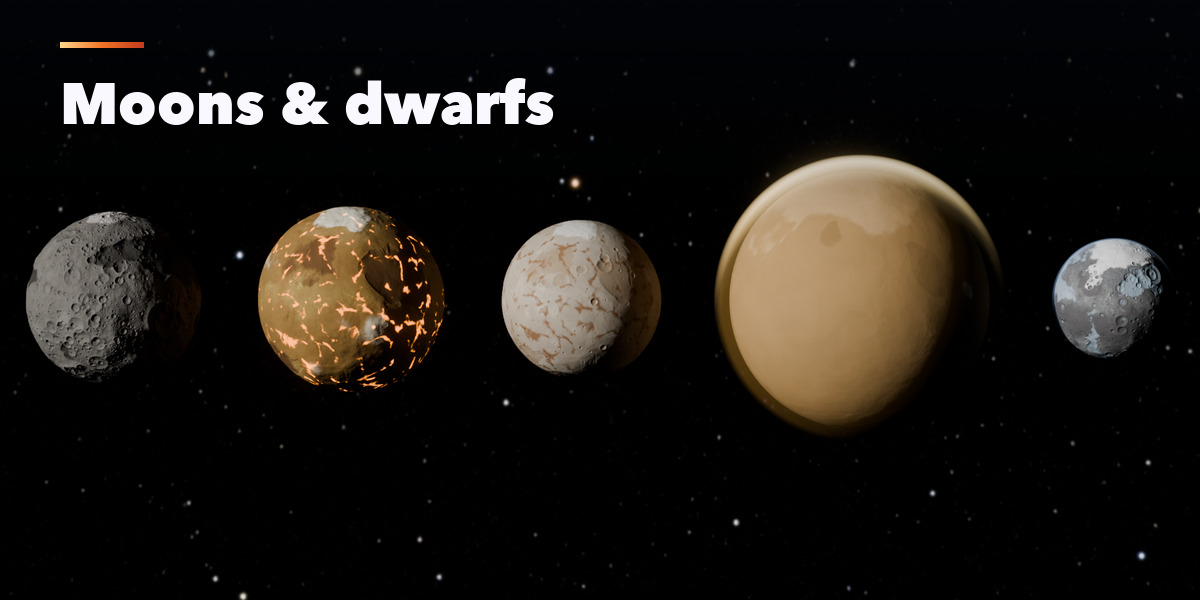
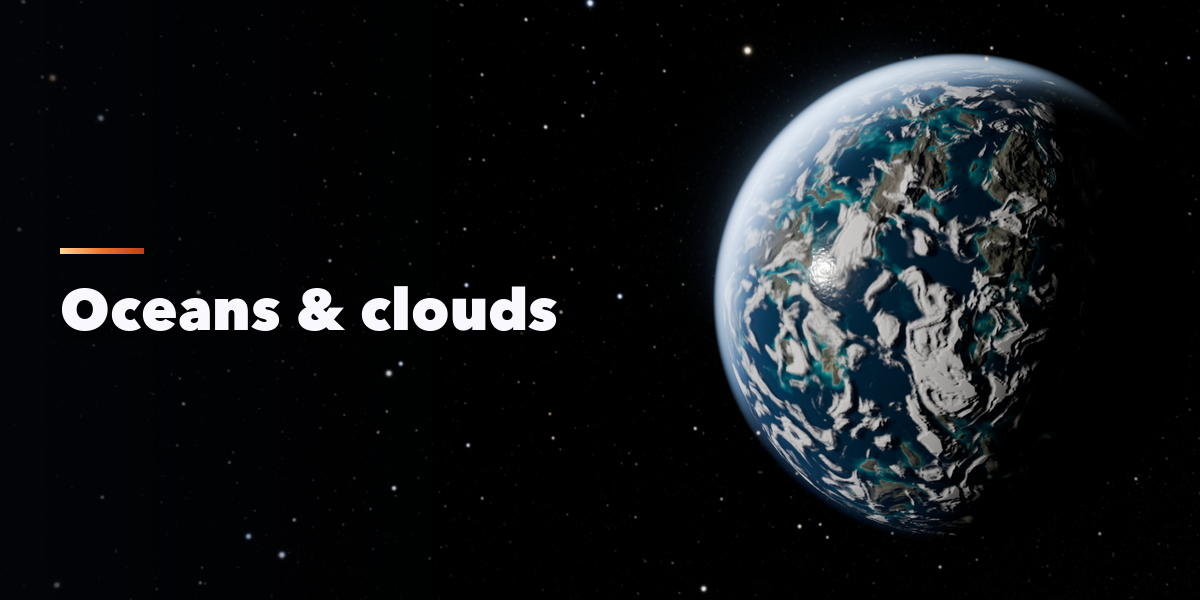
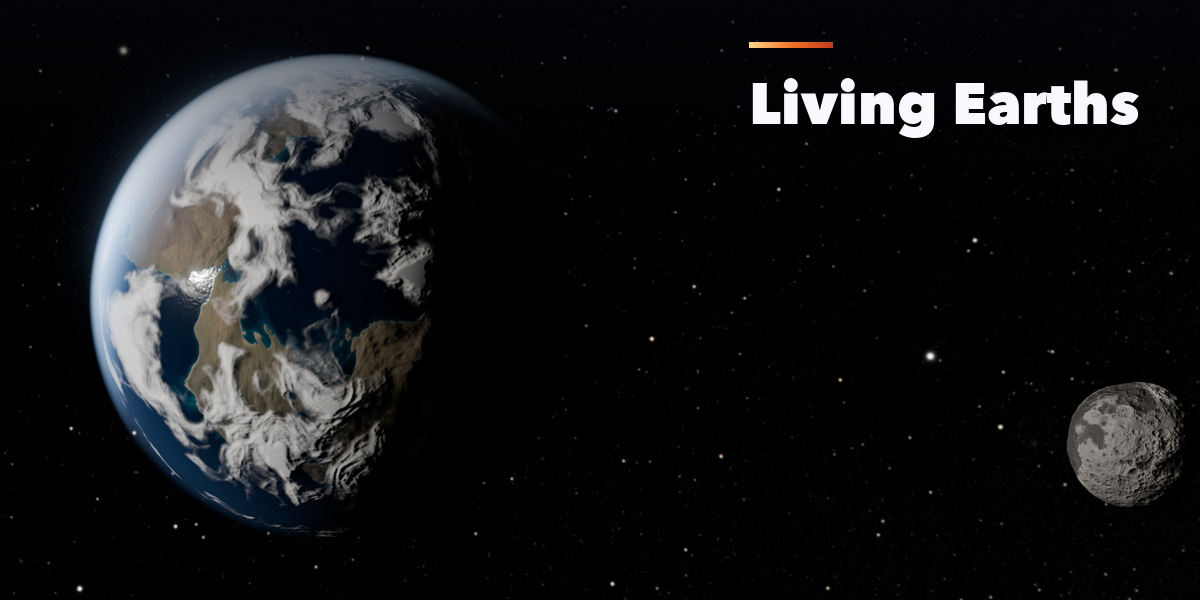
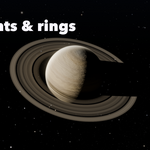
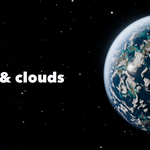
- With a planet selected, the tabs hold every setting: terrain, surface colors, ocean, clouds, atmosphere, rings, moons and motion. Change a value and the planet rebuilds.
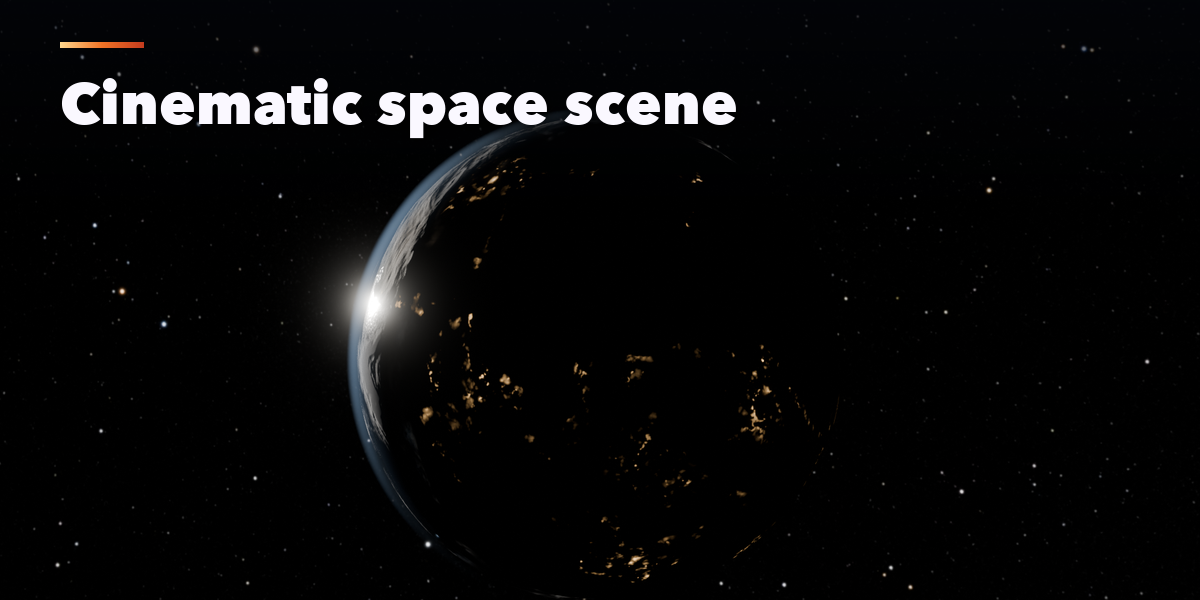
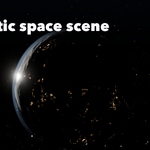
- Click Create Space Scene to add a sun, the star background, a camera and render settings. Choose a framing (Hero, Crescent, Orbit, Eclipse, Wide) and render.
- Animate adds turning planets, clouds and orbiting moons. The Export tab writes GLB, glTF, FBX or OBJ with LODs and PBR textures for game engines.
Star map: NASA/Goddard Space Flight Center Scientific Visualization Studio; Gaia DR2: ESA/Gaia/DPAC.
Have questions about this product?
Login to message
| Blender Extension Compatible | Yes |
| Published | 2 days ago |
| Blender Version | 4.2 - 5.2 |
| Extension Type | Add-on |
| Render Engine Used | Cycles, Eevee |
| License | GPL |

Discover more products like this
procedural earth gas giant Solar System space scene rings game assets planet generator space planet Moon sci fi