 ZEG
ZEG
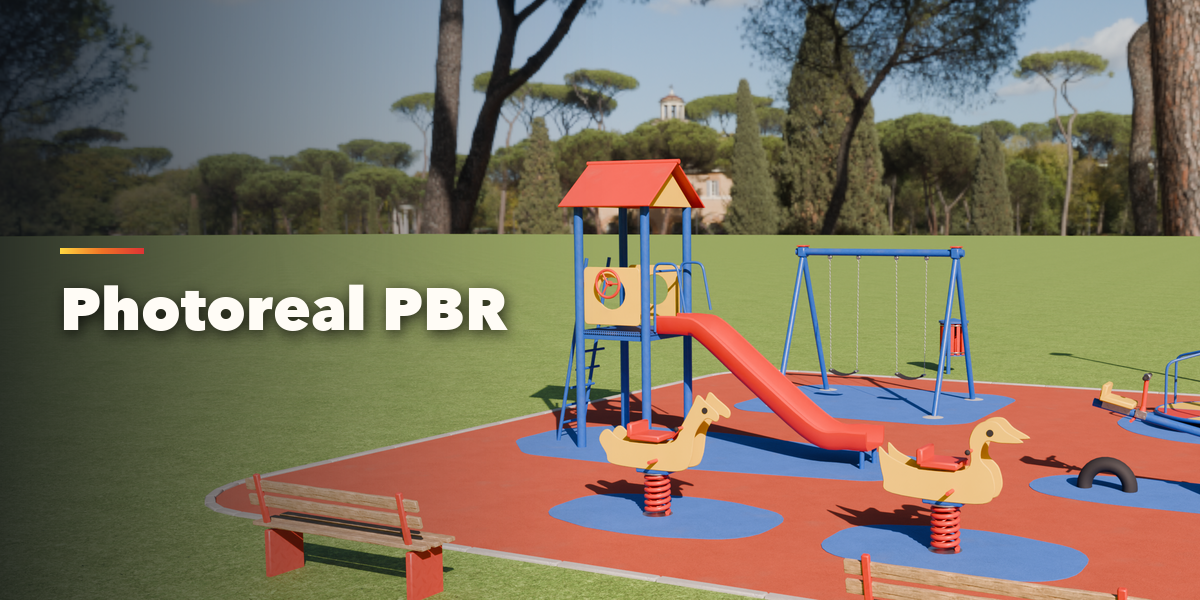
Installation
In Blender open Edit, Preferences, Get Extensions, then use Install from Disk and pick the zip.
Usage
- Open the sidebar (N) in the 3D Viewport and choose the Playground tab, or use Add, Playground.
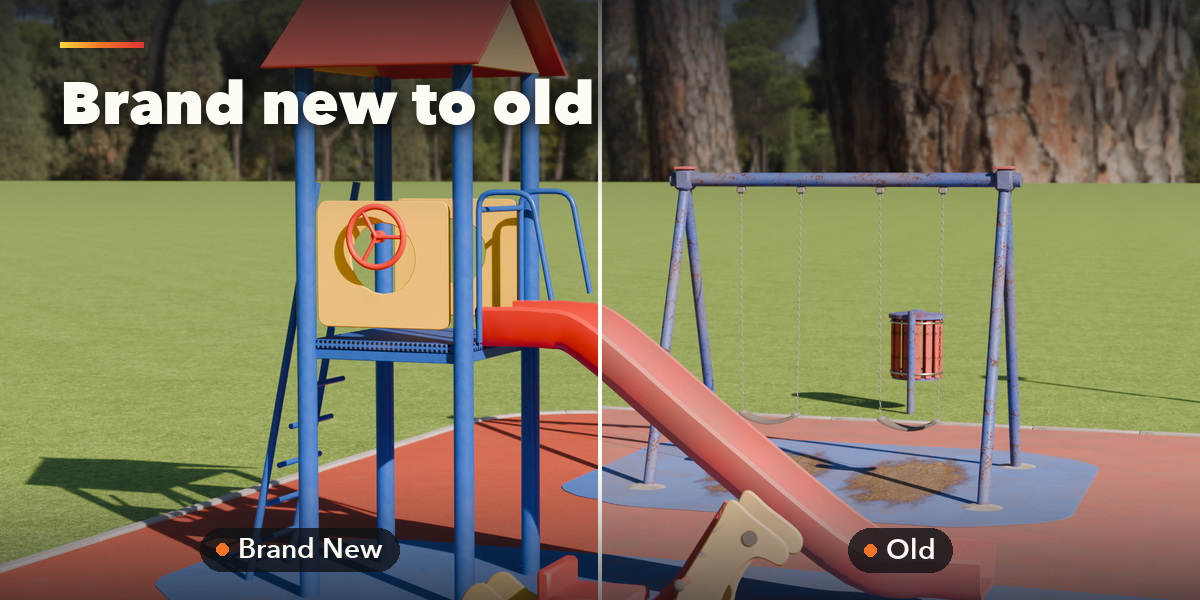
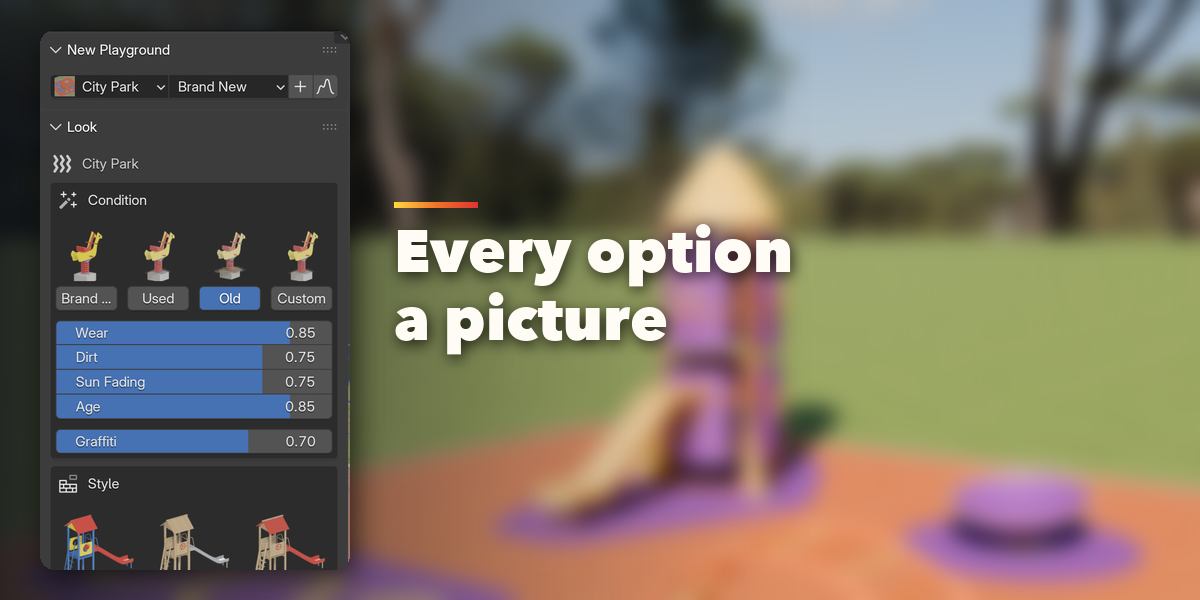
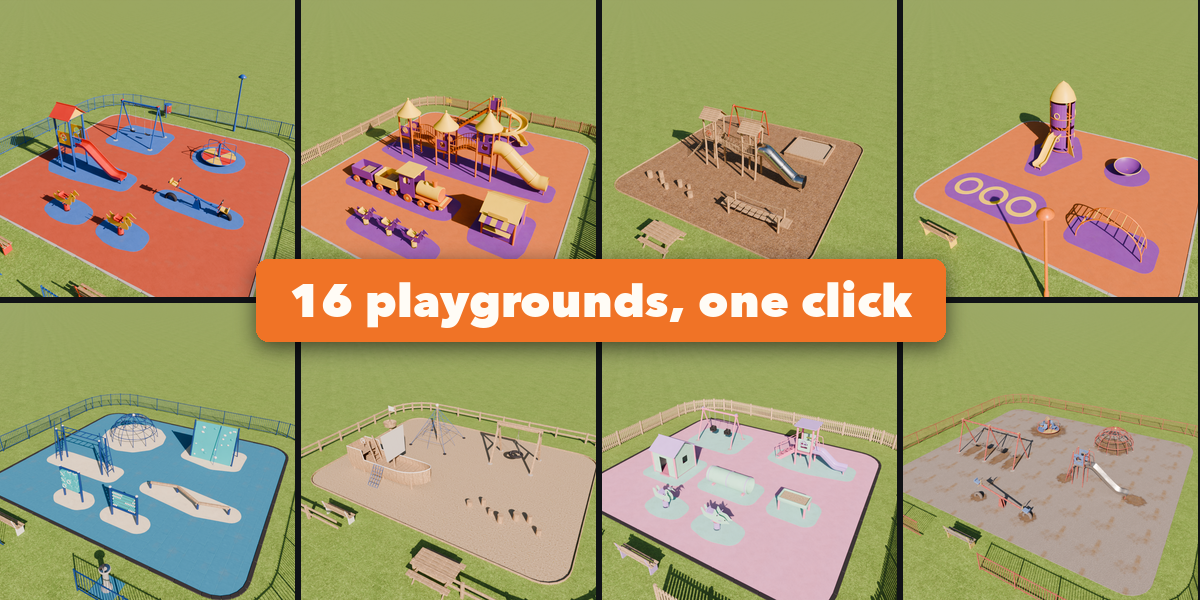
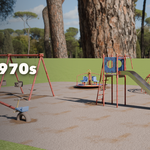
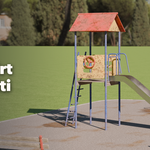
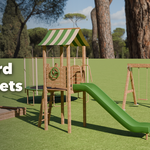
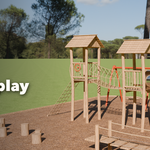
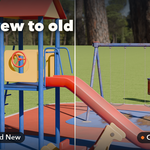
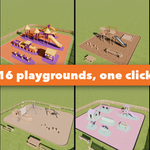
- Click a playground picture, choose Brand New, Used or Old and press Add. Random Playground rolls a completely new one.
- Select the playground to change its condition, style, colors, safety surface, curb, lawn and fence.
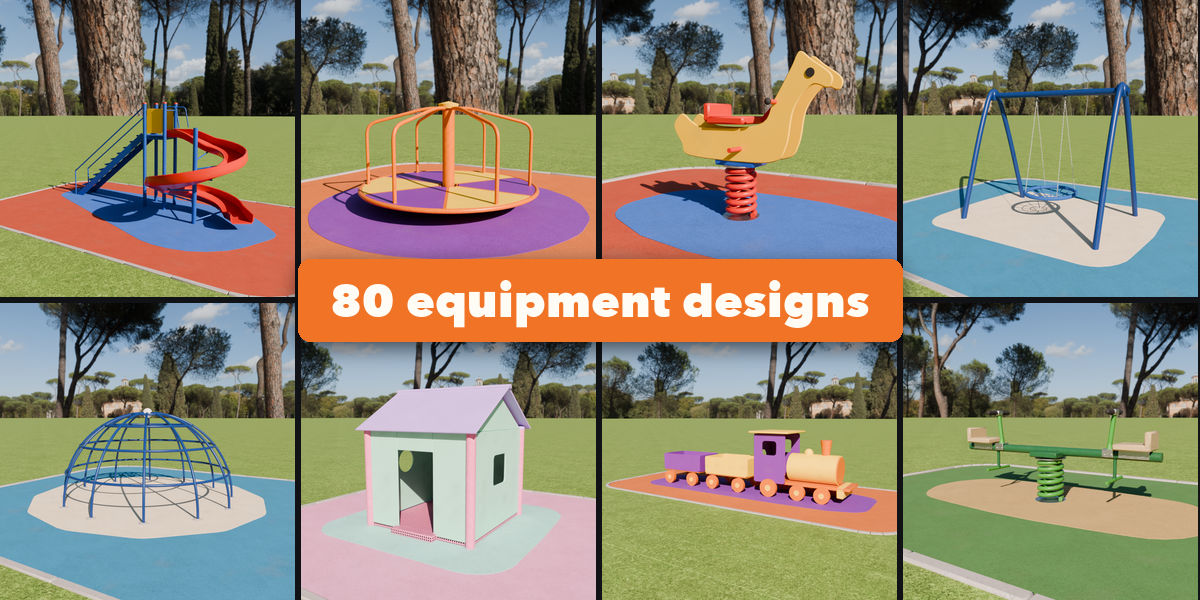
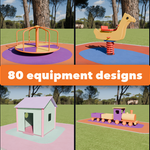
- Add more equipment from the catalog; select any piece to pick another design, change its sizes and options, or give it its own colors and condition.
- Move pieces freely: the ground and color patches refit once you let go. Arrange lays everything out again.
Have questions about this product?
Login to message
| Blender Extension Compatible | Yes |
| Published | about 3 hours ago |
| Blender Version | 4.2 - 5.2 |
| Extension Type | Add-on |
| Render Engine Used | Cycles, Eevee |
| License | GPL |

Discover more products like this
ArchViz props playground Generator slide game assets kids swing environment procedural park PBR