 hodgson3d



What is PLUGIFY?
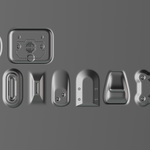
Plugify is a geometry nodes modifier that lets you project and seamlessly fuse any mesh detail onto any surface — regardless of topology.
Just
apply the modifier, pick your “plug,” and Plugify instantly conforms it
to the surface, merges the geometry, and transfers normals for a
perfectly smooth transition. If however, you want to fake the decals without using true 3d geometry. Check out my other modifier DECALIFY.
Whats included?
You have the option of purchasing only the geometry node OR
purchasing with both the geometry node and plug kit. The kit is
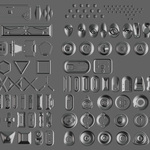
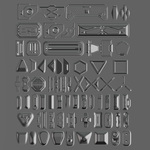
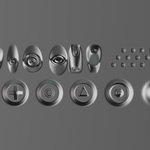
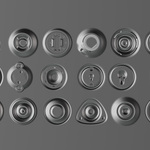
high quality subD quad topology containing 128 plugs organized into an asset library for Blender. (Note that if you
have purchased my MeshMachine or Decalify Kit you already have these decals). Note that you can create your own plugs. You do not need the kit.
Geometry Node Installation Guide
How to use Plugify?
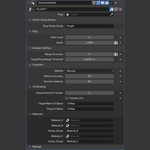
1) Align a plug to your target mesh. (Plug must have a vertex group assigned to the outer border edge - by default the modifier expects a vertex group name of "Plugify")
2) Apply the modifier to your target mesh and pick the plug. Done!
KEY FEATURES:
Dynamic Subdivision: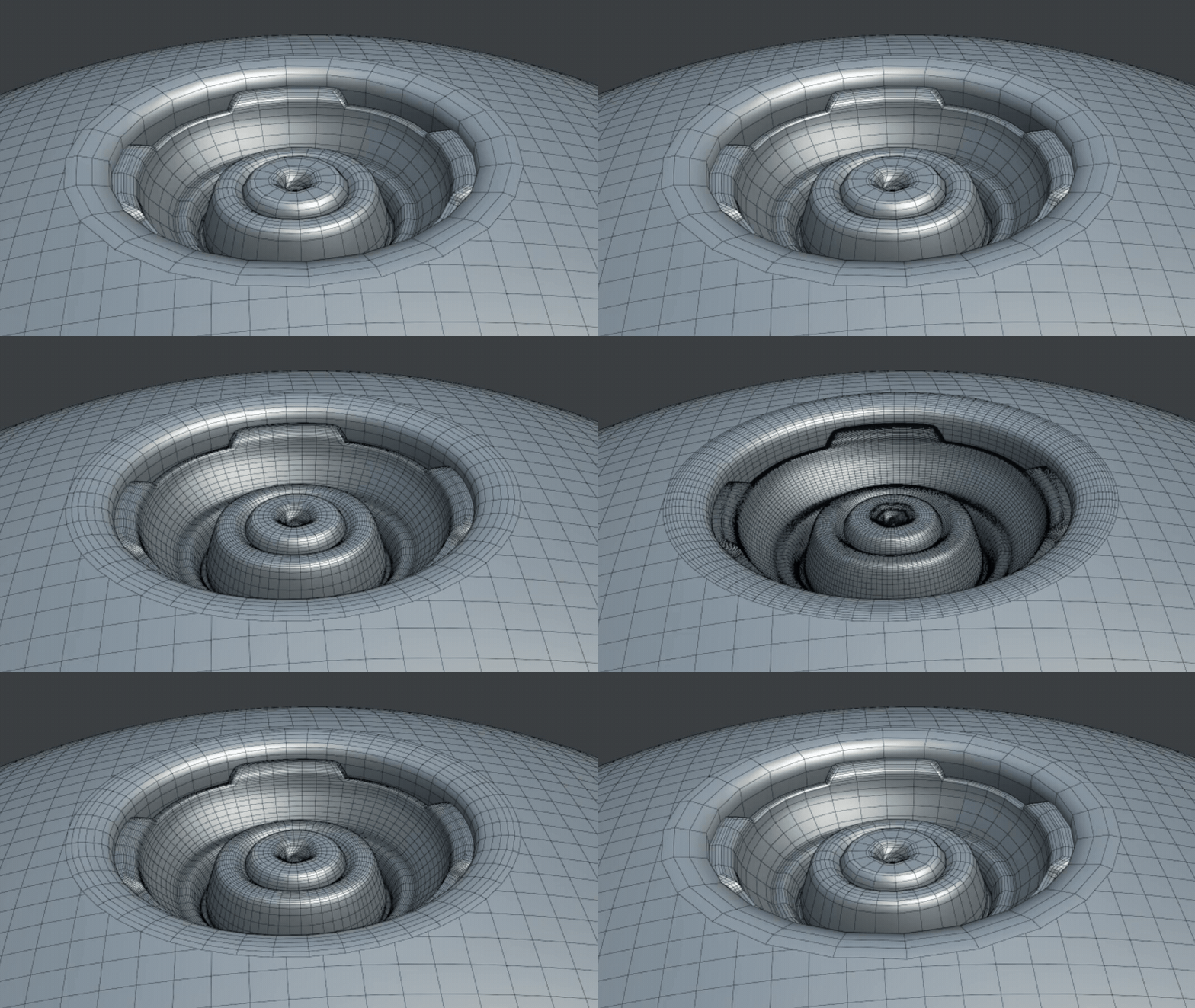
Depth Control:
Dynamic UV Transfer:
Choose to keep the plugs original UVs OR transfer the UVs from the target mesh onto the plug for seamless shading and texturing.
Normal Transfer:
Blends the plug into the target surface regardless of topology. You also have the option to expand the surface area where the normal transfer takes place.
Plug Kit Included (Optional):

