 hodgson3d



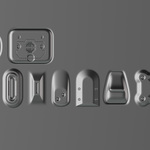
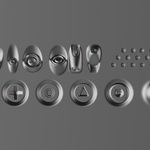
What is Decalify?
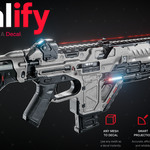
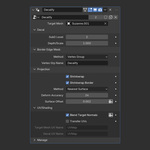
Decalify is a Geometry Nodes modifier that simplifies decal workflows.
It flattens your 3D mesh while preserving its original normals to
maintain the illusion of depth, then conforms it to a target
surface—with optional edge normal blending for seamless integration only the target mesh. For true 3d fusion of details check out PLUGIFY.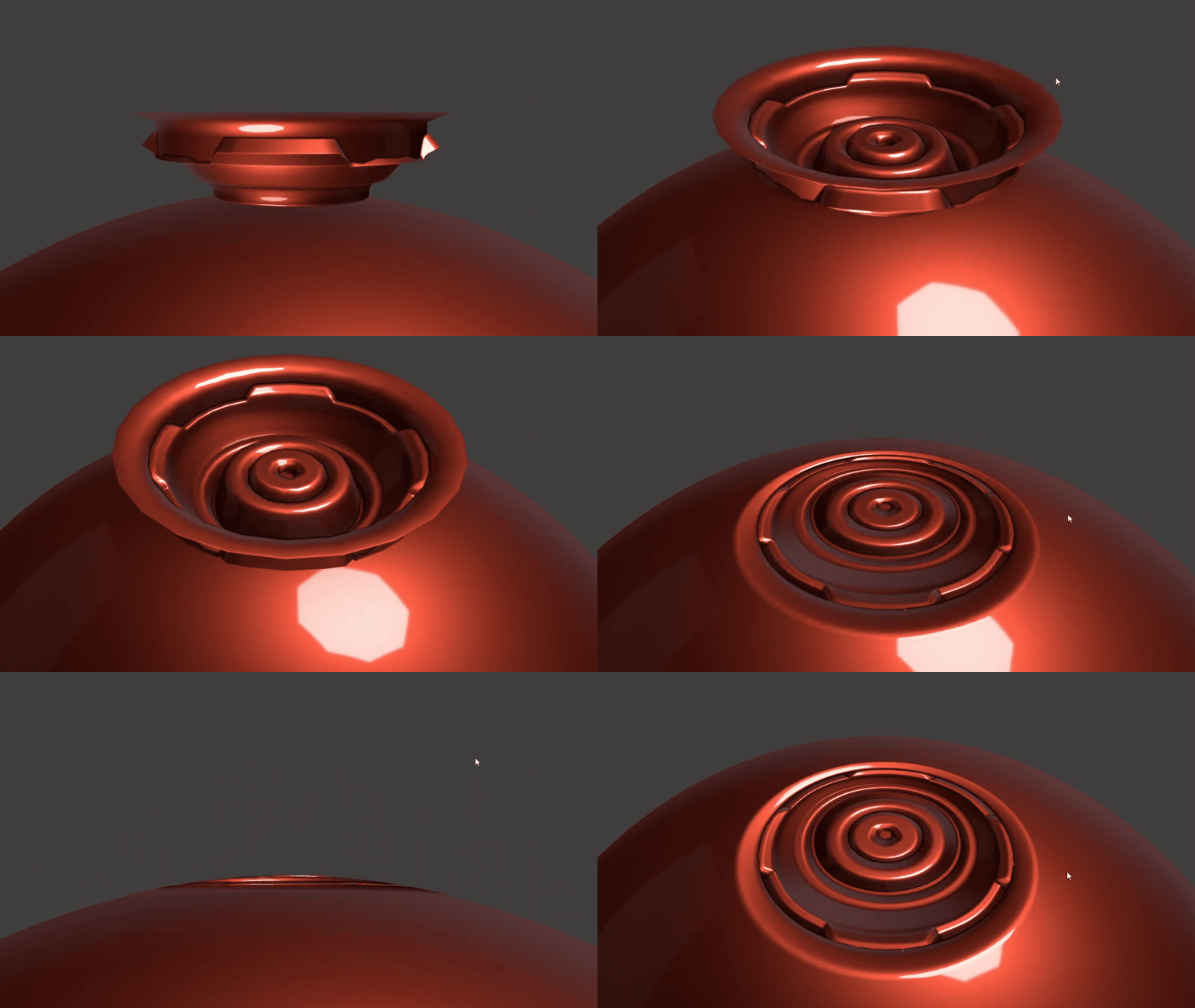
Why choose decalify over other addons?
Addons such as DecalMachine are amazing, but its weakness (and strength) is being texturally based. This makes traditional high to low normal map baking very difficult. Not only that, but shading and texturing within blender using DecalMachine is complicated and time consuming as each of its decals have a unique shader.
Decalify is geometry based which allows more control and freedom with baking and shader assignments.
Whats included?
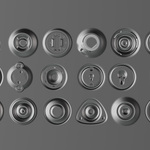
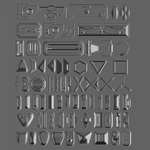
You have the option of purchasing only the geometry node OR purchasing with both the geometry node and decal kit. The decal kit is high quality subD quad topology containing 128 decals. (Note that if you have purchased my MeshMachine Plugsor Plugify Kit you already have these decals.
Geometry Node Installation Guide
Key Features:
Fast and streamlined process for creating decals. No prep, no fuss. Just copy the modifier to other decals.
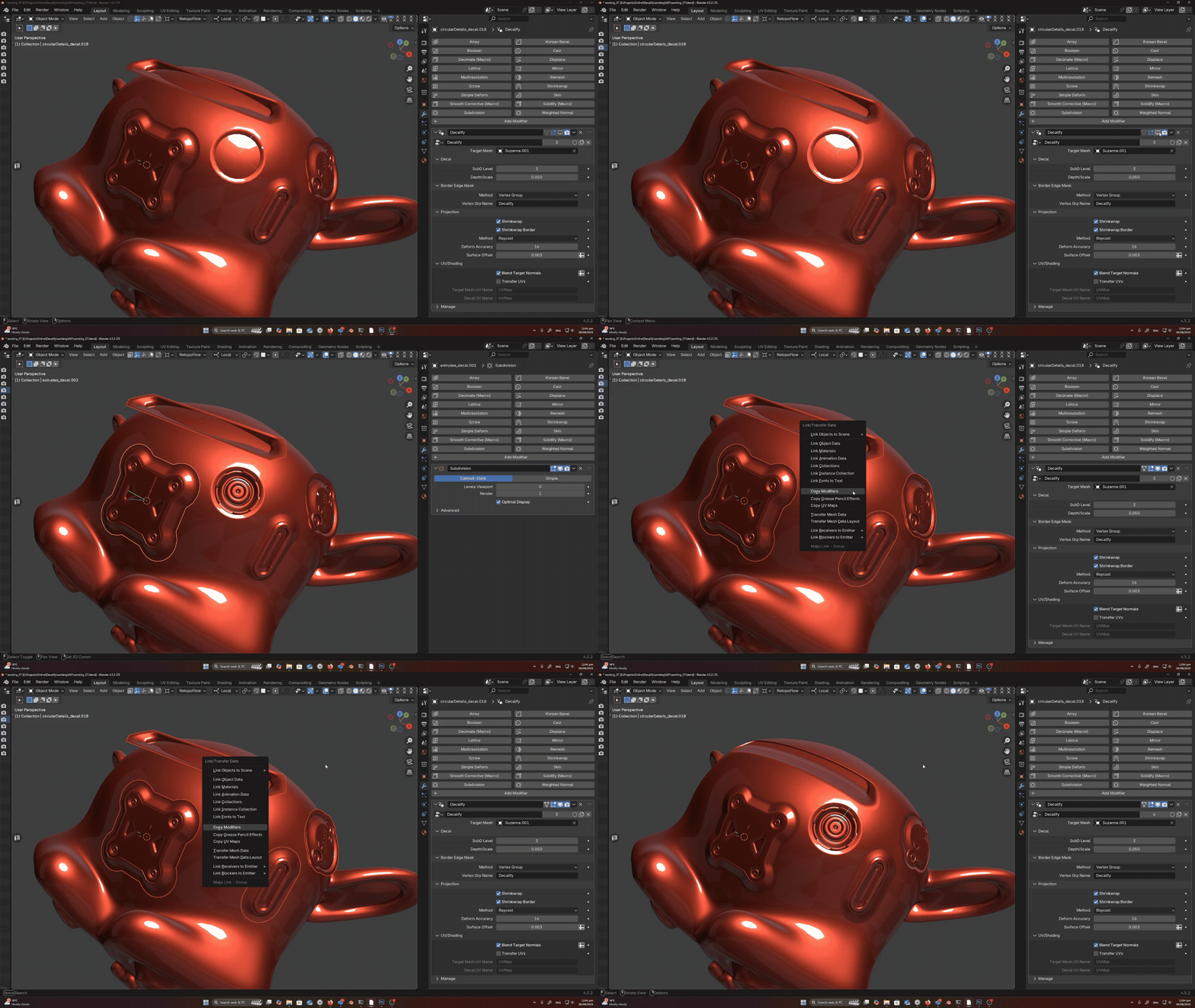
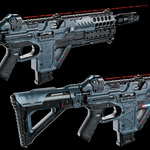
Conform/Project you decals onto any surface or curvature.
An internal surface deform system has been designed to conform you decals to even the most extreme curvature if needed. You have the option of changing your projection method between nearest
surface and raycast. Raycast directly projects down the decals Z axis where as nearest surface will do its best to wrap around curvature.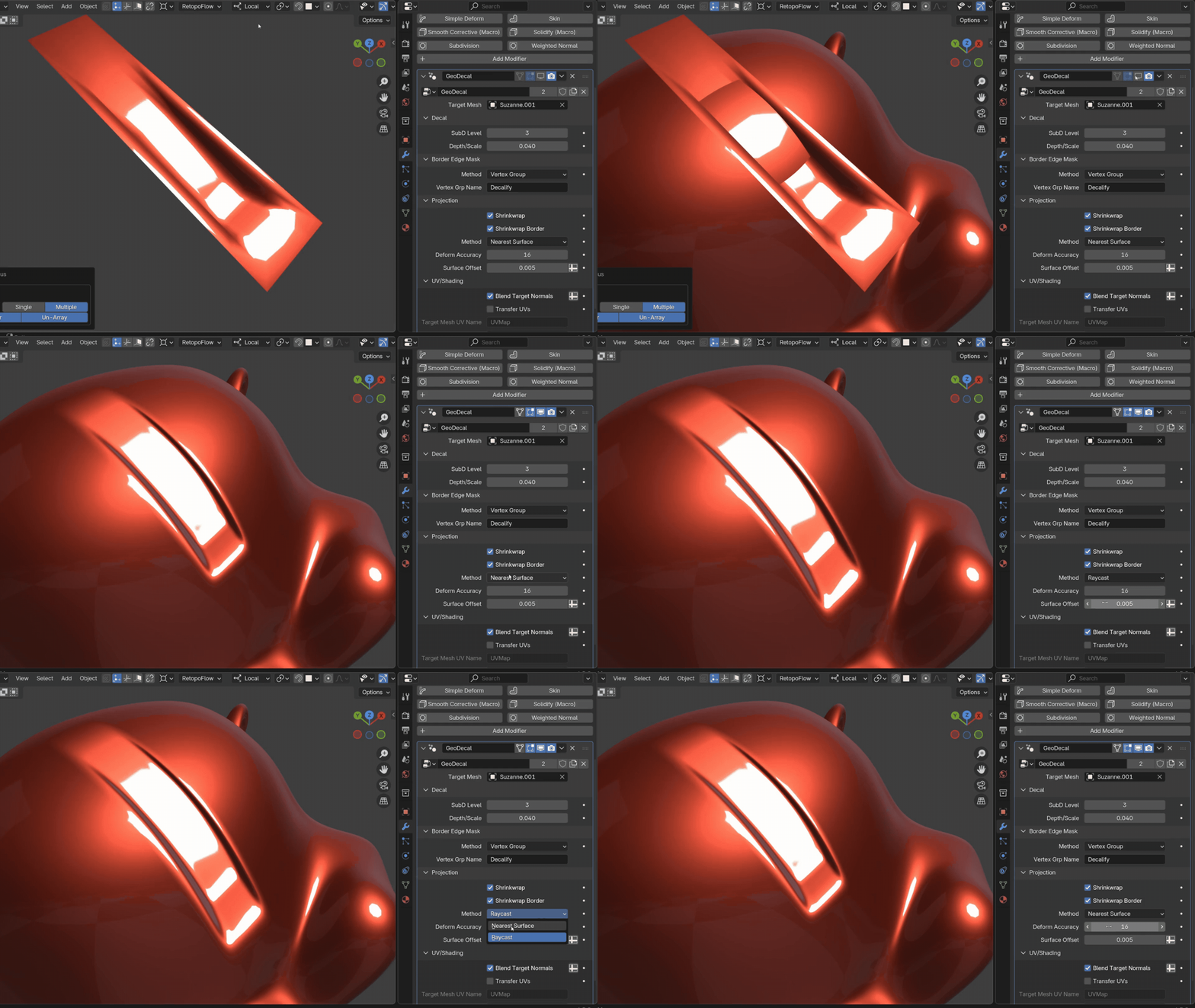
Shrinkwrap Border:
This setting has been added so that your decals border edge gets projected down onto the target geometry. This ensures that there is no gap below the decal. This is assigned either by a vertex group or you can automatically detect the border edge using the dropdown menu.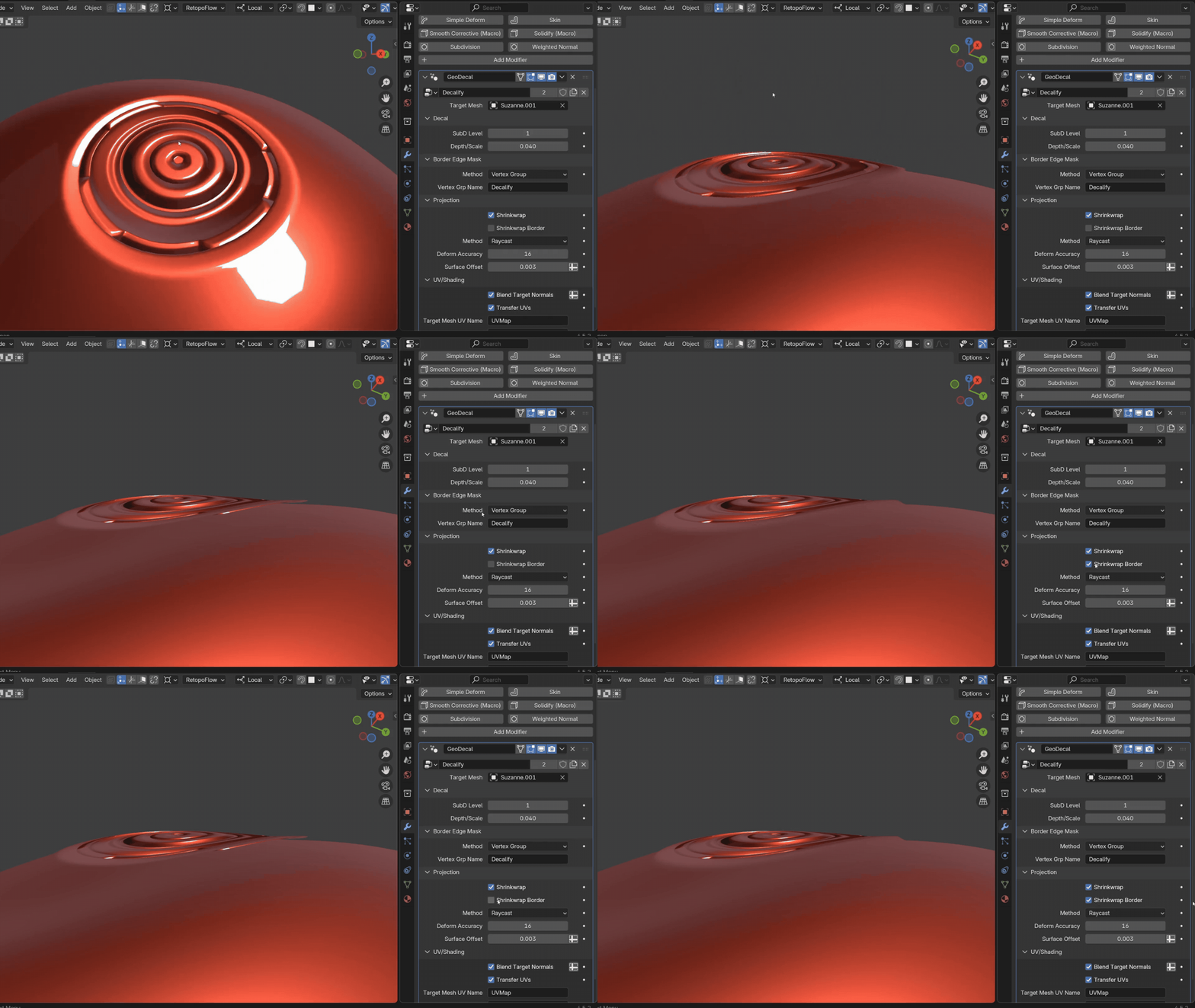
Normal Transfer:
Using the Auto Detect feature OR vertex groups discussed above, you can blend the normals of the target mesh with your decal to ensure a seamless transition.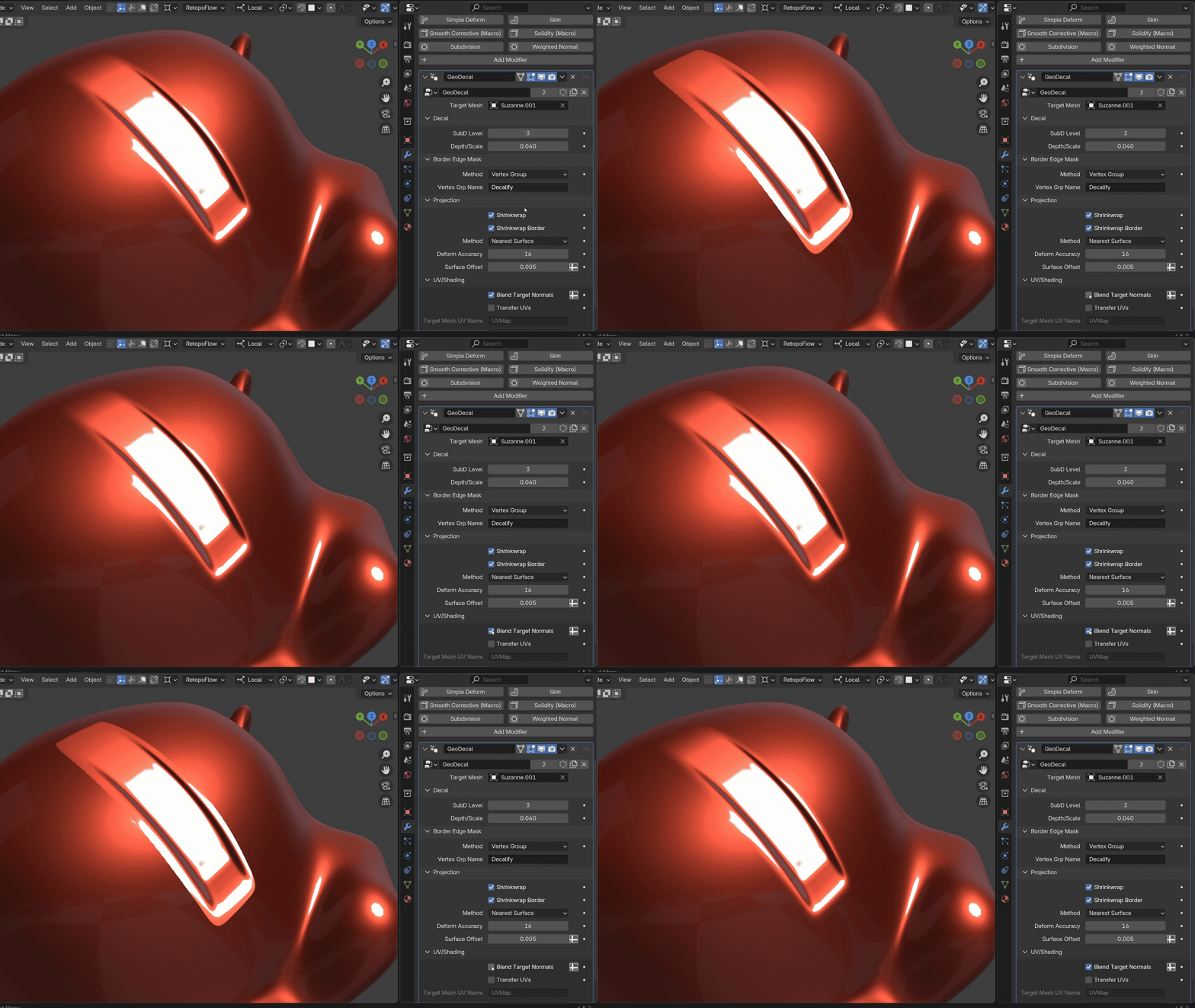
UV Transfer:
The modifier also has the ability to transfer the UV's from the target mesh to your decals. This is great for when you are texturing/shading the model and don't want any visible seams between the decal and target mesh. 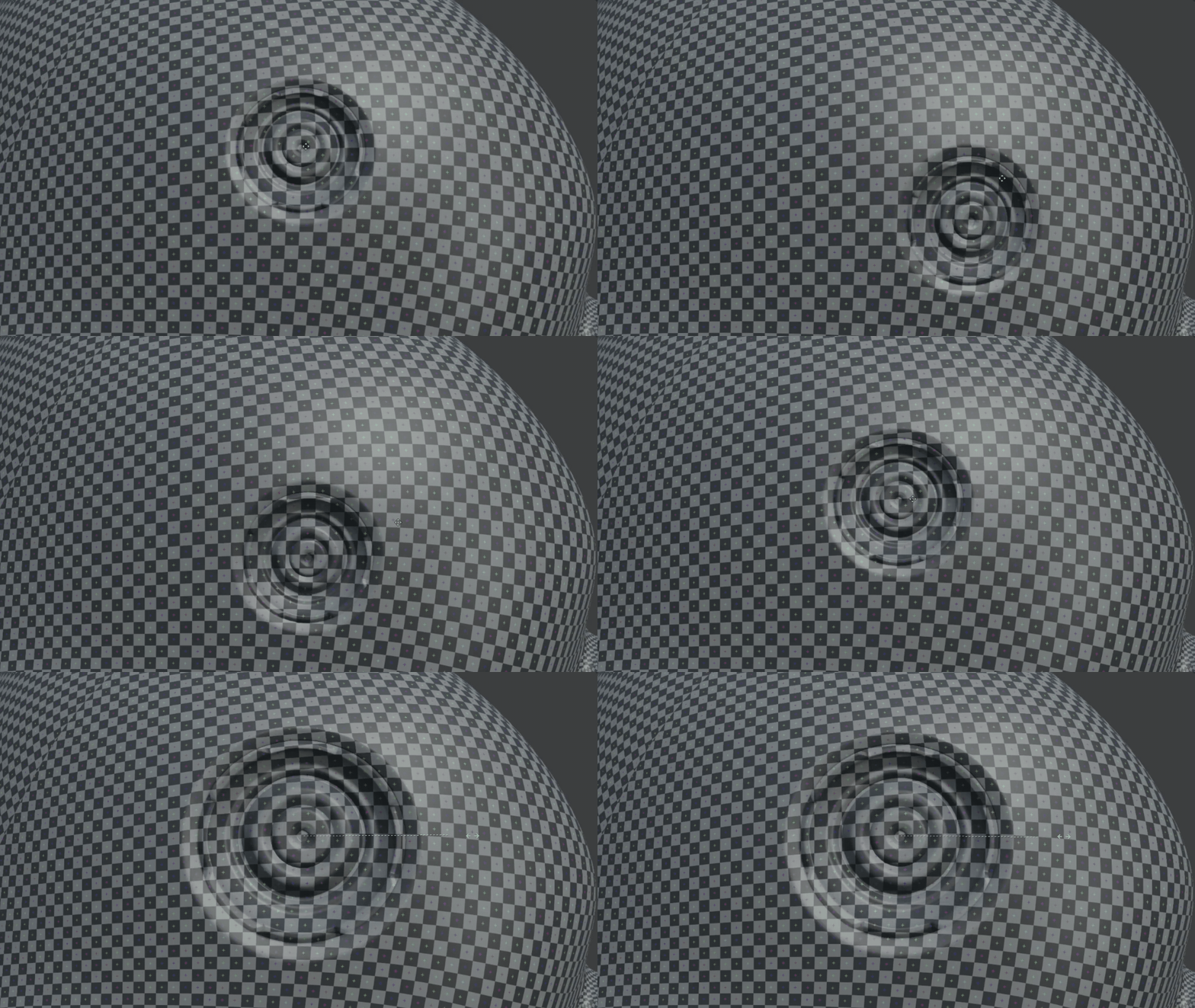
Versitility:
Decalify is not just a decal tool. It can be used as a surface deform tool as well. We can use it to conform ANY mesh to ANY surface while keeping its true 3d depth.

