 ZEG
Installation
In Blender open Edit, Preferences, Get Extensions, then use Install from Disk and pick the zip.
Usage
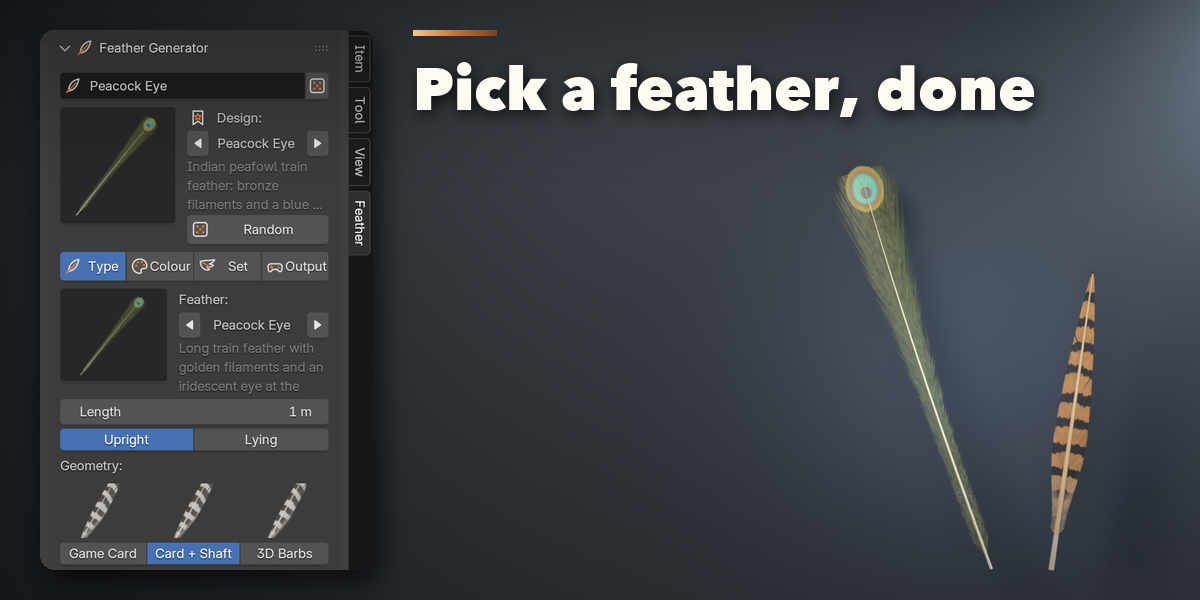
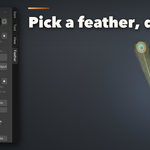
- Open the sidebar (N) in the 3D Viewport and click the Feather tab.
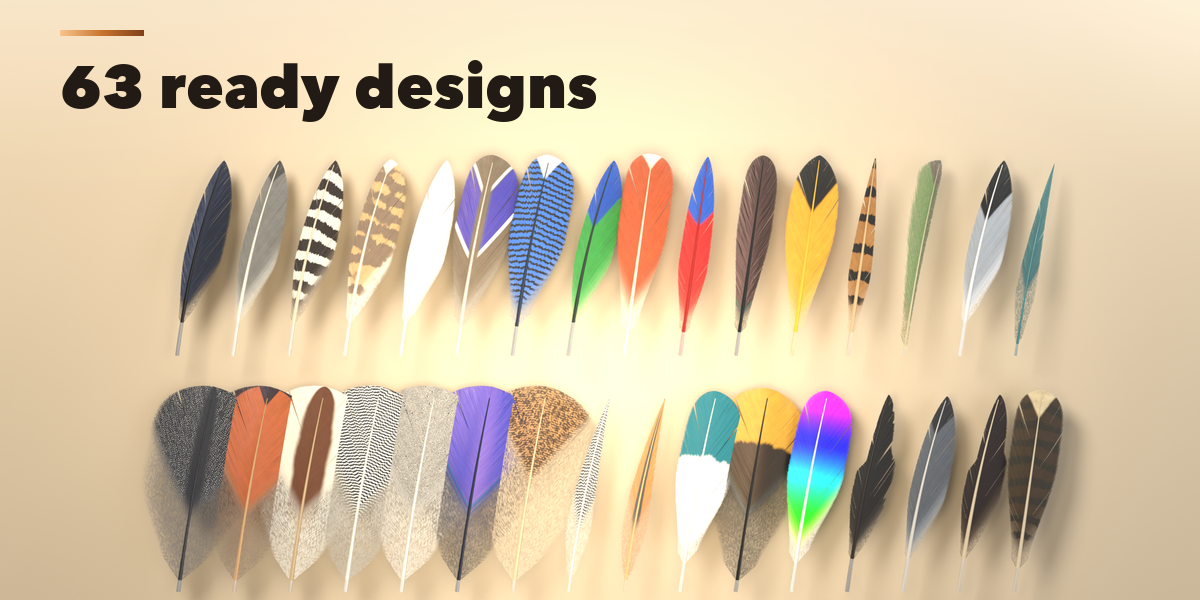
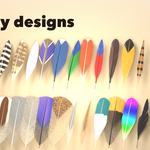
- Pick a design in the picture gallery and click Add, or click Add a Random Feather. It is also in Shift+A, Mesh, Feather.
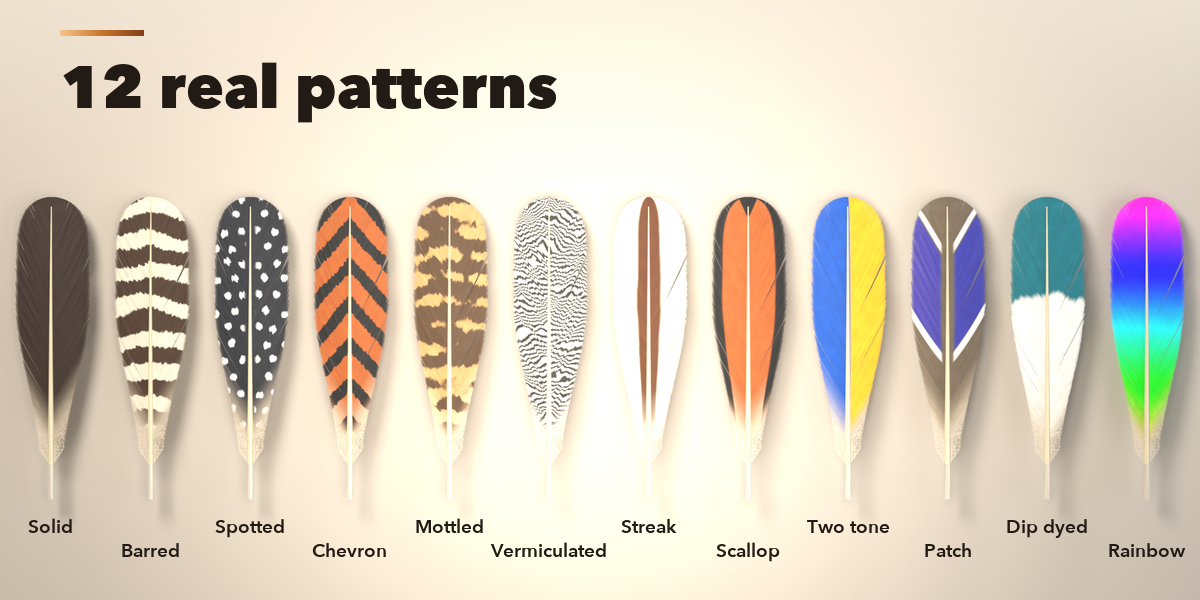
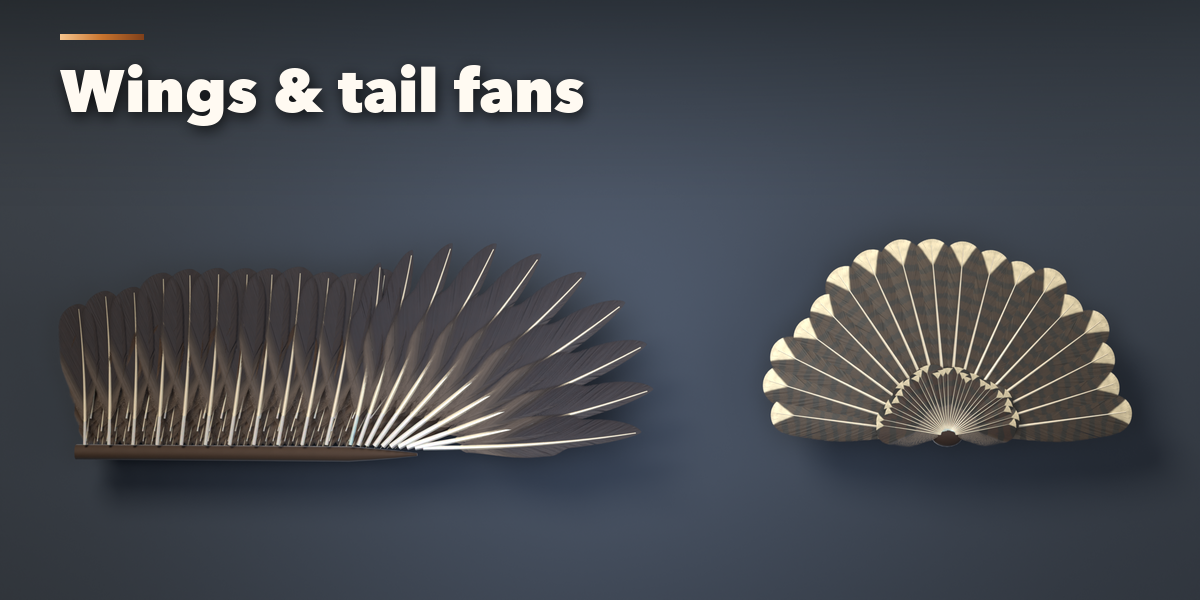
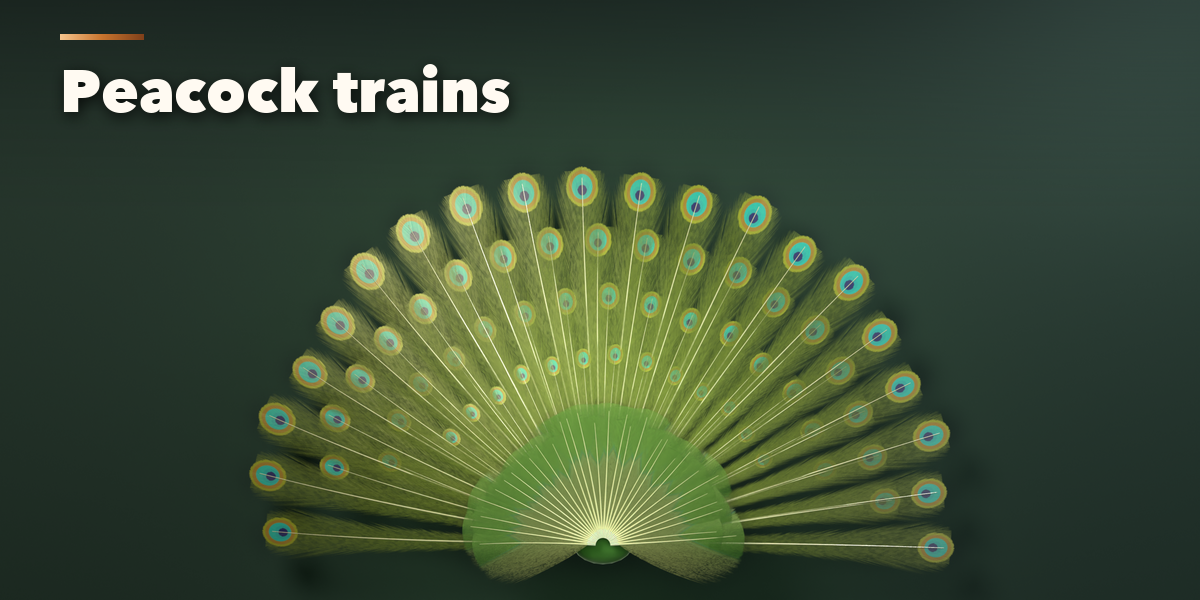
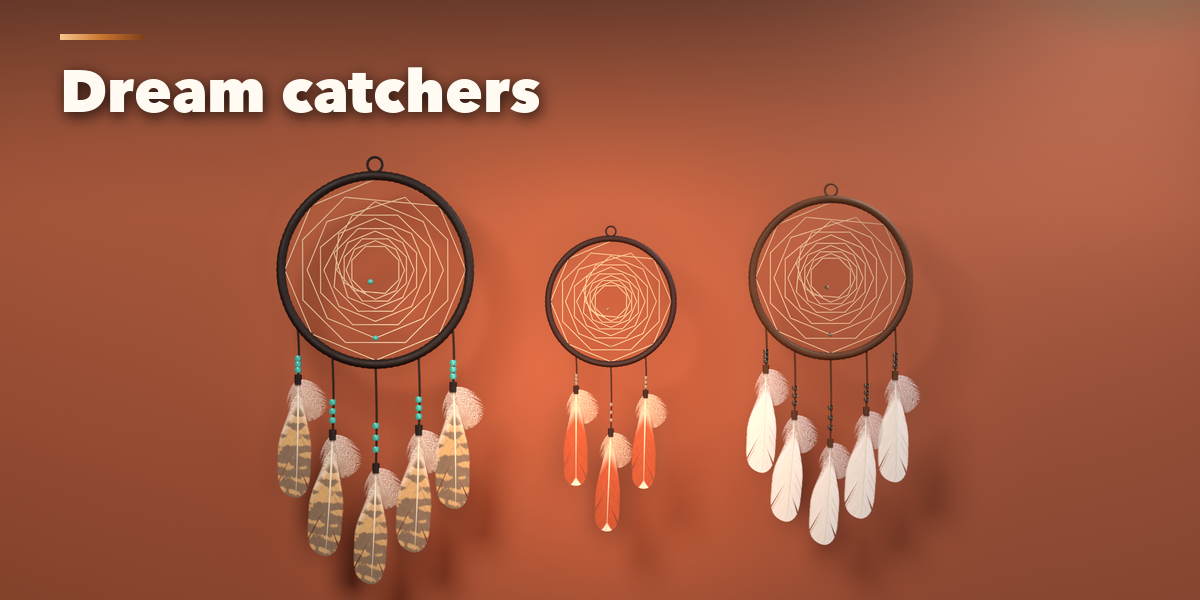
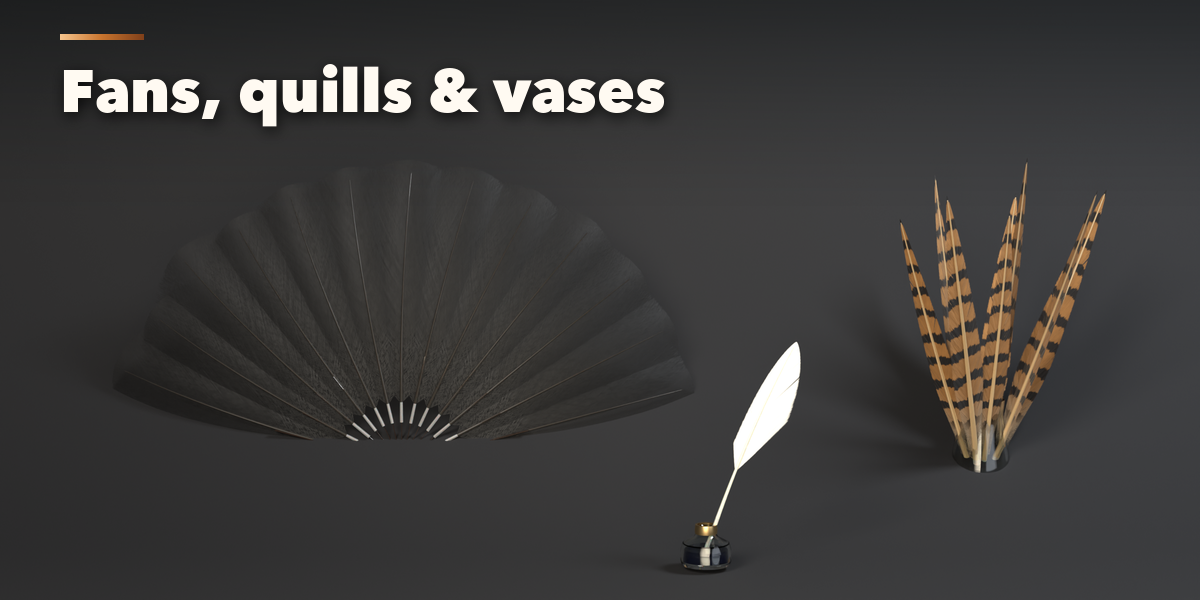
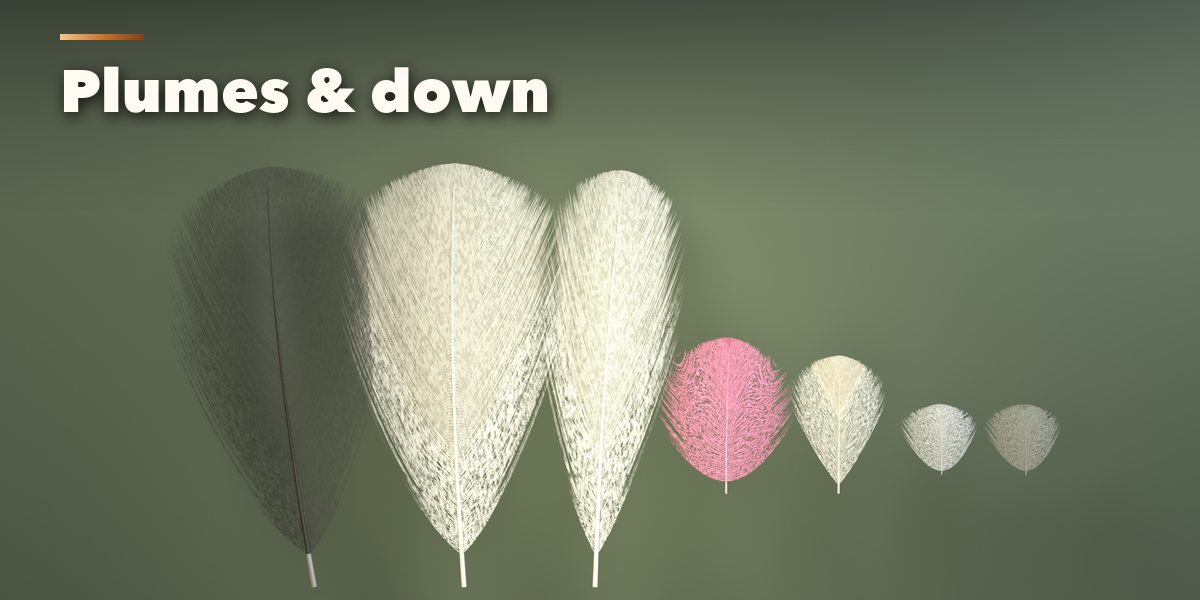
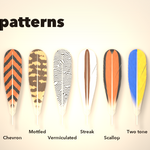
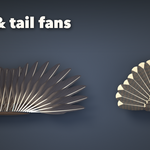
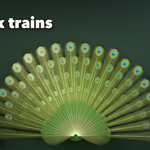
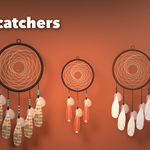
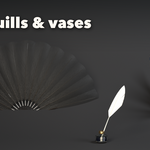
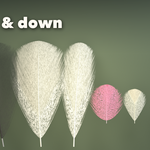
- With the feather selected, change it in the Type, Colour, Set and Output tabs: feather type, length, curve, splits and wear, colours and pattern, or the arrangement (single, wing, tail fan, hand fan, dream catcher, quill pen, bouquet, scatter).
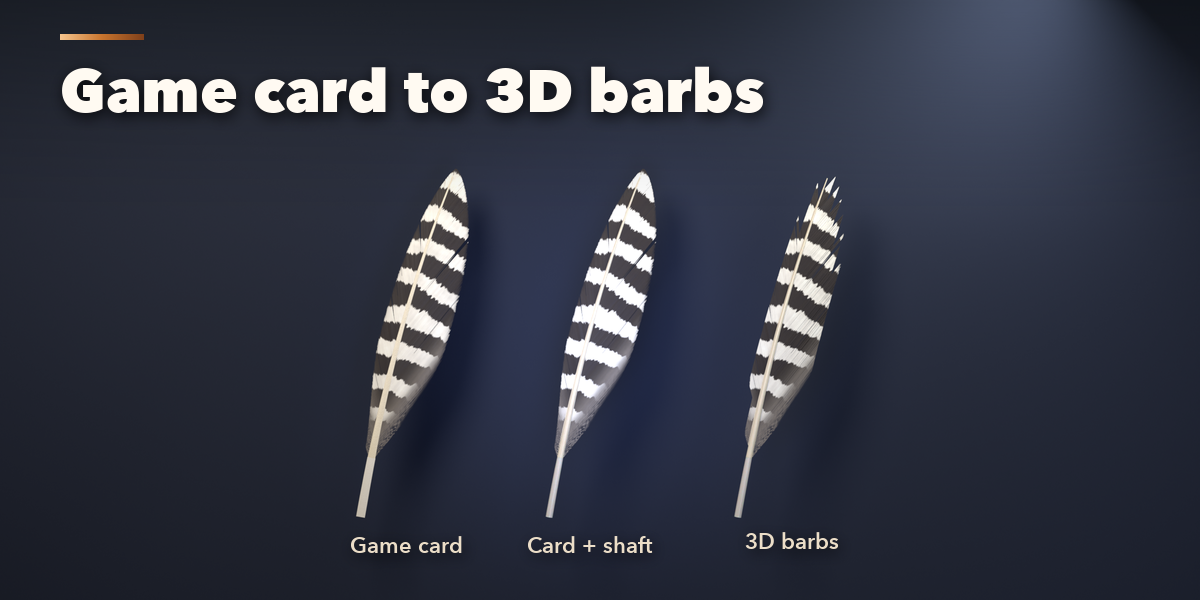
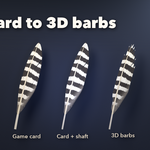
- For games pick Game Card geometry, then Output, Save Textures to write the colour with alpha, normal and roughness PNG files.
- Make Static keeps the result as a plain mesh; Delete removes it with its materials and textures.
Have questions about this product?
Login to message
| Blender Extension Compatible | Yes |
| Published | 1 day ago |
| Blender Version | 4.2 - 5.2 |
| Extension Type | Add-on |
| Render Engine Used | Cycles, Eevee |
| License | GPL |

Discover more products like this
bird Generator procedural wing alpha-card dream-catcher peacock props quill feather game ready plume