 Punto de Ancla



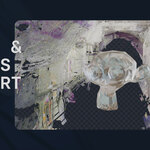
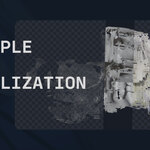
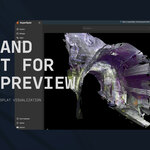
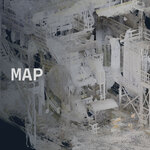
Turn laser scans into Gaussian Splats,
right inside Blender.
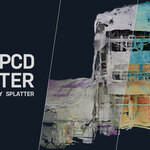
PCD Splatter reads your point cloud and builds real Blender objects that render in Eevee and Cycles. Not a viewer, not a proxy — geometry you can light, animate and composite. Nothing to install. No Python packages.
| 258M points tested | 0 dependencies | 2.6× coverage on pipes | 1-click updates in Blender |
Your scan dies between CloudCompare and a proxy mesh
You get an E57 off a Faro or a Leica. Blender will not open it. The add-ons that claim to want pye57 compiled into Blender's bundled Python. So the scan becomes a screenshot, or a decimated mesh that lost everything that made it worth scanning.
A real E57 reader, written in pure Python
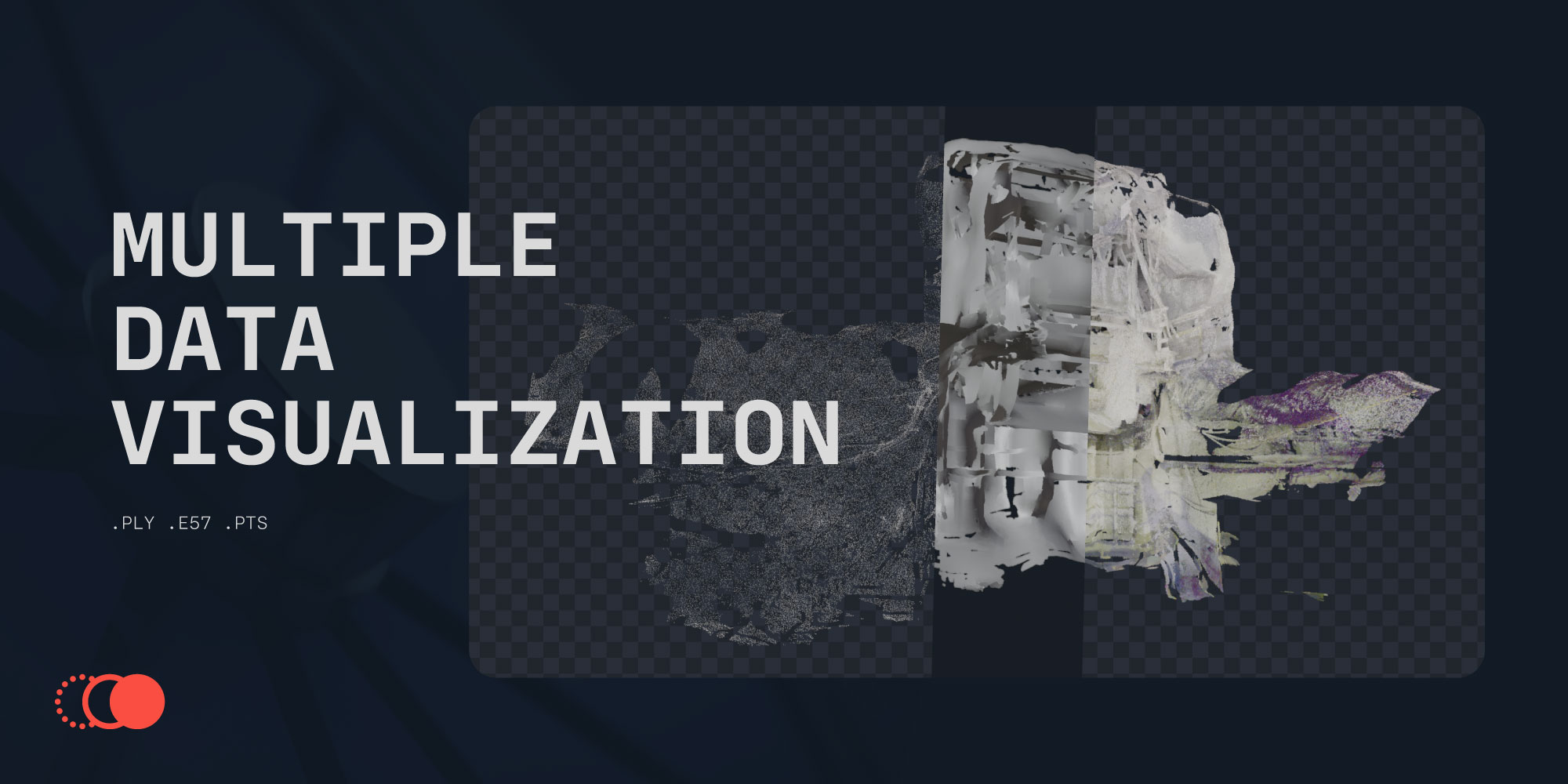
PCD Splatter implements the ASTM E2807 standard itself — page layer, CRC, XML section, bit-packed CompressedVector streams. Drag the file in and it works. On any machine, on any OS, forever.
Multi-scan files keep their per-scan pose, so everything lands registered in one coordinate system. Colour, intensity and invalid-point flags are all read. Reading is done in blocks with decimation applied while reading, so a multi-gigabyte file never has to fit in RAM.
Density-driven splats — the name is the method
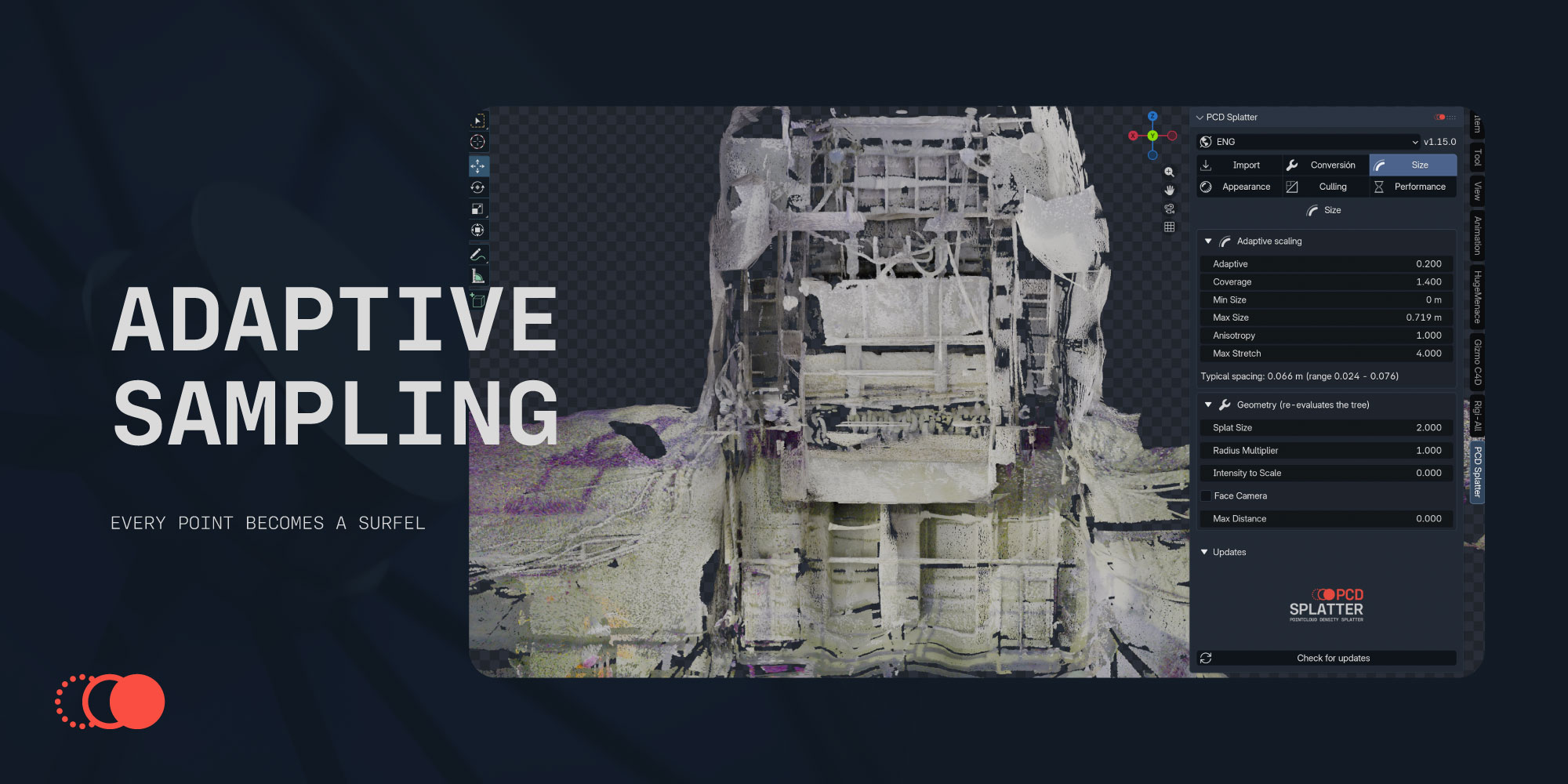
Every splat is sized from the real measured distance to its neighbours, not from a global slider. Exact multi-scale kNN, verified against brute force at 0.28% mean error. Splats grow where the scan is sparse and seal the gaps; they shrink where it is dense and keep the detail.
They are also elliptical. The same analysis that estimates normals finds each surface's dominant direction, so on beams, pipes, cables and handrails an oriented ellipse covers about 2.6× the area of a disc the same thickness. Fewer splats, better seal.
Five ways to cull, chained cheapest first
Each stage reduces what the next has to evaluate, so the expensive ones only ever see what survived. All live — nothing is deleted from your data.

Section plane
Drop in a clip plane and rotate it to look inside a crusher, a silo or a conveyor gallery. Live, without touching the data — and it applies to every object at once.
FrustumEverything the camera cannot see stops being drawn.  | BackfaceDiscs seen from behind, skipped. Game-engine style.  |
Geometry maskKeep only what falls inside a volume you choose.  | Point budgetLow-discrepancy subsampling — no flicker, no clumps. 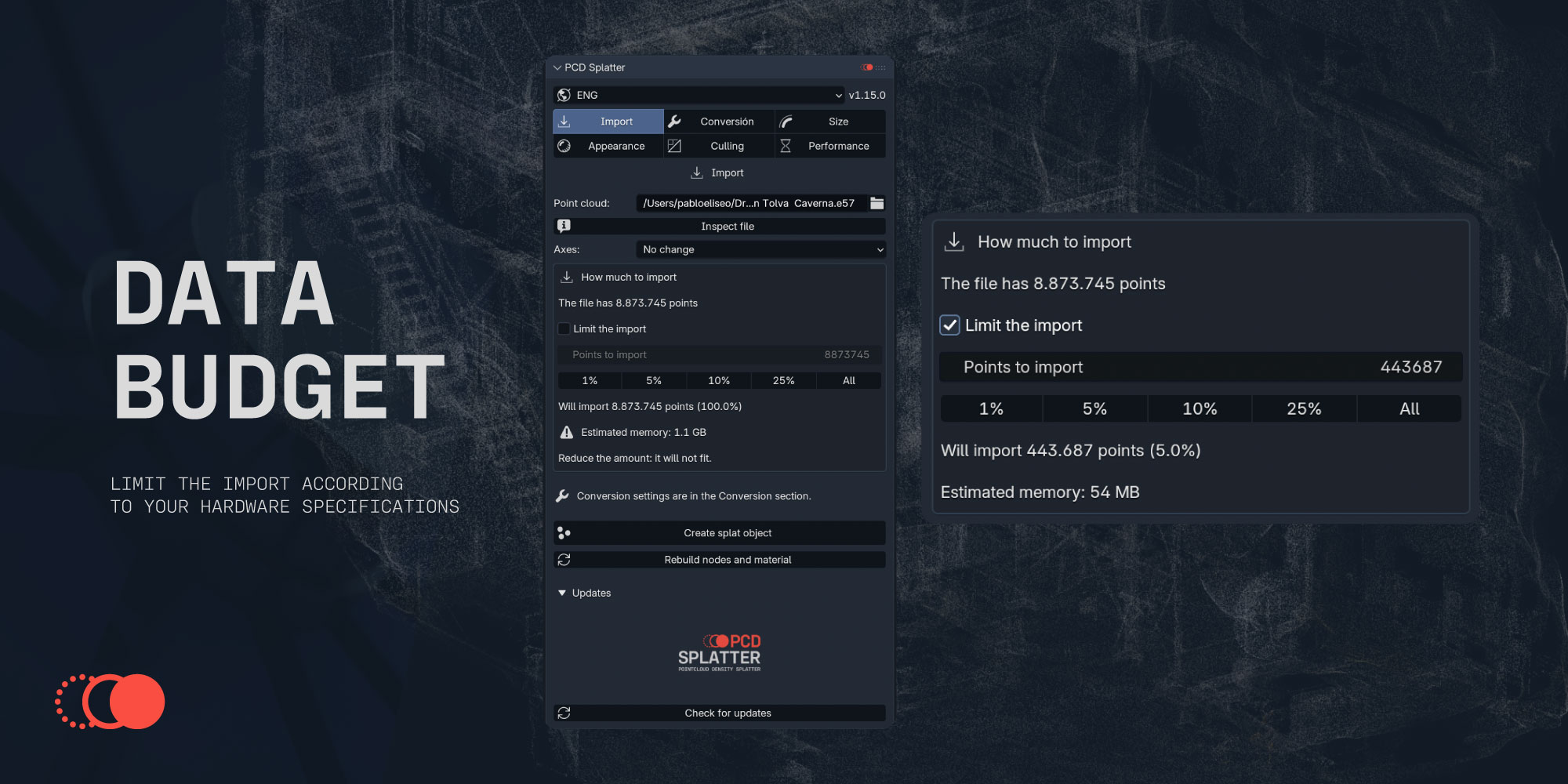 |
Raytraced. Actually raytraced.

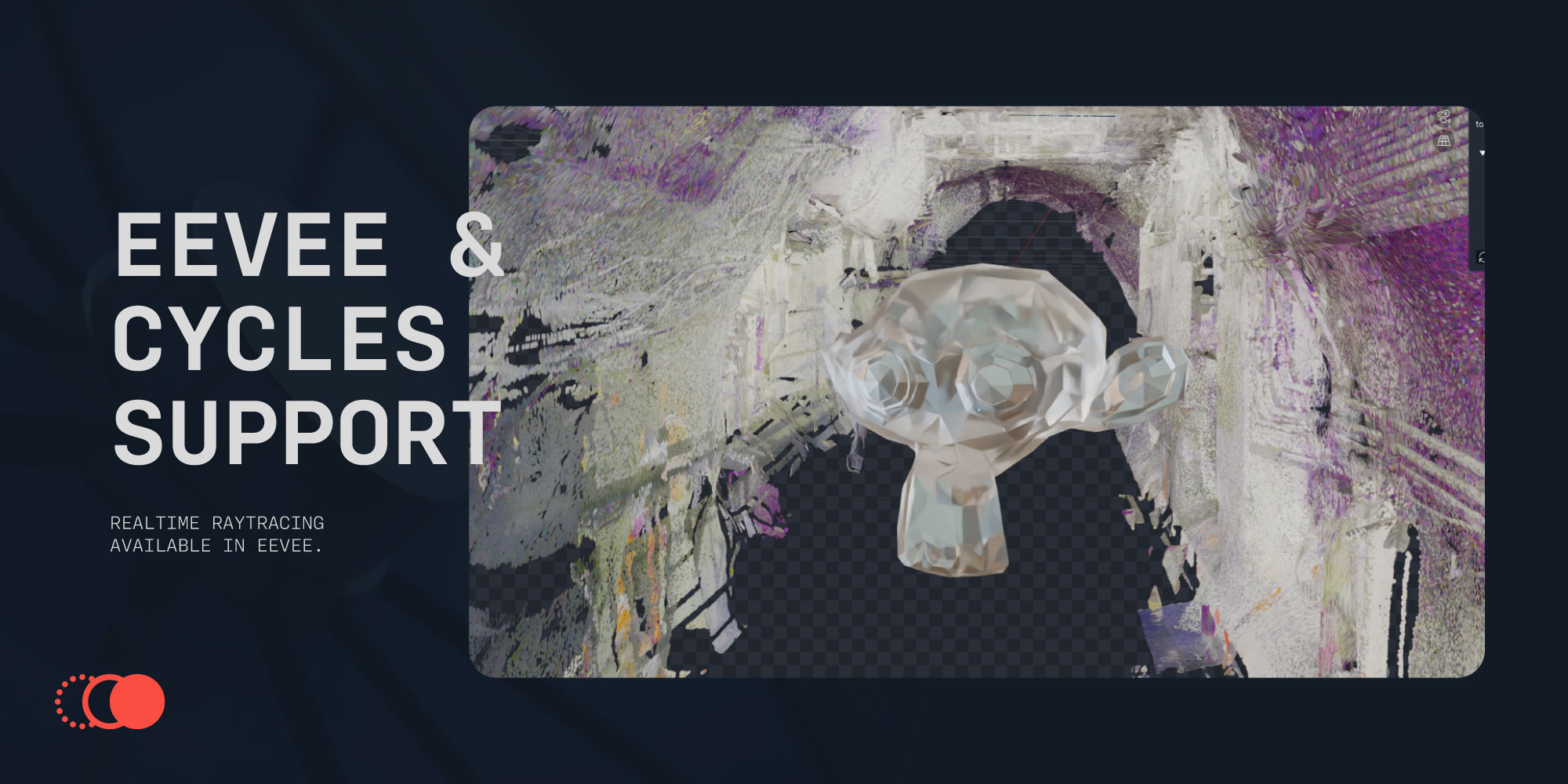
Your scan is a real object in the scene, so it takes depth of field, motion blur, the compositor and every render pass. Switch the material to diffuse and it receives your lights and shadows; leave it emissive and it reproduces the captured colour exactly. Cycles gets a one-click fix for the transparent-bounce limit that turns splat edges black.

Colour, intensity, normals, height, depth — and your own gradient
All shader-side, so switching is instant at any point count. The Custom mode gives you an adjustable range plus both gradient colours, which is what you want for a wear map, a level plan or a client-facing figure in their brand colours.
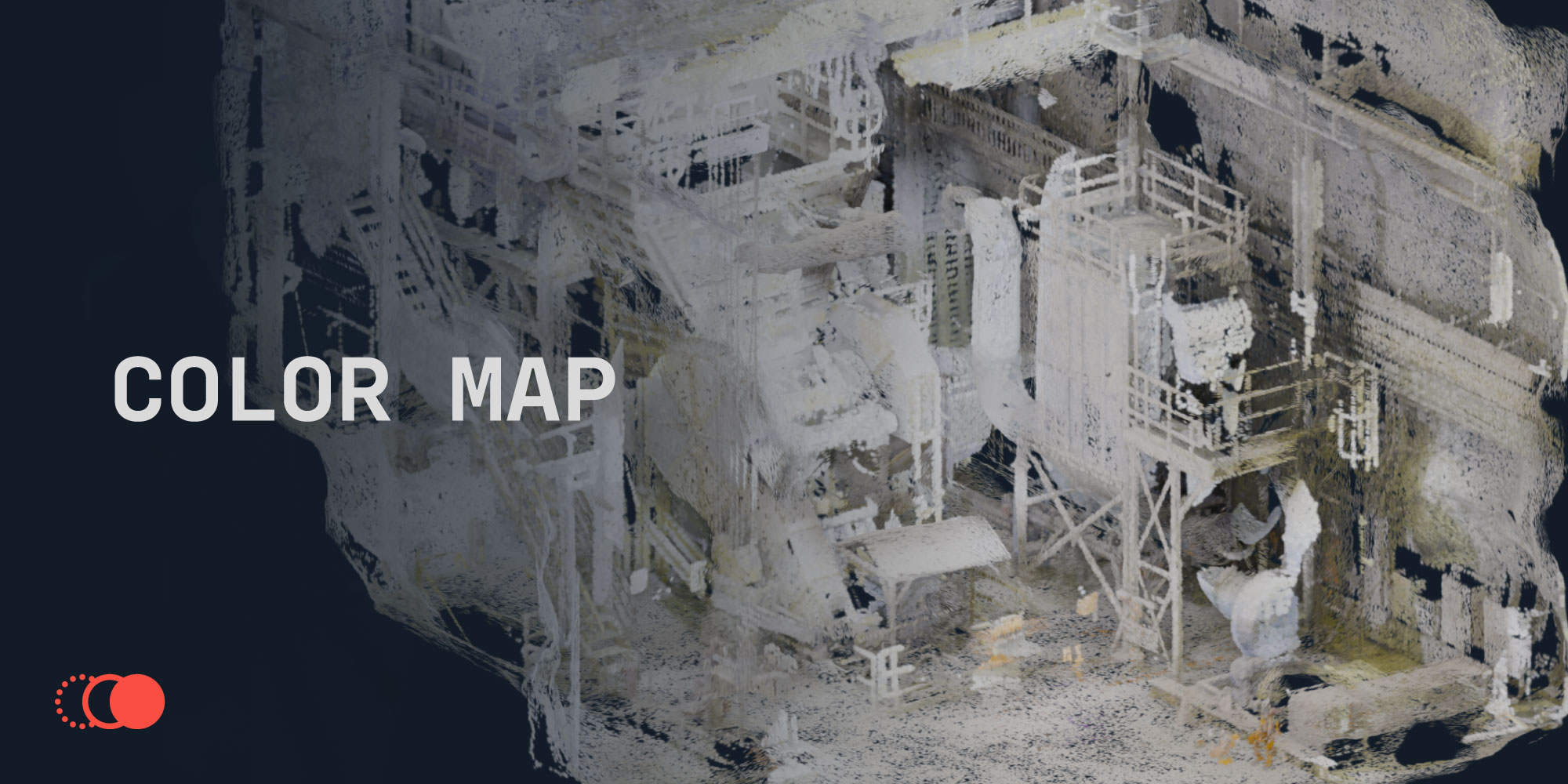 | 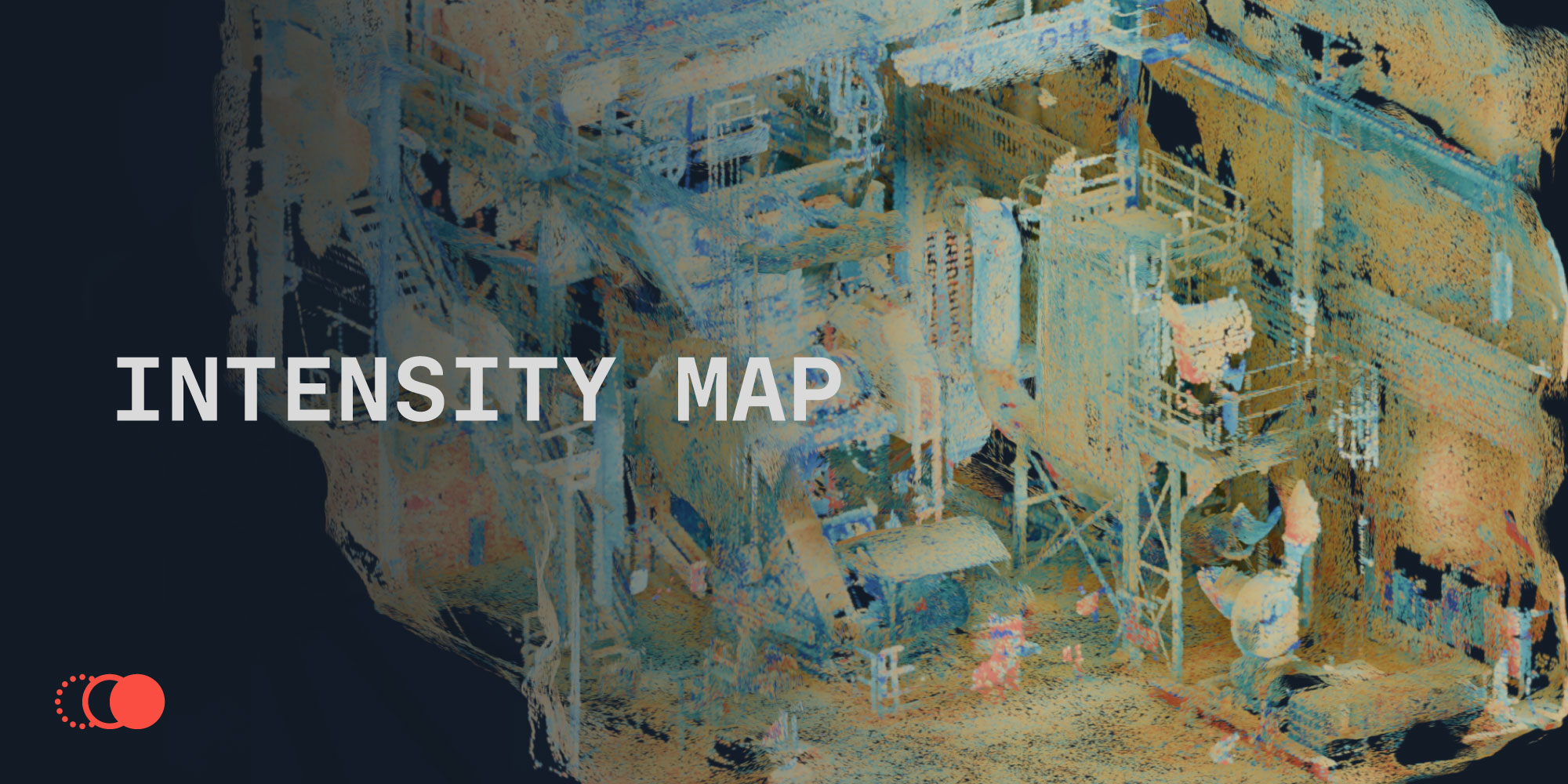 | 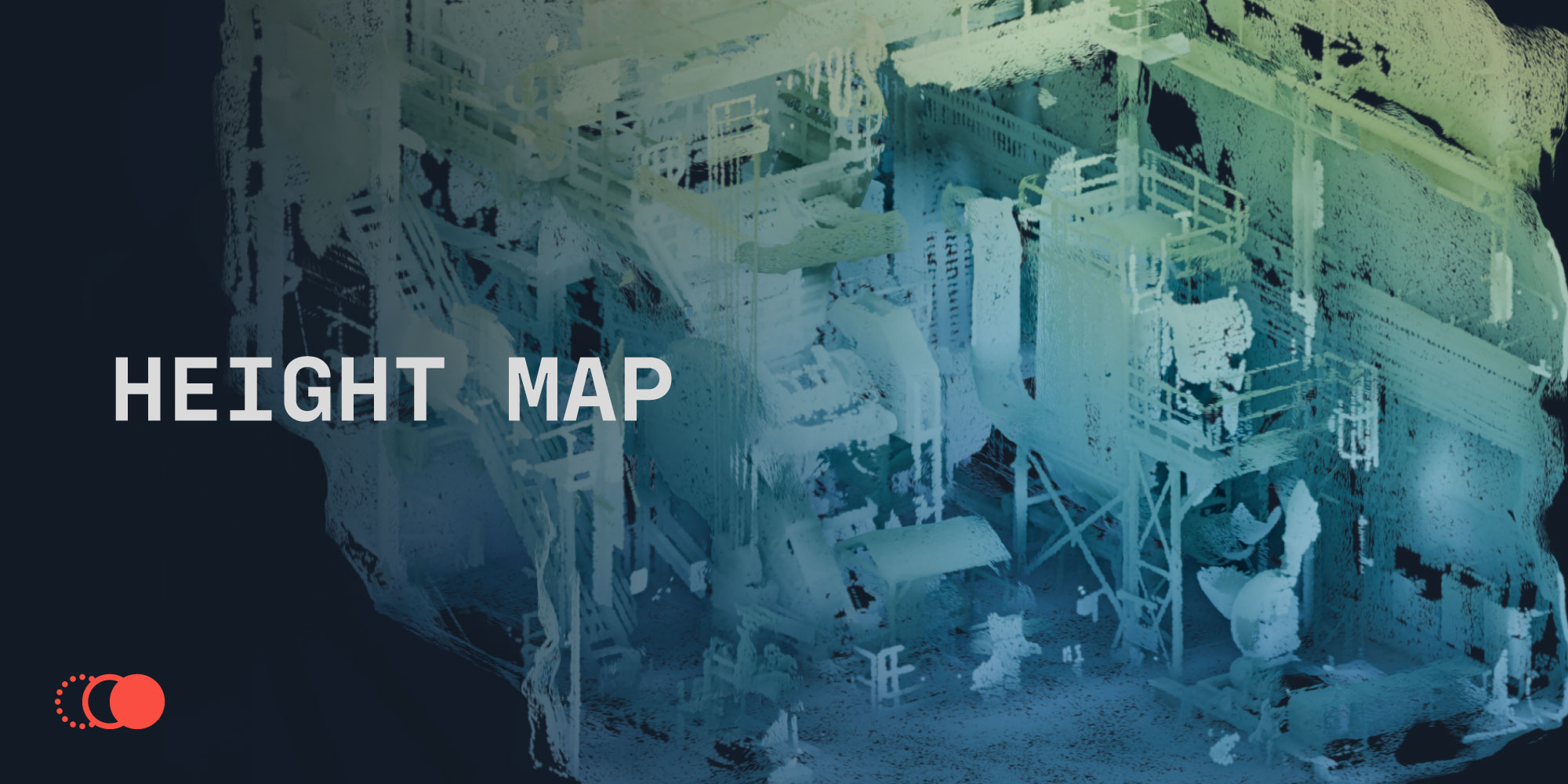 |
From file to splats in three steps
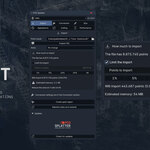
| 1 | InspectPick your file — the browser only shows formats it can read — and press Inspect. You get the exact point count, which fields the file carries and the estimated memory. It reads only the header, so it is instant even on a multi-gigabyte scan. |
| 2 | Choose how muchUse the 1% / 5% / 10% / 25% shortcuts or type an exact number. The panel estimates the memory and warns you before importing if it will not fit — so you find out in a second, not after five minutes of loading. |
| 3 | CreateA progress bar shows each stage and can be cancelled. The object is born in navigation mode: the node tree holds no reference to the camera, so moving the view recomputes nothing. |
Updates install themselves, inside Blender
One button in the panel. It downloads the new version with a real progress bar, verifies its SHA-256 against the published hash, and hands it to Blender to install. No browser, no re-downloading, no hunting for zip files.
Built on Blender's own extension repository system, so it is the same mechanism Blender uses for its official add-ons — not a homemade updater writing into your add-ons folder.
Eight sections, no endless scrolling
| IMPORT & CONVERT E57, PLY, PTS, XYZ, ASC, TXT, CSV Multi-scan E57 with per-scan pose Decimation while reading Header-only inspection Normal estimation for files without them Surfel, billboard or round splats Voxel decimation and Morton ordering Axis conversion presets | LOOK & PERFORMANCE Six display modes, instant switching Dithered or blended, with depth sort Diffuse or emissive material Single-sided splats Navigation mode with no camera reads Live point budget with shortcuts Cycles black-edge fix, one click Full English and Spanish |
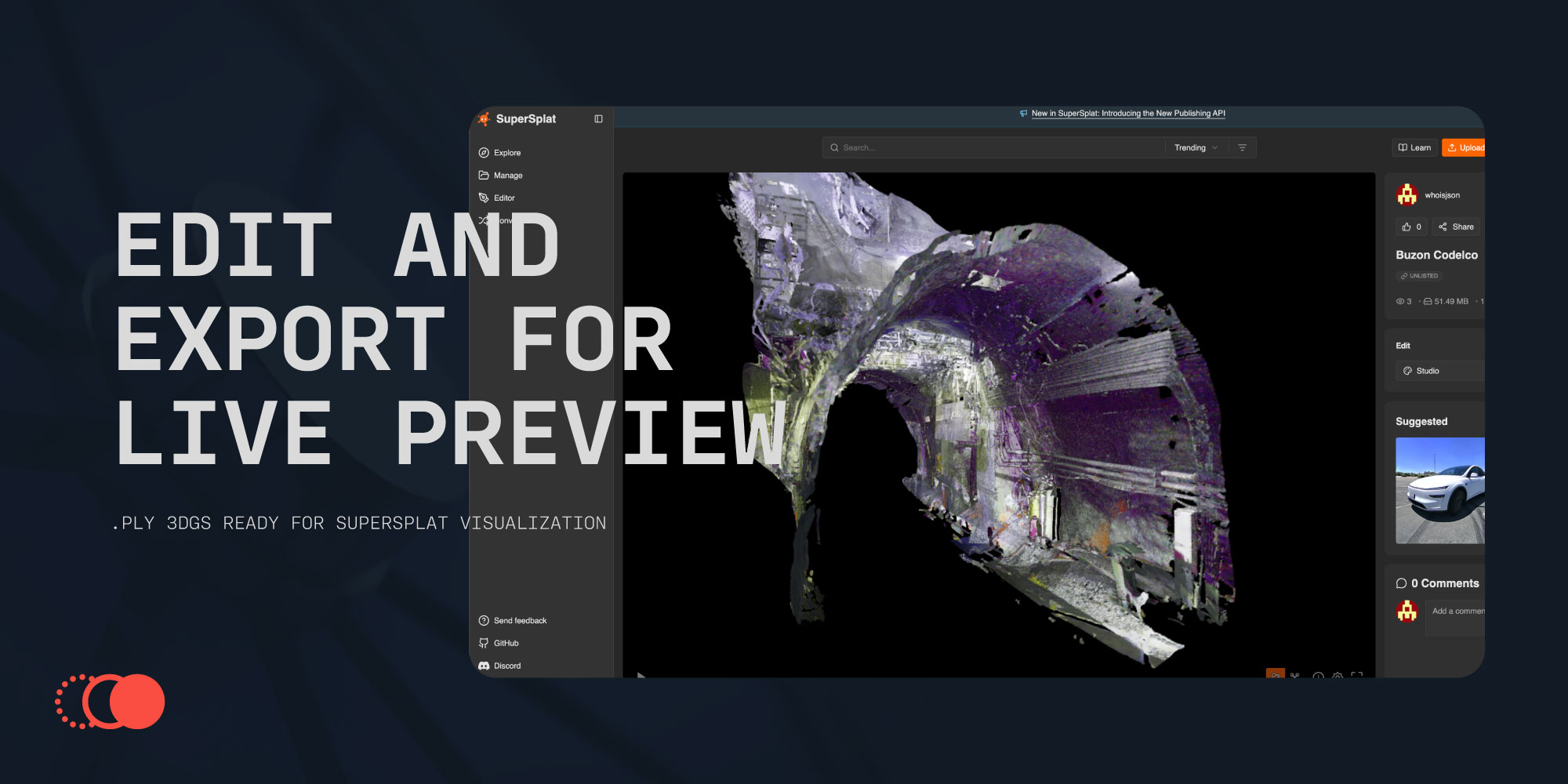
Standard 3DGS .ply for SuperSplat, PlayCanvas and splat-transform, or the compact .splat format that most web viewers use — about half the size and much faster to load. Export from the original file or from your current scene with every setting already baked in. Axis conversion and importance sorting included, because web viewers draw in file order and expect Y up.
What it does not do
You should know the limits before paying, not after.
Proprietary format with no public specification — reading it needs the Autodesk SDK, which cannot be redistributed. Export to E57 from ReCap (Export ▸ Export Point Cloud ▸ E57) and everything is preserved.
Roughly 64 bytes per point in the mesh plus about as much again from Blender. As a guide: 3M points ≈ 380 MB, 12M ≈ 1.5 GB, 20M ≈ 2.5 GB. The panel tells you before you import. Beyond that, load a percentage — which is exactly what the import budget is for.
The limit is Blender's data model, not the drawing. Use the import budget and the culling stages — that is what they are for, and they work.
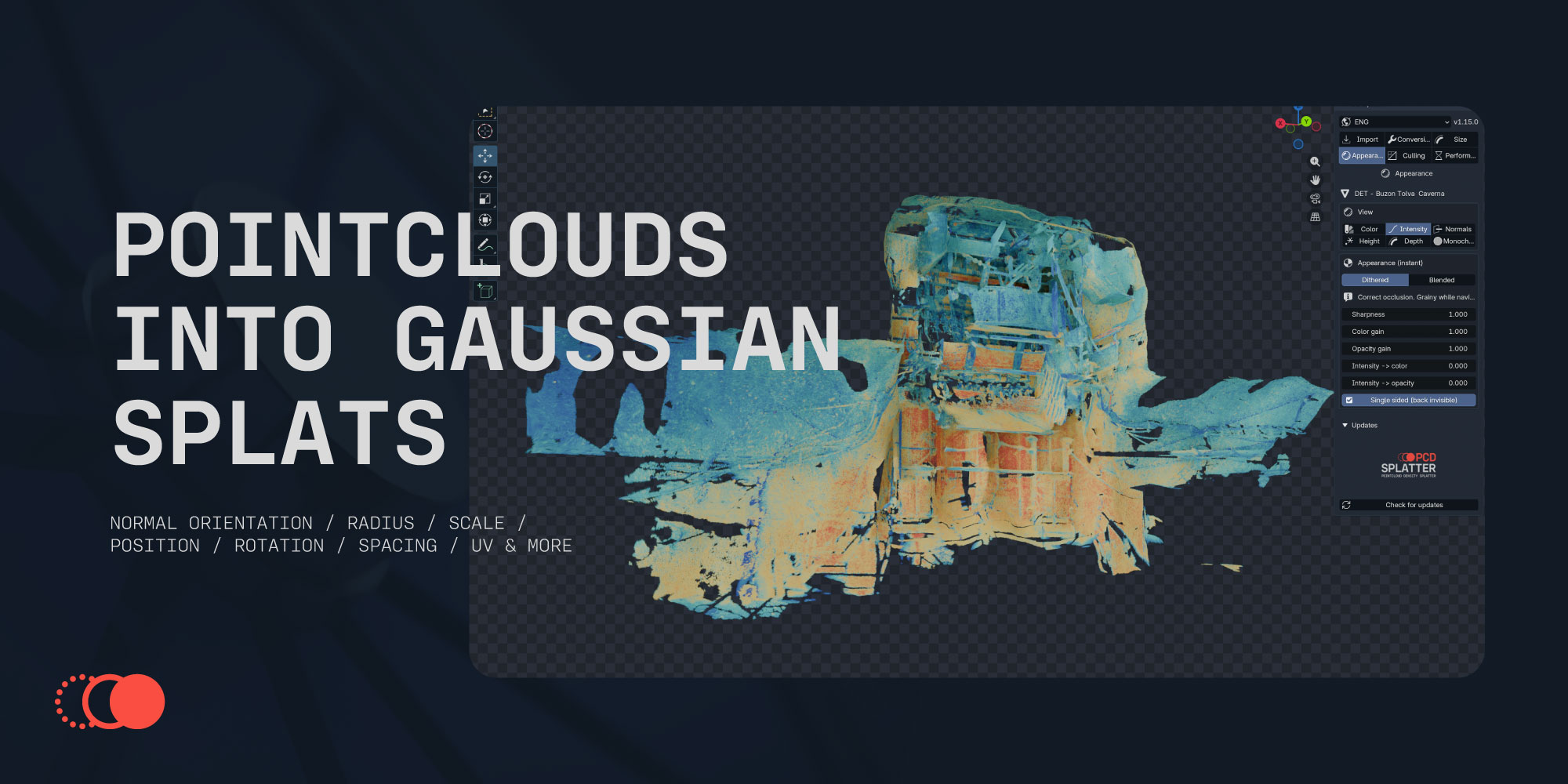
Built on real mining scans. Not demo data.
Every figure in this listing was measured, and every screenshot comes from actual scans of industrial plants — the messy, occluded, uneven-density kind that breaks tools built on tidy datasets.
| ✔ Blender 4.2 – 5.1 | ✔ Windows · macOS · Linux | ✔ GPL-3.0, source included |
Made by Punto de Ancla Studio — a 3D studio in Santiago, Chile that works with mining and industrial scan data every day. Questions before buying? Message us here.
