 Noggi
Noggi


No more menu searching!
This addon is designed to make poly modeling as enjoyable as possible. Blender has a ton of features next to the basic extrusion, transform and subdivision to make poly modeling easy. Unfortunately most of the genuinely useful, advanced features are hidden within multiple layers of menus. The Poly Modeling Toolbox makes all of those features easily available to you and adds new features that do not exist in Blender otherwise.
Imagine if sculpt Face Sets and Vertex Groups had a Baby!
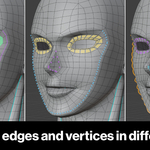
Color Sets let you tag any vertices, edges or faces with a named, colored label, shown as an overlay right in the viewport. Use them to color code your mesh, to save selections for later, to convert to vertex groups or something else. They're designed to be flexible so you can use them however you want.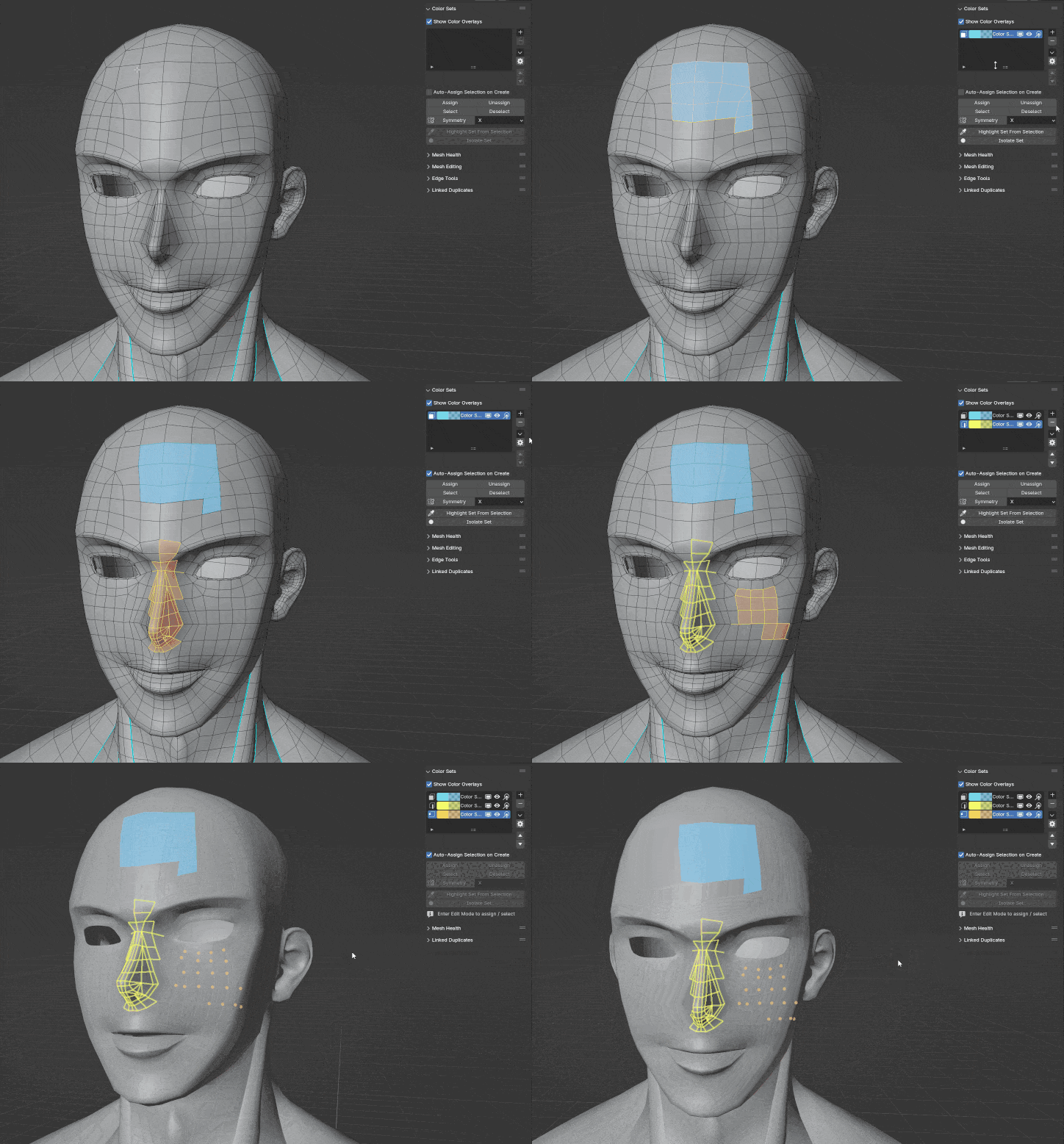
For visual clarity, each set style has different appearance settings, so you always know what each part of the mesh is assigned to.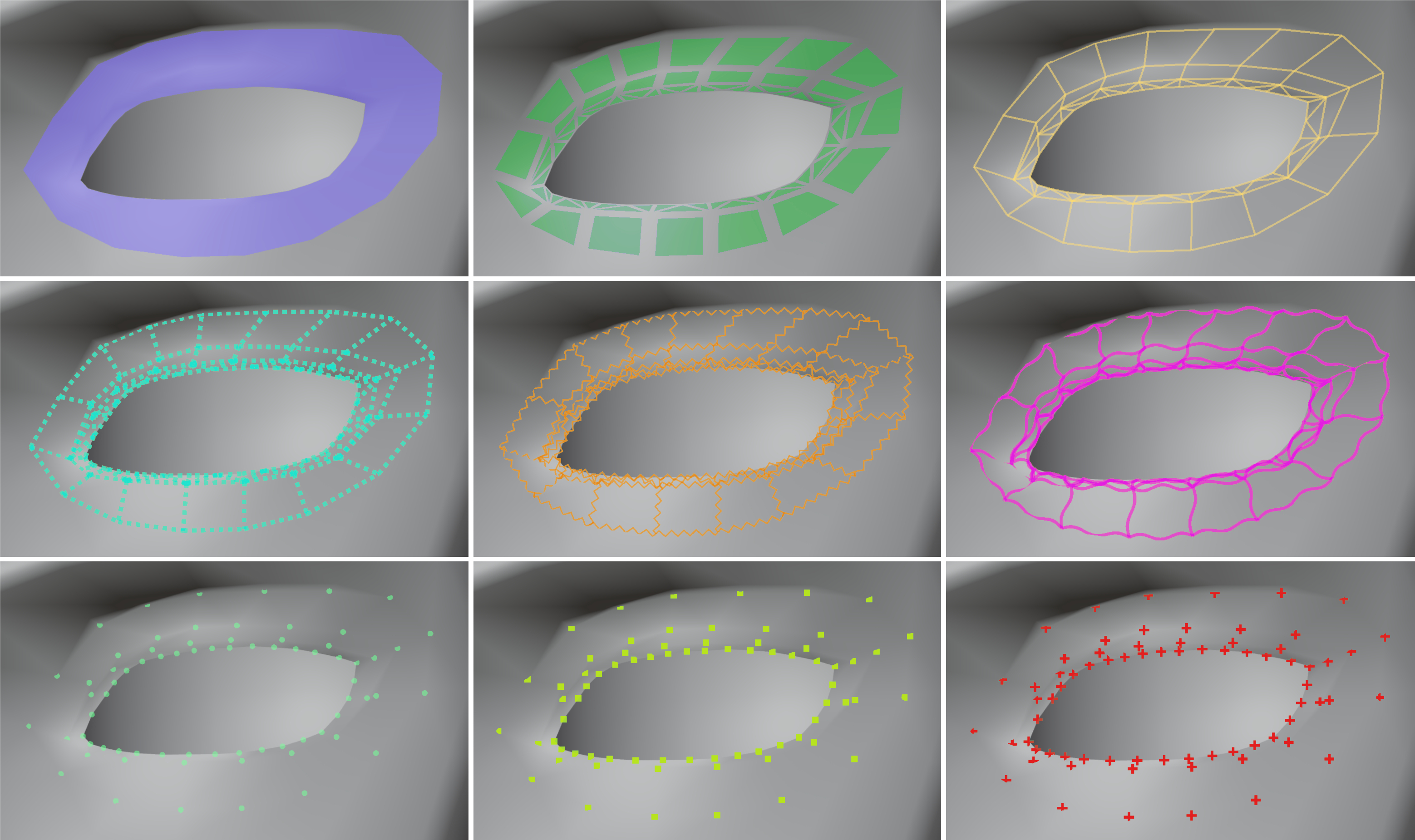
They're not just a way to mark parts of your mesh. They are the middle man between the other parts of the creation process.
1. Convert them to Face Sets for sculpting
2. Convert them to Vertex Groups for weight painting
3. Convert them to material slots for shading
4. Extract select ones into their own mesh
The info you save within these sets can be used for later steps.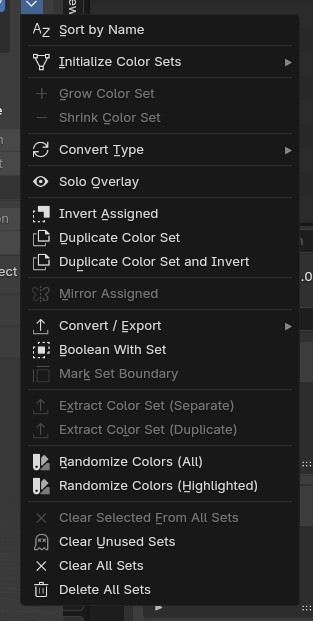
Catch problems before they become problems
Mesh Health scans your mesh for the topology issues that can quietly cause trouble later: n-gons, non-manifold edges, flipped normals, loose verts and more. A quick scan shows you how many of each is existing in your mesh and can fix some of them for you in one click. For the others you can click on the number and it'll select each one of that kind for you so you can fix it however you want.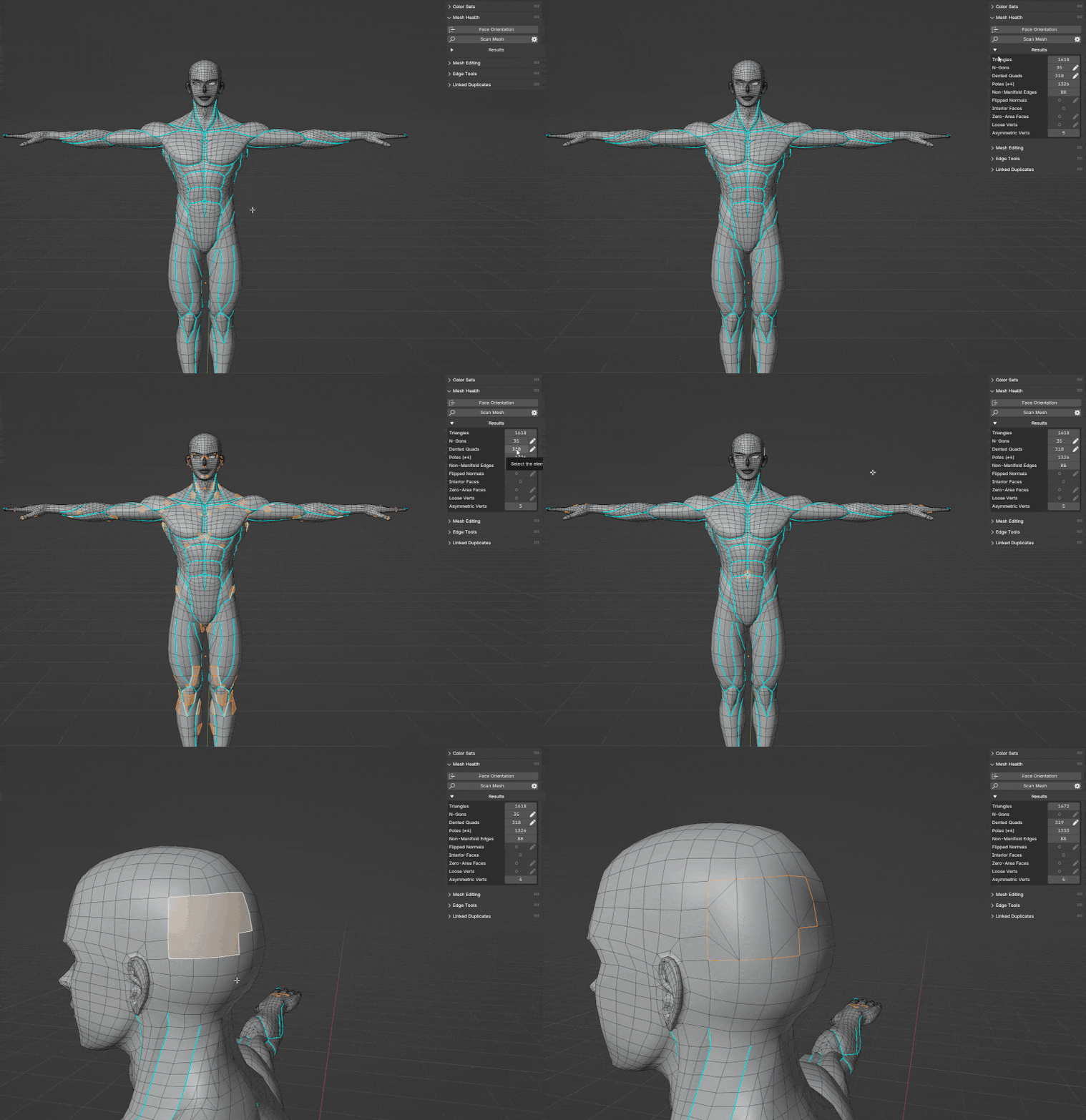
The toolbox at your disposal. Quick and organized.
When you want to do something more complex than basic extruding or transforming you'll find it here.
The mesh editing section has everything you need and things you didn't know you need to create the exact model you want. Here are some examples:
Smooth geometry without changing shape.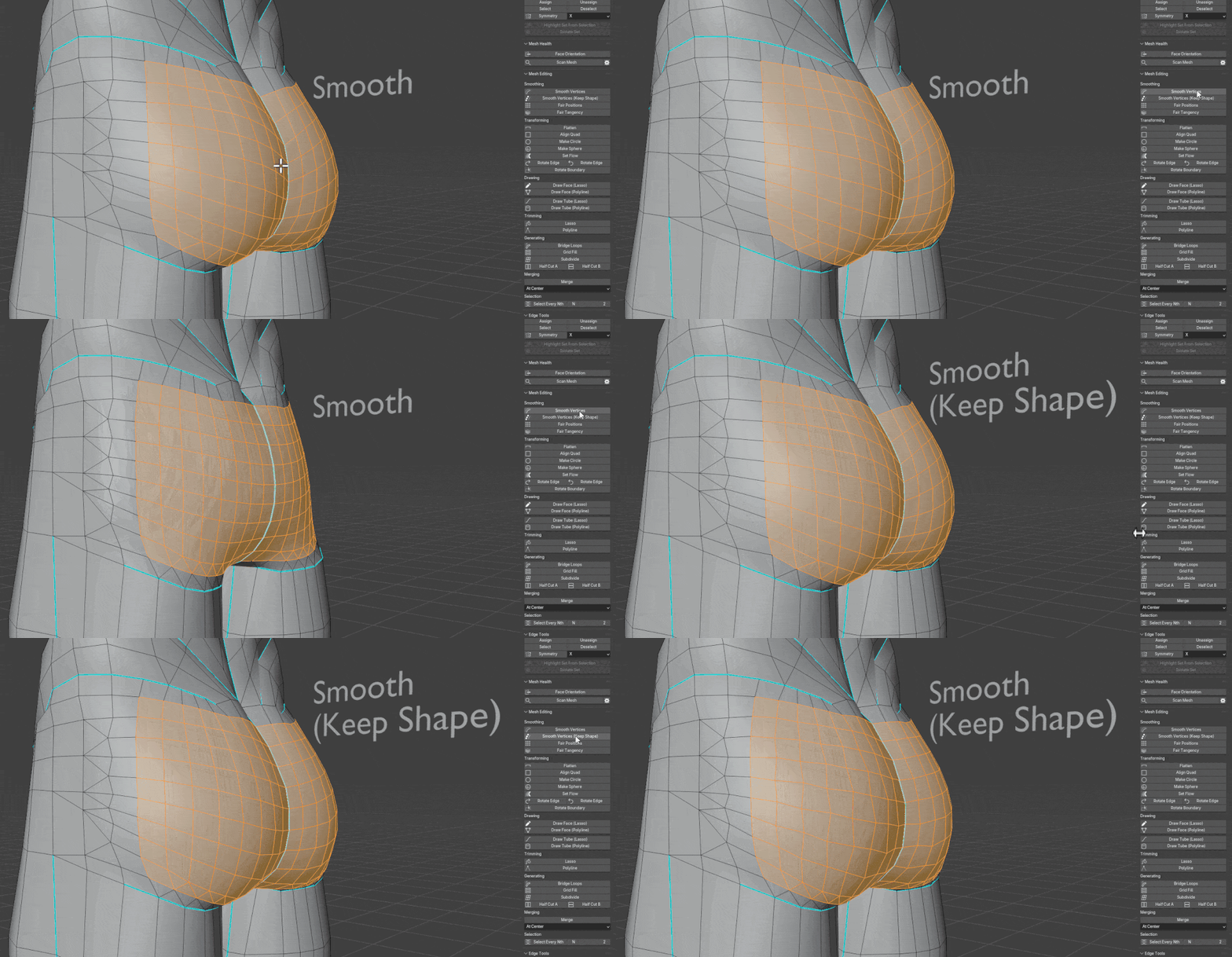
Quickly transform your mesh into the exact shape you want.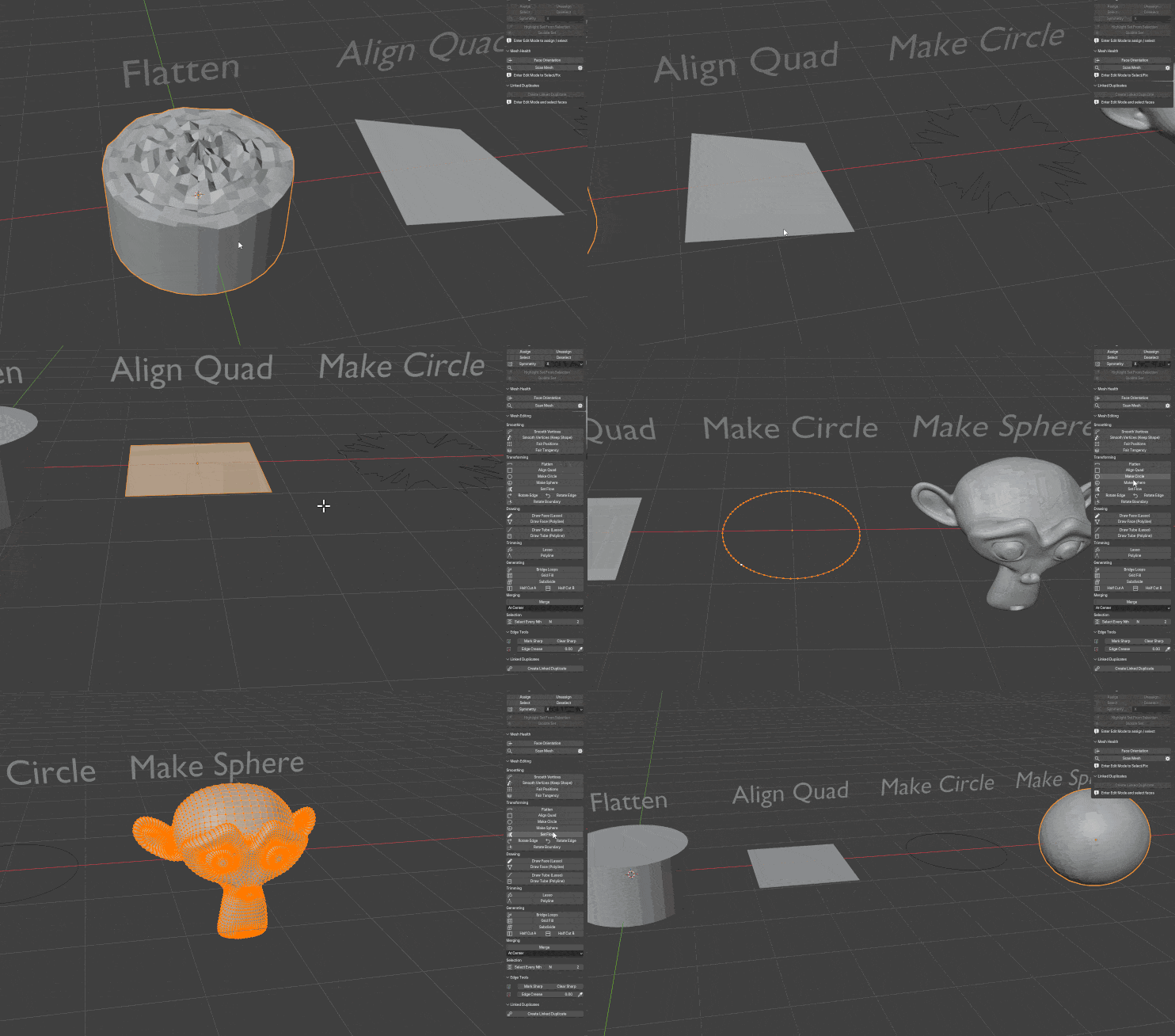
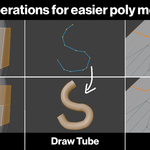
Why extrude if you can just draw?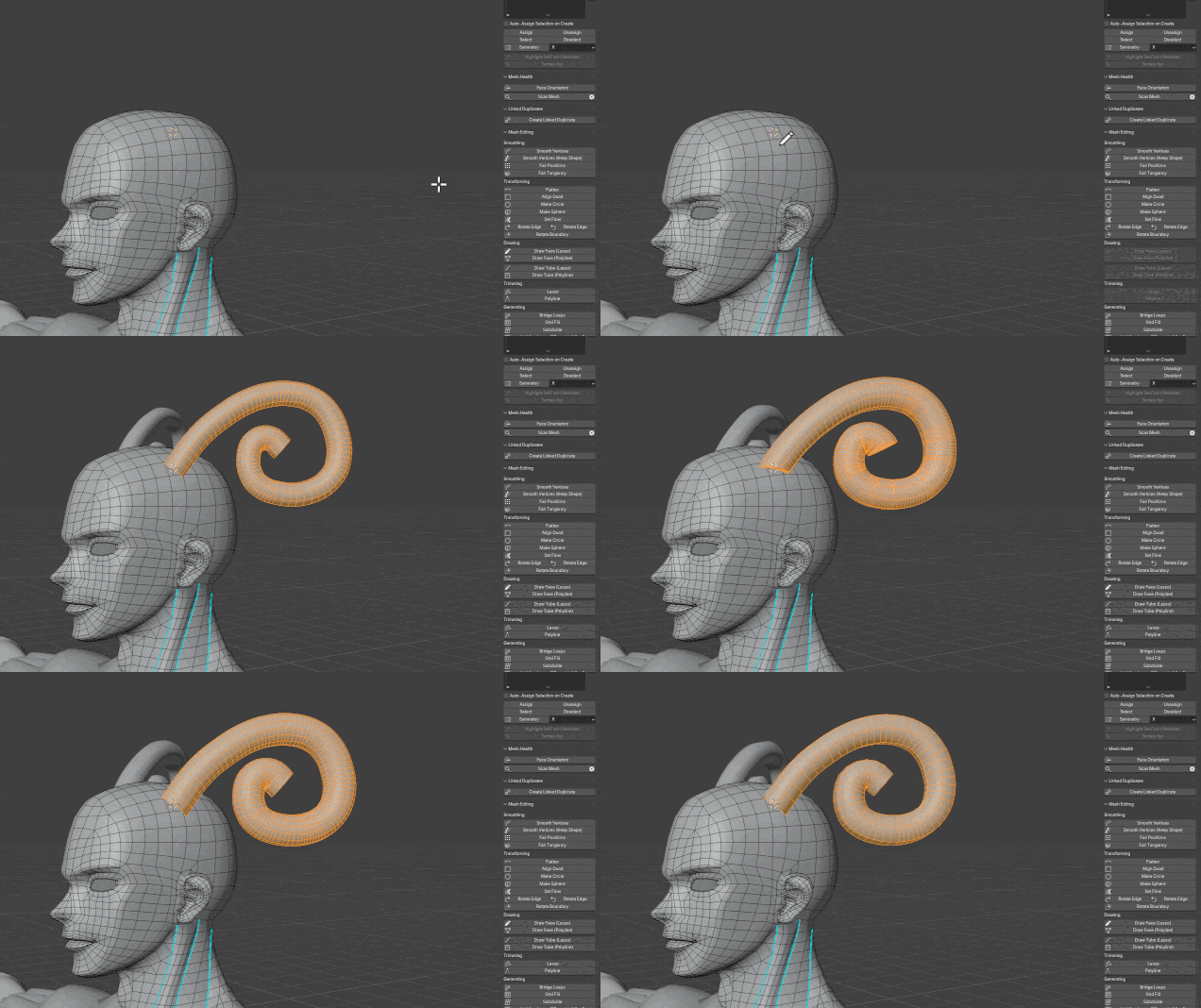
Why model if you can just trim?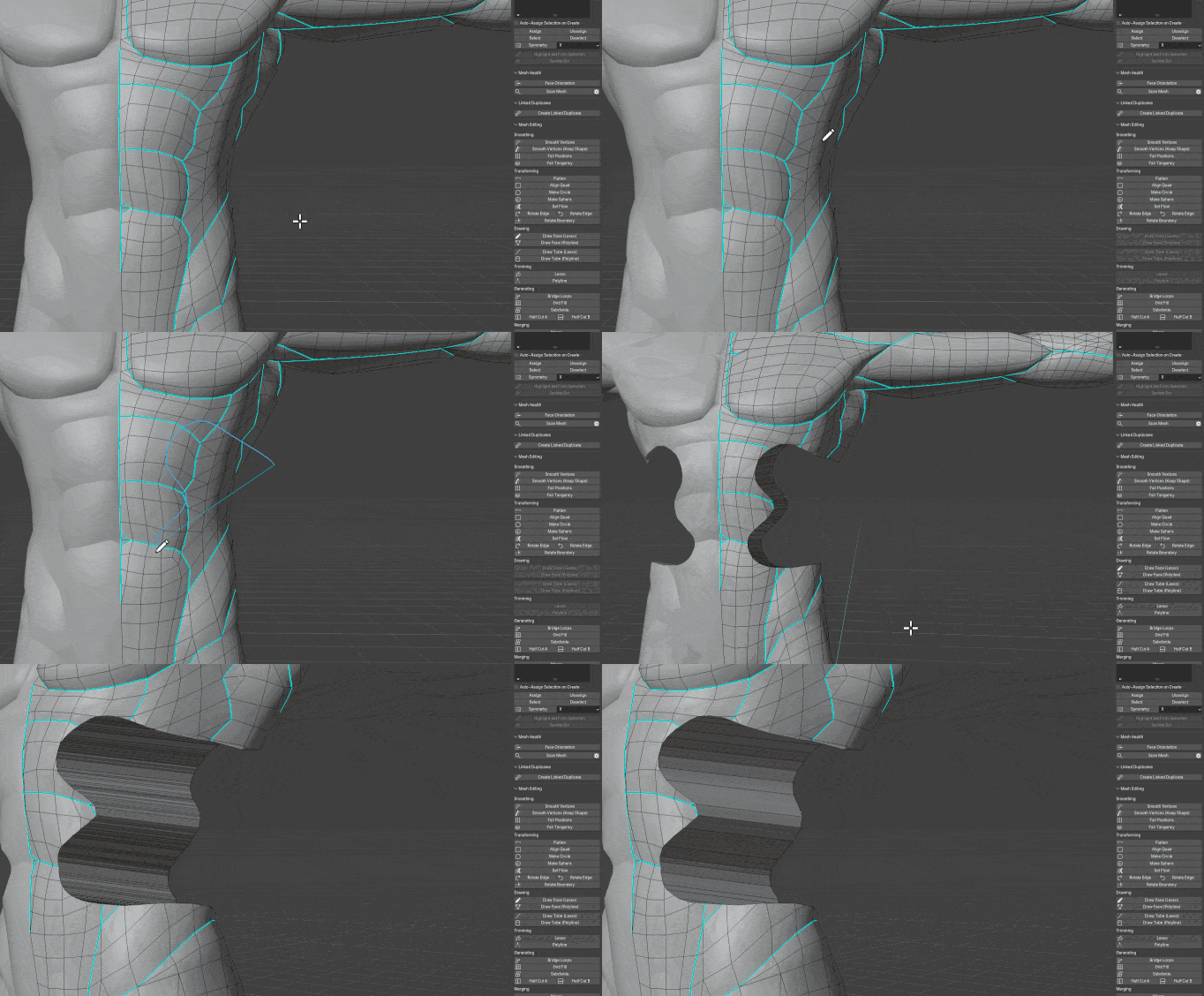
No more tedious work
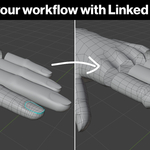
Don't worry about having to model the same thing multiple times. Use Linked Mesh Duplicates to refine the original mesh to perfection.
Then copy that refinement over to every duplicate in one click.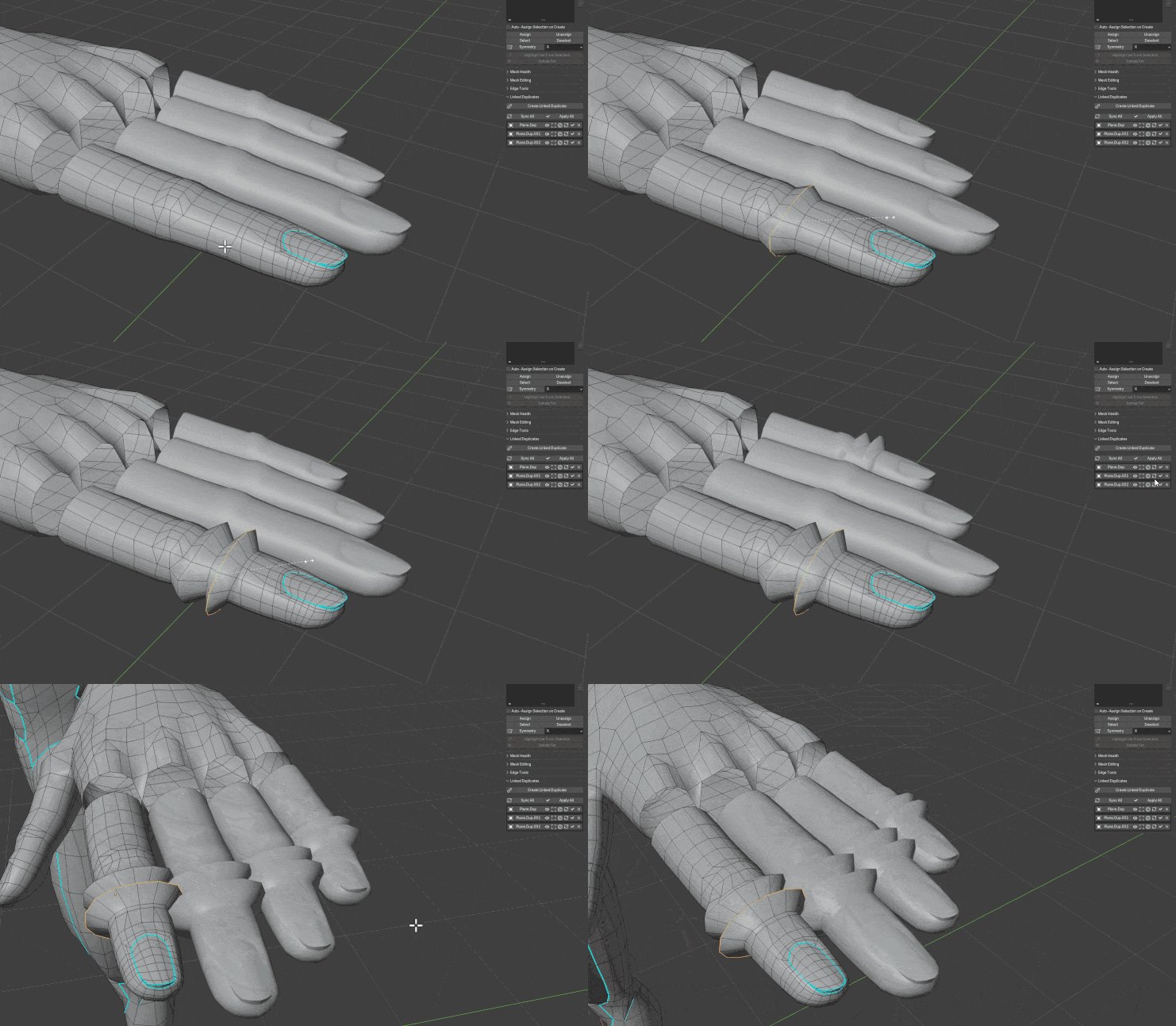
But even while linked, the added deform cage allows you to shape each duplicate in a unique way.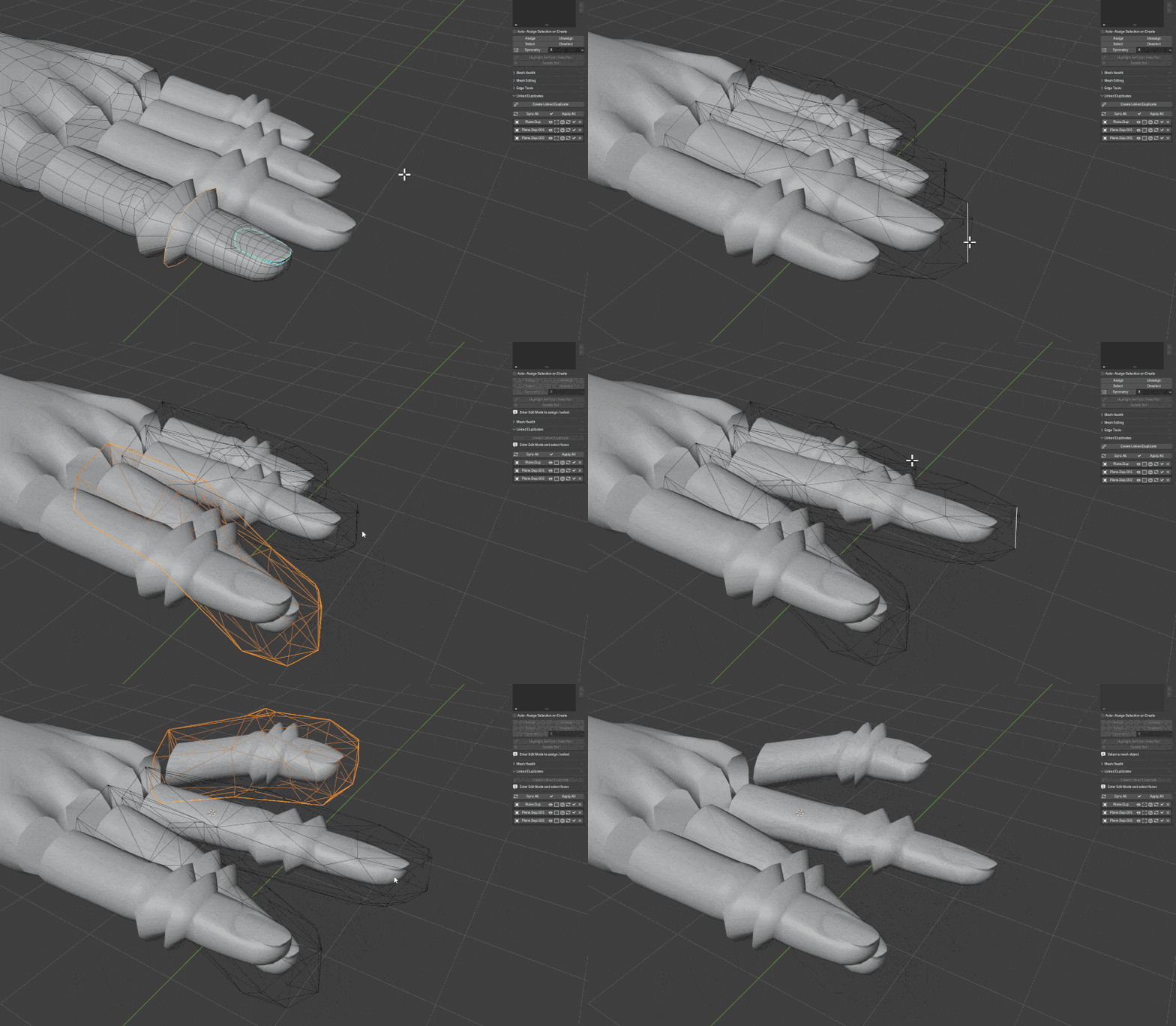
What is in this pack?
50+ tools across five systems, including:
1. A full Color Set system for tagging and organizing vertices, edges and faces
2. An automatic Mesh Health scanner covering 11 common topology problems with ways to quickly fix each issue
3. All advanced vanilla blender mesh operations plus a couple new ones
4. Draw Face and Draw Tube to draw faces or tubes in one stroke
5. A Polyline / Lasso Trim tool, brought over from Sculpt Mode
6. Linked Duplicates, for modeling a repeated part once and reshaping every copy independently
7. A dedicated Edge Tools panel for creasing and sharp marking without hunting through menus