 Noggi
Noggi


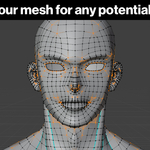
What does this addon actually do for me?
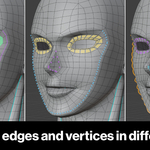
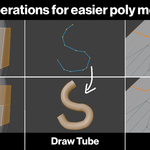
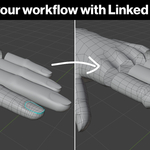
It adds a "Poly Toolbox" tab to Blender's sidebar with color-coded overlays a set of one-click modeling tools a "Mesh Health" scanner that finds problems and "Linked Duplicates" that can synchronize changes to repeated parts of your mesh.
Will it work with my version of Blender?
Yes, if you're using a Blender version between 3.5 and 5.1. These have been tested. It might work with other versions as well, but I can't guarantee it.
Are the Color Sets just recoloring, or does it change my mesh?
Color sets are non-destructive overlays, but you can use them to modify specific sections of your mesh.
Does it replace Blender's built-in tools?
No, it makes them more easily accessible. Grid Fill and Bridge Loops for example have buttons so you don't have to find them in the menus.
I installed it but see nothing. Where is it?
Press "N" in the 3D Viewport to open the sidebar, then click the "Poly Toolbox" tab.
Some buttons are greyed out. Is it broken?
No. Assigning colors, editing tools, and fixing mesh issues only work in Edit Mode with a mesh selected. Enter Edit Mode and they'll light up.
Will my color markings survive saving and reopening the file?
Yes. Color sets are stored on the mesh itself and are restored when you reload. They persist across saves and even across disabling/re-enabling the add-on.
$39
Have questions about this product?
Login to message
| Blender Extension Compatible | Yes |
| Sales | 10+ |
| Dev Fund Contributor | |
| Published | 2 months ago |
| Blender Version | 3.5 - 5.1 |
| Extension Type | Add-on |
| Render Engine Used | Arnold, Blender-Internal, Blender-Game-Engine, Cycles, Eevee, Freestyle, Luxrender, Mental-Ray, Octane, Vray, Yafaray |
| License | GPL |
Discover more products like this
3d model toolbox low-poly modeling high-poly modeling collection custom tools