Poly Organic - The Ultimate Procedural Material Tool
 Poly Playground
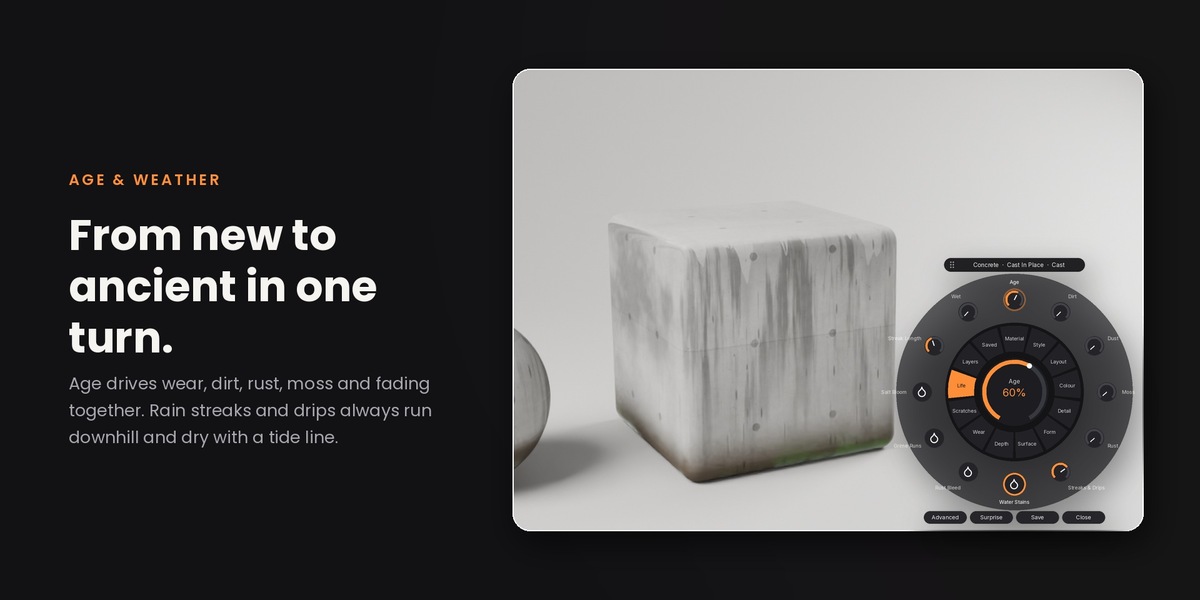
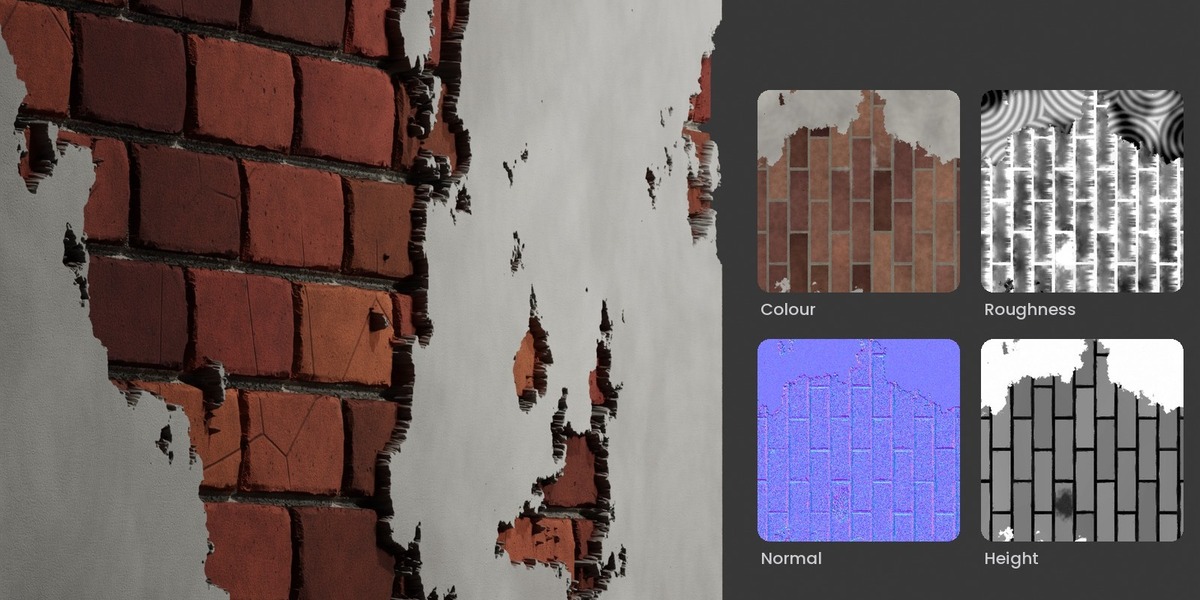

Where do my baked maps go?
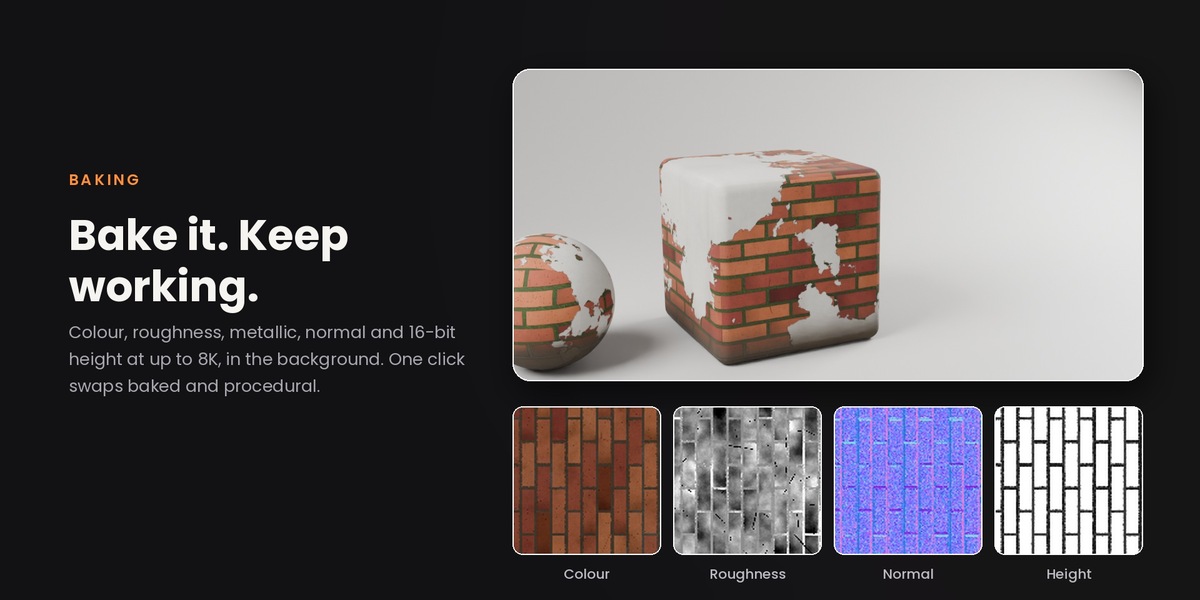
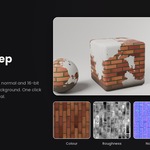
Into a textures folder next to your .blend. Save the file first so they're kept beside it.
A background bake never finishes.
Untick Bake in the background in the Bake window to bake in the open window instead, and let us know through Superhive messages so we can look into it.
Can I use it commercially?
Yes. Use it on any personal or commercial project. All future updates are included.
Does it need the internet?
No. PolyOrganic never connects to the internet.
My scene is getting slow.
Use Draft quality while you work, press Optimise to remove effects you're not using, and bake finished materials.
Where is the dial? It closed or I can't find it.
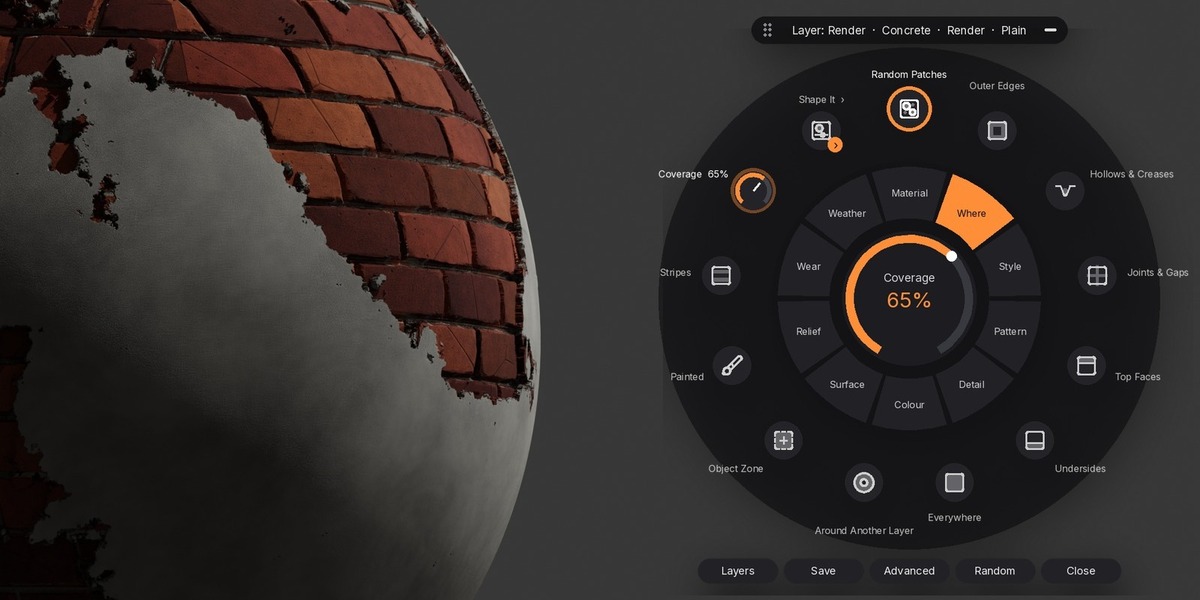
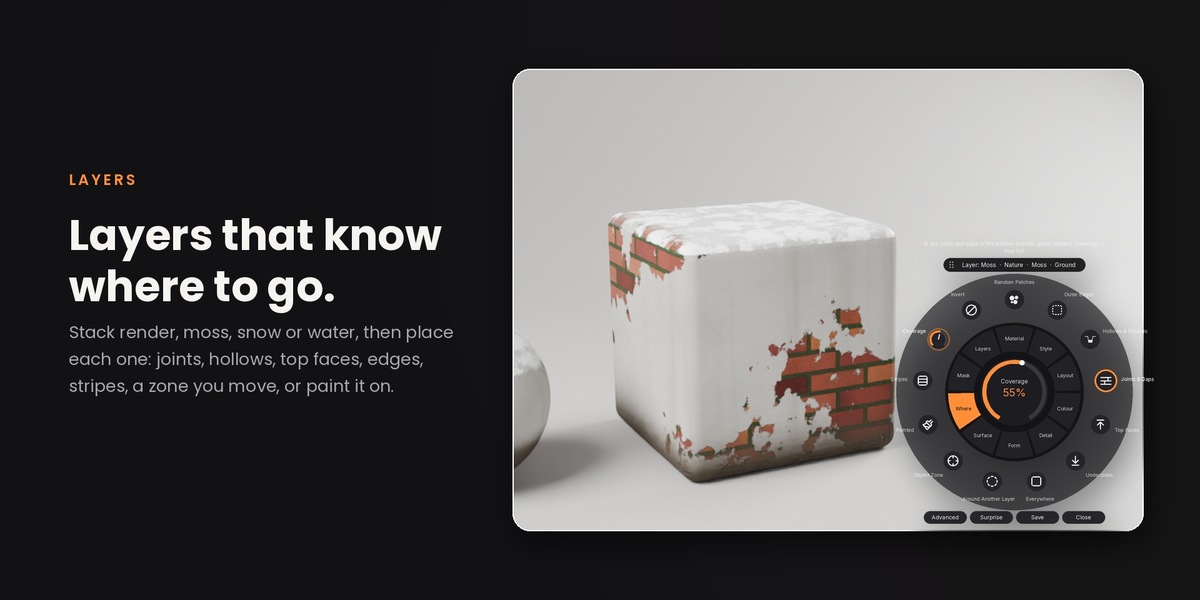
Click the orange button in the corner of the 3D view, or press Shift+Alt+D. You can move the button (and where the dial opens) or hide it in the sidebar or in Preferences > Add-ons > PolyOrganic. If something goes wrong, the dial stays open and shows the error in its help line or at the bottom left of the viewport.
Which Blender versions and render engines does it support?
Blender 4.2 and newer on Windows, macOS and Linux, in Cycles and EEVEE. Real caustics, iridescence on metals, gem fire and adaptive displacement are Cycles features.
Do I need UVs?
No. PolyOrganic projects its patterns in 3D, so it works on any mesh straight away. UVs are only used if you choose the UV Map fit, and for baking (which unwraps for you if the object has none).
$29
 Included
Includes 12 months of
- Support from Poly Playground
- Product updates
Extend this product’s Support Period +12 months: 25% of product price
Have questions before purchasing?
Login to message
| Blender Extension Compatible | Yes |
| Sales | 40+ |
| Dev Fund Contributor | |
| Published | 4 days ago |
| Blender Version | 4.2 - 5.2 |
| Extension Type | Add-on |
| Render Engine Used | Cycles, Eevee |
| License | GPL |
Discover more products like this
blender procedural materials Material unlimited materials 16k materials materials