 AlbertoFX


Introducing PolyTools
Fast, intuitive retopology for building clean quad-based meshes directly in the Blender viewport.
Retopology That Feels Direct
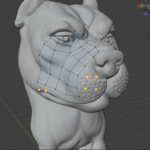
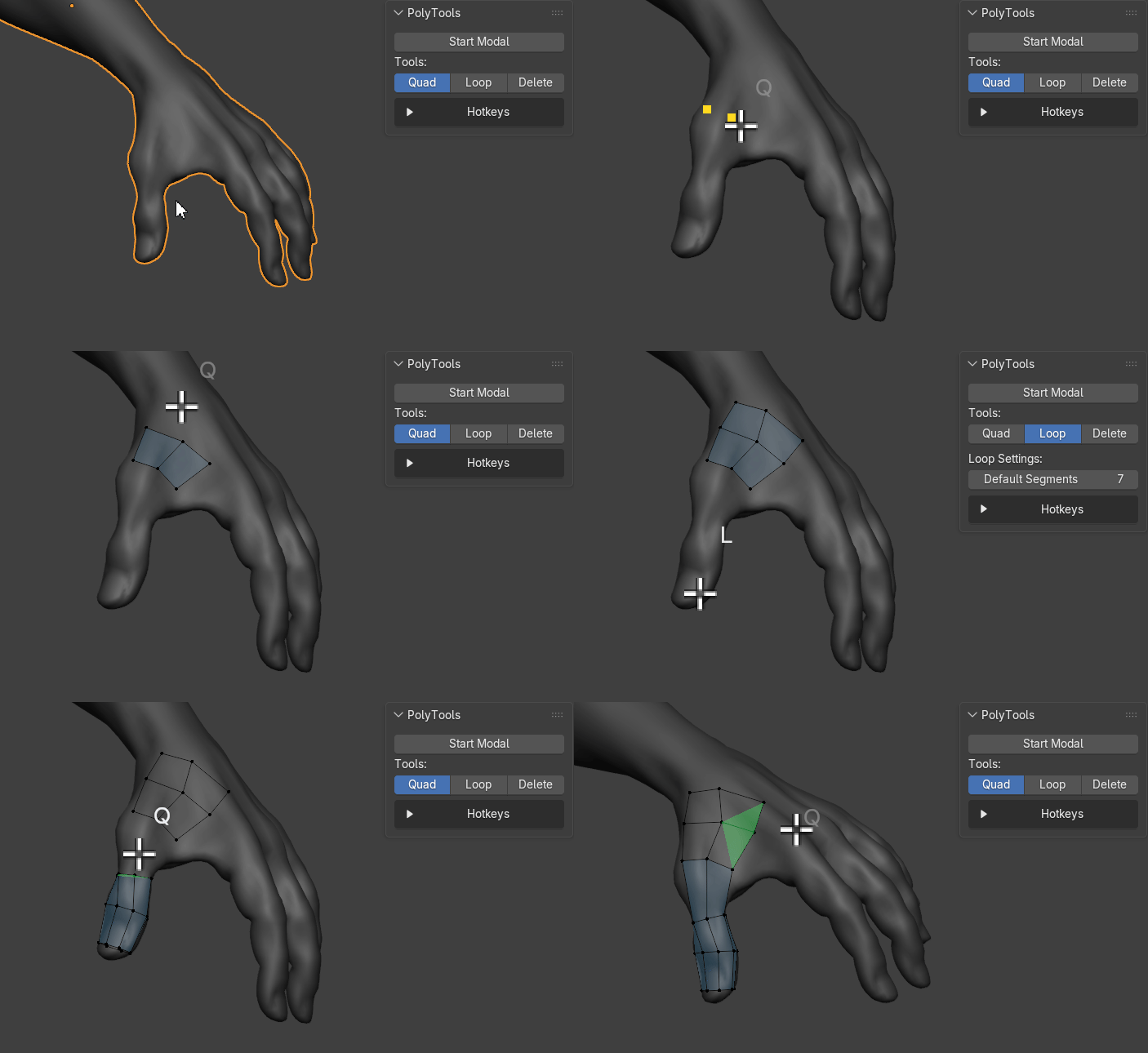
PolyTools streamlines retopology using a focused sub-mode workflow for building, adjusting, merging, and cleaning topology.
Create clean quads, place guide points, draw cylindrical loops, delete unwanted geometry, and tweak vertices without breaking your viewport flow.
Core Workflow
Use smart live quad previews, guide points, and drag-based quad strip creation.
Draw clean loops on cylindrical and curved surfaces with adjustable segment counts.
Move vertices and guide points directly for precise topology control.
Brush-delete faces, vertices, or full edge loops, then close gaps with Smart Merge.
Tool Modes
Quad Mode
Create topology with smart suggestions, guide points, and adaptive quad strip drawing.
- Smart live quad preview
- Quad points with Ctrl + LMB
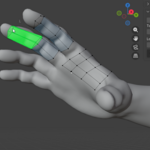
- Drag-to-create multiple quads
- Adaptive spacing based on local edge length
Loop Mode
Draw clean edge loops on curved cylindrical surfaces.
- Adjustable segment count
- Hold S and move the mouse to change segments
- Useful for limbs, pipes, openings, and rounded forms
Delete Mode
Clean topology using quick brush-style delete modes.
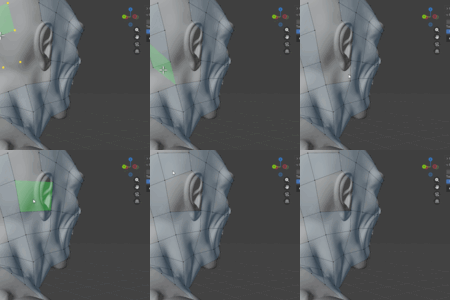
- F: brush-delete faces
- V: brush-delete vertices
- E: highlight and delete full edge loops
Tweak + Smart Merge
Move topology and merge nearby vertices for fast cleanup.
- Move any vertex or guide point
- Hold Shift, hover, and release to merge
- Great for closing gaps and cleaning poles
Hotkeys
- Q: Quad mode
- L: Loop mode
- X: Delete mode
- Ctrl + LMB: Place guide point
- RMB: Remove guide point
- LMB drag: Draw quad strip
- Shift hold: Smart Merge
- S + drag: Adjust loop segments
- F / V / E: Delete target
- ESC: Exit
Compatibility
Designed for Blender 5.1 retopology workflows inside the 3D Viewport.