 AssetsFactory
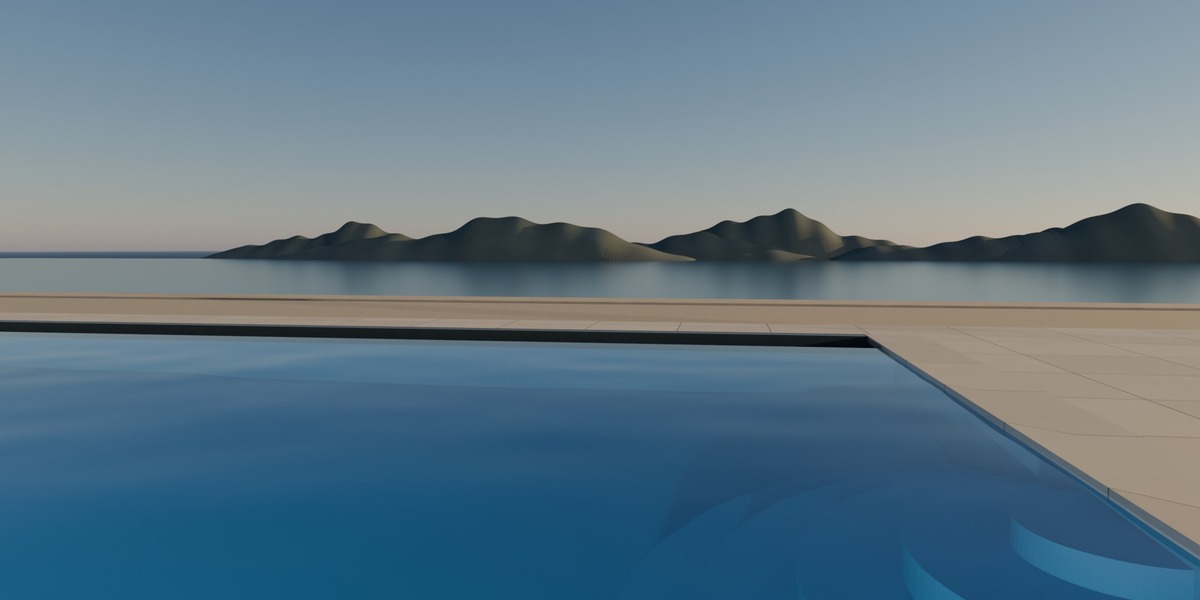
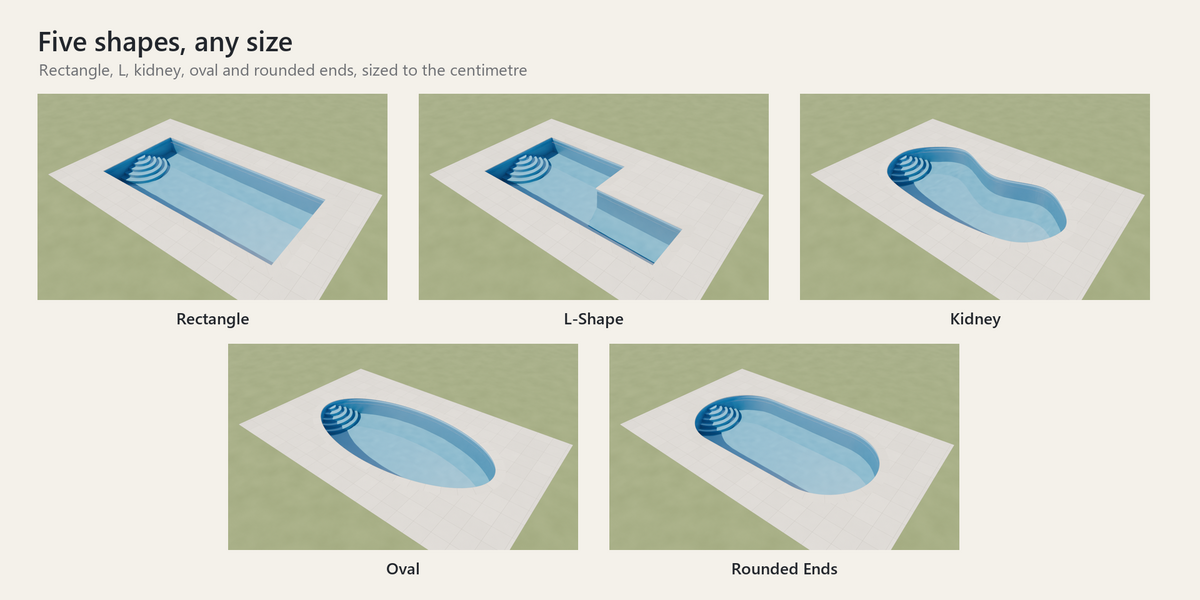
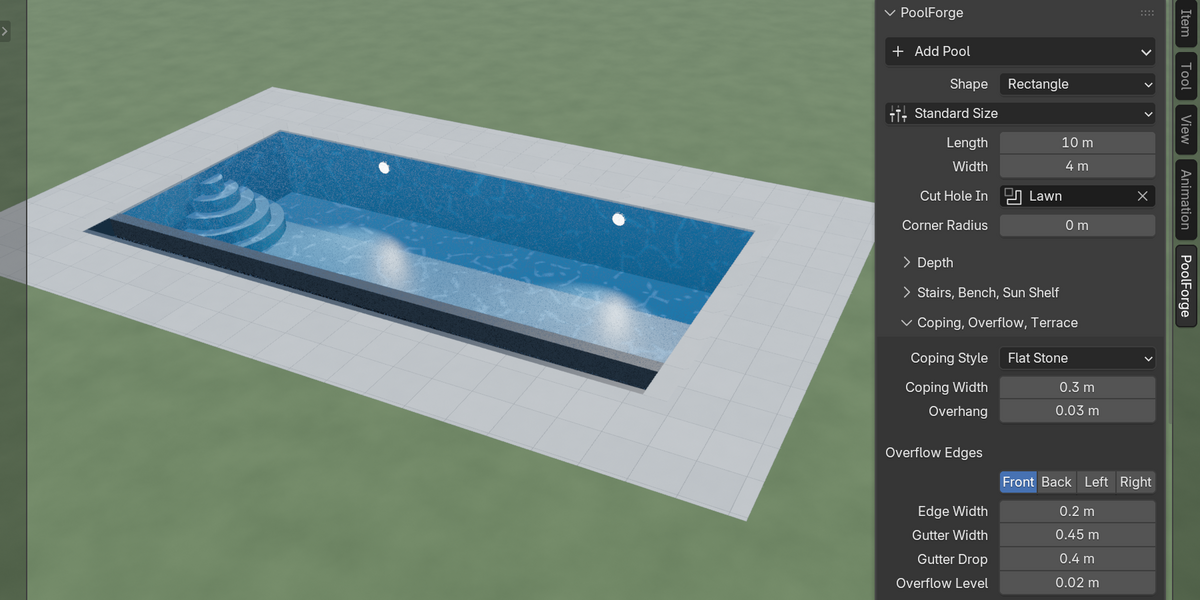
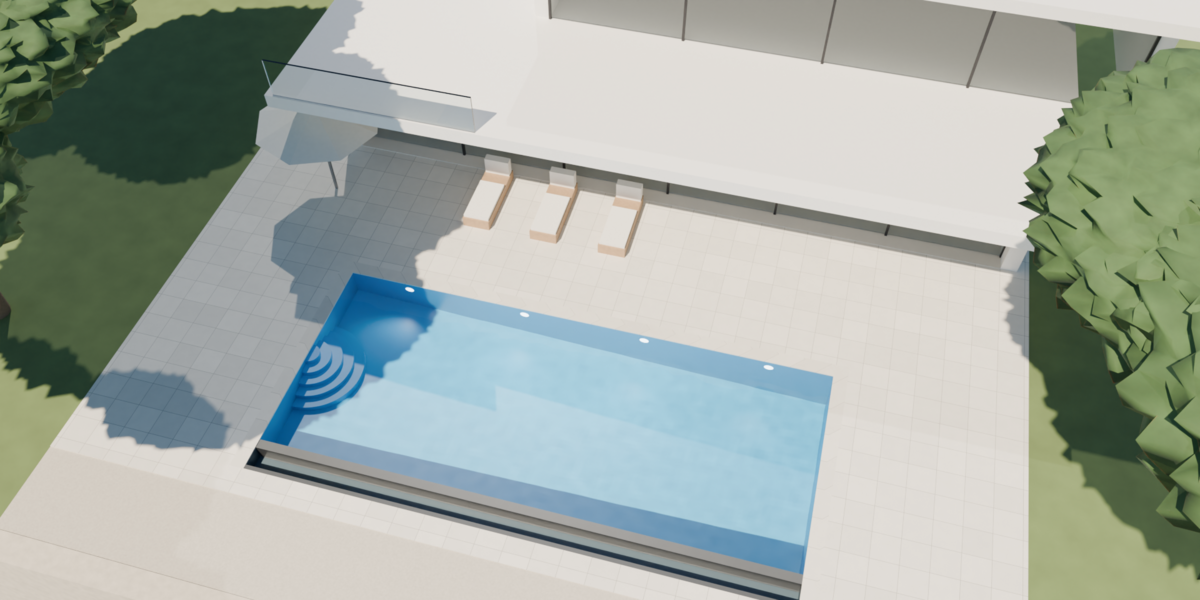
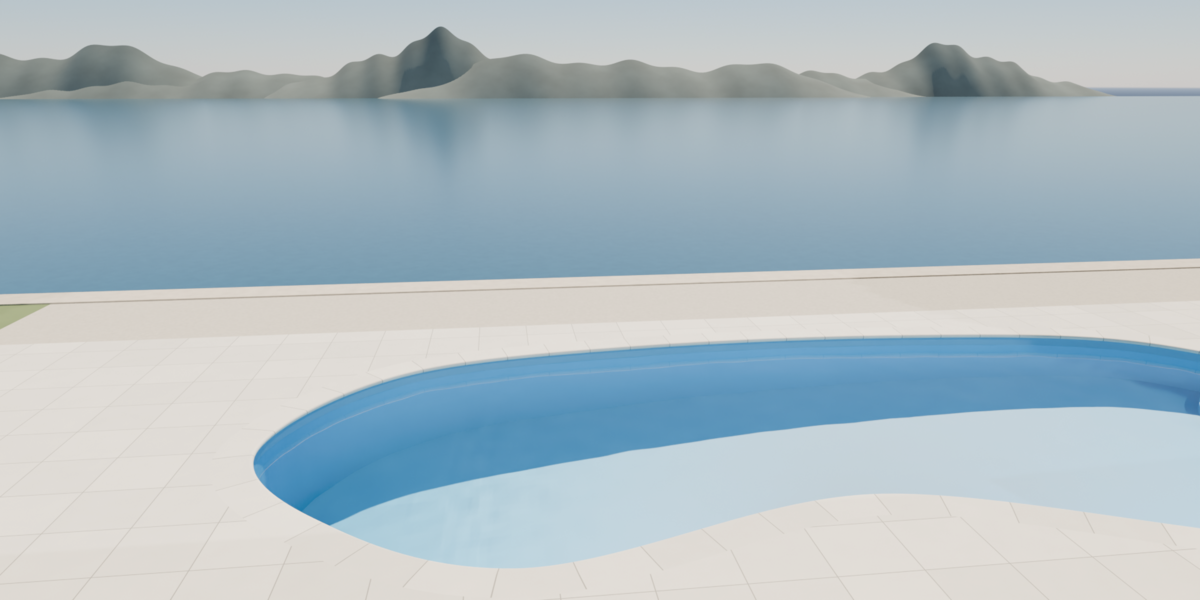
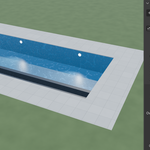
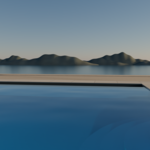
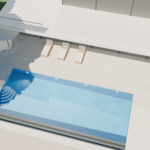
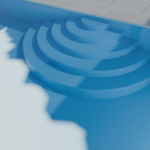
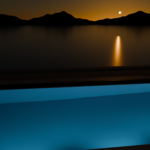
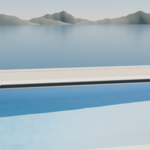
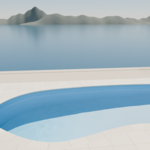
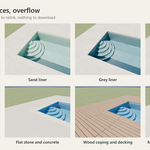
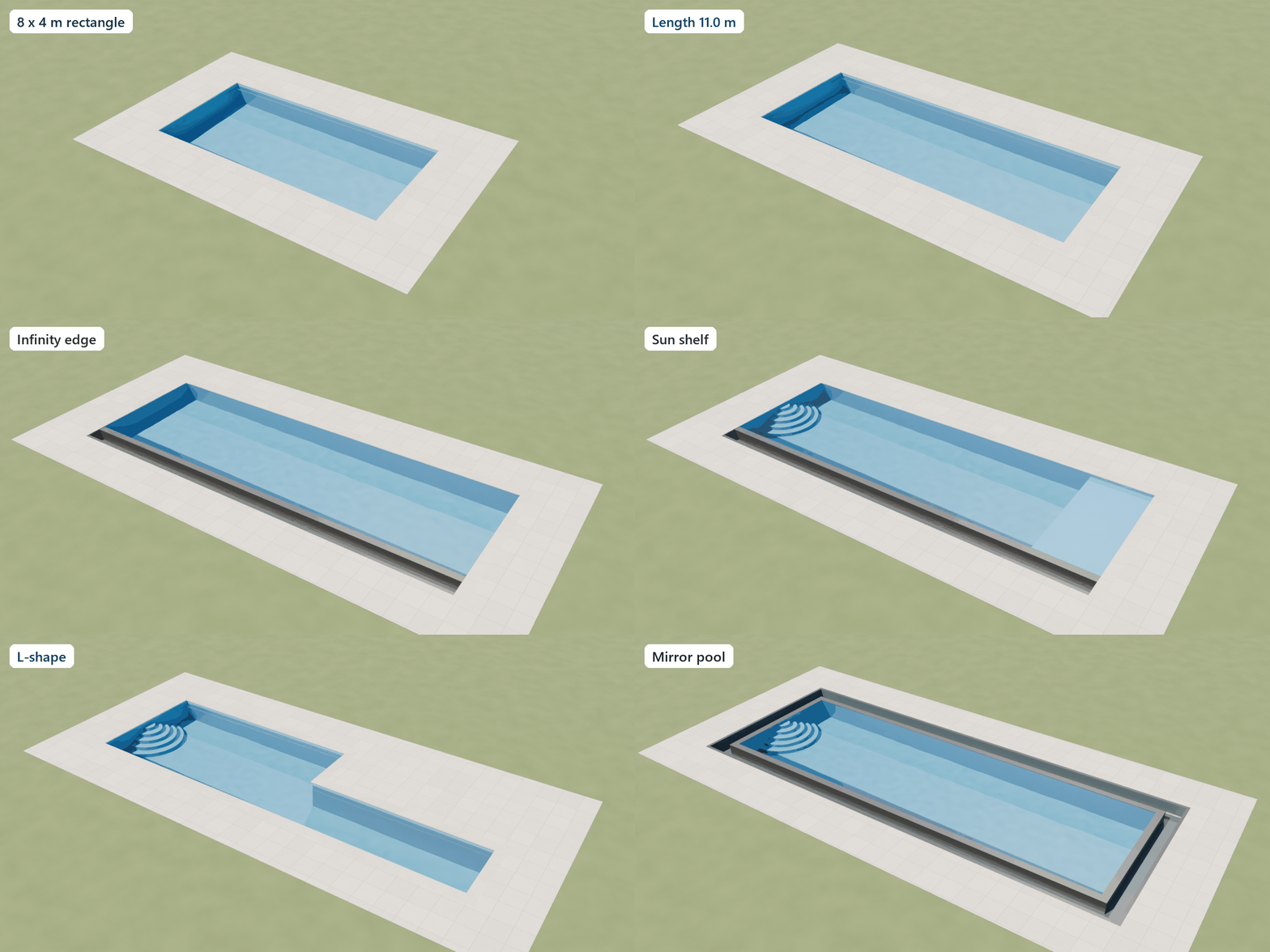 PoolForge adds a complete swimming pool to your scene from the sidebar, and keeps every setting live. Change the size, the depth, the stairs or the coping at any time: the pool rebuilds on the spot.
Shapes and sizes
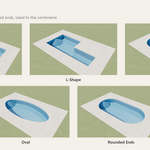
- Five shapes: rectangle, L-shape, kidney, oval and rounded ends.
- Twelve one-click sizes common in Europe, from a 4 x 2 m garden pool to a 20 x 3 m lap pool, plus free sizes to the centimetre.
- Three floor profiles: flat, gentle slope and compound slope with a shallow plateau. Depths are water depths, editable.
Features
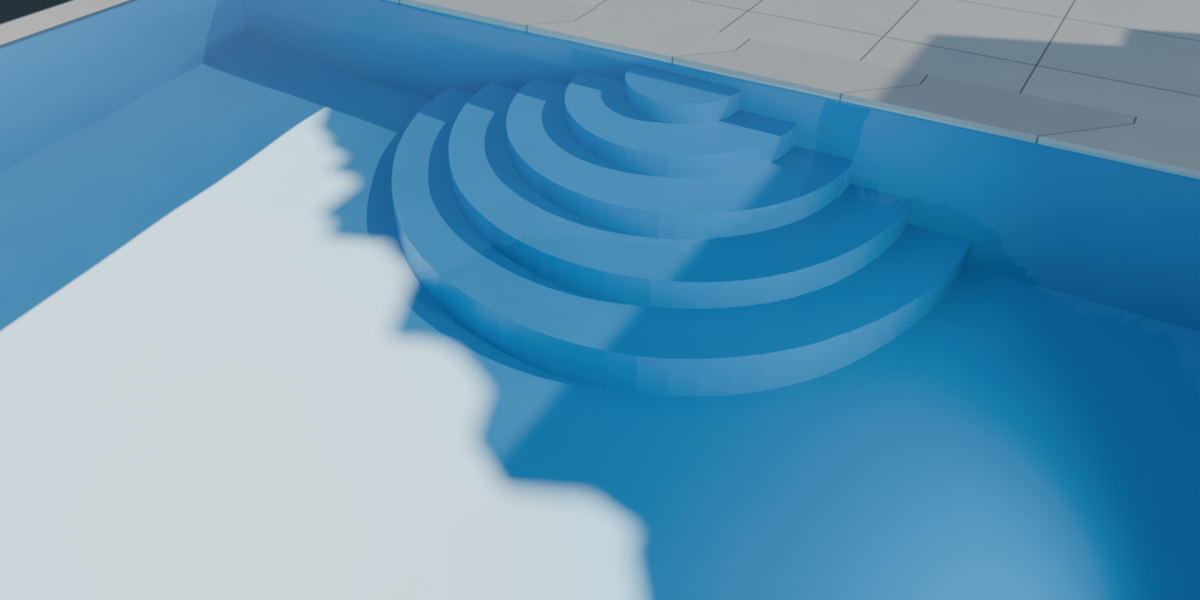
- Roman stairs on any side, 2 to 6 steps, with the riser height shown in the panel.
- Bench along a side, sun shelf at the shallow end.
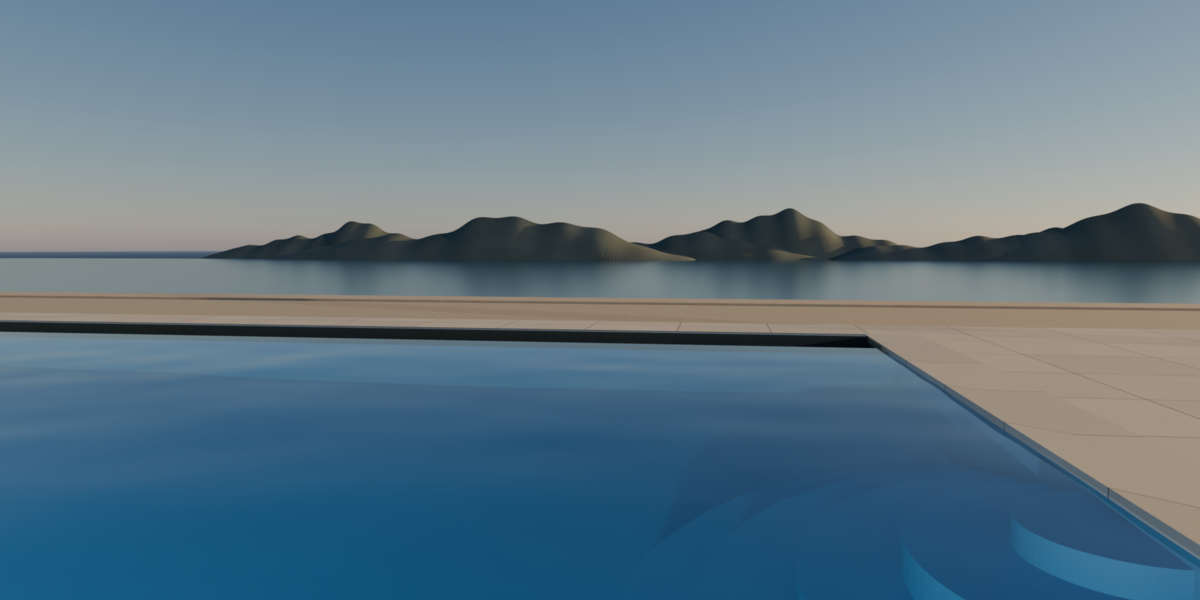
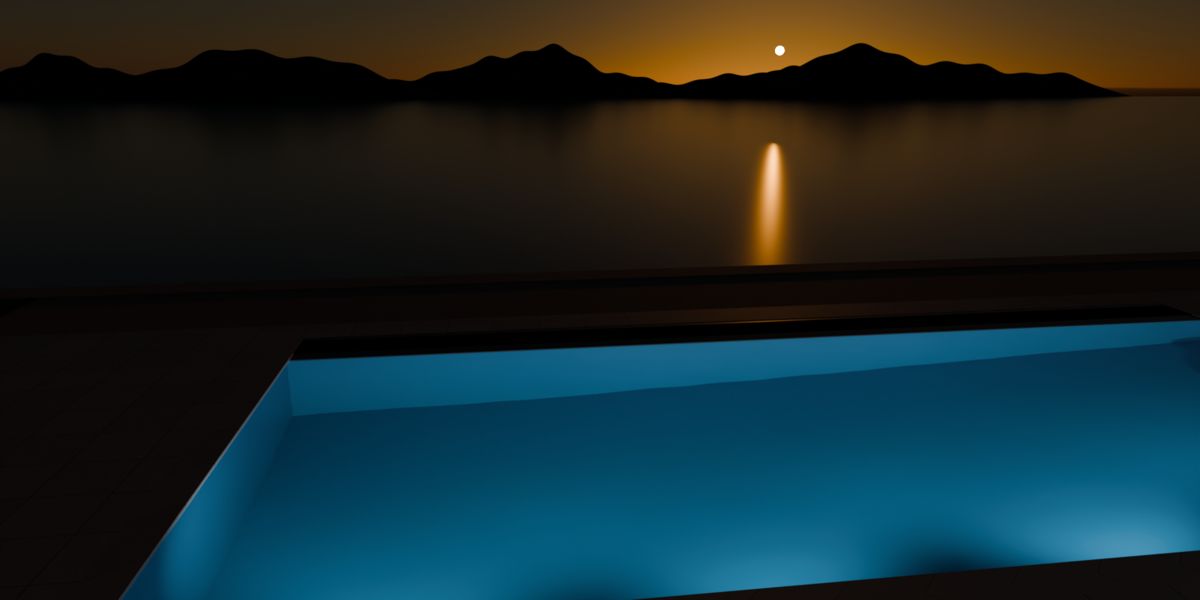
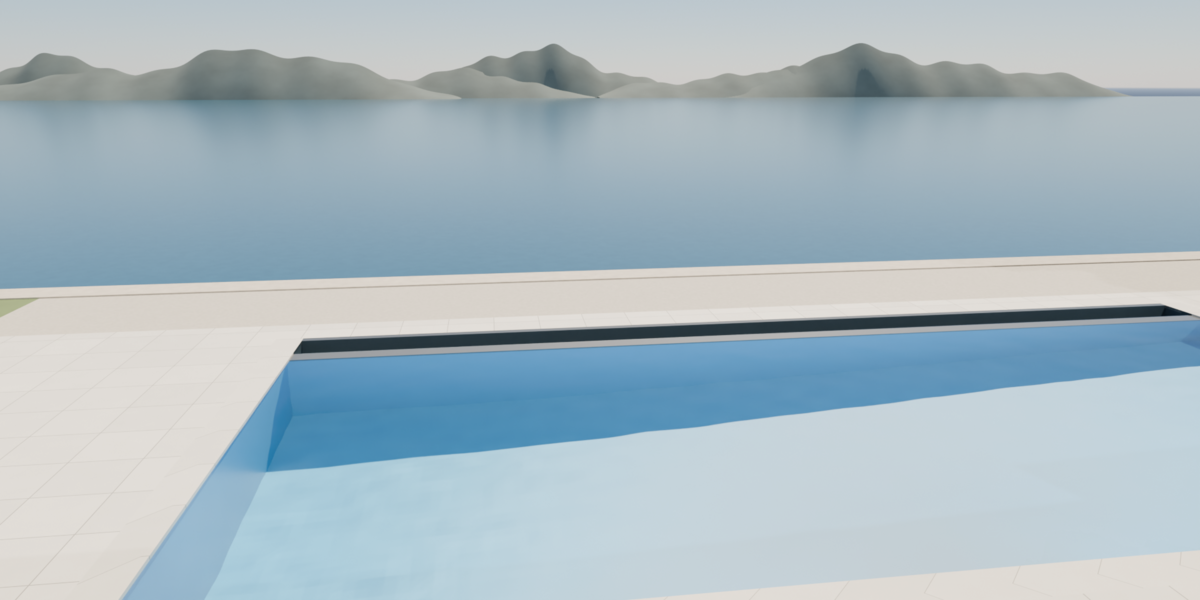
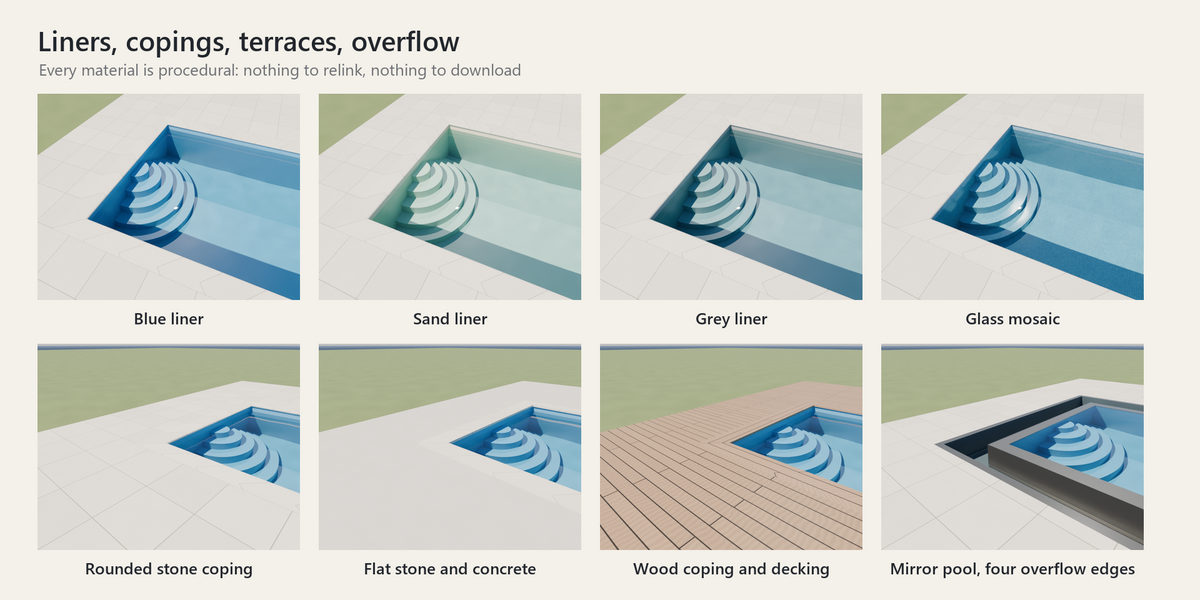
- Overflow edges side by side: one side for an infinity edge facing the view, all four for a mirror pool. The water flows over a stone edge into a catch gutter.
- Three copings: rounded stone, thin flat stone, wood boards.
- Terrace with its own width on each side: stone tiles, wood decking or smooth concrete.
- Up to six underwater lights, colour and power editable, for night renders.
Water and materials
- Every material is procedural: no image texture to relink, nothing to download.
- Liners in blue, sand and grey, plus a small-tile glass mosaic. The water colour deepens with depth.
- Animated waves on the water surface (Geometry Nodes): height, size and speed.
- EEVEE: clear water with reflections and painted light patterns on the floor.
- Cycles: refraction and physically based caustics from the sun and lights, set up in one click.
For export
Freeze turns the pool into plain meshes with the waves applied, ready for FBX, glTF or USD. Unfreeze brings the settings back.
Included
- The PoolForge extension (GPL-3.0-or-later).
- A ready-to-render demo scene: contemporary villa over a bay, with its pool, four cameras and lights. It renders in Cycles even without the extension.
- A PDF quick-start guide.
Requirements
Blender 4.5 LTS or newer, tested on Blender 4.5 and 5.2 under Windows. No internet access needed or used.
Good to know
- Your ground plane hides the pool? Pick it in the Cut Hole In field: a hole follows the pool and its terrace. Nothing is applied: clear the field and the hole is gone.
- Settings are not animatable: render a turntable or a walkthrough after setting the pool.
