PoolForge: Parametric Swimming Pool Generator for Blender
 AssetsFactory
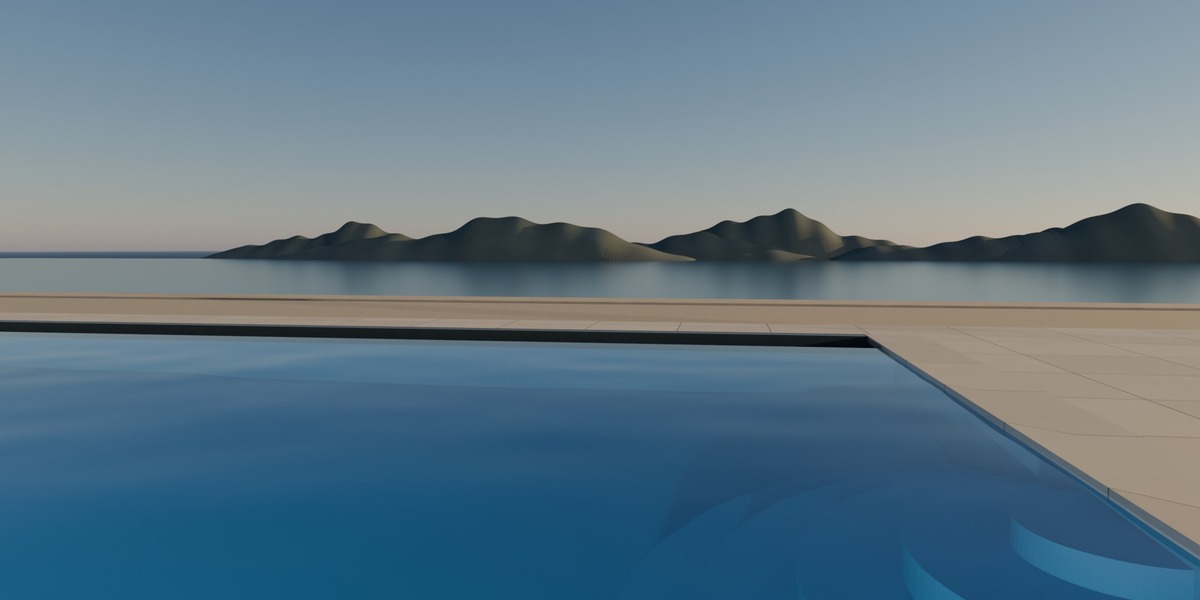
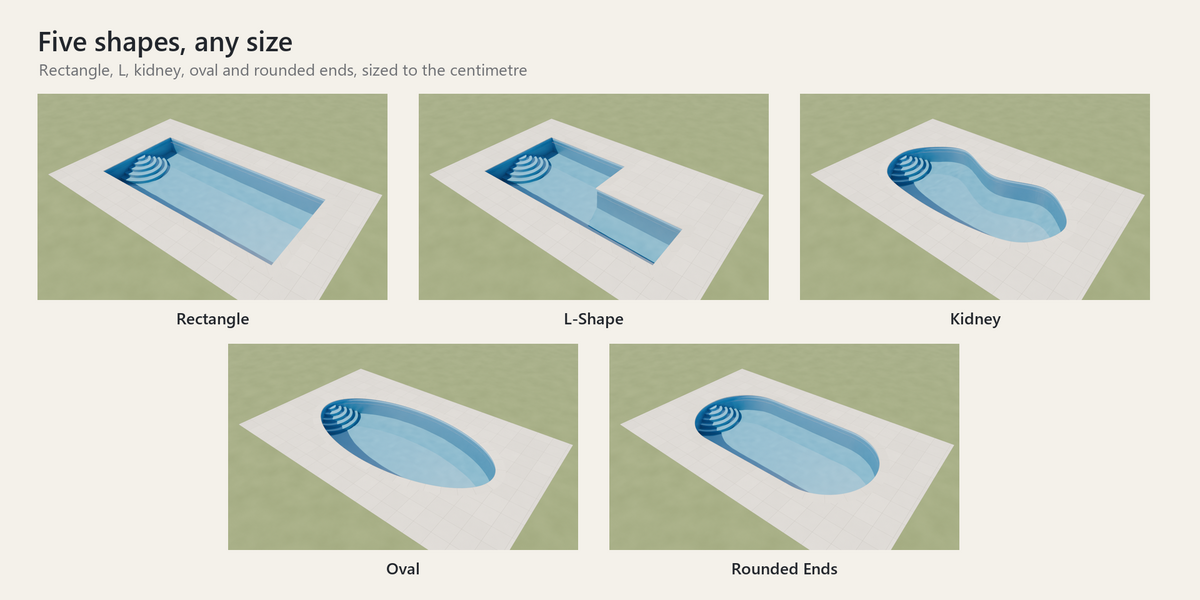
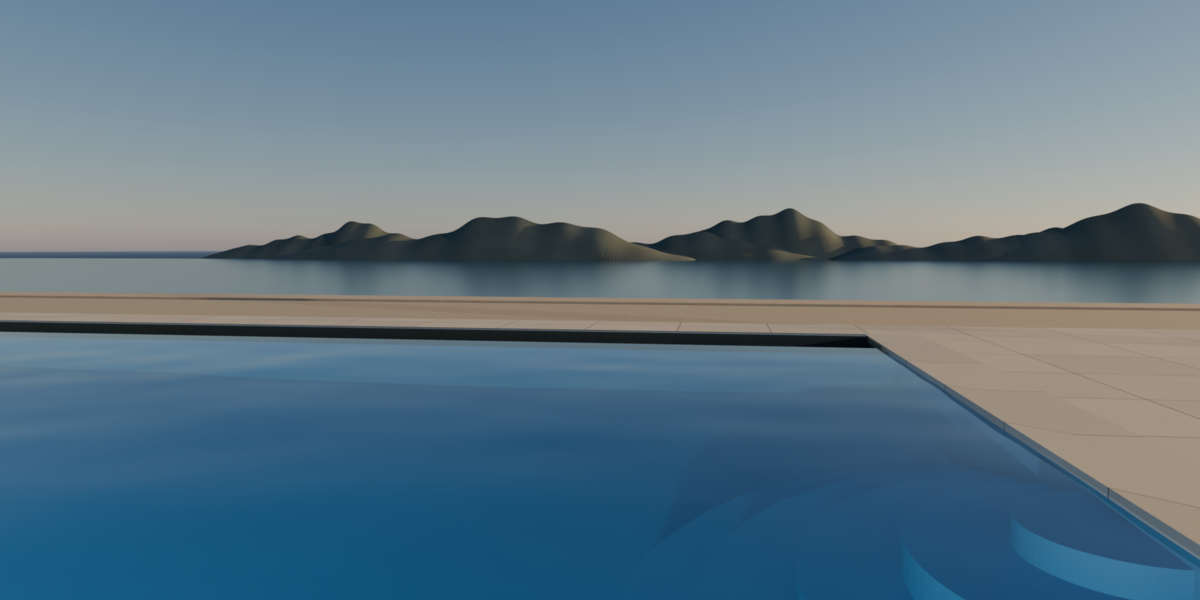
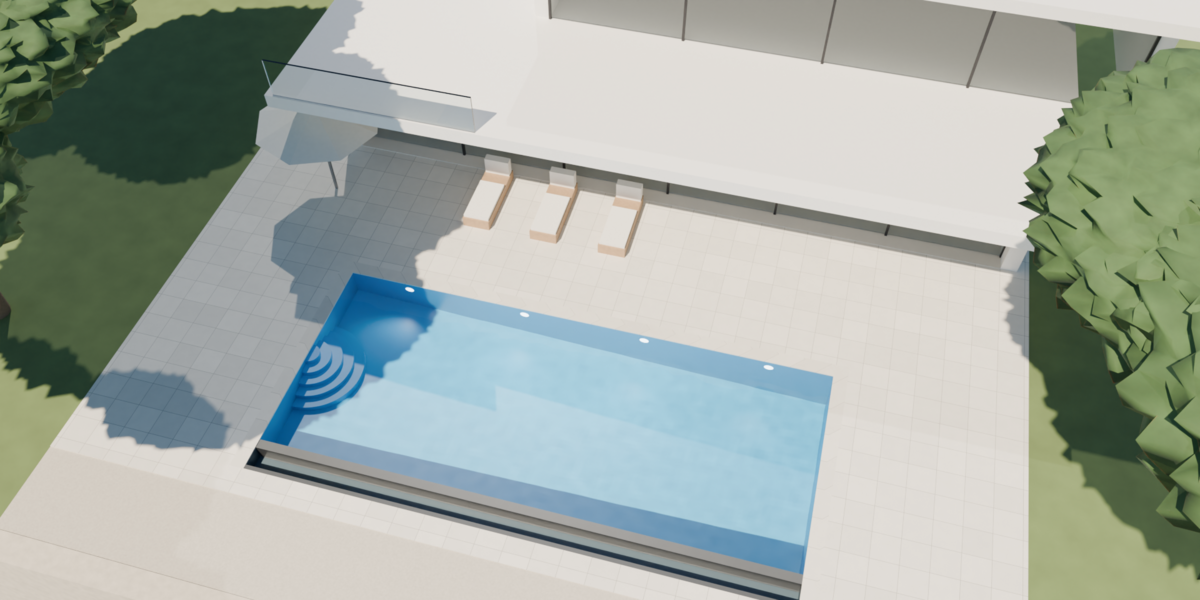
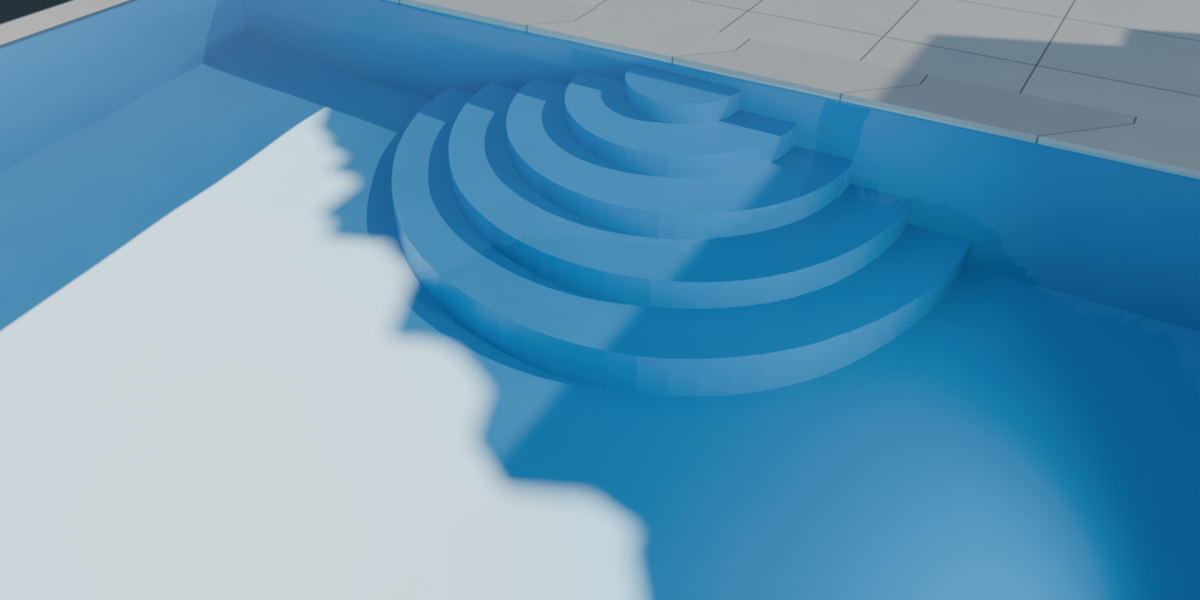
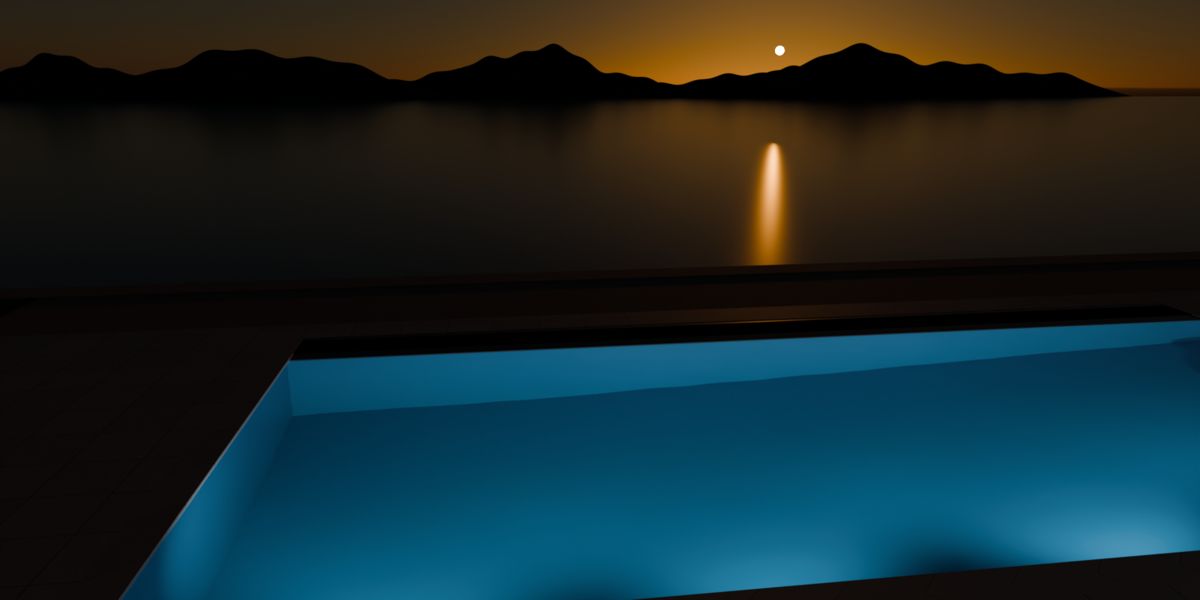
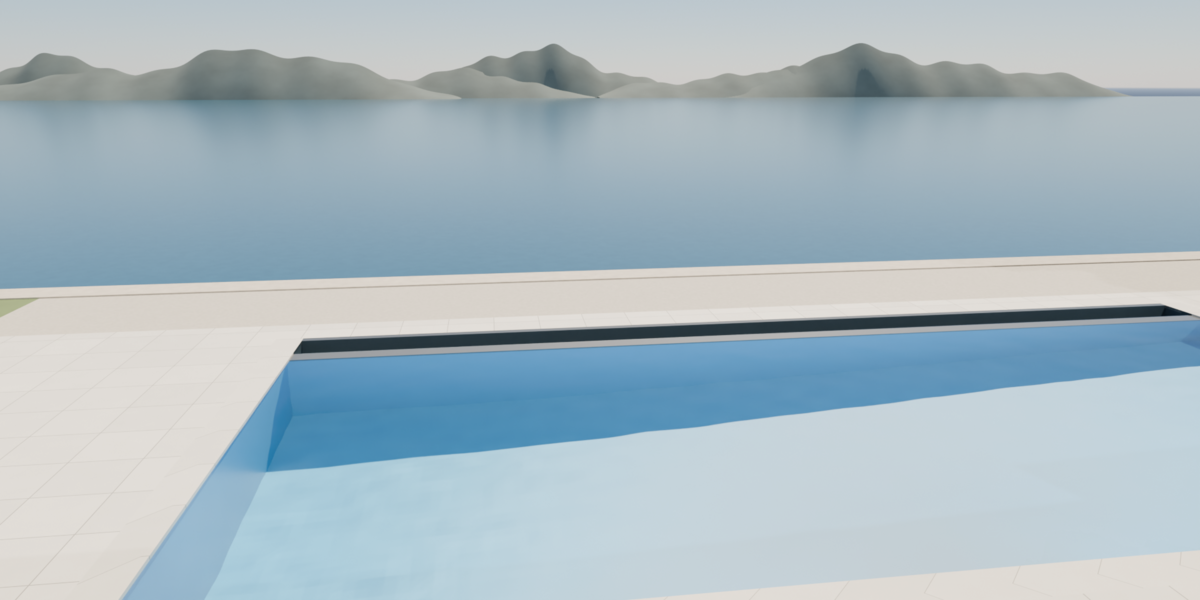
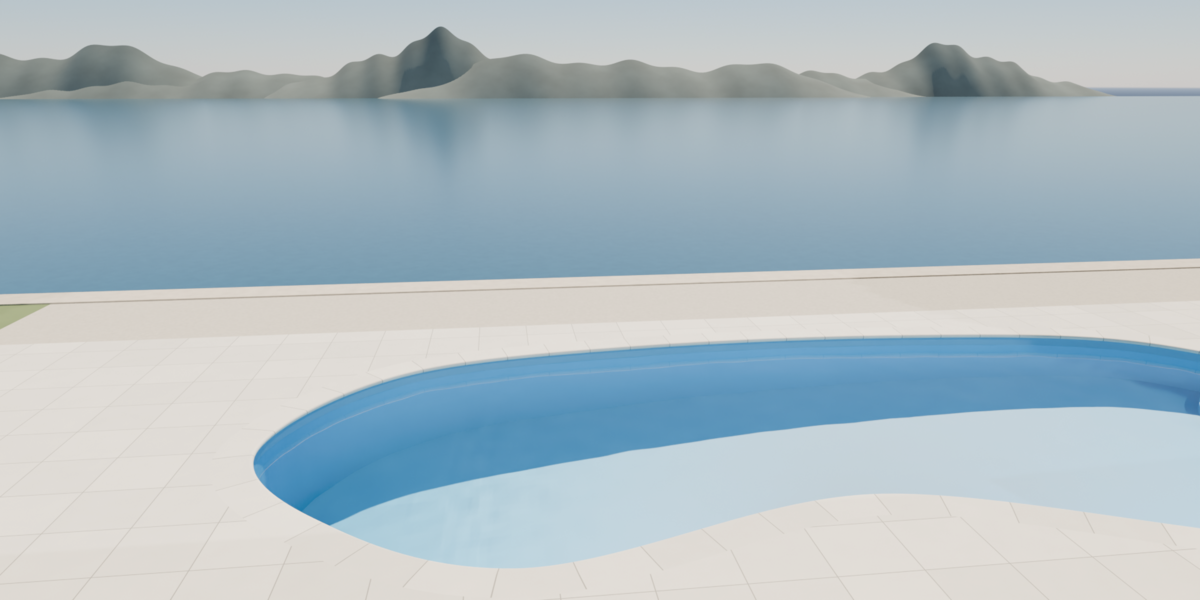
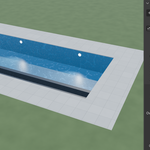
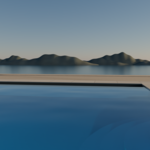
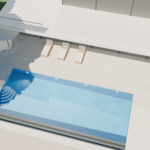
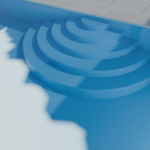
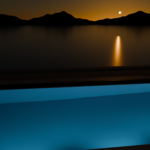
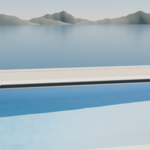
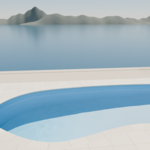
PoolForge builds a complete swimming pool in Blender and keeps every setting live.
Version 1.0, for Blender 4.5 LTS and newer.
1. Install
- In Blender, open Edit > Preferences > Get Extensions.
- Click the arrow at the top right, then Install from Disk.
- Pick the PoolForge zip. The extension is enabled at once.
PoolForge never connects to the internet.
2. Add a pool
- Place the 3D cursor where the pool goes.
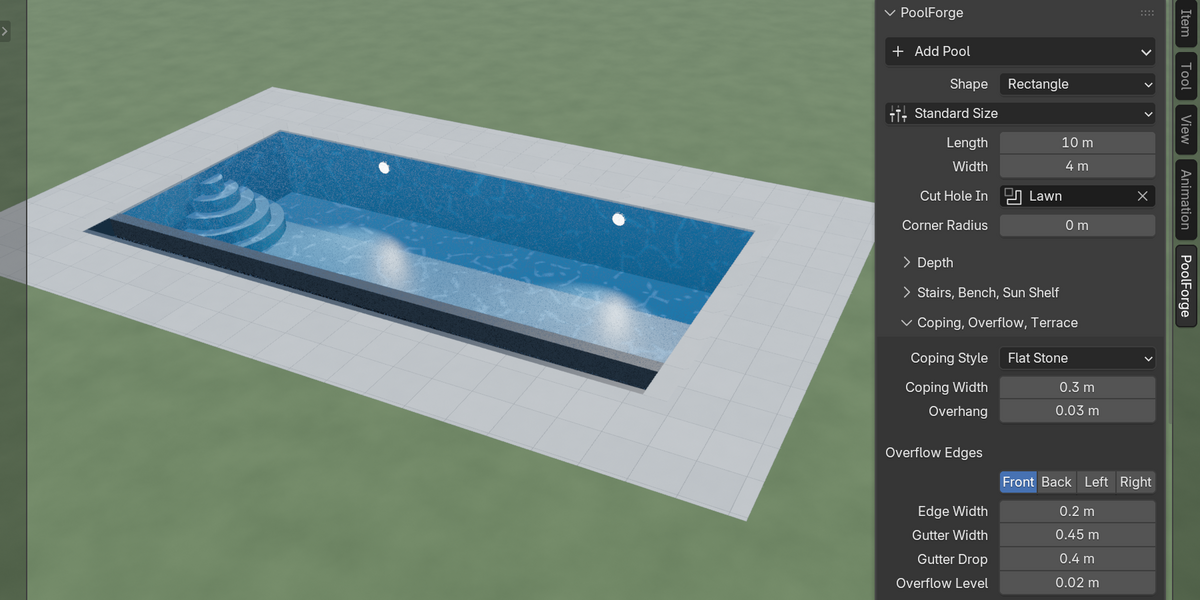
- Press N to open the sidebar, then click the PoolForge tab.
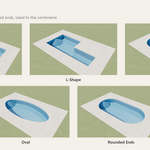
- Click Add Pool and pick a shape: Rectangle, L-Shape, Kidney, Oval or Rounded Ends.
The pool arrives with its coping, terrace, water and two underwater lights. It is also in Add > Mesh > Pool.
3. Shape and size
- Standard Size: twelve common sizes, from 4 x 2 m to a 20 x 3 m lap pool.
- Length and Width: free, to the centimetre. They are inside sizes, from wall to wall.
- Corner Radius rounds the outer corners of a rectangle or an L.
- Notch Length and Notch Width shape the cut-out corner of an L.
- Waist and Balance shape a kidney.
4. Depth
- Flat: one depth everywhere (1.40 m when you pick it).
- Gentle Slope: from the shallow end to the deep end (1.10 m to 1.80 m).
- Compound Slope: a shallow plateau, then a steep slope (1.00 m to 2.00 m).
Depths are water depths. Water Level sets how far the water sits under the deck.
5. Stairs, bench, sun shelf
- Roman Stairs: pick a side, a position, the number of steps and the radius of the lowest step. The panel shows the height of each step.
- Bench: a seat along a side, under the water.
- Sun Shelf: a shallow ledge at the shallow end, to sit or lie in the water.
Sides are named in the pool's own frame: Front is -Y, Back is +Y, Left is -X, Right is +X. Rotate the pool object freely: the sides turn with it.
6. Coping, overflow, terrace
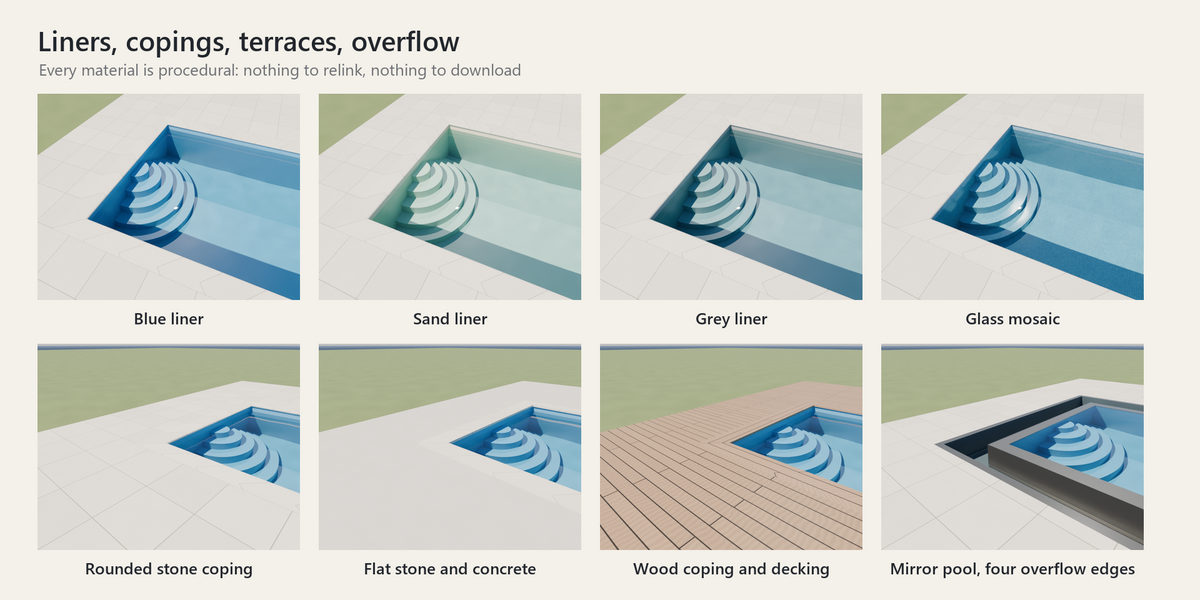
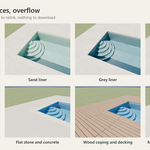
- Coping: Rounded Stone, Flat Stone or Wood, with its width and overhang.
- Overflow Edges: turn on one side for an infinity edge facing the view, or all four for a mirror pool. The water flows over a stone edge into a gutter below.
- Terrace: Stone Tiles, Wood Decking or Smooth Concrete, with its own width on each side.
7. Your ground
If your scene has a ground at the level of the deck, it hides the pool. Pick that ground in the Cut Hole In field: a hole follows the pool and its terrace. Nothing is applied to your ground. Clear the field and the hole is gone.
8. Water, liner, lights
- Liner: Blue, Sand, Grey or Mosaic. The water colour deepens with depth.
- Water Tint, Wave Height, Wave Size and Wave Speed shape the water. The waves move when you play the animation.
- Lights: up to six underwater lights on one side, with their colour and power.
9. Render
- EEVEE: the water is clear with reflections, and moving light patterns are painted on the floor.
- Cycles: the water refracts. Select the pool and click Set Up Cycles Caustics in the Render section: your sun and lights then cast real light patterns through the water.
- Fake Caustics (Render section): Auto paints them in EEVEE only. On or Off forces them.
For crisp Cycles caustics, give the sun a small angle (1 degree or less) and render with 256 samples or more.
10. Export
Click Freeze in the Render section: the pool becomes plain meshes with the waves applied, ready for FBX, glTF or USD. Unfreeze brings the settings back.
Good to know
- Settings are not animatable. Set the pool, then animate your camera.
- The demo scene (contemporary villa over a bay) opens and renders in Cycles even without the extension.
License
The PoolForge code is free software under the GNU General Public License, version 3 or later. The demo scene and its materials come under the license you chose when buying.
Have questions about this product?
Login to message
| Blender Extension Compatible | Yes |
| Published | 3 days ago |
| Blender Version | 4.5 - 5.2 |
| Extension Type | Add-on |
| Render Engine Used | Cycles, Eevee |
| License | GPL |

Discover more products like this
Water procedural infinity pool architecture pool caustics swimming pool geometry nodes ArchViz exterior villa parametric