 Mesajemba


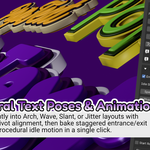
Is my original text object destroyed when I animate?
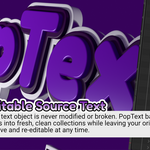
No, PopText is non-destructive. Your original text object remains fully editable in a hidden live collection, while PopText generates the baked animation and poses into a separate output collection.
Which Blender versions are supported?
PopText requires Blender 5.2 LTS or newer. It takes full advantage of modern Blender features and updates seamlessly across current releases.
Can I use custom fonts and multi-line text?
Yes. PopText works with custom fonts loaded into Blender and supports multi-line text objects, applying per-line pivot calculations, outlines, and staggered character animations automatically.
How do material animations work with existing shader nodes?
PopText builds its own node-based shader (PopTextFade) to handle timed fade-ins, glow, and rainbow color cycles smoothly. It reads starting colors directly from your assigned fill/outline materials, but will not overwrite or alter complex existing custom node setups.
Are there any current limitations or tradeoffs I should know before buying?
PopText is actively developed, and a few current tradeoffs include:
- Outline Fusion: Outlines grow per line, so thick outlines with tight letter spacing can touch and fuse together.
- Language Support: Built and tested primarily for left-to-right reading order (RTL scripts and complex ligatures are not supported).
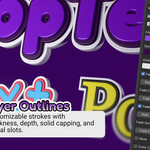
- Outline Layers: Capped at two independent stroke layers only.
- Non-Uniform Scaling: Apply object scale (Ctrl+A > Scale) before animating to prevent rotation skewing.
How do I install and update PopText?
Download the .zip file, navigate to Edit > Preferences > Add-ons > Install inside Blender, and select the file. For future updates, simply toggle the add-on off/on or run Reload Scripts. No Blender restart required.
Have questions about this product?
Login to message
| Blender Extension Compatible | Yes |
| Dev Fund Contributor | |
| Published | about 2 months ago |
| Blender Version | 5.2 |
| Extension Type | Add-on |
| Render Engine Used | Cycles, Eevee |
| License | GPL |