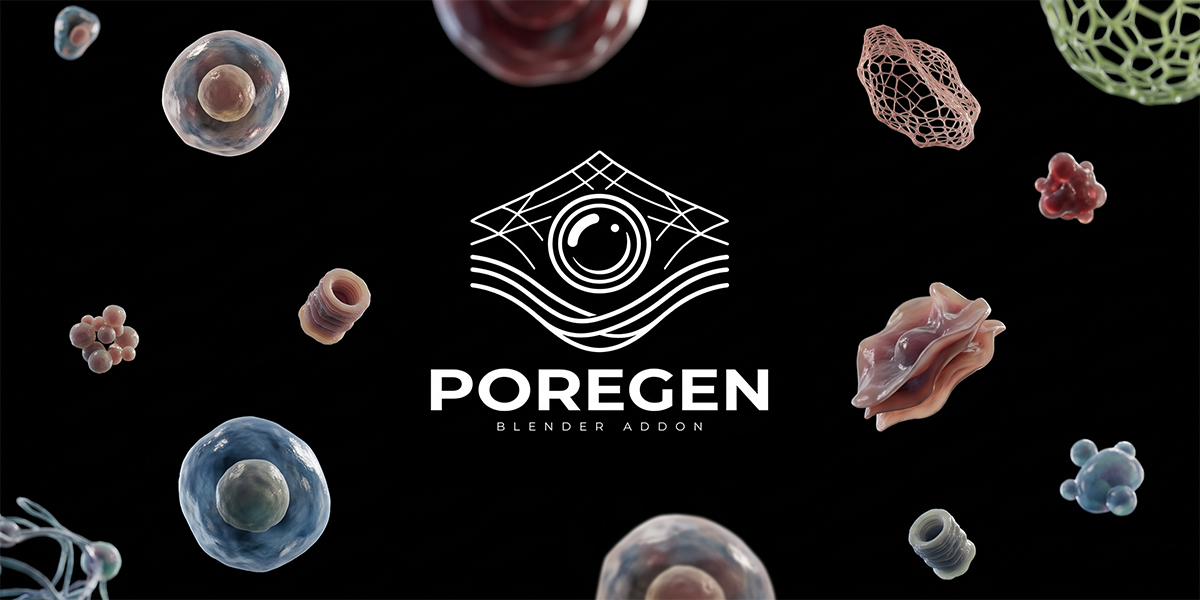
PoreGen Blender Addon
 Youthcloud


OFFICIAL USER DOCUMENTATION • VERSION 1.0.0 • BLENDER 4.0 – 5.3+
PoreGen v1.0.0 — Complete User Manual
Build multi-layer procedural dermal membranes, downward sub-dermal layers, per-object collection colliders and custom PBR surfaces—with instant 2-Way N-Panel sync and a 7-Language N-Panel.
🎬 Video Guide
▶ Watch Video Guide (youtu.be/TcjGc6P125s)1. Overview & Compatibility
PoreGen v1.0.0 (by youthcloud.id) is a non-destructive Geometry Nodes add-on for Blender that builds multi-layer procedural dermal membranes, primitive and unified grid surfaces, downward sub-dermal hydrosphere grids, per-object collection colliders, and custom PBR whole-plane replacements with instant 2-way N-Panel synchronization.
2. Installation Guide
- Download the PoreGen add-on zip package and keep it compressed.
- Open Blender and go to Edit -> Preferences -> Get Extensions or Add-ons.
- Open the top-right dropdown menu, click Install from Disk, and choose the PoreGen zip file.
- Enable PoreGen, press N in the 3D Viewport, and open the PoreGen sidebar tab.
3. Plane Tab: Primitives, Custom 3D (No Array) & Downward Layers
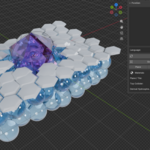
- Unified Grid Membrane (Shape 0): Continuous single-mesh membrane with built-in Bevel and Subdivide.
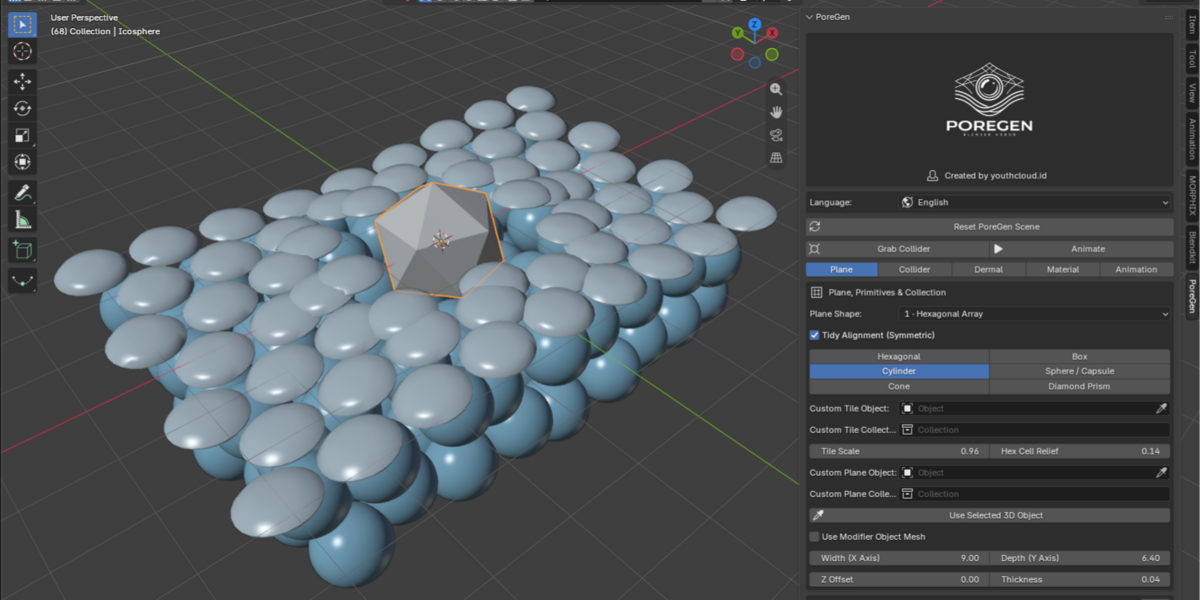
- 6 Combinable Primitives (Shape 1): Hexagonal, Box, Cylinder, Sphere/Capsule, Cone, and Diamond Prism with Tidy Alignment.
- Custom Object (No Array, Shape 7): Click Use Selected 3D Object to replace the entire plane with your own 3D mesh without an array while preserving PBR textures and collision physics.
- Downward Extra Layers (L2 to L5): Stack up to 4 additional layers downward with matching X/Y/Z/Thickness controls and dermal collision.

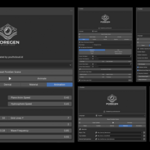
Tab 1: Plane, Primitives, Collections & Extra Plane Layers
4. Collider Tab: Per-Object Physics, Stretch & Part Aside Mode
- Per-Object Collection Collision: Every object in a Collider Collection creates its own local collision zone without leaving empty center gaps.
- Stretch & Bidirectional Break (±Z): Elastic membrane stretching and ±Z pass-through beyond Break Depth.
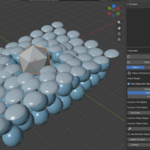
- Part Aside Mode (Objects Move Aside): Tiles and objects glide outward in XY around each collider (0.10 default spread) and close behind it.

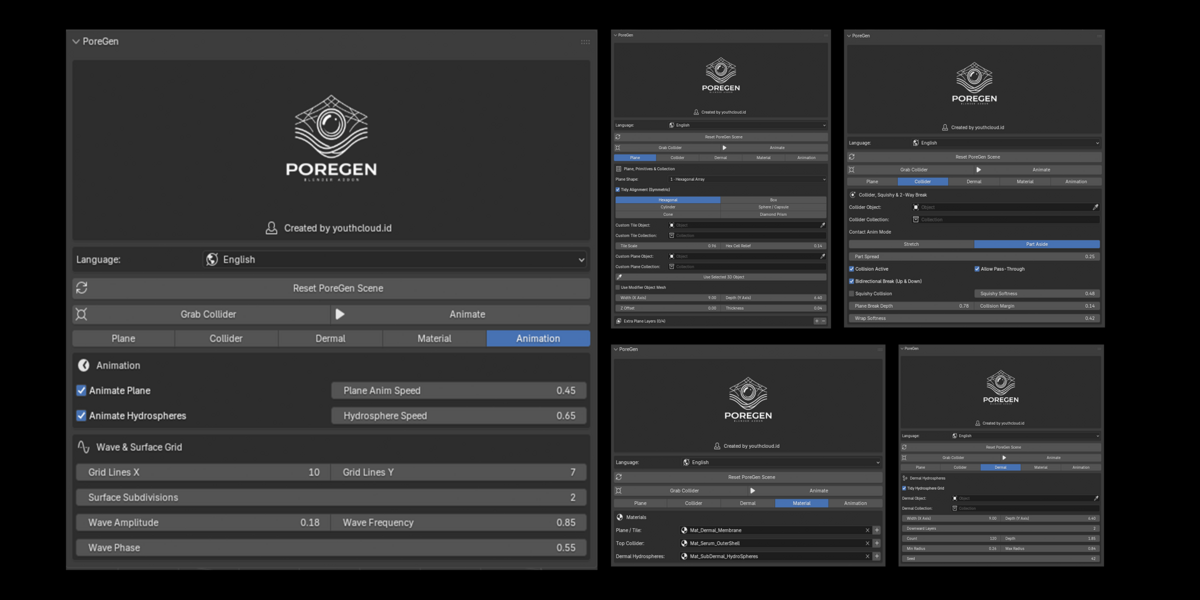
Tab 2: Collider, Contact Anim Mode, Squishy & 2-Way Break
 Mode 01: Stretch & Bidirectional Break (±Z) |  Mode 02: Part Aside Mode (Objects Move Aside) |
5. Dermal, Material & Animation Tabs
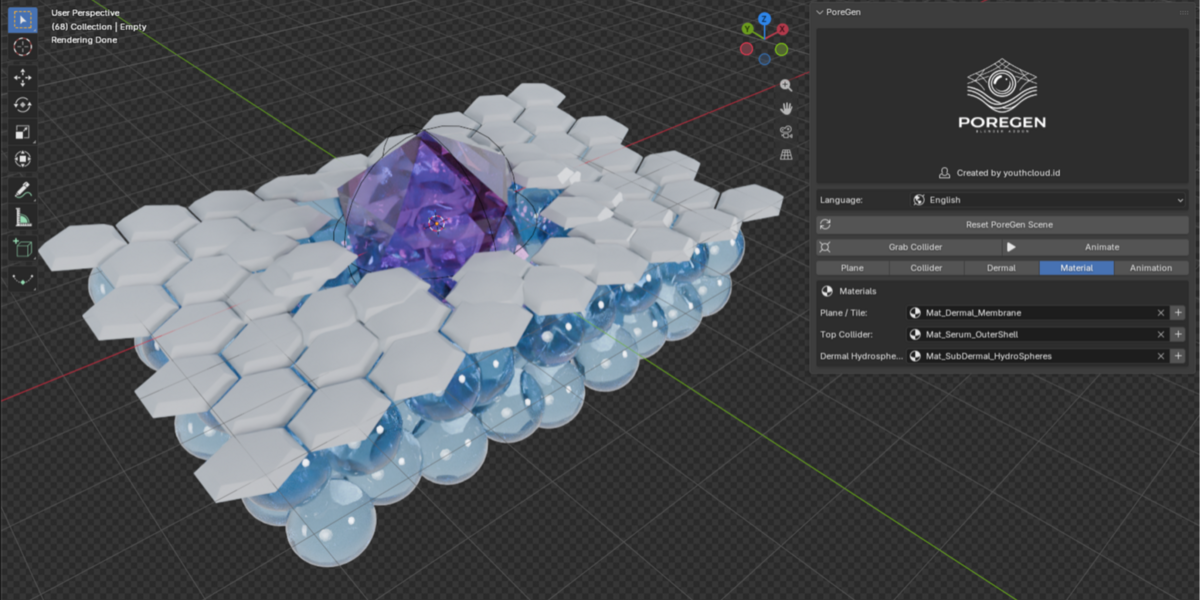
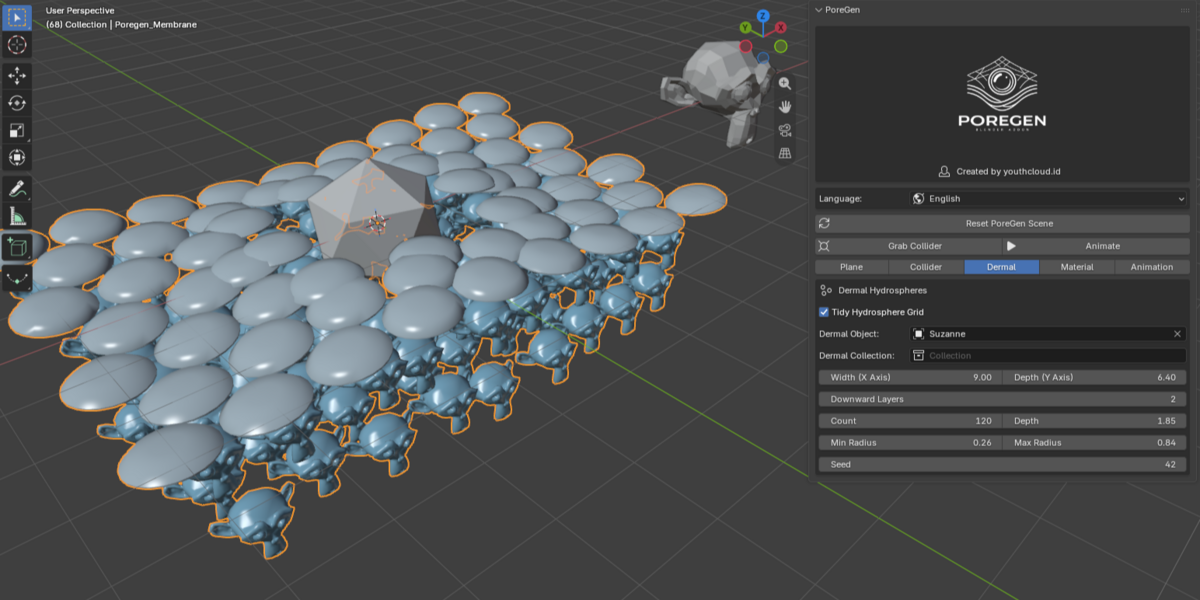
- Dermal Hydrospheres: Default Count 120, Tidy Hydrosphere Grid enabled, independent X/Y width and Downward Layers depth stacking.
- Material Tab & Custom PBR: Pre-attached Cycles/EEVEE materials with instant new material slots, plus Keep Custom PBR Material protection for custom 3D meshes.
- Animation & Wave Grid: Independent Animate Plane and Hydrosphere speed multipliers, Grid Lines X/Y, Surface Subdivisions, Wave Amplitude, Frequency, and Phase.
 Tab 3: Dermal Hydrospheres |  Tab 4: Materials |  Tab 5: Animation & Wave Grid |
6. Troubleshooting & Frequently Asked Questions (FAQ)
Q1: How do I replace the whole plane with my own square 3D model and custom PBR textures?
Select your custom 3D mesh in the Viewport, open the Plane tab, and click Use Selected 3D Object (or set Plane Shape to 7 · Custom Object (No Array)). PoreGen disables the array, keeps Keep Custom PBR Material active so you can freely edit your Shader Editor textures, and maintains full collision physics. Raise Custom Obj Subdivisions if your mesh needs extra density to bend smoothly.
Q2: Why does PoreGen start in Solid Base View instead of Material Preview?
Starting in Solid Base View (with no forced scene lights) keeps scene creation fast with zero shader compilation stutter. Every object already has its Cycles/EEVEE material assigned, so you can switch viewport shading anytime.
Q3: How do I make every ball in a Collider Collection collide individually without center gaps?
Assign your collection to Collider Collection in the Collider tab. PoreGen computes per-object proximity across every item in the collection so each sphere deforms the membrane individually.
Q4: What is the difference between Stretch and Part Aside animation modes?
Stretch mode bends the membrane vertically around the collider and allows ±Z break-through beyond Break Depth. Part Aside mode glides tiles outward radially in XY around the collider (default Part Spread 0.10) and closes smoothly after it passes.
Q5: Why is Squishy Collision unchecked by default, and when should I enable it?
Squishy Collision is off by default so newly created scenes run at maximum viewport FPS. Check Squishy Collision in the Collider tab and tune Squishy Softness whenever you want soft gel compression and rebound on contact.
Q6: Where do Extra Plane Layers (L2 to L5) and Dermal Downward Layers stack?
Both Extra Plane Layers (L2 to L5) and Dermal Downward Layers stack downward (-Z) below the top L1 membrane, with independent Width X, Depth Y, Z Offset, and sub-dermal hydrosphere collision.
 Included
Includes 12 months of
- Support from Youthcloud
- Product updates
Extend this product’s Support Period +12 months: 25% of product price
Have questions before purchasing?
Login to message
| Blender Extension Compatible | Yes |
| Published | about 3 hours ago |
| Blender Version | 4.0 - 5.3 |
| Extension Type | Add-on |
| Render Engine Used | Cycles, Eevee |
| License | GPL |