PoreGen Blender Addon
 Youthcloud

Which Blender versions are compatible with PoreGen v1.0.0?
PoreGen supports Blender 4.0 through 5.3. The downloadable add-on zip includes blender_manifest.toml for Blender 4.2+ Extensions while remaining compatible with classic Add-ons Install from Disk.
How do I install the PoreGen add-on properly?
Keep the PoreGen zip compressed, open Blender -> Edit -> Preferences -> Get Extensions (or Add-ons) -> Install from Disk, select the zip file, and enable PoreGen. Press N in the 3D Viewport to open the PoreGen sidebar tab.
What UI languages are included in the N-Panel?
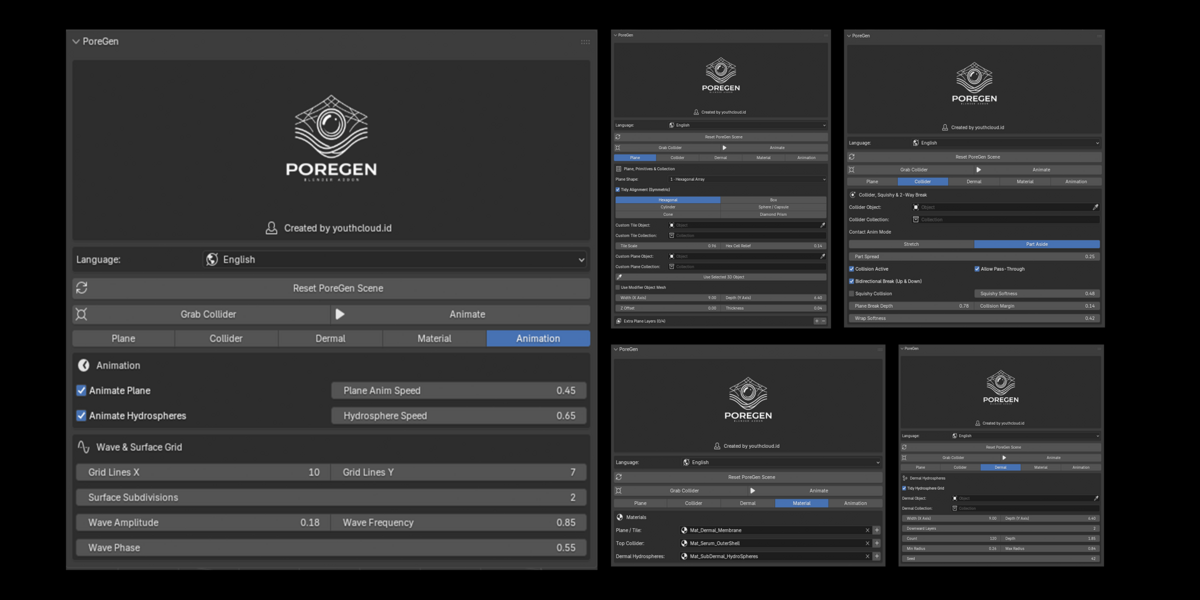
English is set as the default language. You can switch live anytime between English, Bahasa Indonesia, Español, 日本語, 中文, Deutsch, and Русский.
What is the difference between Unified Grid Membrane and Primitive Arrays?
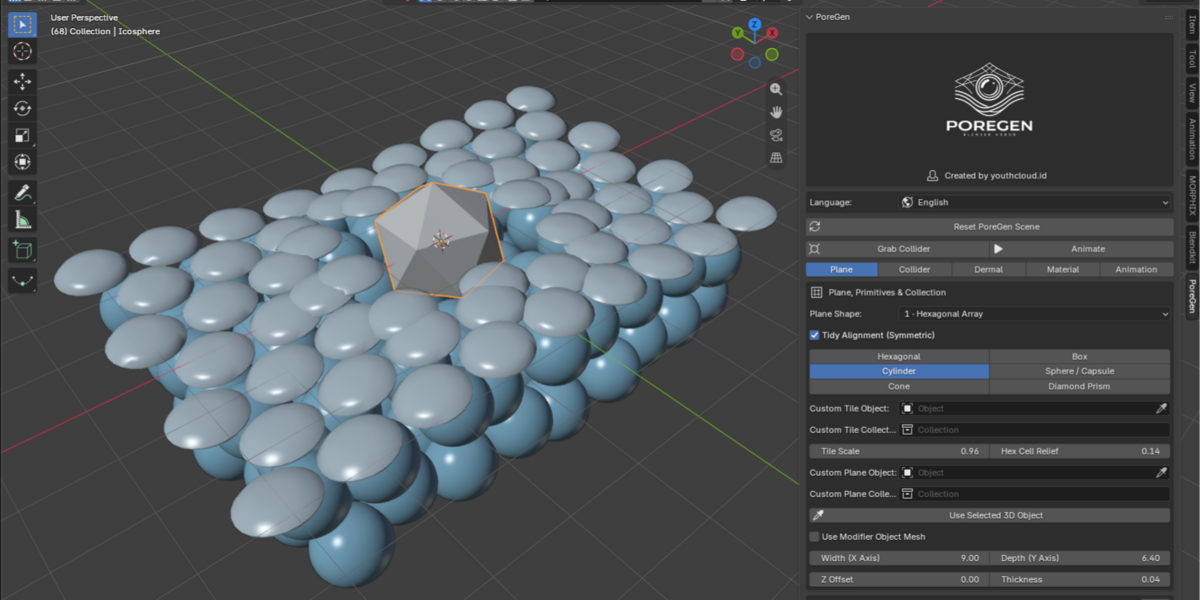
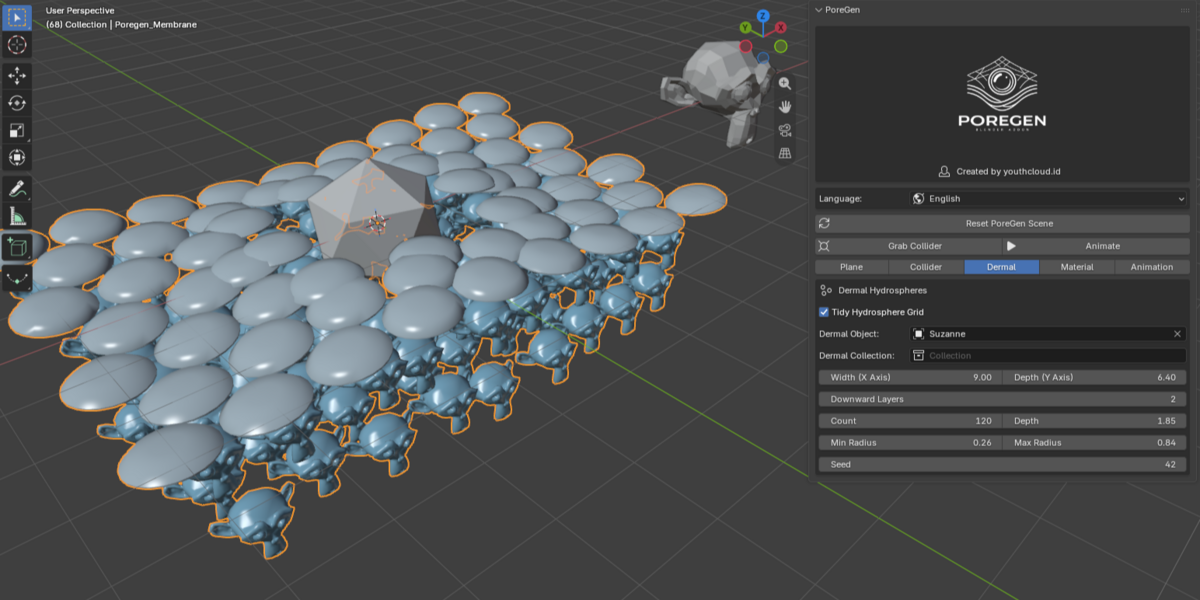
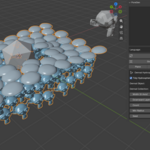
Unified Grid Membrane (Shape 0) is a single continuous plane with built-in Bevel and Subdivide (zero separated tile gaps). Shape 1 lets you pick and combine 6 parametric tile shapes (Hexagonal, Box, Cylinder, Sphere/Capsule, Cone, Diamond Prism) with Tidy Alignment, 0.04m default thickness, and Auto Smooth.
Can I replace the whole plane with my own custom 3D mesh without an array and keep my PBR textures?
Yes! Select your custom 3D mesh in the 3D Viewport and click Use Selected 3D Object (or pick Shape 7 · Custom Object (No Array)) in the Plane tab. PoreGen replaces the plane with a single non-array object, automatically turns on Keep Custom PBR Material so your UV maps and Shader Editor textures remain untouched, and keeps full collision active.
My custom mesh looks stiff when colliding. How do I make it bend smoothly?
Increase Custom Obj Subdivisions (0 to 5) in the Plane tab, or add Loop Cuts / Subdivision in Edit Mode so the mesh has enough vertices to deform smoothly around the collider.
How do Extra Plane Layers (L2 to L5) behave?
Clicking + adds up to 4 extra layers downward (-Z) beneath L1. Each extra layer supports the exact same Shape/Primitive/Collection/Custom Object (No Array) options, Width X, Depth Y, Z Offset, Thickness, custom material slot, and collision with both colliders and sub-dermal hydrospheres.
What is the difference between Stretch mode and Part Aside mode?
Stretch mode bends the membrane along Z around your collider and supports Bidirectional Break (±Z) pass-through past Break Depth. Part Aside mode smoothly pushes tiles and surface objects outward laterally in XY as the collider passes (0.10 default Part Spread) and closes them back afterward.
Why does a Collider Collection sometimes leave hollow gaps in other setups, and how does PoreGen fix this?
Instead of computing one combined bounding box, PoreGen calculates per-object proximity for every sphere or mesh inside your Collider Collection, so each object triggers its own localized collision individually.
Why is Squishy Collision off by default when creating a scene?
Squishy Collision is unchecked on initial build so scenes evaluate faster in the viewport. You can toggle Squishy Collision ON anytime in the Collider tab and adjust Squishy Softness for elastic volume compression.
Why does the scene start in Solid Base View without automatic lights, and are materials already applied?
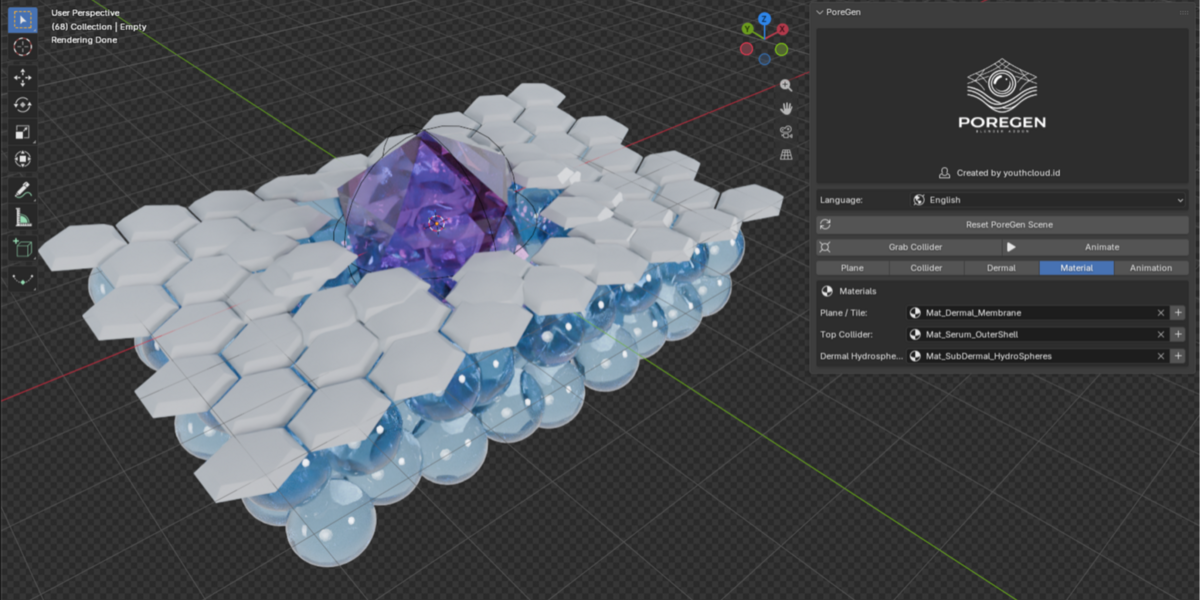
PoreGen builds in Solid Base View with zero forced lights so your own lighting setup stays clean and shader compilation never freezes the viewport. All Cycles and EEVEE Principled BSDF materials are already pre-attached, and you can switch to Material Preview or Rendered immediately or click + in the Material tab to create new material slots.
 Included
Includes 12 months of
- Support from Youthcloud
- Product updates
Extend this product’s Support Period +12 months: 25% of product price
Have questions before purchasing?
Login to message
| Blender Extension Compatible | Yes |
| Published | about 3 hours ago |
| Blender Version | 4.0 - 5.3 |
| Extension Type | Add-on |
| Render Engine Used | Cycles, Eevee |
| License | GPL |