 Youthcloud

VERSION 1.0.0 • BLENDER 4.0 – 5.3+ • BY YOUTHCLOUD.ID
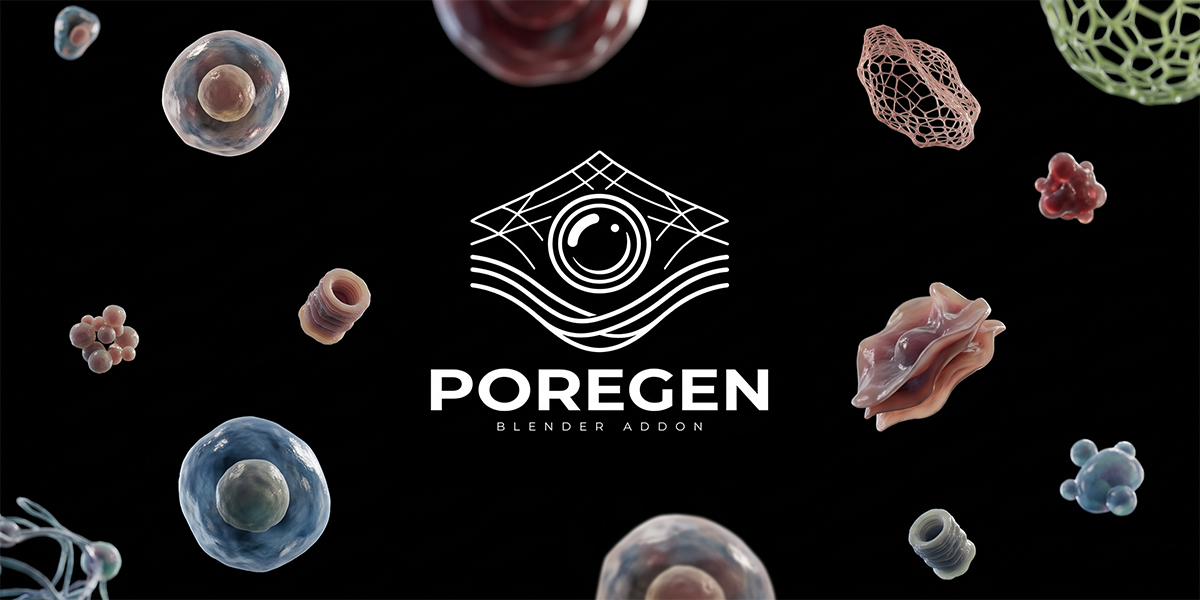
PoreGen - Build Interactive Multi Layer Membranes Inside Blender
A real-time procedural toolkit for dermatological close-ups, skincare serum penetration, hydrogel barriers, custom PBR surfaces and sub-dermal cellular collisions driven by Geometry Nodes with instant 2-Way N-Panel sync.
| 5 Layers Main L1 + Downward Extra L2 to L5 | 2 Modes Stretch or Part Aside Mode | Custom 3D No-Array Mesh + Free PBR Textures |
🎬 Official PoreGen Video Preview & Walkthrough
▶ Watch Preview on YouTube (youtu.be/TcjGc6P125s)Two Selectable Collision Animation Modes
Switch cleanly between vertical elastic barrier stretching or lateral XY parting, depending on your shot.
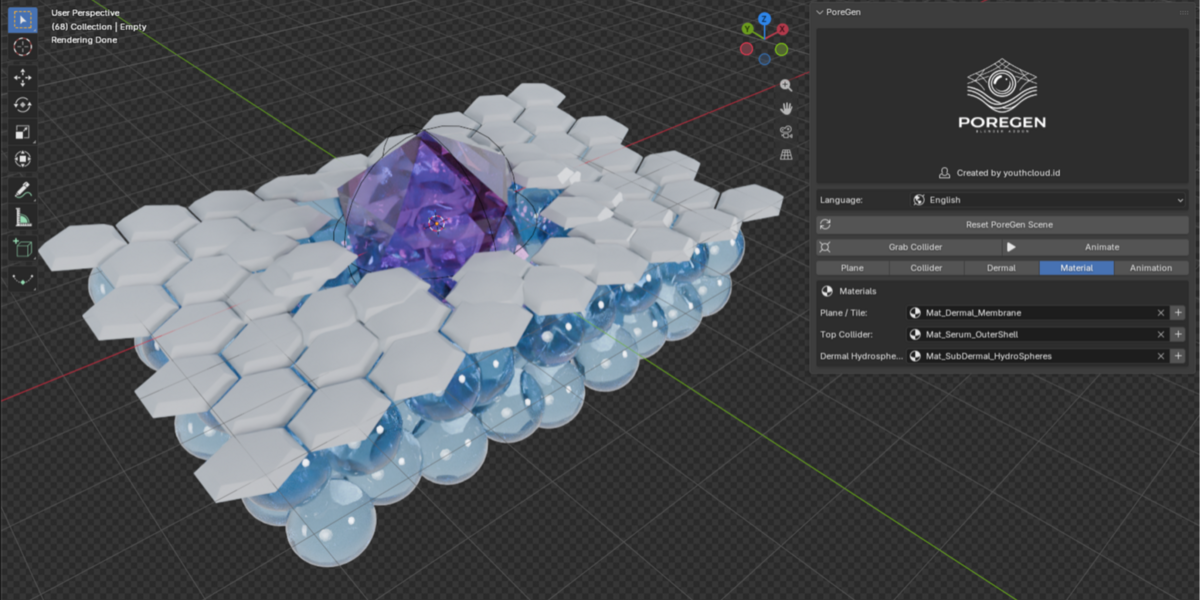
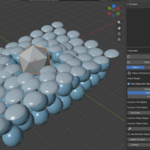
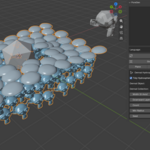
| MODE 01 · Stretch & Bidirectional Break (±Z) The membrane curves smoothly around your collider, stretches elastically upward or downward, and breaks cleanly past Break Depth with optional Squishy rebound.  Stretch & Bidirectional Break (±Z) in Blender | MODE 02 · Part Aside (Objects Move Aside) Instead of stretching downward, tiles and surface objects glide smoothly outward in XY around each collider in your object or collection, then close back together.  Part Aside Mode (Objects Move Aside) in Blender |
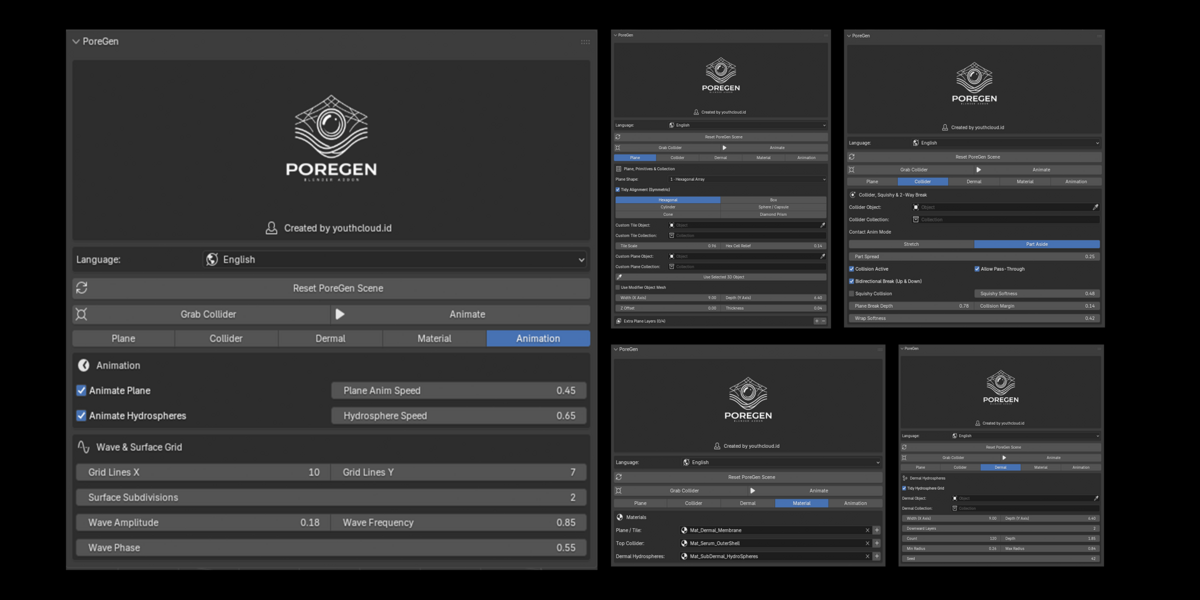
5-Tab N-Panel Control Architecture
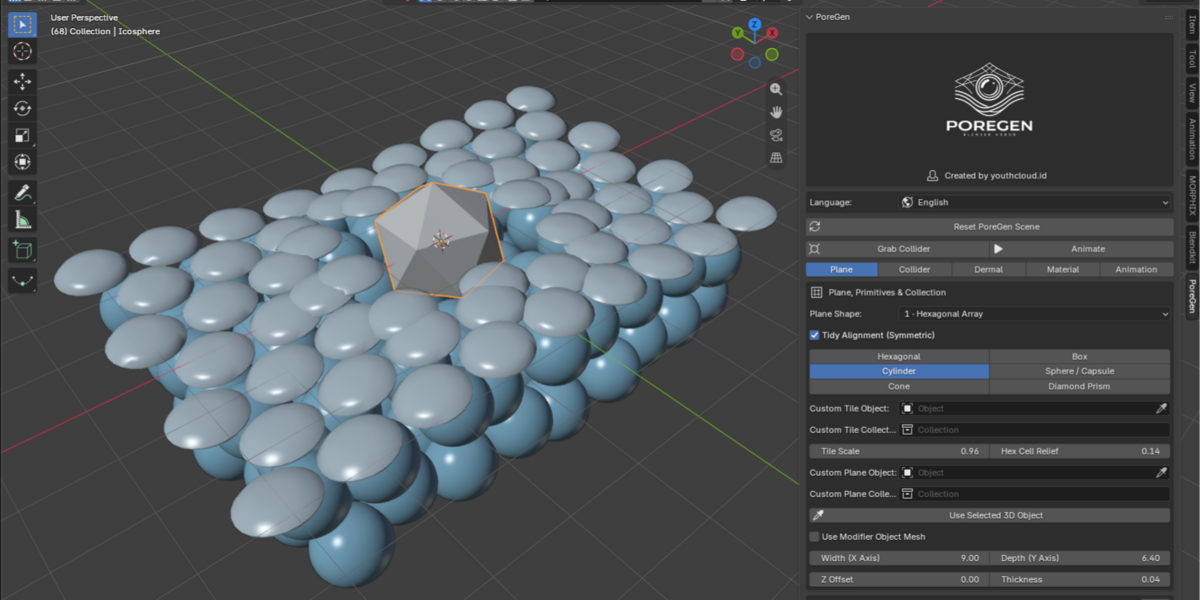
| Tab 1: Plane & Custom 3D (No Array) Unified beveled Grid Membrane, 6 combinable Primitive shapes, Width X / Depth Y / Z Offset, downward Extra Layers L2 to L5, plus one-click Use Selected 3D Object for custom meshes without arrays.  Tab 1: Plane, Primitives & Collection | Tab 2: Per-Object Collection Collider Every sphere or mesh in a Collider Collection triggers its own accurate collision without hollow gaps, with Stretch and Part Aside controls (0.10 default spread).  Tab 2: Collider, Squishy & 2-Way Break |
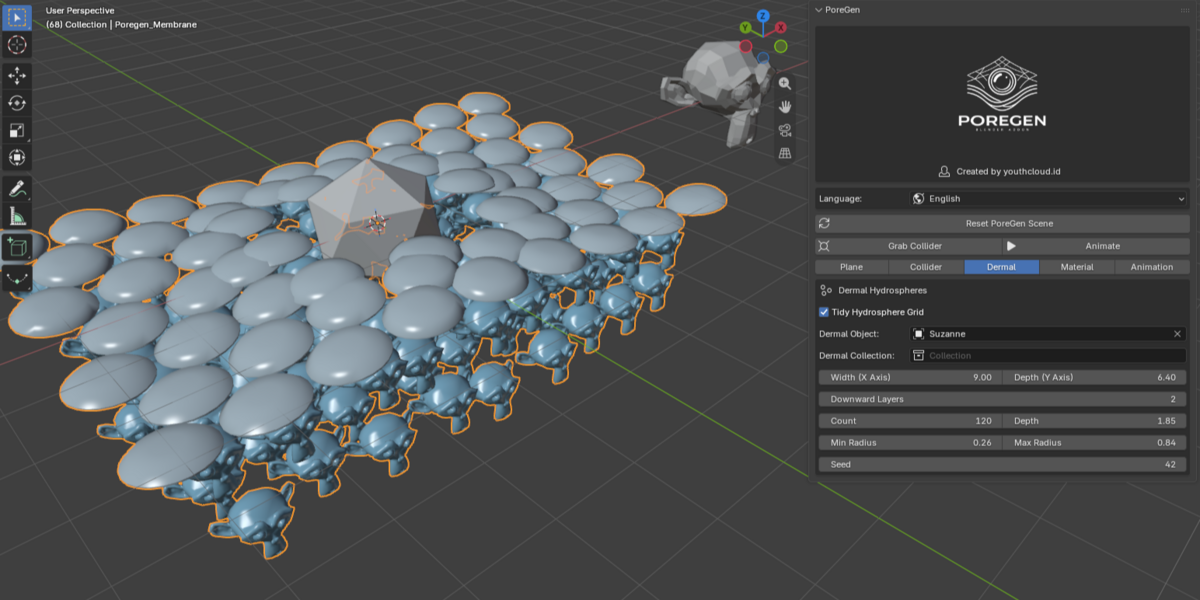
| Tab 3: Dermal Hydrospheres Default 120 count with Tidy Hydrosphere Grid enabled, independent X/Y width expansion, Downward Layers stacking, and bottom-up raycast clamping.  Tab 3: Dermal Hydrospheres | Tab 4: Materials & Custom PBR Auto-attached Cycles and EEVEE shaders with one-click new material creation, plus Keep Custom PBR Material so your custom object UVs and textures remain untouched.  Tab 4: Materials |
| Tab 5: Animation & Wave Grid Animate Plane and Hydrosphere speeds, Grid Lines X/Y, Surface Subdivisions, Wave Amplitude, Frequency, and Phase—synced with the Blender timeline.  Tab 5: Animation & Wave Grid | |
Technical Specifications
| Component | Specification |
|---|---|
| Blender Support | Blender 4.0 to 5.2+ (Extension Manifest + Classic Add-on Zip) |
| Viewport Build | Starts fast in Solid Base View with Auto Smooth 0.04m thickness and pre-attached materials |
| UI Languages | English (default), Bahasa Indonesia, Español, 日本語, 中文, Deutsch, Русский |
| Real-Time Sync | Instant 2-Way Sync between View3D N-Panel and Geometry Nodes Modifier |
Frequently Asked Questions
| Which Blender versions are supported? Blender 4.0 through 5.2+ (includes Extension manifest + classic add-on zip) with Cycles & EEVEE shaders ready out of the box. | Can I use my own 3D mesh without an array & custom PBR? Yes. Select your mesh and click Use Selected 3D Object (Shape 7). It disables tiling arrays, keeps your PBR textures intact, and preserves full collision physics. |
| Do multiple objects in a Collider Collection work individually? Yes. Every sphere or object inside your Collider Collection computes its own local collision zone, leaving zero hollow center gaps. | Why does the viewport open in Solid Base View? To build fast with zero shader stall. All materials are already attached automatically so you can switch to Material Preview or Rendered anytime. |
PoreGen v1.0.0: Ready for Production Renders
Procedural Dermal, Hydrogel & Membrane Simulation Add-on for Blender.
Created by youthcloud.id | Version 1.0.0
