 brandPOS


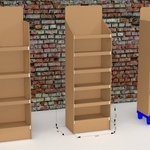
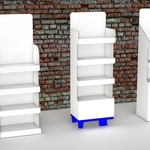
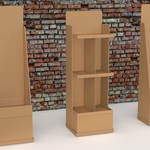
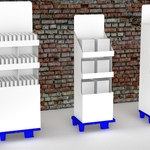
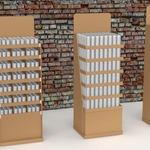
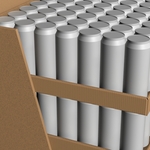
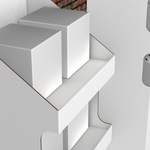
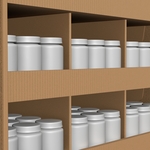
Point-of-Sale Display 3D Model Generator
Build and edit corrugated cardboard POS display concepts inside Blender. Set the dimensions, arrange shelves and products, and prepare visuals for client presentations.
✓ Multiple displays: edit independent concepts in one scene, with each display’s settings saved in the .blend file.
✓ Flexible rebuilding: update automatically as you adjust parameters, or rebuild manually when you are ready.
✓ Editable, proportional UVs: refine graphic placement on outer surfaces and both sides of the topper in Blender’s UV Editor.
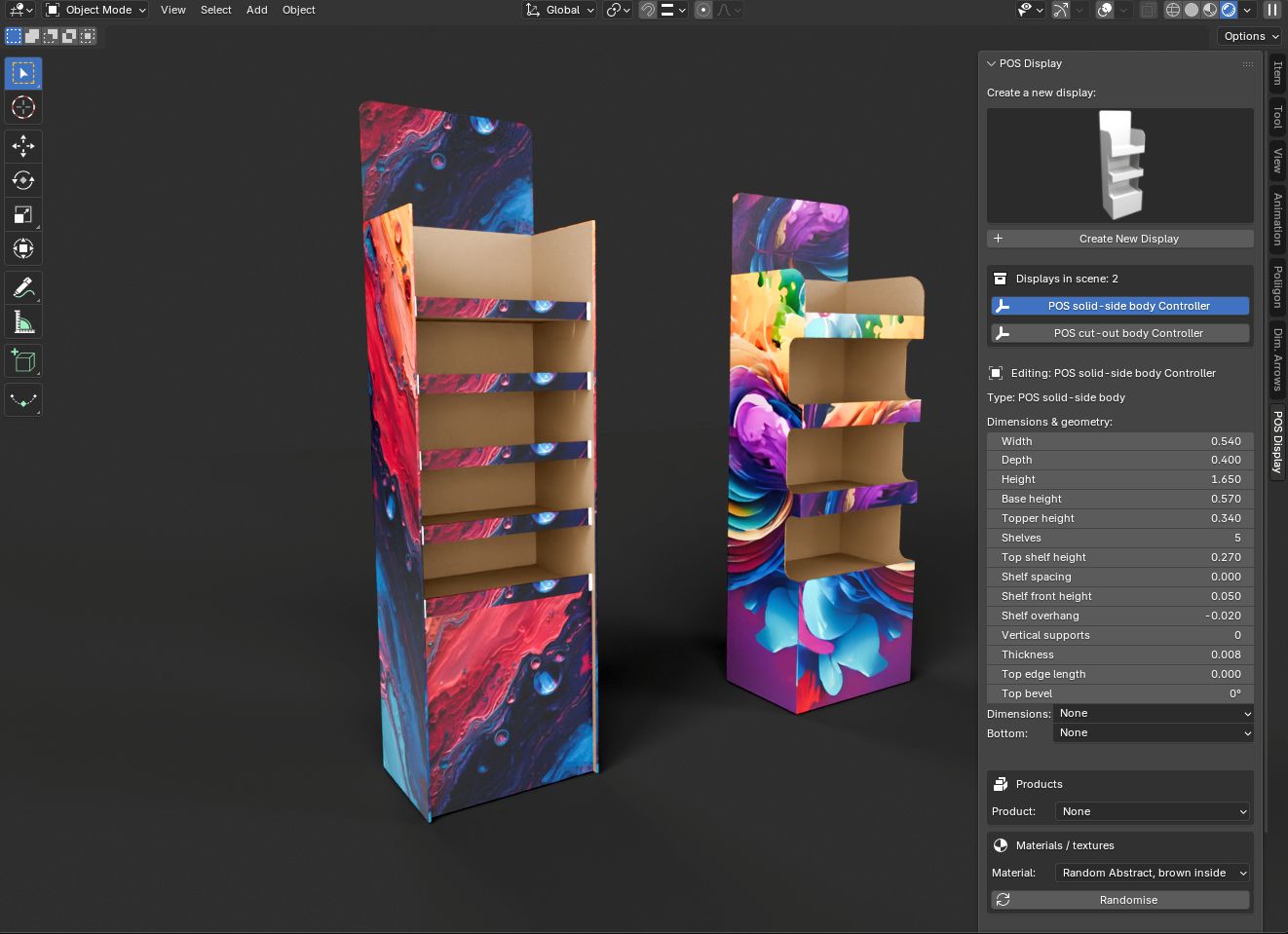
Two body types, from full view to shelf detail
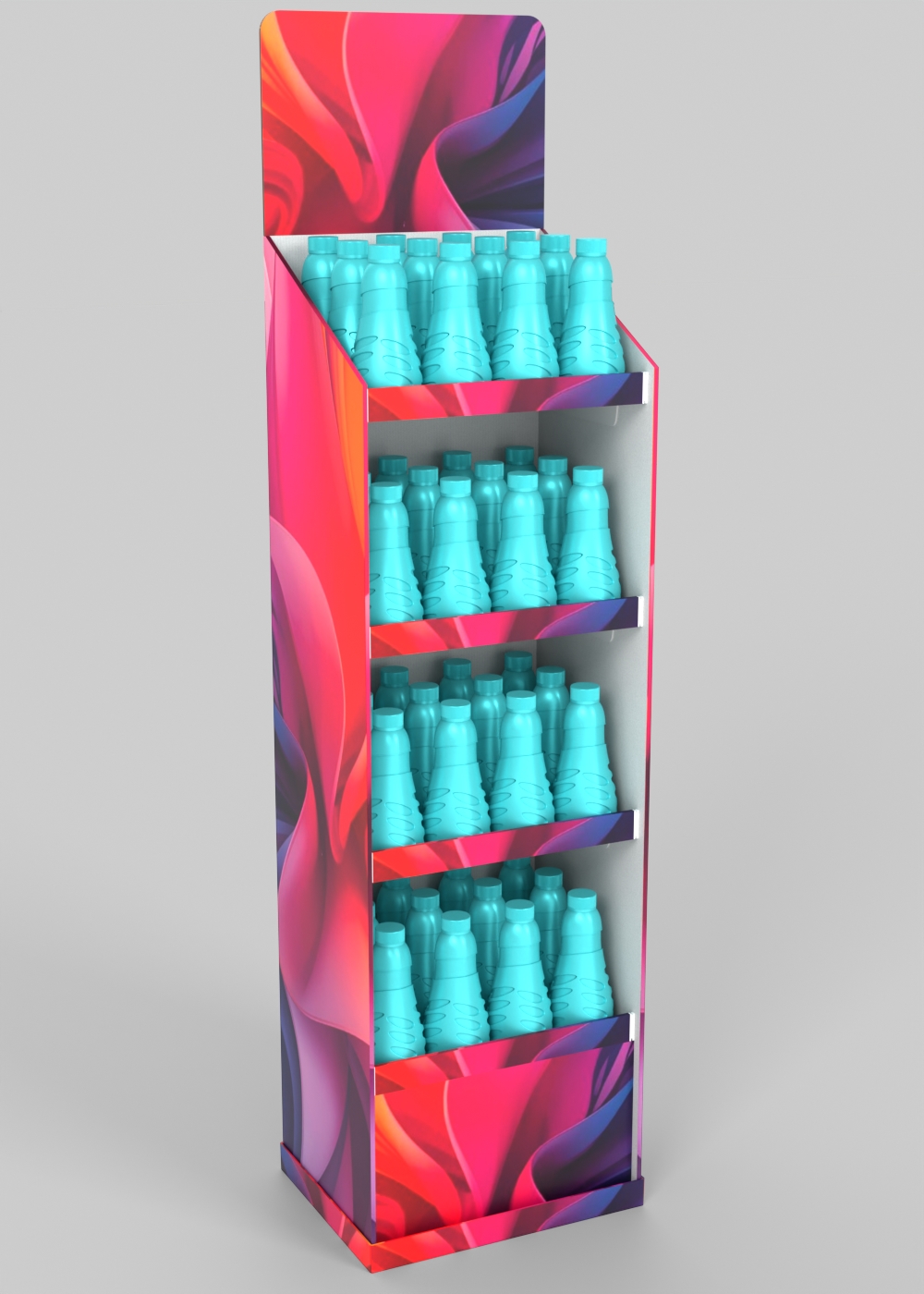
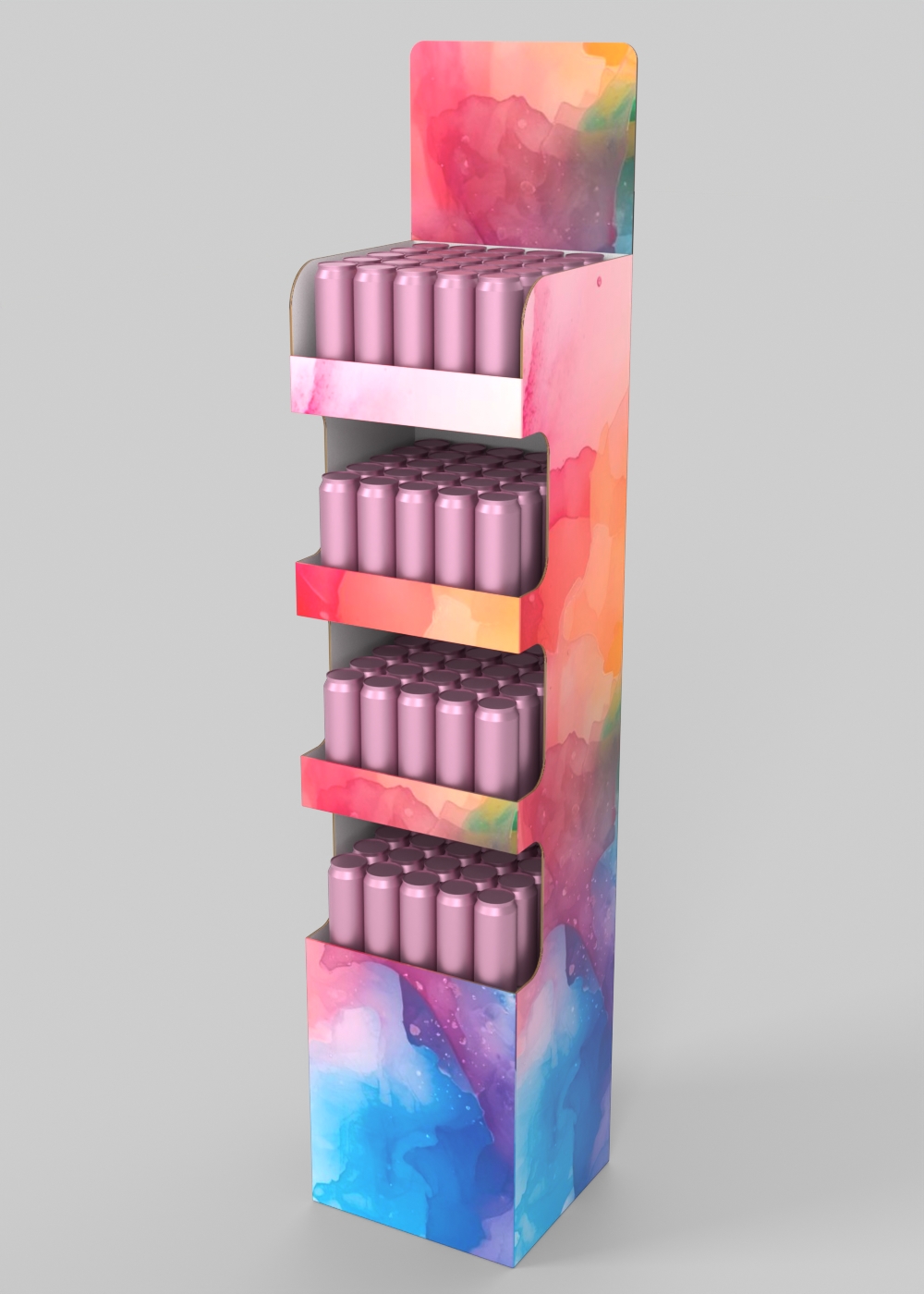
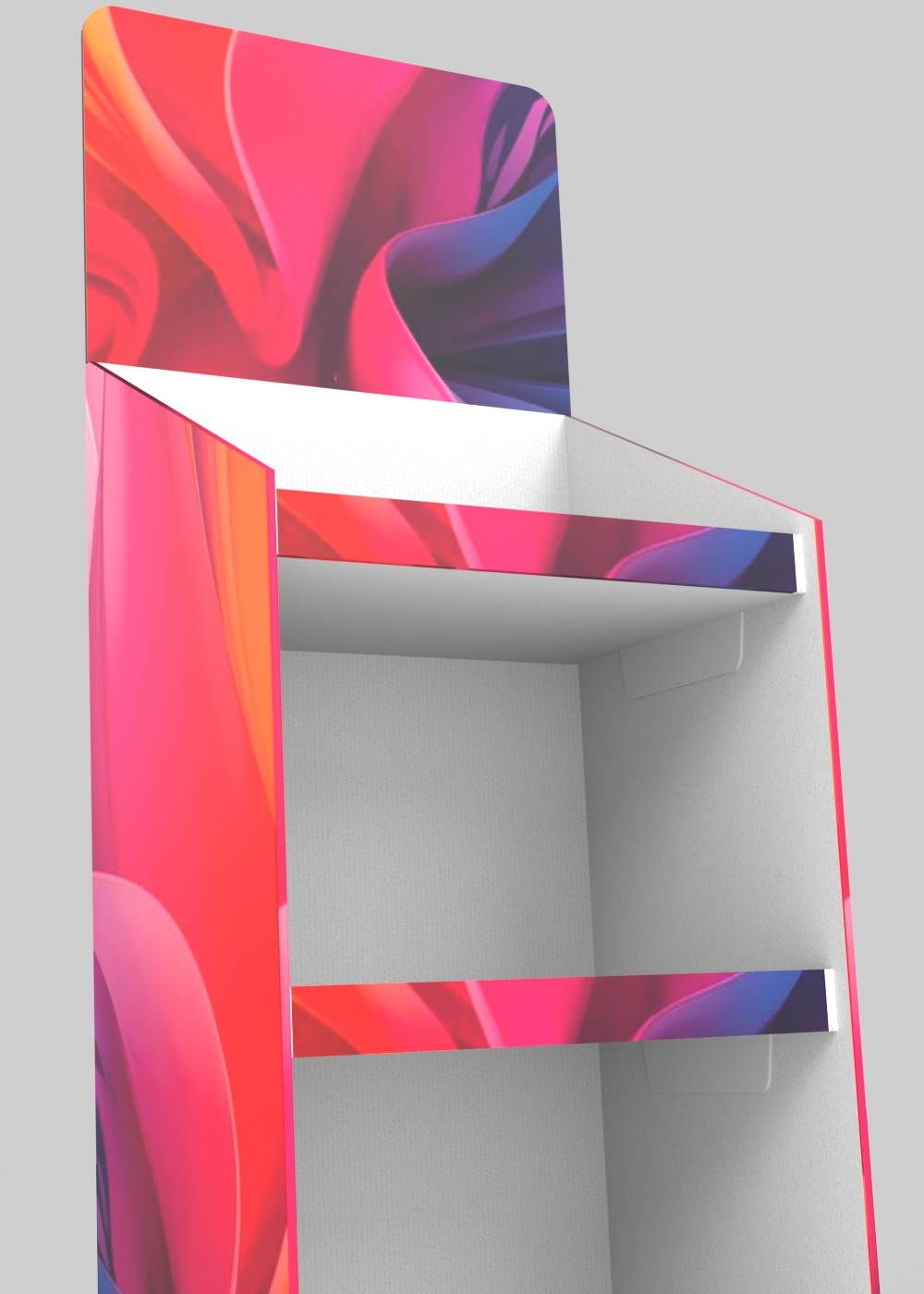
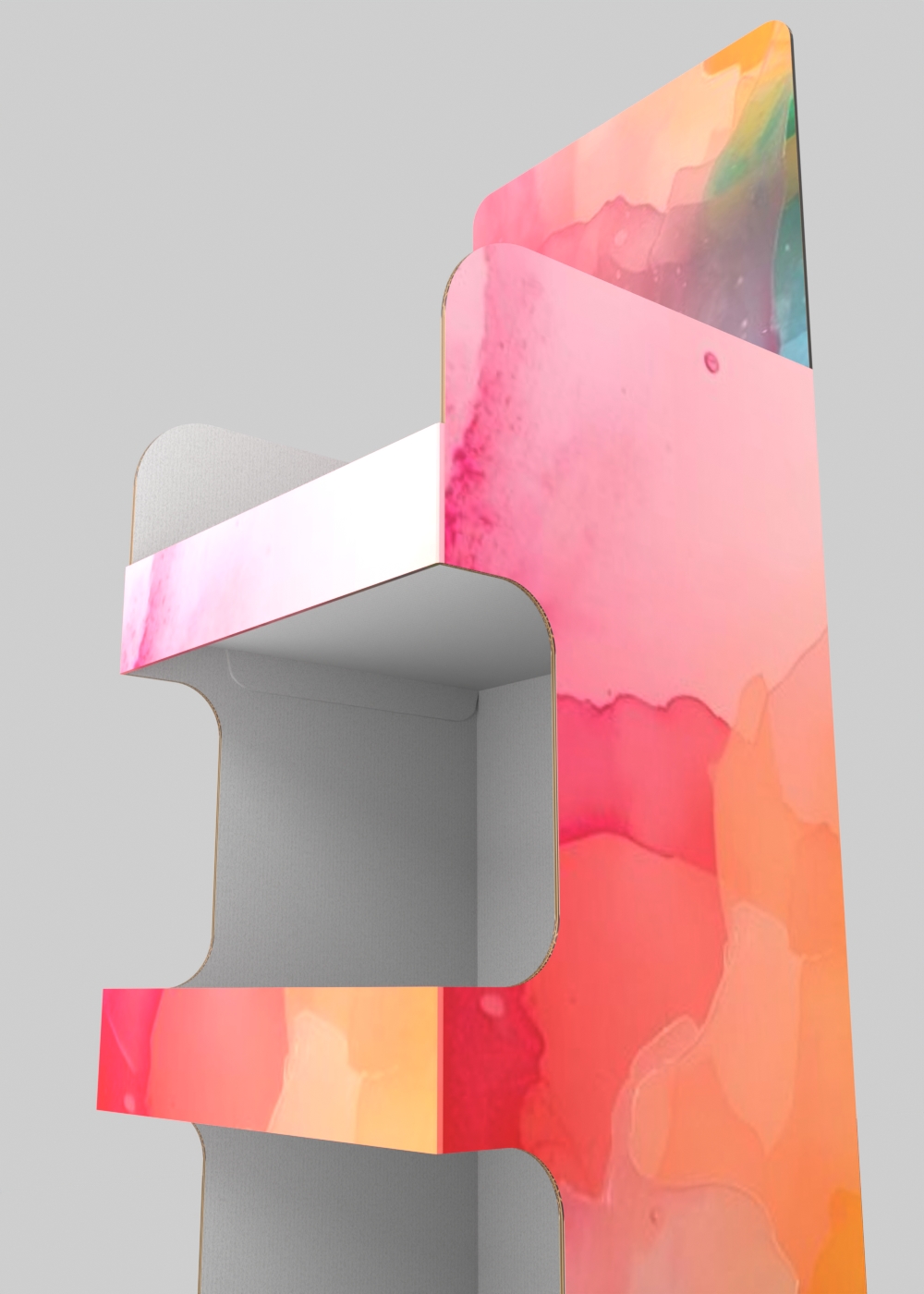
One add-on - two display body types
Create solid-side and cut-out cardboard POS display bodies from the Blender sidebar. Choose a body type, set its parameters and prepare a 3D concept for your client.
Explore alternative sizes, shelf arrangements and material finishes without modelling each concept from scratch.
What’s included in your purchase
- One Blender add-on with solid-side and cut-out display generators
- White and brown cardboard materials, including corrugated-edge materials
- 12 abstract JPG graphics for display visualisations
- Sample products for populating shelves
Both construction types included
| SOLID-SIDE BODY
 Solid-side body with tray shelvesModel a display with full side and back panels and separate tray-style shelves. Adjust the body dimensions, shelf spacing, shelf fronts and vertical supports.
|
CUT-OUT BODY
 Cut-out body with integrated shelvesModel an open display with cut-out side panels and integrated shelves. Adjust the shelf geometry, side cut-outs and top profile to explore different product presentations.
|
What the add-on does
| 📐
Parametric dimensionsAdjust dimensions, material thickness, base and topper. Choose Automatic Rebuild or update the selected display manually.
|
📦
Shelf controlSet shelf count and spacing, shelf fronts and vertical supports. Options for shelf shape, tilt, overhang and base style depend on the chosen body type.
|
| 🎨
Included cardboard and graphic materialsChoose white or brown cardboard, or an abstract graphic with a white or brown interior. Keep the selected graphic while adjusting geometry, or use Randomize to choose another.
|
🛒
Product placeholdersPopulate shelves with included sample products, boxes with your own dimensions, or product models saved in the supported .pkl format.
|
| ⚙️
Editable UV mappingOuter graphic surfaces and both sides of the topper receive proportional UVs. Edit them in Blender’s UV Editor; interior and corrugated-edge materials remain separate.
|
🖼️
Render-ready outputUse the generated models and materials in Cycles or EEVEE. Add dimension annotations and choose a bottom tray or quarter-size CHEP pallet where supported.
|
Using your own graphics: assign your image through Blender’s material tools and adjust its placement in the UV Editor. The add-on does not include a dedicated custom-graphics importer.
Built for display professionals
| POS designers Explore display dimensions and shelf arrangements quickly, then refine the concept for your presentation.
|
Advertising agencies Prepare retail display concepts and compare alternatives within your Blender workflow.
|
| Display manufacturers Visualise a client brief and review dimensions and proportions before detailed construction work.
|
Brand & packaging teams Show how products could fit on the shelves for retail concepts, trade presentations and layout discussions.
|
Scope and workflow notes
- Designed for 3D concepts and visualisation. Production drawings and cutting die-lines are not generated.
- Parameter checks help resolve conflicting dimensions; they do not calculate load capacity or certify a construction for production.
- Scene lighting and background assets shown in the example renders are not included.
- Rebuilding resets manual mesh and UV edits. Finalise the display parameters before making these edits; any later automatic or manual rebuild will replace them.
Get new releases through Superhive
Download releases available to your purchase from Superhive. Check the release notes for changes and supported Blender versions.
For help, contact brandPOS through Superhive with your Blender version, add-on version and the steps needed to reproduce the issue.
| Explore a free example .blend Download a sample FSDU model (595 × 395 × 1400 mm) with a CHEP pallet and cardboard material. This is a sample model, not a trial of the add-on. |
Download free .blend |
Watch the add-on in action
These short demos introduce the two display types and show an earlier interface. The current panel may look different.
