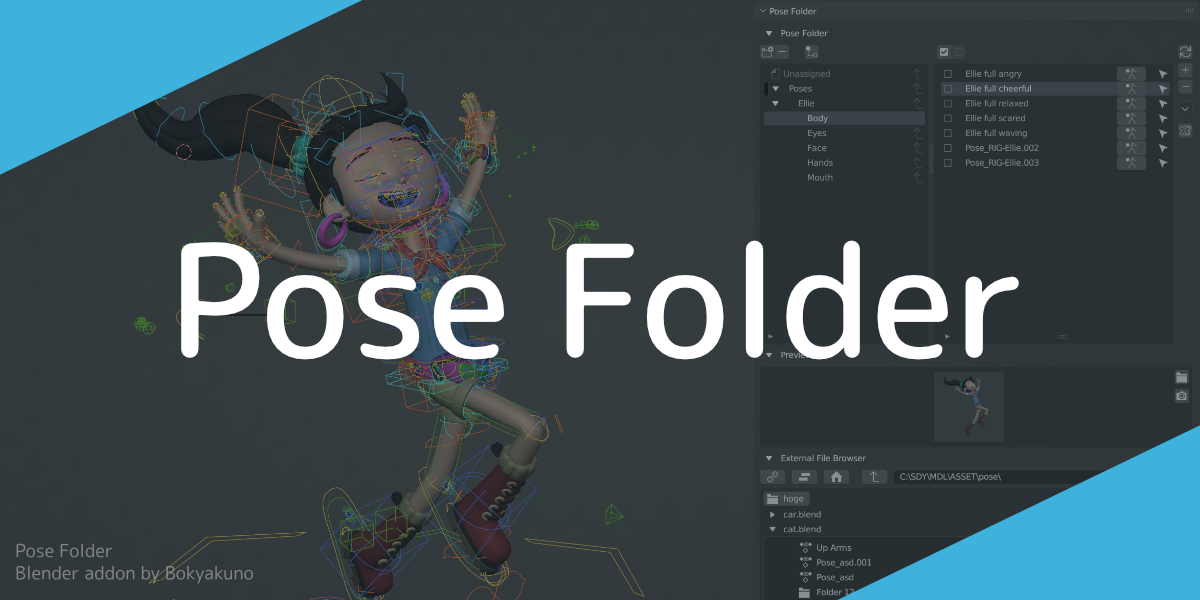

Pose Folder

Bookyakuno in Asset Management


Item Rating

This item has an average rating of 5 from 2 ratings by the community.

100%
0%
0%
0%
0%

Purchase this item to leave a review!

  • Souichi
    over 1 year ago

    The [Pose Folder] add-on is an extremely useful tool for animators.
    It offers folder management features and allows smooth pose transitions in and out.
    The ability to quickly reuse actions makes it one of the best tools for animators.

    I have one request.
    Currently, poses are applied to the selected bones, but having to manually select the bones each time before applying a pose is inconvenient.
    For example, selecting multiple hand bones, then selecting the elbow bone… This process can be quite tedious.

    Therefore, it would be ideal if, when recording Pose C on Bone A, the pose could be applied immediately without having to manually select Bone A.
    In other words, since Pose C should contain keyframes only for Bone A, it would be more convenient if Bone A were automatically selected when applying Pose C.

    • Bookyakuno

      over 1 year ago

      Thanks for using the add-on.

      > About efficient pose assignment
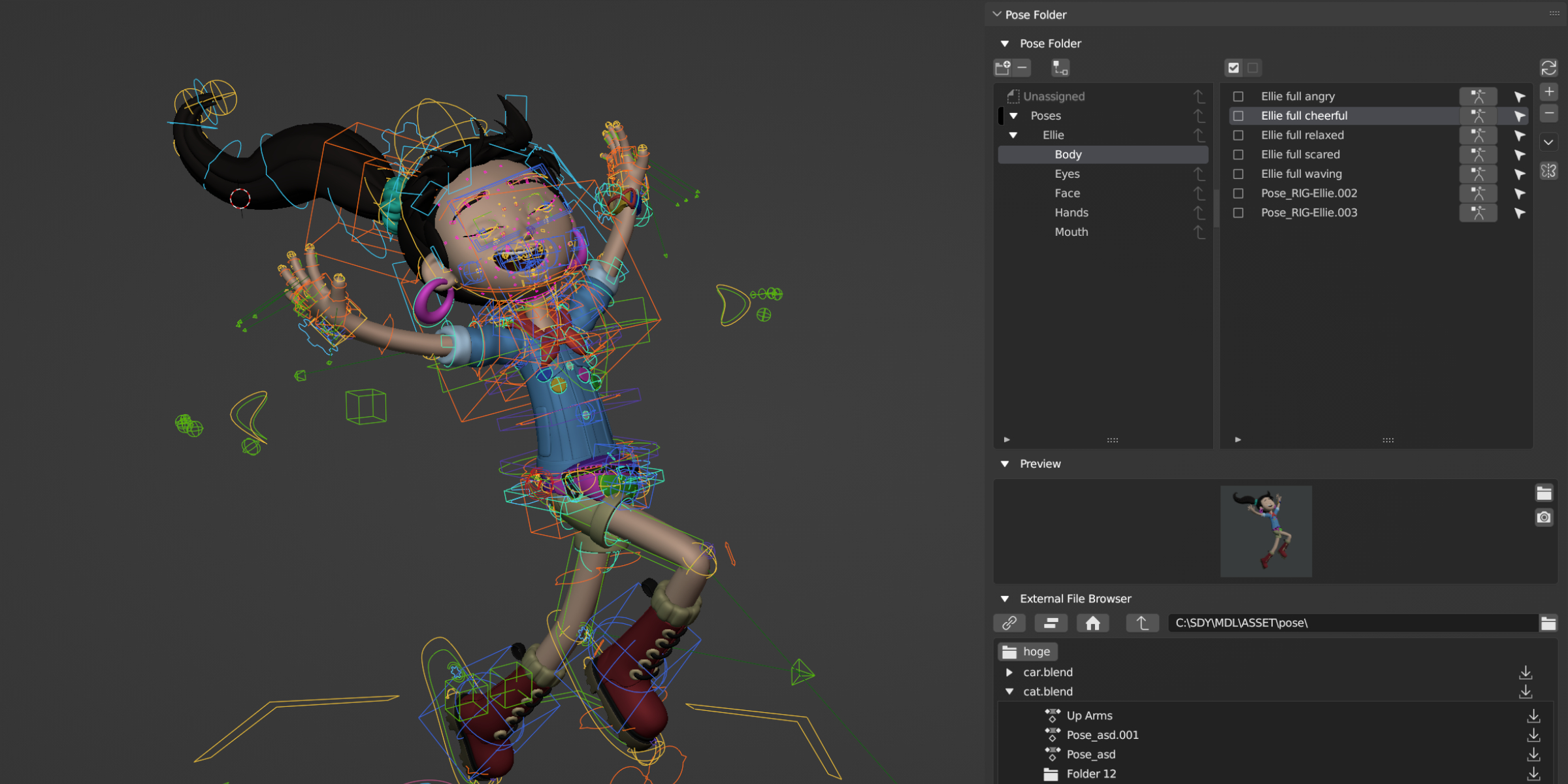
      If you enable the "If all unselected, pose mix for all" option, assignment will only be done to bones in saved poses when unselected.

      Otherwise, you can click the selection icon to the right of the pose item to select saved bones and assign them immediately.

  • David Woolf
    almost 3 years ago

    I use it in my workflow. Let's me export keyposes.

  • Displaying 2 ratings
$30

Have questions about this product?
Login to message

Details
Sales 30+
Rating
2 ratings
Published about 3 years ago
Blender Version 3.6 - 5.0
License GPL
Discover more products like this

bfcm24 summer24 spring24 winter24