 LarkLab
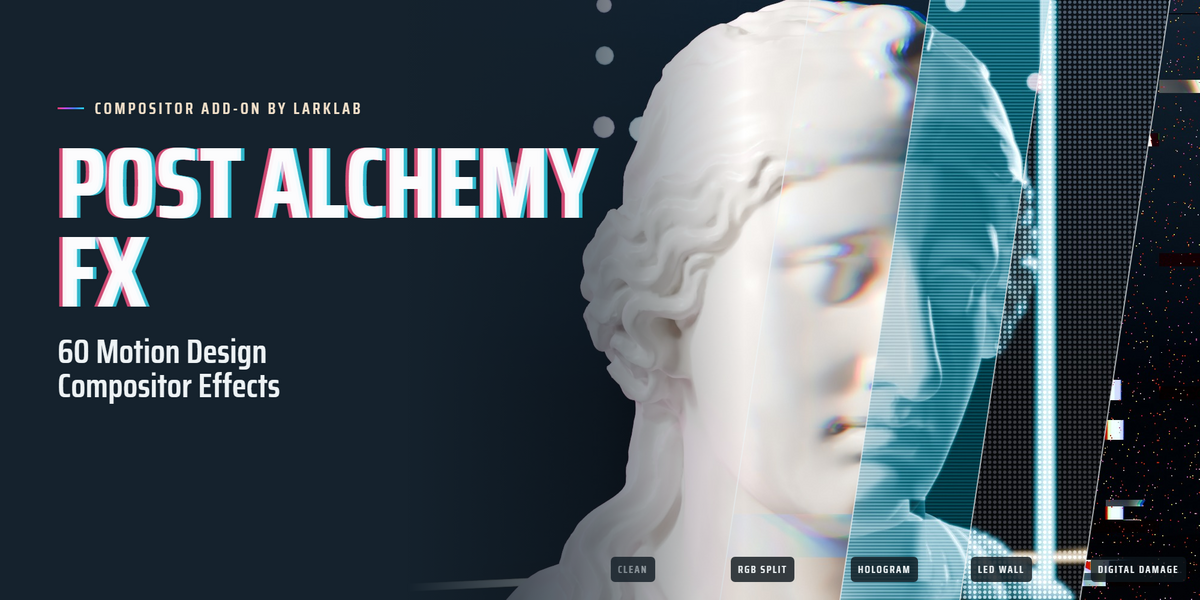
Blender 5.0 or newer.
Download the zip from your Superhive library and do not unzip it. In Blender, open Edit › Preferences › Get Extensions, click the ⌄ menu at the top right, choose Install from Disk… and pick the zip. You can also drag the zip straight into the Blender window. To update, install the new zip the same way; your saved presets and favorites are kept.
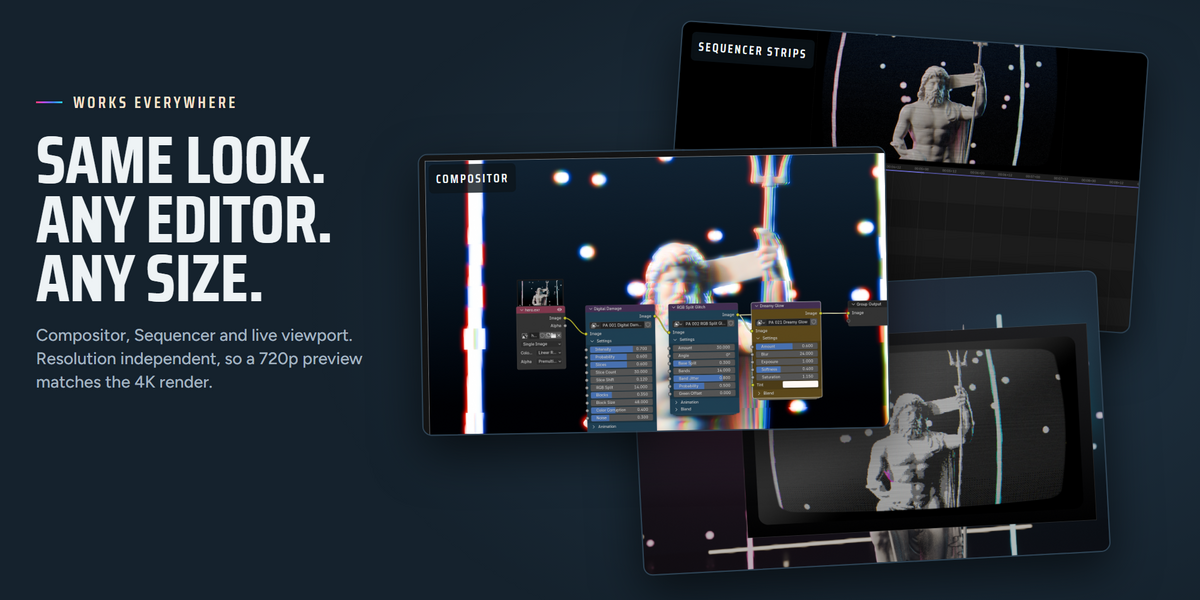
Eevee, Cycles, Workbench and plain video footage. The effects run in Blender's compositor, on both the CPU and the GPU compositor. For the fastest previews, set Render Properties › Performance › Compositor › Device to GPU.
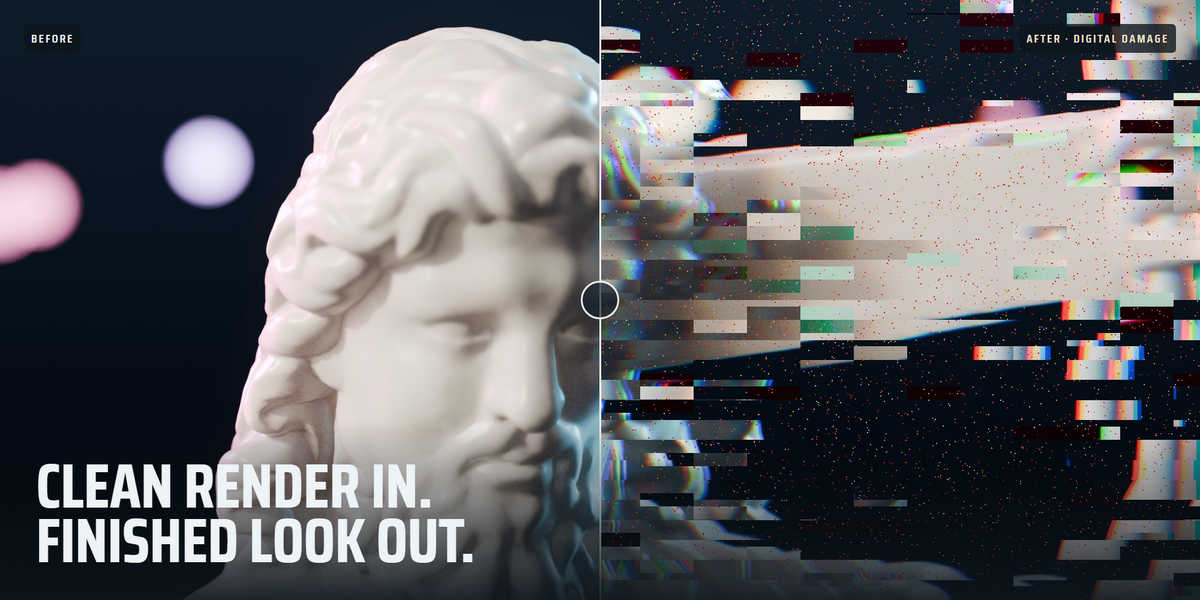
No. Every effect is a plain Blender node group with no scripts at render time, so your .blend renders on any machine or render farm without the add-on installed.
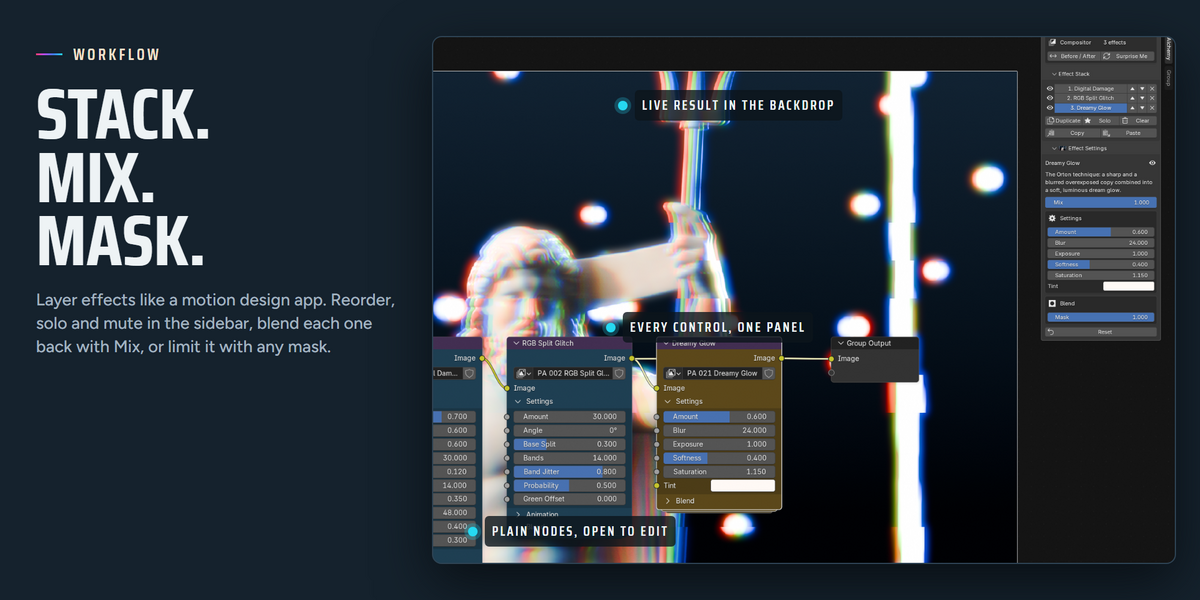
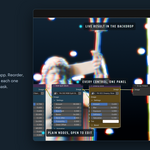
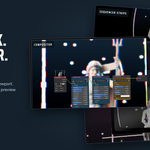
Yes. Select any strip (movie clip, image sequence or scene strip), press N and use the Post Alchemy tab. The effects are stored in a compositor modifier on the strip. To give several strips the same look, press Copy on one and Paste to Selected on the others.
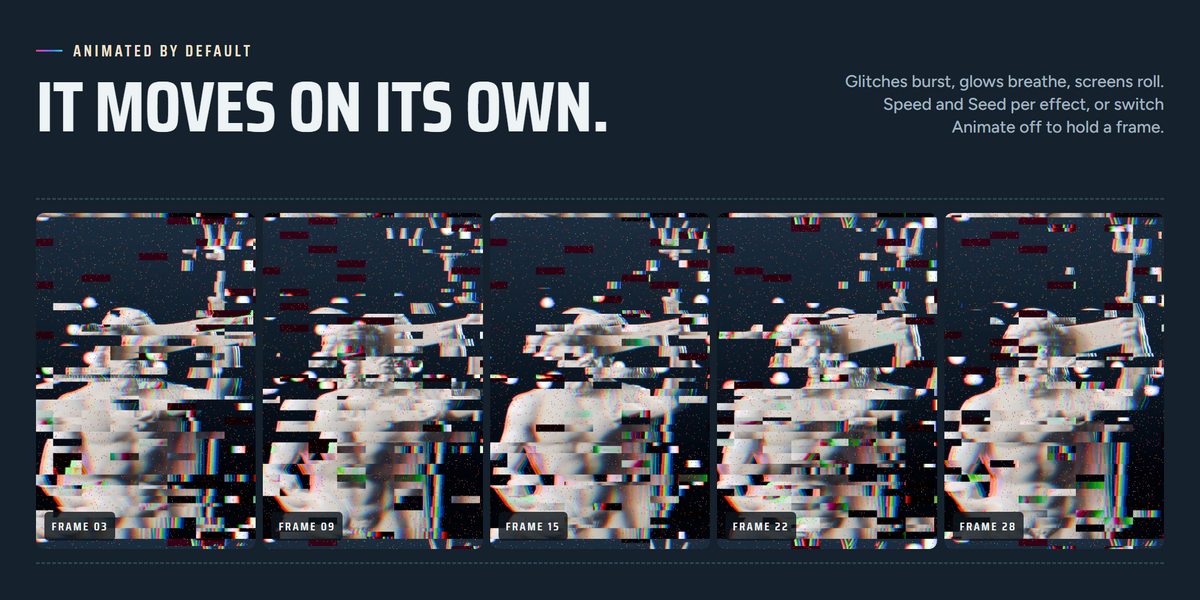
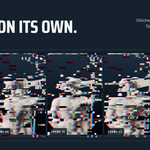
Yes, by default: glitches burst, glows breathe and screens roll. Animation follows scene time, so it plays the same on every render. Use Speed and Seed to vary it, turn Animate off for stills, or keyframe any value with I.
No. All sizes are measured against a 1080p frame and scale with your render, so a look you build at 720p or 50% matches the final 4K render.
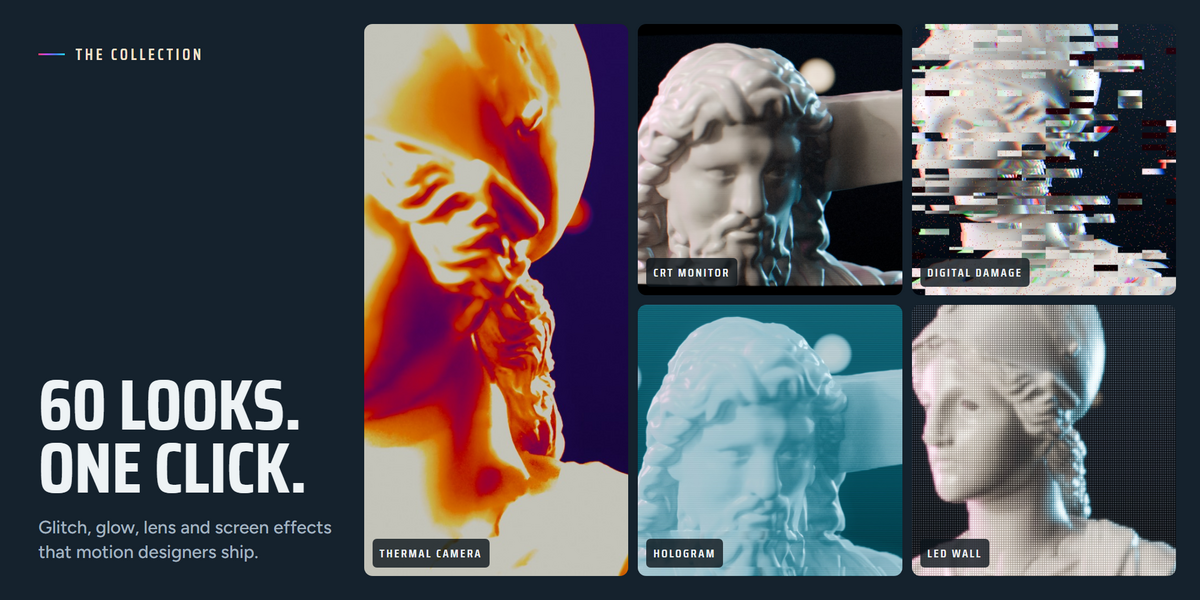
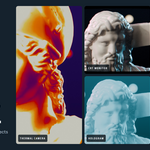
Yes. Build a stack, press Save Preset and give it a name. Your presets appear under the 16 built-in looks in every project and are kept when you update the add-on.
GPL-3.0-or-later.
Have questions about this product?
Login to message
| Blender Extension Compatible | Yes |
| Published | about 16 hours ago |
| Blender Version | 5.0 - 5.2 |
| Extension Type | Add-on |
| Render Engine Used | Cycles, Eevee |
| License | GPL |
Discover more products like this
glitch Post-Processing color grading effects-pack motion graphics chromatic aberration Blender visual effects film look node groups VFX compositor Motion design