Postshade - Puddle Fx [Eevee, Cycles] 1.0
 Post Shade FX
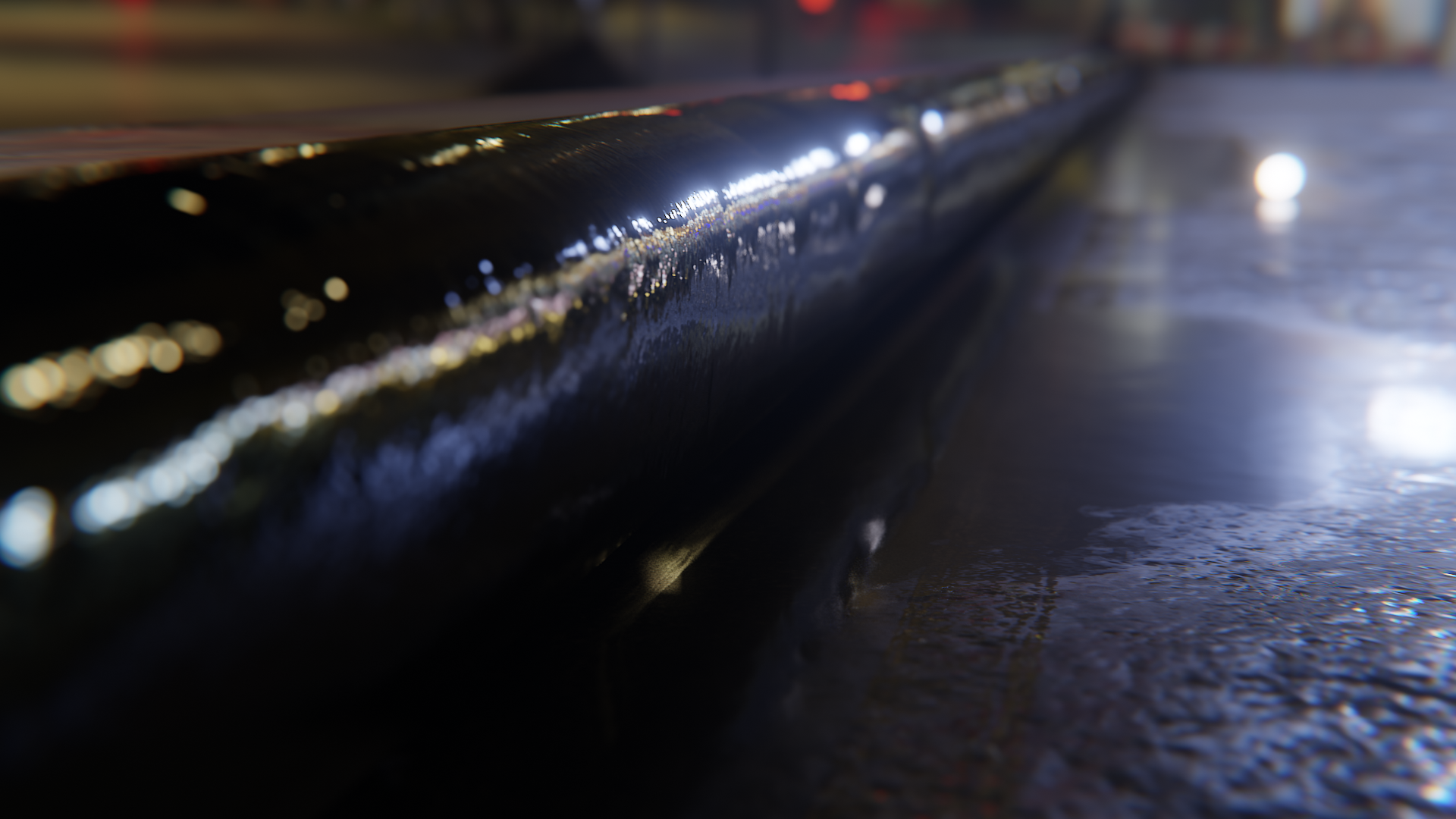
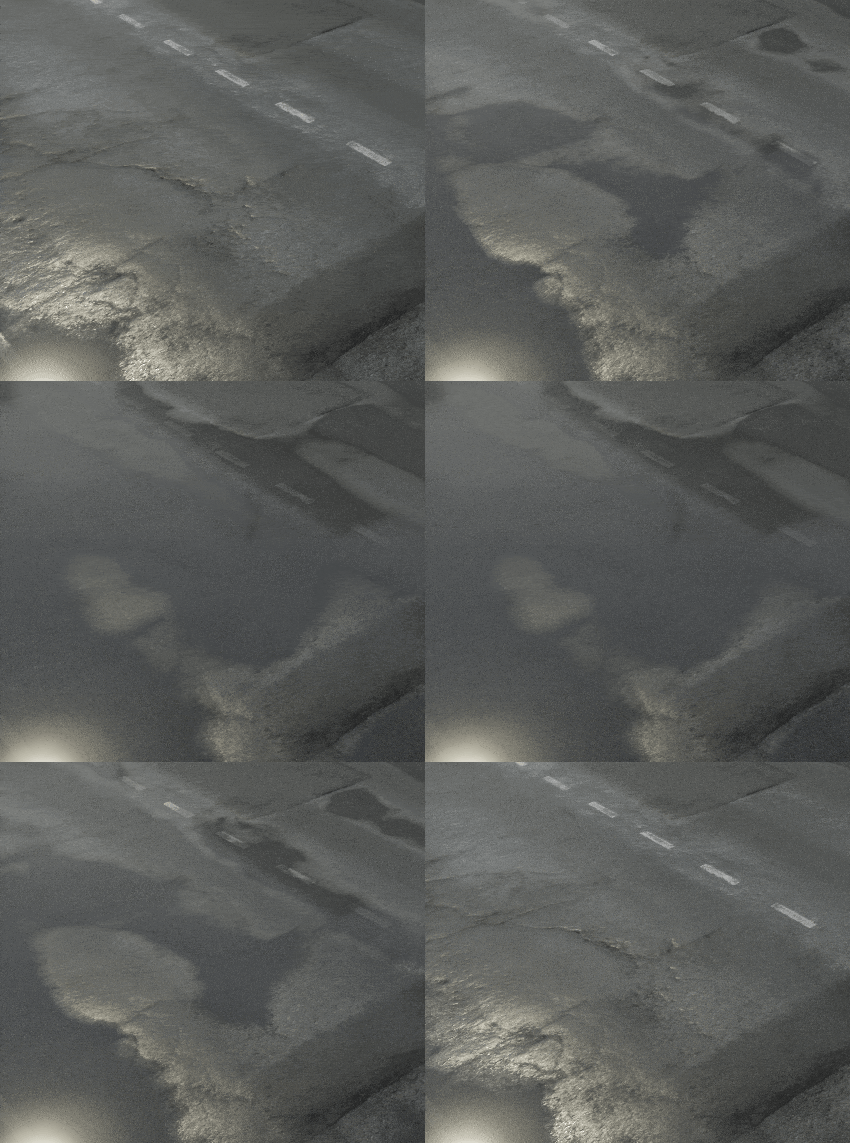
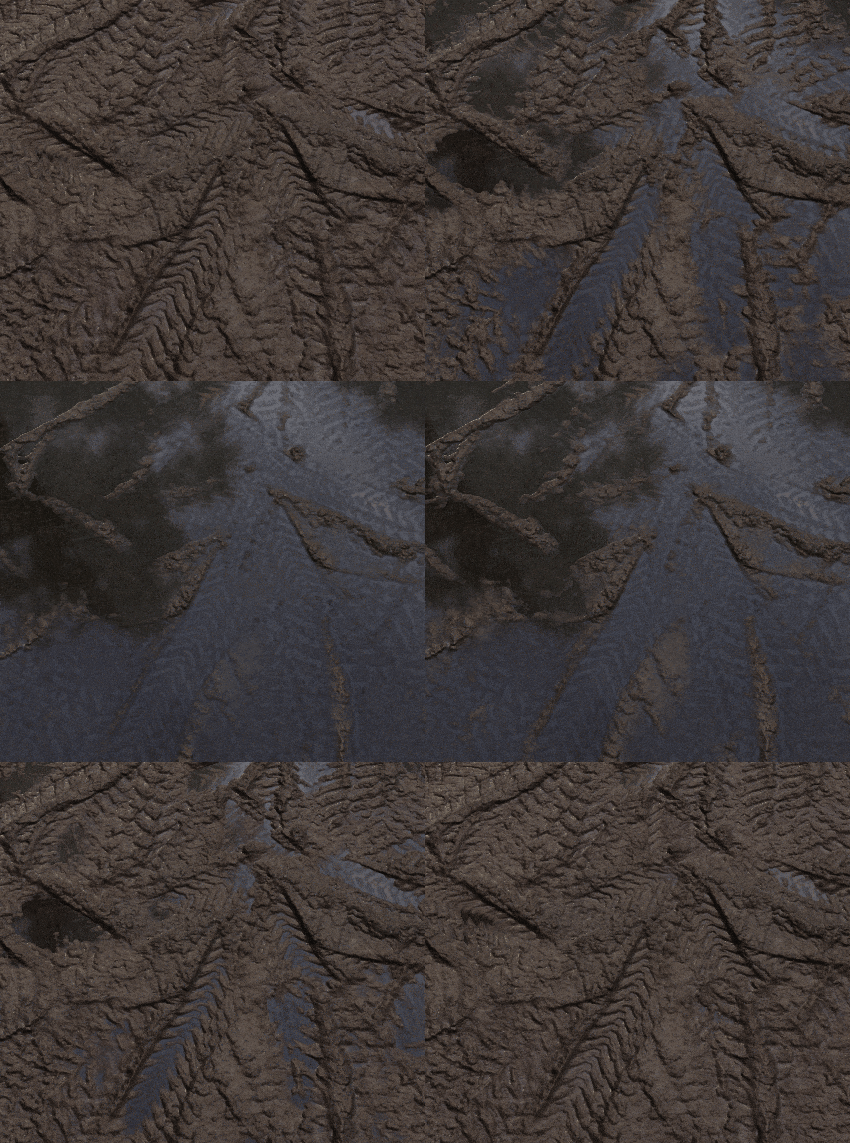
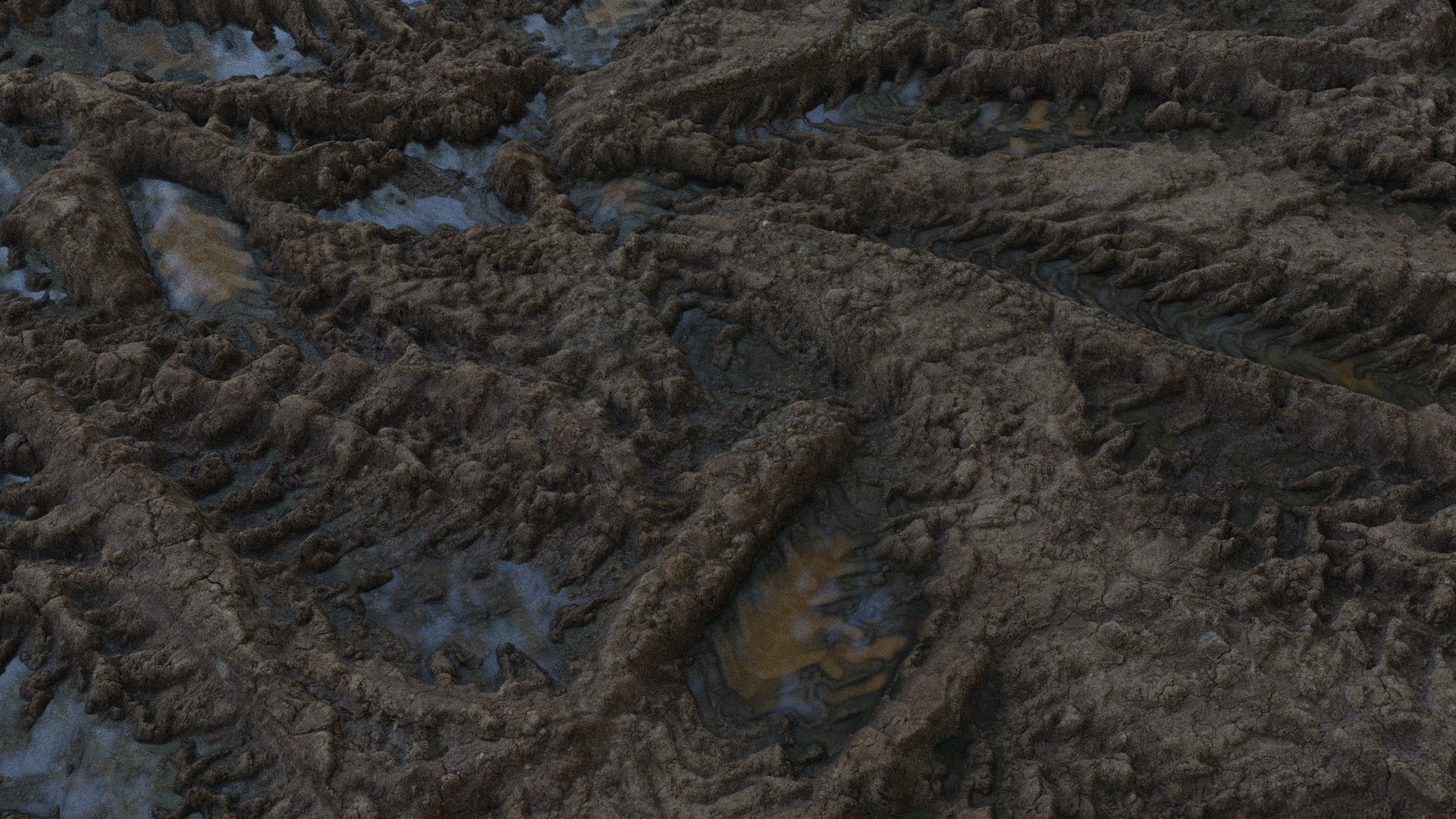
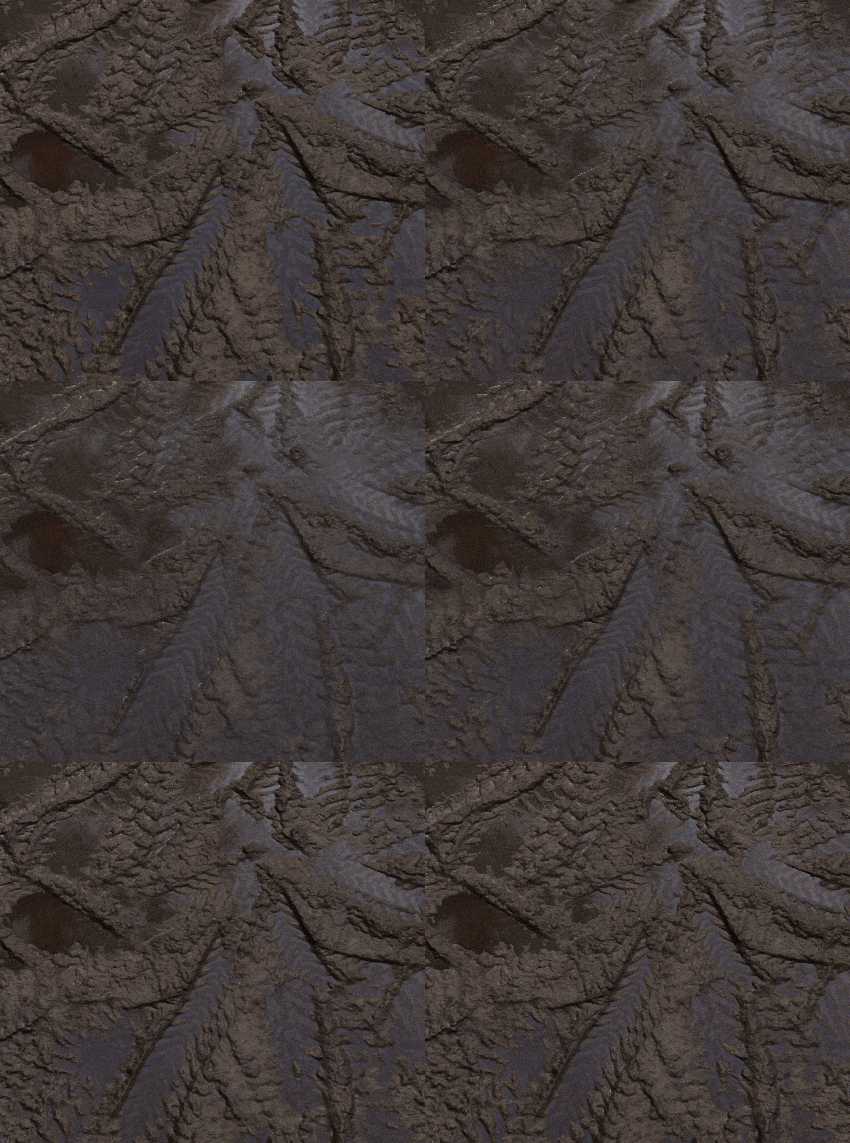
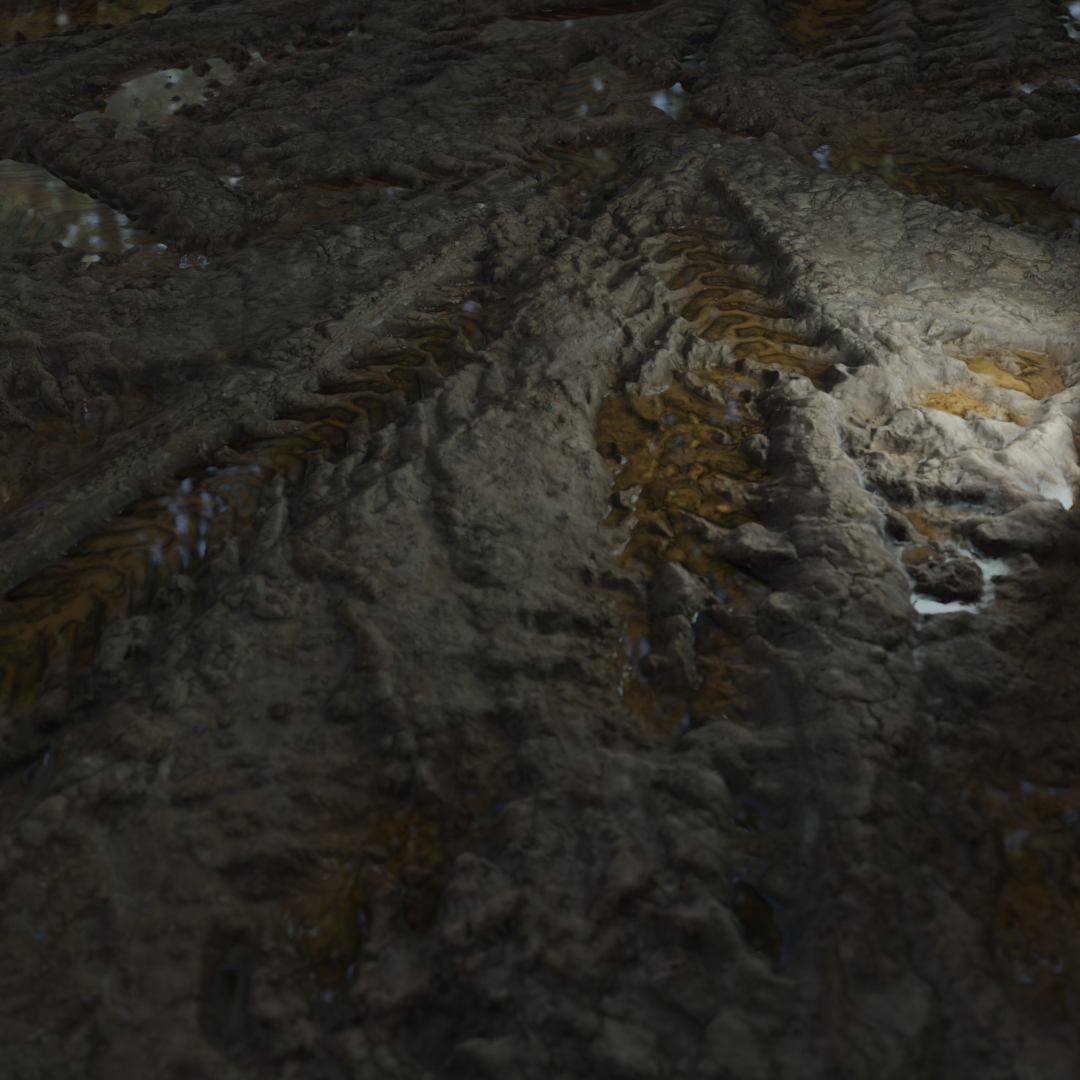
What's better that a quick video showcase to see how it works?...
NODEGROUP SOCKETS
- Diffuse Color: is where your diffuse map or color output should go
- AO Color: is where your Ambient occlusion map should go (if you got one...leave white otherwise )
- Normal Color: is where your normal map color output should go
- Normal Strenght : This value will allow you to increase or decrease the strenght of your normal
- Use Puddle Custom normal: This will define (when set to 1) if puddle should use custom normal instead of flat normals
- Puddle Custom Normal : is where your custom puddle normal should go if you maybe want noise on your water surface (rainripples?)
- Displacement Value : is where your displacement map color output should go
- Glossiness : is where your Glossiness or Roughness map should go (don't forget to invert it first if you use roughness instead of glossyness)
- Use Custom Noise : This value define if you want to use custom procedural noise instead of displacement height based puddles.
- Puddle Height Value : is the Value that will make your puddle emerge from the ground (go crazy with the values, they're not normalized to allow more control)
- Puddle Height Smooth : is the amount of smooth transition between puddle surface and non wet part of your material.
- Puddle Roughness Value : is the amount of pure roughness on your puddles
- Puddle Diffuse Color Multiply: This will define the color multiplication of the diffuse trough the water surface.
- Mud Amount : is the amount of mud you will want to add to increase realism to your puddles
- Mud Smooth : is the amount of smooth transition between mud inside the puddle and the puddle itself
- Mud Diffuse Color: basically the mud color
- Base Wetness : is the wetness amount you can add to your non puddle part in the material (it can help to reach the result ;) )
- Displacement Water Height (CYCLES ONLY) : is the height of the water plane in your material
- Displacement Scale (CYCLES ONLY) : is the amount of real displacement that will be applied to the material when using microdisplacement
- Displacement Midlevel (CYCLES ONLY) : is the Midlevel point of the displacement, basically defines the ground zero.
- Custom Noise Scale : s is the scale of the custom noise if you decide to use it instead of displacement based puddles
- Custom Noise Detail : is the amount of detail from the custom noise based puddles.
- Custom Noise Dimension : is the Dimension of detail from the custom noise based puddles.
- Custom Noise Offset: is the 3D offset of your custom noise based puddles. use it to randomize puddles between different objects.
- Clear Coat Roughness: is the roughness value of your clearcoat layer on top of the puddles.

If you got any question don't hesitate to contact me , i'll add it later in the FAQ section .
Don't forget to rate the product and leave a review!
$5.99
Have questions about this product?
Login to message
| Sales | 80+ |
| Dev Fund Contributor | |
| Published | about 4 years ago |
| Blender Version | 2.8, 2.81, 2.82, 2.83, 2.9, 2.91, 2.92, 2.93, 3.0, 3.1, 3.2 |
| License | Creative Commons |
