 ZEG
ZEG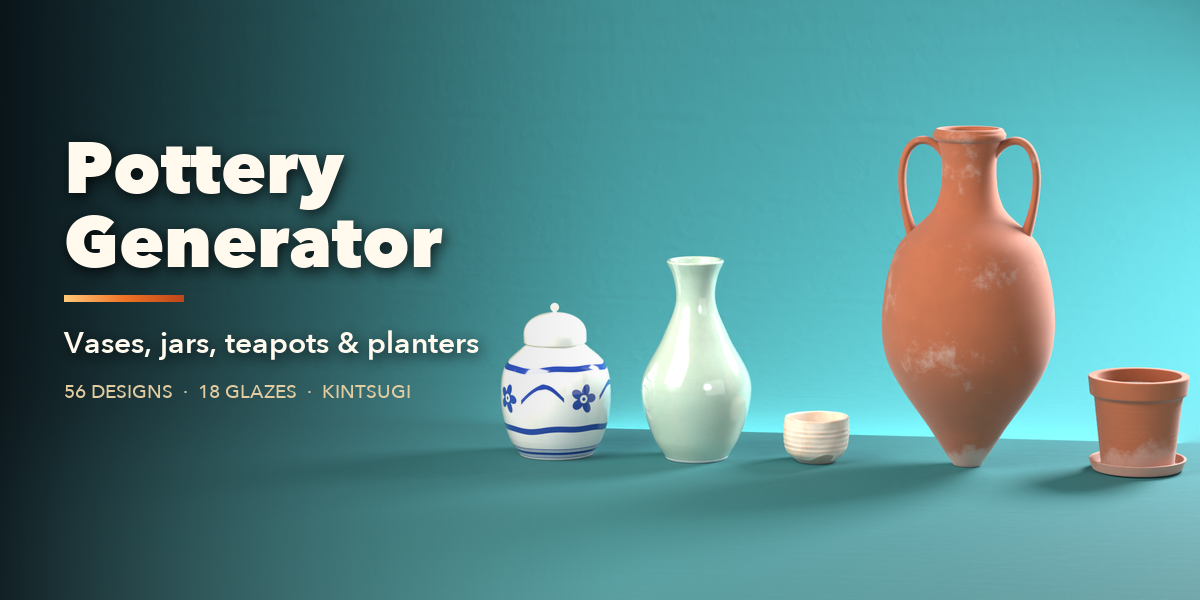
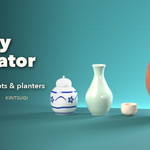
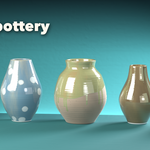
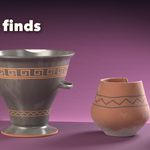
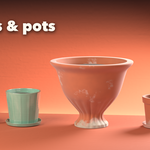
Installation
In Blender open Edit, Preferences, Get Extensions, open the menu at the top right and choose Install from Disk, then pick the zip. Blender 4.2 or newer.
Usage
- Open the sidebar in the 3D viewport (N) and the Pottery tab.
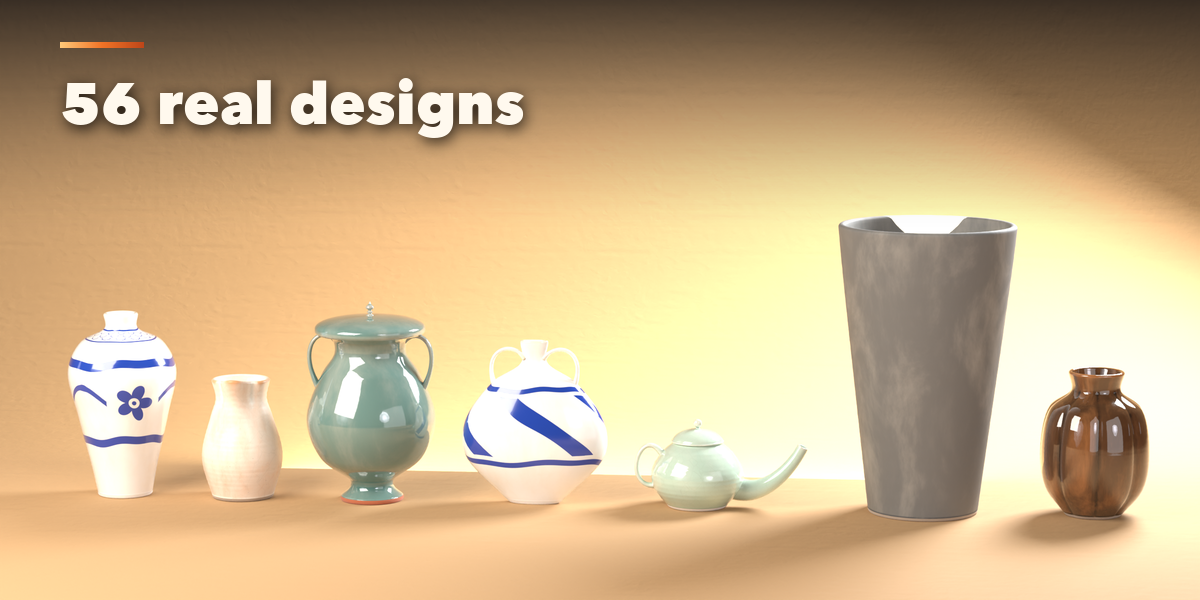
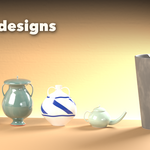
- Click a design picture to add a pot at the 3D cursor, or use Add, Mesh, Pottery.
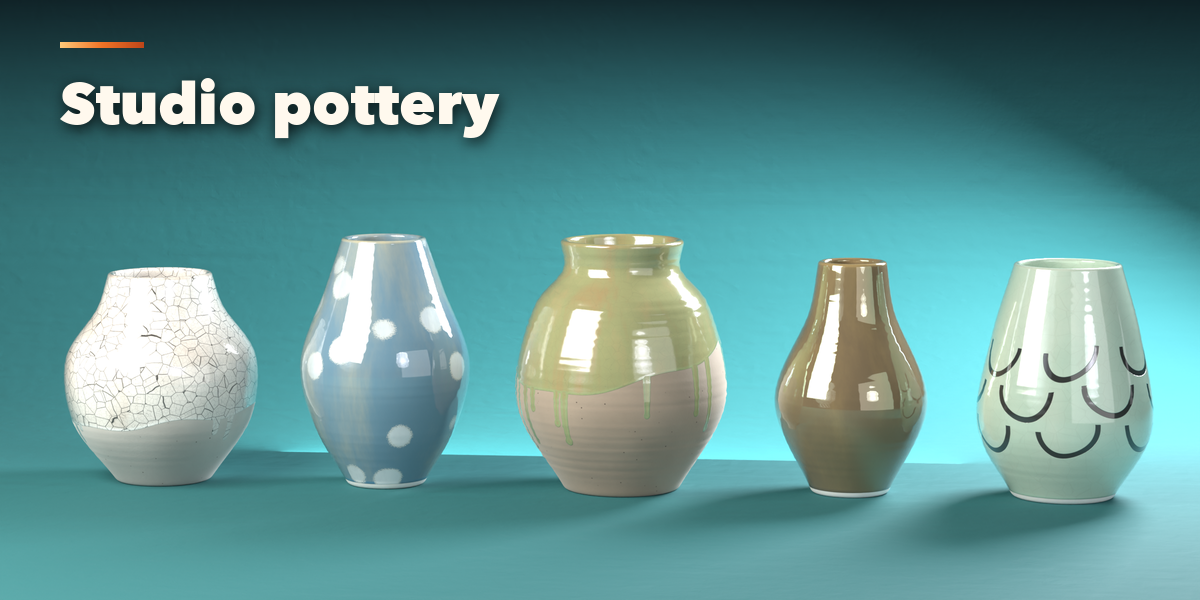
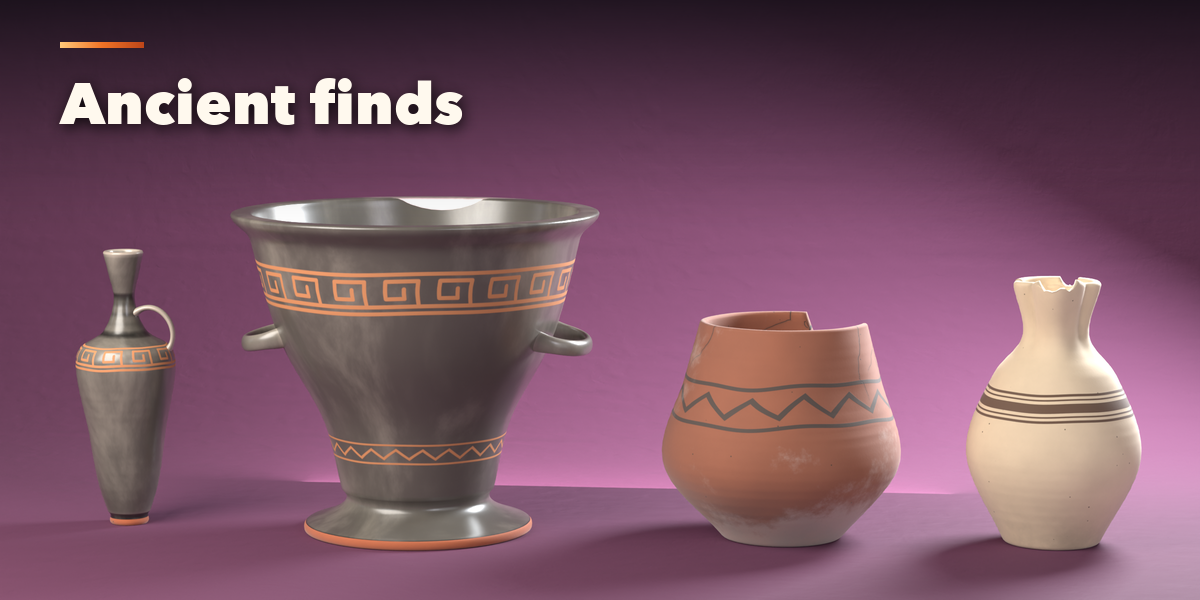
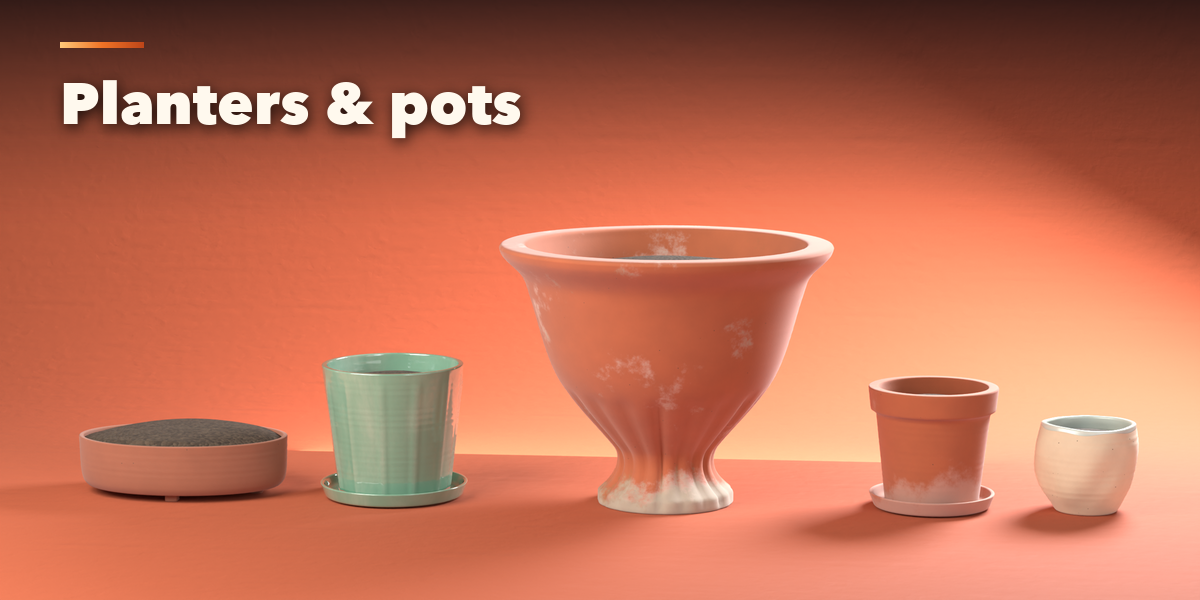
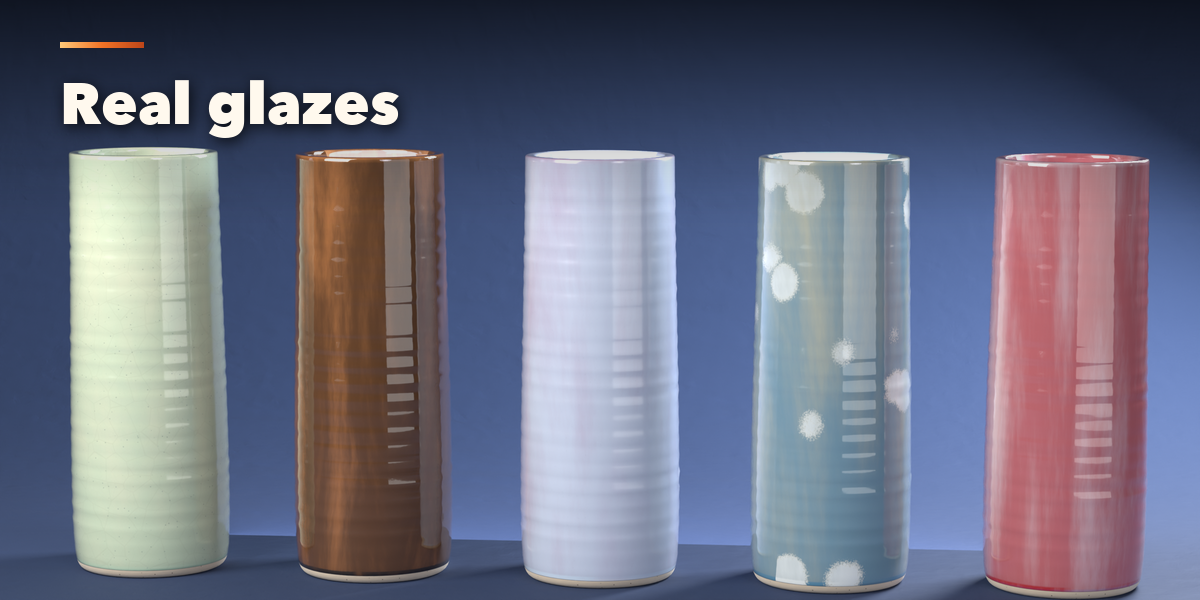
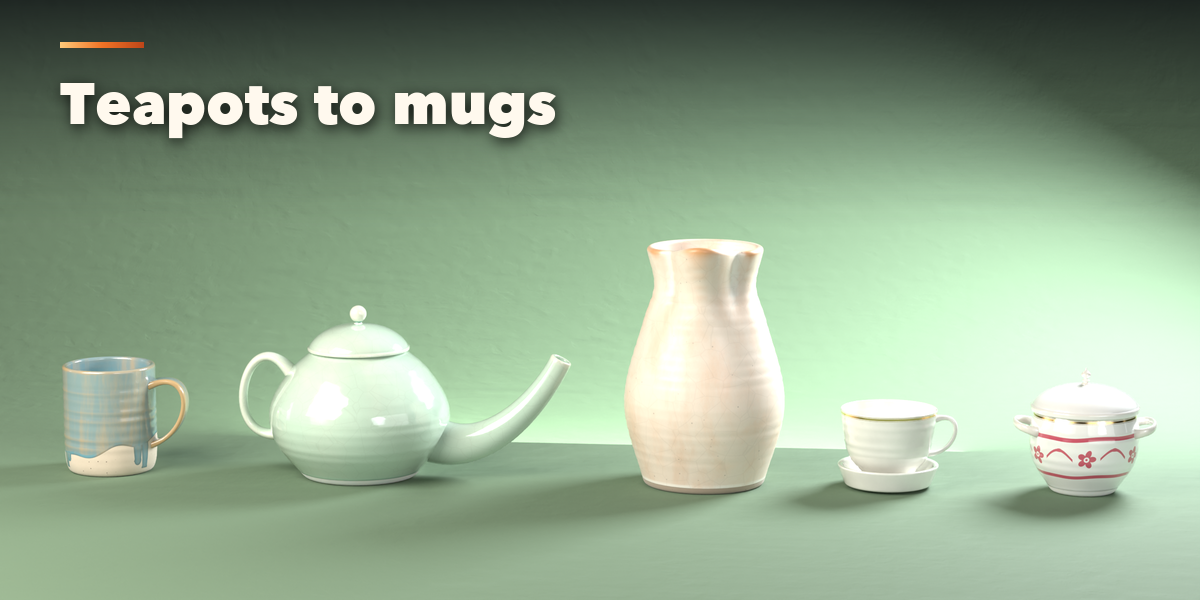
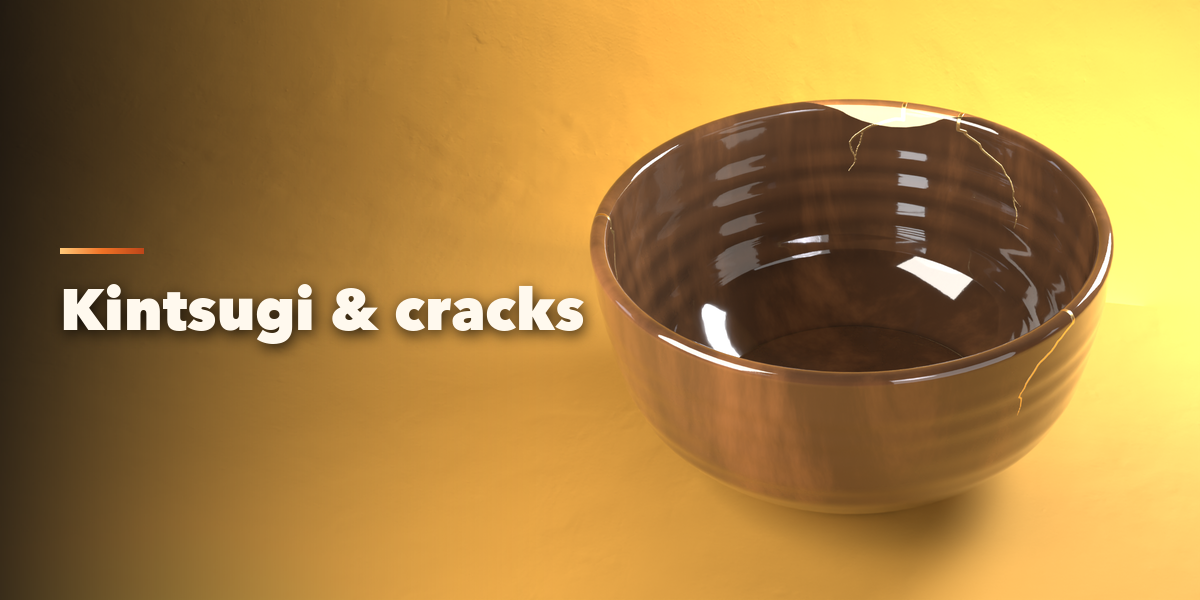
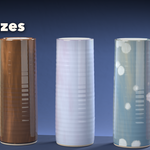
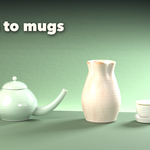
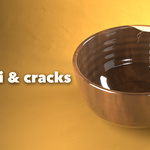
- Change the shape, rim, foot, parts, clay, glaze, cracks and age in the tabs. Everything rebuilds live.
- Press Surprise for random variations.
- Photo Studio adds a backdrop, lights and a camera for a product render.
- Convert to Mesh copies the pot as plain meshes for export, sculpting or game engines.
Have questions about this product?
Login to message
| Blender Extension Compatible | Yes |
| Published | 3 days ago |
| Blender Version | 4.2 - 5.2 |
| Extension Type | Add-on |
| Render Engine Used | Cycles, Eevee |
| License | GPL |
