PowerPin
 Wolfram Kampffmeyer


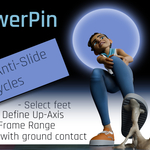
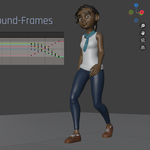
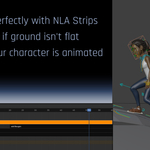
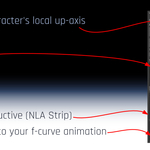
No. PowerPin uses Blender’s Non-Linear Animation (NLA) system to keep the process non-destructive.
When Bake New Action is used, the original animation can be pushed down into the NLA Editor, while PowerPin creates a separate correction Action above it. Your original keyframes are still there — they are simply stored in an NLA strip instead of being shown as the currently active Action.
Open the NLA Editor to see both the original animation and the PowerPin correction. You can select the corresponding Action/strip to inspect its keyframes in the Graph Editor by pressing TAB.
Have questions about this product?
Login to message
| Blender Extension Compatible | Yes |
| Sales | 10+ |
| Dev Fund Contributor | |
| Published | 12 months ago |
| Blender Version | 4.0 - 5.2 |
| Extension Type | Add-on |
| License | GPL |
Discover more products like this
automatic animation walkcycle animation slide fix non-destructive foot lock blender sliding feet nla animation foot pinning character animation baking