 Andrew Smith


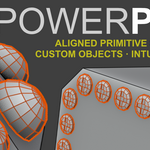
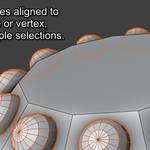
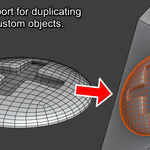
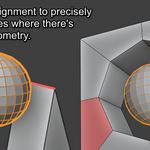
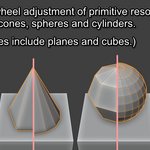
Easily create primitives aligned to any face, edge or vertex, or multiple selections. One-click support for custom objects. Intuitive arrays. From the creator of PowerSlide.
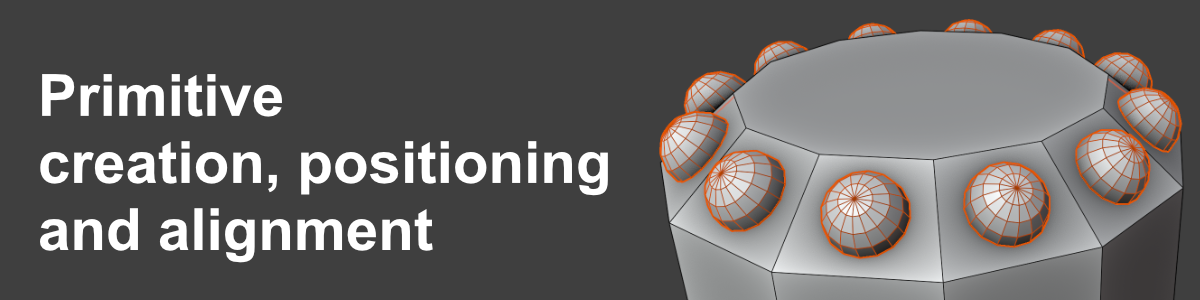
With PowerPrim this whole process becomes a one-click operation. Select any existing geometry and have PowerPrim create your new primitive exactly where you want it, precisely aligned to any face, edge or vertex, ready for you to continue work.
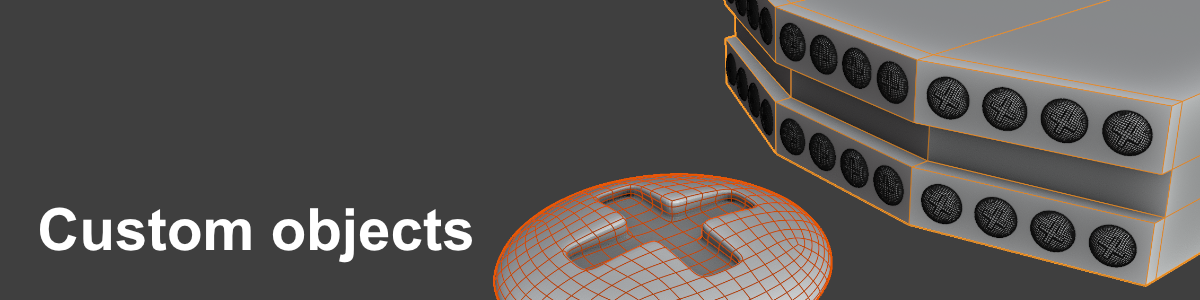
Select any object in your scene, then select the geometry you want to place it on. PowerPrim does the rest. Easy positioning and alignment of buttons, screens, handles, levers, screws, bolts, rivets...

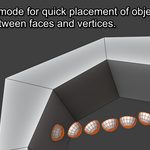
Spawn multiple primitives or custom objects along any edge, or between two vertices or faces.
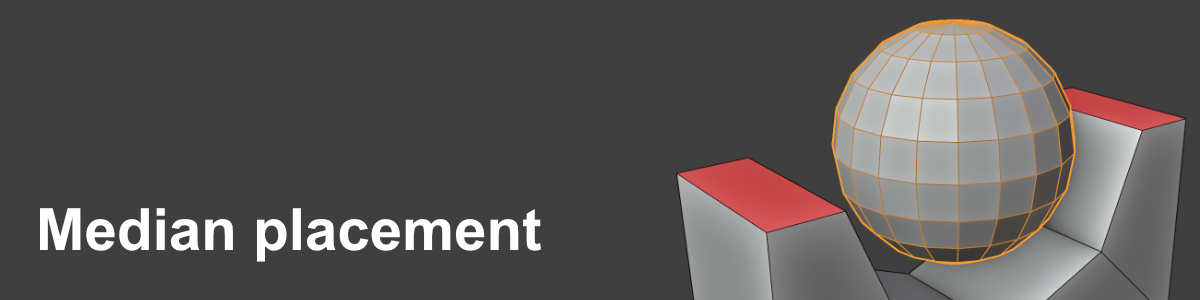
The useful tool you didn't know you needed! Simply select two or more elements and PowerPrim will spawn your new object at the median position.
Please watch the video demo to see PowerPrim in action, and have a look at the Documentation page for full instructions and screenshots.
