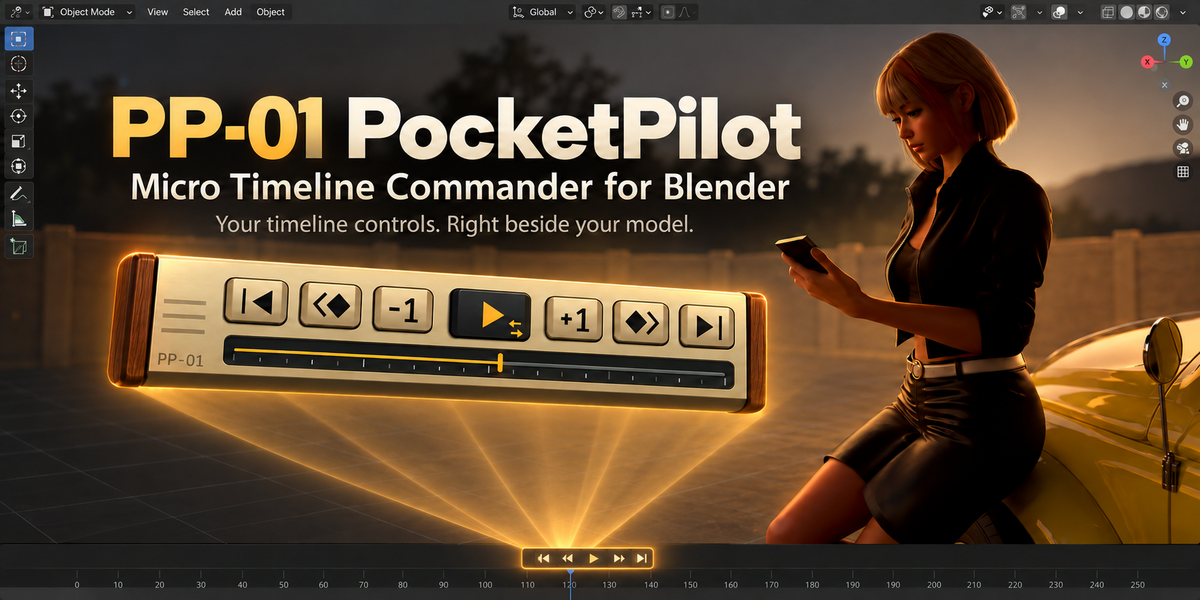
PP-01 PocketPilot — Micro Timeline Commander
 Tokugawa Electronics
Online manual (English / 日本語)
Open the PP-01 PocketPilot manual
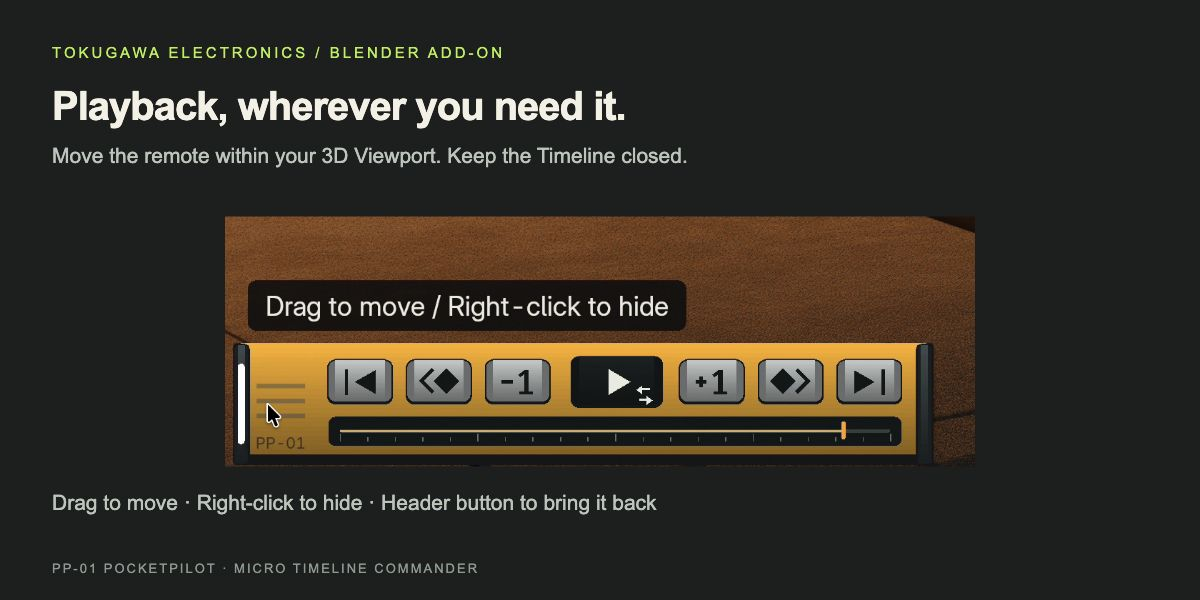
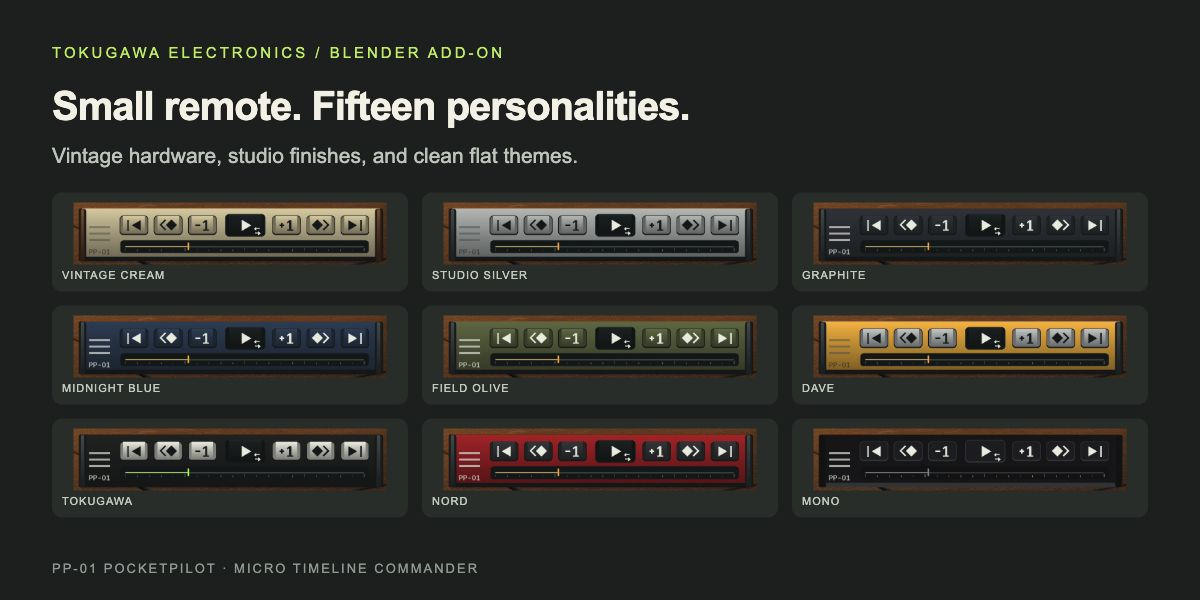
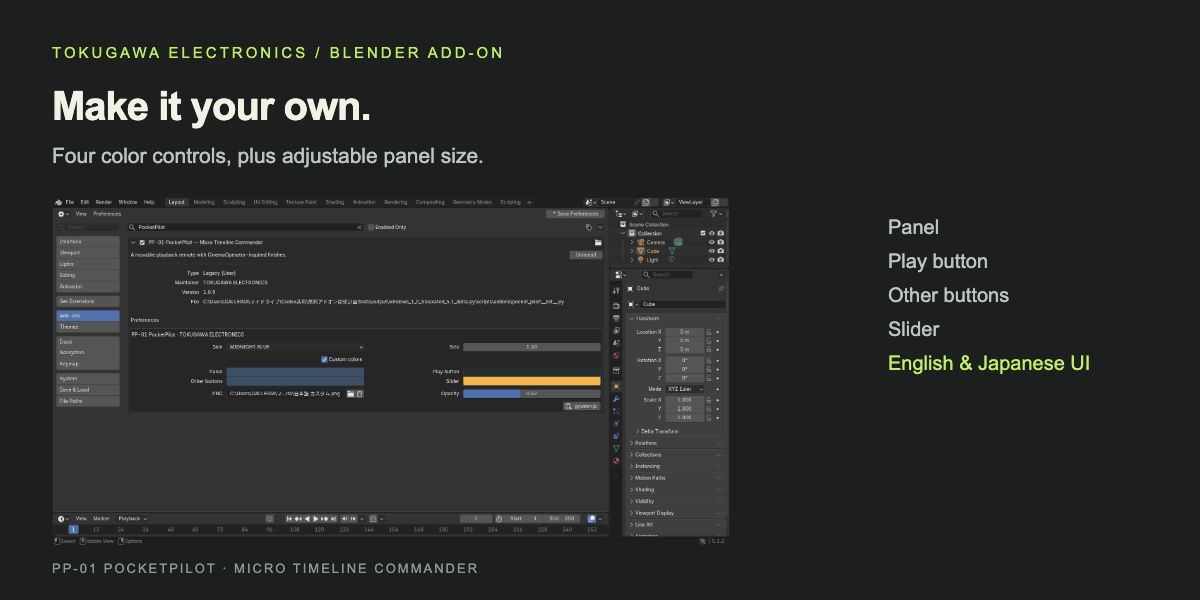
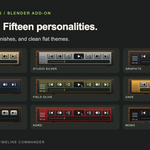
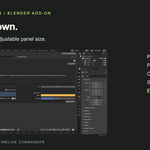
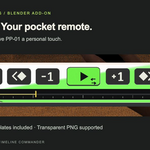
The illustrated manual includes a playback demo, installation, controls, all 15 skins, PNG artwork instructions, and customization tips. Use JA / EN at the top to switch language.
Quick installation
- Download PP-01_PocketPilot_1.0.7.zip. Keep this ZIP intact.
- In Blender, open Preferences → Add-ons → Install from Disk and select the ZIP.
- Enable PP-01 PocketPilot. Click PP-01 in the 3D Viewport header.
Included downloads
- PP-01_PocketPilot_1.0.7.zip — the add-on installer, including license, readme and templates.
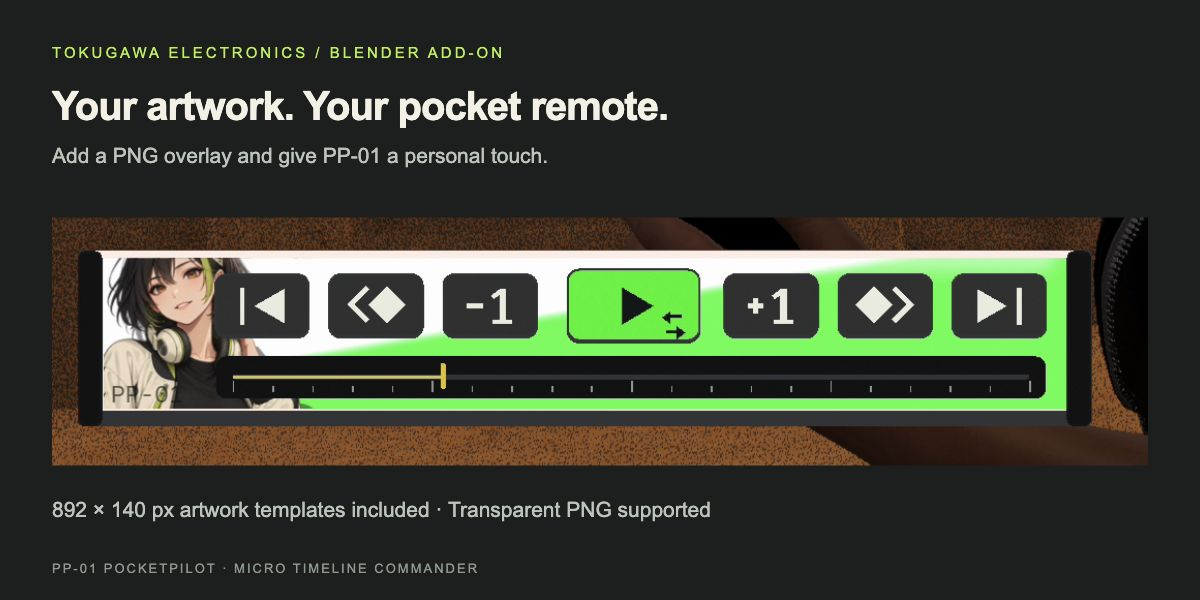
- PP-01_Artwork_Templates.zip — optional separate copy of the 892 × 140 px PNG/SVG guides. Extract this to design your artwork; do not install it as an add-on.
- START_HERE.txt — English and Japanese installation notes.
Tested on macOS and Windows with Blender 5.1.2 and 5.2.2 LTS. The remote stays inside the 3D Viewport. PNG files remain external references; keep them in place.
Have questions about this product?
Login to message
| Published | 4 days ago |
| Blender Version | 5.1 - 5.2 |
| Extension Type | N/A |
| Render Engine Used | Cycles |
| License | GPL |