 Tokugawa Electronics
Your Timeline Controls. Right Beside Your Model.
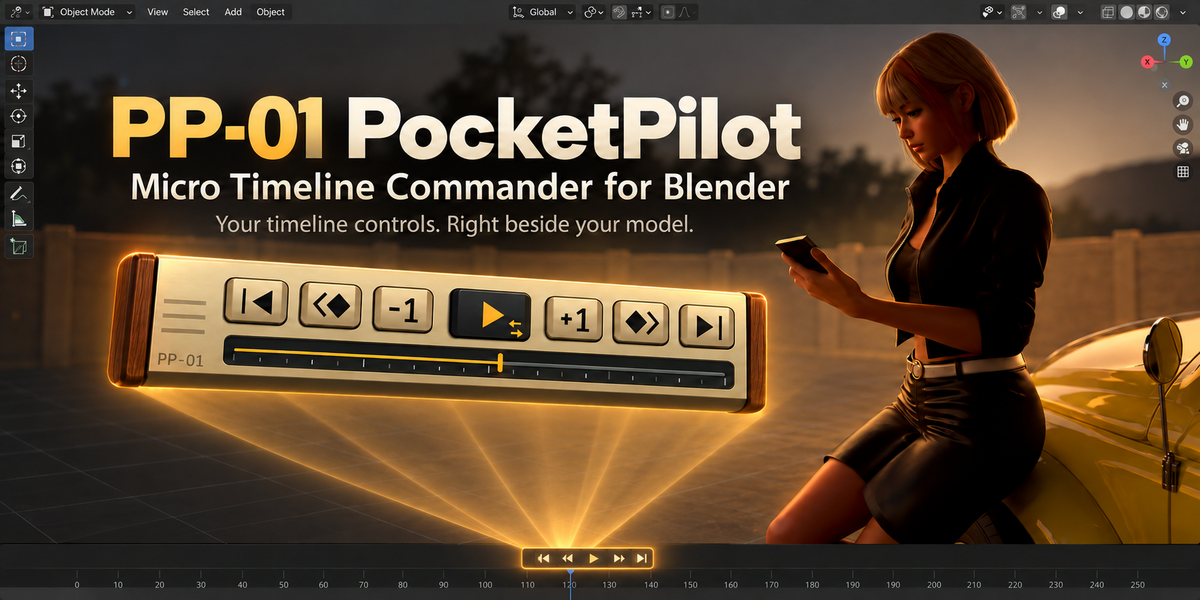
Just want to check the motion? Keep your viewport open and your playback controls close.
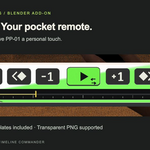
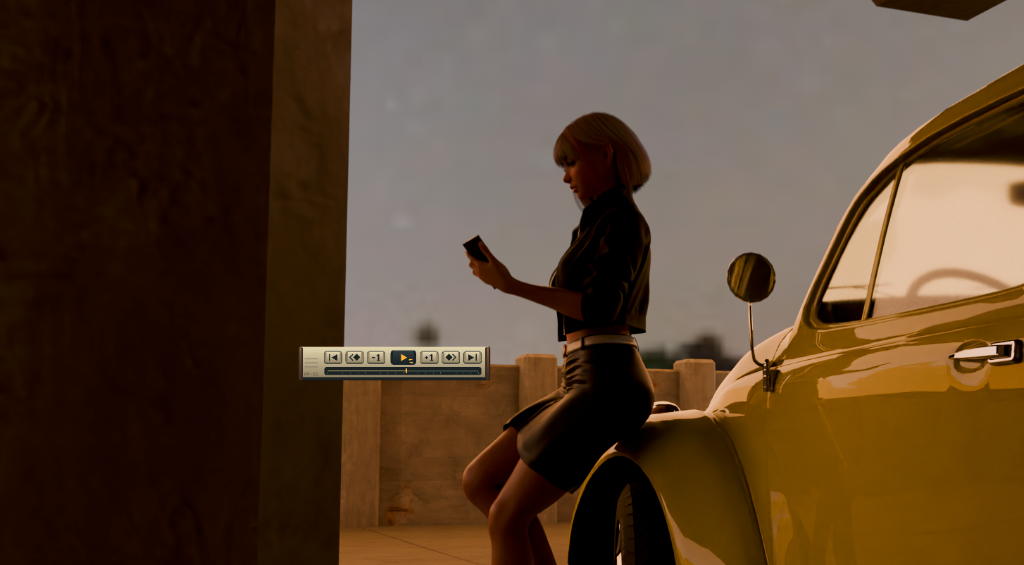
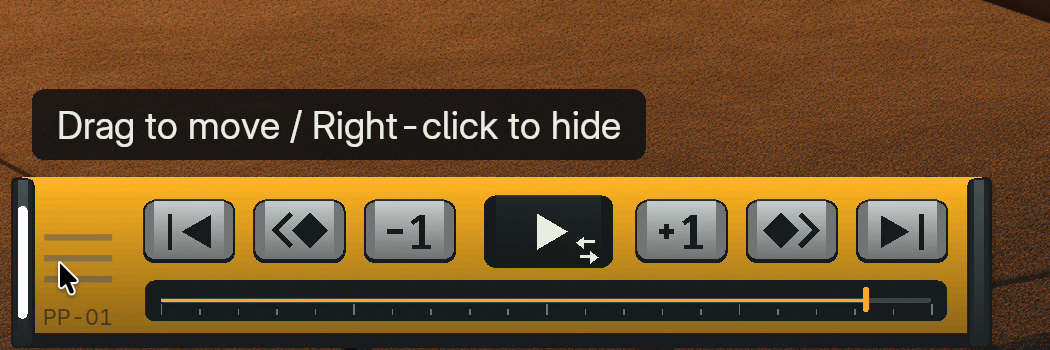
PP-01 PocketPilot is a tiny floating playback remote for Blender. Place it beside your model to play, step through frames, jump between keyframes, and scrub—with less mouse travel and no need to open a Timeline editor. Blender’s standard shortcuts remain available, and there is no extra sidebar tab.
A Little Console with the Controls You Need
- Play and pause: click Play; right-click it to switch looping on or off. With looping off, playback stops at the end of the range.
- Find the right moment: step backward or forward one frame, jump between keyframes using Blender’s standard keyframe navigation, or jump to the start and end of the playback range.
- Scrub directly: click or drag the slider. It follows the preview range when enabled. Scrubbing pauses playback; Esc or right-click restores the frame where you started.
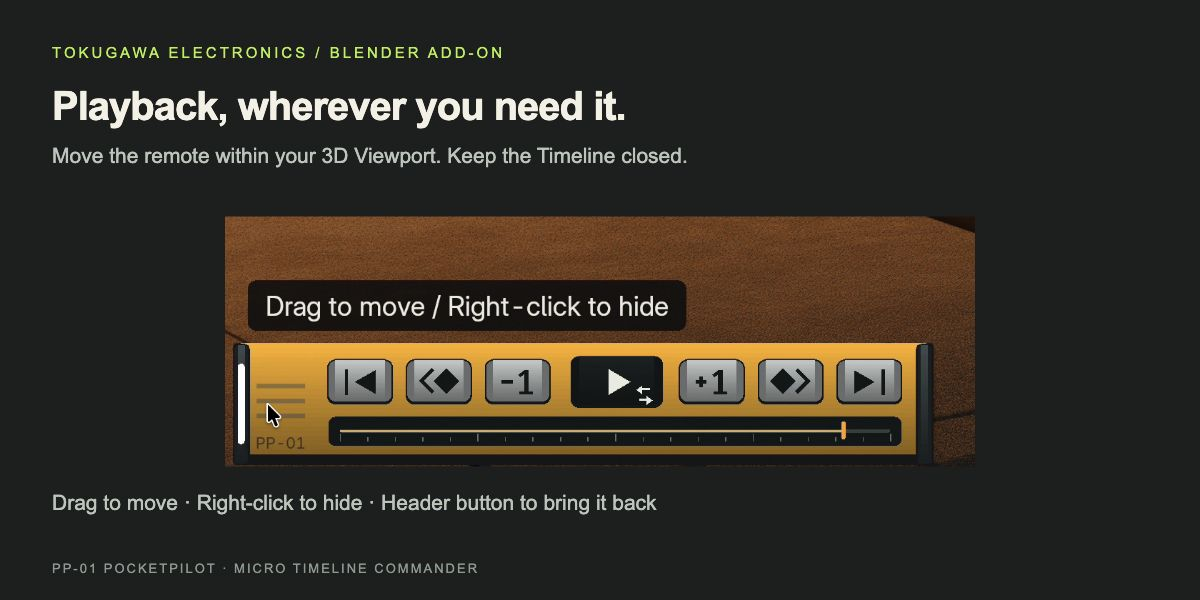
- Put it within reach: drag the left grip to position the remote inside the 3D Viewport. Right-click the grip to hide it; use the PP-01 header button to bring it back.
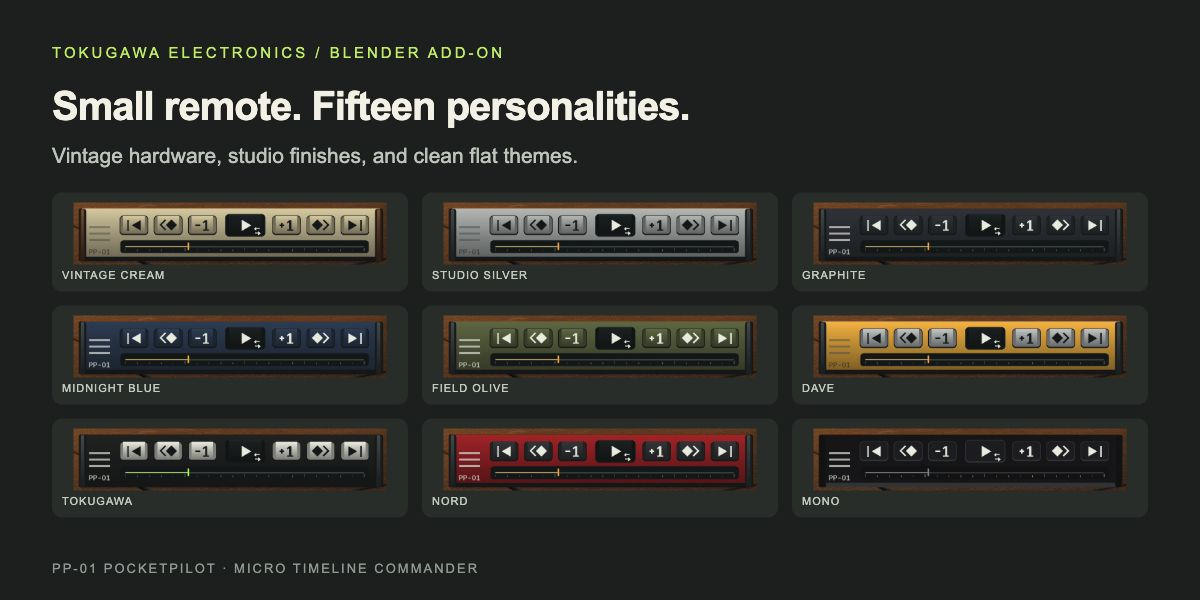
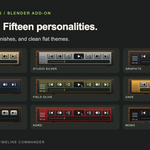
15 Skins. One Pocket-Sized Remote.
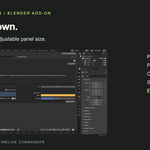
Inspired by CinemaOperator’s console designs, PP-01 can feel like a vintage studio instrument or a clean, flat interface. Adjust the panel size in Preferences to suit your workspace.
Choose VINTAGE CREAM with wooden side panels, STUDIO SILVER, GRAPHITE, MIDNIGHT BLUE, FIELD OLIVE, DAVE, TOKUGAWA ELECTRONICS or nord. The seven flat themes are MONO, PAPER, NEON, BLUEPRINT, MOSS, EMBER and MONO COLOR.





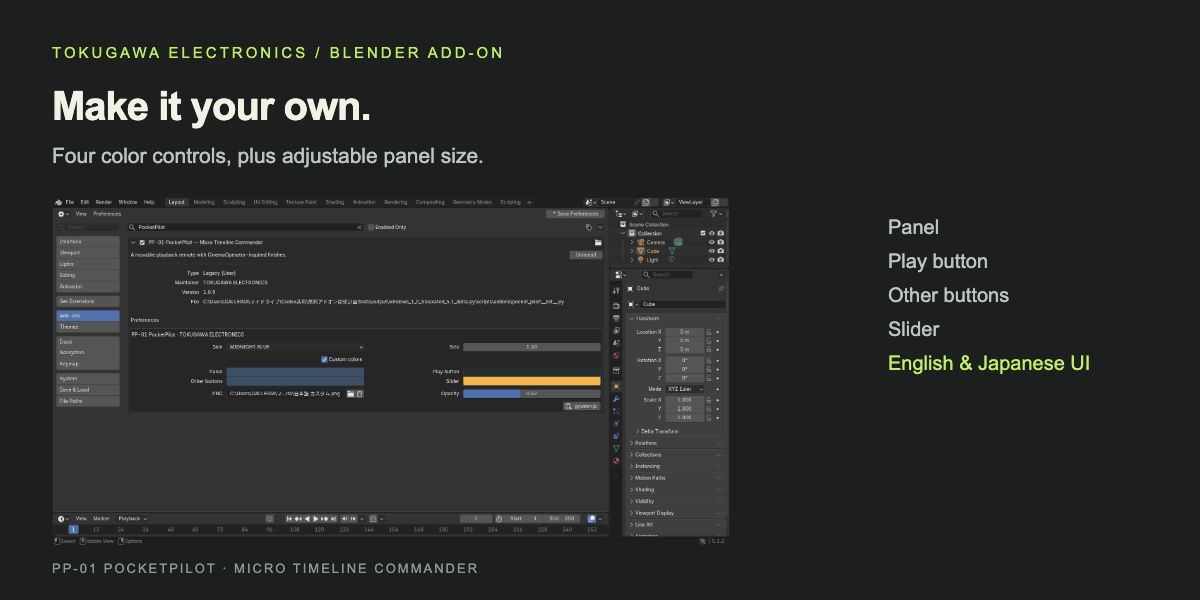
Make It Yours
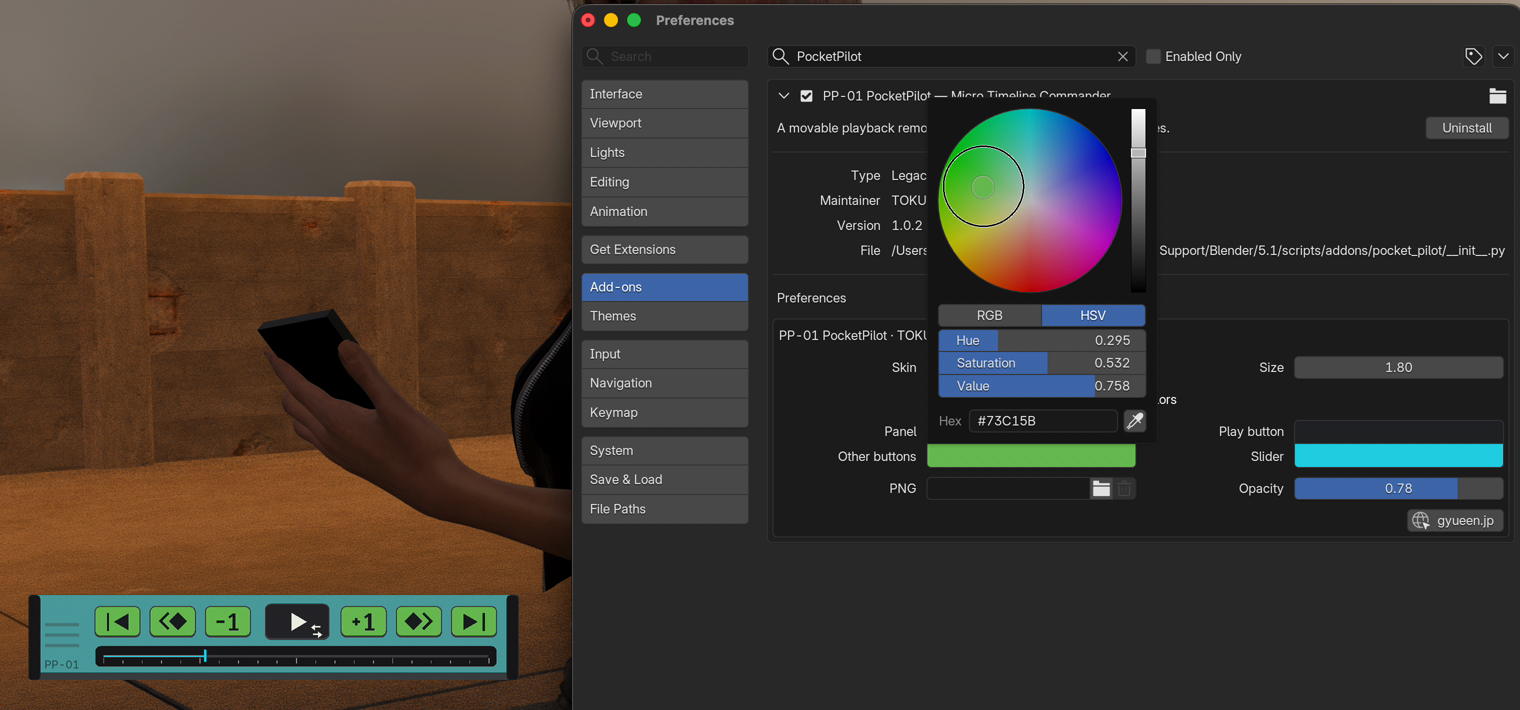
Enable Custom colors to adjust the panel, play button, other buttons, and slider independently. Button labels automatically choose a light or dark appearance for contrast.
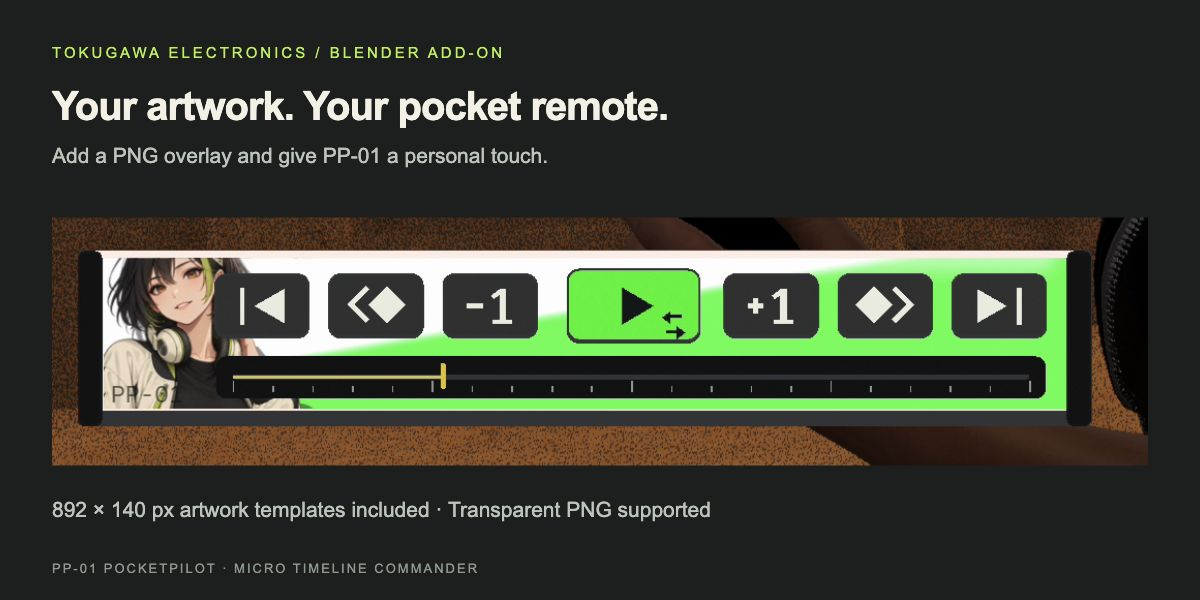
Want a character, a logo, or your own faceplate design? Load a PNG and adjust its opacity. Buttons and the slider stay in front of the artwork. Use the included 892 × 140 px PNG and SVG guides to see where the controls will sit.
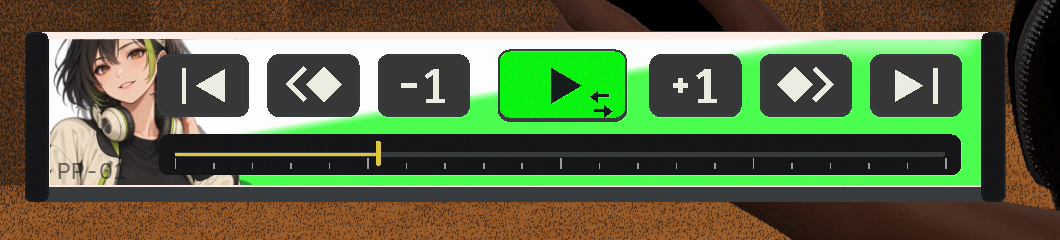
The trash icon restores the default three-line grip without deleting your artwork file. Missing or unreadable PNGs fall back to the default grip and show a warning in Preferences. PNG artwork remains an external file reference, so keep your chosen file in place.
Controls at a Glance
- Left grip — drag: move the remote. Esc cancels the move.
- Left grip — right-click: hide the remote.
- Play — click: play / pause. Right-click: loop on / off.
- Slider — click or drag: scrub. Esc or right-click cancels.
- PP-01 header button: show / hide.
What’s Included
- PP-01_PocketPilot_1.0.7.zip: the add-on installer with readme, license and artwork templates.
- PP-01_Artwork_Templates.zip: an optional separate copy of the blank PNG, placement guide and editable SVG.
- START_HERE.txt: English and Japanese installation notes.
Installation & Compatibility
Keep the add-on ZIP intact. In Blender, open Preferences → Add-ons → Install from Disk, select the ZIP and enable PP-01 PocketPilot. Click PP-01 in the 3D Viewport header.
Tested on macOS and Windows with Blender 5.1.2 and 5.2.2 LTS. Linux is untested. The remote stays inside the 3D Viewport. Preferences and tooltips support English and Japanese, following Blender’s interface translation settings.
Explore the illustrated Web Manual — English / 日本語
Made by TOKUGAWA ELECTRONICS
A small tool for those “why does this take so many steps?” moments. Keep playback close, enjoy your own little console, and get back to creating.
More from TOKUGAWA ELECTRONICS
Enjoy your little PocketPilot? Meet the rest of the workshop.
Our Blender tools start with the same question: “Why does something simple in my head take so many steps on screen?” Explore more ways to spend less time on setup and more time creating.
CinemaOperator — Direct Your Camera Like a Filmmaker
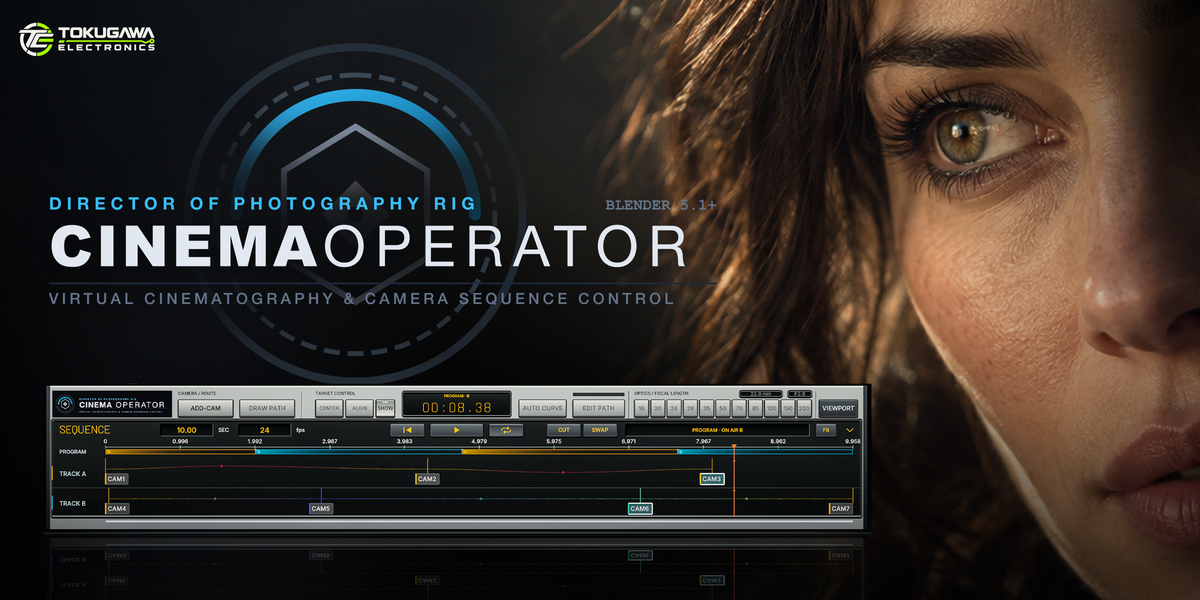
Like PP-01’s console-inspired look? It began with CinemaOperator. Control framing, camera paths, and multi-camera switching through an interface inspired by a physical control desk.
Explore CinemaOperator on Superhive →
Panel Line Designer — Give Your Model the Detail It Deserves
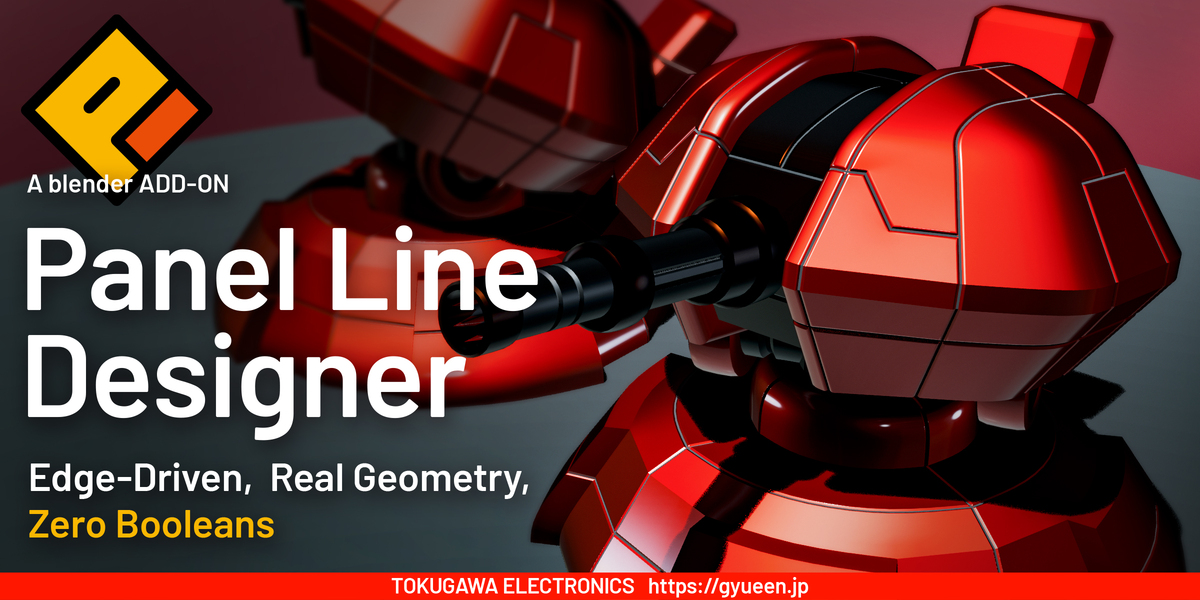
Add geometric panel grooves along selected edges. Adjust width, depth, and profile to bring mechanical and product models to life with real surface detail.
Explore Panel Line Designer on Superhive →
LOGOBLOCKS — Layered Rims. Expressive Bevels.
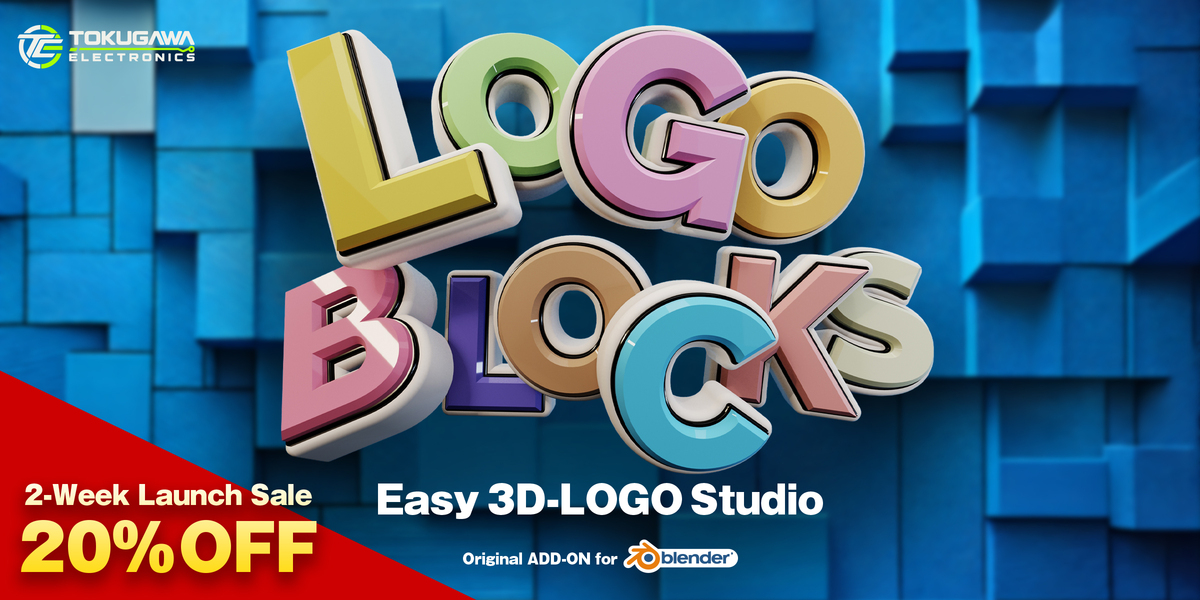
Build 3D logos from SVG artwork or Blender text. Combine a face with multiple rims, adjusting shapes, colors, and bevels to give your logo its own character.
Coming soon to our Superhive store. Follow TOKUGAWA ELECTRONICS to keep an eye on new releases.