 Ron
Ron


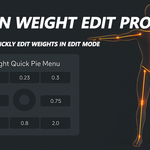
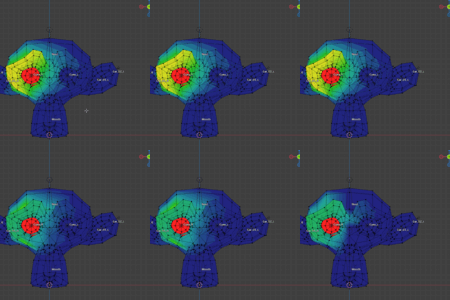
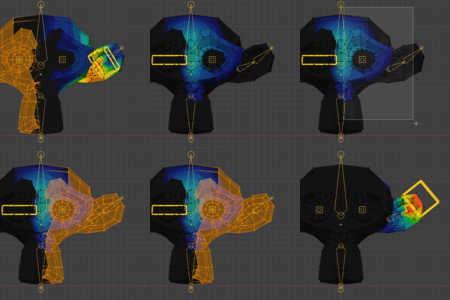
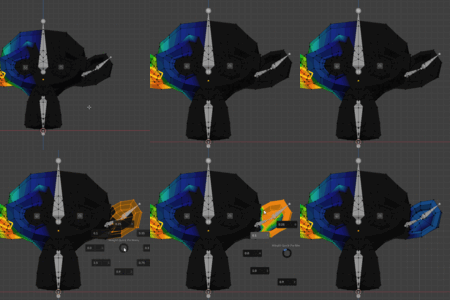
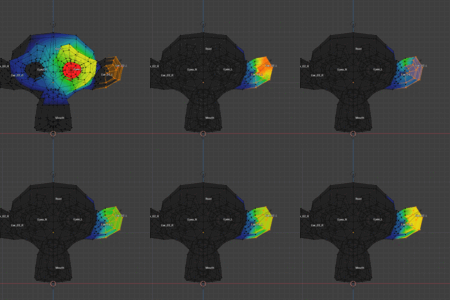
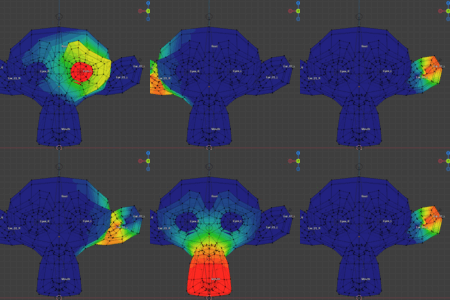
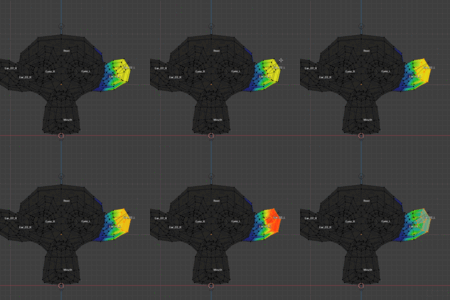
Professional Vertex Weight Editor
**Precision Weight Editor Pro** is a professional Blender addon for vertex weight editing, designed specifically for character rigging and weight painting workflows. It provides fast and precise weight editing tools that significantly improve the efficiency of weight editing
Main Sections
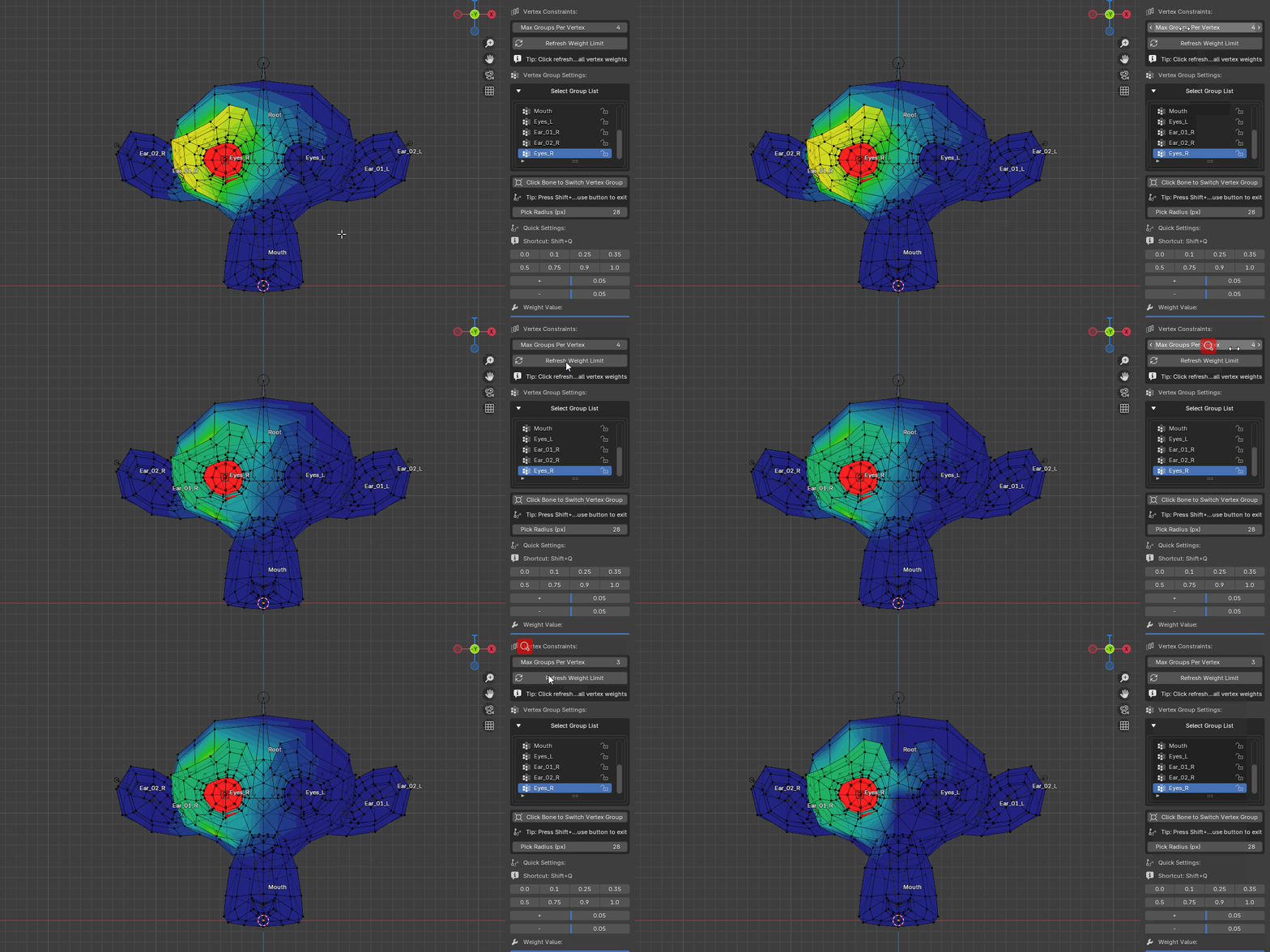
- **Max Groups Per Vertex**: Limits the maximum number of non-zero weight vertex groups per vertex
- Default value: 4
- Set to 0 for no limit
- Click **Refresh Weight Limit** button after modification to apply
2. Vertex Group Selection
- **Group List**: Expand to show a list of all vertex groups
- Click directly on groups in the list to switch
- Automatically syncs with Blender's active vertex group
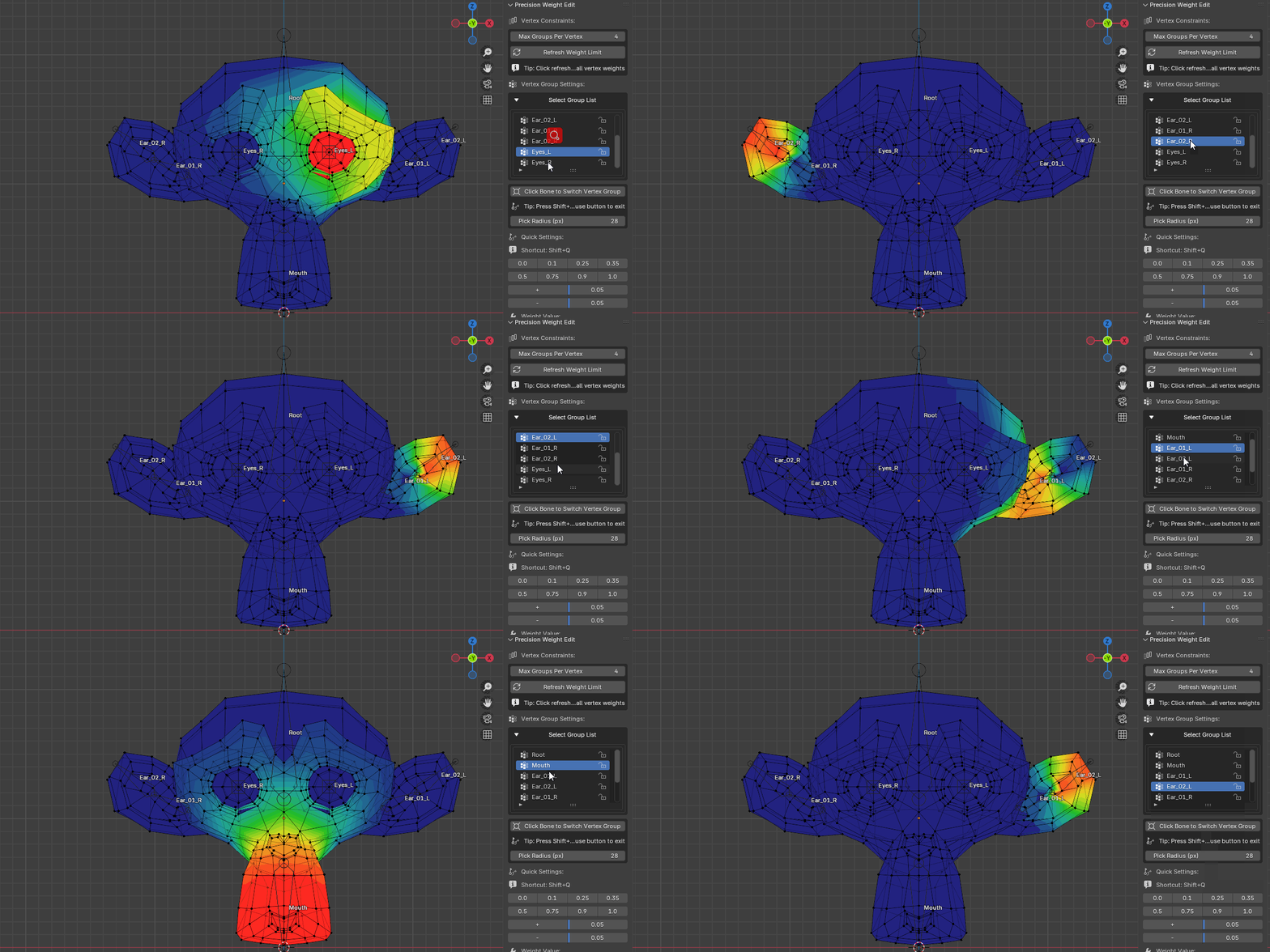
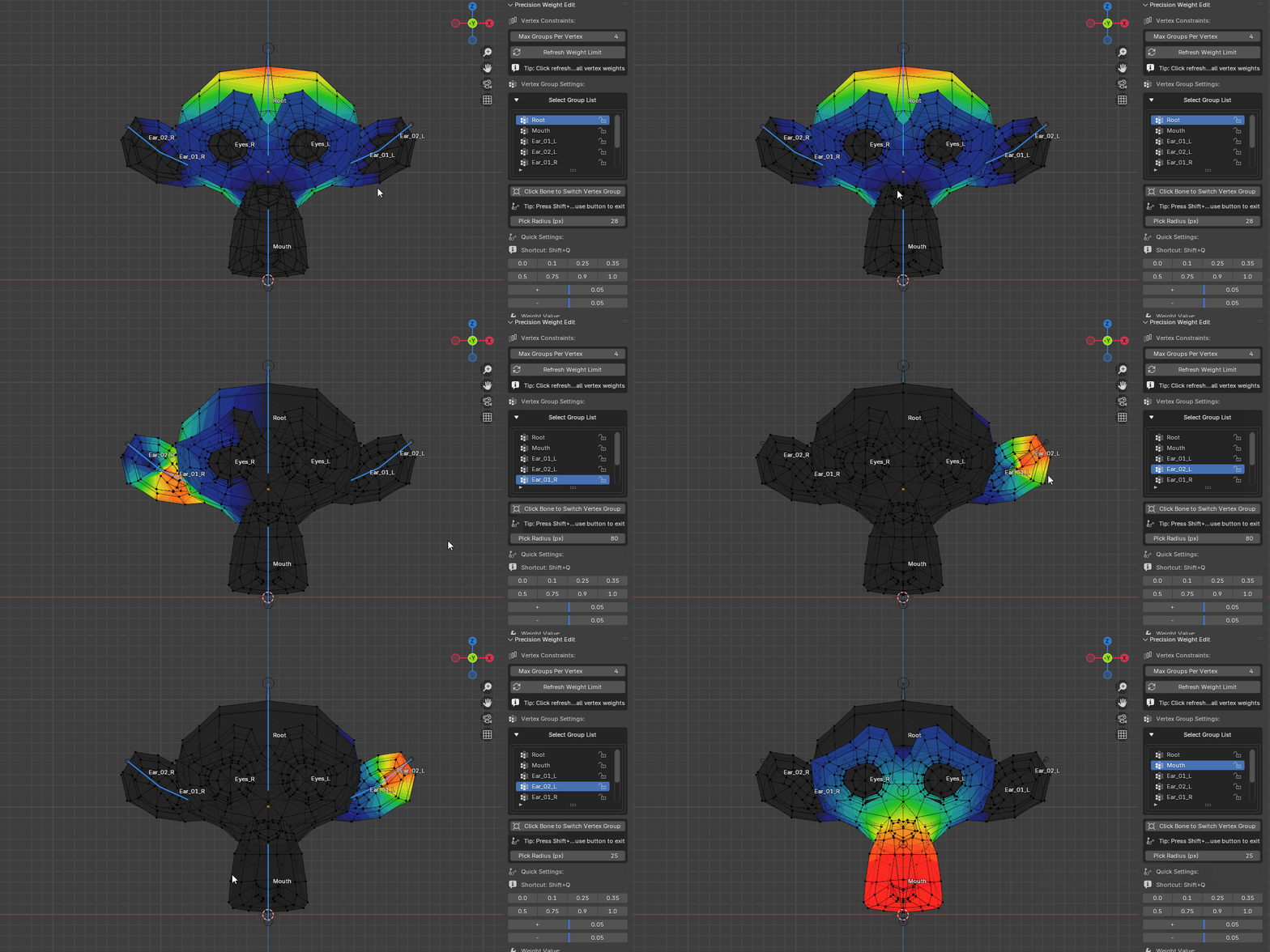
3. Click Bone to Switch Vertex Group
- **Function Button**: Click to activate bone selection mode
- **Pick Radius (px)**: Adjust the pixel radius for click selection (default 28px)
- **Shortcut**: `Shift + Alt + E`
- **Exit Method**: Press `ESC` key or right-click mouse
4. Quick Settings
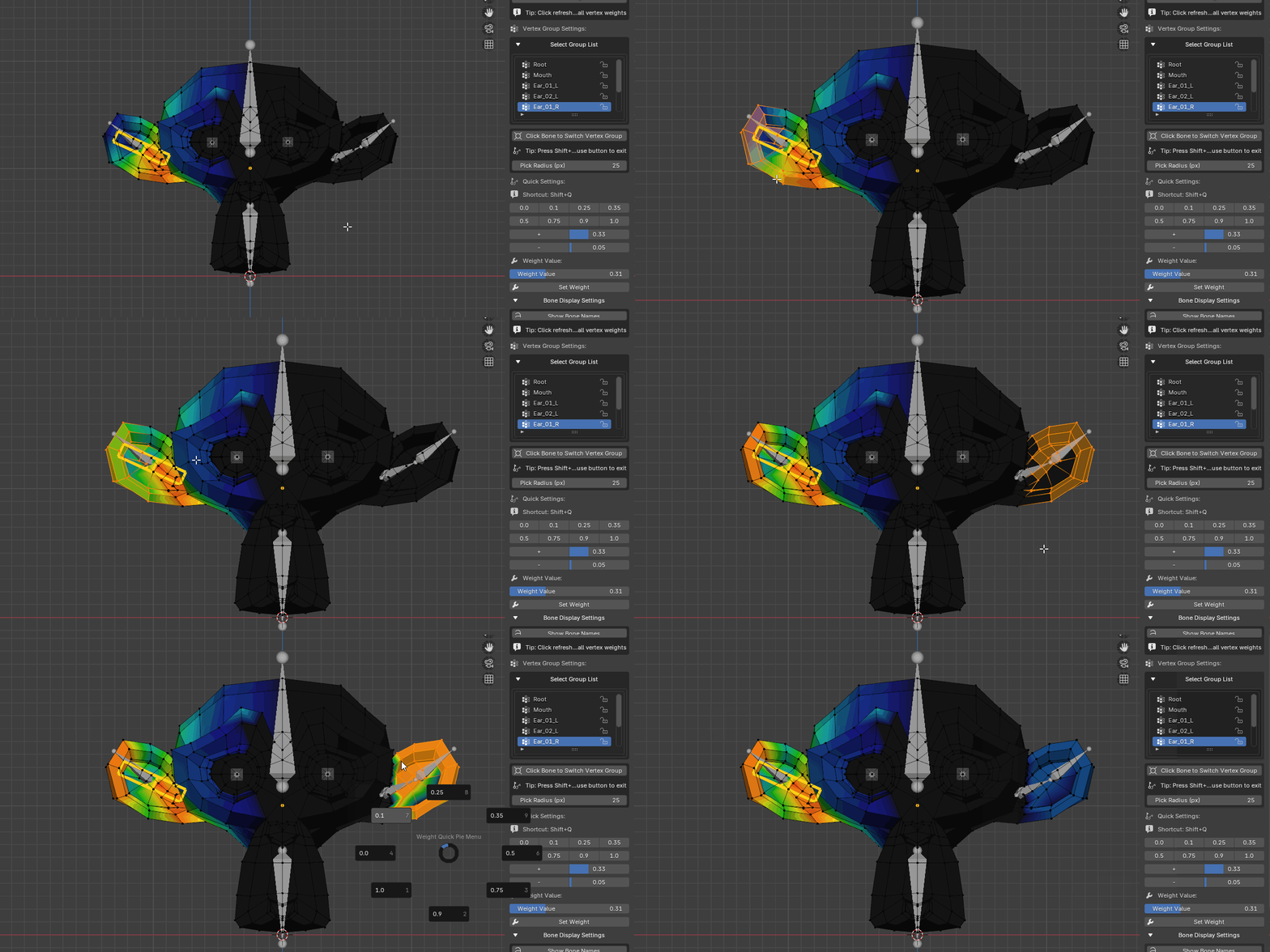
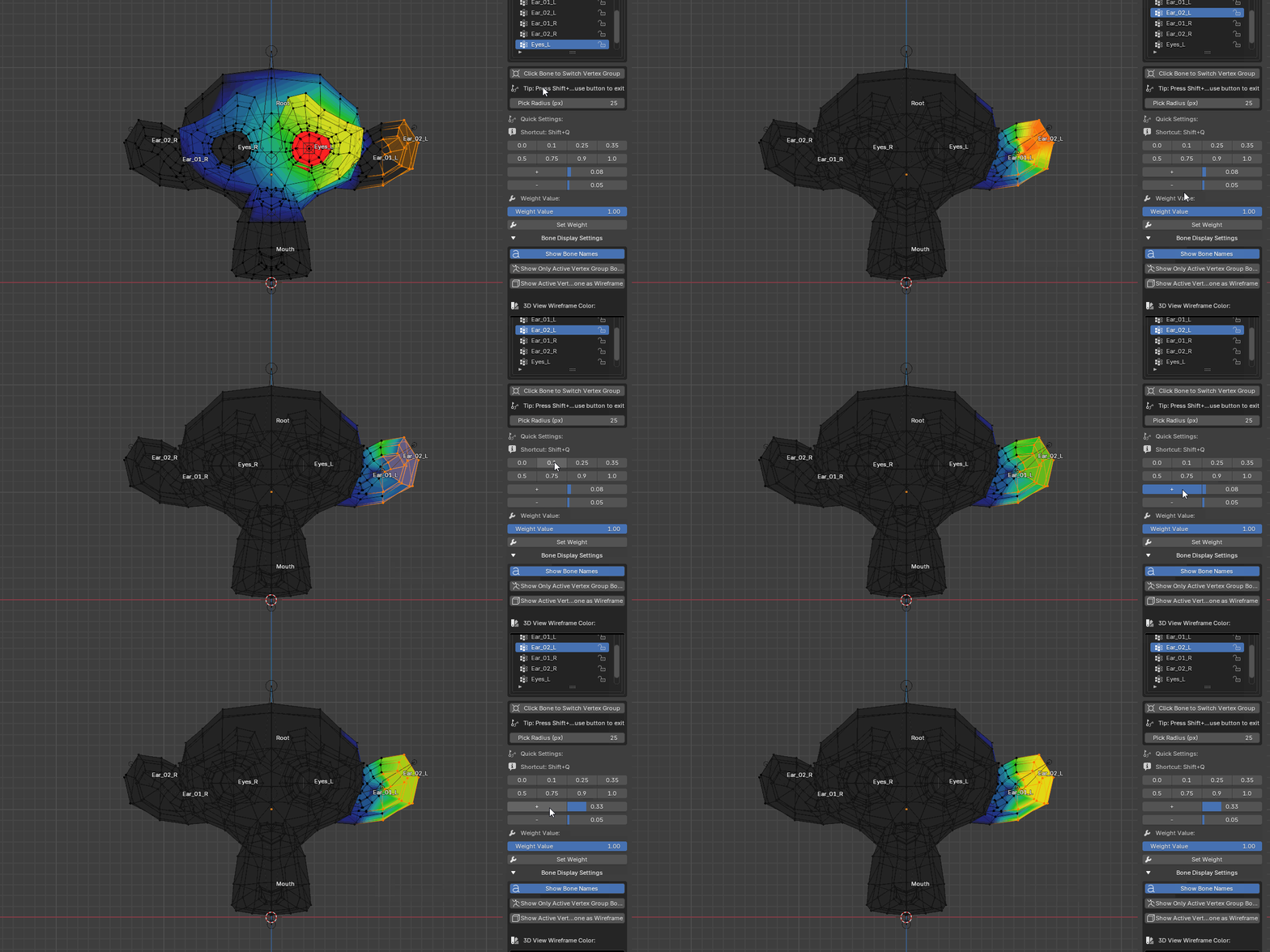
- **Weight Value Buttons**: Quick setting of common weight values
- First row: 0.0, 0.1, 0.25, 0.35
- Second row: 0.5, 0.75, 0.9, 1.0
- **Weight Adjustment**:
- `+` button: Increase weight (default increment 0.05)
- `-` button: Decrease weight (default increment 0.05)
- Customizable increment values
5. Weight Value Settings
- **Slider**: Precise adjustment of weight value (0.0 - 1.0)
- **Set Weight Button**: Apply current weight value to selected vertices
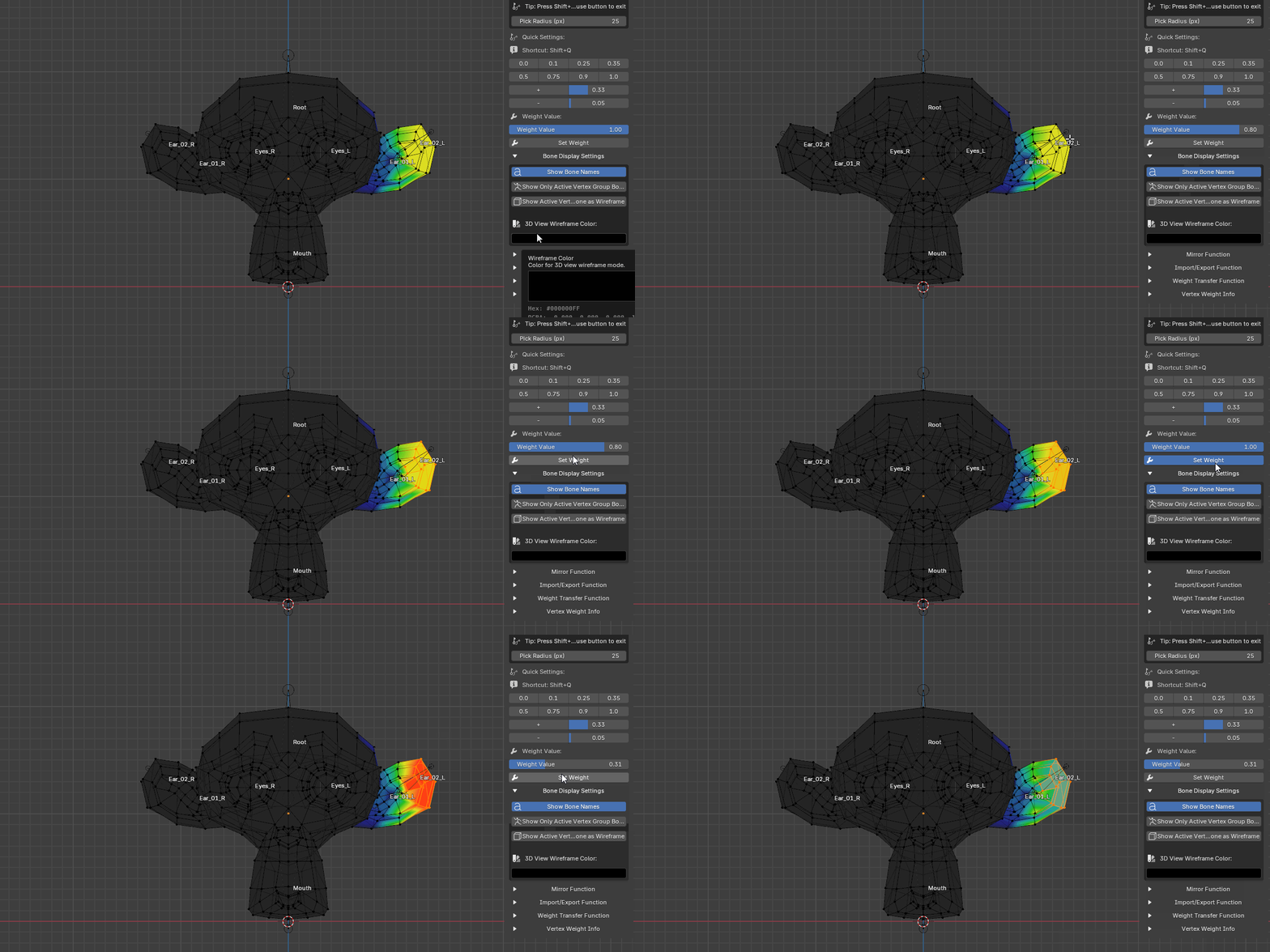
6. Bone Display Settings (Collapsible)
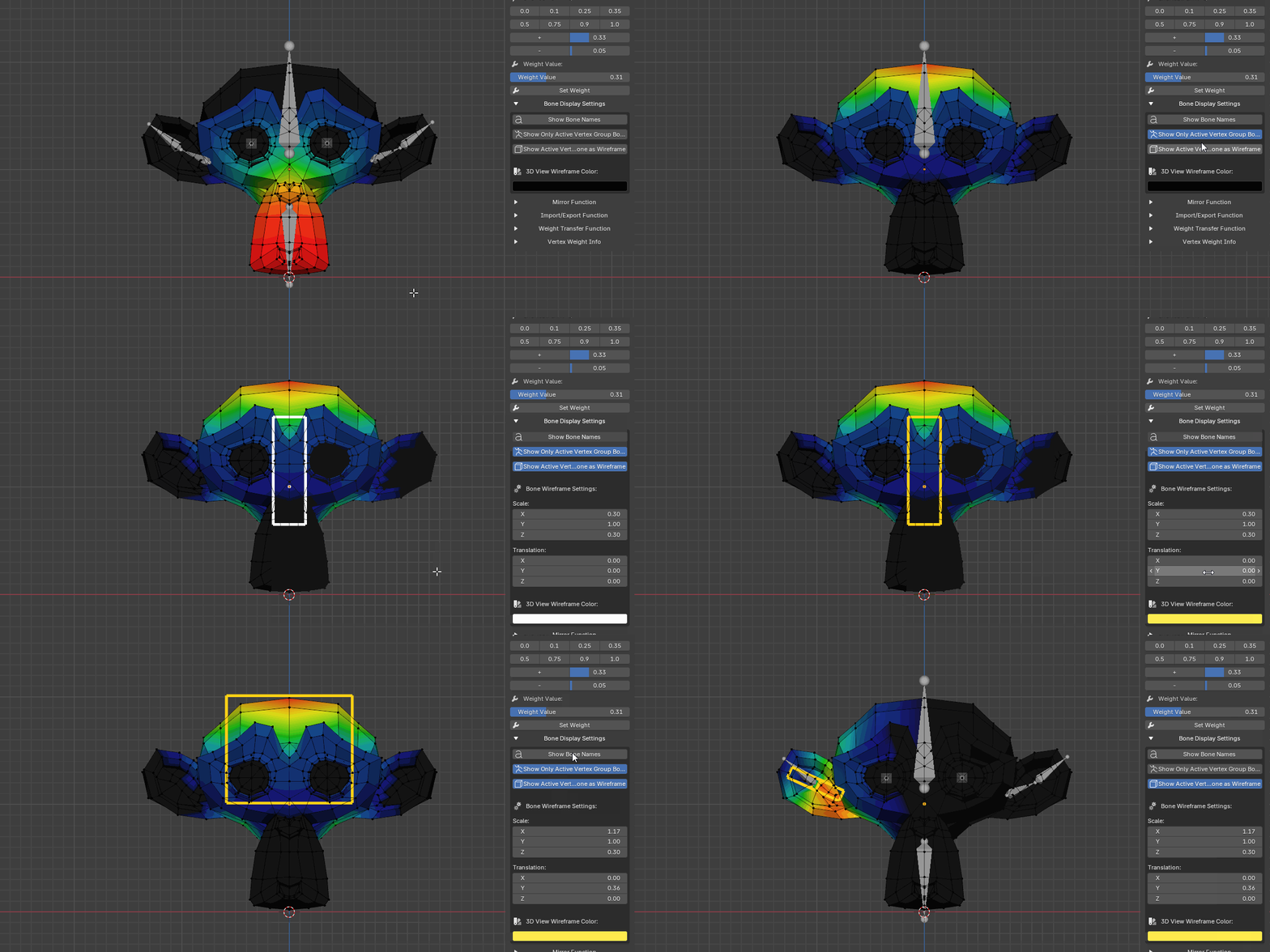
- **Show Bone Names**: Toggle bone name display/hide
- **Show Only Active Vertex Group Bone**: Only show bones corresponding to the current active vertex group
- **Show Current Vertex Group Bone as Wireframe**:
- Display bones corresponding to current vertex group in wireframe mode
- **Bone Wireframe Scale**: Adjust custom shape scale (X, Y, Z)
- **Bone Wireframe Translation**: Adjust position offset (X, Y, Z)
- **3D View Wireframe Color**: Set wireframe display color
7. Mirror Function (Collapsible)
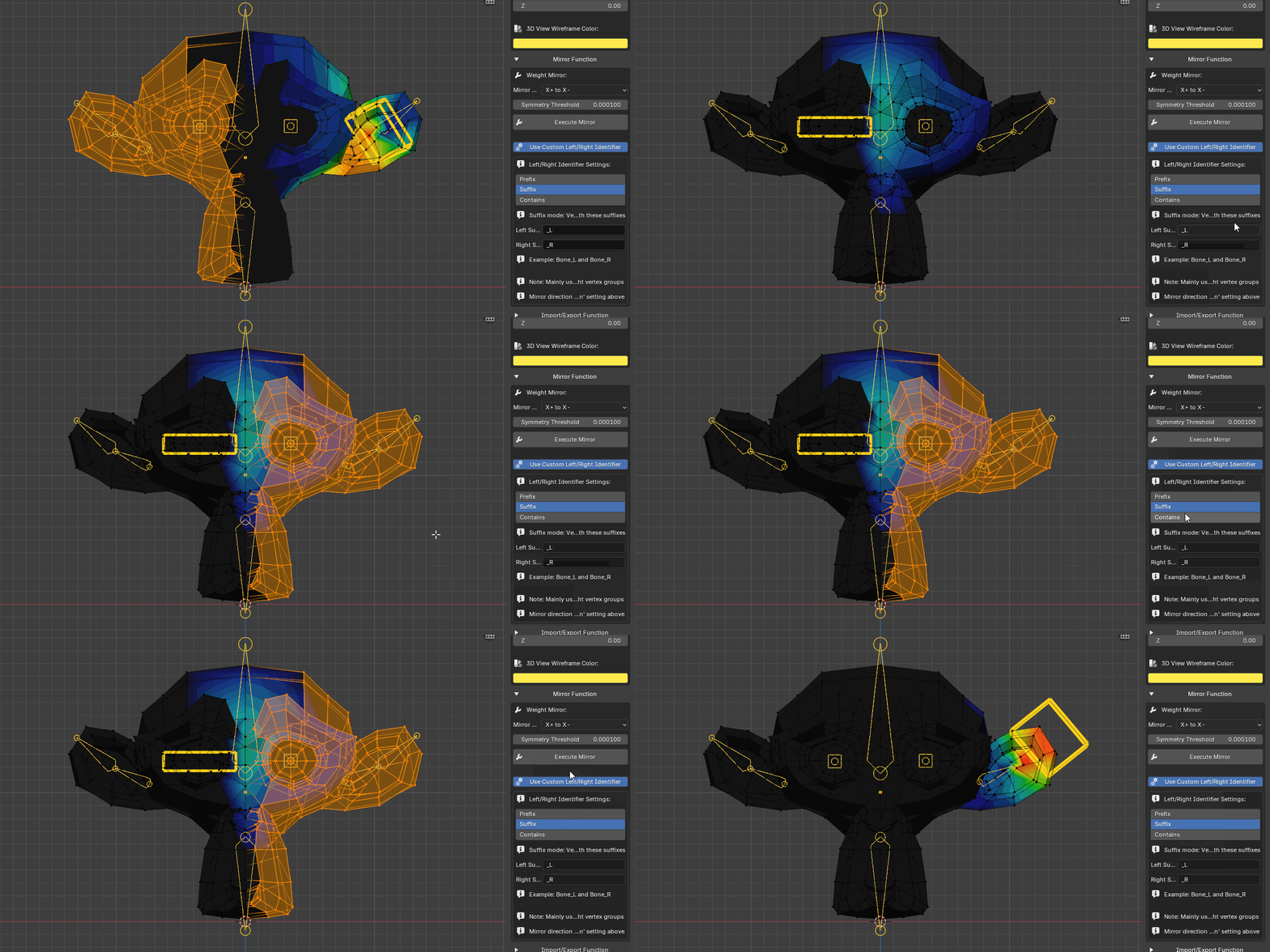
- **Mirror Direction**:
- X Positive to X Negative: Mirror from X positive to X negative direction
- X Negative to X Positive: Mirror from X negative to X positive direction
- **Symmetry Threshold**: Tolerance for determining if vertices are on the mirror axis (default 0.0001)
- **Auto Normalize**: Automatically normalize weights after mirroring
- **Use Custom Left/Right Identifiers**:
- **Identifier Mode**:
- Prefix: Vertex group name starts with specified prefix
- Suffix: Vertex group name ends with specified suffix
- Contains: Vertex group name contains specified identifier (recommended)
- **Left Identifier**: Default `_L_`
- **Right Identifier**: Default `_R_`
8. Import/Export Function (Collapsible)
- **Export Weights**: Export current object's vertex weights as JSON file
- **Import Weights**: Import vertex weights from JSON file to current object
9. Weight Transfer Function (Collapsible)
- **Source Object**: Select weight source object
- **Transfer Mode**:
- Nearest Neighbor: Use nearest neighbor algorithm to match vertices (fastest)
- Distance Threshold: Match vertices within distance threshold (more precise)
- Normal Projection: Use normal projection to match vertices (suitable for similar topology)
- **Distance Threshold**: Only effective in distance threshold mode
- **Create Non-existent Vertex Groups**: Automatically create vertex groups that don't exist in target object
10. Vertex Weight Information (Collapsible)
- Display weight distribution of selected vertices
- Single vertex: Directly display weight distribution
- Multiple vertices: Grouped display by weight distribution
- Click vertex group names to quickly set weights
