 Blender Guppy


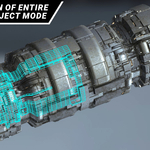
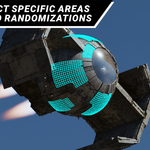
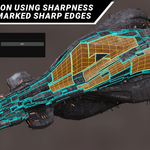

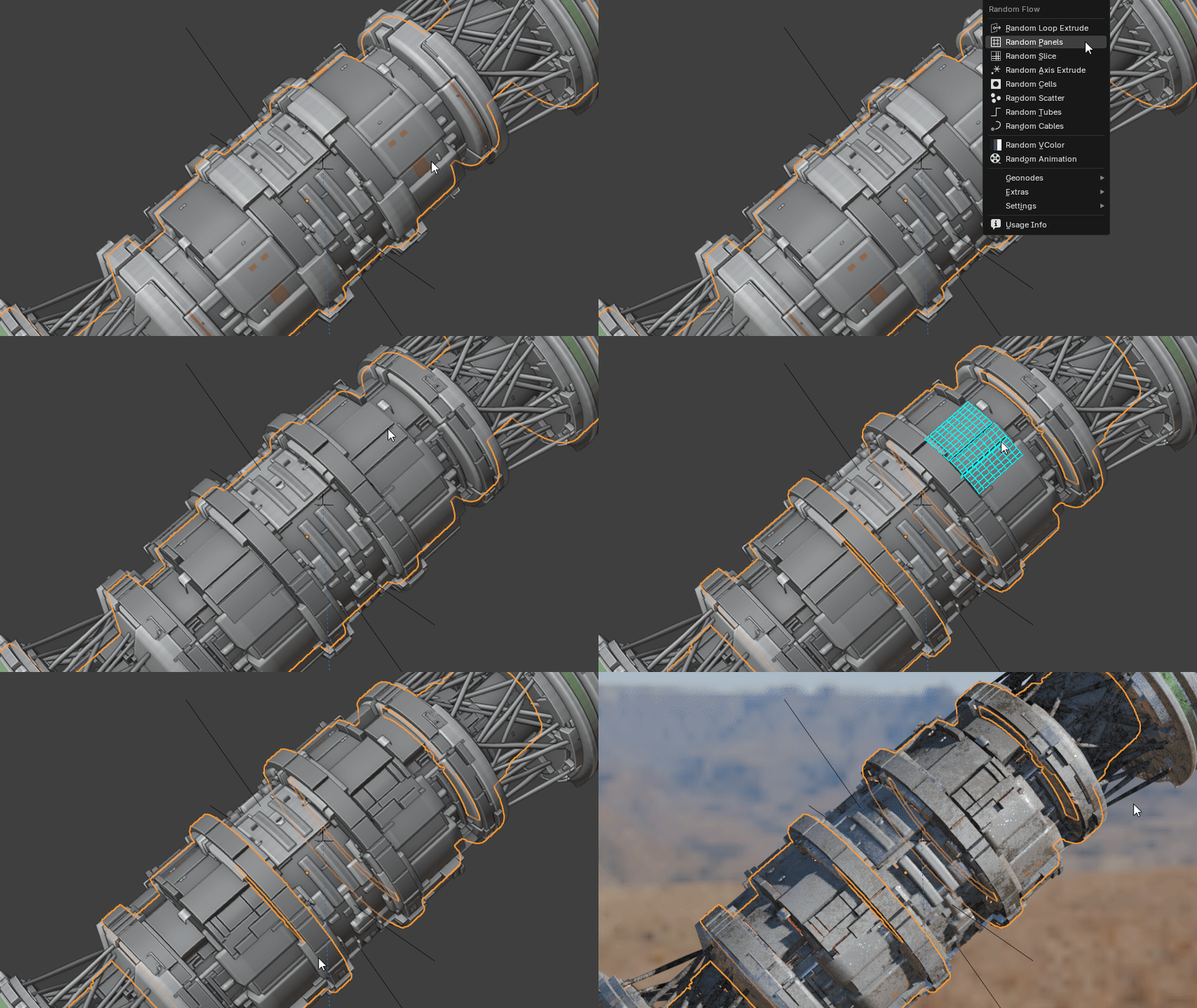
The Preselect add-on is a support tool for the Random Flow add-on. It is designed to make it easier and faster selecting large areas of faces both in object and edit mode and immediately use it for generating randomized meshes.
While made primarily for Random Flow, its select functionality can also be used outside of this, allowing you to use this for quickly extruding those areas instead for example.
Read the online documentation here: https://www.blenderguppy.com/add-ons/preselect
Watch the Youtube tutorial here: https://youtu.be/SOxDTC6CD4Y
This does not work with the bgdiscount25 discount code because of its price.
The select functionalities as are follows:
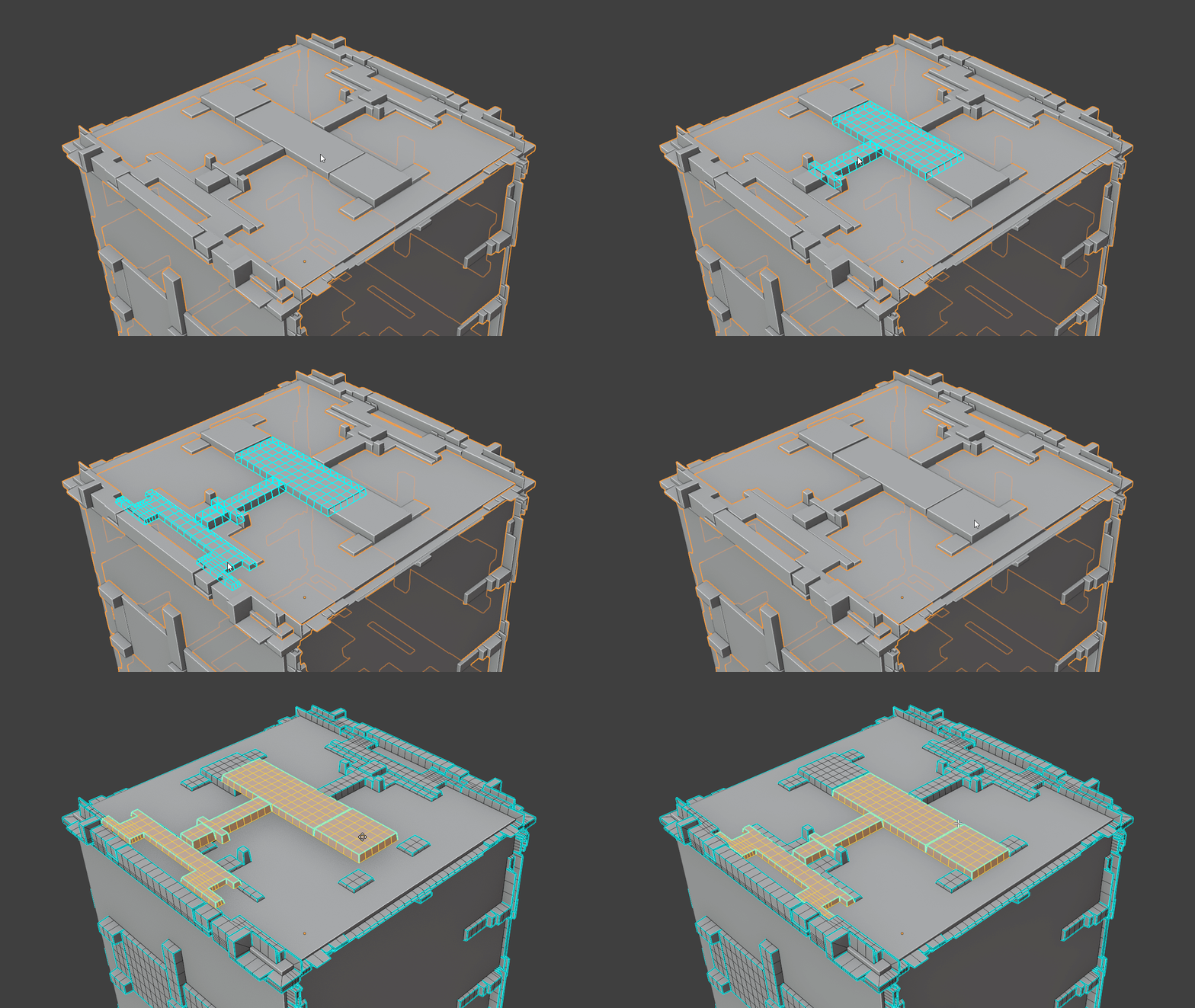
Linked Flat Faces
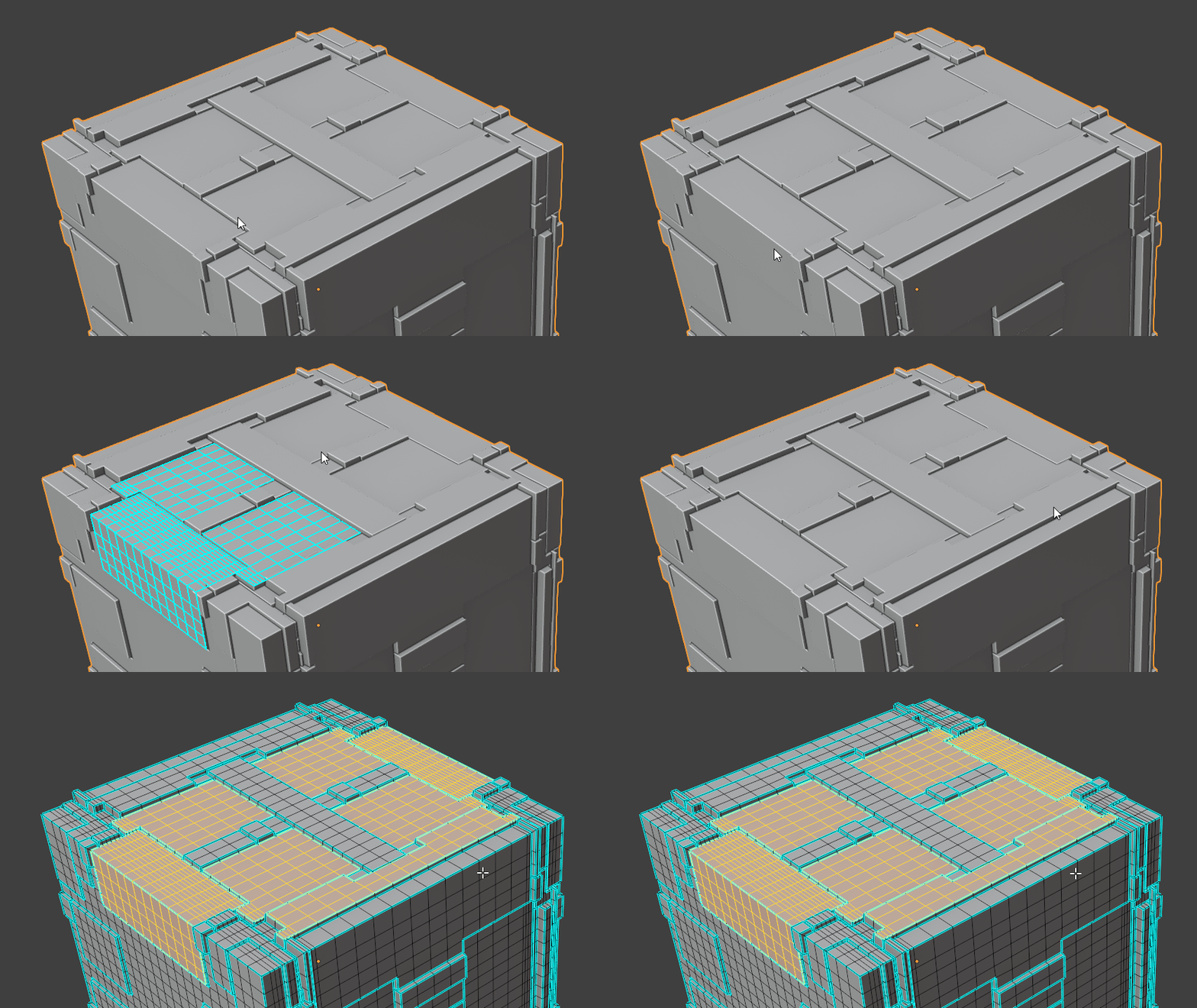
This can be activated using the Shift F hotkey. The face detected under the mouse cursor and all connected faces to it will be selected with the selection delimited by a sharpness threshold.
Linked
This can be activated using the Ctrl Shift F hotkey. The face detected under the mouse cursor and all connected faces to it will be selected with the selection delimited by boundary or terminator edges. This is used to select entire face islands.
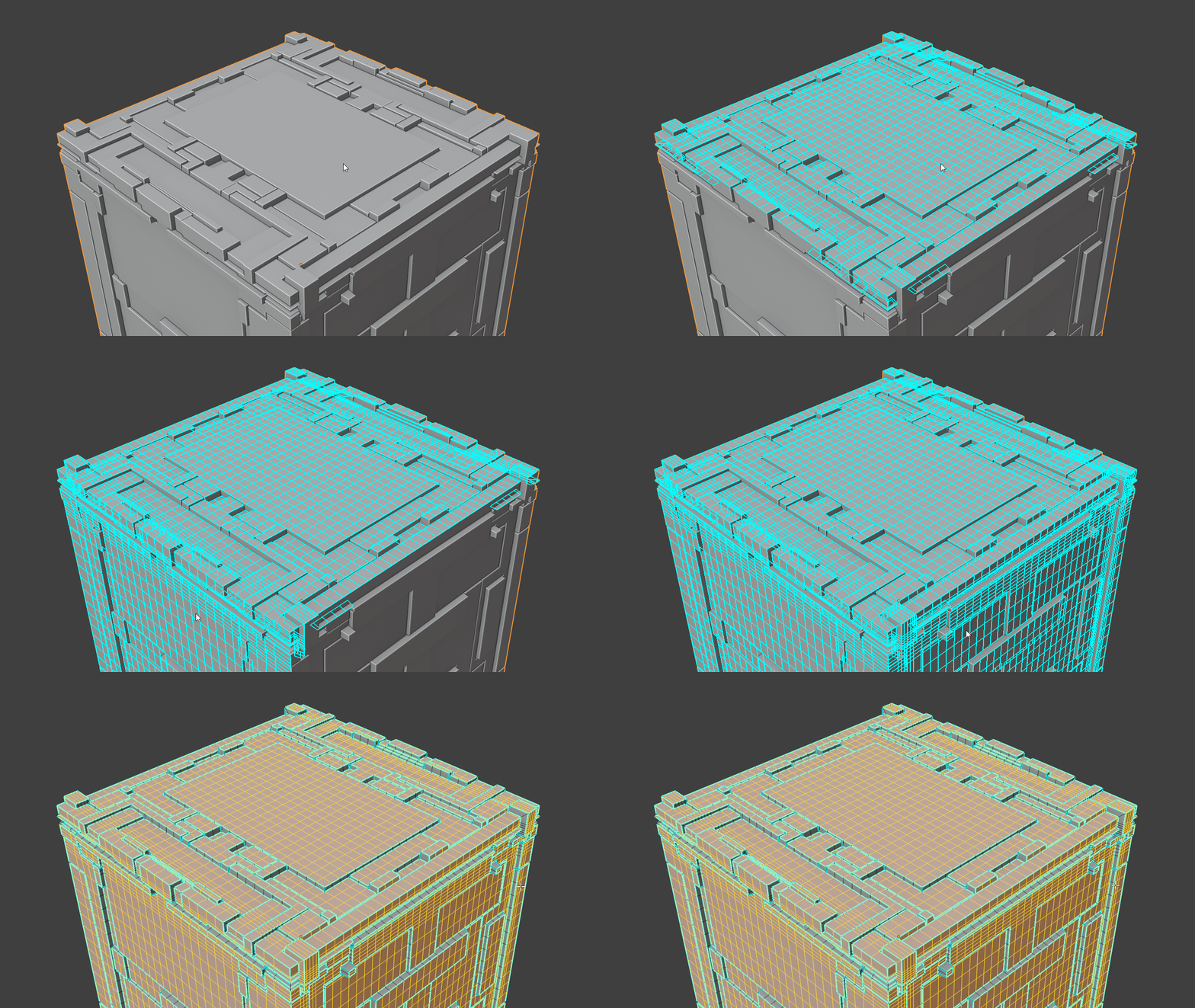
Select Similar Coplanar
This can be activated using the Ctrl Alt Shift F hotkey. The face detected under the mouse cursor will have its planar height used to select all other faces sharing the same plane. This is very useful for quickly selecting faces from an area of the model where most of the details face the same direction.
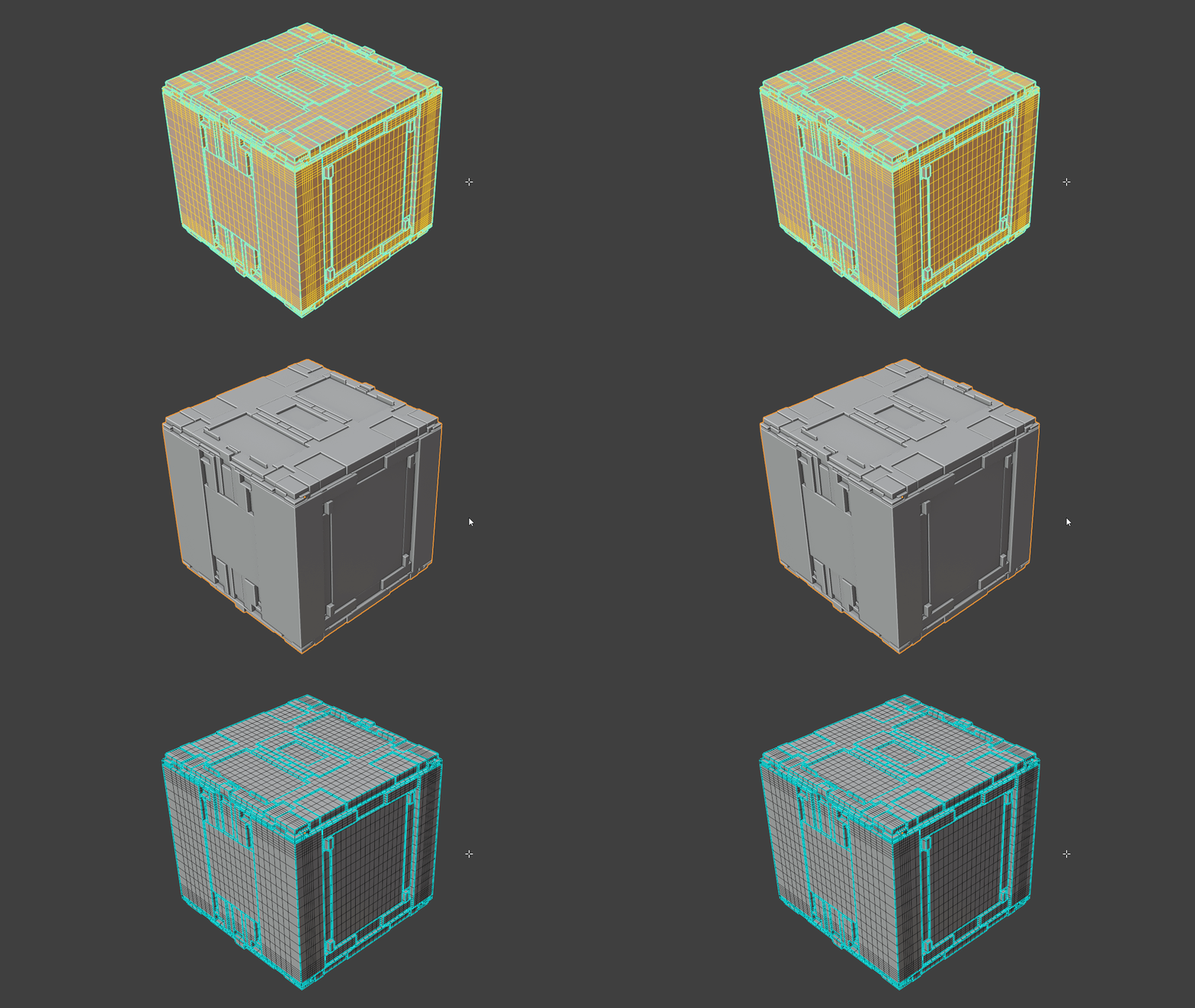
Deselect All
This can be activated using the Ctrl Shift A hotkey. This requires no face detection and can be used with the mouse cursor anywhere in the viewport. This deselects all selected faces in the mesh and is useful for clearing out any previous selection so a new one can be made for randomization.
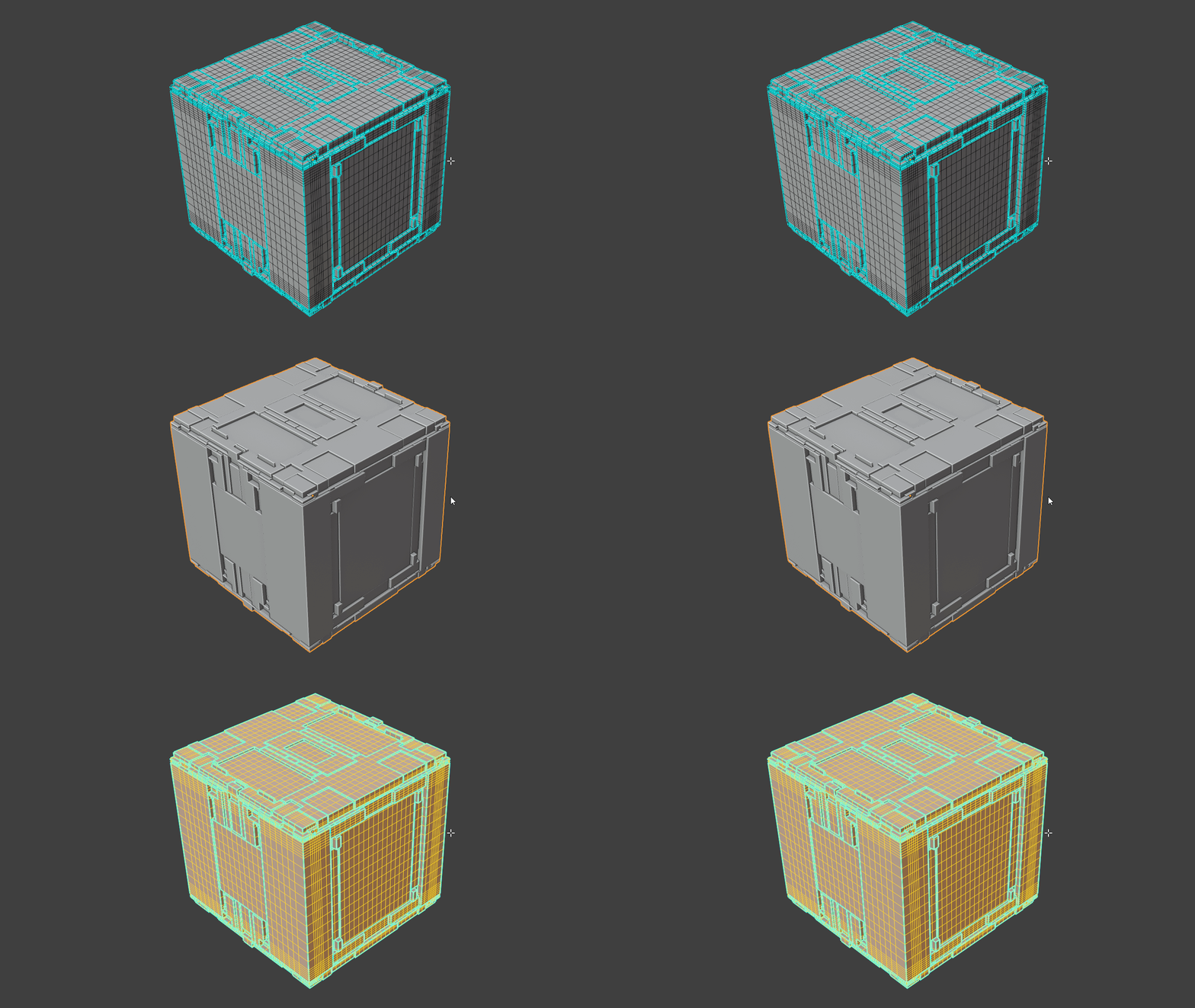
Select All
This can be activated using the Ctrl Alt Shift A hotkey. This also does not require any face detection and can be used with the mouse cursor anywhere in the viewport. This selects all the faces in the mesh and is useful for quick global randomization.
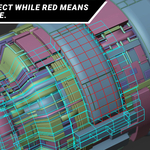
The add-on operates using a simple drawing overlay which will only display in object mode. Blue for selected faces and Red for deselected faces.

This will allow you to quickly layer randomization using Random Flow while staying completely in object mode.
This is a lifetime purchase and all updates are free. Emails will be sent to notify you of the update and all you have to do is log in to the store and download you free update in your product library.
