Print Cost & Time Calculator
 Sonneblom Digitaal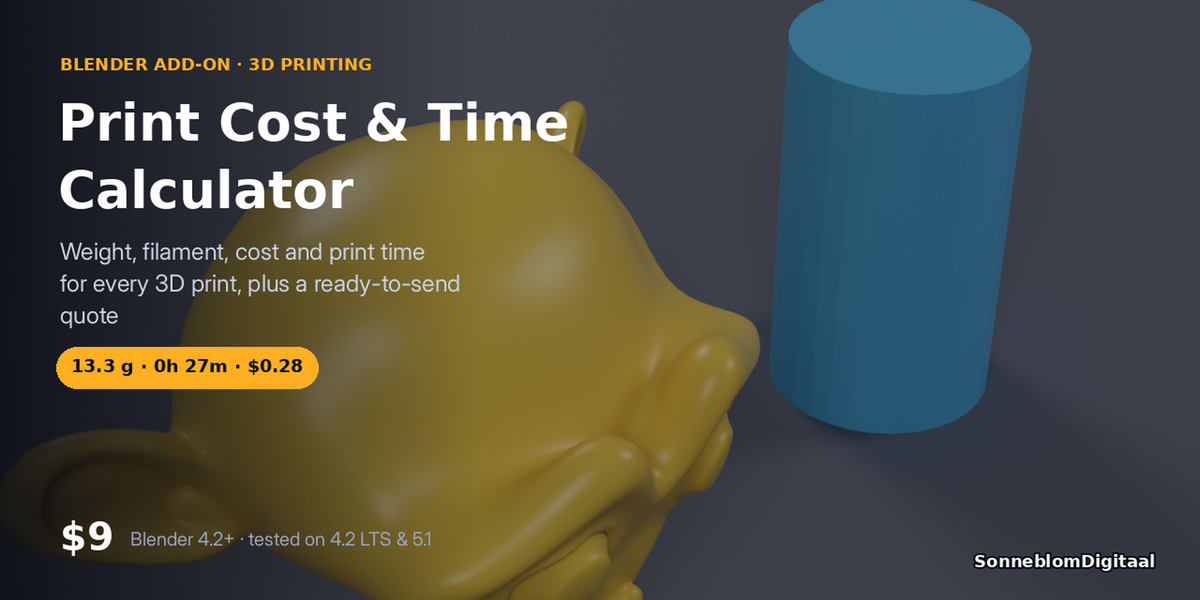





Version 1.0.0 · Blender 4.2 or newer · tested on 4.2 LTS and 5.1
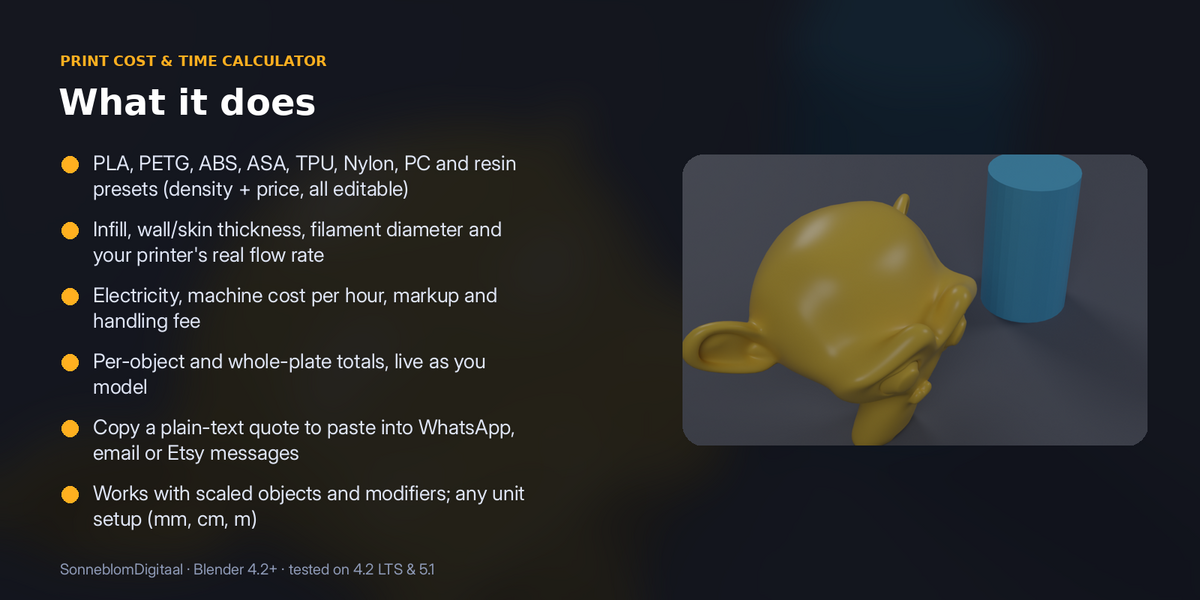
Know what a print costs before you slice it. Select your models and the sidebar shows grams, metres of filament, an estimated print time and the full cost: material, electricity and machine time. Selling prints? Set your markup and copy a clean quote with one click.
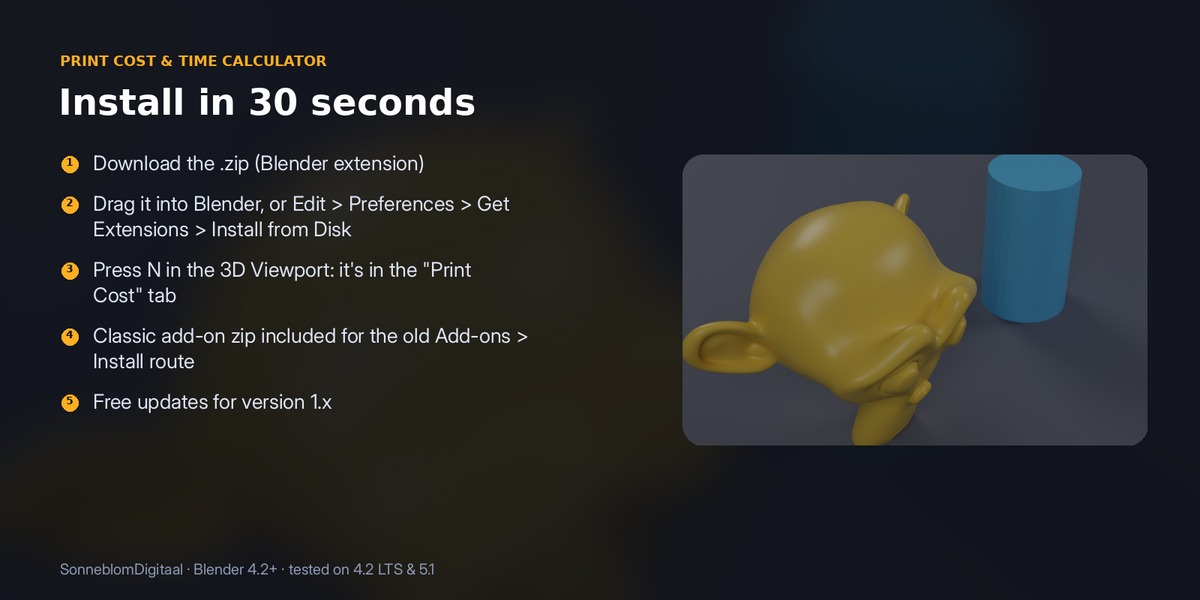
1. Install
The download contains two files. Use the one that matches how you install add-ons:
- print_cost-1.0.0.zip (Blender extension, recommended): in Blender go to Edit > Preferences > Get Extensions, open the drop-down arrow at the top right, choose Install from Disk… and pick the zip. Do not unzip it.
- print_cost-1.0.0-legacy.zip (classic add-on folder): Edit > Preferences > Add-ons, drop-down arrow, Install from Disk…. Use this one if you manage add-ons as folders.
Make sure it is enabled, then in the 3D Viewport press N and open the Print Cost tab. It has no extra dependencies.
2. How to use it
- Select one or more mesh objects (or untick Selected objects only to measure every visible mesh).
- Choose the Material. The price per kg fills in from the preset; change it to what you pay.
- Set infill, wall/skin thickness, filament diameter and your printer's average flow (mm³/s). For resin you set layer height and seconds per layer instead.
- Read weight, filament length, time and cost per object and for the whole plate. The numbers update live as you model.
- Set your markup and handling fee, then click Copy quote to put a plain-text quote on the clipboard.
3. Settings
| Setting | Default | What it does |
|---|---|---|
| Model units | Scene | How big one Blender unit is. |
| Material | PLA | PLA, PETG, ABS, ASA, TPU, Nylon, PC, Resin or Custom; each has a density and a typical price. |
| Price per kg | 20.00 | Your material price. |
| Own density | Off | Use your own density in g/cm³. |
| Infill % | 15 | Infill inside the walls. |
| Wall/skin thickness mm | 1.2 | Solid shell around the model. |
| Filament Ø mm | 1.75 | Used for the filament length. |
| Avg flow mm³/s | 8 | Average volumetric speed of your printer/profile. Calibrate this once. |
| Travel/overhead % | 25 | Extra time for travel, heating and so on. |
| Waste/supports % | 5 | Extra material for supports, purge and failed starts. |
| Printer watts / Electricity per kWh | 150 W / 0.15 | Energy cost. |
| Machine cost per hour | 0 | Wear and depreciation. |
| Quote markup % / Handling fee | 100 / 0 | Added on top of cost in the quote. |
Model units: STL files have no units and are almost always in millimetres, while Blender's default scene counts 1 unit as 1 metre. Set Model units to 1 unit = 1 mm for imported STLs, or leave it on Scene to follow Scene > Units.
4. Limits
Estimates, not a slicer: time comes from your average flow rate, so calibrate it once against a real print.
5. Support and licence
Message us through Superhive with what happened (and the model, if you can) and we will help.
Print Cost & Time Calculator is released under the GNU General Public License v3 or later (GPL-3.0-or-later), like other Blender add-ons. You may use it commercially.
Have questions about this product?
Login to message
| Blender Extension Compatible | Yes |
| Published | 3 days ago |
| Blender Version | 4.2 - 5.1 |
| Extension Type | Add-on |
| Render Engine Used | Cycles |
| License | GPL |
Discover more products like this
filament calculator blender addon 3d print quote 3d printing print cost