 Creative Collections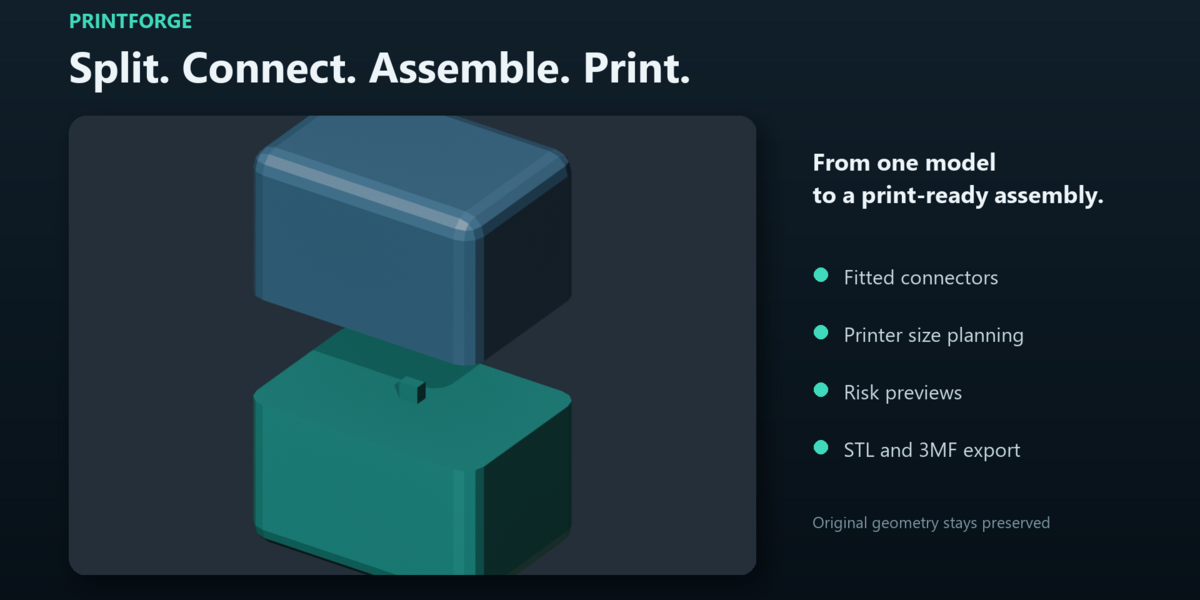
PrintForge
Turn a large model into an organized, connected print project.
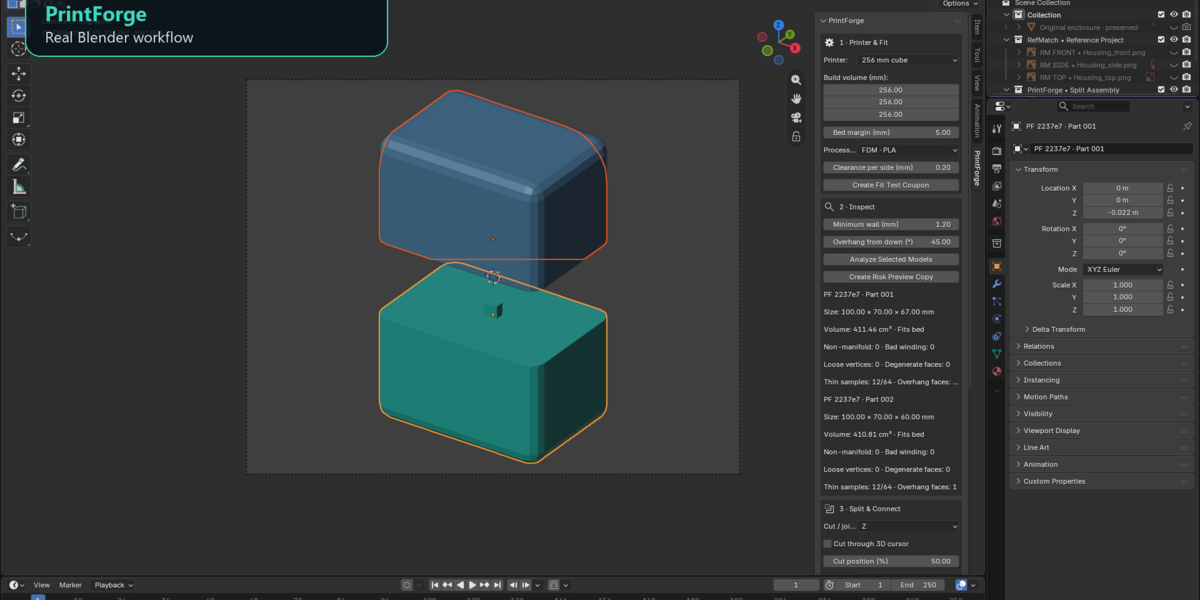
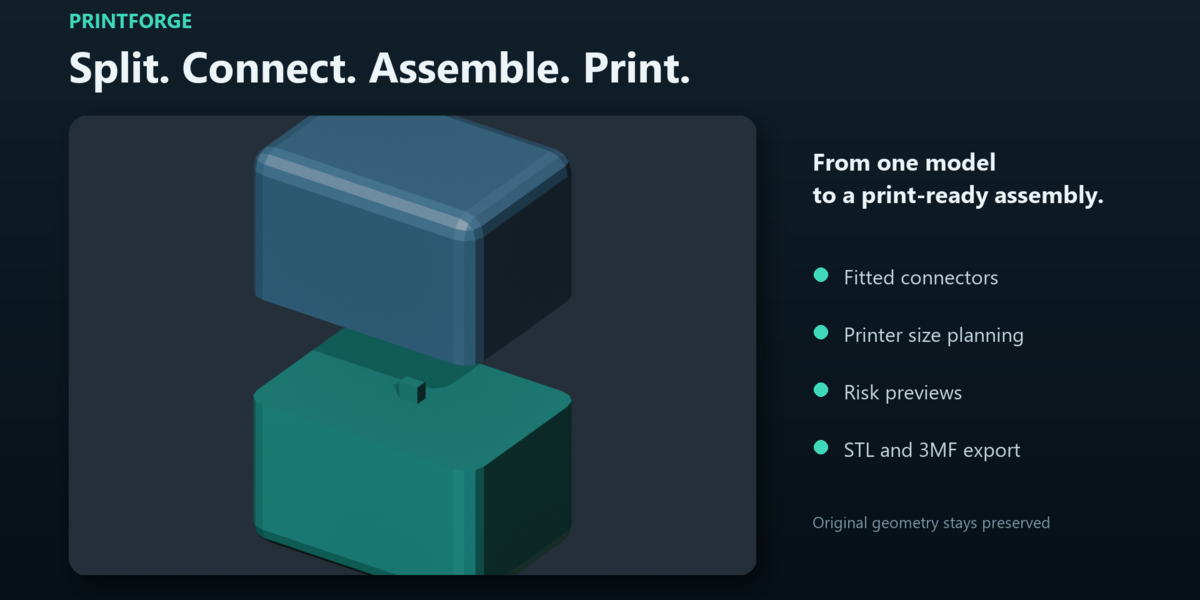
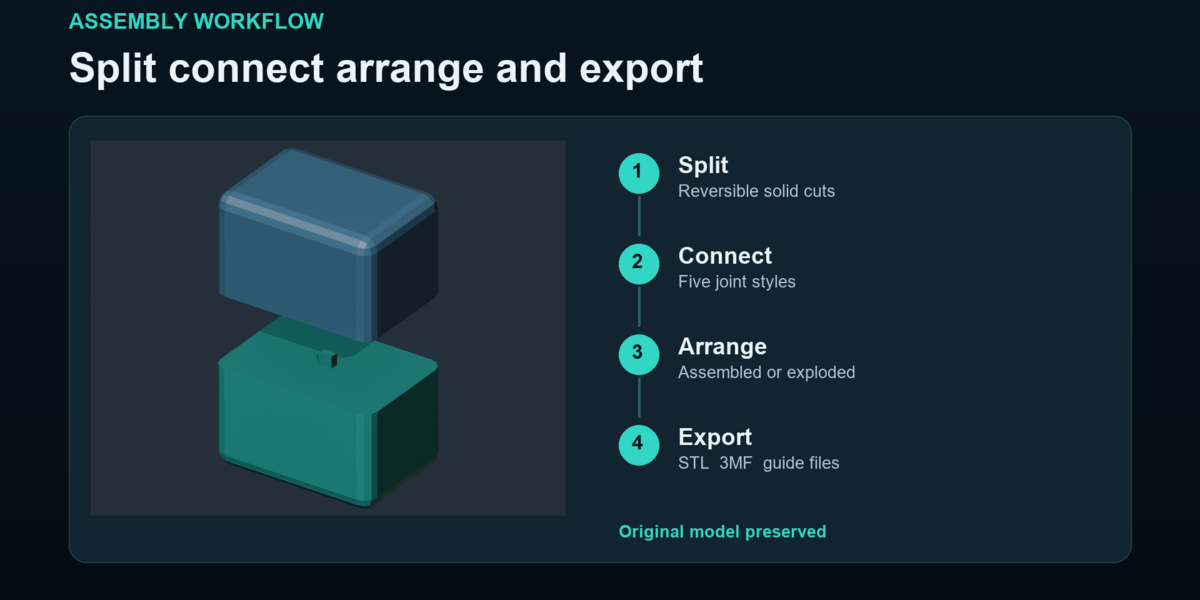
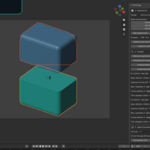
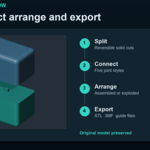
PrintForge brings model splitting, fitted connectors and assembly preparation into Blender. Set your printer dimensions, choose your clearances and divide a solid model into manageable parts while preserving the original geometry.
Place cuts where you need them, or generate a grid of parts sized for your printer’s build volume. Add integrated round pins, keyed rectangular joints, separate indexing pins, magnet recesses or insert pockets. Create a small fit coupon to check your chosen clearance before printing the complete assembly.
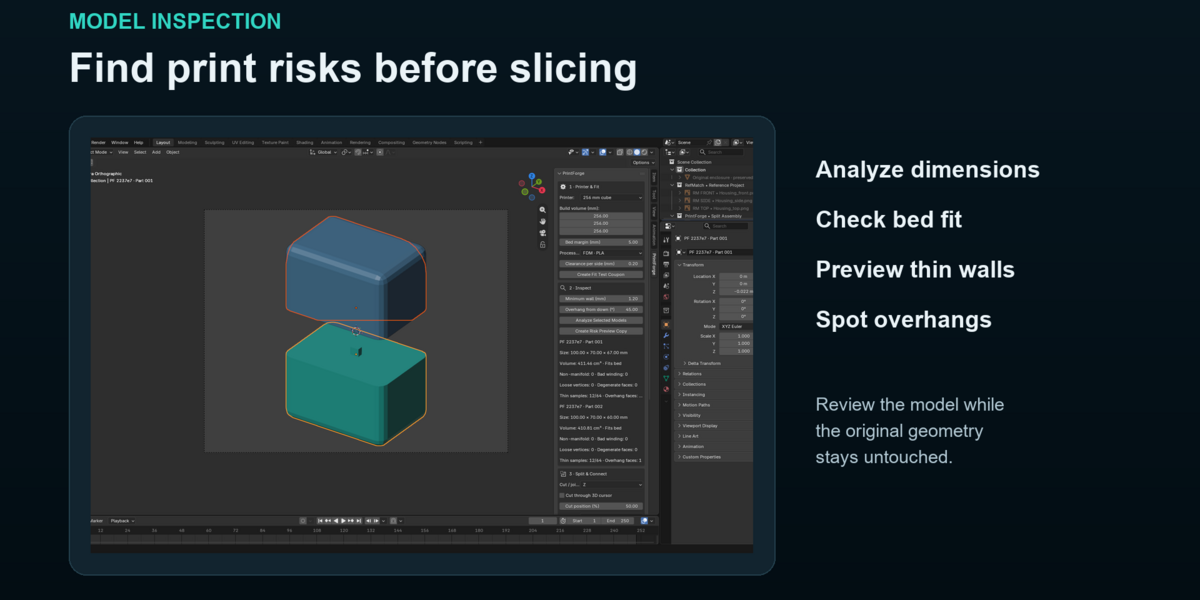
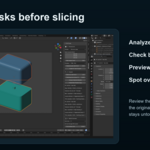
Inspect model dimensions, mesh integrity, sampled wall thickness and overhangs. Generate a colored preview to make potential problem areas easier to review.
Keep your parts organized with numbered identifiers, an exploded assembly view and separate plate layouts. Export individual STL files, an assembled 3MF and a printable assembly guide containing part dimensions and recorded connections.
Whether you are preparing a prop, enclosure or larger creative project, PrintForge gives you a practical path from a solid Blender model to parts ready for review in your slicer.
Works locally in Blender with no account, subscription or cloud service required.
