Print Pack Batch - STL & 3MF Folder Check, Fix and Export
 Sonneblom Digitaal
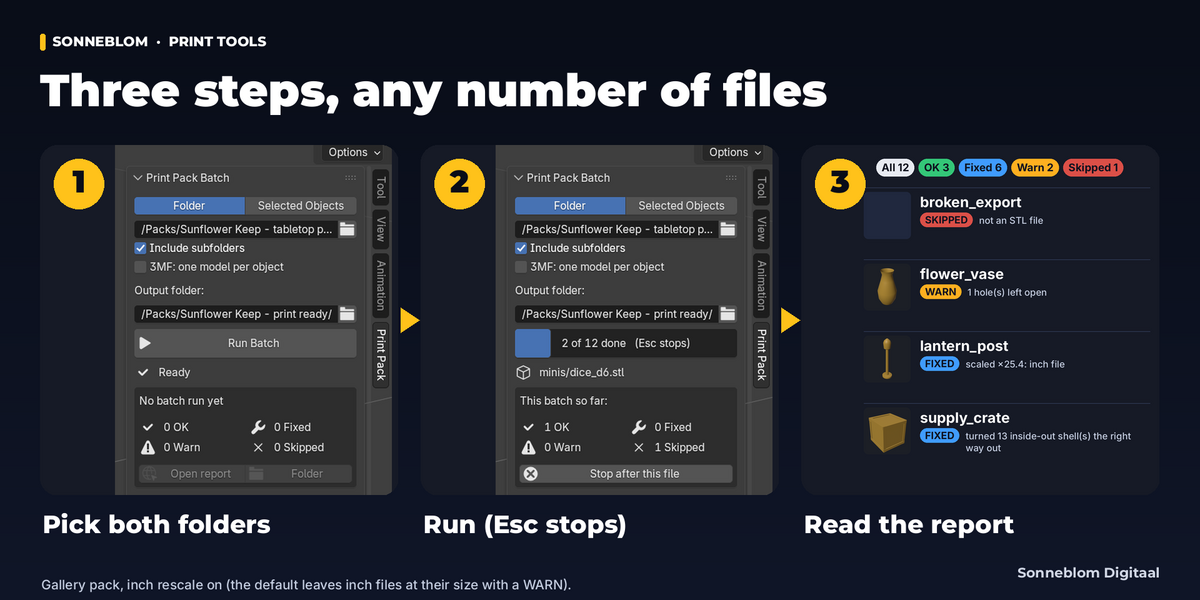
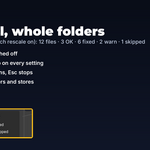
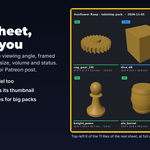

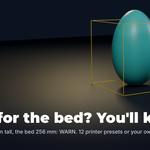
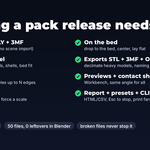
No. The input folder is only read. Everything is written to the output folder, which must not be the input folder (also checked by file identity, so another spelling of the same path or a hard link is caught); an export that would land on a source file is refused. With Include subfolders on, an output folder inside the pack that already holds other model files is refused when no earlier batch wrote there; after an earlier batch, model files it did not make are kept and exports with the same name are skipped. Selected objects in your scene are not changed either.
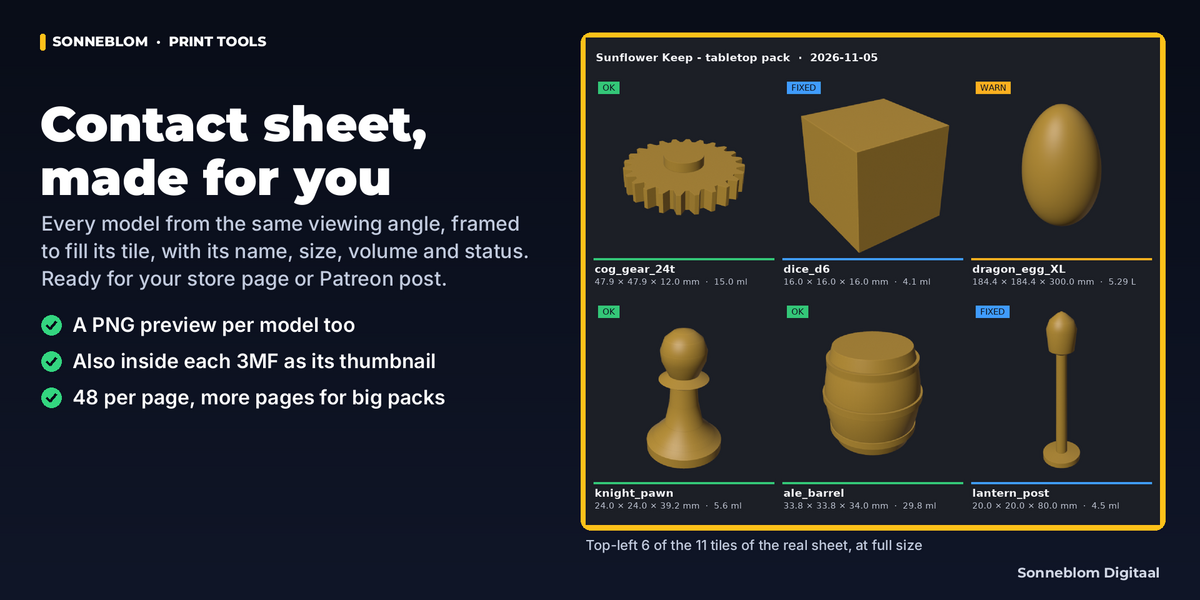
Yes, inside the batch (it does not import them into your scene; Blender has no built-in 3MF importer). Its own reader handles plates with several objects, components, build transforms (also mirrored) and every 3MF unit (micron, mm, cm, inch, foot, meter). Slicer-only parts of PrusaSlicer / Bambu Studio projects (modifiers, negative volumes, support blockers and enforcers) are left out with a note. By default a plate becomes one model; tick 3MF: one model per object to split it. It also writes 3MF (core specification, millimeters, with a thumbnail; placed in the middle of the bed when Center on X/Y is on).
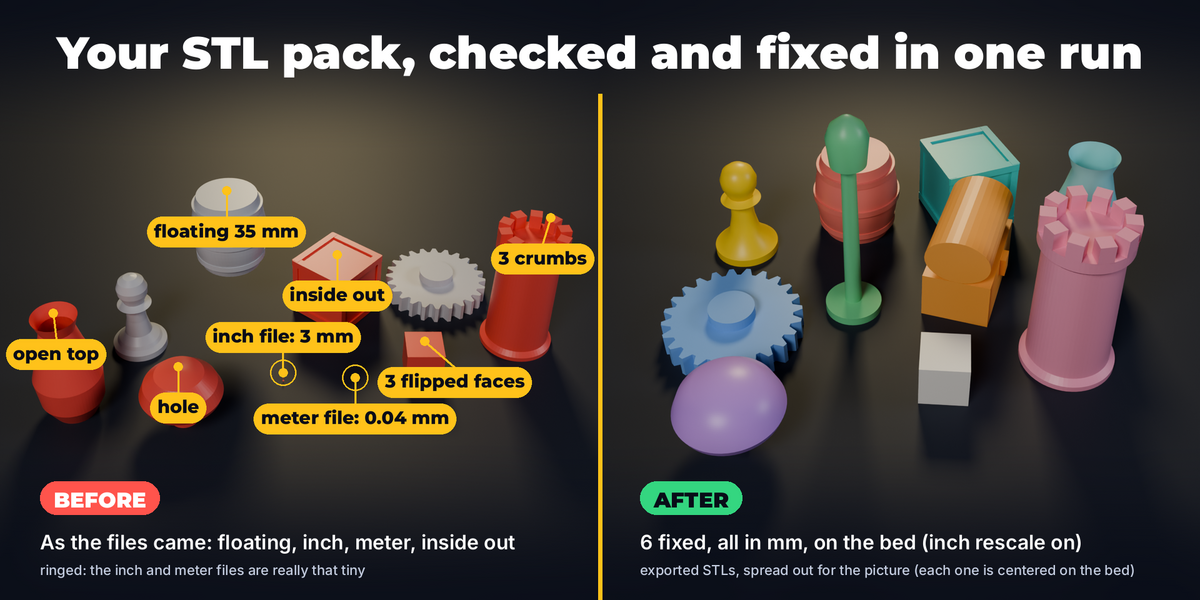
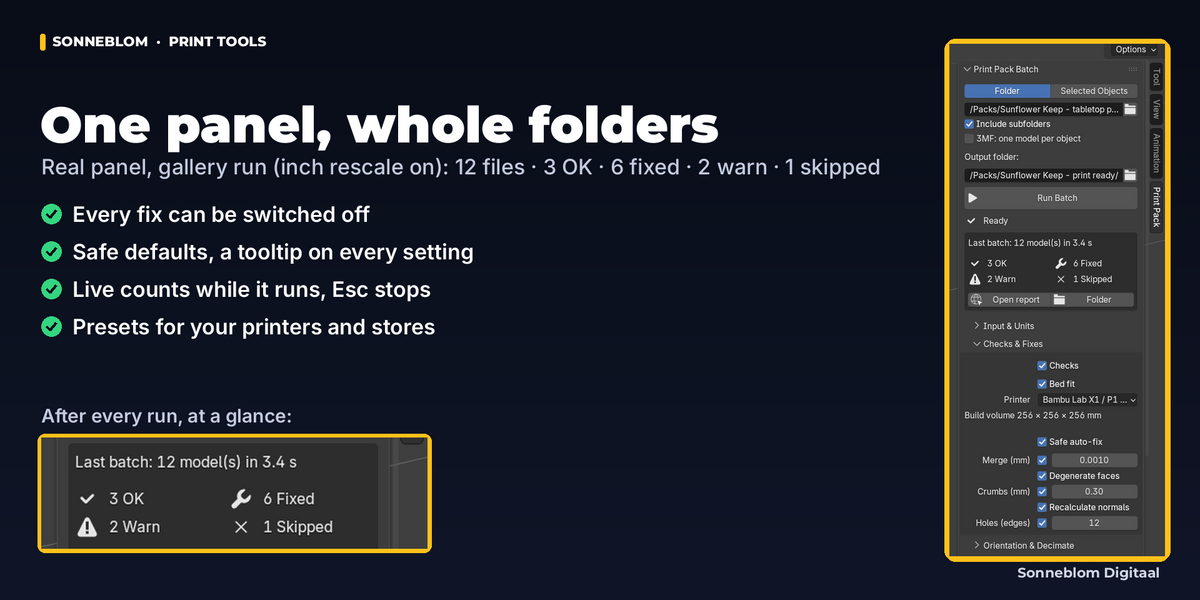
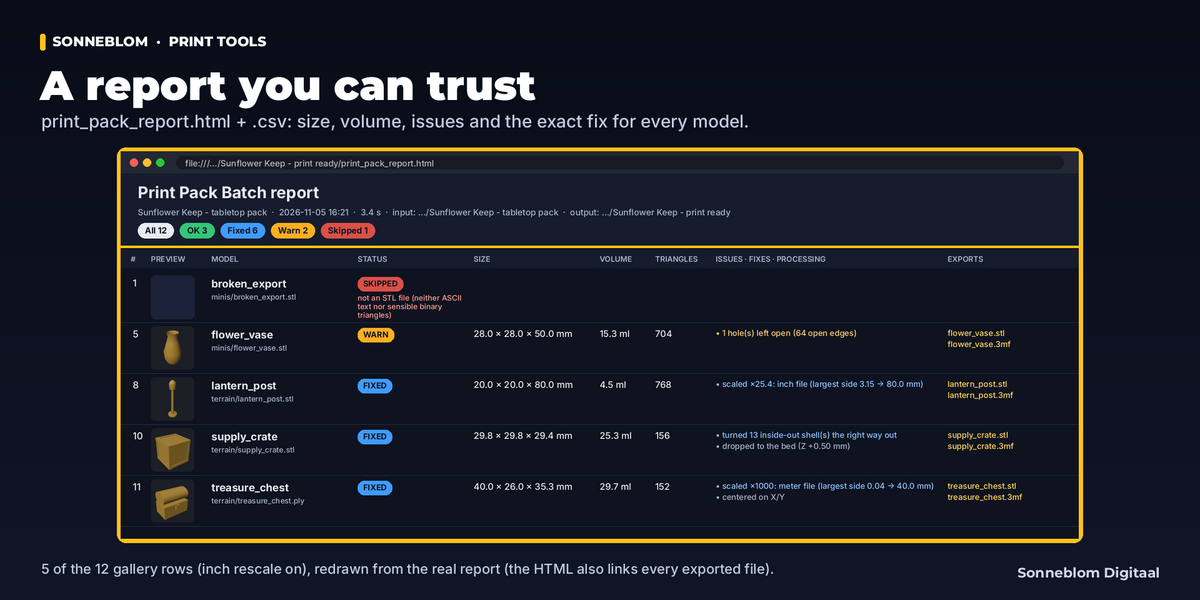
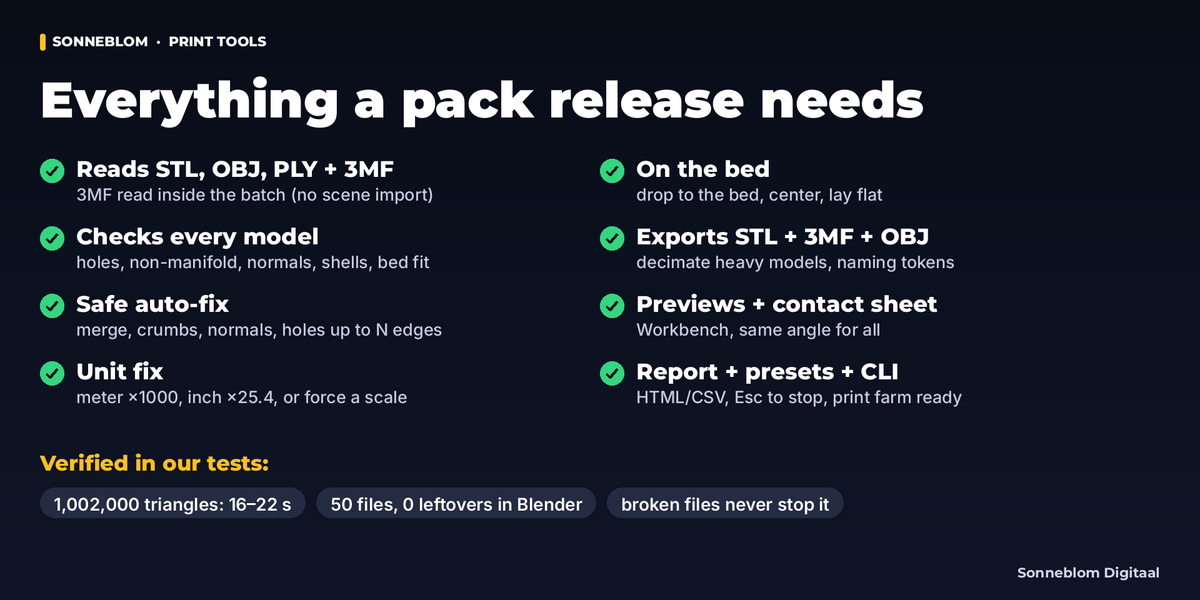
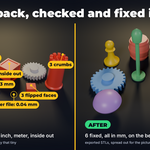
Only what is broken. It welds vertices that fall in the same 0.001 mm grid cell, removes duplicate and zero-area faces and deletes loose crumbs under 0.3 mm (and under 2% of the model). It makes normals consistent and outward (an inner cavity of a hollowed model stays a cavity) and fills holes up to 12 edges (not the outline of a flat sheet). Every change is listed in the report and each fix can be switched off. With Safe auto-fix off nothing is repaired; exact duplicate vertices are still joined, collapsed triangles dropped, and the unit fix and drop/center (Orientation) still apply.
STL, OBJ and PLY have no unit, so it looks at the size: a model whose largest side is under 1 mm is a meter file (×1000). Under 5 mm it is probably an inch file; that is rescaled (×25.4) only when you turn on Rescale inch files, otherwise the model gets WARN with the suggested size (and crumbs are not removed from it). You can also force a factor for all STL/OBJ/PLY files.
We test with a 1,002,000-triangle STL (50 MB): read, checked, normals fixed, exported to STL and 3MF and rendered in about 15-30 seconds on a small 2-core server, with a peak of 1.1-1.5 GB RAM for the whole Blender process. Plan about 1.5 GB of free RAM per million triangles (up to about twice that for ASCII STL, OBJ and ASCII PLY). Files over 4 GB are skipped.
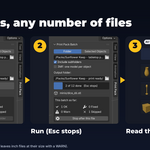
Yes: Esc (or the Stop button) stops after the current file or object. The exports made so far stay, and the report is written for what was done with the note 'canceled after N of M file(s)' (or object(s)). Opening another file or disabling the add-on during a batch stops it the same way.
Yes: blender -b --python-exit-code 1 --python-expr "import bpy; bpy.ops.print_pack.run(input_dir='/in', output_dir='/out', preset='farm')" (the Help sub-panel copies it for you). The add-on must be enabled in your preferences. The exit code is 1 when the batch could not start or stopped with an error (check the report for what was written), 0 when it ran to the end. Previews need a working OpenGL driver, which GPU-less servers usually lack: add previews='OFF' to the run (or use a preset with previews off); otherwise they are turned off after the first failure. On Windows use forward slashes in the paths. See Workflows in the Documentation tab.
No. Every model is recorded in the hidden .print_pack_journal.csv in the output folder as soon as it is exported. Set If the file exists = Skip model and run the batch again: the models already done are kept (with their report rows), only the rest is processed.
They never stop the batch. Files that cannot be used at all (empty, not an STL, damaged 3MF, a point cloud) are SKIPPED with the reason. Files that are damaged but still usable, such as a truncated STL ('truncated file: header says 1,200 triangles, only 800 complete ones present'), are exported from the readable part and get WARN with that note.
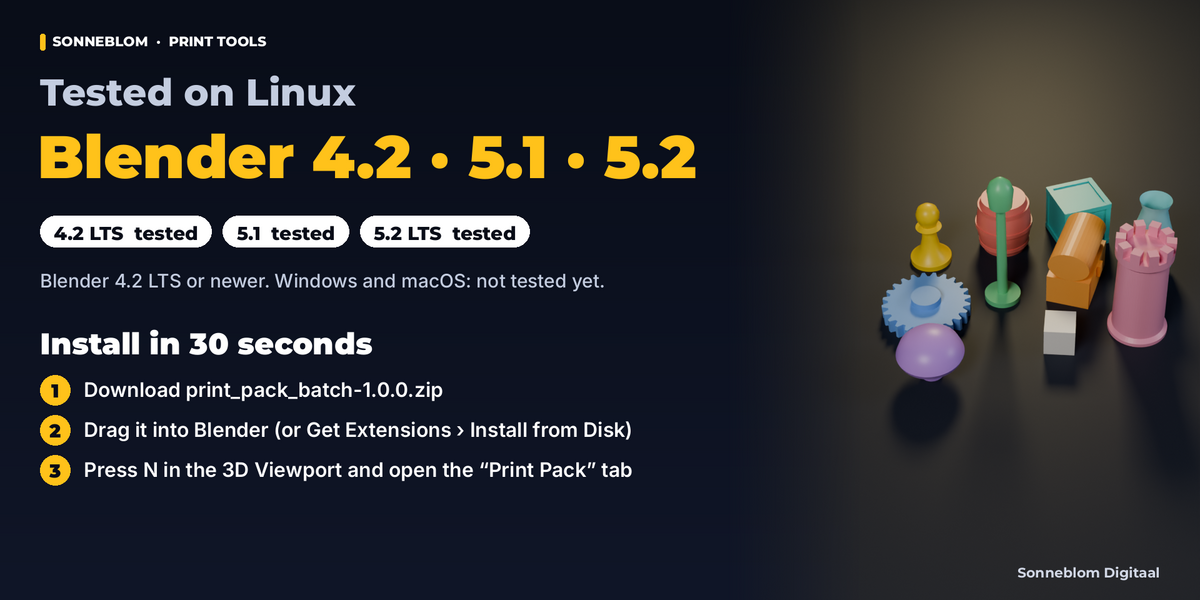
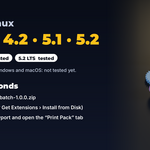
Blender 4.2 LTS or newer. Tested on Linux with 4.2 LTS, 5.1 and 5.2 LTS, with the extension zip and the legacy zip. Windows and macOS are not tested yet (the add-on is pure Python with no compiled code; Windows / macOS path cases are handled but untested).
Yes. A closed inner shell inside another closed shell is recognized as a cavity: its inward-facing normals are correct and are kept, and the volume is the outer volume minus the cavity. Only shells that really point the wrong way are flipped (up to the work limit, see Limits in the Documentation tab).
Have questions about this product?
Login to message
| Blender Extension Compatible | Yes |
| Published | about 2 hours ago |
| Blender Version | 4.2 - 5.2 |
| Extension Type | Add-on |
| License | GPL |
Discover more products like this
3MF batch-export STL Workflow 3d printing Import-Export mesh repair print farm