 Sonneblom Digitaal
What it does
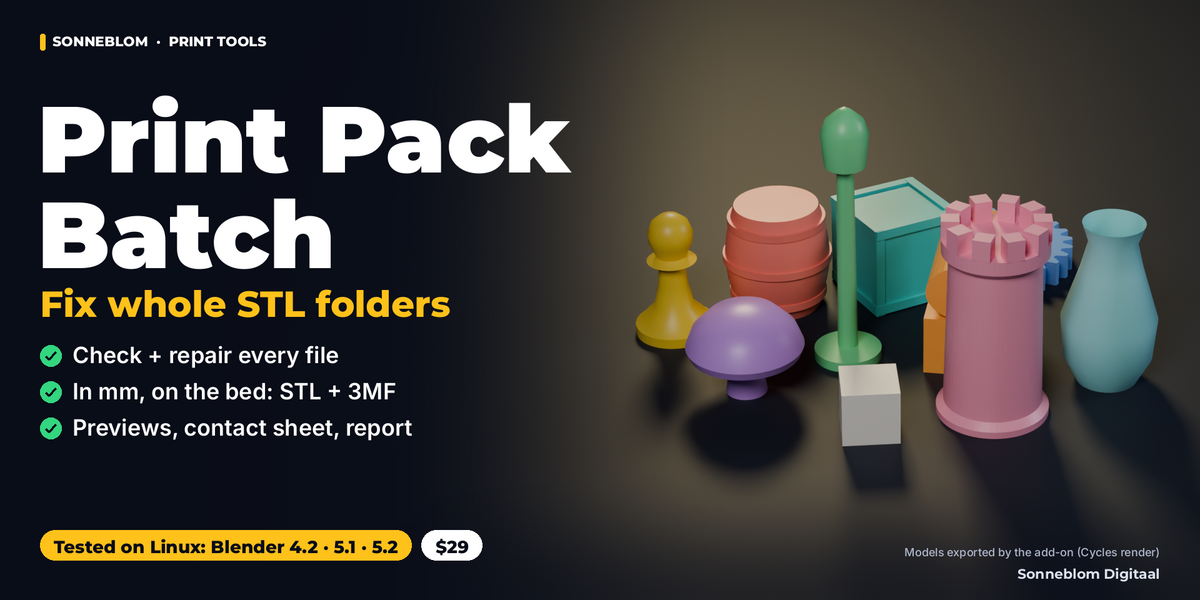
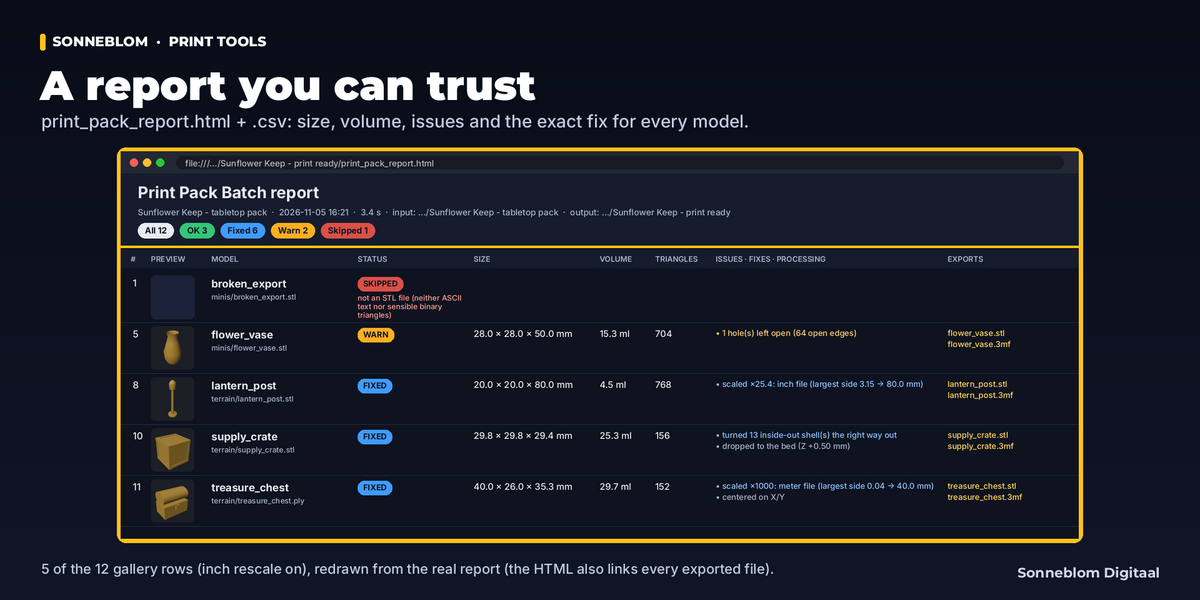
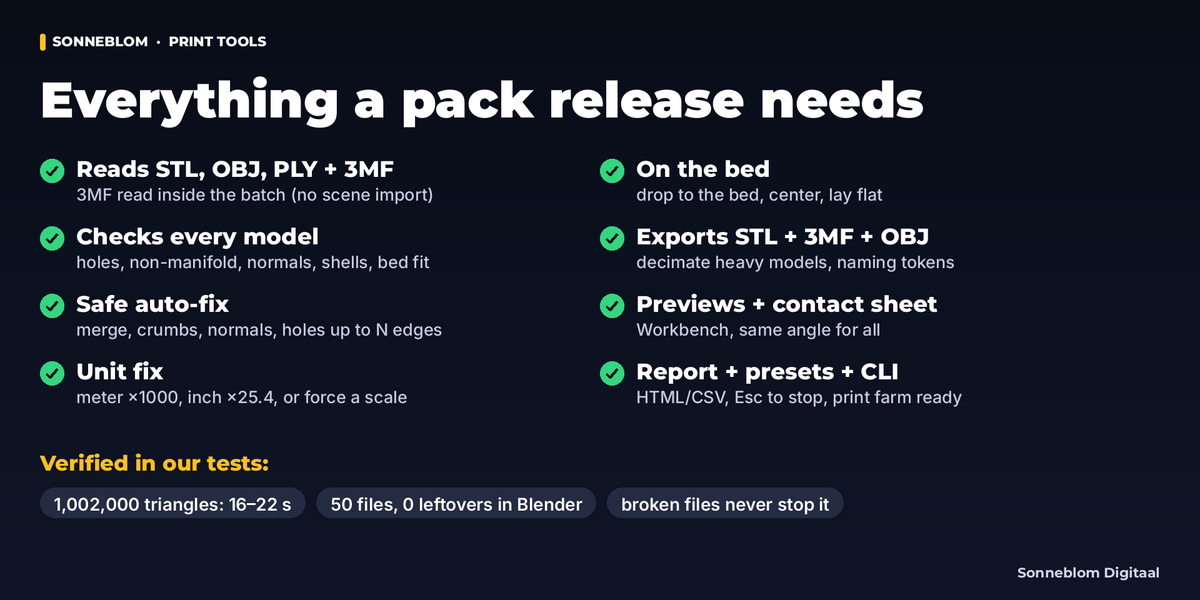
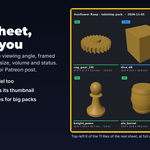
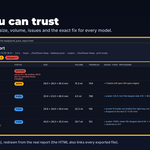
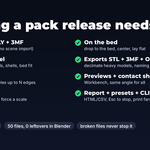
Print Pack Batch turns a folder of model files into a print-ready release in one run. Point it at a folder (or select objects in your scene), press Run Batch, and every file is read, measured, checked, safely repaired, converted to millimeters, dropped onto the bed and exported as binary STL and 3MF (and OBJ if you want). You also get a preview PNG per model, a contact sheet with names and sizes, and a report (CSV + HTML) that lists the size, volume, triangle count, every problem found, every fix applied and the exported files. The HTML page is self-contained up to 500 models. Your source files are only read, never written to, and the objects in your scene are never changed. A batch stores nothing in your .blend, and previews render a temporary scene of their own, so your own render stays in the Render Result.
Blender has no built-in 3MF importer. Print Pack Batch reads 3MF files inside the batch (it does not import them into your scene): plates with several objects, components, transforms and every 3MF unit; slicer-only parts (modifiers, negative volumes, support blockers) are left out with a note. It writes valid 3MF files with the preview as thumbnail (placed in the middle of the bed when Center on X/Y is on).
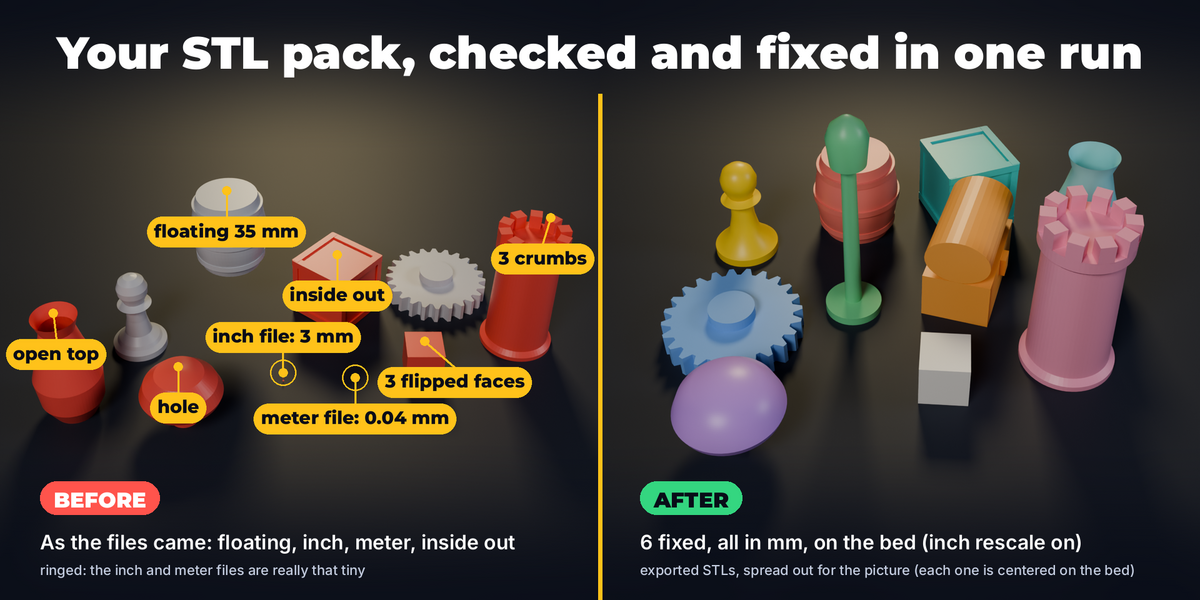
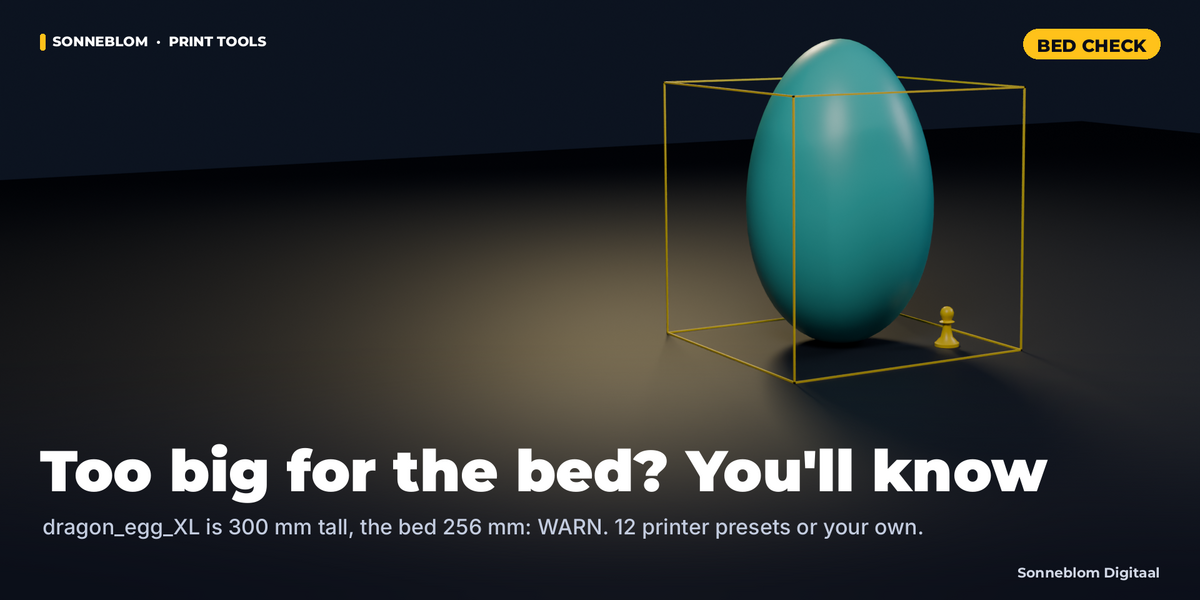
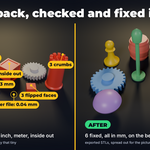
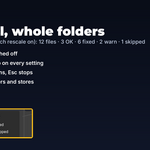
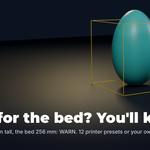
Example from the gallery: a 12-file tabletop pack (STL, ASCII STL, OBJ, PLY and 3MF) went through in one run. Result: 3 OK, 6 fixed (inside out, holes, flipped faces, crumbs, inch and meter files), 2 with a warning (an open vase and an egg too tall for the bed) and 1 skipped (a corrupt file), each with its reason. That run had Rescale inch files on; with the defaults the inch file is a WARN that tells you the ×25.4 size.
Who it's for
Designers who sell STL packs on Cults, MyMiniFactory, Printables or Patreon tiers, print farms that get folders of customer files, and makers with big STL libraries. If you have ever imported 60 files one by one to check normals, fix a model that came in inches, or render 60 thumbnails for a store page, this does it for the whole folder while you do something else.
Key features
-
Input: a folder (optionally with subfolders and an include pattern such as
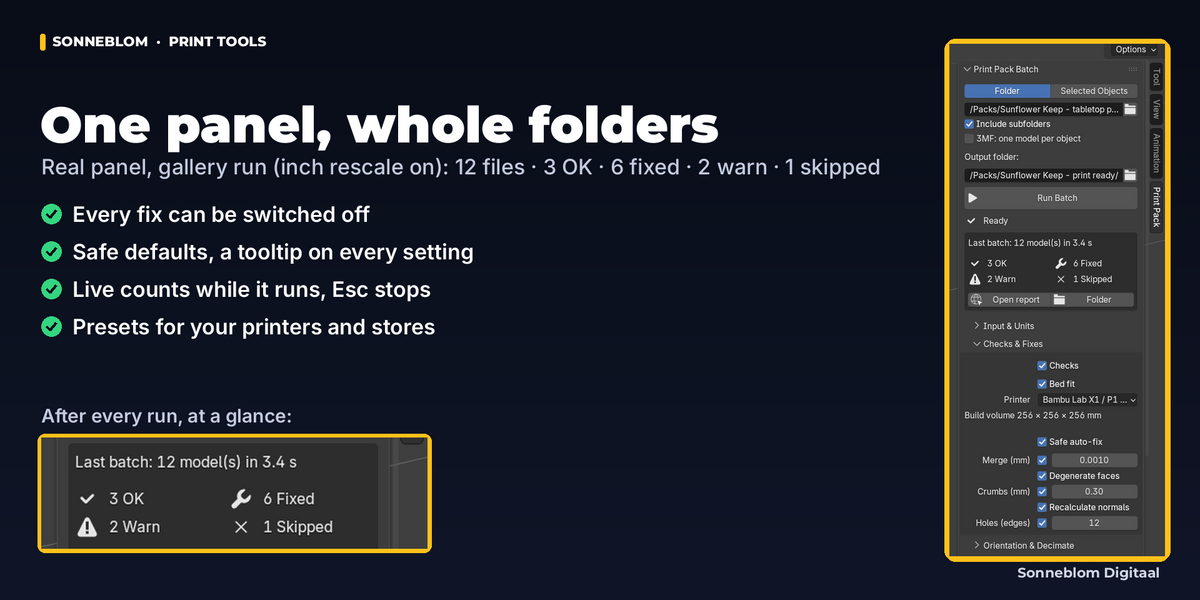
*.stl;base_*.obj) or the selected objects (as drawn: modifiers applied, collection and Geometry Nodes instances included). Reads STL (binary and ASCII, also broken headers, truncated files and wrong triangle counts), OBJ, PLY (ASCII and binary) and 3MF. - Checks: size in mm, volume in ml, triangles, shells, open edges and holes, non-manifold edges, inconsistent and inside-out normals, and bed fit against 12 printer presets or your own build volume. Hollowed models are understood: an inner cavity shell is kept as a cavity, not "fixed" into a solid (up to the work limit, see Limits in the Documentation tab).
- Safe auto-fix: merge by distance, remove duplicate and degenerate faces, delete loose crumbs below a size, make normals consistent and point them outwards, fill holes up to N edges (12 by default). Bigger openings and the outline of a flat sheet are left open and reported.
- Unit fix: detects meter files (rescaled ×1000) and probable inch files (×25.4 when you allow it), or force any scale. 3MF units are read from the file.
- Orientation: drop to bed, center on X/Y, optional lay flat on the largest flat face.
- Decimate heavy models to a triangle budget or a maximum STL size (Blender's own Decimate).
-
Export: STL, 3MF, OBJ; naming pattern with
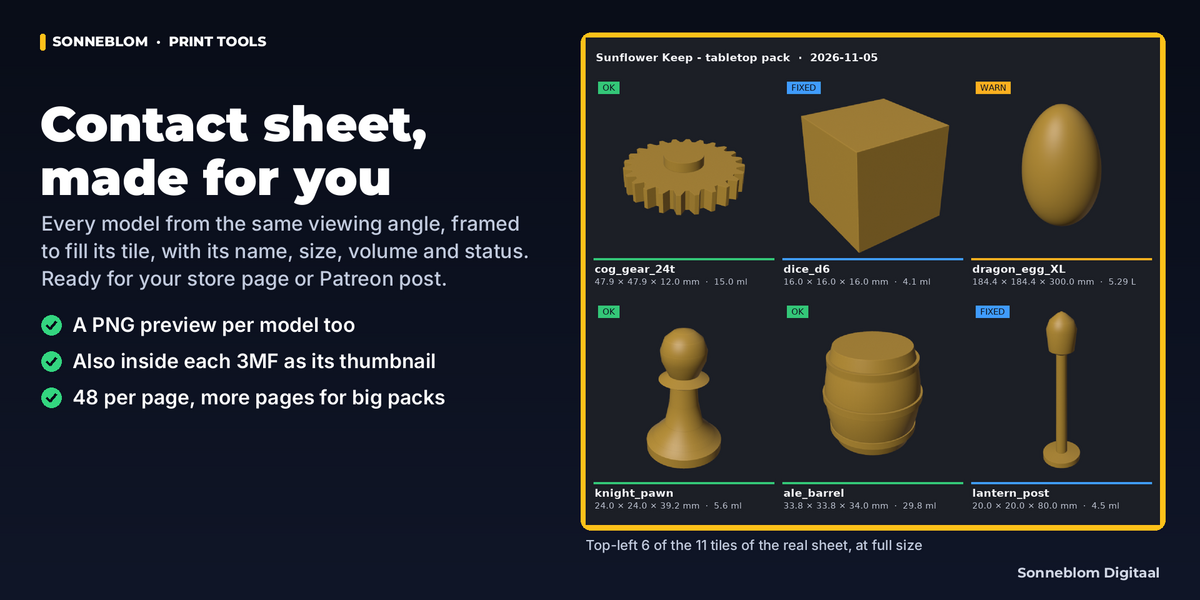
{name} {index} {date} {size} {folder} {source}, unicode names kept, illegal characters replaced; overwrite / skip / add number; mirror subfolders; duplicate names get _2, _3. - Previews + contact sheet (Workbench renders from the same viewing angle, each model framed to fill its tile) and print_pack_report.csv + print_pack_report.html with status OK / FIXED / WARN / SKIPPED and the reason.
- Progress and Esc: a progress bar and status text, and the window responds between files; Esc stops after the current file or object and the report is still written.
- A broken file never stops the batch: a broken, empty or unreadable file is skipped with its reason; the batch carries on.
-
Presets for your settings and a command line for print farms:
blender -b --python-exit-code 1 --python-expr "import bpy; bpy.ops.print_pack.run(input_dir='/in', output_dir='/out', preset='farm')"
How to use
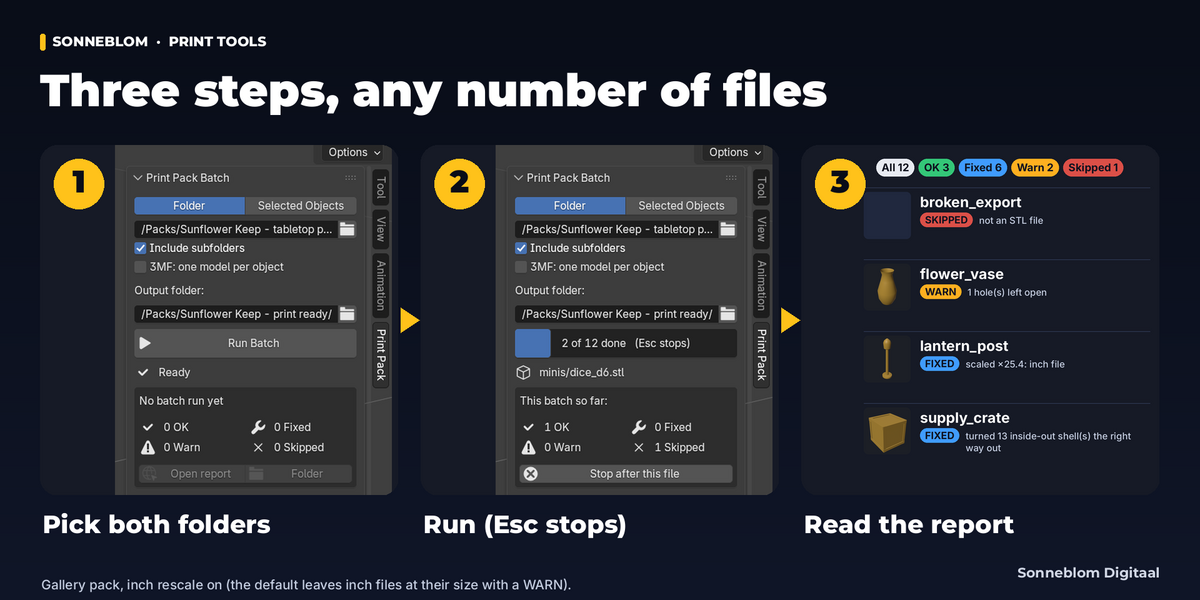
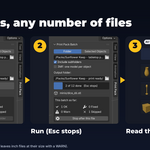
- Install the zip and open the Print Pack tab in the 3D Viewport sidebar (press N).
- Pick the input folder (tick Include subfolders if needed) and an output folder.
- Check the settings in the sub-panels (the defaults are safe for most packs; see Good to know), choose your printer under Checks & Fixes.
- Press Run Batch. Watch the progress bar; Esc stops after the current file or object.
- Press Open report and look at the WARN and SKIPPED lines.
Compatibility
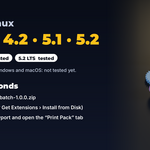
Blender 4.2 LTS or newer. Tested on Linux with 4.2 LTS, 5.1 and 5.2 LTS: an automated headless test suite plus a GUI check of the modal batch (Esc, closing the 3D View, File > New and disabling the add-on during a run). Windows and macOS are not tested yet. The add-on is pure Python with no compiled code; Windows / macOS file-system cases are handled but untested (case-insensitive paths, the same file under two names, a report open in Excel, long paths). Two zips to choose from (extension or legacy add-on). Nothing else to download; works offline.
Good to know
- Fixes are deliberately safe: it does not rebuild meshes, union overlapping parts or repair self-intersections. Overlapping shells are kept as they are (slicers handle them). Holes larger than the limit are reported, not filled, and so is the outline of a flat sheet (a sign plane). An opening that is meant to be open but has no more edges than the limit (a 12-sided pipe end) is closed; lower Holes (edges) or turn it off for such packs.
- STL, OBJ and PLY files have no unit. Meter files are recognized by size; inch files can only be guessed (a 4 mm pin looks like an inch file), so inch rescaling is off until you turn it on. Centimeter files cannot be told apart from millimeter files: use Force scale. Two edge cases of the size guess: a real part smaller than 1 mm (a resin gem, a pin) looks like a meter file and is scaled ×1000 by default. A large figure saved in meters (1.8 m reads as 1.8 mm) looks like an inch file. For such packs set Unit fix to Detect, warn only, change the limits or use Force scale.
- Exports are geometry only (no colors or materials) in millimeters.
- The window responds between files, not during one: a single 1M-triangle model keeps Blender busy for about 15-30 seconds (process, export and render). Blender's autosave waits until the batch has finished, so save your .blend before a long batch.
- Previews use Blender's own renderer on a temporary scene of their own. Blender keeps one render per scene, so your render of your scene stays in the Render Result. Other add-ons' render handlers run once per model; turn Previews off if that matters to you.
- The Last batch box in the panel shows the last run of this Blender session; nothing about a batch is saved in your .blend.
- Volumes of parts that overlap (kitbashed models) are counted twice; the report shows the raw sum.
- Contact-sheet labels use a built-in font with Western and Central European Latin (also Romanian ș ț), Greek (with accents) and Cyrillic (also Ukrainian ґ). Other scripts (Chinese, Japanese, Arabic, …) show as a box there; the HTML report and the file names keep the full name.
- Esc stops the batch from the Blender window it was started in.
Support
Questions or a bug? Use the Superhive product page messages and we reply within a day.