blenderustad


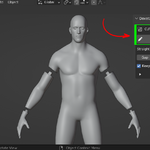
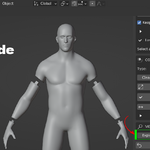
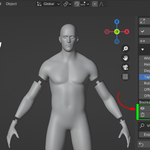
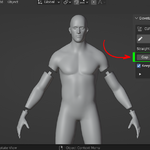
Cut any model into printable parts, with keys that only fit one way
Print Ready Modelling Kit splits a mesh into watertight printable pieces inside Blender and adds a matching connector key so the parts line up every time you reassemble the print. Draw the seam on the surface, let the Boolean run, and get two closed parts plus a male and female joint. Built for printing large models on small printers.
Draw the cut. Get two print-ready halves and a snap key. Done in under a minute.
At a glance
- Surface-drawn cuts that follow the real mesh, not a global plane
- Two watertight parts checked for closed, manifold edges before the cut is accepted
- Three connector keys: Dovetail, Ball, and Circle, each with a matching socket
- Auto Size fits the key to the local cut for you
- 0.20 mm default clearance, tuned for FDM and resin, adjustable per cut
- Explode slider for a non-destructive fit check and clean render shots
- Non-destructive: your original is duplicated and backed up, with one-click Undo
- Unlimited cuts on one model
- Blender 4.2+, installs as an Extension
The problem this solves
Most models do not fit on a print bed in one piece. A bust, a full figure, a prop, or a terrain piece has to be chopped into sections, printed, and glued back together.
Doing this by hand in Blender means bisecting geometry, patching open holes, checking each half is still manifold, then hoping the parts line up on assembly. It is slow and easy to get wrong.
Print Ready Modelling Kit does the cutting and the joinery for you. You draw where the seam should go, and the add-on returns two watertight parts plus a connector key so the halves only fit together one way.
How it works
- Select one mesh in Object Mode.
- Open the sidebar with N and go to the Print Ready Modelling Kit tab.
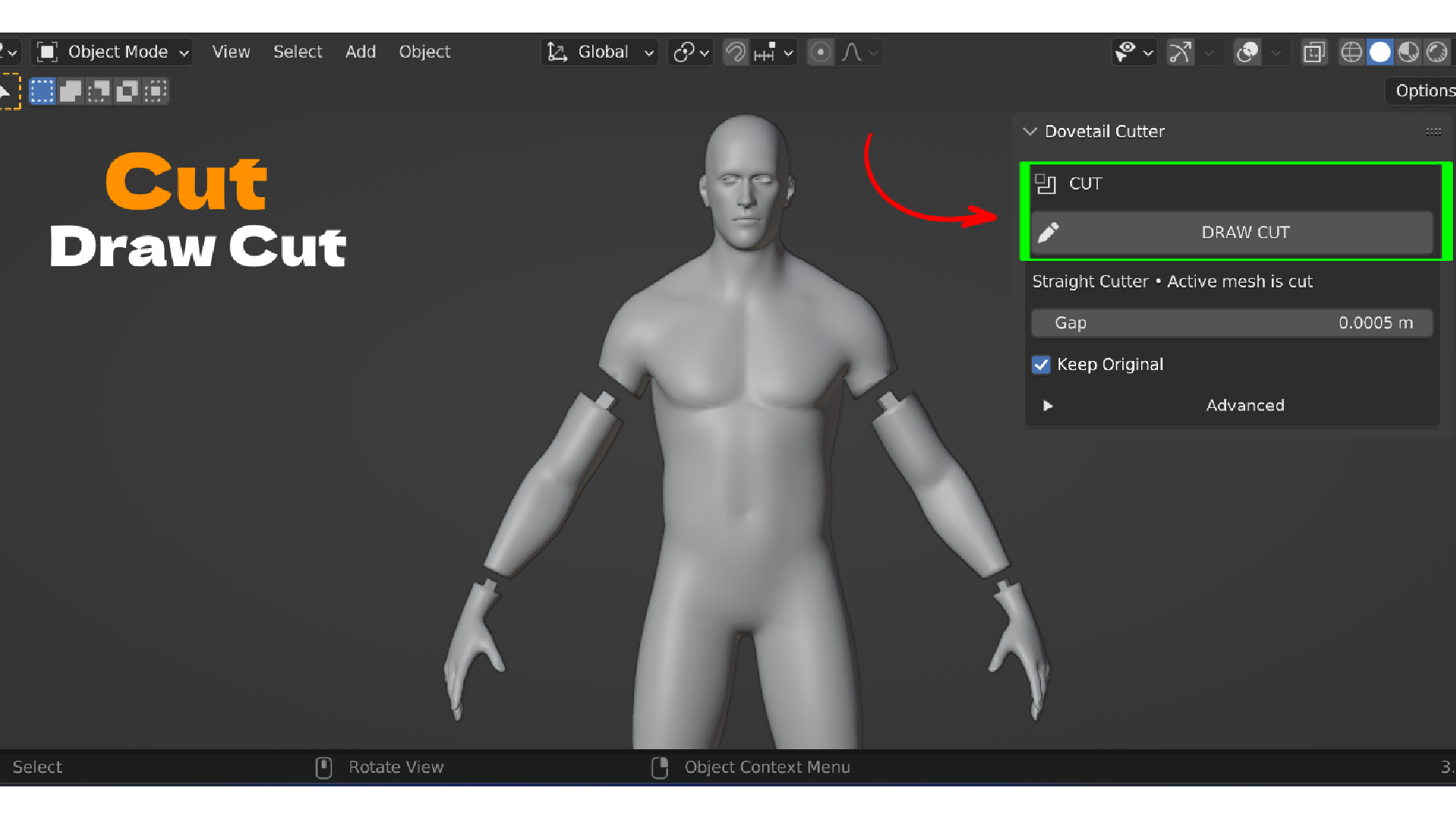
- Click Draw Cut and trace the cut directly on the model surface. Every point is raycast onto the mesh, so the line follows the real surface instead of floating in space. Release the mouse, orbit with the middle mouse button, and keep drawing.
- Press Enter to confirm. Esc cancels with no change to your mesh. Backspace removes the last point.
- The add-on builds a finite local cutter, runs a Blender Boolean Difference, deletes the cutter, and splits the result into two meaningful sides. Small disconnected islands near the seam are merged into the closest side instead of exploding into dozens of objects.
- Both pieces are checked for closed, manifold edges before the cut is accepted.
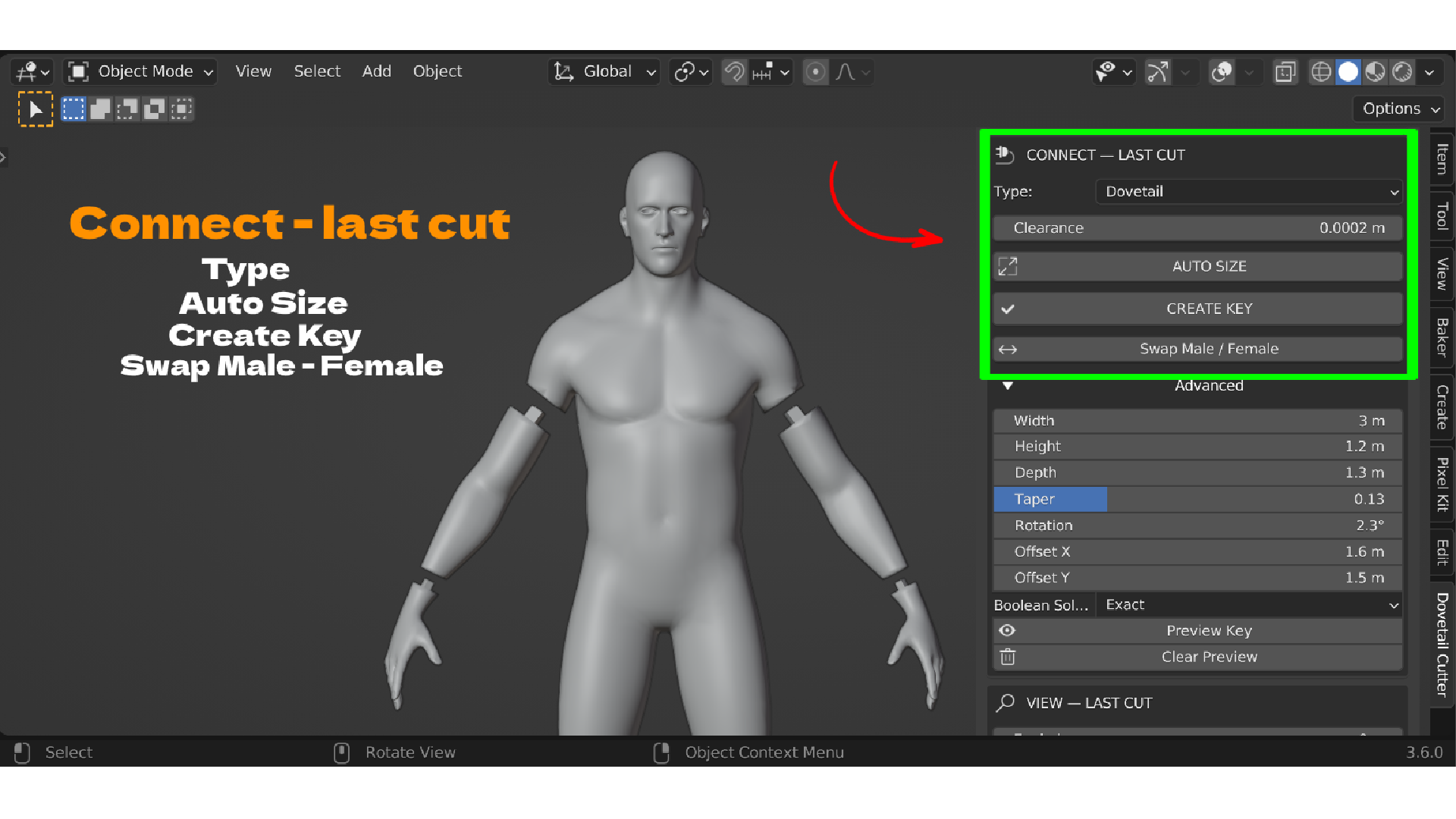
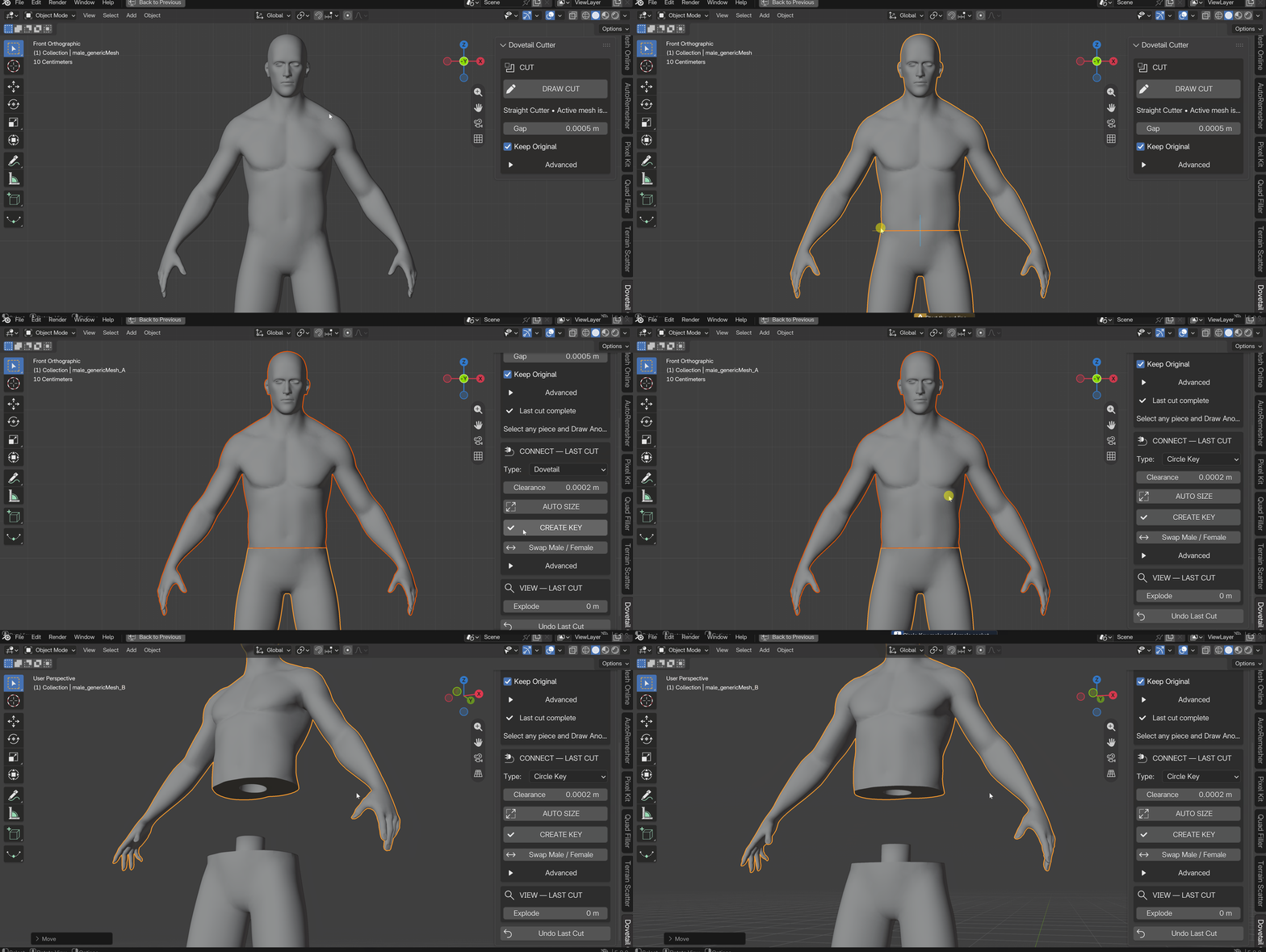
- Pick a connector type, click Auto Size, then Create Key. One piece gets a male key unioned to it. The other gets a clearance-expanded socket cut into it.
Connector keys
| Key | Shape | Best for |
|---|---|---|
| Dovetail | Tapered printable key | Structural seams that should resist pull-apart in one direction |
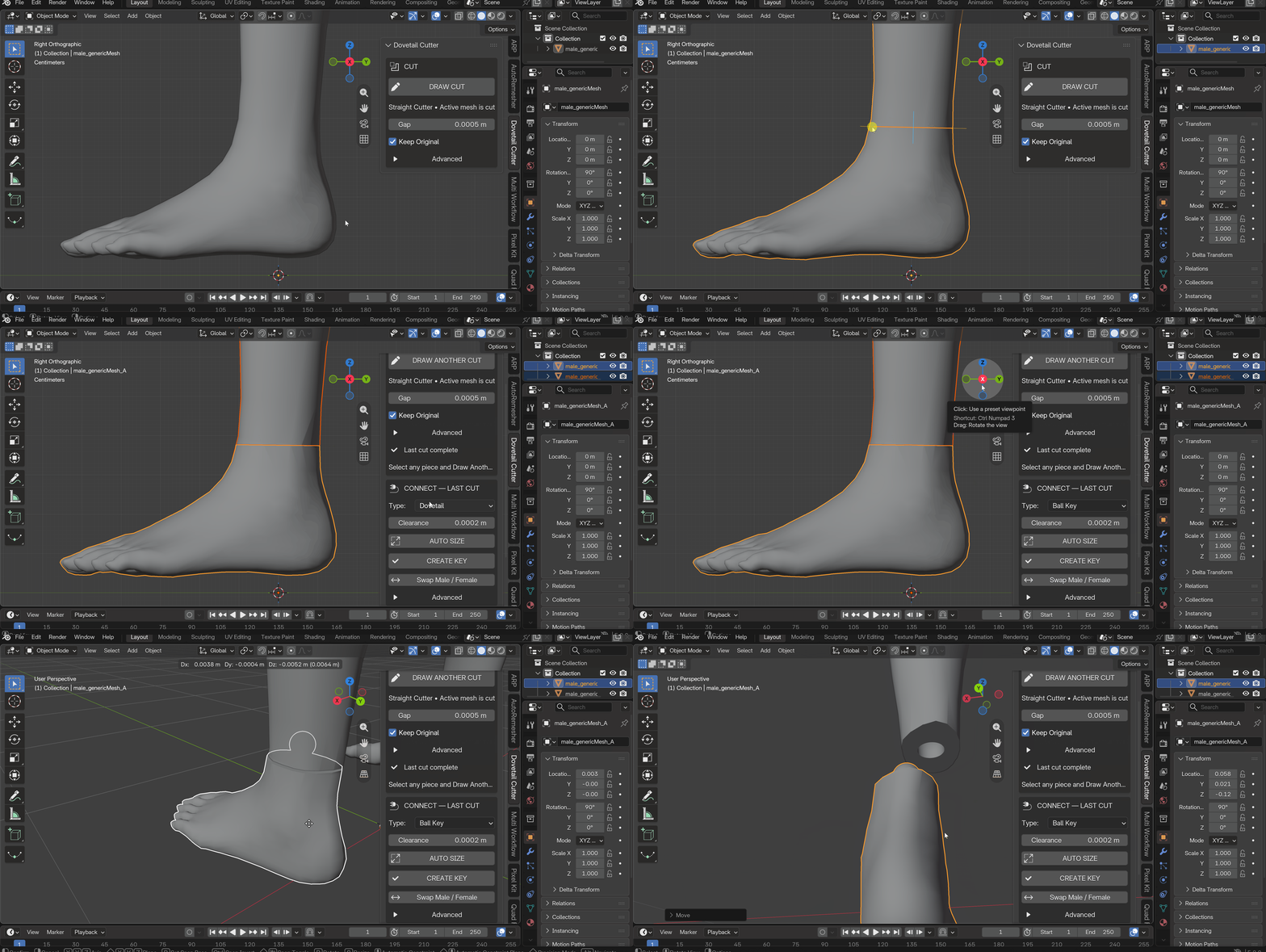
| Ball Key | Ball and stem with matching socket | A positive click or a little rotation at the joint. The socket follows the full ball diameter plus clearance so the key can pass into the hole |
| Circle Key | Round peg with circular socket | The fastest option for simple alignment pins |
Default socket clearance is 0.20 mm, which prints cleanly on most FDM and resin machines. You can change it. Swap Male / Female flips which side gets the peg.
Reassembly preview
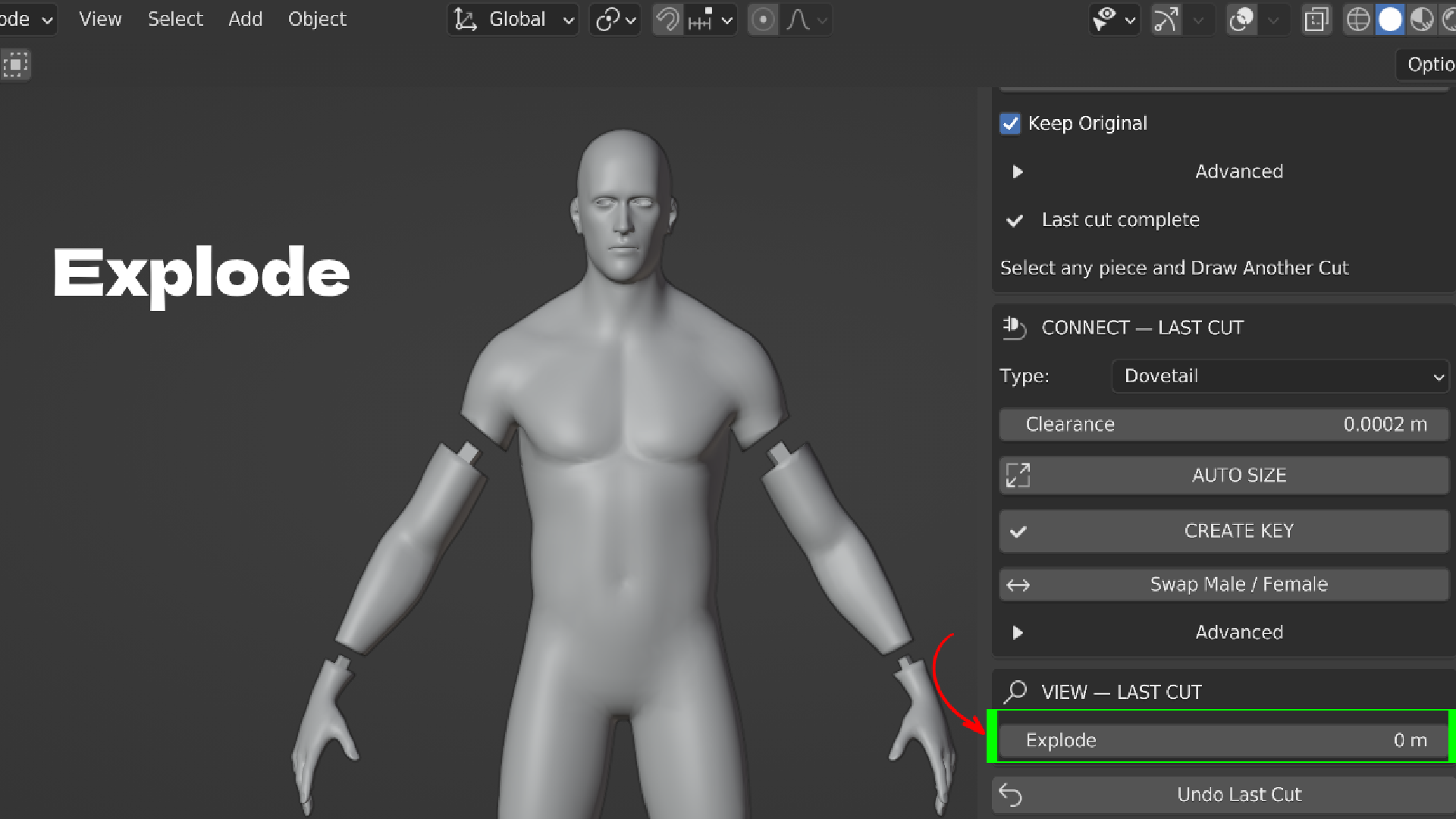
The Explode slider slides both parts apart along the cut normal without changing the geometry. Use it to check the joint, stage render shots of the kit, or plan your print layout, then set it back to zero to close the parts.
Safe by default
Your original mesh is never edited while the cut is being built. The Boolean runs on a temporary duplicate. Only after two valid closed pieces exist does the add-on move your exact source into a DovetailCutter_Backups collection. Undo Last Cut restores the most recent split from that backup.
Connector application is transactional. If either Boolean fails, both pieces roll back to their pre-connector state, so you never end up with one keyed part and one broken part.
Automatic cut recovery
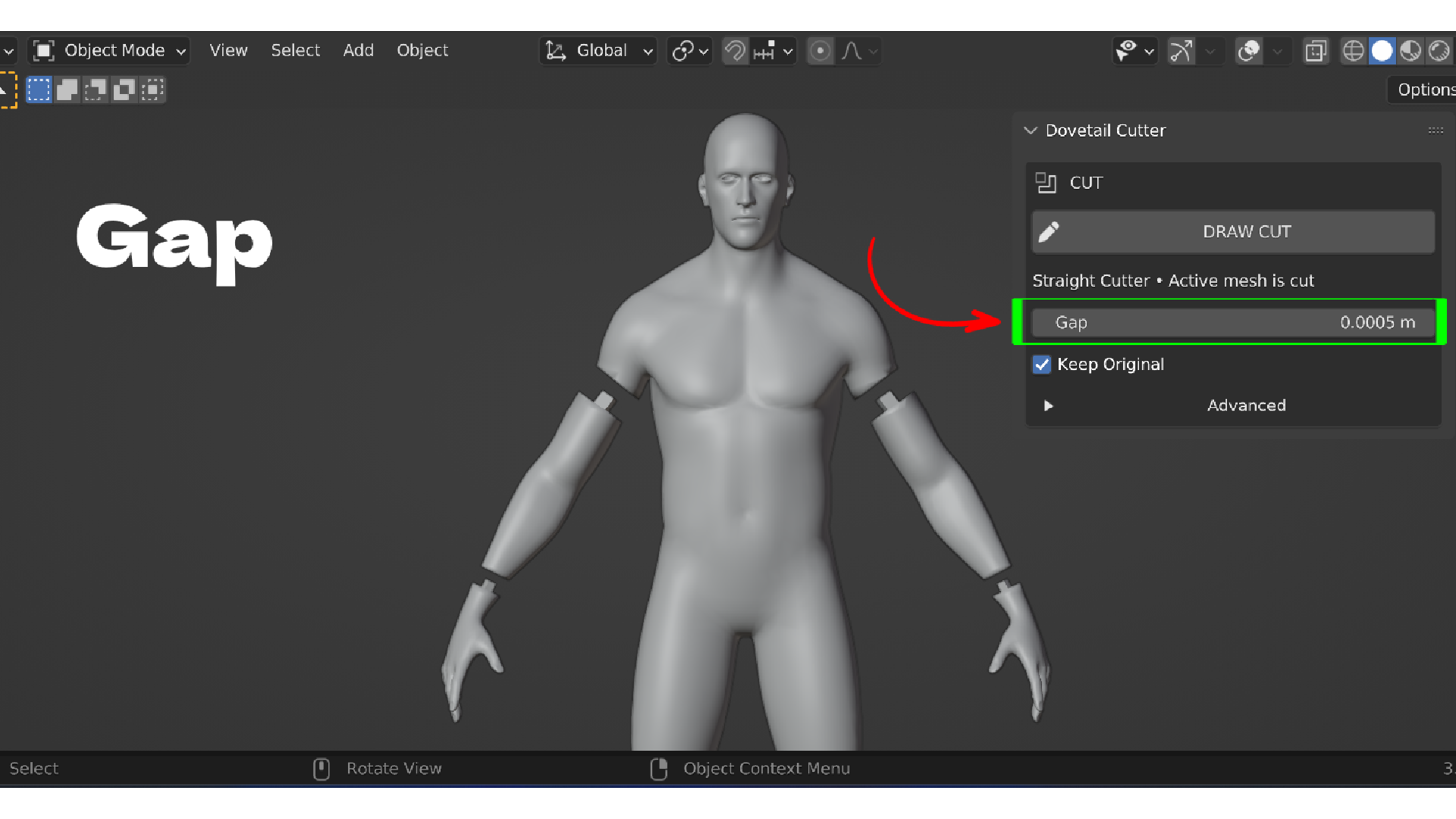
Organic shapes like arms, necks, and tails sometimes stay connected after a first Boolean pass. The add-on retries automatically from the untouched source, temporarily widening only the local cutter footprint and, as a last step, switching to the Exact solver. The Gap value you see never changes.
Multiple cuts
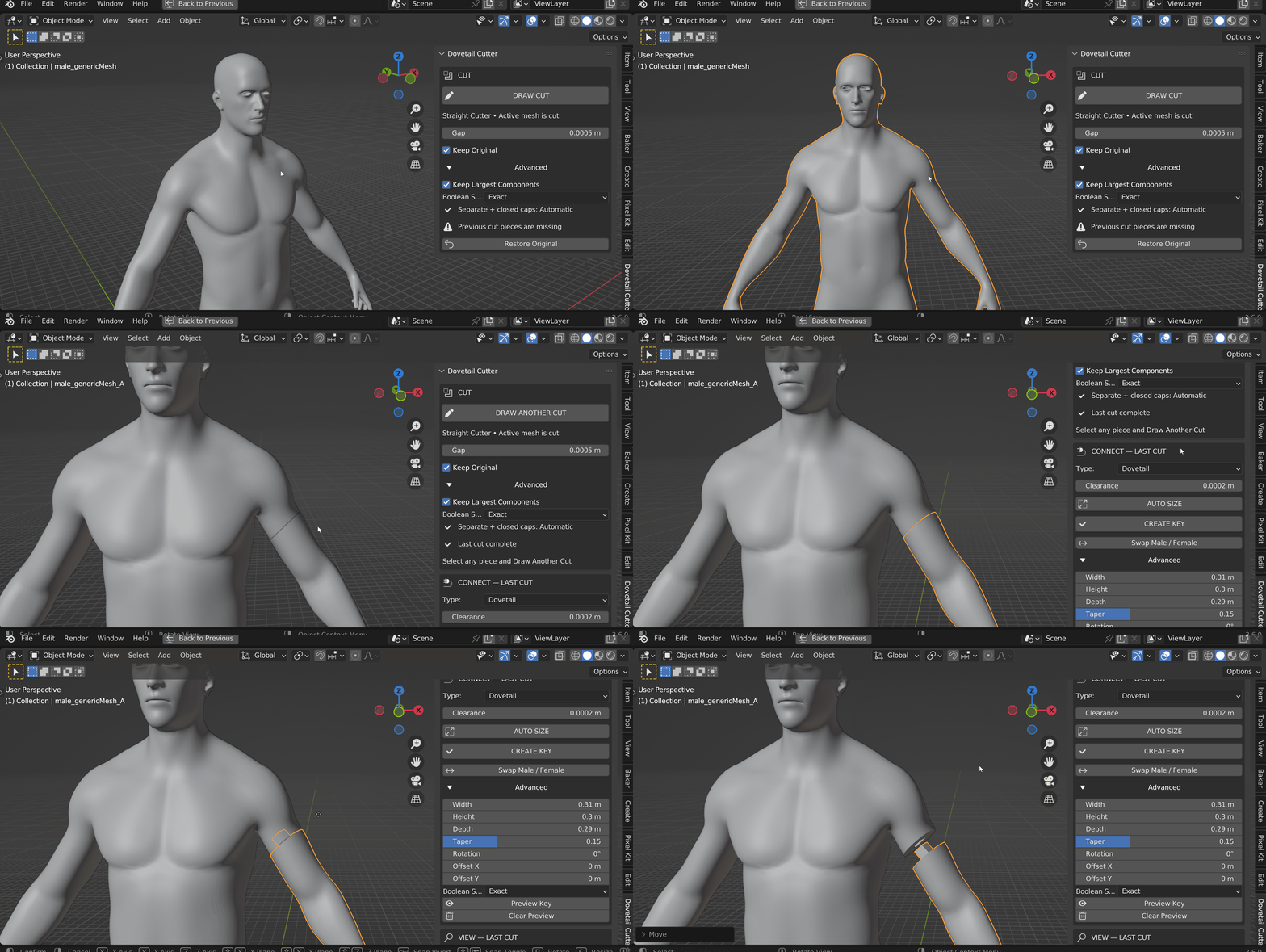
There is no limit on cuts. After one cut, select any resulting piece and press Draw Another Cut. Older cuts stay in place. The connector and explode controls always act on the most recent cut.
Advanced controls
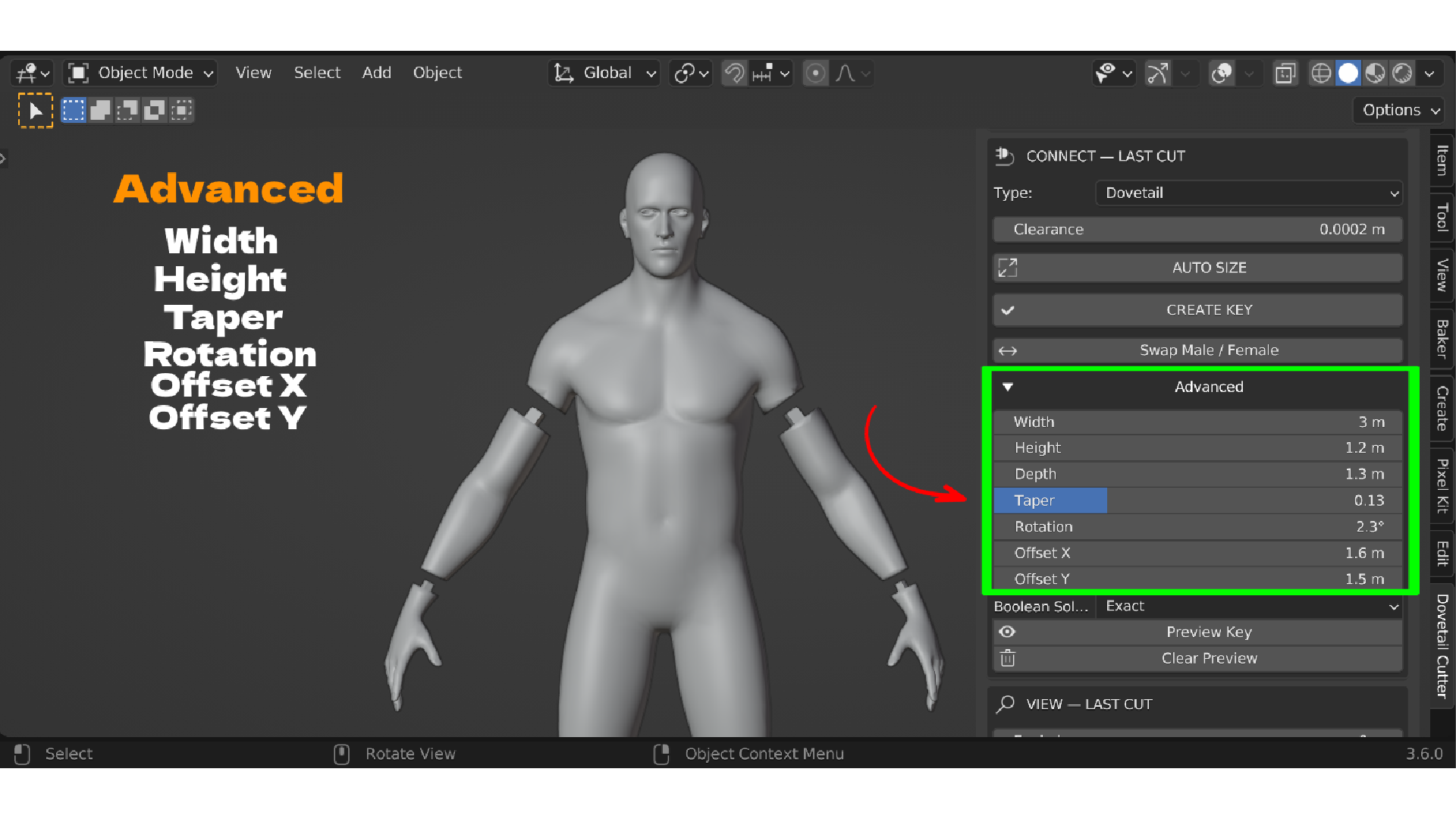
- Boolean solver: Exact, Fast, or Manifold
- Keep Largest Components to drop tiny floating fragments
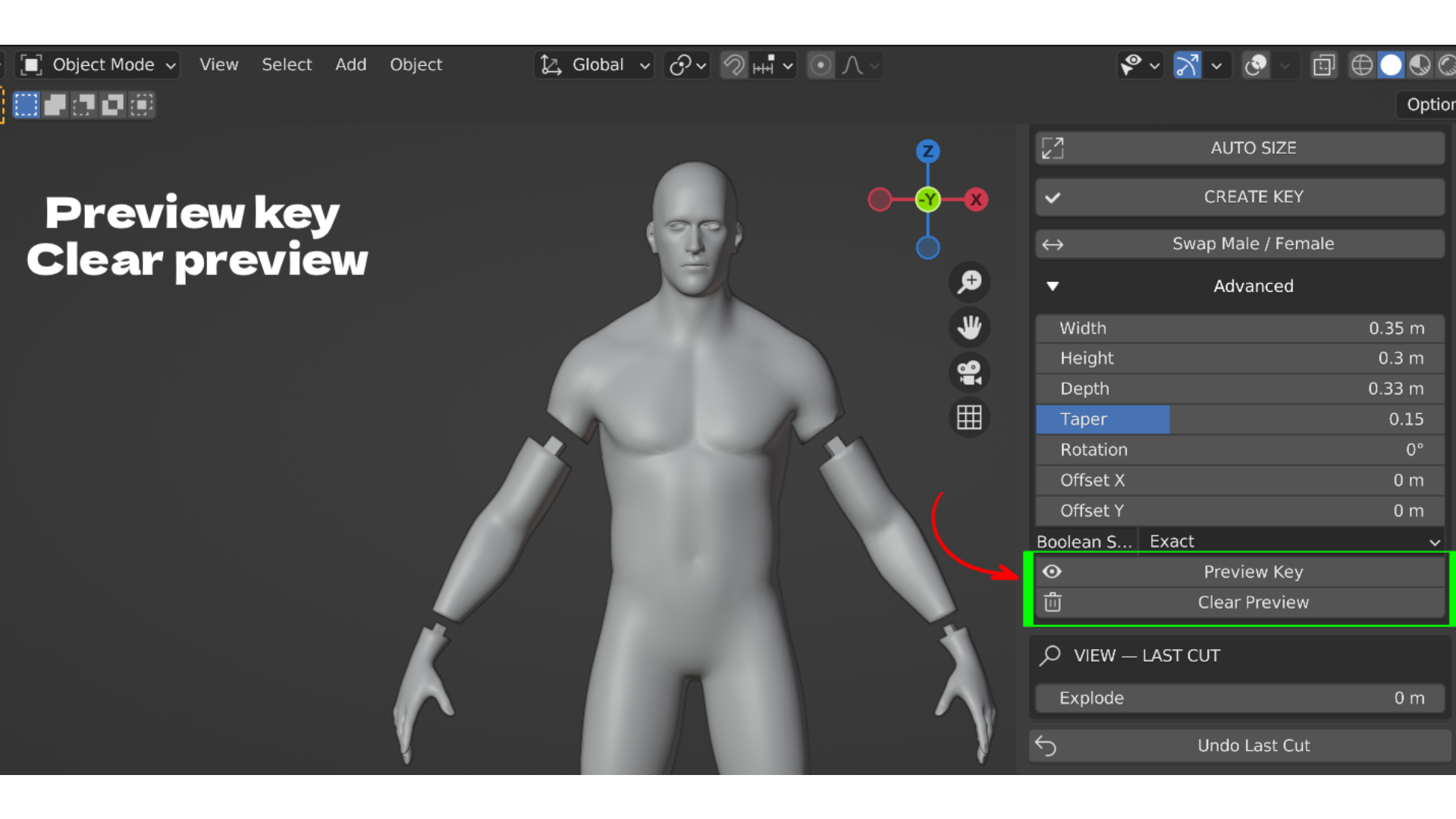
- Manual connector width, height, depth, taper, rotation, and X or Y offset
- Preview Key and Clear Preview helpers
Key features and what you get
- Draw the cut on the surface. Trace the seam like a pencil line on the model. You place it exactly where a print needs it, not where a global plane happens to land.
- Finite local cutter. A loop around an arm cuts only that arm. No scene-wide slice through the torso and the other limb.
- Two watertight pieces every time. Both outputs are checked for closed manifold edges before the cut is accepted, so parts are print ready without a repair pass.
- Three connector types. Dovetail, ball, and circle keys cover structural seams, click fits, and simple alignment pins.
- Auto Size. The key is fitted to the local cut before it is applied, so you do not hand-tune dimensions for every seam.
- 0.20 mm default clearance. Sockets are tuned for real printers out of the box, adjustable per cut.
- Swap Male / Female. Choose which part carries the peg without redrawing the cut.
- Explode slider. Non-destructive separation preview for checking joints and staging renders.
- Transactional connectors. A failed Boolean rolls both parts back, never leaving a half-finished joint.
- Automatic recovery. Retries on stubborn organic shapes without you touching solver settings.
- Non-destructive source. The original is duplicated for the cut and backed up, with one-click Undo Last Cut.
- Unlimited cuts. Split a full figure into as many printable sections as the plate needs.
Workflow benefits
- Cut a model into printable parts in under a minute instead of bisecting and patching by hand.
- Skip the manifold repair step because pieces are validated as closed before the cut completes.
- Assemble prints without guesswork. The connector key only fits one way and holds alignment while glue sets.
- Keep iterating. If a seam is wrong, Undo Last Cut and redraw. The source is always safe.
- Stay in Blender. No export to a separate slicer plugin or CAD tool just to chop a mesh.
- Plan your plate with the Explode preview before you commit to a print.
Use cases
- Printing a large bust or full figure in sections on a standard FDM or resin printer.
- Splitting cosplay props, helmets, and armor into build-plate sized pieces with locating keys.
- Tabletop miniatures and terrain that need to break down for printing or storage.
- Multi-part collectible statues where clean hidden seams and repeatable alignment matter.
- Prototyping enclosures and hard surface parts that print in halves and reassemble.
- Teaching model prep for 3D printing without a long manual Boolean lesson.
Good to know
- Works with your existing sculpt or model. No special topology setup, no dedicated cutter objects to manage.
- Backups live in their own collection, so your outliner stays readable even after many cuts.
- Ships with Blender smoke tests for cube, cylinder, sphere, scaled, and two-shell cases.
- Active development, with a detailed changelog covering ball key fit, socket fallback, and cut recovery.
- Maintained by Blender Ustad, with video tutorials on YouTube and more add-ons on the marketplace.
- GPL-3.0. You own your output and can use it in commercial print work.
Requirements and honest limits
- Blender 4.2 or newer. Installs as an Extension.
- The cutter is planar. A very non-planar seam is flattened to a stable local cutting plane.
- The cutter footprint uses a convex hull for Boolean reliability. Deeply concave cross-sections may need manual cleanup.
- For watertight printable output, your source mesh should be closed and manifold.
- Shape keys are not carried onto topology-changed pieces. The exact backup keeps them for Undo.
- Existing modifiers on the source are baked into the Boolean result.