Anvil Interactive Solutions


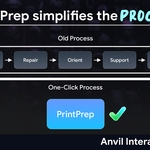
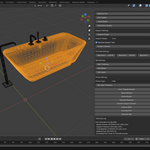
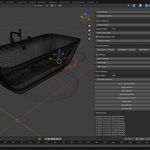
What is PrintPrep? — Studio-Ready 3D Print Preparation in Blender, Less Guessing, Cleaner Results
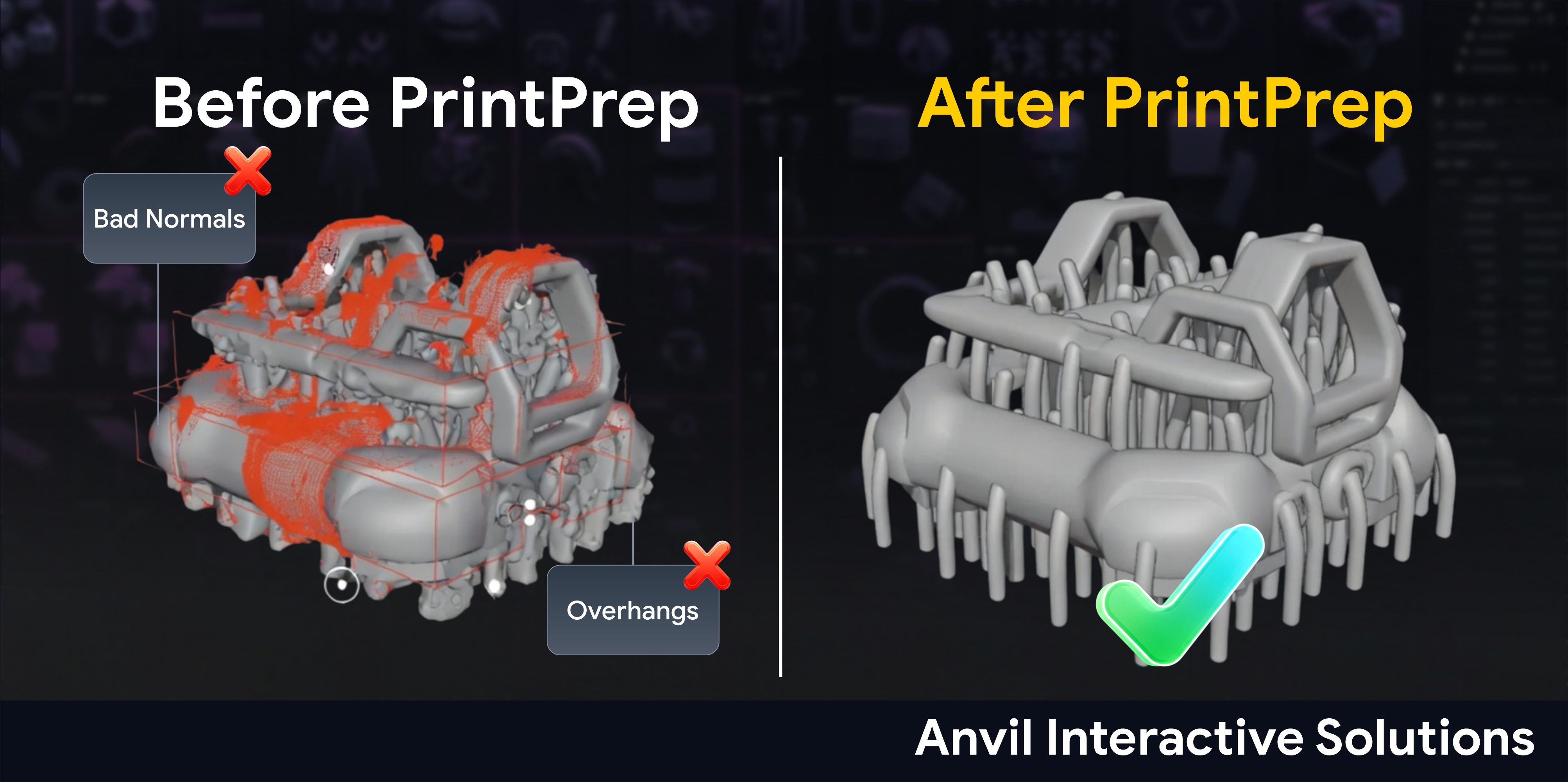
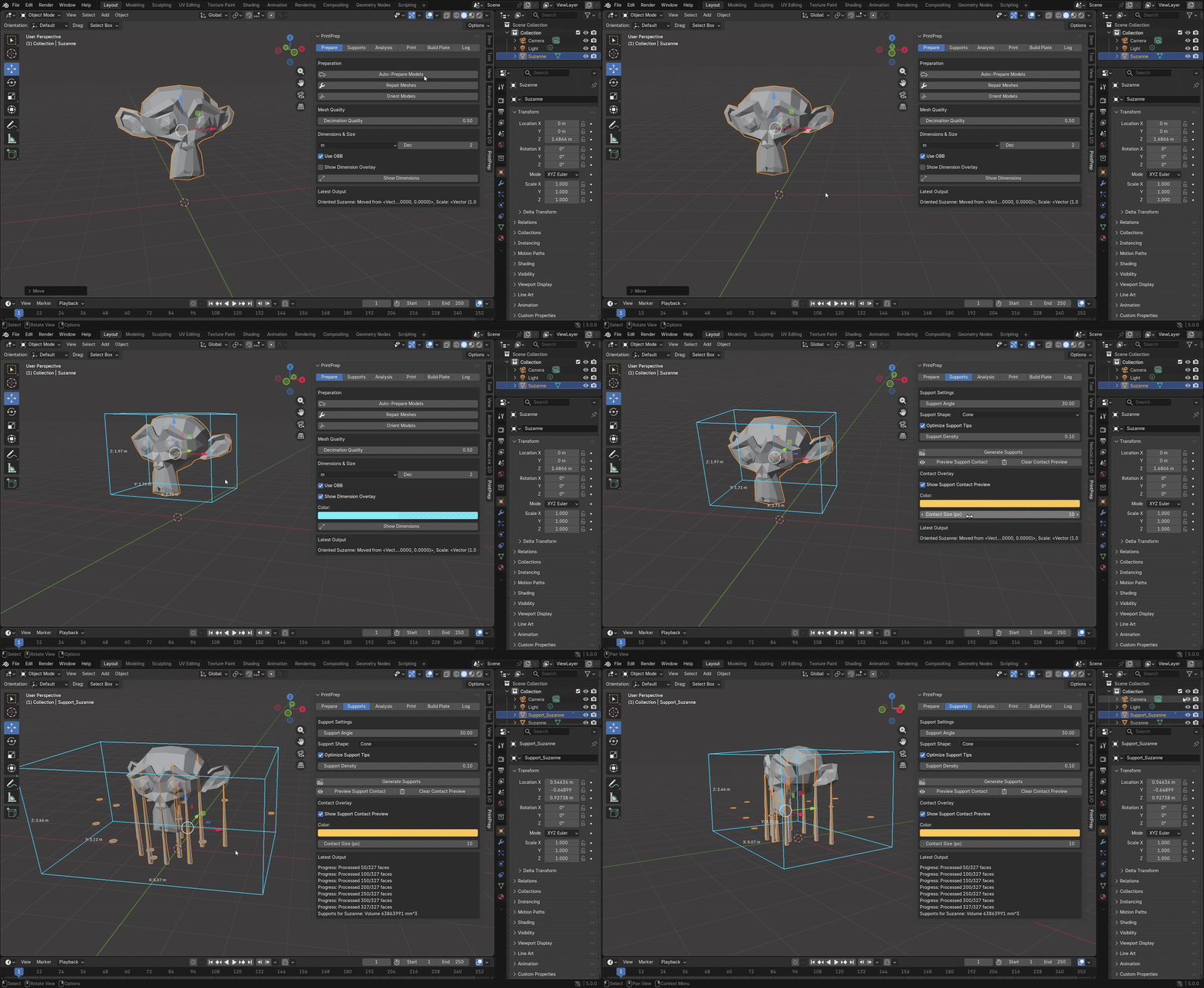
PrintPrep is a production-focused Blender toolkit designed to eliminate the friction, errors, and repetitive cleanup that typically happen when preparing models for FDM/SLA 3D printing.
Instead of relying on manual checks, inconsistent setup habits, or “fix-it-later” workflows, PrintPrep provides a single, opinionated preparation layer that helps ensure your models are print-ready—with better consistency, better predictability, and fewer surprises.
Originally built to process models reliably and repeatedly (especially when you’re handling multiple assets), PrintPrep has evolved into a robust, artist-friendly toolkit that helps creators spend less time troubleshooting print failures—and more time printing successfully.
Whether you’re a hobbyist tired of rework, a product designer iterating rapidly, or a studio enforcing print standards…
PrintPrep keeps your Blender → Printer workflow predictable and reliable.
⚙️ Core Capabilities (Included)
PrintPrep is a single, complete package—every feature is included by default.
✔ Auto-Prepare Models (One-Click Print Readiness)
Batch process selected objects with a unified pipeline:
-
Repair common mesh issues
-
Orient models for printing
-
Position models correctly relative to the bed
-
Generate supports automatically (where needed)
This reduces the “did I forget something?” problem and gets assets closer to print-ready in minutes.
✔ Smart Support Generation (Built to Be Usable)
Generate support structures based on overhang angle and printing logic—without manual sculpting or guesswork.
Includes:
-
Tree supports (branching)
-
Cylinder supports
-
Cone supports
-
Support tip optimization for easier removal
-
Density control
Goal: supports that are actually printable and don’t require “editing for an hour” afterward.
✔ Support Contact Preview (No Scene Junk)
Preview support contact points using a viewport overlay (not temporary sphere objects), so you can validate support placement cleanly.
-
No floating “marker” meshes
-
No cleanup needed
-
Visual clarity directly in the viewport
✔ Dimension Gizmos + Overlay Measurements (Visibility Matters)
PrintPrep provides viewport overlays to show key dimensions and improve preparation confidence:
-
Visual bounding overlays
-
On-screen dimension readouts (X/Y/Z)
-
Unit control (mm / cm / m)
-
Precision controls
This makes it easier to catch scale issues before they become print failures.
✔ Printability Analysis (Catch Problems Before You Print)
Run quick, practical analysis on selected meshes to identify common failure causes:
-
Thin-wall detection warnings
-
Overhang risk detection
-
Raycast-based unsupported overhang sampling (slicer-style logic)
PrintPrep is not a slicer replacement—it’s a “print sanity check” tool inside Blender.
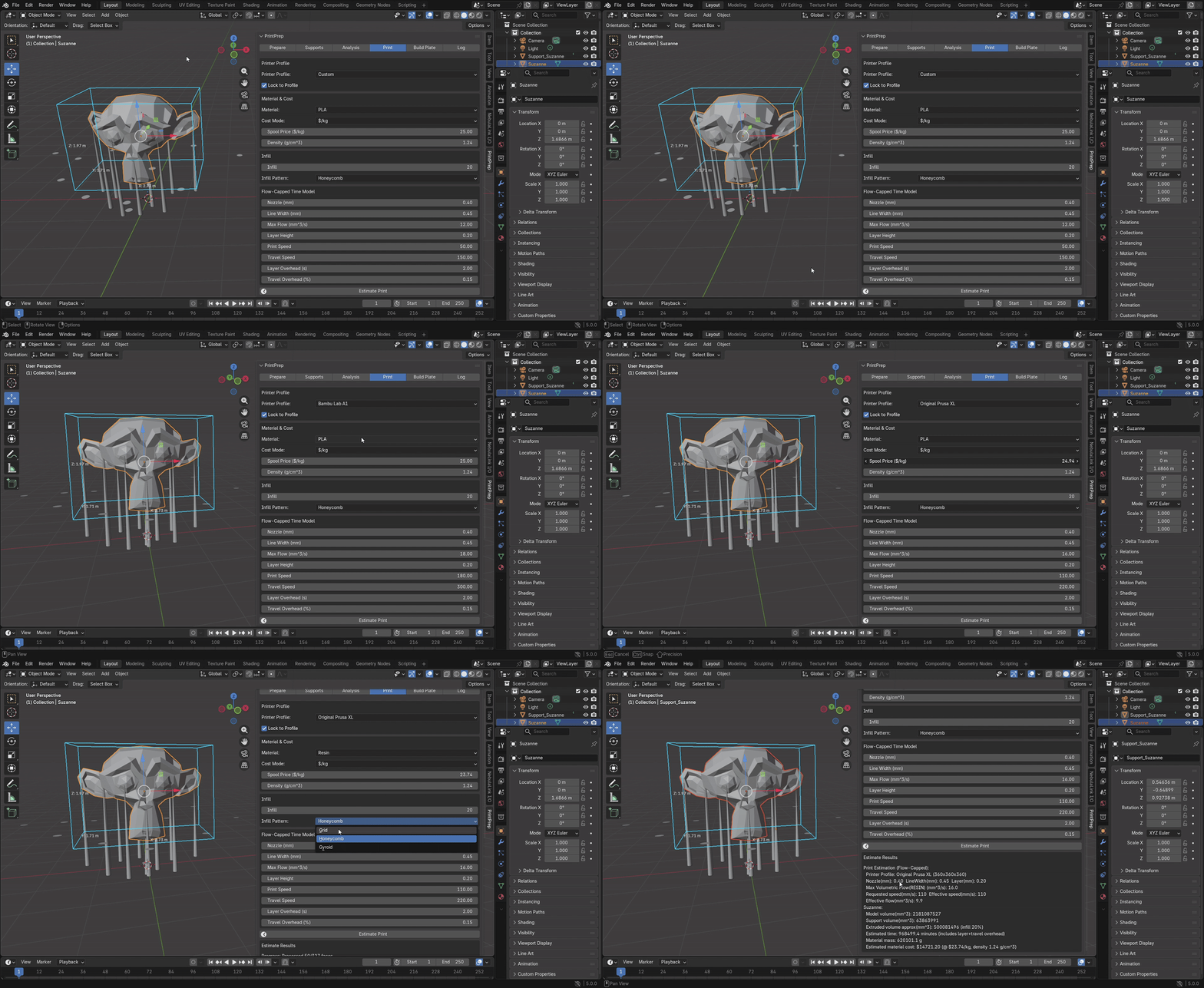
✔ Print Time + Material Estimation (Flow-Capped)
Estimate print time and material usage using printer-aware assumptions:
-
Volumetric flow cap (real-world limit)
-
Layer overhead + travel overhead estimates
-
Material density & spool price support (cost estimation)
-
Supports included in estimated extrusion
This helps creators answer: “Is this print worth it?” before exporting.
✔ Printer Profiles + Build Volume Awareness
Use printer profiles (or manual configuration) to keep expectations accurate:
-
Bed size limits
-
Default speeds
-
Nozzle/line width assumptions
-
Material-specific flow caps
This helps prevent the classic issue: “It fits in Blender… but not in real life.”
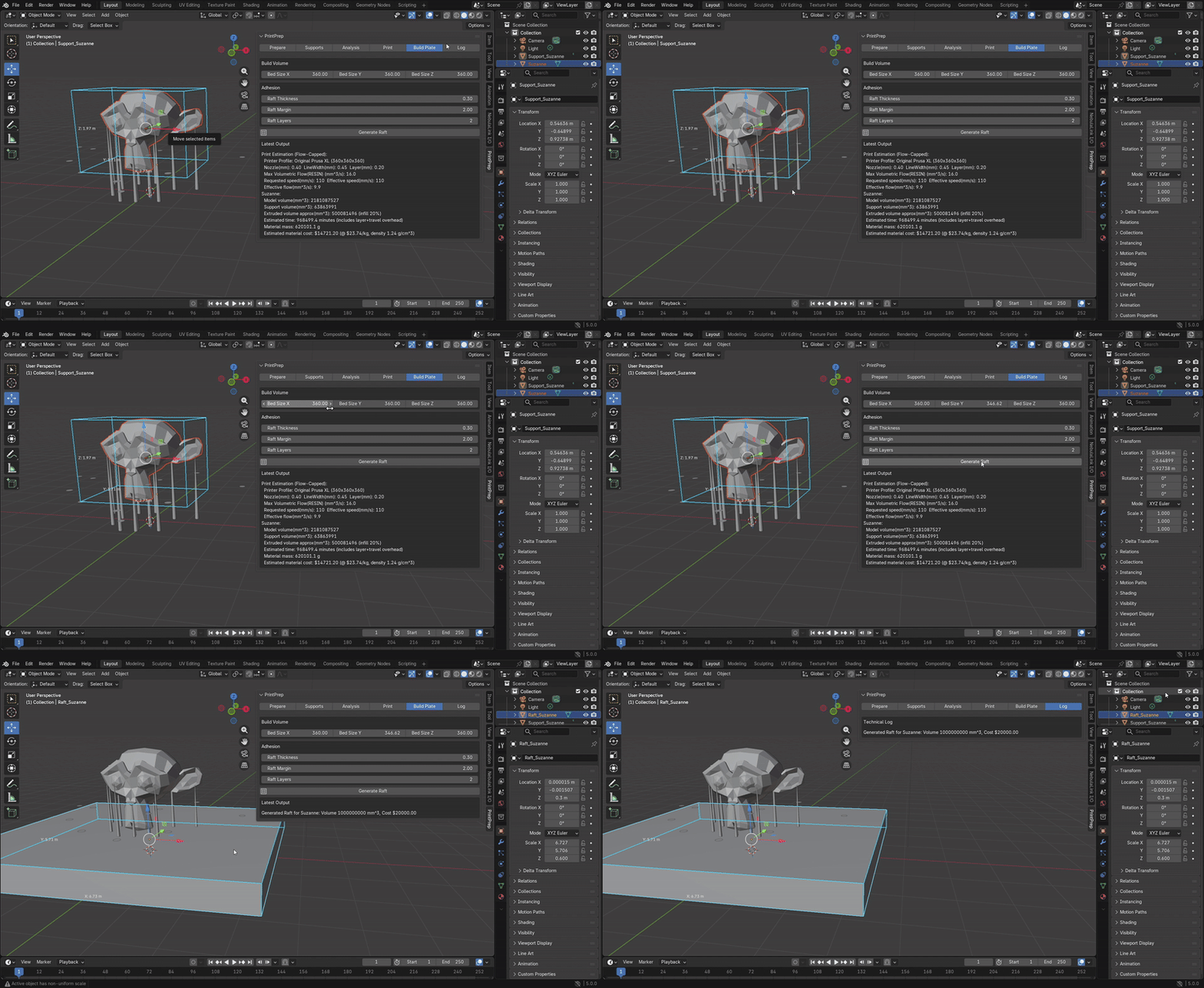
✔ Build Plate Tools (Raft Generation)
Generate simple adhesion helpers directly in Blender:
-
Raft thickness
-
Margin control
-
Layer count
🧠 Philosophy: Print Correctness Over Print Hope
PrintPrep is not a “magic button” that tries to guess everything perfectly.
Instead, it encodes clear, practical rules about what printers and slicers expect—and helps artists meet those expectations consistently.
This approach:
-
Reduces ambiguity
-
Prevents silent print failures
-
Scales better when working in batches
-
Keeps workflows repeatable for teams and pipelines
The goal is not speed at all costs—it’s predictable print success.
🚀 Typical Workflow
-
Select your model(s) in Blender
-
Run Auto-Prepare
-
Generate supports (if needed)
-
Preview contacts + validate dimensions
-
Run analysis + estimate print cost/time
-
Export to your slicer and print confidently
Less cleanup. Less trial-and-error. More successful prints.