 Darwin Nisttahuz








What is PRISMA?
PRISMA is a Blender add-on for the Compositor that automates both sides of the render pass pipeline in a single click each.
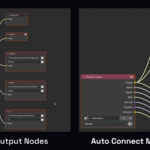
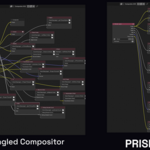
Create Output Node per Pass automatically creates one File Output node per render pass, wires every connection, names every file and folder, and keeps everything organized. What used to take some minutes of manual node work takes one click.
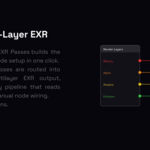
Create Multi-Layer EXR builds the compositor node setup that combines all your passes into a single multilayer EXR output ready for Nuke, Fusion from DaVinci Resolve, or any pipeline that expects a multi-layer file. Also one click.
PRISMA solves a real pain on both ends: for example in Maya, render passes come out separated by default and can also be Create Multi-Layer EXRed into a multi-layer EXR for delivery. PRISMA brings both workflows to Blender automatically, without manual node wiring.
Available in the Compositor N-panel (PRISMA tab).
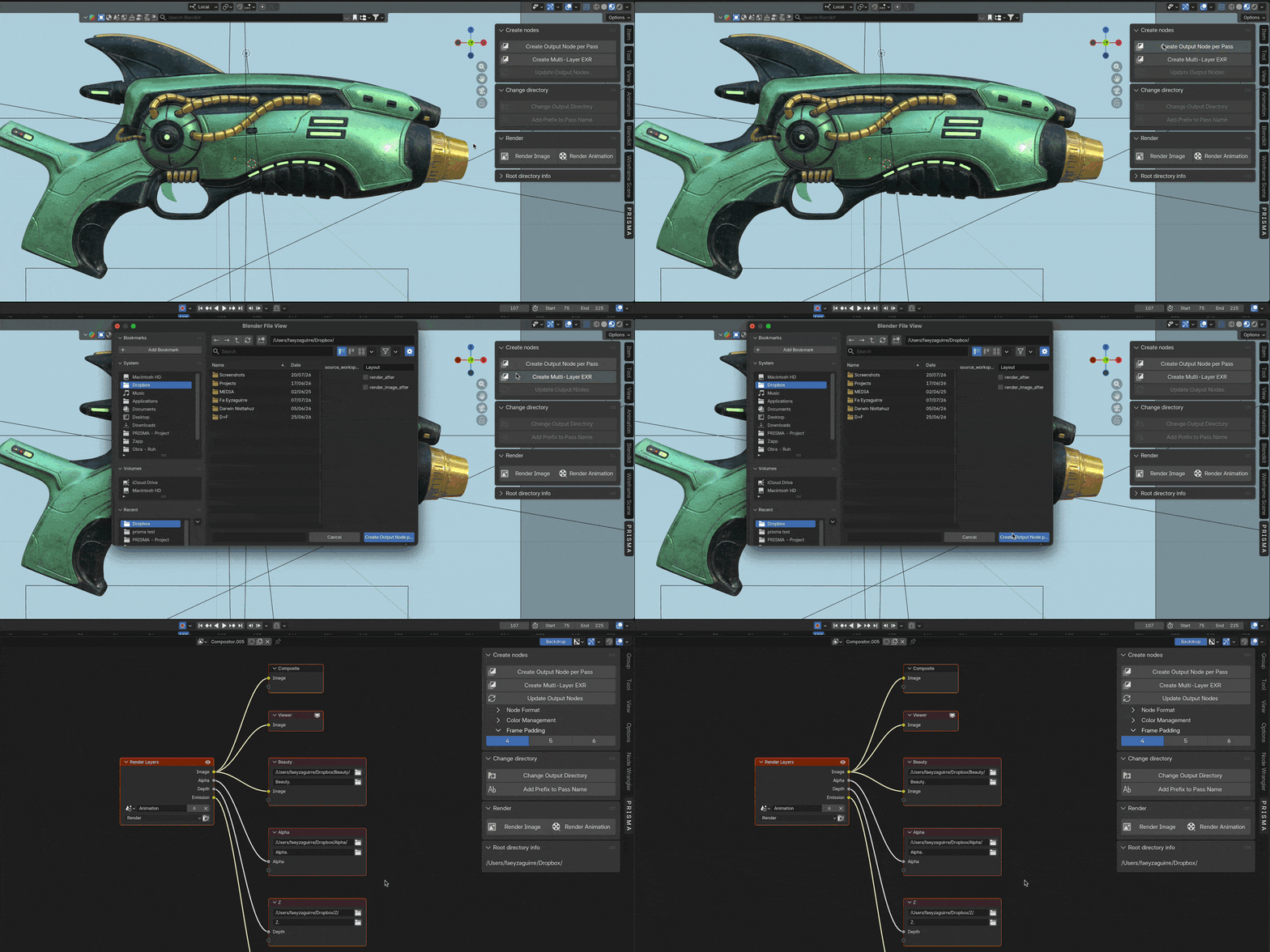
Create Pass Output Nodes
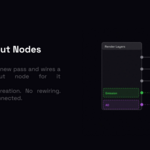
Click Create Pass Output Nodes and PRISMA reads every enabled pass from your Render Layers node and creates one dedicated File Output node per pass — named, wired, and folder-organized automatically.
→ Beauty, AO, Z, Normal, Shadow, Diffuse, Glossy — all of them
→ Each pass gets its own subfolder: /Beauty/, /AO/, /Z/
→ EXR Multilayer format set across all nodes by default
→ Every connection wired. Every folder created. Zero manual work. What used to take 10–20 minutes of clicking through the same steps on every project takes one click.
Create Multi-Layer EXR
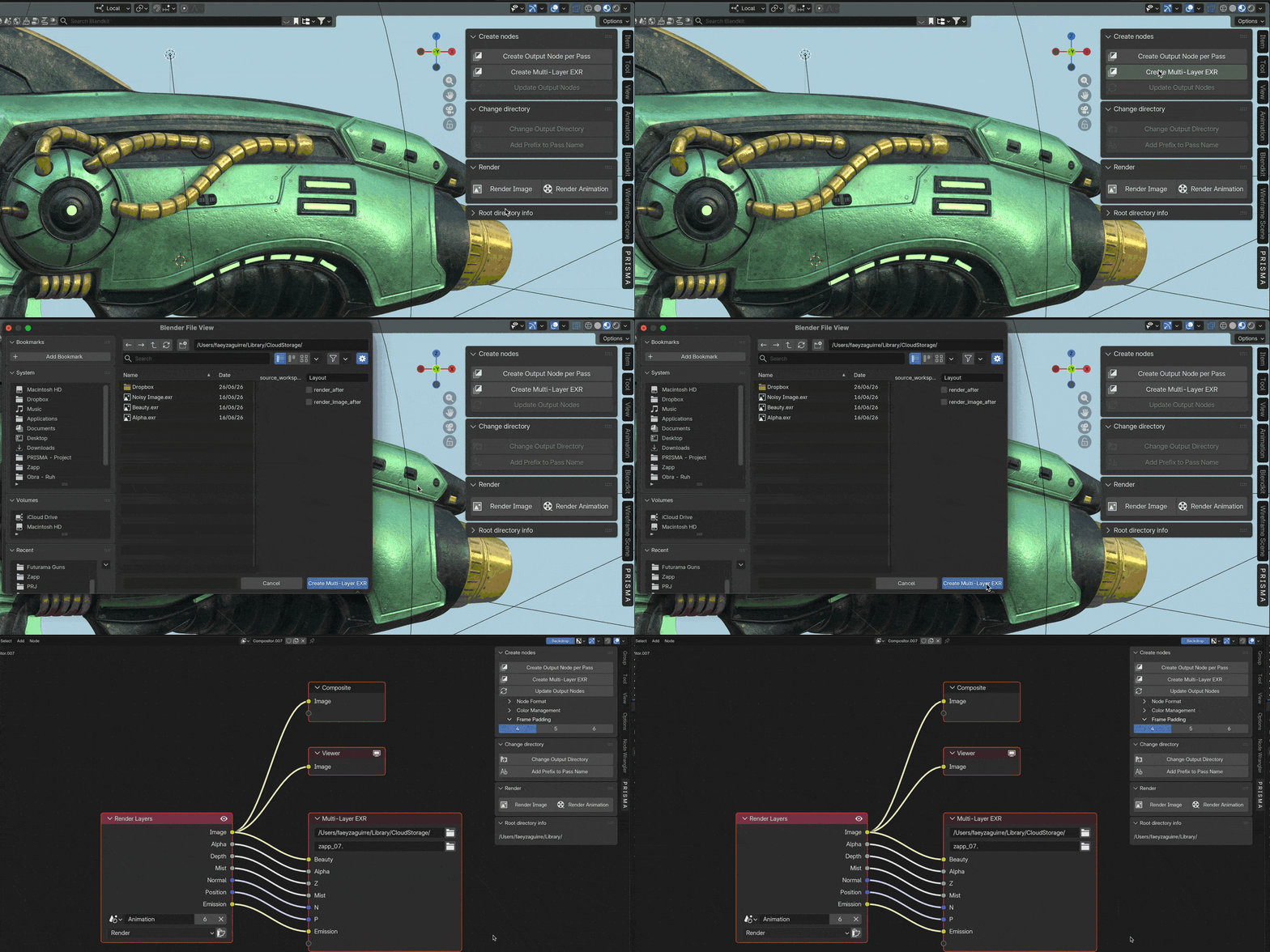
Click Create Multi-Layer EXR and PRISMA builds the compositor node setup that combines all your passes into a single multilayer EXR output — ready for Nuke, DaVinci Resolve, Fusion, or any pipeline that expects a multilayer file.
→ All passes routed into one organized multilayer EXR
→ Compatible with every major compositing application
→ Same panel as Split. Also one click. Use Split when you want each pass in its own file. Use Join when your pipeline or client needs everything in one multilayer EXR. Use both on the same project — they work independently and never overwrite each other.
Update Output Nodes
Update Output Nodes scans your Render Layers node, finds any pass that doesn't yet have a File Output node, and adds it: wired, named, and placed in the correct column. Orphaned nodes from disabled passes are cleaned up automatically.
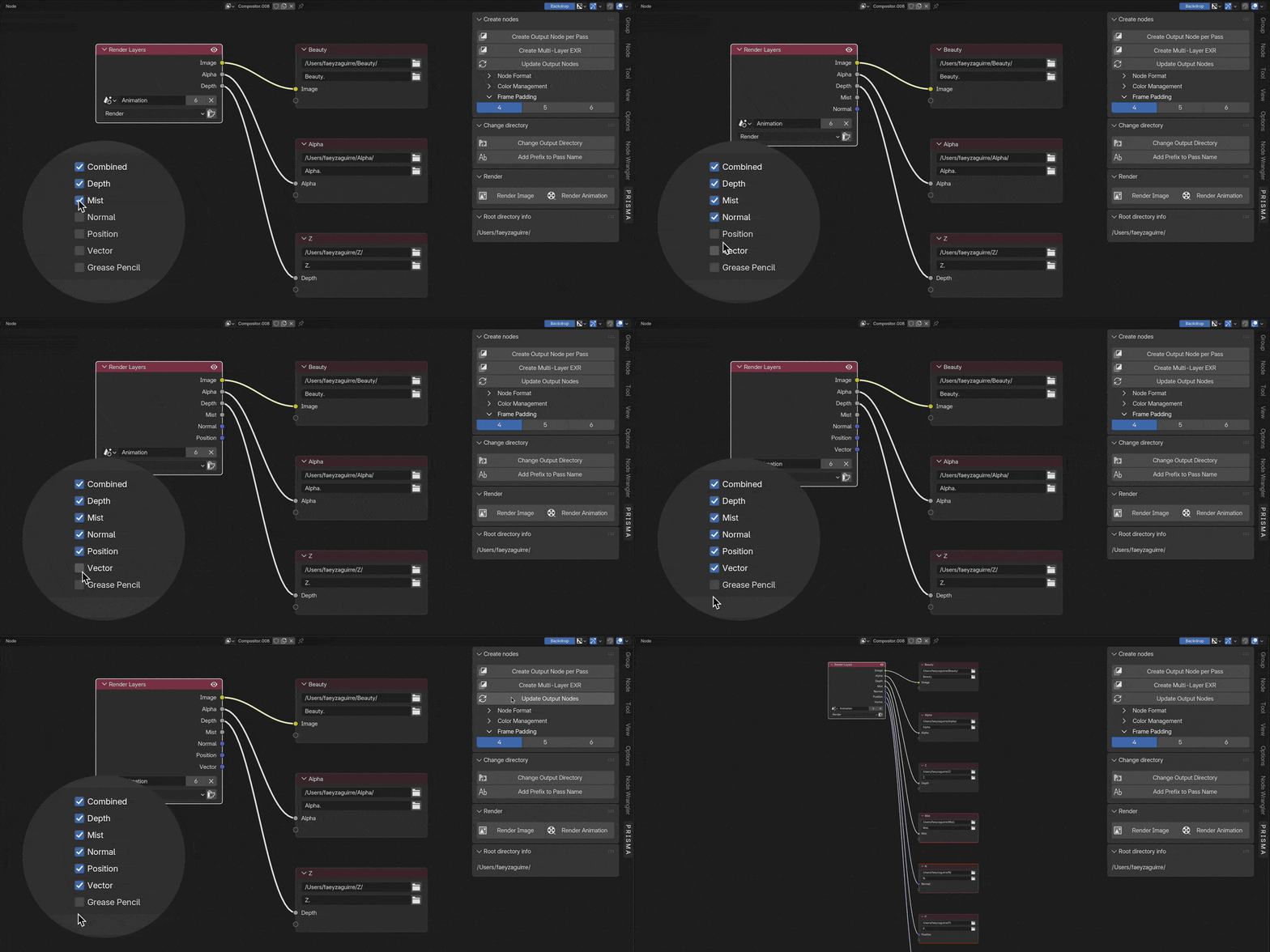
Add a Prefix to Every Pass
Set a single prefix and PRISMA propagates it across every File Output node at once. Perfect for multi-shot projects where each asset or scene needs its own label: just type it once and every pass filename updates instantly.
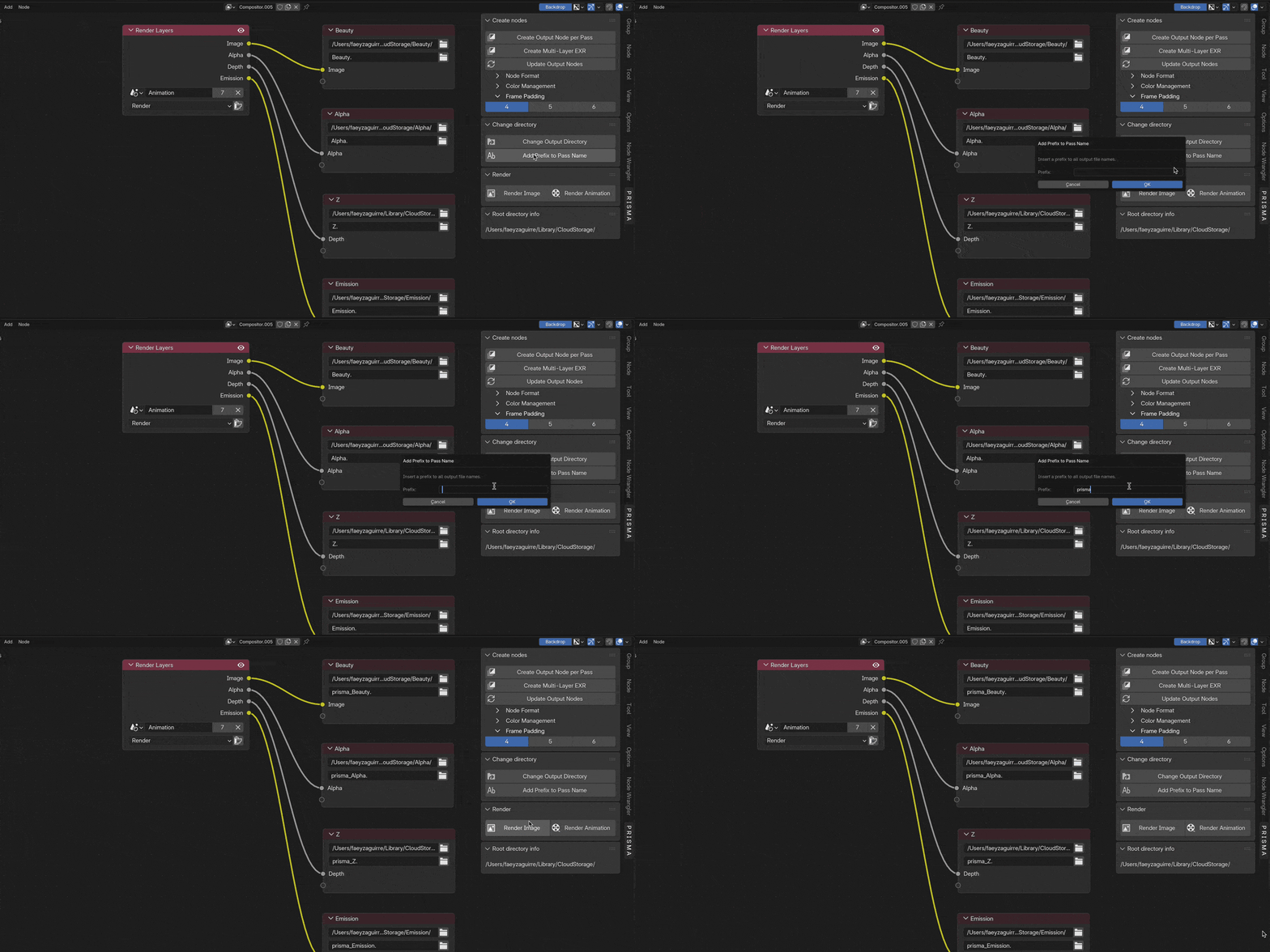
Frame Padding
Control exactly how many digits appear after each pass name. Set the padding once and every File Output node updates, keeping your frame sequences clean, consistent, and ready for any pipeline.
Render From Any Workspace
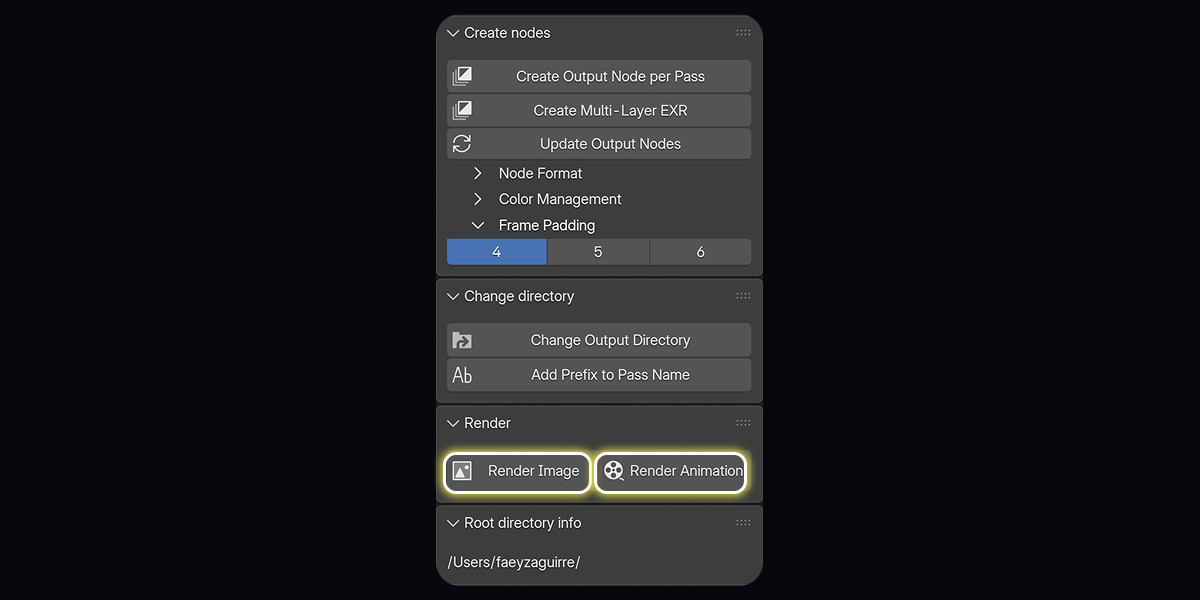
PRISMA's Render Image and Render Animation buttons work from any Blender workspace: Layout, Shading, anywhere. If the compositor hasn't been set up yet, PRISMA builds it automatically before rendering.
No need to visit the Compositor first.
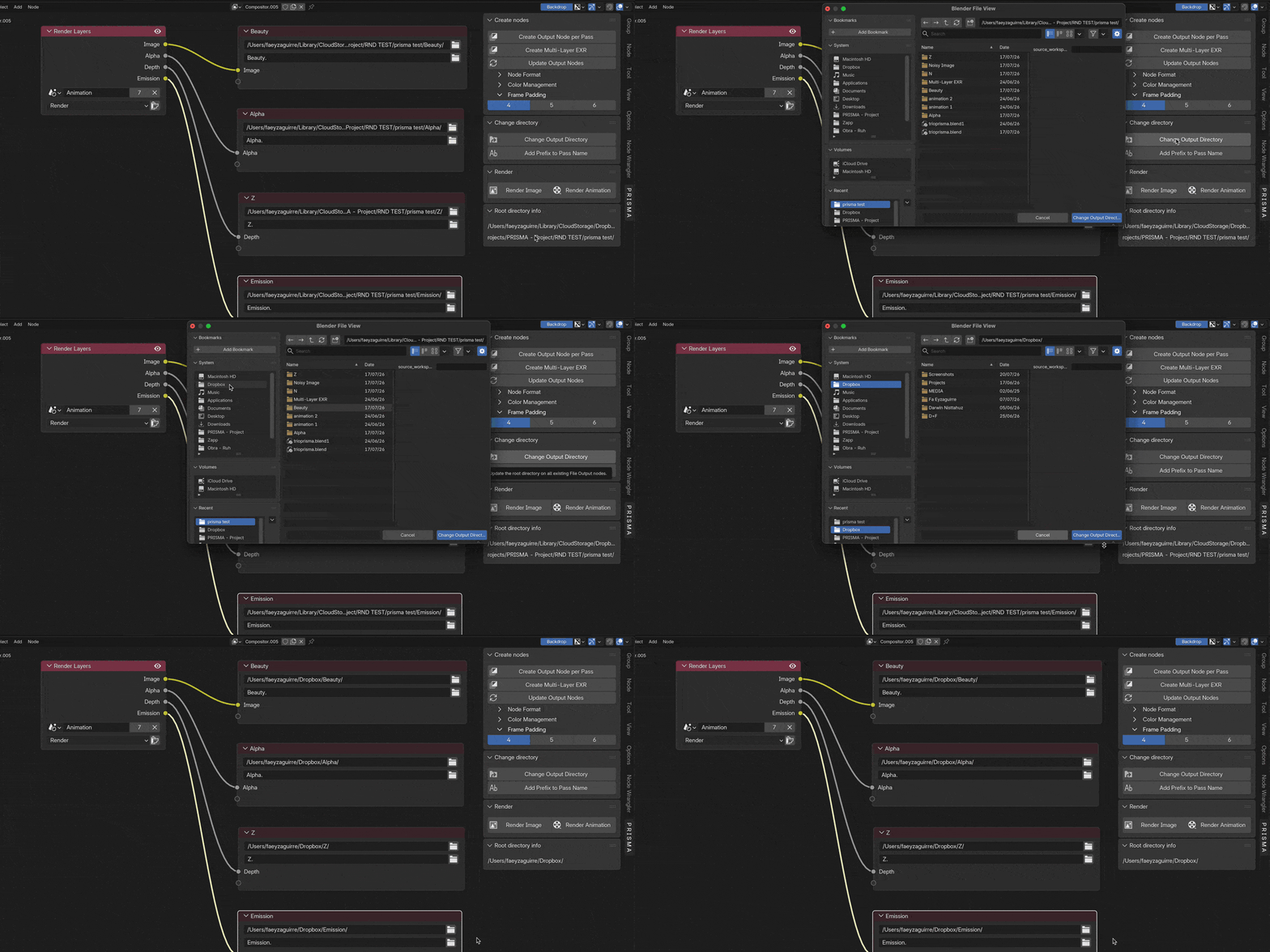
Change Output Directory
Moved your project? Switched drives? One click on Change Output Directory updates every File Output node's path at once. No need to open the compositor and edit each node manually.
Compatibility
Requires Blender 2.93 or later. Fully compatible with Blender 5.x, including the new compositing_node_group API with automatic fallback for all older versions.
Tell Me More
- Create Output Node per Pass — one-click node creation: generates one File Output node per enabled pass, auto-wired to Render Layers
- Create Multi-Layer EXR — one-click multilayer EXR: builds the compositor setup to combine all passes into a single multilayer EXR output, ready for Nuke, DaVinci, or any multilayer pipeline.
- Auto-naming: files and folders named after each pass (Image → Beauty, Depth → Z, etc.)
- Update Nodes: adds missing passes, removes orphaned nodes, re-sorts the column
- Change Output Directory: updates all node paths simultaneously, for both Create Output Node per Pass and Create Multi-Layer EXR setups.
- Add Prefix: prepend any label to all output file names at once
- Node Format control: set file format (EXR, PNG, etc.) and color management on the master node; synced to all passes automatically
- Frame Padding: choose 4, 5, or 6-digit frame numbers
- Render Image / Render Animation: launch renders from any workspace, compositor auto-built if needed
- Auto-view framing: compositor view frames the node graph automatically after generation
- Blender 2.93 or later: supports both the legacy and new compositor architectures
- Non-destructive: existing node trees are preserved; PRISMA creates a new node group rather than overwriting
License
PRISMA is released under the GPL License.

